How do I use the Giant Mecha Naval Battle template?
Edit the prompt in the box under the preview — the template's model and format are already selected — and press Generate. Your version appears right on this page.
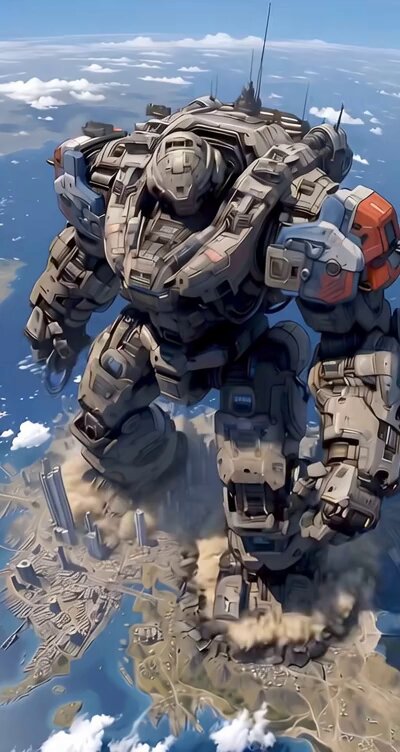
A comprehensive action prompt for a Hollywood blockbuster-style cinematic featuring a 200-meter mecha battling fighter jets in the ocean.
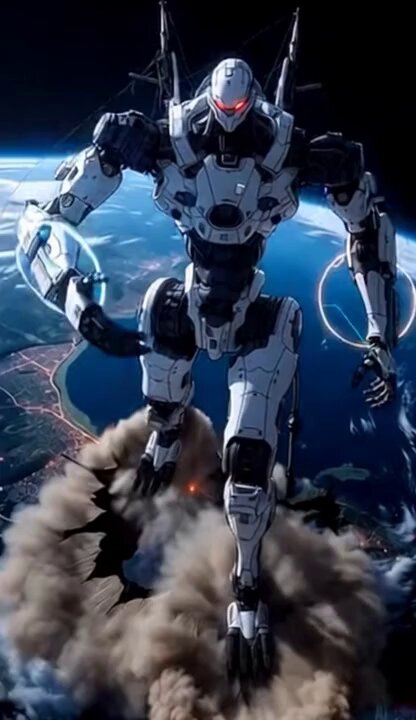
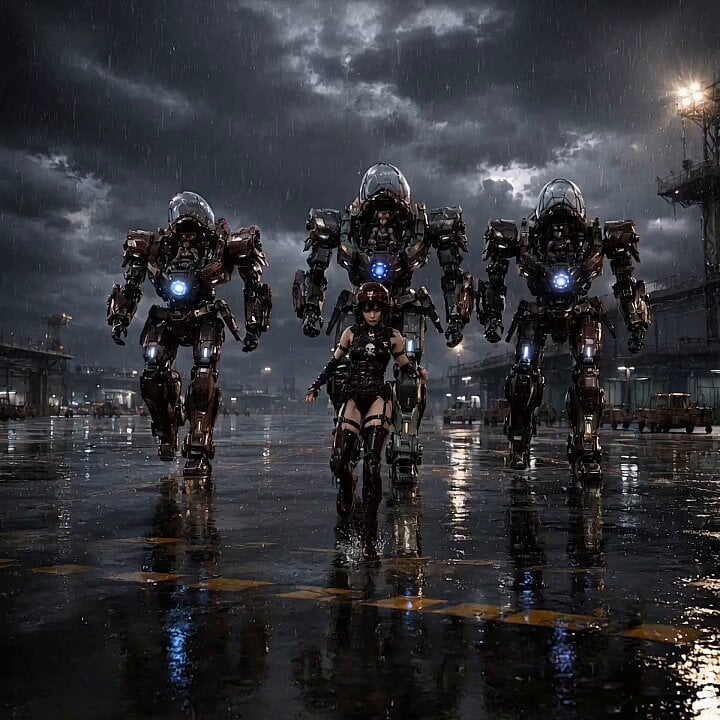
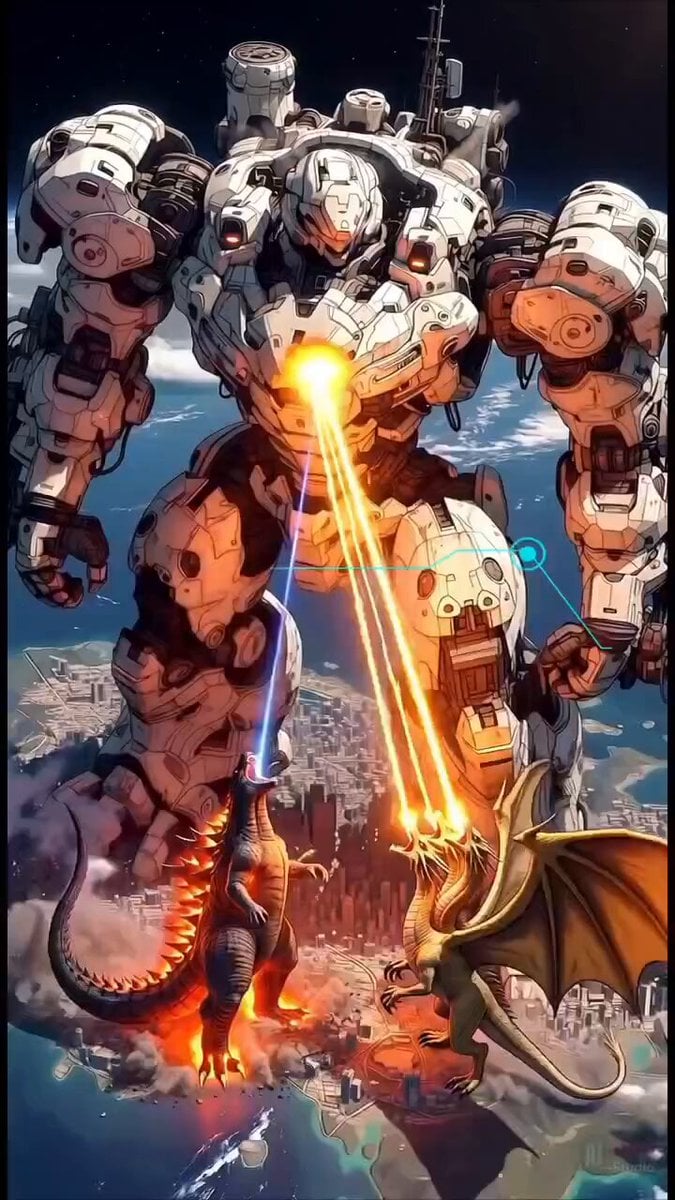
Cinematic epic action scene, a massive 200-meter tall futuristic mecha robot named "Xeno Leviathan Terraformer" standing in the middle of the ocean, towering over a naval fleet. The giant robot is heavily armored with intricate mechanical details, glowing blue eyes, and orange energy accents. It is violently battling fighter jets that are swarming around it, firing missiles and guns.\nHuge orange explosions, fireballs, and thick black smoke erupt continuously across the robot's chest, shoulders, and head. Debris and sparks fly everywhere. The mecha is wading through deep ocean water, creating massive waves and white foam around its legs. Below it, several modern aircraft carriers and destroyers are launching missiles upward toward the giant robot, with bright rocket trails and explosions on the water surface.\nDramatic low-angle shots, dynamic camera movement circling the robot, intense motion blur on fast-moving jets, white contrails streaking across the sky. The background shows the curvature of the Earth from high altitude, with a clear blue ocean and bright daylight lighting. Cinematic lighting, volumetric smoke, god rays, ultra-realistic details, photorealistic rendering, 8K quality, highly detailed, intense battle atmosphere, explosive action sequence.\nText overlays appear during the video:\nAt 5-10 seconds: "Xeno Leviathan Terraformer" in futuristic cyan holographic font with scanning lines and targeting graphics.\nAt 11-15 seconds: "Save this for inspiration!" in glowing cyan box.\nAt 16-19 seconds: "Support with Stars! ⭐ & Follow" in glowing cyan futuristic frame.\nStyle: Hollywood blockbuster cinematic, similar to Pacific Rim and Transformers, dramatic slow-motion explosions mixed with fast action, perfect composition, masterpiece.
Cinematic epic action scene, a massive 200-meter tall futuristic mecha robot named "Xeno Leviathan Terraformer" standing in the middle of the ocean, towering over a naval fleet. The giant robot is heavily armored with intricate mechanical details, glowing blue eyes, and orange energy accents. It is violently battling fighter jets that are swarming around it, firing missiles and guns.\nHuge orange explosions, fireballs, and thick black smoke erupt continuously across the robot's chest, shoulders, and head. Debris and sparks fly everywhere. The mecha is wading through deep ocean water, creating massive waves and white foam around its legs. Below it, several modern aircraft carriers and destroyers are launching missiles upward toward the giant robot, with bright rocket trails and explosions on the water surface.\nDramatic low-angle shots, dynamic camera movement circling the robot, intense motion blur on fast-moving jets, white contrails streaking across the sky. The background shows the curvature of the Earth from high altitude, with a clear blue ocean and bright daylight lighting. Cinematic lighting, volumetric smoke, god rays, ultra-realistic details, photorealistic rendering, 8K quality, highly detailed, intense battle atmosphere, explosive action sequence.\nText overlays appear during the video:\nAt 5-10 seconds: "Xeno Leviathan Terraformer" in futuristic cyan holographic font with scanning lines and targeting graphics.\nAt 11-15 seconds: "Save this for inspiration!" in glowing cyan box.\nAt 16-19 seconds: "Support with Stars! ⭐ & Follow" in glowing cyan futuristic frame.\nStyle: Hollywood blockbuster cinematic, similar to Pacific Rim and Transformers, dramatic slow-motion explosions mixed with fast action, perfect composition, masterpiece.
Edit the prompt in the box under the preview — the template's model and format are already selected — and press Generate. Your version appears right on this page.
Yes. You can change the subject, setting, lighting, mood, format, and available model controls before creating your video.
Opening and editing this template is free. Generating uses credits, shown on the Generate button when you are signed in.
Start with Grok Imagine, which is the model associated with this template. You can compare another compatible model for a different finish.
Follow a topic to a crawlable collection of related PicX Studio templates.