
Cybernetic Giant Terraformer
A highly detailed cinematic prompt for a sci-fi video featuring a massive biomechanical giant walking across a volcanic landscape on Earth.
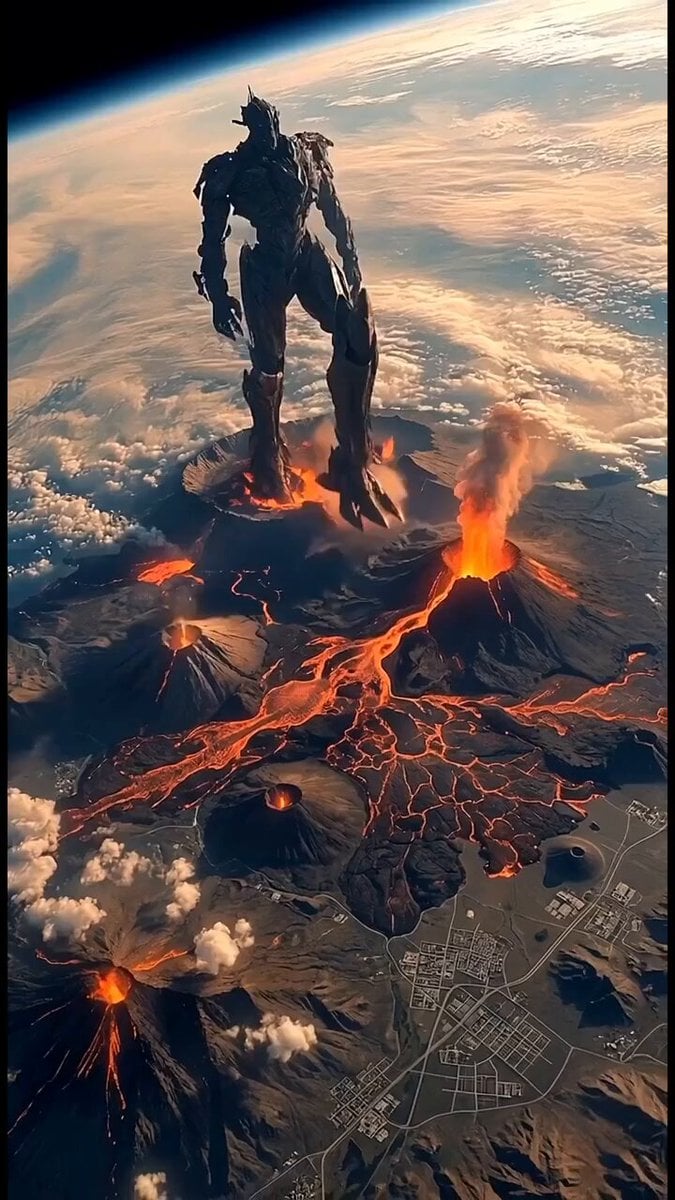
- Prompt included
- Model and format preset
- Free template
The prompt behind this video
Copy the exact prompt behind Cybernetic Giant Terraformer, or open it in the studio and make it yours.
A massive, ultra-detailed cybernetic giant named "Xeno Leviathan Terraformer", a dark metallic biomechanical colossus with sharp angular armor, glowing blue eyes, and intricate mechanical details, stands hundreds of meters tall. He is slowly and powerfully walking forward across a volcanic coastal landscape on planet Earth, viewed from a dramatic high-angle cinematic perspective.\nHis enormous feet crush the ground with every step, triggering massive explosions of bright orange lava, erupting volcanoes, and rivers of molten lava flowing around him. Thick smoke and ash billow into the sky. As he walks from the volcanic mountains toward the ocean, his steps create gigantic tsunamis and huge white water splashes mixed with brown dust clouds that erupt violently around his legs.\nThe background shows a beautiful curved horizon of Earth from near-space altitude, with clouds, coastline, beaches, and a small coastal town visible far below. In the final part of the video, a massive, dark, angular futuristic spaceship slowly appears in the sky above and behind the giant's head.\nCinematic lighting with warm golden sunset hues mixed with dramatic volcanic glow. Highly detailed, epic scale, dynamic camera movement slowly zooming out and tilting up to reveal more of the giant and the planet, intense particle effects, smoke, fire, water splashes, and volumetric lighting. Photorealistic yet stylized, 8K quality, cinematic masterpiece, dramatic atmosphere.\nStyle: Epic sci-fi cinematic, hyper-realistic rendering, dramatic scale, intense action\nCamera: High-angle orbiting shot that slowly pulls back and tilts upward\nDuration: 20 seconds\nMotion: Slow powerful walking steps, dynamic environmental destruction, rising smoke and water effects
How to use Cybernetic Giant Terraformer in 3 steps
- 1
Open
The prompt is already in the box next to the preview, with the template's model and format selected.
- 2…a portrait of your subject in softgolden-hour light, 85mm…
Personalize
Edit the subject and creative details for your destination.
- 3Generate
Generate
Press Generate — your video is created in PicX Studio, so you can compare it with the original and refine one variable at a time.
More like this
Templates with the same subject, style or setup. Open one to see its prompt.
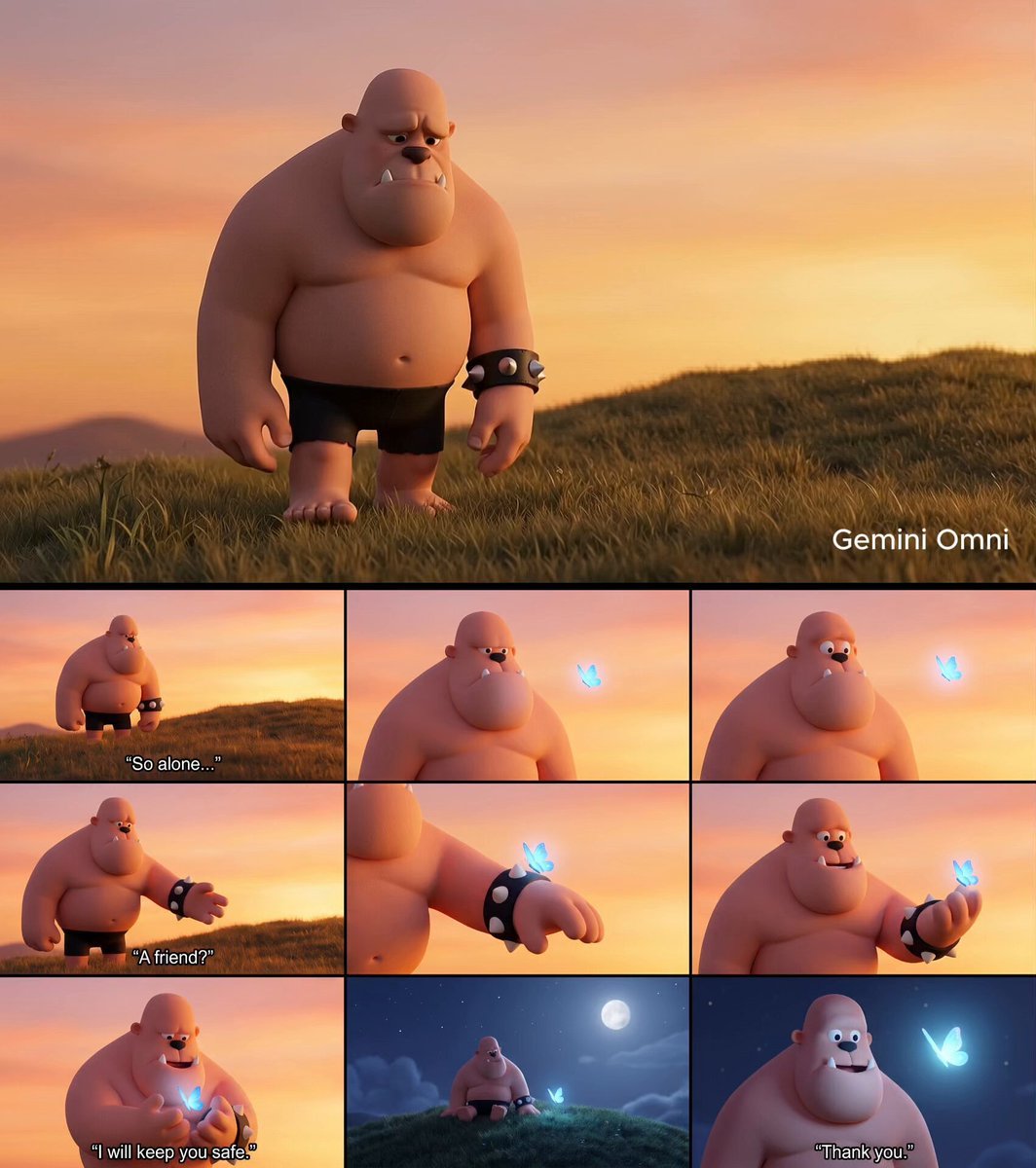
Giant and Glowing Butterfly Story

Cybernetic woman and butterfly video prompt
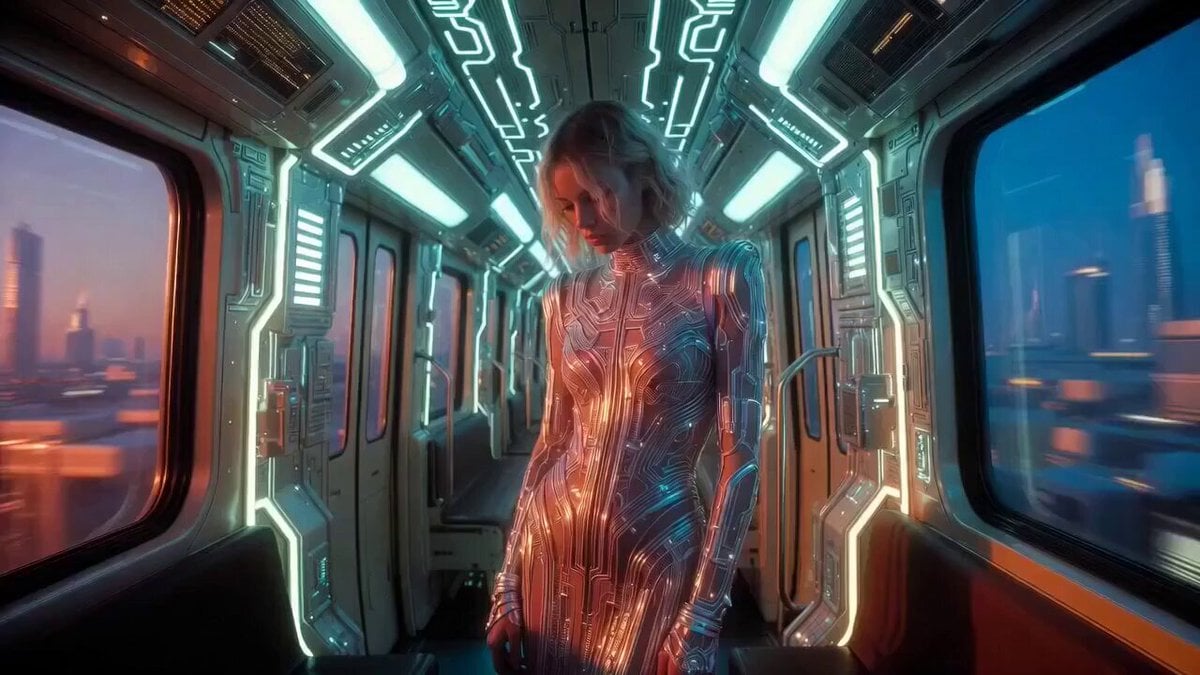
Cybernetic Model in a Train
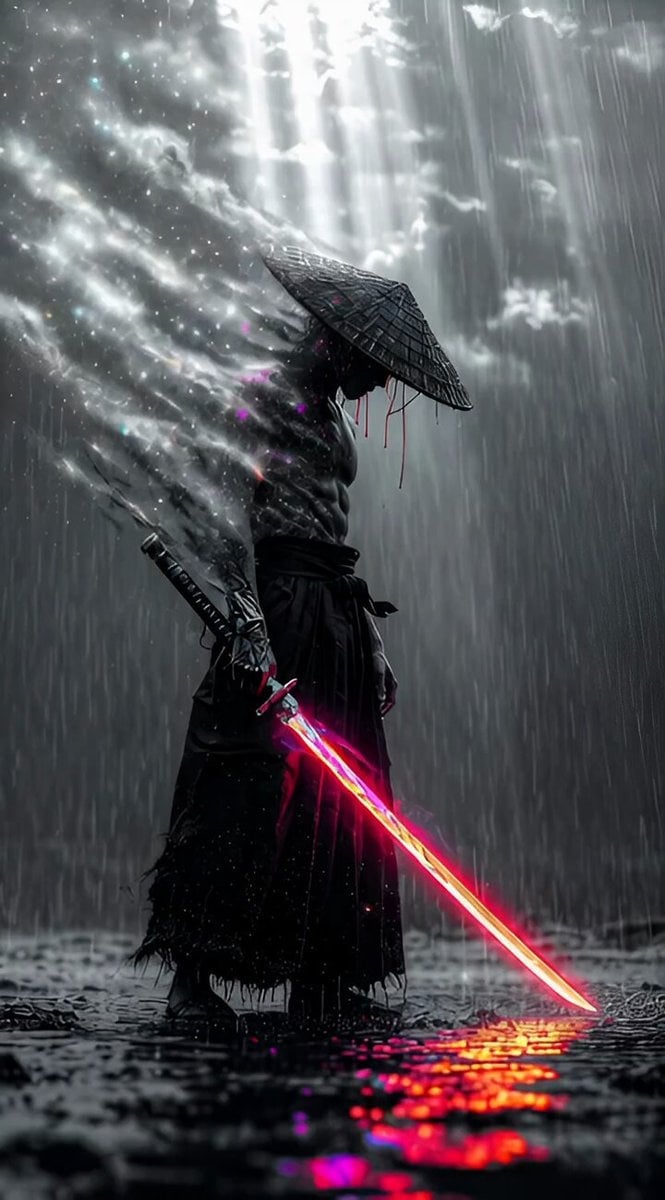
Cybernetic Ronin in Neon Rain (Long Prompt)
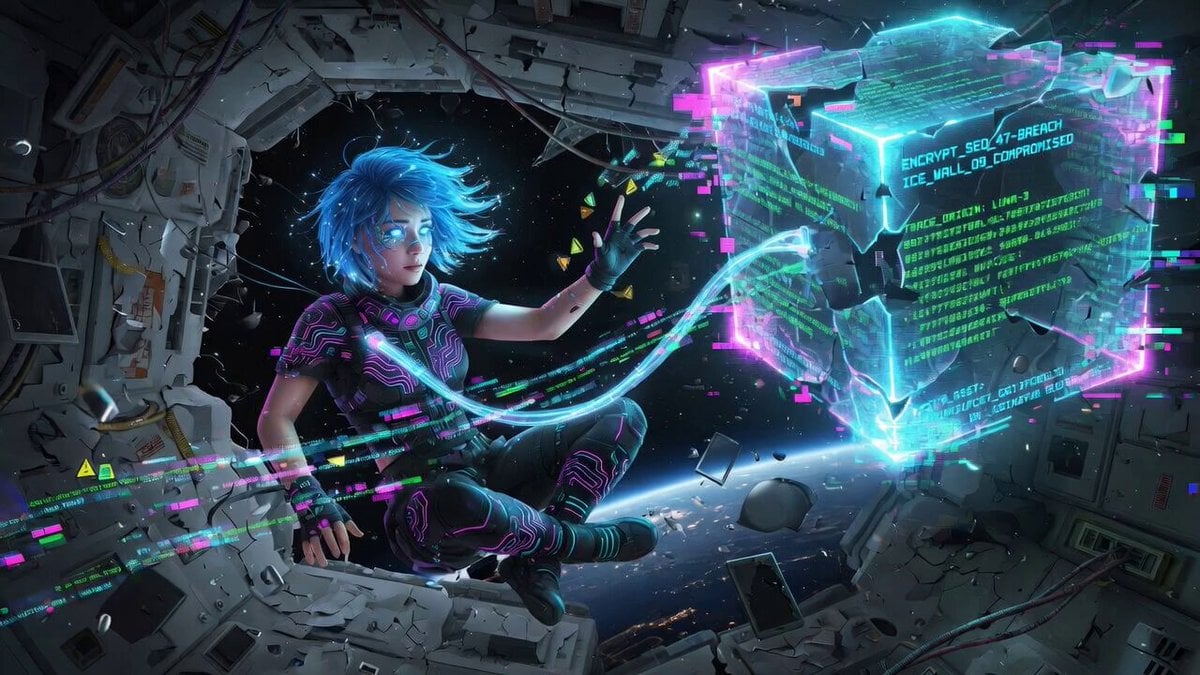
Cinematic video generation prompt: Cybernetic netrunner hacking
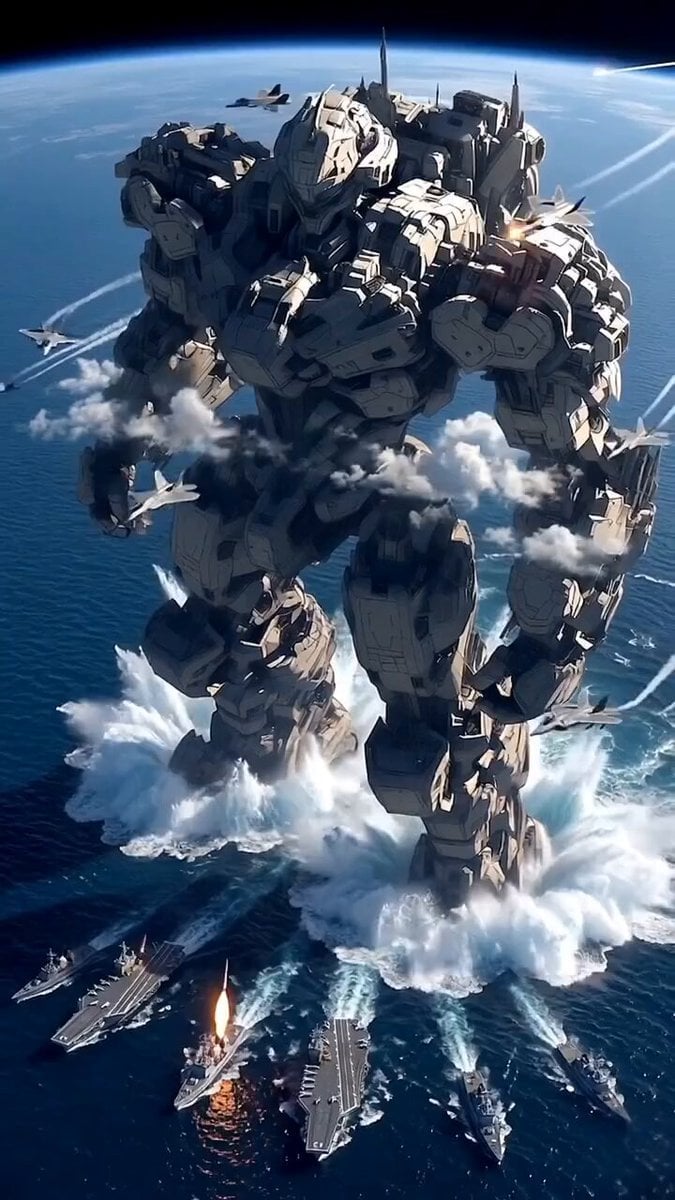
Giant Mecha Naval Battle

Cybernetic Cheongsam Transformation
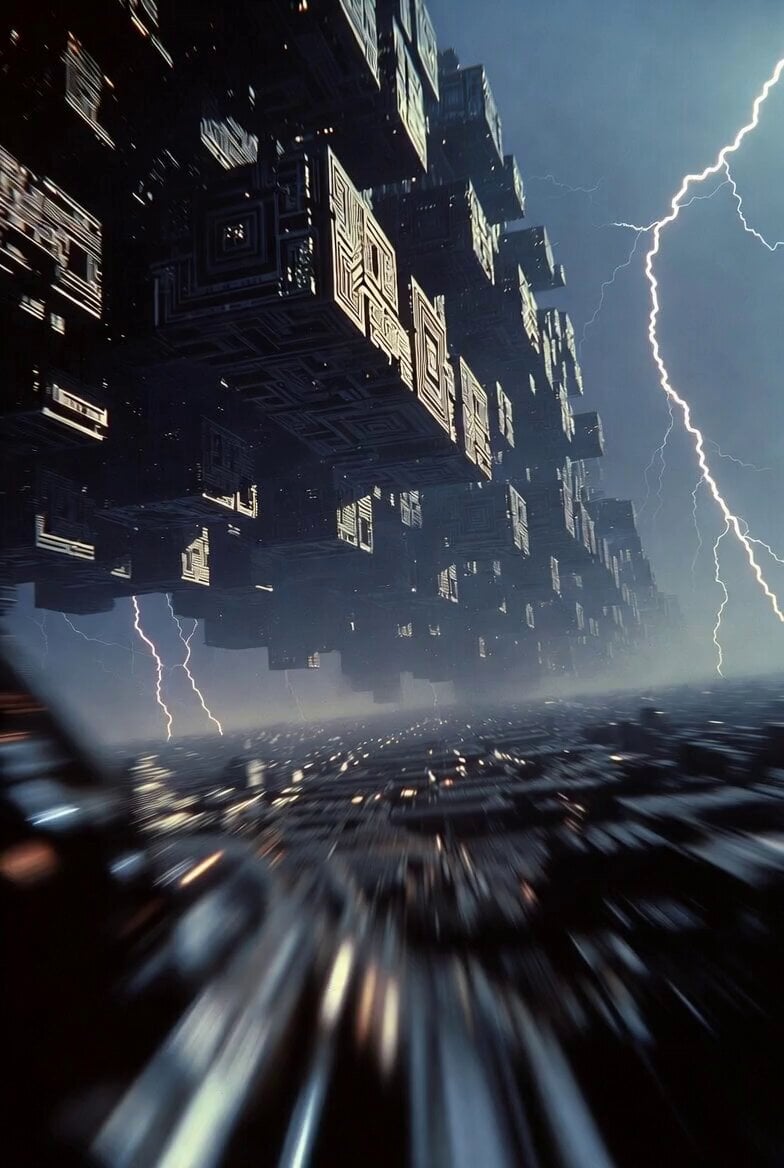
Cybernetic Megacity First Person Flight
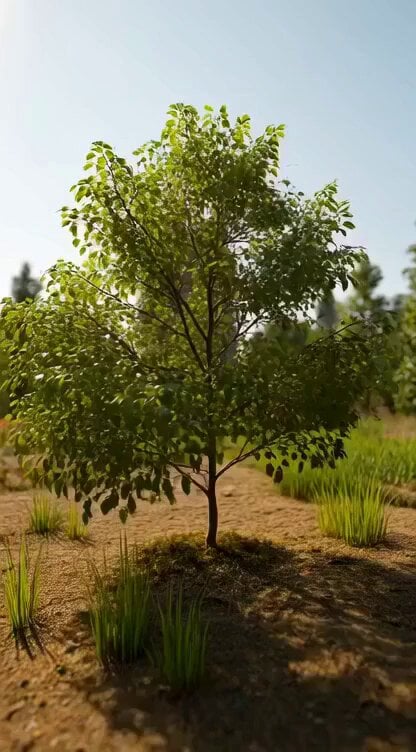
Giant Cat in Miniature Forest

Cybernetic Warrior Queen Transformation

Cybernetic Skeleton Warrior Cinematic

Giant Mecha Orbital Landing
Make it yours
Cybernetic Giant Terraformer works as-is. These are the safest ways to change it without losing the look.
Change one field
Copy a single group, rewrite it, and generate again so you can see what that field is doing.
Keep the frame, change the subject
Hold the composition and light of Cybernetic Giant Terraformer, then swap wardrobe, props or the person for a new take.
| If the result… | Why | Fix |
|---|---|---|
| The result drifts from the preview | Too many fields changed at once. | Reuse Cybernetic Giant Terraformer as-is first, then change one group — subject, light, or setting. |
| The model over-stylizes the scene | The prose prompt leaves finish and camera underspecified. | Add one camera or lighting sentence and stay on Grok Imagine. |
More Grok Imagine templates
Other prompts made for Grok Imagine.

Voice Controlled Water Animation

Pterodactyl Transformation Journey

Candle Mandala Mirror Video

Psychedelic Purple Disc World Video

Mecha Runway Tap Dance Video Prompt

Quantum Inventor in Sonoran Desert

Emotional Angry Couple Drama

Train Zooming in Star Field Video Prompt

Cyberpunk Guerrilla Girl Video Generation

Detailed multi-part video prompt
More video prompts
Fresh picks from across the catalog.

Seedance 2.0 Safety Prompt Rejection
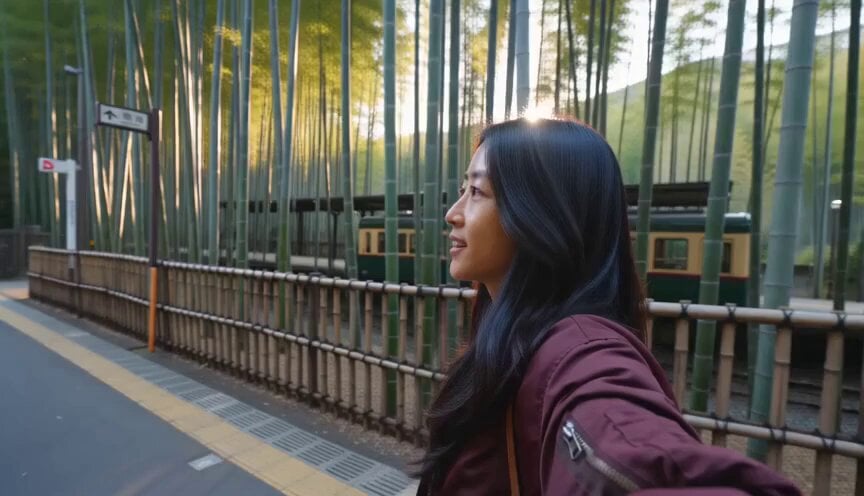
Travel Diary Montage of Kyoto and Tokyo

Burj Khalifa Rooftop Sky Cafe Cinematic Video
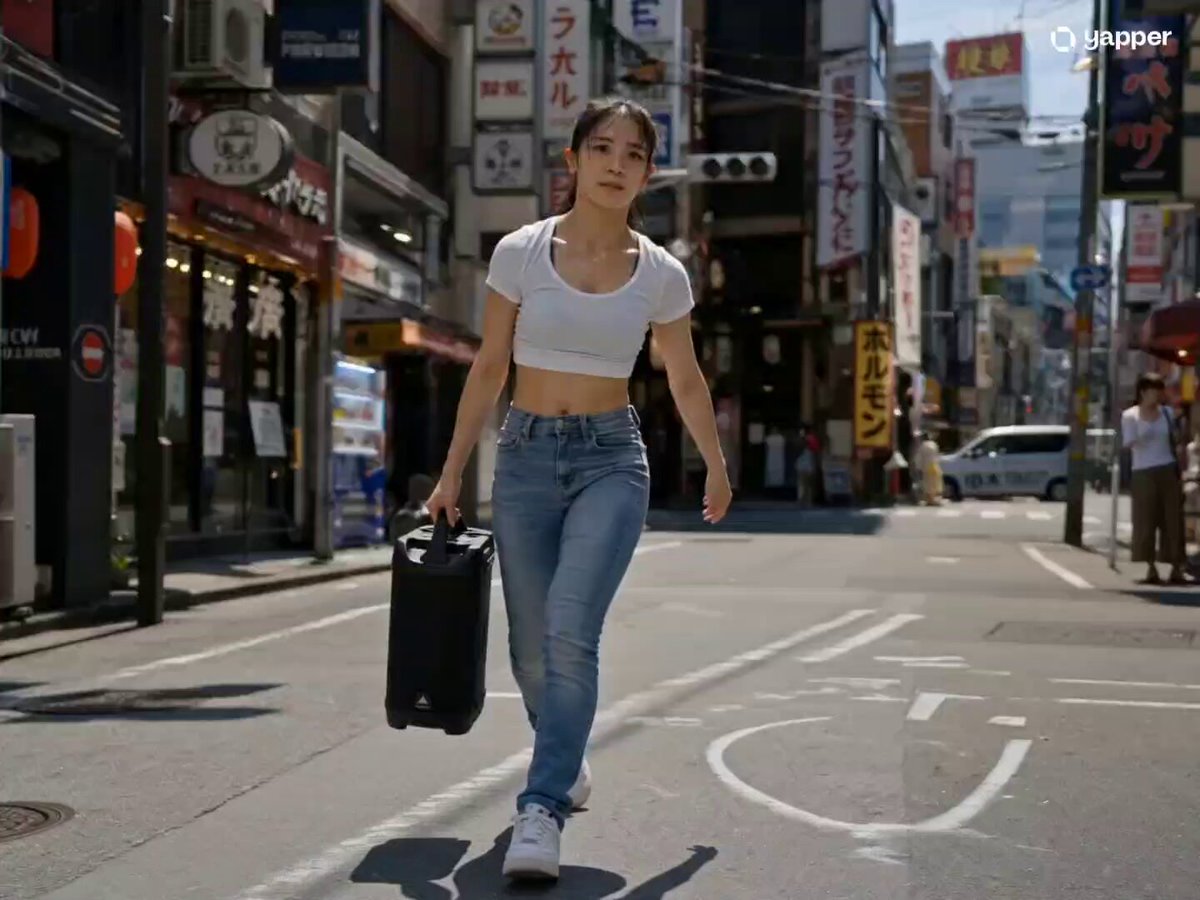
Storyboard Animation Sequence

K-pop Music Video Performance

Rhythmic Hairstyle Transformation Video Prompt

Claymation Western Action Sequence

Executive Interaction with Painting

Monterey Bay Aquarium Neon Fish Video

Peaceful Fairy Women and Lotus Animation
Browse template categories
Cybernetic Giant Terraformer questions
How do I use the Cybernetic Giant Terraformer template?
Add your photo if the template asks for one, edit the prompt if you like — the template's model and format are already selected — and press Generate. Your version opens in PicX Studio.
Can I customize the Cybernetic Giant Terraformer template?
Yes. You can change the subject, setting, lighting, mood, format, and available model controls before creating your video.
Is the Cybernetic Giant Terraformer template free?
Opening and editing this template is free. Generating uses credits, shown on the Generate button when you are signed in.
Which AI model should I use?
Start with Grok Imagine, which is the model associated with this template. You can compare another compatible model for a different finish.
Looking for something else? Browse all templates.

Your photo, any look
Thousands of ready templates for every top image and video model, from one credit balance.