How do I use the Seedance 2.0 Safety Prompt Rejection template?
Edit the prompt in the box under the preview — the template's model and format are already selected — and press Generate. Your version appears right on this page.
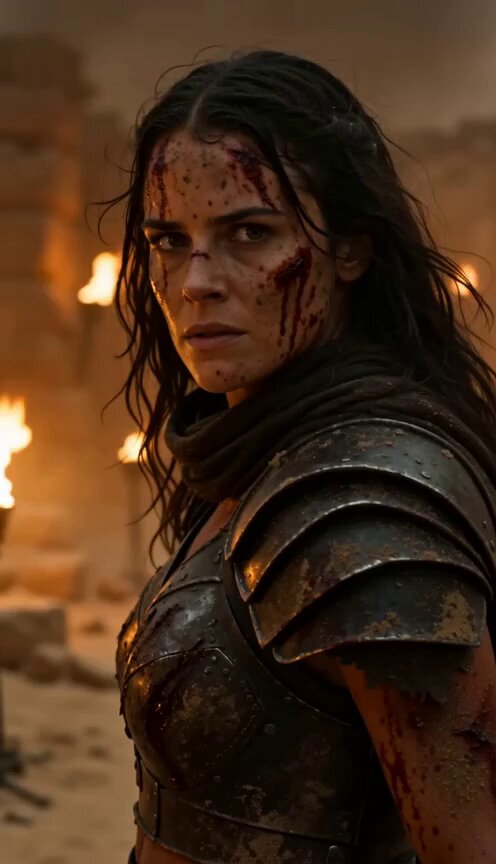
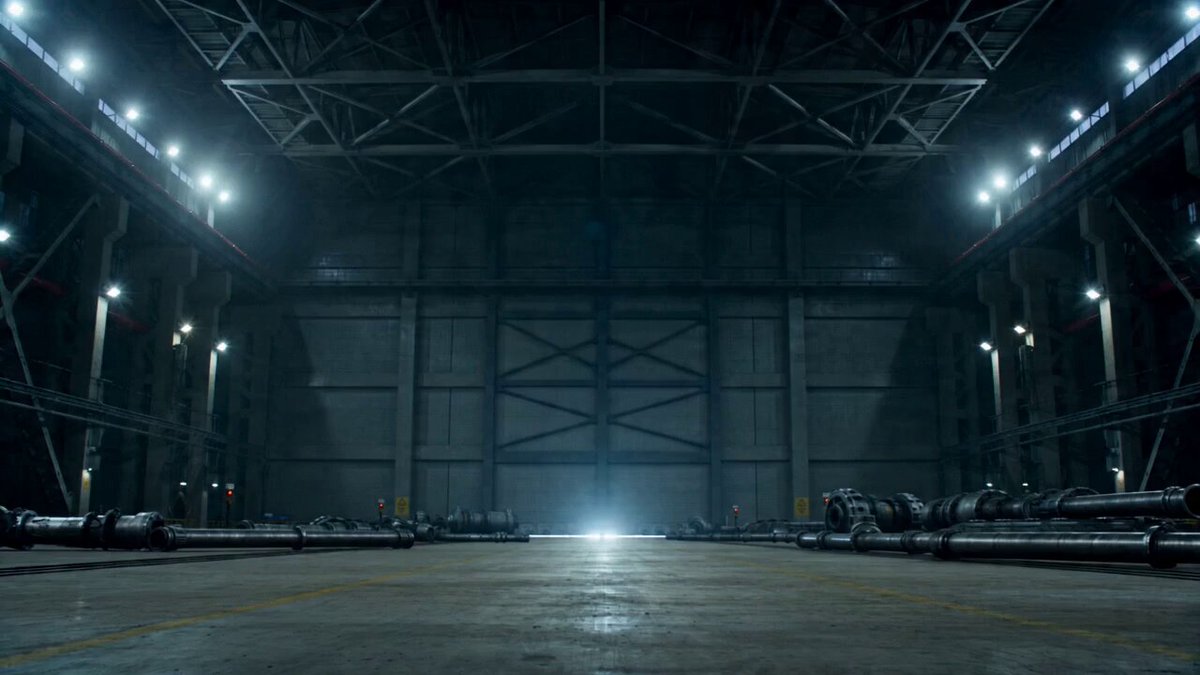
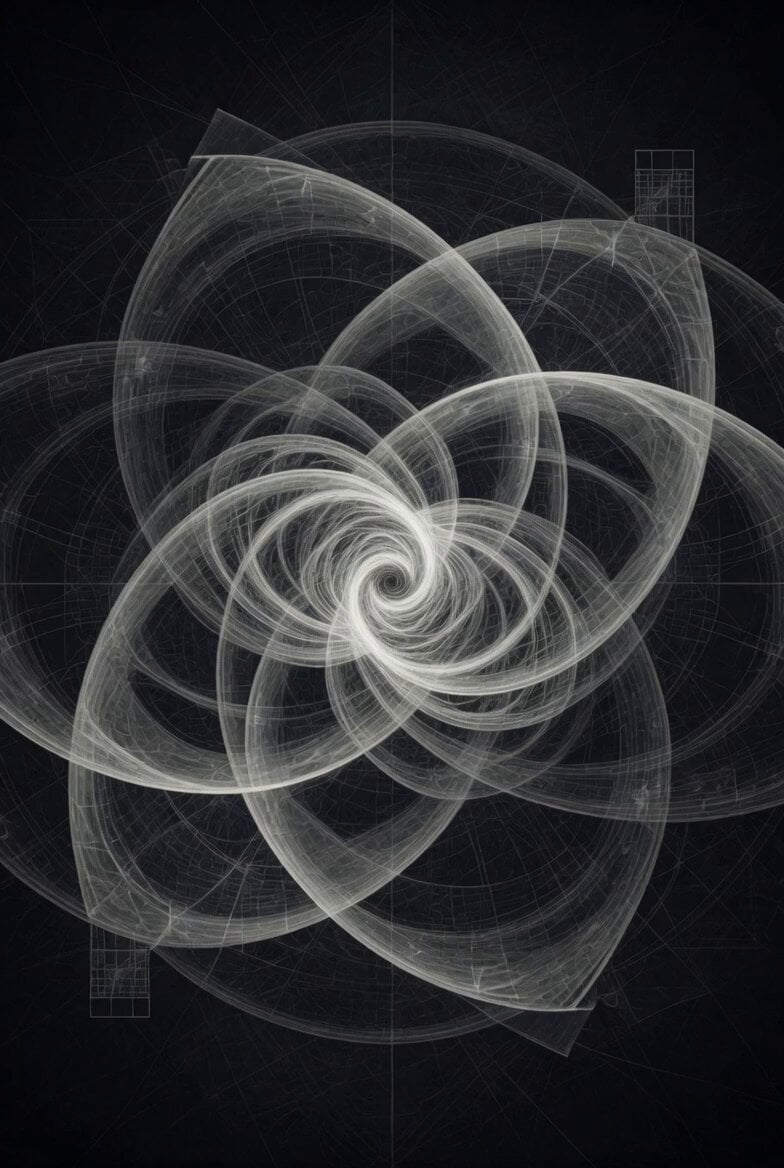
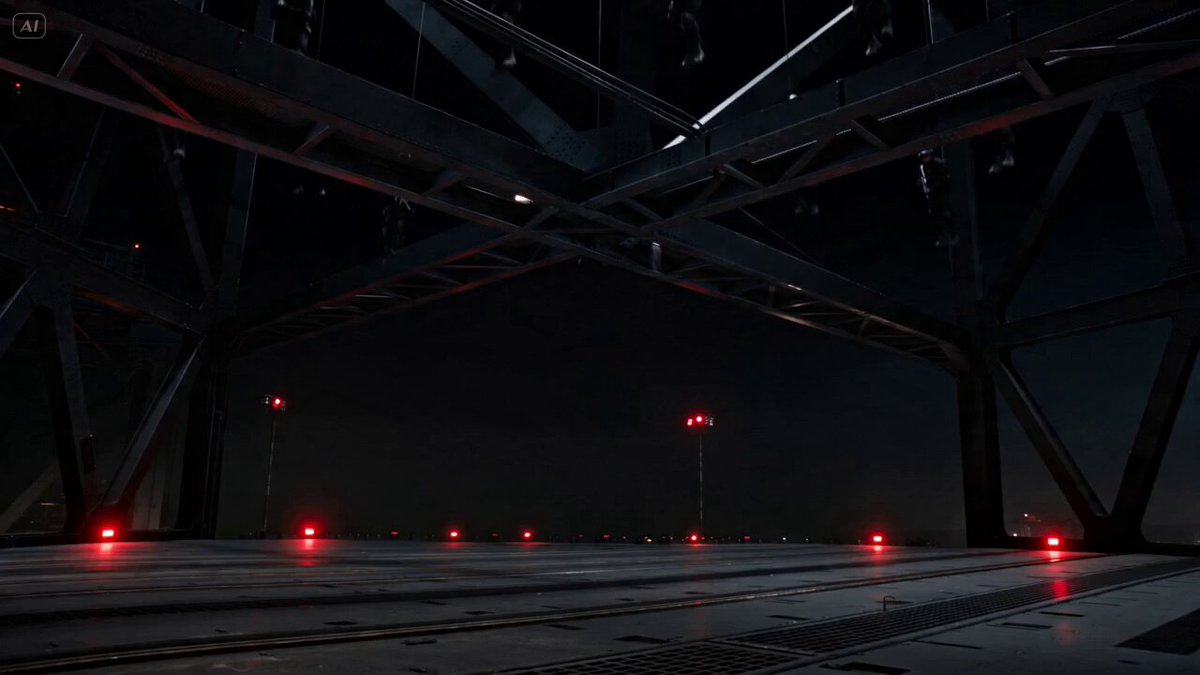
The user is confused by a message from Seedance 2.0 stating that the prompt 'You are completely safe' was rejected because it was directed at a safe image.

@jboogx_creative Seedance 2.0: この安全な画像に対する「あなたは完全に安全です」というプロンプトは拒否されました。 また、SeeDance 2.0: ってどういう意味??? https://tco/d0tMBOhL1L
@jboogx_creative Seedance 2.0: この安全な画像に対する「あなたは完全に安全です」というプロンプトは拒否されました。 また、SeeDance 2.0: ってどういう意味??? https://tco/d0tMBOhL1L
Edit the prompt in the box under the preview — the template's model and format are already selected — and press Generate. Your version appears right on this page.
Yes. You can change the subject, setting, lighting, mood, format, and available model controls before creating your video.
Opening and editing this template is free. Generating uses credits, shown on the Generate button when you are signed in.
Start with Seedance 2.0, which is the model associated with this template. You can compare another compatible model for a different finish.
Follow a topic to a crawlable collection of related PicX Studio templates.