
80s Sci-Fi Practical Effects Scene Prompt
A cinematic prompt for a gritty 1980s-style science fiction scene, complete with animatronic puppets, practical lighting, and film grain.
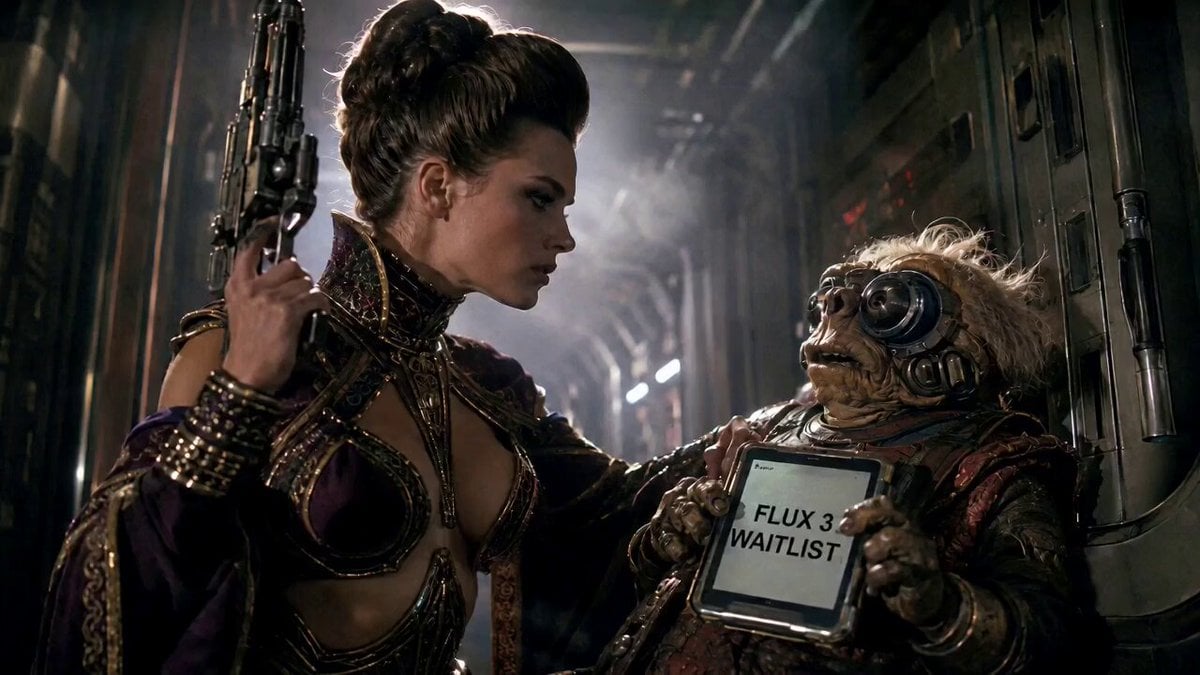
- Prompt included
- Model and format preset
- Premium template
The prompt behind this video
Copy the exact prompt behind 80s Sci-Fi Practical Effects Scene Prompt, or open it in the studio and make it yours.
Create a **10-second dynamic scene** from a **gritty 1980s vintage sci-fi adventure movie**. The scene should feel like it was shot on a practical soundstage with **real actors, constructed spaceship corridors, physical props, animatronic puppetry, atmospheric smoke, optical blaster effects, dramatic backlighting, and authentic 35mm film texture**. The tone is tense, stylish, and slightly heightened, like a high-budget 1980s studio sci-fi film.\n\nThe scene begins inside a **narrow imperial spaceship corridor**. A **ruthless young space empress** confronts her terrified puppet henchman. She is furious but controlled, holding a retro-futuristic blaster. The puppet creature is visibly panicked and clutching a datapad that reads **“FLUX 3 WAITLIST.”**\n\nUse **dynamic multi-shot editing** with cinematic coverage, including:\n\n- an **establishing medium close-up two-shot** of the confrontation\n- a **close-up of the puppet creature’s trembling hands nervously tapping the datapad screen**\n- a **reaction close-up of the empress’s cold, furious face**\n- an **insert of the datapad showing “FLUX 3 WAITLIST”**\n- a **tight close-up of the creature’s robotic ocular lenses widening in fear**\n- a **fast reaction shot** as the blaster fires\n- a **spark-filled impact shot** of the blaster bolt hitting the wall beside the creature’s head\n- a **final reaction shot** of the creature recoiling in terror\n\nThe creature nervously taps the screen and says in a frightened, apologetic voice:\n\n**“I don’t understand, I got you on the waitlist.”**\n\nThen cut to the empress in a tighter close-up. She stares at him with icy contempt and says in a sharp, angered tone:\n\n**“I don’t DO waitlists.”**\n\nImmediately after that line, she angrily fires **one blaster bolt** into the wall right beside the creature’s head, narrowly missing him. The impact creates a **bright practical muzzle flash, a glowing bolt streak, a burst of sparks, smoke, and a scorched wall hit**. The creature flinches hard and recoils in terror, clutching the datapad.\n\nThe performance should emphasize:\n\n- the creature’s panic, stammering fear, and nervous tapping\n- the woman’s aristocratic rage and total intolerance\n- strong reaction shots and escalating tension\n- clear eyelines and dramatic continuity\n- energetic but coherent editorial rhythm\n\n**Audio:** \nInclude **dramatic 1980s sci-fi music** that builds tension throughout the scene — orchestral-synth hybrid score with pulsing low synths, ominous brass, and rising stingers. Add corridor ambience, subtle mechanical hum, datapad tapping sounds, puppet servo noises, one sharp blaster shot, metallic spark impact, and the creature’s startled rec
How to use 80s Sci-Fi Practical Effects Scene Prompt in 3 steps
- 1
Open
The prompt is already in the box next to the preview, with the template's model and format selected.
- 2…a portrait of your subject in softgolden-hour light, 85mm…
Personalize
Edit the subject and creative details for your destination.
- 3Generate
Generate
Press Generate — your video is created in PicX Studio, so you can compare it with the original and refine one variable at a time.
More like this
Templates with the same subject, style or setup. Open one to see its prompt.
Sci-Fi Disaster Movie Scene - Seedance 2.5
80s Underground Drummer Life
80s Computer Nerd Daily Life
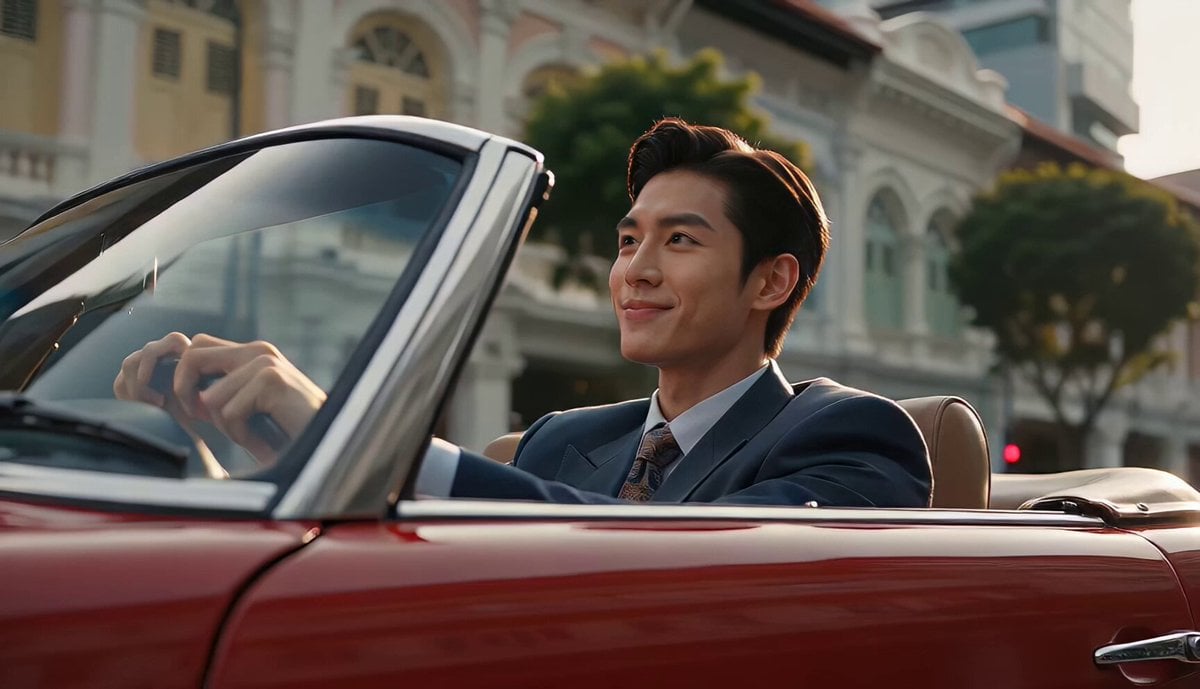
80s Singapore Office Yuppie Montage
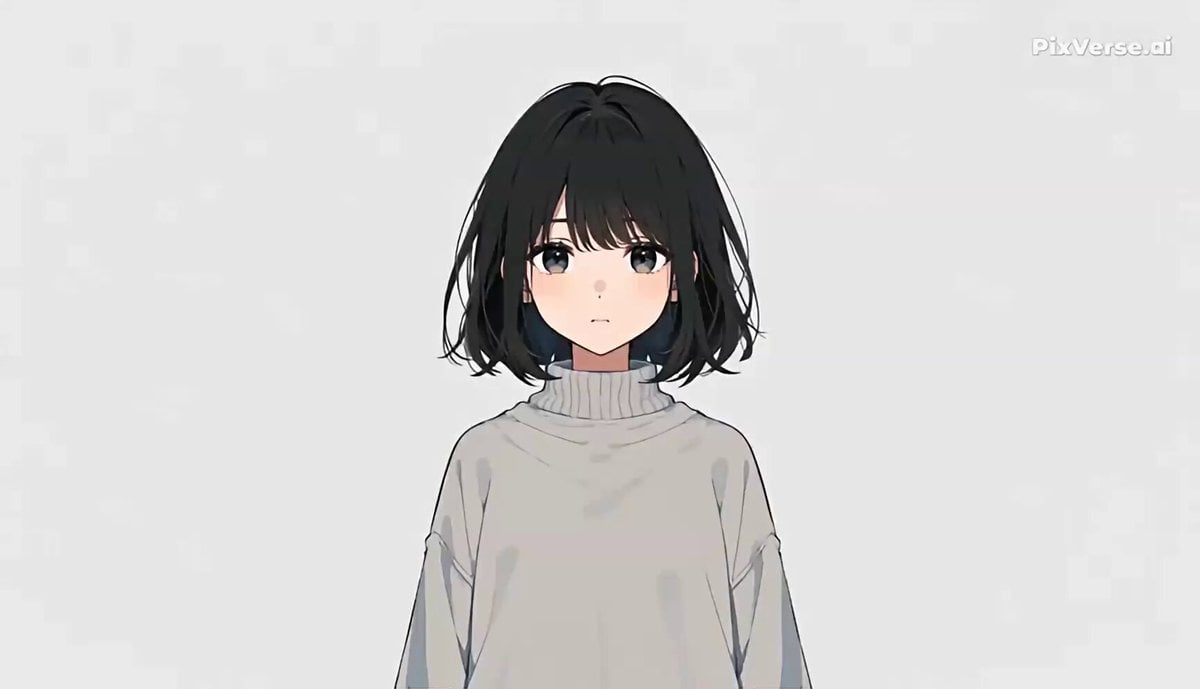
Anime Music Video Motion Effects
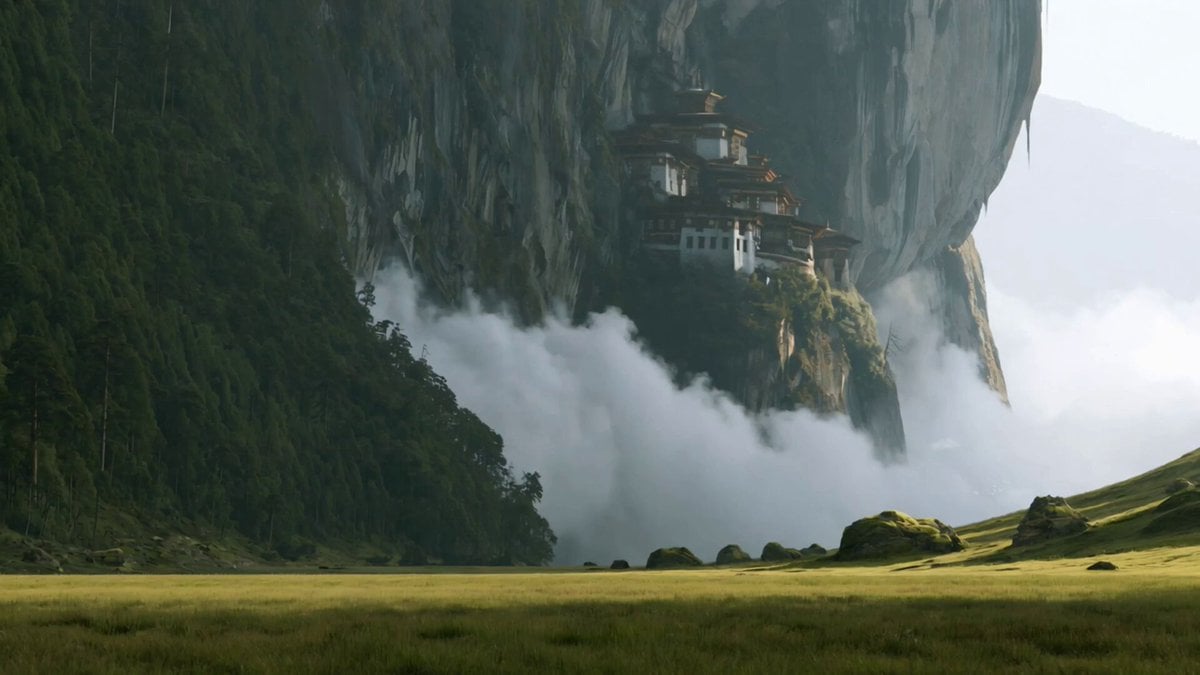
Wuxia Sword Maiden Visual Effects Prompt
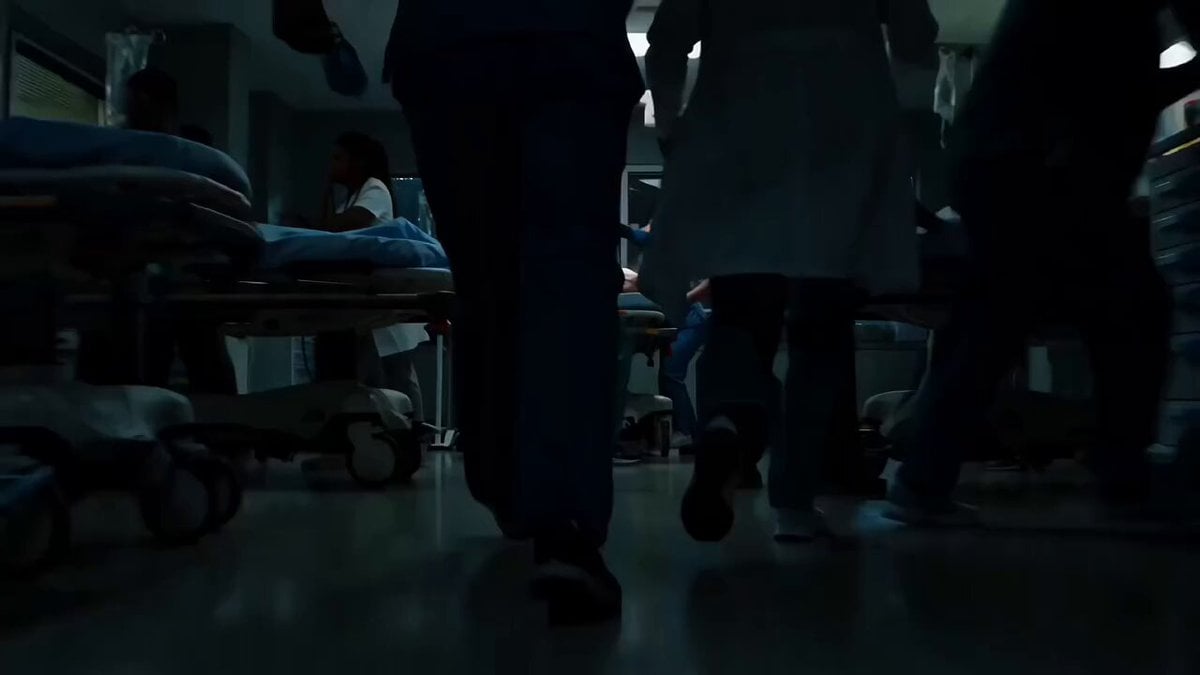
Sci-Fi Horror Hospital Alien Scene
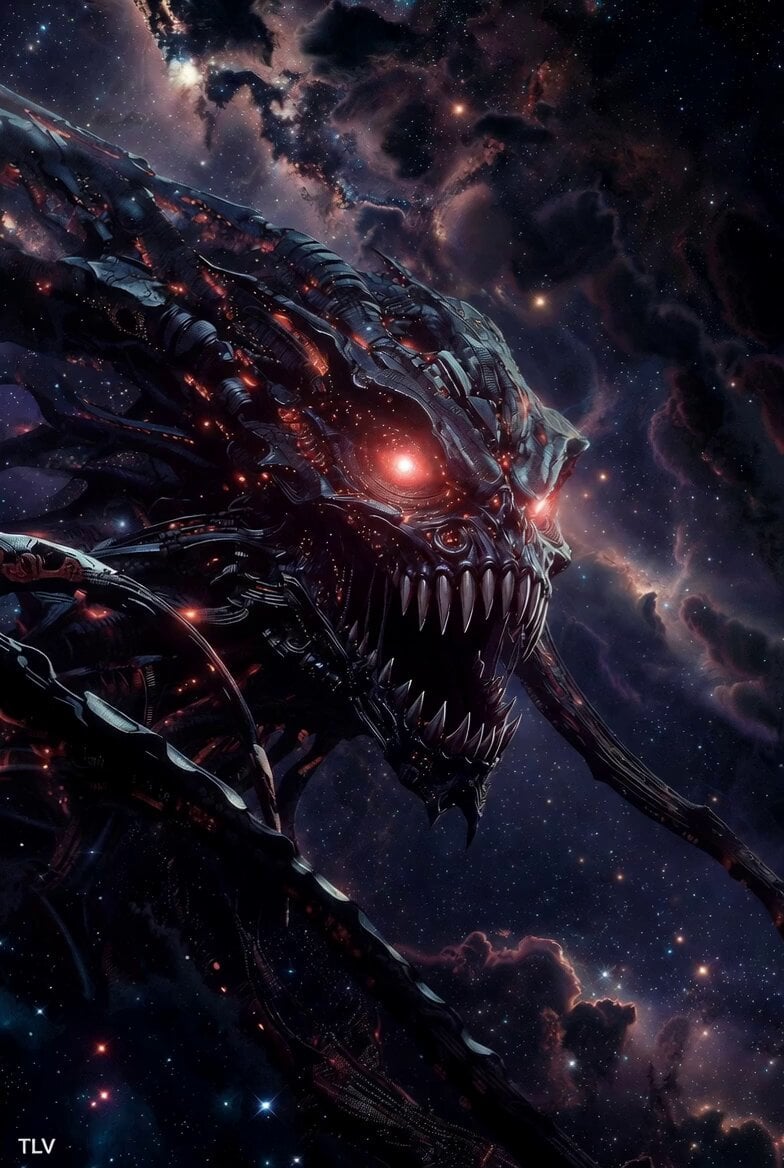
Evil Space Sci-Fi Power Threshold
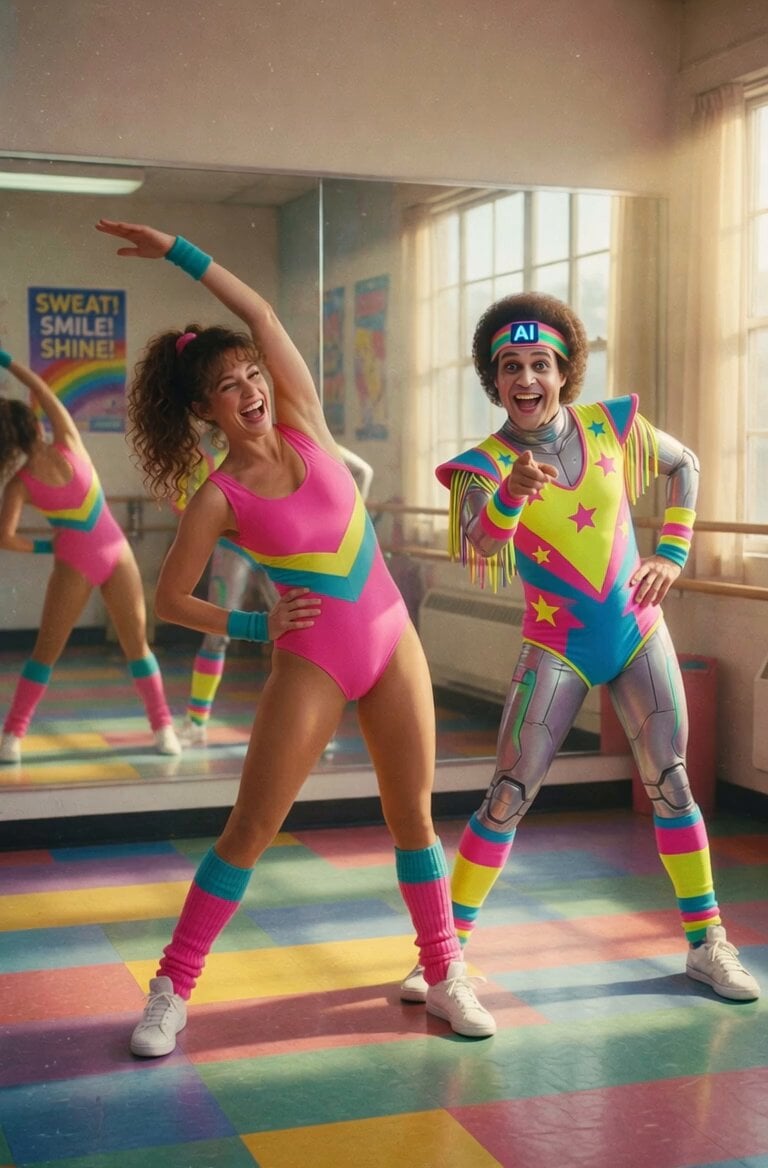
80s Fitness AI Companion
Oceanic Civilization Epic Sci-Fi Film
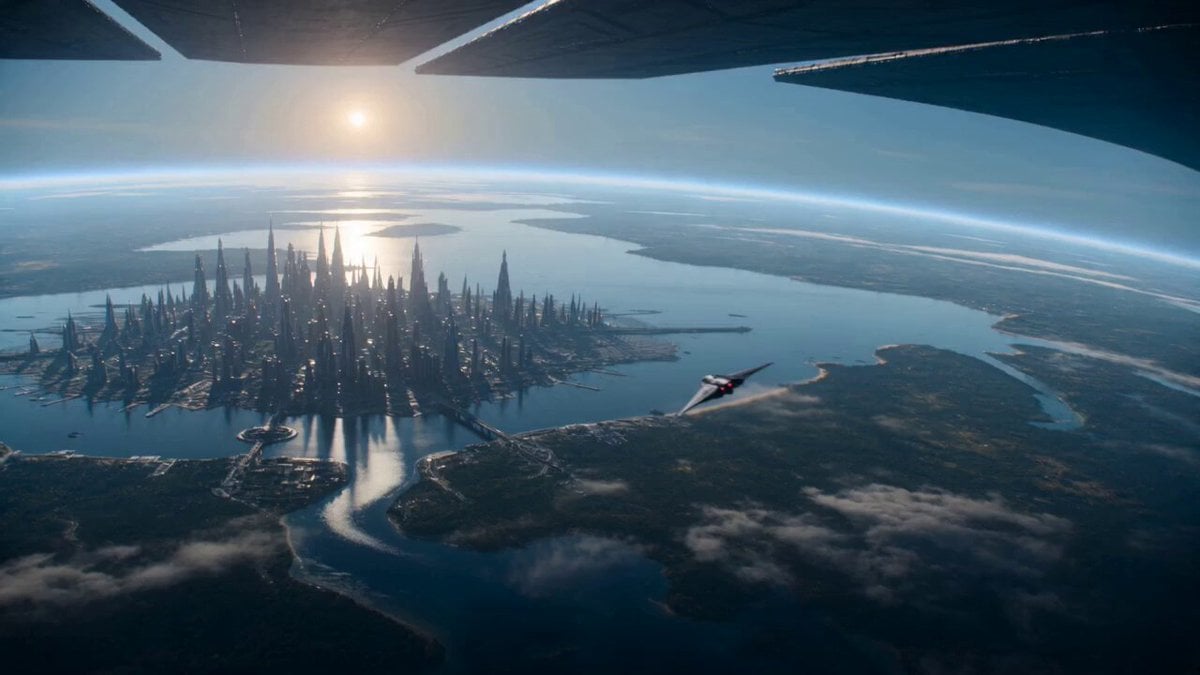
Sci-Fi Planetary Defense Sequence
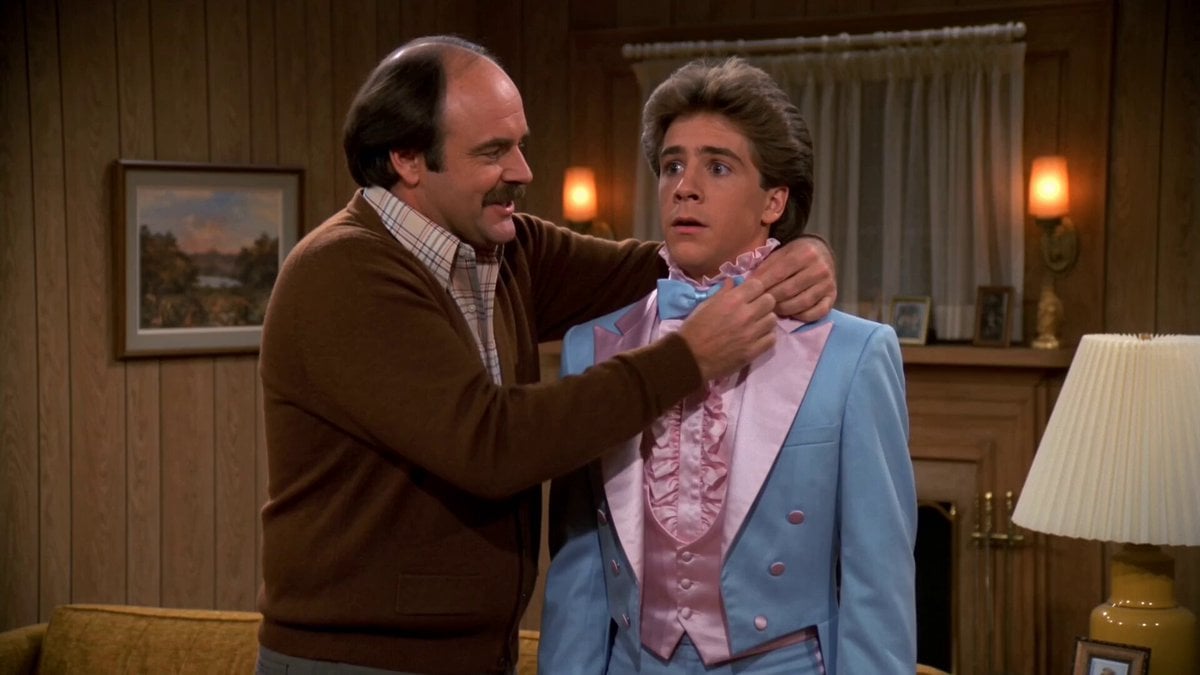
1980s Sitcom Prom Night Romance
Make it yours
80s Sci-Fi Practical Effects Scene Prompt works as-is. These are the safest ways to change it without losing the look.
Change one field
Copy a single group, rewrite it, and generate again so you can see what that field is doing.
Keep the frame, change the subject
Hold the composition and light of 80s Sci-Fi Practical Effects Scene Prompt, then swap wardrobe, props or the person for a new take.
| If the result… | Why | Fix |
|---|---|---|
| The result drifts from the preview | Too many fields changed at once. | Reuse 80s Sci-Fi Practical Effects Scene Prompt as-is first, then change one group — subject, light, or setting. |
| The model over-stylizes the scene | The prose prompt leaves finish and camera underspecified. | Add one camera or lighting sentence and stay on Seedance 2.0. |
More Seedance 2.0 templates
Other prompts made for Seedance 2.0.

Comical Martial Arts Punch Scene

Maglev Train Action Sequence

Martial Arts Fight Sequence

Wuxia Protection and Trust Script

Vintage Korean Arcade MiniDV Vlog

Mercedes 190 SL Luxury Ad

Rainy Night Supernatural Reverse Comedy Video Script

Amazon Civilization Discovery

Futuristic South Asian City Transformation

Cozy Luxury Cafe Commercial
More video prompts
Fresh picks from across the catalog.

Eastern Classical Immortal Heroine Video Prompt
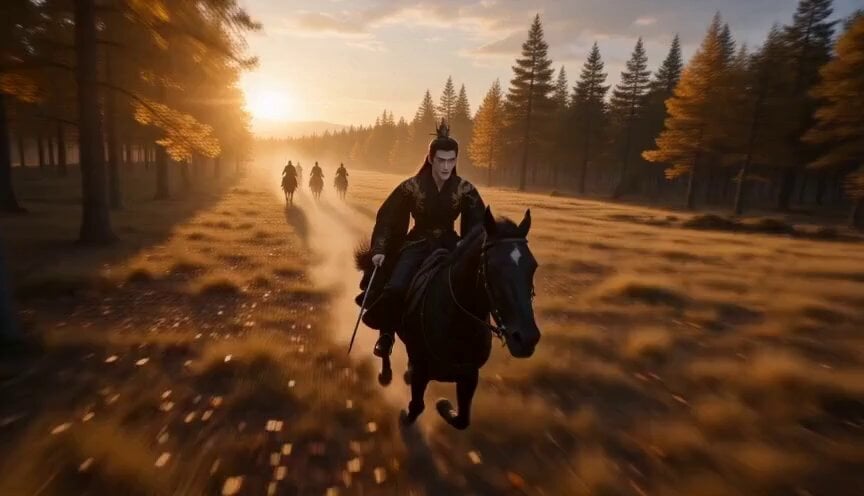
Chinese Fantasy Fox Spirit Video Drama
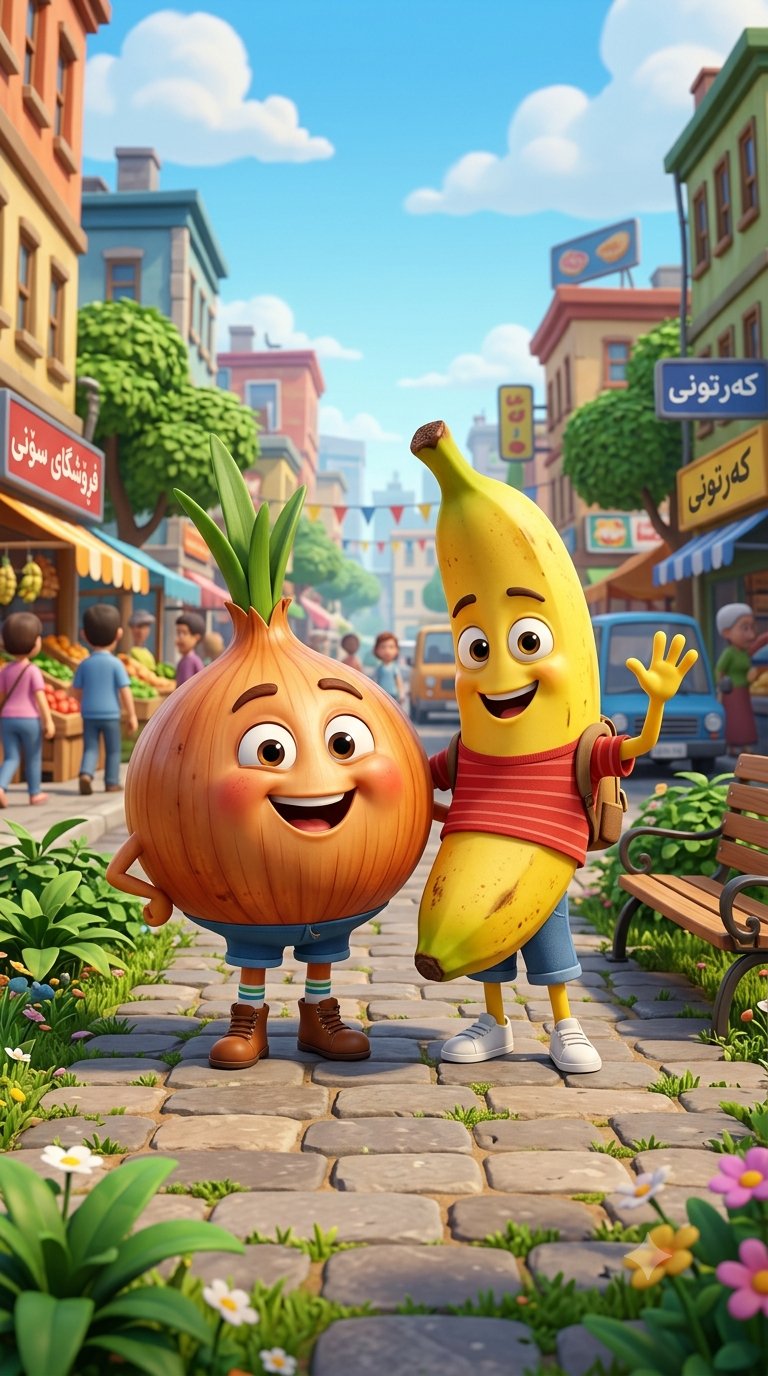
حەمە قوندەر
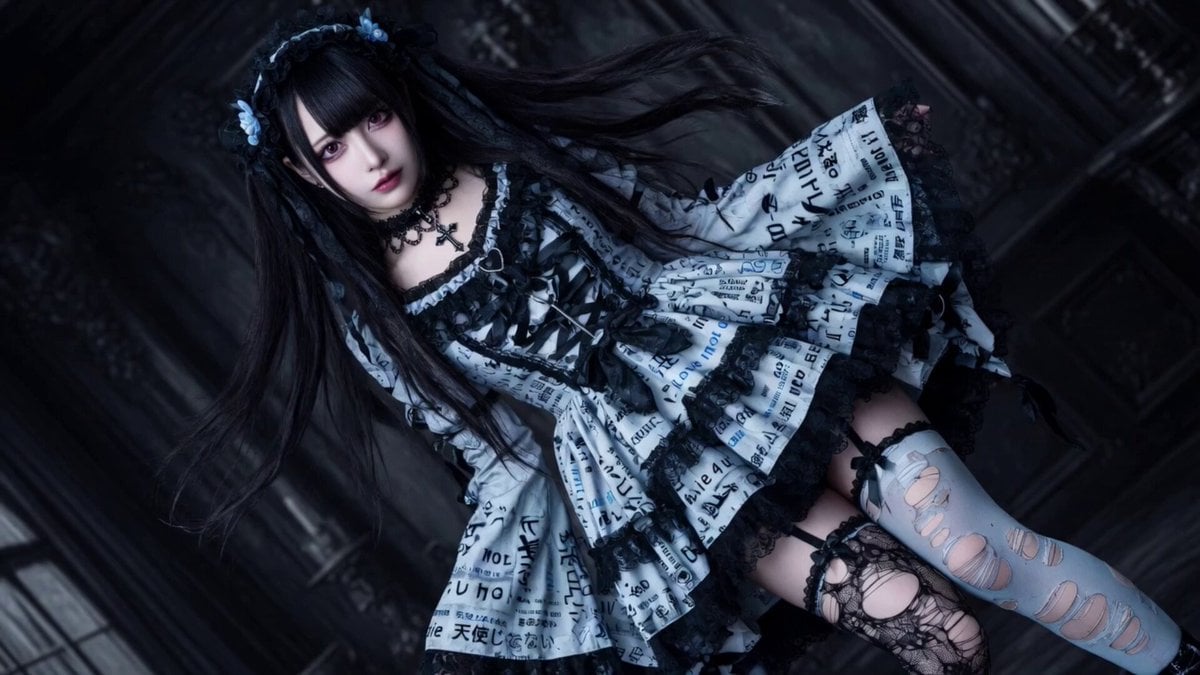
Light Blue Gothic Subculture Fashion
Cinematic sci-fi hospital video scene
Skincare Product Commercial 3
Futuristic Anime Aerial Combat
Gothic Anime Sword Slash

Chai Ritual Stop Motion
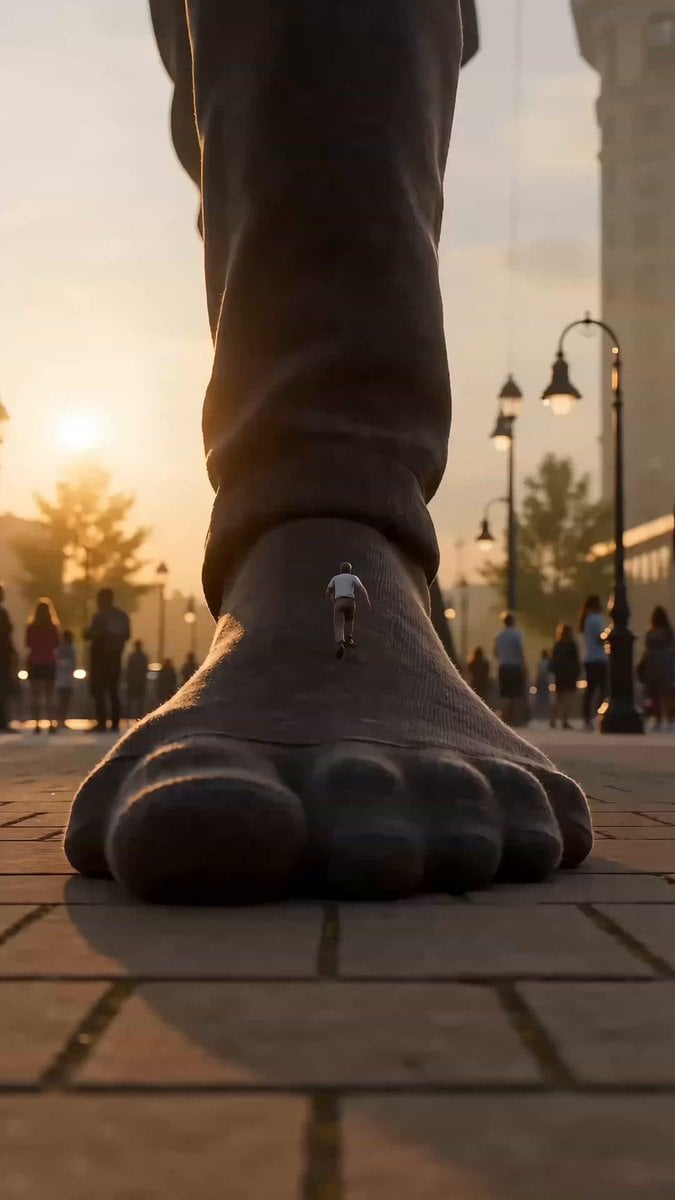
Colossal Scale Surprise Interaction
Browse template categories
80s Sci-Fi Practical Effects Scene Prompt questions
How do I use the 80s Sci-Fi Practical Effects Scene Prompt template?
Add your photo if the template asks for one, edit the prompt if you like — the template's model and format are already selected — and press Generate. Your version opens in PicX Studio.
Can I customize the 80s Sci-Fi Practical Effects Scene Prompt template?
Yes. You can change the subject, setting, lighting, mood, format, and available model controls before creating your video.
Is the 80s Sci-Fi Practical Effects Scene Prompt template free?
Opening and editing this template is free. Generating uses credits, shown on the Generate button when you are signed in.
Which AI model should I use?
Start with Seedance 2.0, which is the model associated with this template. You can compare another compatible model for a different finish.
Looking for something else? Browse all templates.

Your photo, any look
Thousands of ready templates for every top image and video model, from one credit balance.