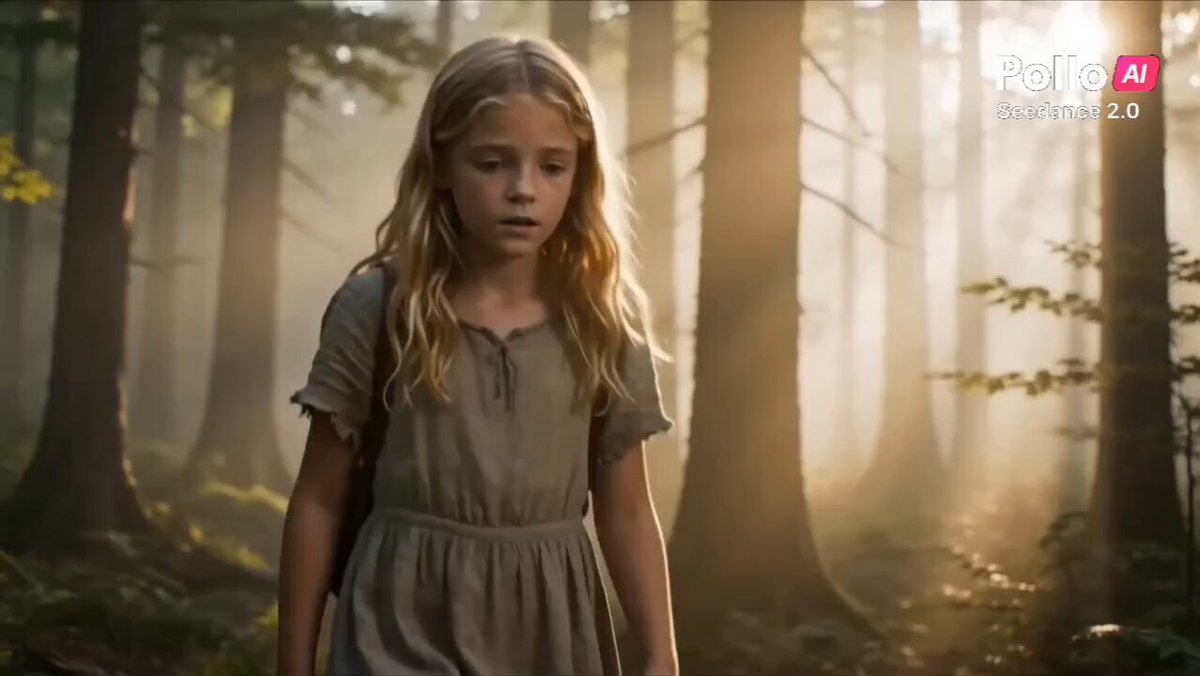
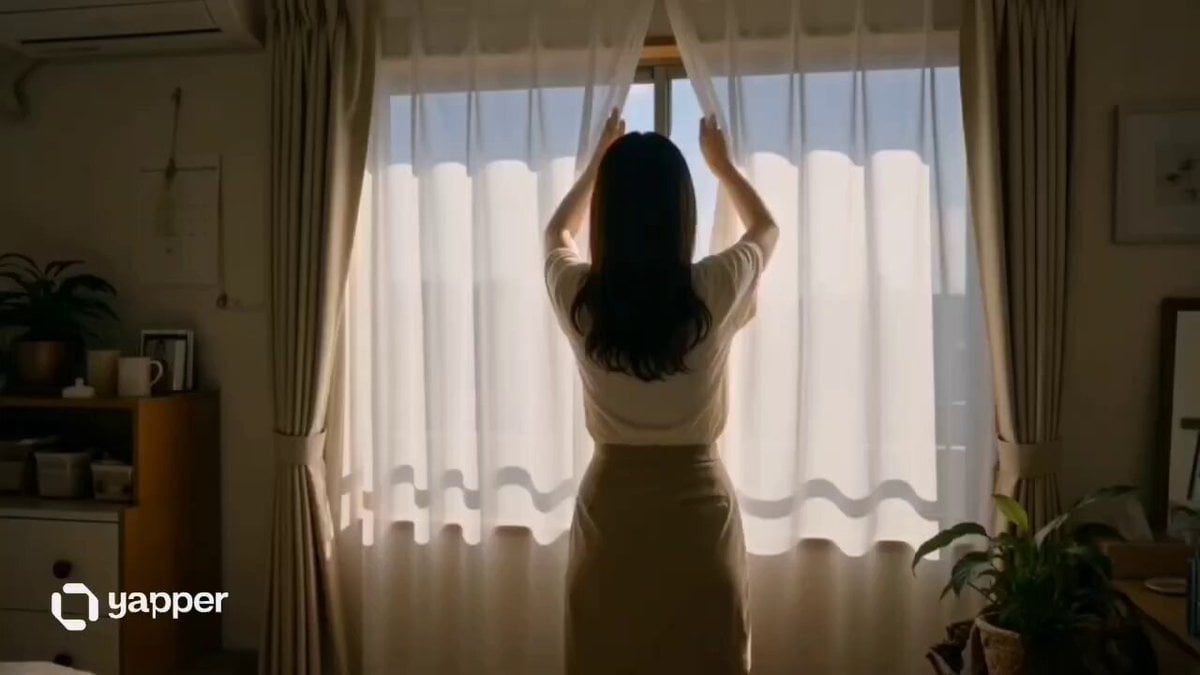
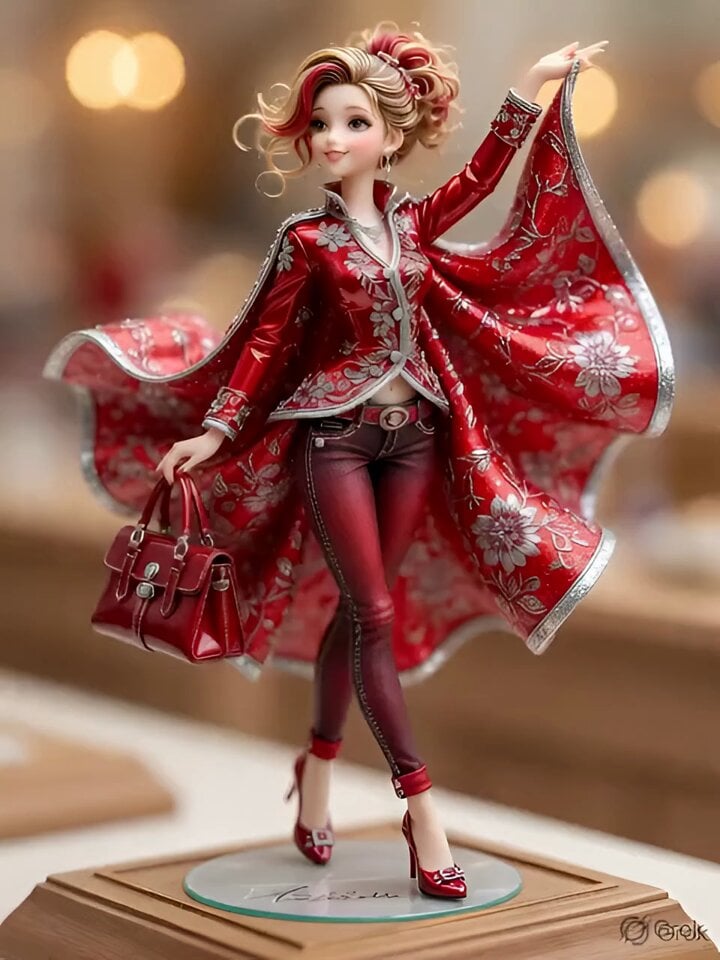
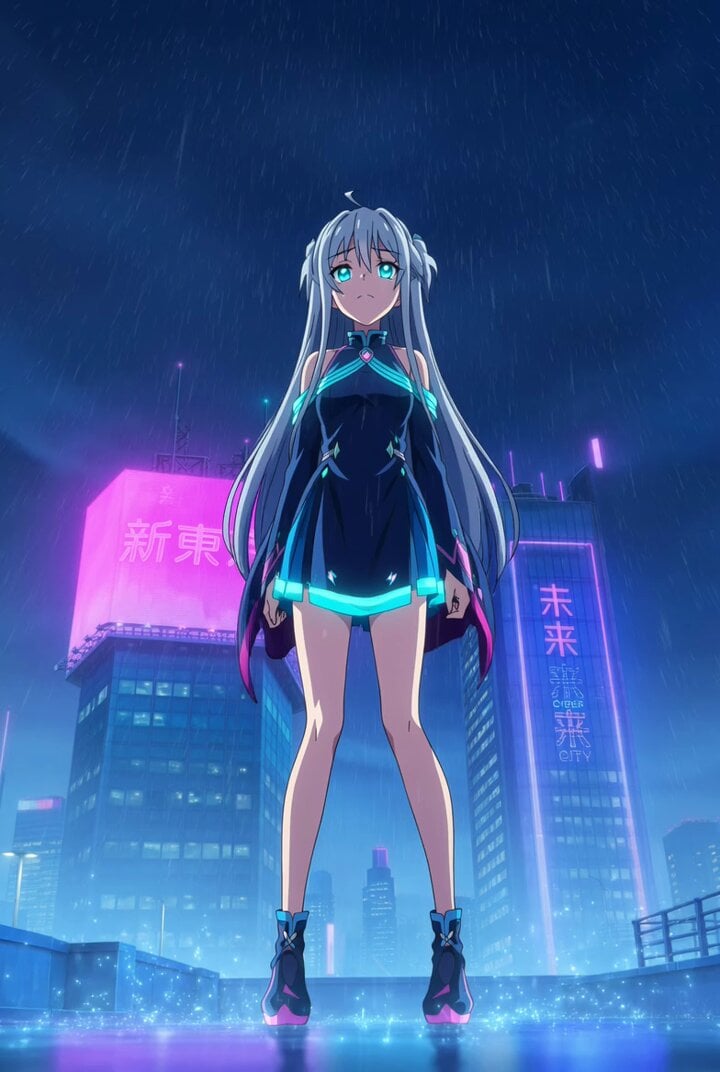
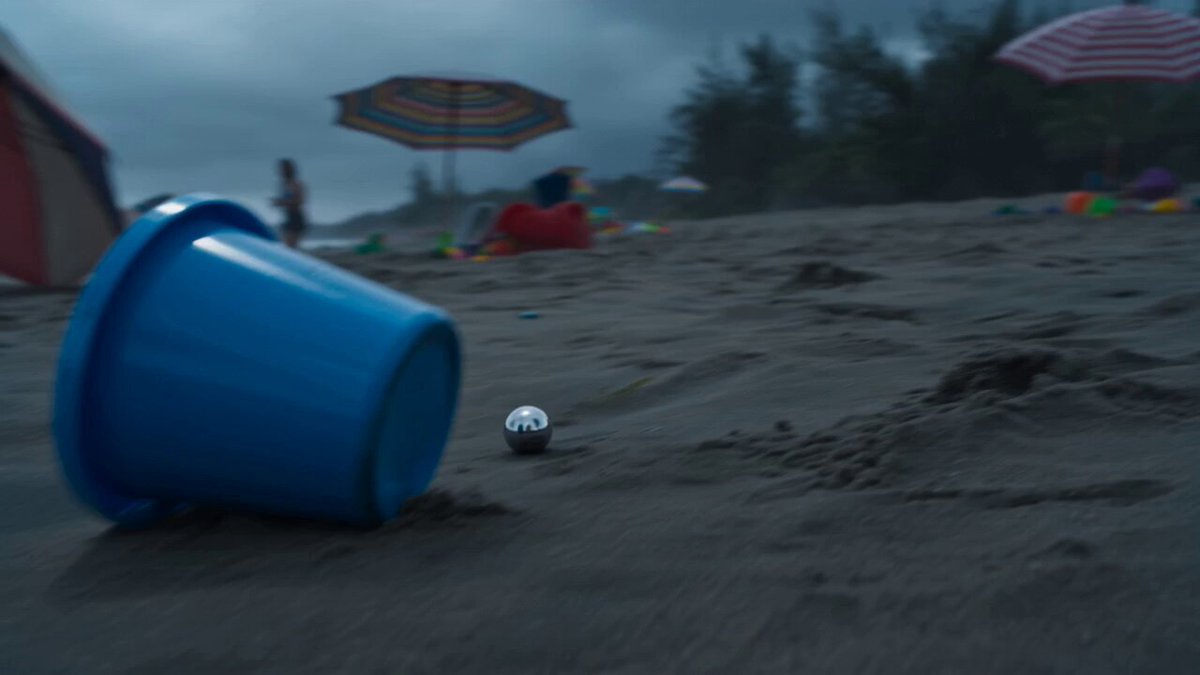
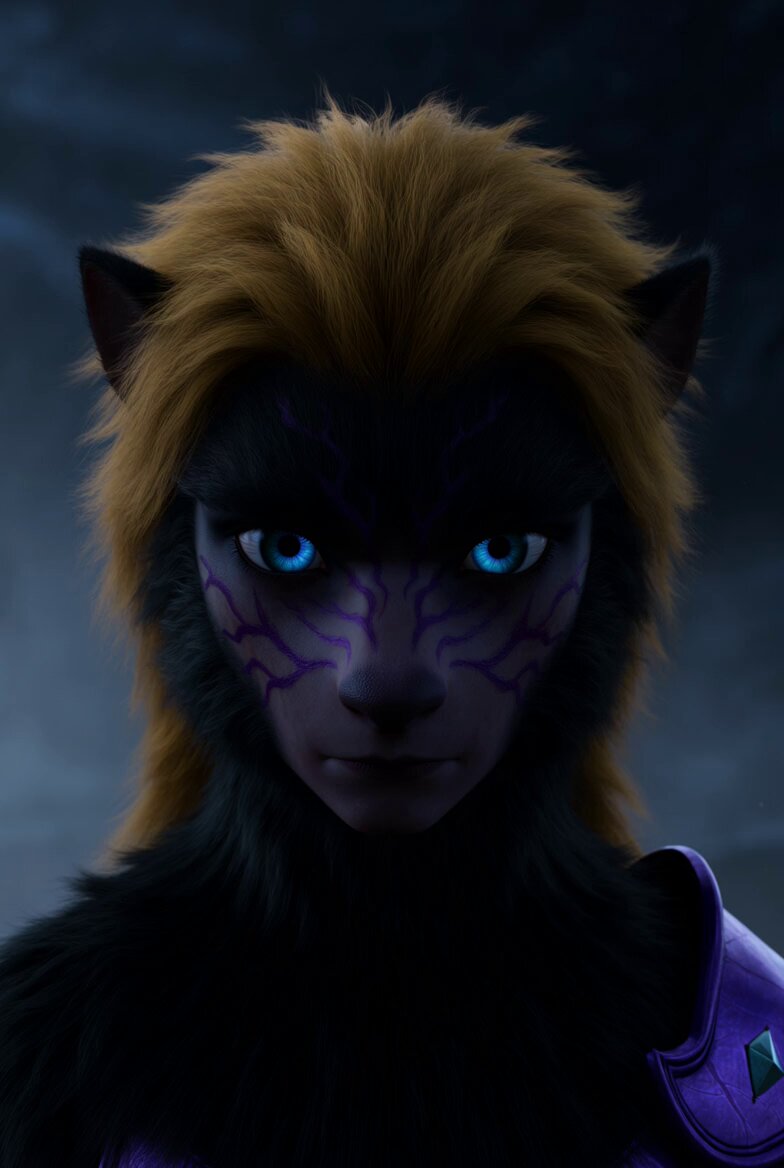
How do I use the Cinematic Portrait Study 5 template?
Edit the prompt in the box under the preview — the template's model and format are already selected — and press Generate. Your version appears right on this page.
Cinematic Portrait Study 5 is a ready video look for Seedance 2.5.
Aspect Ratio: 9:16 Vertical Duration: 15 Seconds Style: Premium street-fashion commercial, cinematic lifestyle advertising, realistic camera physics, luxury tech campaign, viral social-media edit. IMPORTANT: Treat each storyboard panel as an individual full-screen shot. Read left-to-right, top-to-bottom. Do NOT animate the collage. Every frame becomes a separate cinematic scene. Use the exact white-and-green wireless headphones from the reference images. Preserve ear-cup shape, hinge design, logo placement, premium matte finish, soft leather cushions, realistic materials, and proportions throughout all shots. ### Shot 01 (0.0–1.2s) Wide cinematic establishing shot. Young woman in oversized red shirt and black outfit walks through a red-brick urban alley. Headphones hang casually from her hand. Slow handheld push forward. Warm late-afternoon light. Fashion-commercial atmosphere. ### Shot 02 (1.2–2.2s) Macro product detail. Hand raises the white-and-green headphones. Shallow depth of field. Premium texture visible. Soft city bokeh. Gentle camera drift. ### Shot 03 (2.2–3.3s) Medium shot. She places headphones over her ears. Hair moves slightly in the wind. Match cut synchronized to soundtrack beat. Smooth handheld realism. ### Shot 04 (3.3–4.4s) Wide tracking shot. She walks deeper into the alley. Camera follows beside her. Natural parallax from buildings. Urban confidence. ### Shot 05 (4.4–5.5s) Extreme close-up of ear cup. Green accents catch reflected light. Premium material detail. Cinematic rack focus. ### Shot 06 (5.5–6.7s) Medium close-up profile. Eyes closed. Calm expression. Noise-canceling serenity. Slow push-in. Background softly blurred. ### Shot 07 (6.7–7.9s) Low-angle wide shot crossing a city intersection. Golden-hour reflections. Confident stride. Headphones centered naturally within frame. ### Shot 08 (7.9–9.1s) Tight side profile. Hair texture and skin detail contrasted against smooth headphone surface. Passing cars create subtle motion streaks. ### Shot 09 (9.1–10.3s) Medium portrait. She lifts one ear cup slightly. Small smile. Connecting with the city atmosphere. Gentle camera sway. ### Shot 10 (10.3–11.5s) Wide follow shot from behind. Walking toward a graffiti-covered wall. Red-and-black environment complements the green-and-white product. ### Shot 11 (11.5–12.8s) Macro hero product shot. Headphones rotate slowly in her hand. Dynamic reflections reveal premium craftsmanship. Sharp logo visibility. ### Shot 12 (12.8–15.0s) Hero ending. Woman seated on urban staircase. Headphones worn confidently. Soft backlight creates halo around hair. Slight breeze. Slow cinematic push-in. Peaceful yet powerful expression. Product remains crisp, dominant, and aspirational. **Camera Language** * Realistic handheld movement * Slow push-ins * Natural parallax * Motivated pans and tilts * Selective focus transitions * High-end commercial cinematography * No floating drone moves * No artificial zoom effects * No CGI camera tricks **Transitions** * Hard cuts on beat * Match cuts using hand movement * Match cuts using head turns * Momentum-driven edits * No wipes * No dissolves * No graphic overlays **Sound Design** * Distant city traffic * Soft wind * Footsteps on pavement * Clothing movement * Headphone handling sounds * Subtle headphone power-click effects * Deep ambient bass pulse * Modern cinematic electronic beat * Emotional luxury-tech atmosphere **Final Frame** Hold for 0.5 seconds on the seated hero shot. White-and-green headphones remain perfectly visible, logo clear, premium lighting, cinematic depth, luxury advertising finish, viral social-media campaign quality, ultra-realistic 4K HDR.
Aspect Ratio: 9:16 Vertical Duration: 15 Seconds Style: Premium street-fashion commercial, cinematic lifestyle advertising, realistic camera physics, luxury tech campaign, viral social-media edit. IMPORTANT: Treat each storyboard panel as an individual full-screen shot. Read left-to-right, top-to-bottom. Do NOT animate the collage. Every frame becomes a separate cinematic scene. Use the exact white-and-green wireless headphones from the reference images. Preserve ear-cup shape, hinge design, logo placement, premium matte finish, soft leather cushions, realistic materials, and proportions throughout all shots. ### Shot 01 (0.0–1.2s) Wide cinematic establishing shot. Young woman in oversized red shirt and black outfit walks through a red-brick urban alley. Headphones hang casually from her hand. Slow handheld push forward. Warm late-afternoon light. Fashion-commercial atmosphere. ### Shot 02 (1.2–2.2s) Macro product detail. Hand raises the white-and-green headphones. Shallow depth of field. Premium texture visible. Soft city bokeh. Gentle camera drift. ### Shot 03 (2.2–3.3s) Medium shot. She places headphones over her ears. Hair moves slightly in the wind. Match cut synchronized to soundtrack beat. Smooth handheld realism. ### Shot 04 (3.3–4.4s) Wide tracking shot. She walks deeper into the alley. Camera follows beside her. Natural parallax from buildings. Urban confidence. ### Shot 05 (4.4–5.5s) Extreme close-up of ear cup. Green accents catch reflected light. Premium material detail. Cinematic rack focus. ### Shot 06 (5.5–6.7s) Medium close-up profile. Eyes closed. Calm expression. Noise-canceling serenity. Slow push-in. Background softly blurred. ### Shot 07 (6.7–7.9s) Low-angle wide shot crossing a city intersection. Golden-hour reflections. Confident stride. Headphones centered naturally within frame. ### Shot 08 (7.9–9.1s) Tight side profile. Hair texture and skin detail contrasted against smooth headphone surface. Passing cars create subtle motion streaks. ### Shot 09 (9.1–10.3s) Medium portrait. She lifts one ear cup slightly. Small smile. Connecting with the city atmosphere. Gentle camera sway. ### Shot 10 (10.3–11.5s) Wide follow shot from behind. Walking toward a graffiti-covered wall. Red-and-black environment complements the green-and-white product. ### Shot 11 (11.5–12.8s) Macro hero product shot. Headphones rotate slowly in her hand. Dynamic reflections reveal premium craftsmanship. Sharp logo visibility. ### Shot 12 (12.8–15.0s) Hero ending. Woman seated on urban staircase. Headphones worn confidently. Soft backlight creates halo around hair. Slight breeze. Slow cinematic push-in. Peaceful yet powerful expression. Product remains crisp, dominant, and aspirational. **Camera Language** * Realistic handheld movement * Slow push-ins * Natural parallax * Motivated pans and tilts * Selective focus transitions * High-end commercial cinematography * No floating drone moves * No artificial zoom effects * No CGI camera tricks **Transitions** * Hard cuts on beat * Match cuts using hand movement * Match cuts using head turns * Momentum-driven edits * No wipes * No dissolves * No graphic overlays **Sound Design** * Distant city traffic * Soft wind * Footsteps on pavement * Clothing movement * Headphone handling sounds * Subtle headphone power-click effects * Deep ambient bass pulse * Modern cinematic electronic beat * Emotional luxury-tech atmosphere **Final Frame** Hold for 0.5 seconds on the seated hero shot. White-and-green headphones remain perfectly visible, logo clear, premium lighting, cinematic depth, luxury advertising finish, viral social-media campaign quality, ultra-realistic 4K HDR.
Edit the prompt in the box under the preview — the template's model and format are already selected — and press Generate. Your version appears right on this page.
Yes. You can change the subject, setting, lighting, mood, format, and available model controls before creating your video.
Opening and editing this template is free. Generating uses credits, shown on the Generate button when you are signed in.
Start with Seedance 2.5, which is the model associated with this template. You can compare another compatible model for a different finish.
Follow a topic to a crawlable collection of related PicX Studio templates.