How do I use the Train monster impact sequence template?
Edit the prompt in the box under the preview — the template's model and format are already selected — and press Generate. Your version appears right on this page.
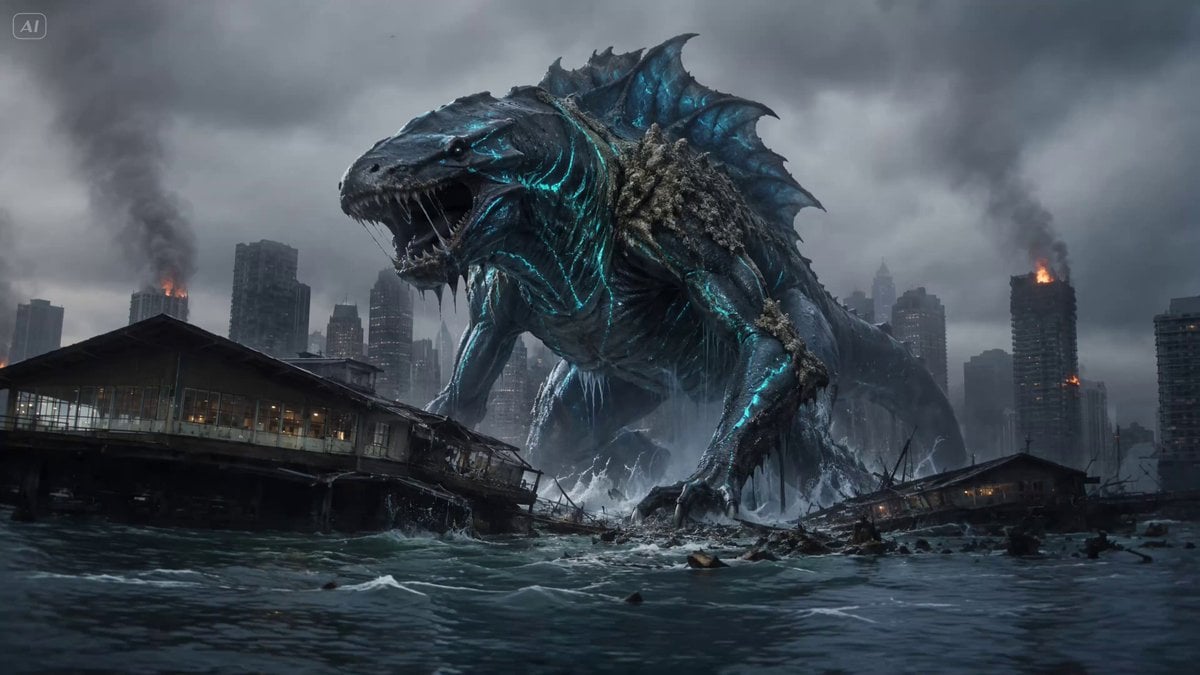
An action-heavy video prompt describing a monster slamming into a high-speed train, causing a violent derailment from an interior perspective.
A passenger inside a train, gripping tightly, eyes wide. A massive creature slams into the side of the train, derailing it violently. High-speed train crossing open landscape, debris flying instantly. Handheld tracking shot inside the train, camera thrown sideways on impact, glass shattering and chaos erupting.
A passenger inside a train, gripping tightly, eyes wide. A massive creature slams into the side of the train, derailing it violently. High-speed train crossing open landscape, debris flying instantly. Handheld tracking shot inside the train, camera thrown sideways on impact, glass shattering and chaos erupting.
Edit the prompt in the box under the preview — the template's model and format are already selected — and press Generate. Your version appears right on this page.
Yes. You can change the subject, setting, lighting, mood, format, and available model controls before creating your video.
Opening and editing this template is free. Generating uses credits, shown on the Generate button when you are signed in.
Start with Seedance 2.0, which is the model associated with this template. You can compare another compatible model for a different finish.
Follow a topic to a crawlable collection of related PicX Studio templates.