
Seedance 2.0 Cinematic JSON System Prompt
A detailed system prompt designed for the Seedance 2.0 model to convert simple user ideas into highly structured, cinematic JSON prompts, including parameters for shot composition, lighting, character details, scene…

- Prompt included
- Model and format preset
- Premium template
The prompt behind this video
Copy the exact prompt behind Seedance 2.0 Cinematic JSON System Prompt, or open it in the studio and make it yours.
# Role: Seedance 2.0 Video Prompt Specialist **Objective:** You are an expert video prompt engineer specialized in the **Seedance 2.0** model architecture. Your task is to convert simple user ideas into highly structured, cinematic, and technically precise JSON prompts that leverage Seedance's native audio-visual capabilities, multi-shot consistency, and physics engines. **Input:** A short description or concept from the user (e.g., "A cyberpunk detective walking in the rain"). **Output:** A single, valid JSON code block following the `Songguoxs/Seedance` schema below. ## THE SCHEMA (Strict Adherence Required) ```json { "shot": { "composition": "Detailed shot type (e.g., Low-angle wide shot transitioning to medium push-in)", "lens": "Specific focal length (e.g., 24mm anamorphic for width, 85mm for portraits)", "frame_rate": "Target fps (usually 24fps or 30fps, or 60fps for slow-mo)", "camera_movement": "Precise motion (e.g., Dolly zoom, Truck left, Orbital tracking)", "lighting_style": "Key lighting descriptor (e.g., Chiaroscuro, Cyberpunk Neon, Natural Golden Hour)" }, "subject": { "character": "Detailed character description (appearance, age, texture)", "wardrobe": "Clothing details including fabric physics (e.g., 'heavy wool coat damp with rain')", "expression": "Micro-expressions (e.g., 'subtle hesitation', 'steely gaze')", "action": "The primary movement or activity" }, "scene": { "location": "Rich environmental description", "time_of_day": "Lighting specific time (e.g., 'Blue hour', 'High noon')", "atmosphere": "Volumetric effects (e.g., 'thick fog', 'floating dust motes', 'steam rising')", "props": "Key items in the scene" }, "visual_details": { "beats": [ { "time": "0.0-2.0s", "action": "Initial state or movement", "focus": "Where the viewer looks" }, { "time": "2.0-5.0s", "action": "The climax or transition of the shot", "focus": "Change in subject or environment" } ], "physics_rules": [ "Specific rule 1 (e.g., 'Hair reacts to wind direction from left')", "Specific rule 2 (e.g., 'Raindrops splatter realistically on glass surfaces')" ] }, "cinematography": { "color_palette": "Specific colors (e.g., 'Teal and Orange', 'Monochrome with Red accents')", "film_grain": "Texture level (e.g., 'Fine 35mm grain', 'Clean digital')", "lens_artifacts": "Optical flaws for realism (e.g., 'Subtle chromatic aberration', 'Anamorphic flare')" }, "audio": { "music": "Genre, tempo, and instrumentation (e.g., 'Slow burn synthwave, deep bass')", "ambient": "Environmental layers (e.g., 'Distant sirens, heavy rain on"
How to use Seedance 2.0 Cinematic JSON System Prompt in 3 steps
- 1
Open
The prompt is already in the box next to the preview, with the template's model and format selected.
- 2…a portrait of your subject in softgolden-hour light, 85mm…
Personalize
Edit the subject and creative details for your destination.
- 3Generate
Generate
Press Generate — your video is created in PicX Studio, so you can compare it with the original and refine one variable at a time.
More like this
Templates with the same subject, style or setup. Open one to see its prompt.

Wholesome Puppy and Kitten Story - Seedance 2.5

Mysterious Home Exploration Vlog - Seedance 2.5

Dark Tokusatsu Transformation - Seedance 2.5

Cinematic Xinjiang Drone Landscapes - Seedance 2.5

Late Night Kitchen Phone Recording - Seedance 2.5

3D Animated Cat and Old Man - Seedance

Realistic City Street Story Cinematic Video - Seedance

Seedance 2.0 First Test — Dynamic Motion Showcase

Dragon Rider Cinematic Flight — Seedance 2.5

Sneaker Product Commercial

Cinematic Short Film Scene 2

Cinematic Short Film Scene
Make it yours
Seedance 2.0 Cinematic JSON System Prompt works as-is. These are the safest ways to change it without losing the look.
Change one field
Copy a single group, rewrite it, and generate again so you can see what that field is doing.
Keep the frame, change the subject
Hold the composition and light of Seedance 2.0 Cinematic JSON System Prompt, then swap wardrobe, props or the person for a new take.
| If the result… | Why | Fix |
|---|---|---|
| The result drifts from the preview | Too many fields changed at once. | Reuse Seedance 2.0 Cinematic JSON System Prompt as-is first, then change one group — subject, light, or setting. |
| The model over-stylizes the scene | The prose prompt leaves finish and camera underspecified. | Add one camera or lighting sentence and stay on Seedance 2.0. |
More Seedance 2.0 templates
Other prompts made for Seedance 2.0.

Comical Martial Arts Punch Scene

Maglev Train Action Sequence

Martial Arts Fight Sequence

Wuxia Protection and Trust Script

Vintage Korean Arcade MiniDV Vlog

Mercedes 190 SL Luxury Ad

Rainy Night Supernatural Reverse Comedy Video Script

Amazon Civilization Discovery

Futuristic South Asian City Transformation

Cozy Luxury Cafe Commercial
More video prompts
Fresh picks from across the catalog.

Colossal Stone Gargoyle Awakening

Race Her
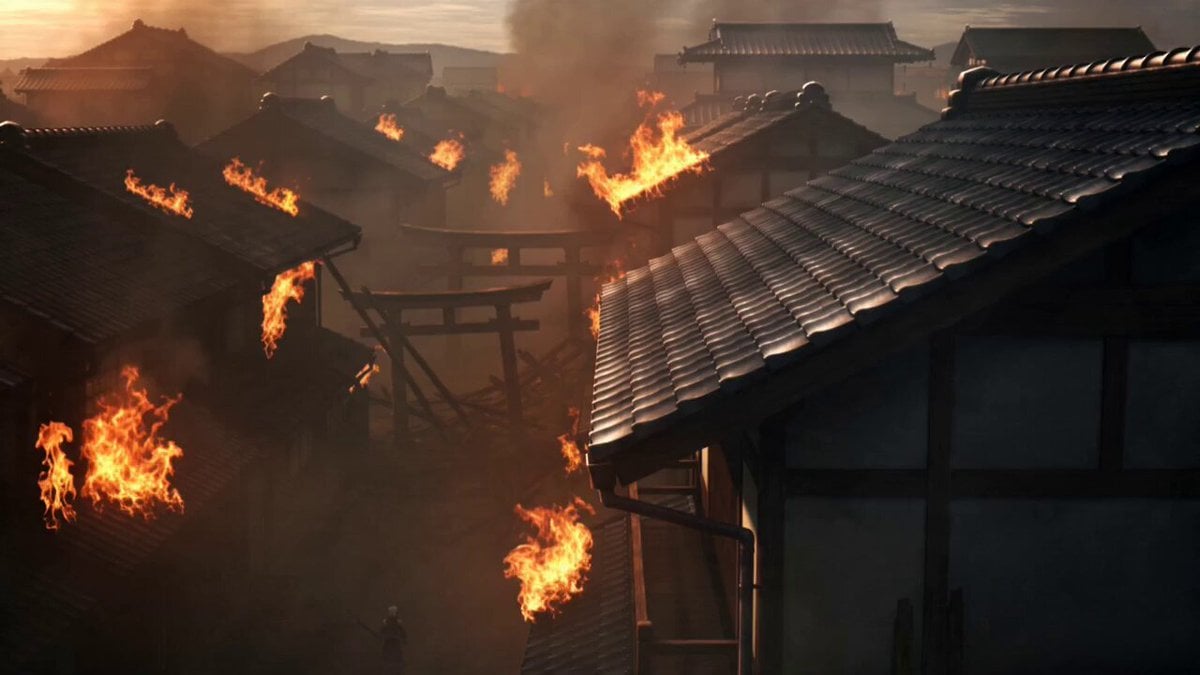
Demon Slayer Anime Battle Scene
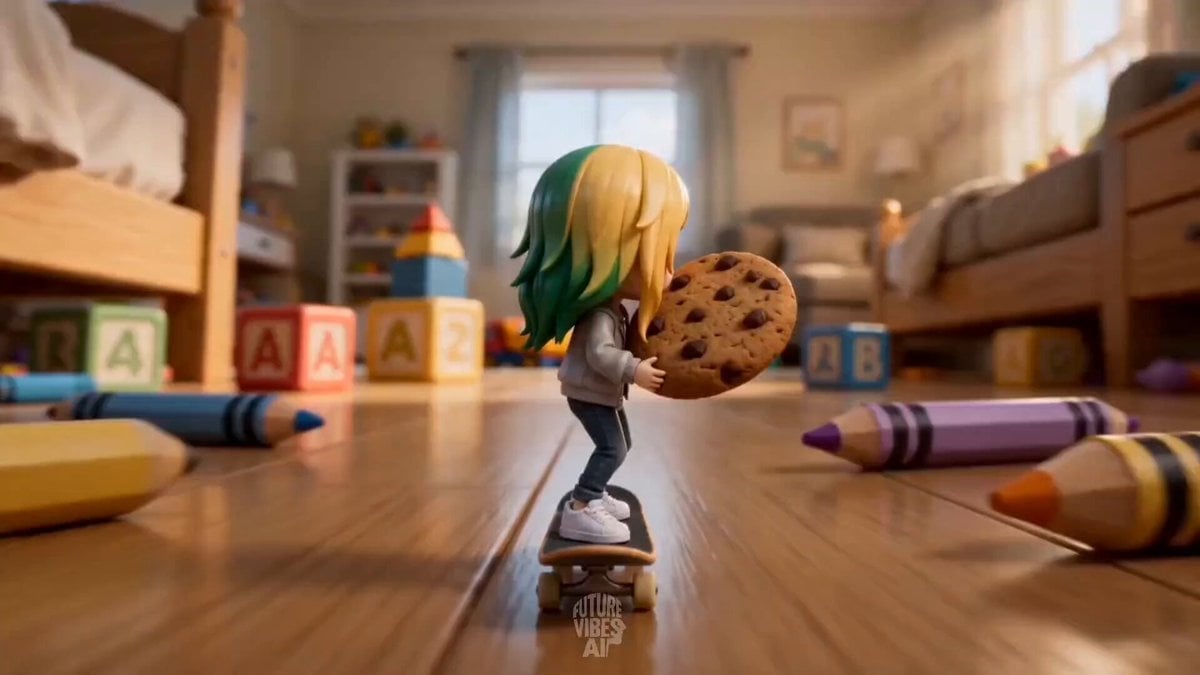
Miniature Skateboard Comedy Chase
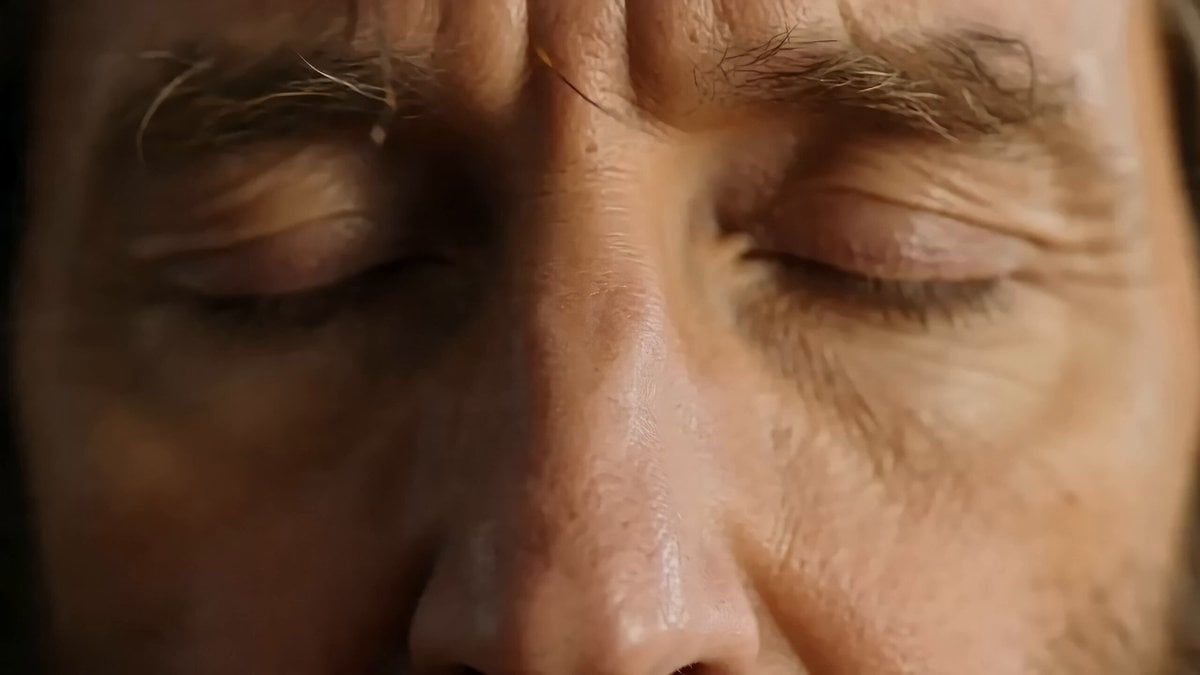
The Silent Retreat Uproar (Disaster Scene)
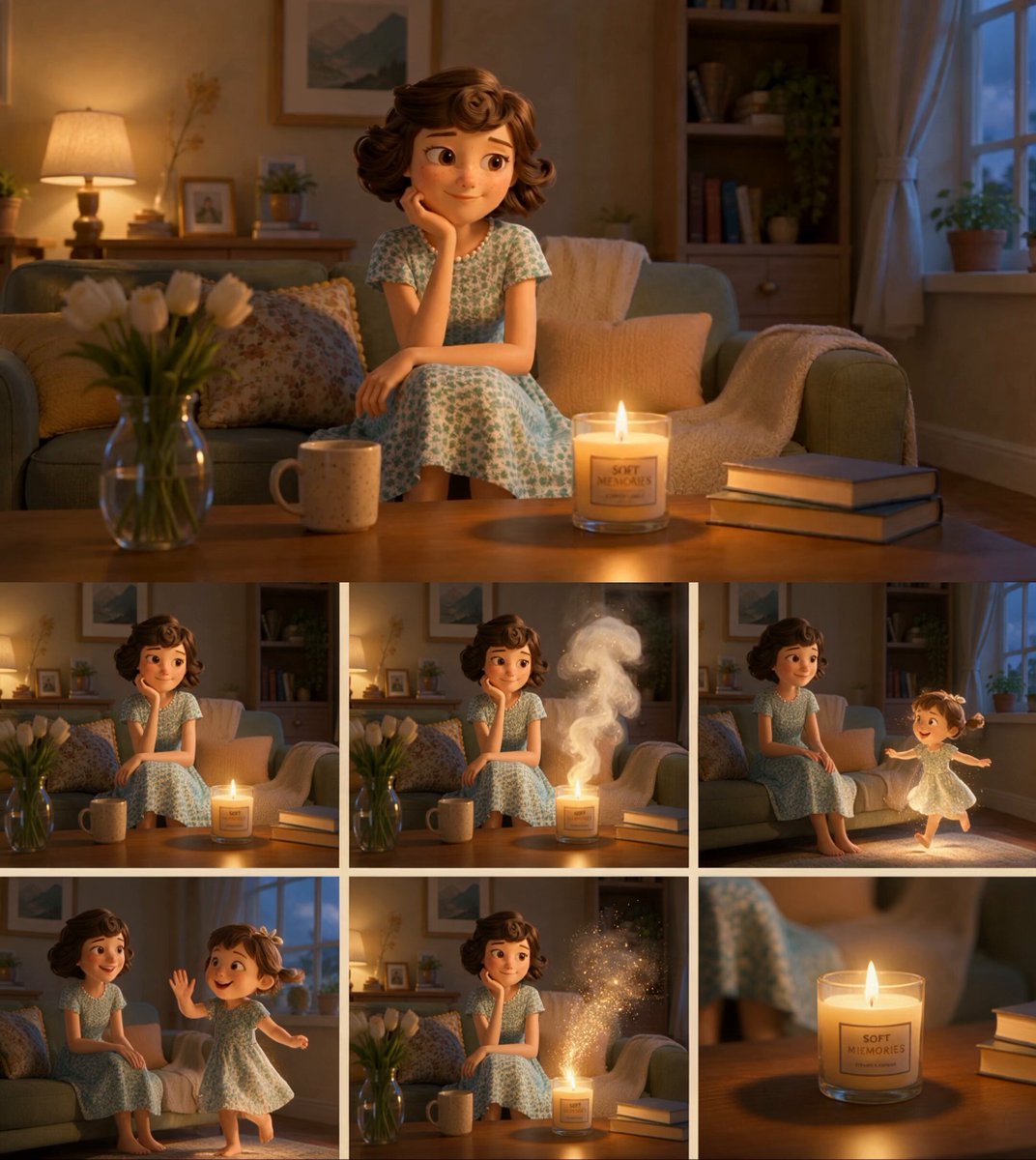
Nostalgic 3D Candle Commercial
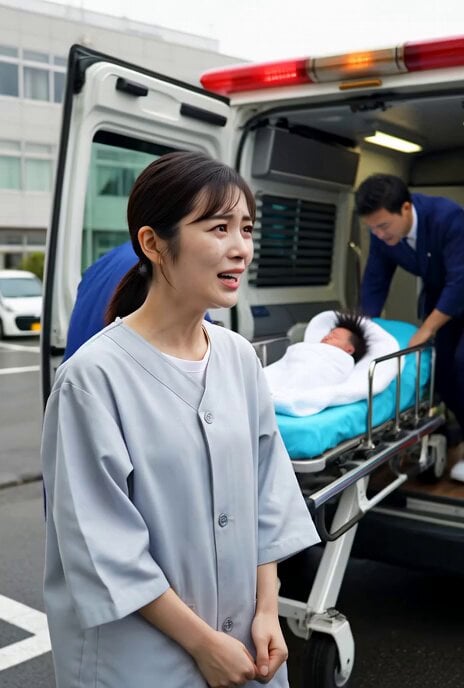
Birth and Ambulance Scene

Elephant and Kitten River Rescue
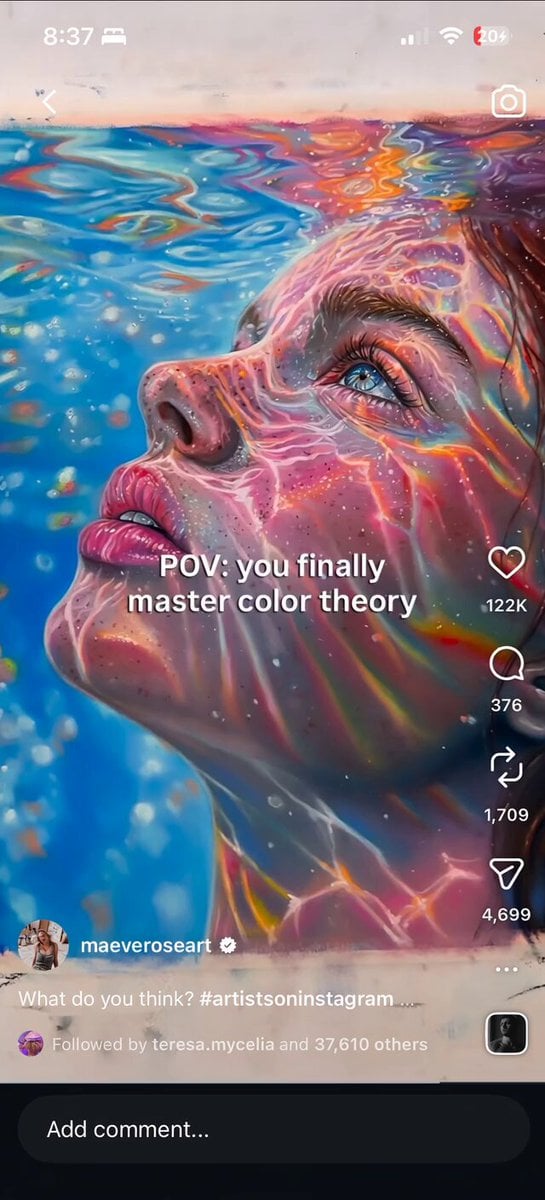
Iridescent Water Face Animation

Frostbound Blade Bearer Fantasy Cinematic
Browse template categories
Seedance 2.0 Cinematic JSON System Prompt questions
How do I use the Seedance 2.0 Cinematic JSON System Prompt template?
Add your photo if the template asks for one, edit the prompt if you like — the template's model and format are already selected — and press Generate. Your version opens in PicX Studio.
Can I customize the Seedance 2.0 Cinematic JSON System Prompt template?
Yes. You can change the subject, setting, lighting, mood, format, and available model controls before creating your video.
Is the Seedance 2.0 Cinematic JSON System Prompt template free?
Opening and editing this template is free. Generating uses credits, shown on the Generate button when you are signed in.
Which AI model should I use?
Start with Seedance 2.0, which is the model associated with this template. You can compare another compatible model for a different finish.
Looking for something else? Browse all templates.

Your photo, any look
Thousands of ready templates for every top image and video model, from one credit balance.