
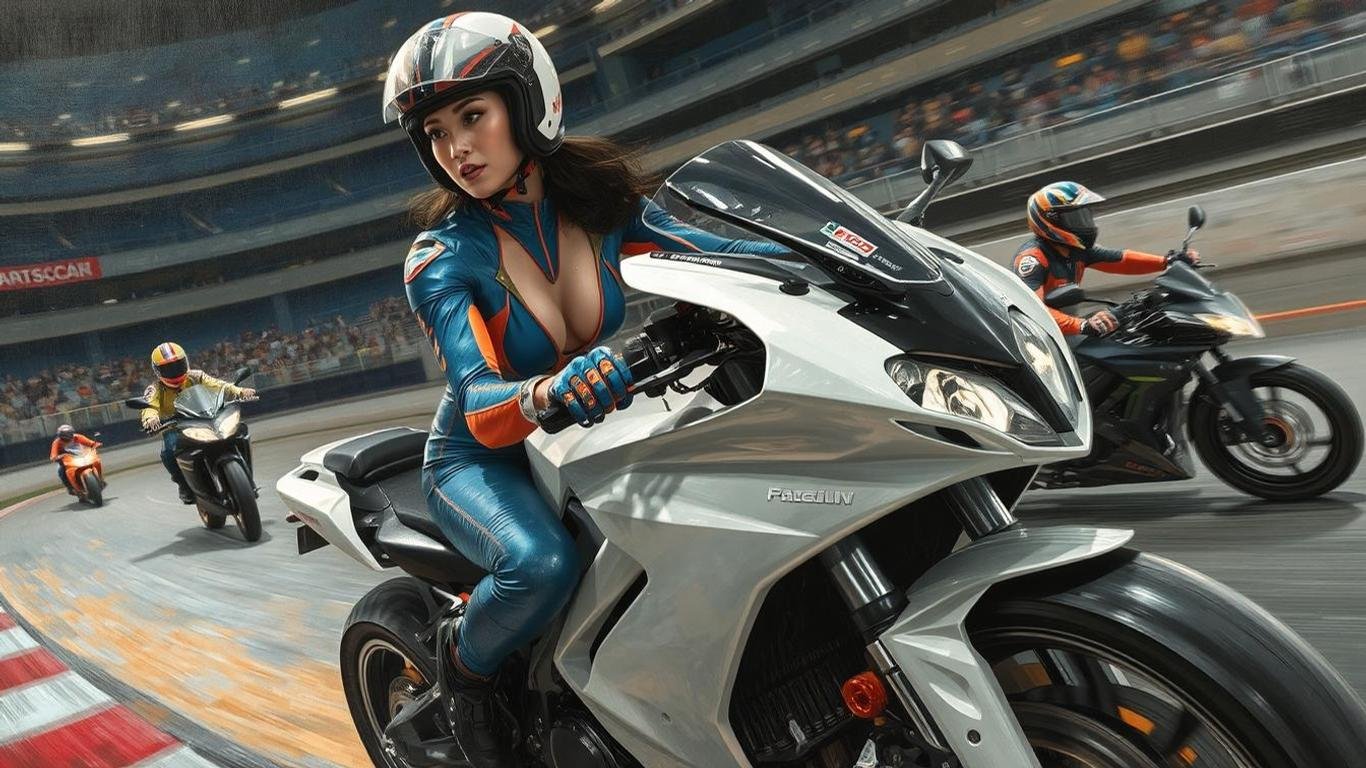
Race Her
Race Her is a ready video look.
- Prompt included
- Model and format preset
- Free template
The prompt behind this video
Copy the exact prompt behind Race Her, or open it in the studio and make it yours.
Wide view of a full body shot
How to use Race Her in 3 steps
- 1
Open
The prompt is already in the box next to the preview, with the template's model and format selected.
- 2…a portrait of your subject in softgolden-hour light, 85mm…
Personalize
Edit the subject and creative details for your destination.
- 3
 Generate
Generate
Press Generate — your video is created in PicX Studio, so you can compare it with the original and refine one variable at a time.
More like this
Templates with the same subject, style or setup. Open one to see its prompt.
Out of Control — Seedance 2.0
Crystal Cavern Mag-Lev Race — Seedance 2.0
Porsche 911 GT3 RS Night Racing — Neon City Streets
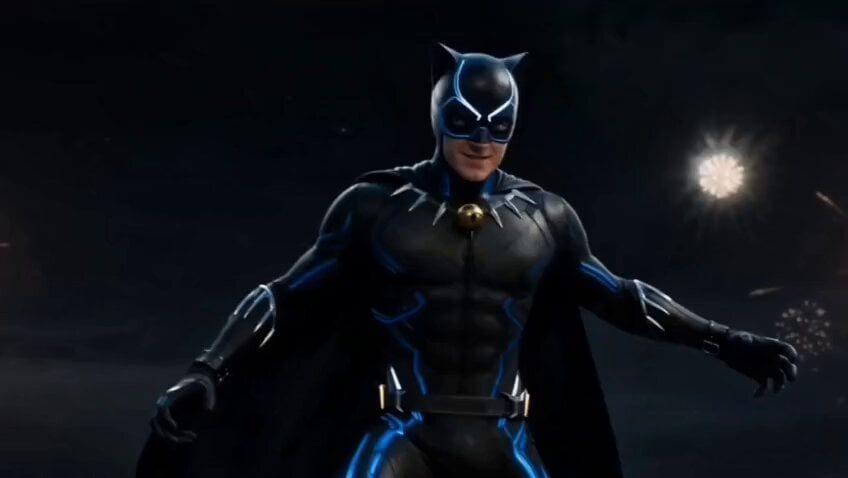
Paris Superhero Action Script
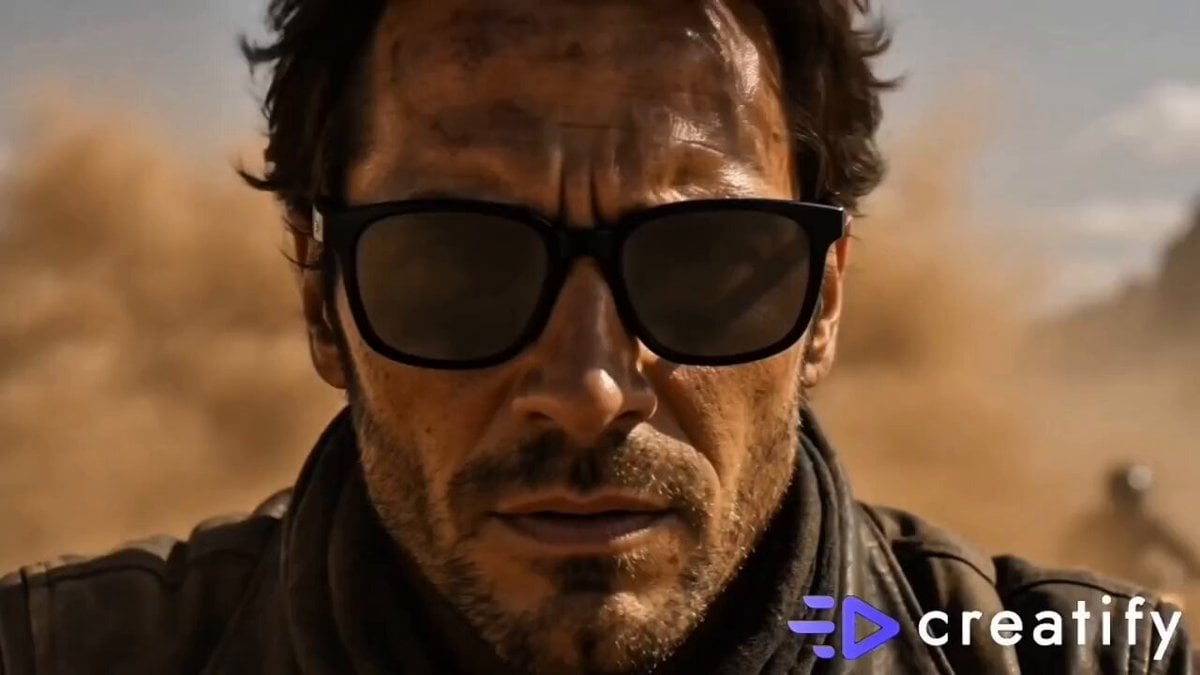
Cinematic Desert Sandstorm Motorcycle Race
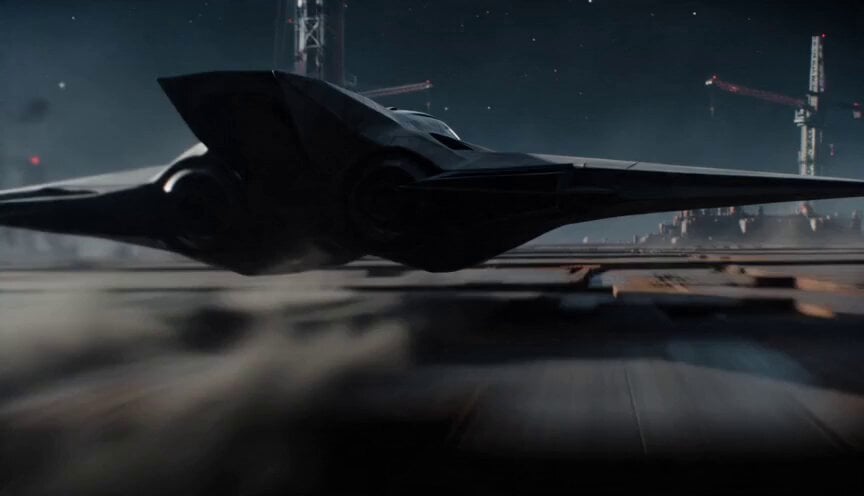
Sci-Fi Interceptor Planet Engine Race
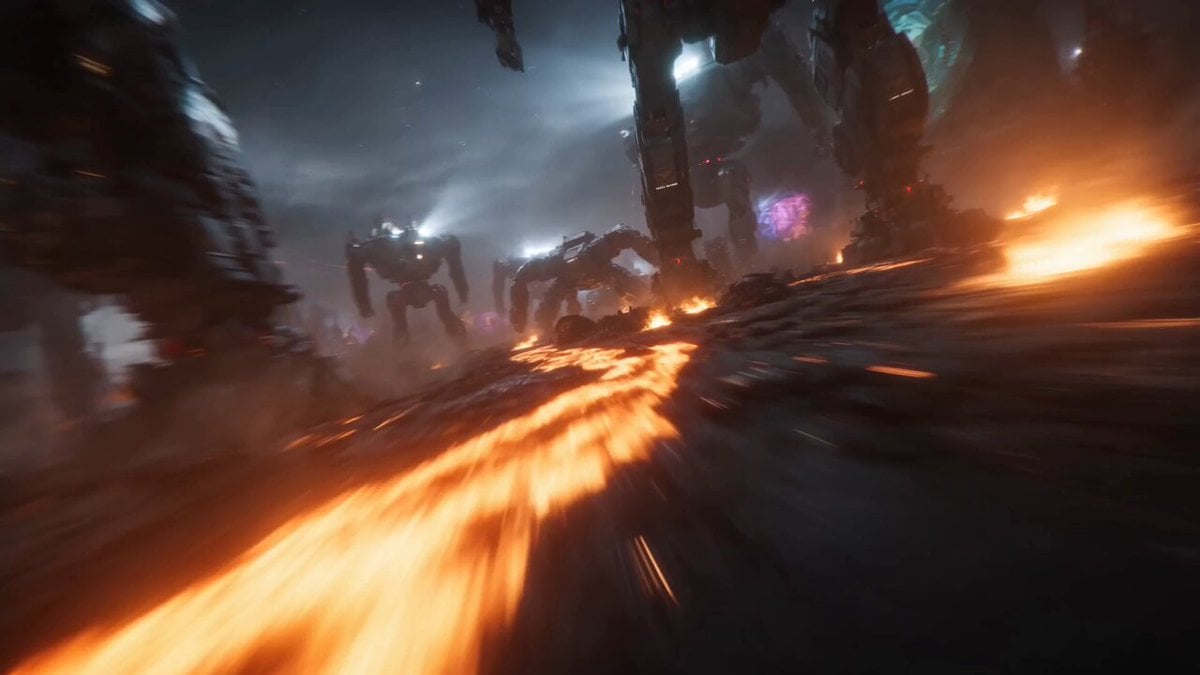
Dystopian Cyborg FPV Race
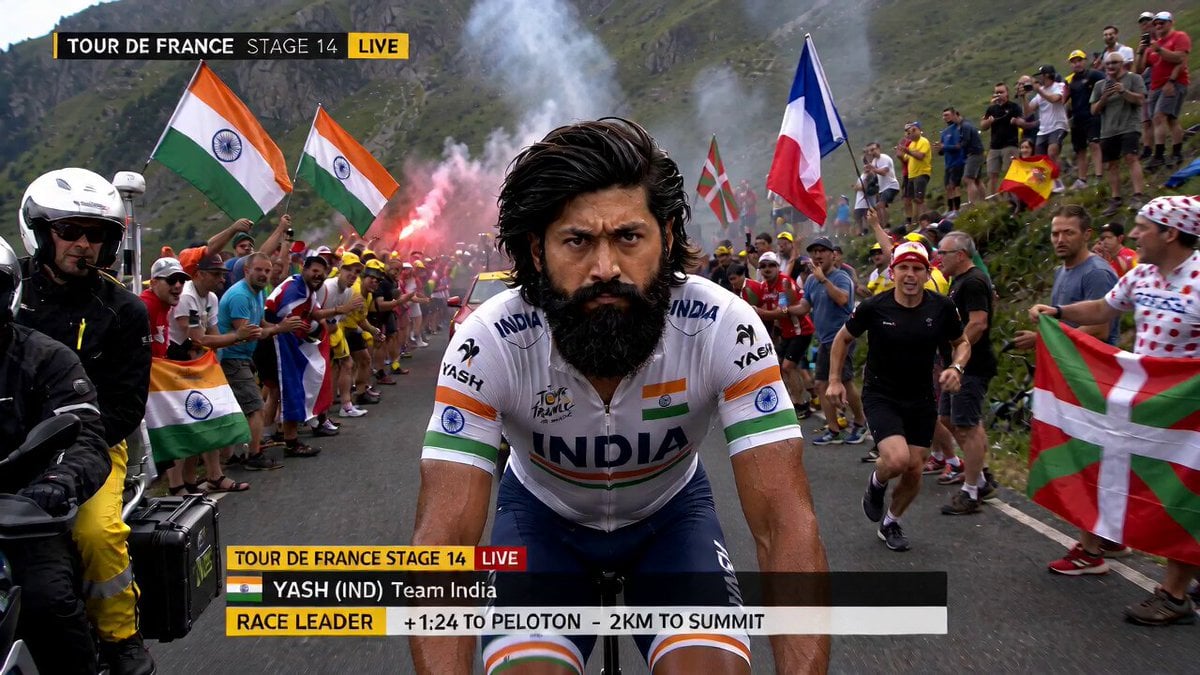
Tour de France Mid-Race Meal
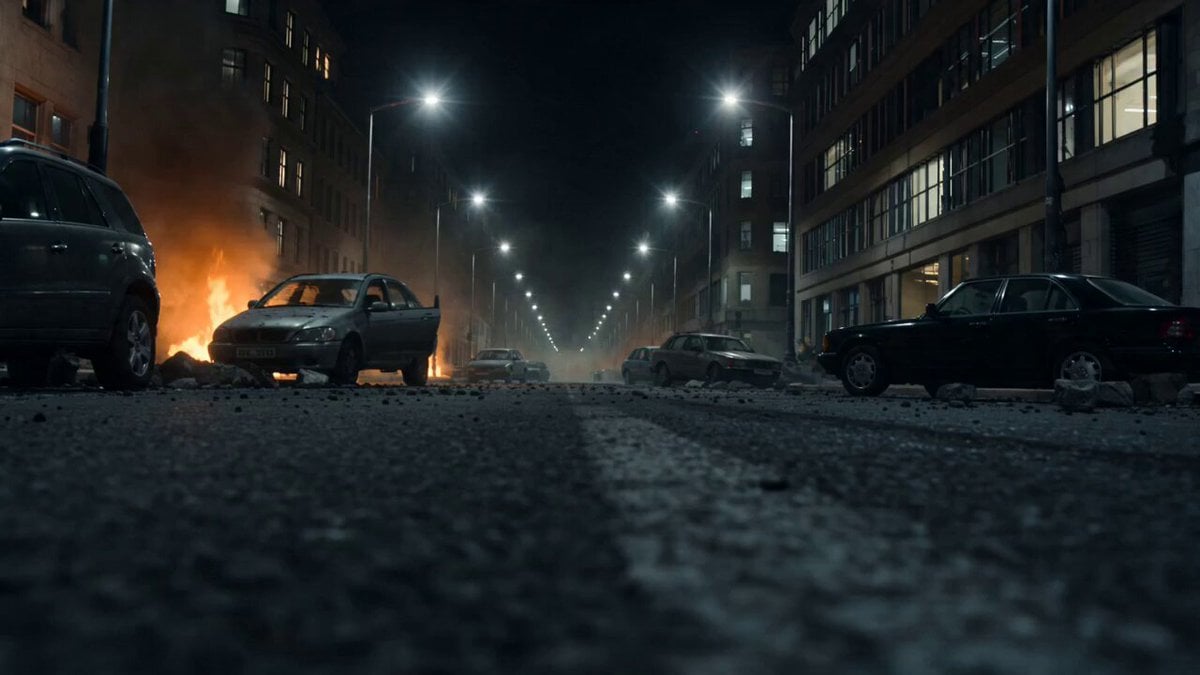
Formula Race Warzone Sequence
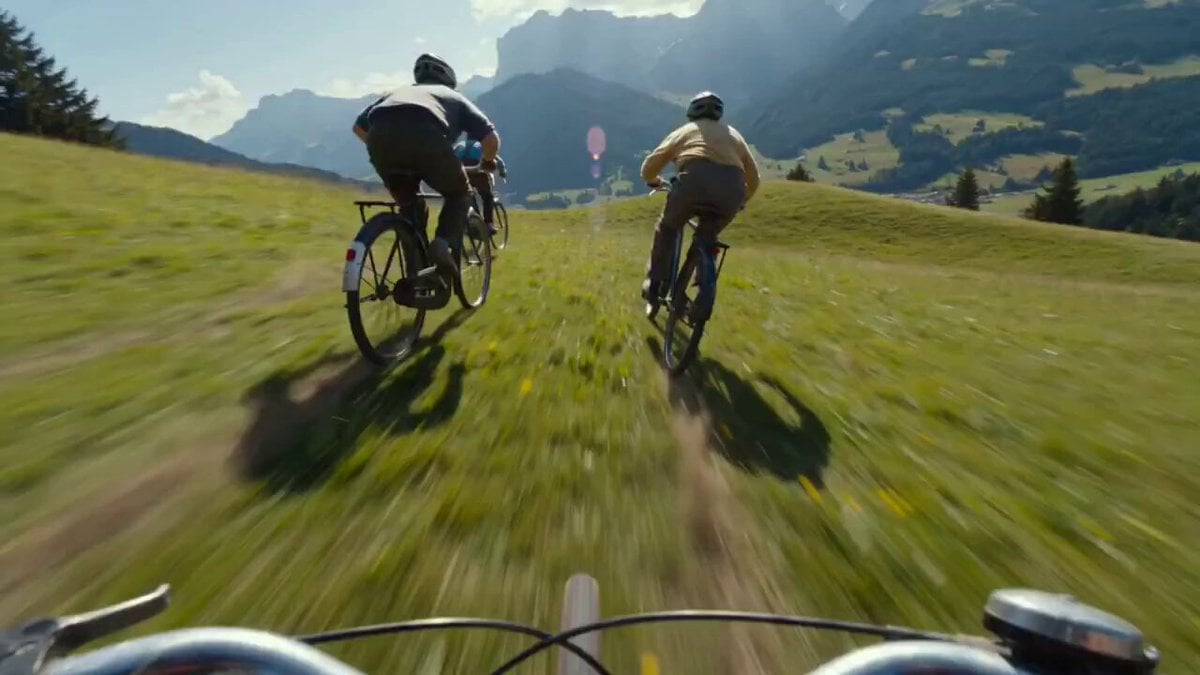
Rocket-Powered Mountain Bike Race
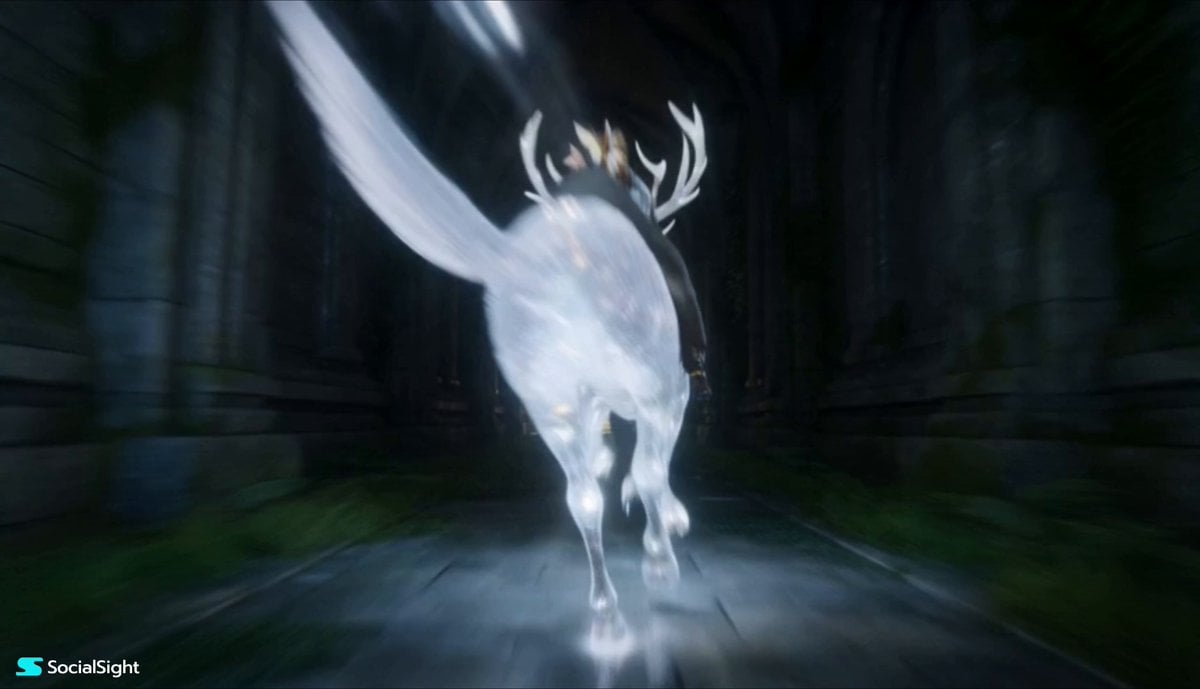
Fantasy Spirit Creature Race
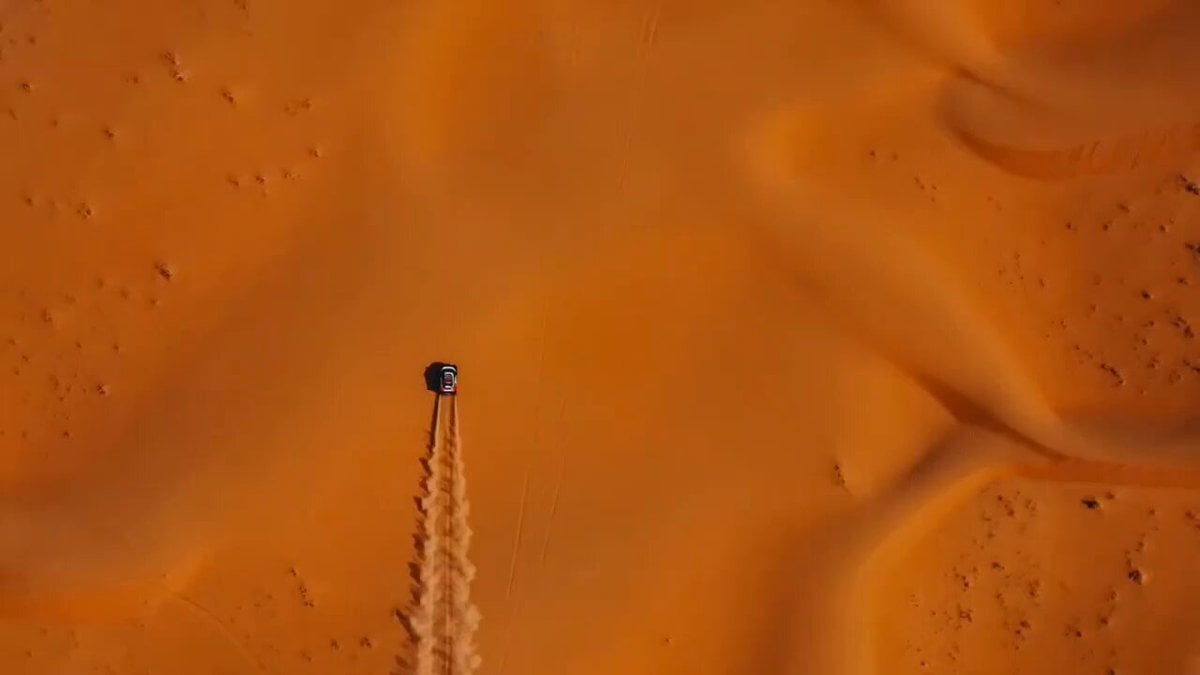
Moroccan Desert Rally Race
Make it yours
Race Her works as-is. These are the safest ways to change it without losing the look.
Change one field
Copy a single group, rewrite it, and generate again so you can see what that field is doing.
Keep the frame, change the subject
Hold the composition and light of Race Her, then swap wardrobe, props or the person for a new take.
| If the result… | Why | Fix |
|---|---|---|
| The result drifts from the preview | Too many fields changed at once. | Reuse Race Her as-is first, then change one group — subject, light, or setting. |
| The model over-stylizes the scene | The prose prompt leaves finish and camera underspecified. | Add one camera or lighting sentence and stay on PicX Studio. |
More video prompts
Fresh picks from across the catalog.
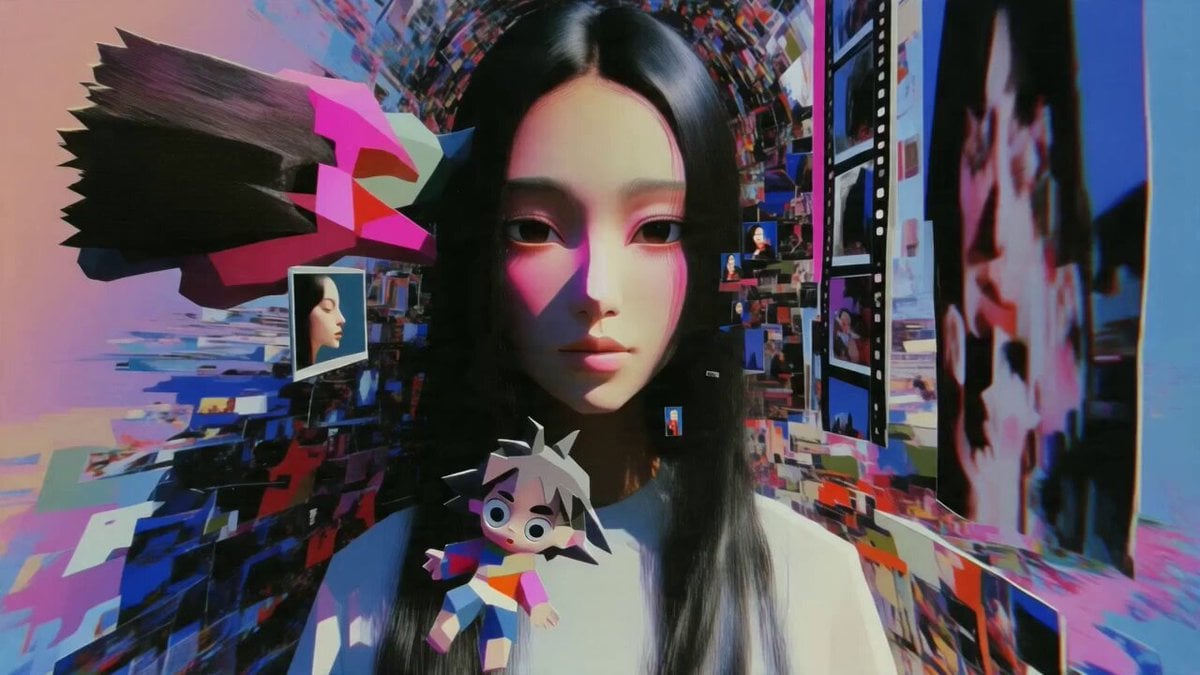
Multidimensional Glitch Morphing Animation
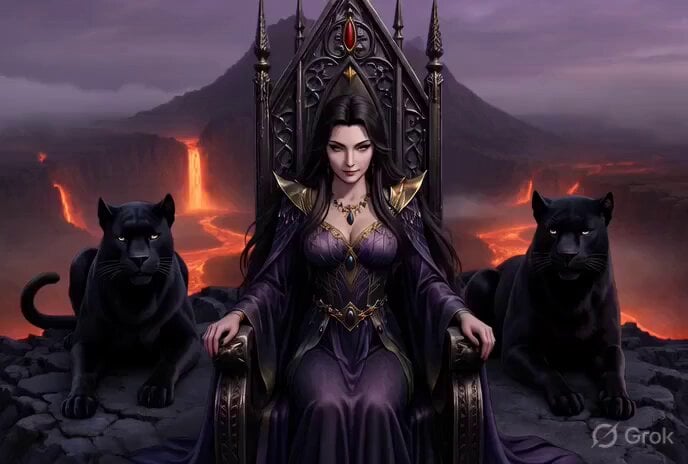
Grok Imagine Video Prompt: Conan-esque Queen on a Volcano Throne
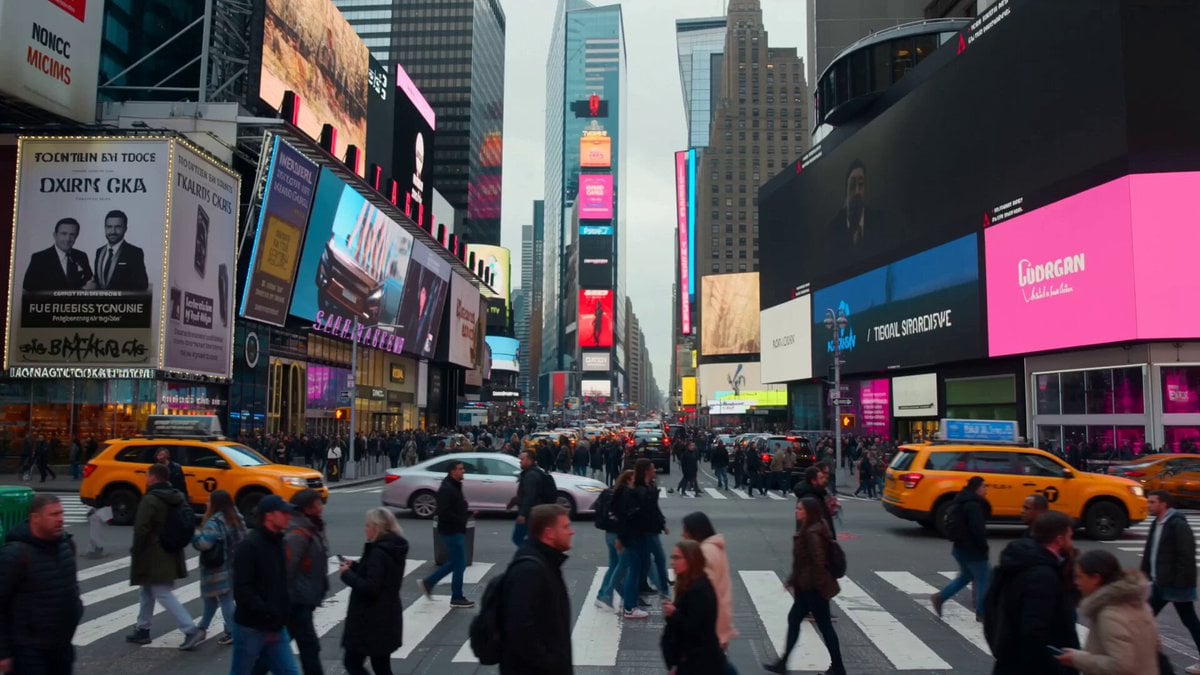
Monochrome to Color Transition Sequence
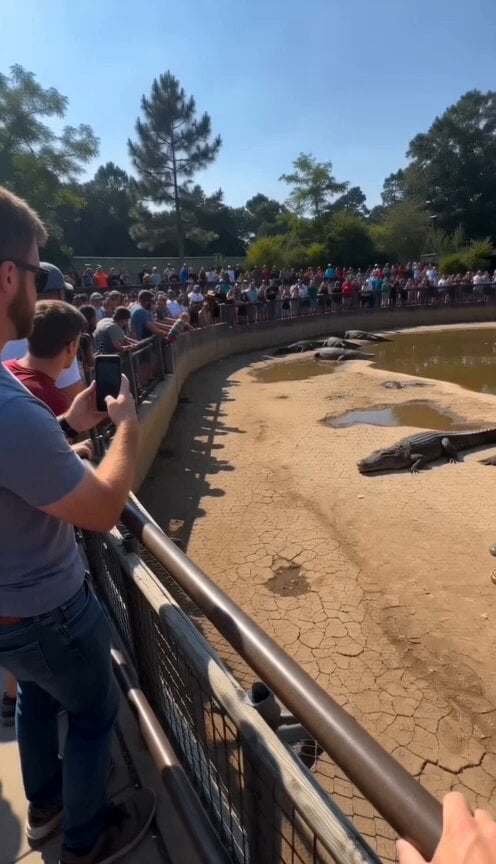
Viral Smartphone Zoo Rescue Scene
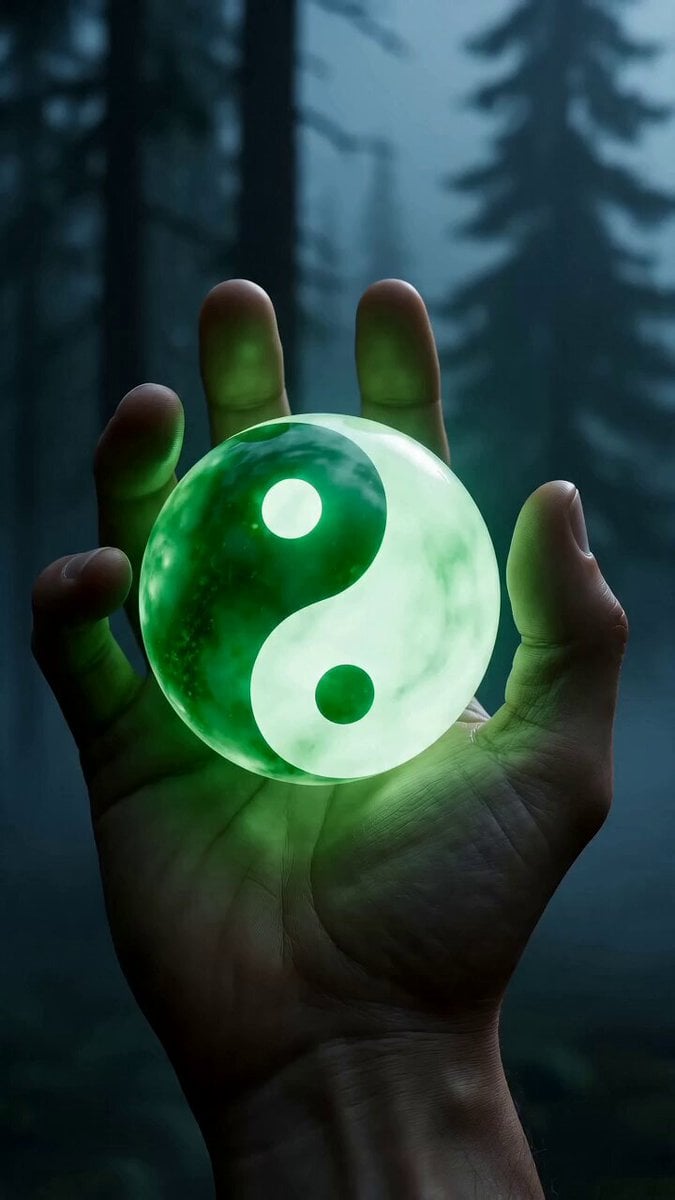
Epic Fantasy VFX Battle Sequence
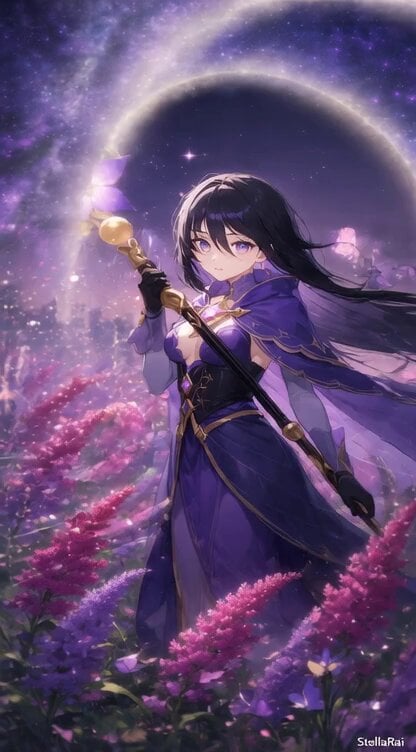
Animate Female Mage in Amaranth Field
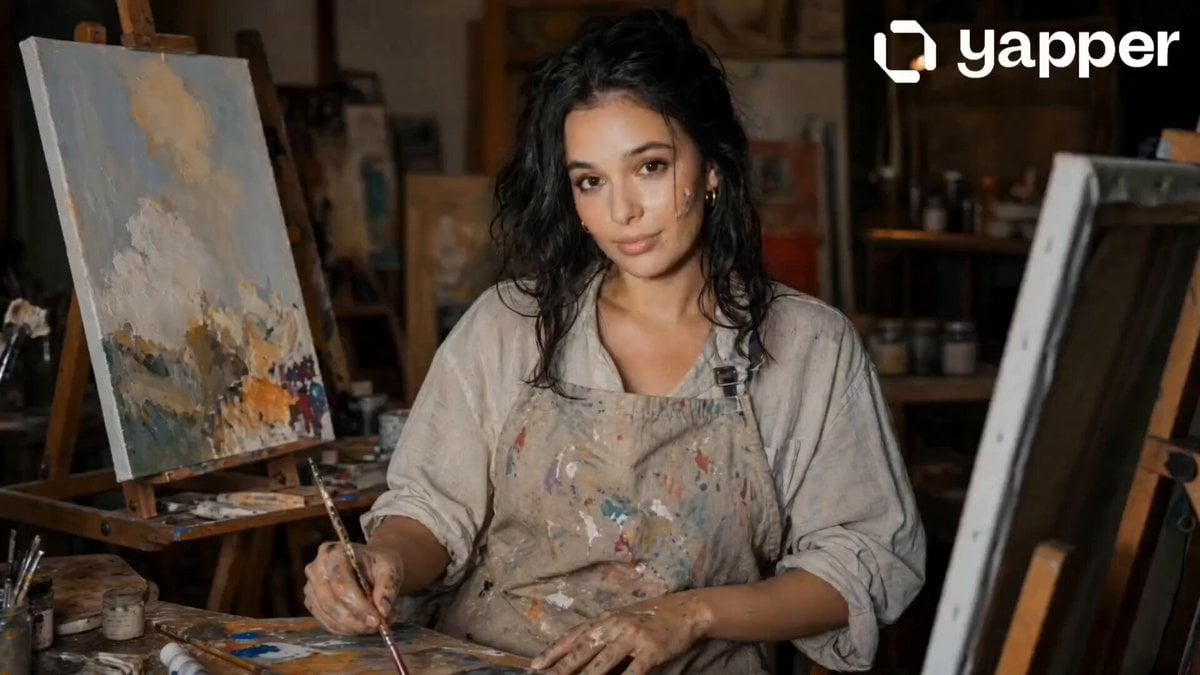
Painting Progress Cinematic Sequence
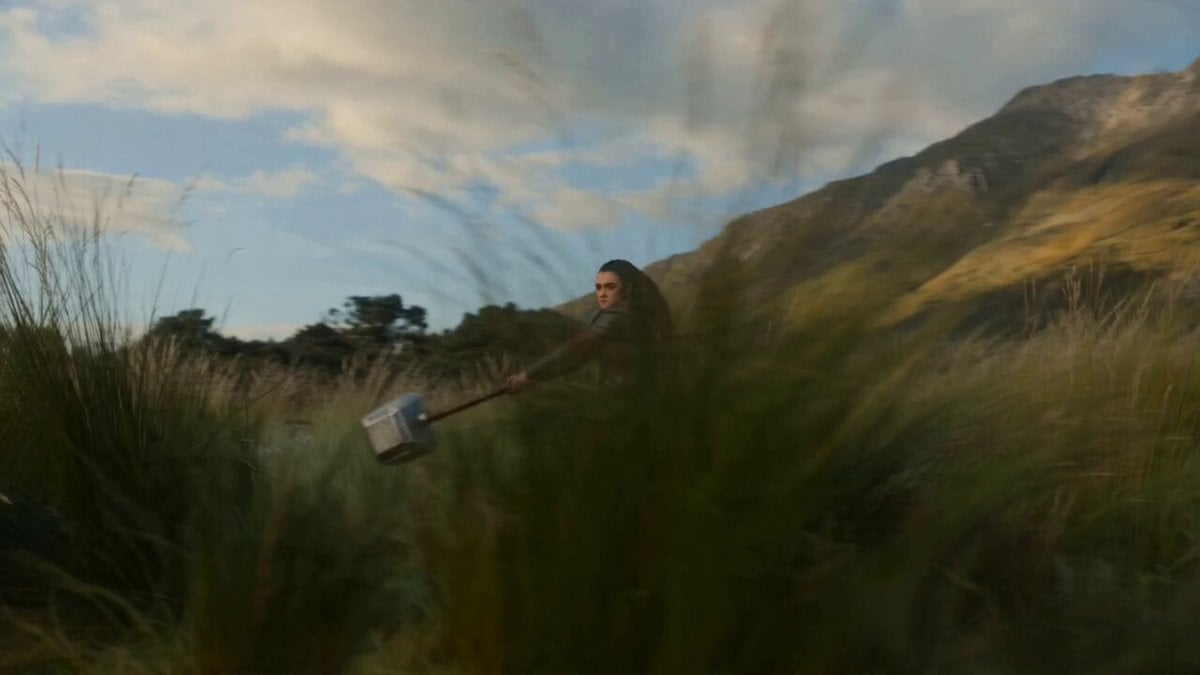
Seedance 2.0 Hammer Throw Prompt
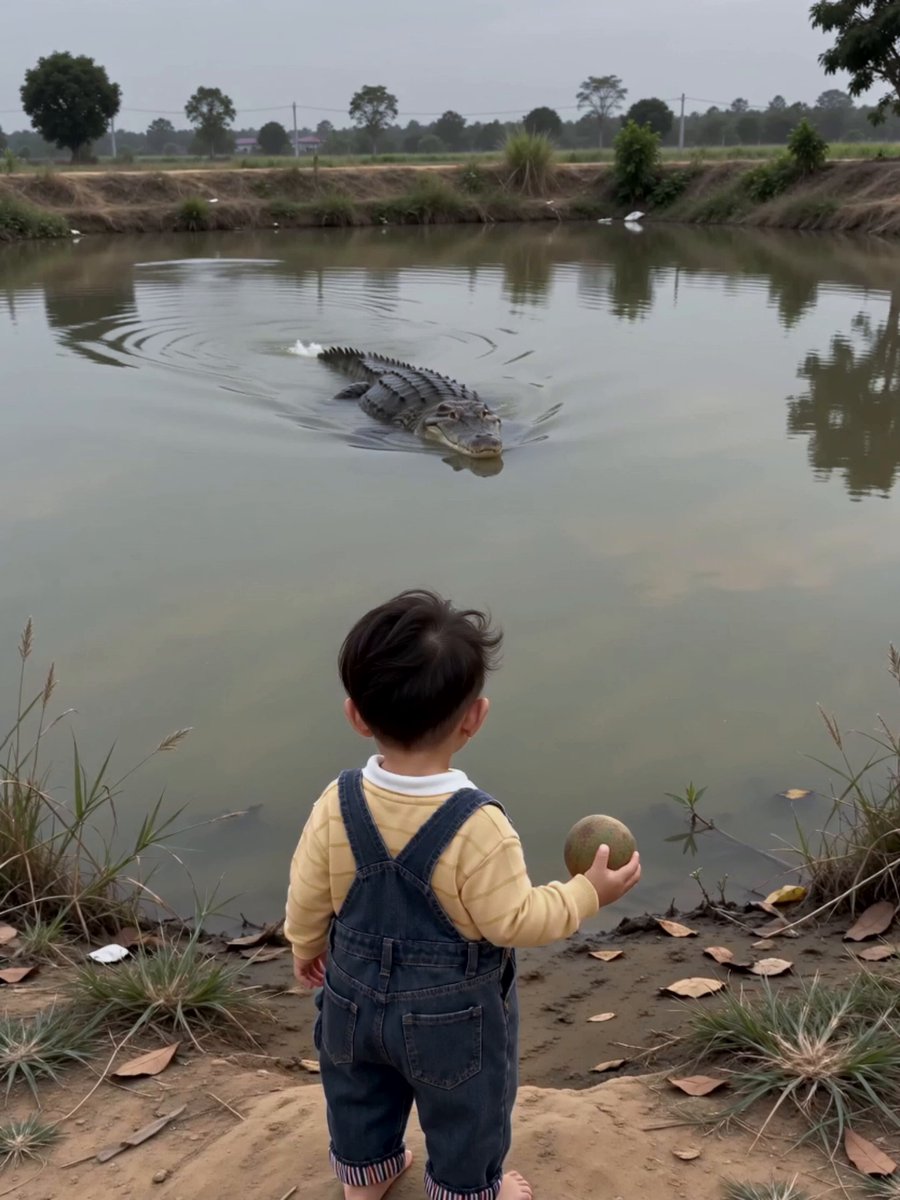
Surreal Crocodile Ball-Toss Comedy
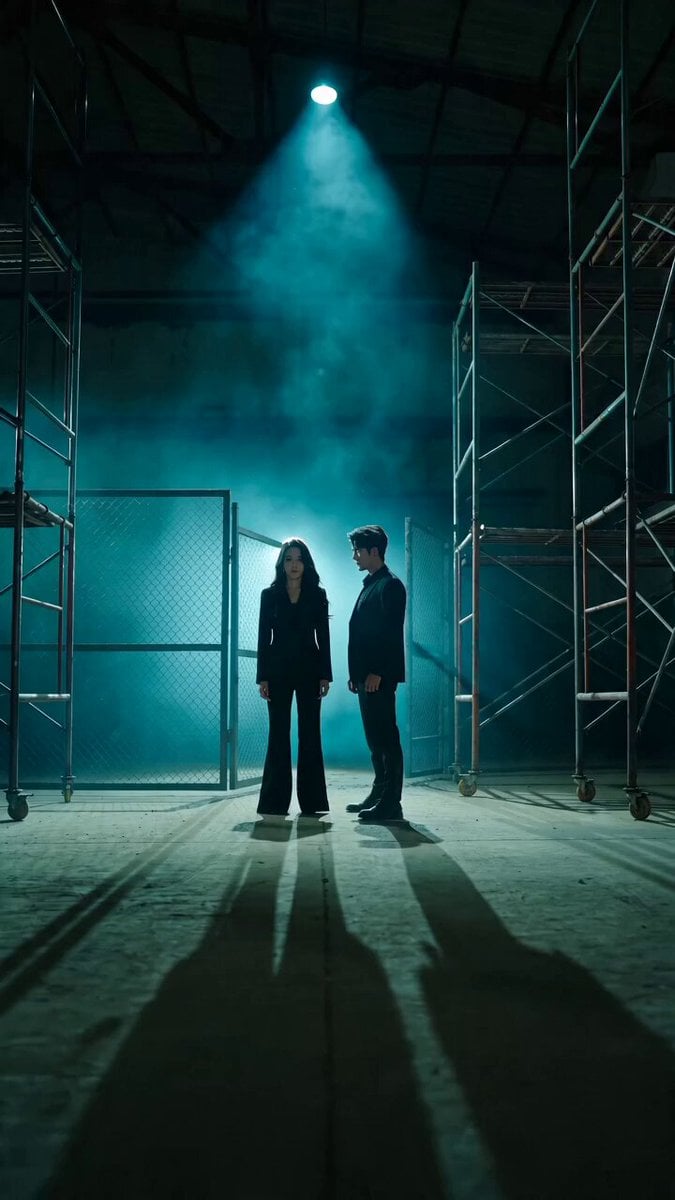
Bodyguard Action Warehouse Sequence
Browse template categories
Race Her questions
How do I use the Race Her template?
Add your photo if the template asks for one, edit the prompt if you like — the template's model and format are already selected — and press Generate. Your version opens in PicX Studio.
Can I customize the Race Her template?
Yes. You can change the subject, setting, lighting, mood, format, and available model controls before creating your video.
Is the Race Her template free?
Opening and editing this template is free. Generating uses credits, shown on the Generate button when you are signed in.
Which AI model should I use?
Choose a compatible model in PicX Studio based on the style, speed, and output controls your project needs.
Looking for something else? Browse all templates.

Your photo, any look
Thousands of ready templates for every top image and video model, from one credit balance.