
Viral Smartphone Zoo Rescue Scene
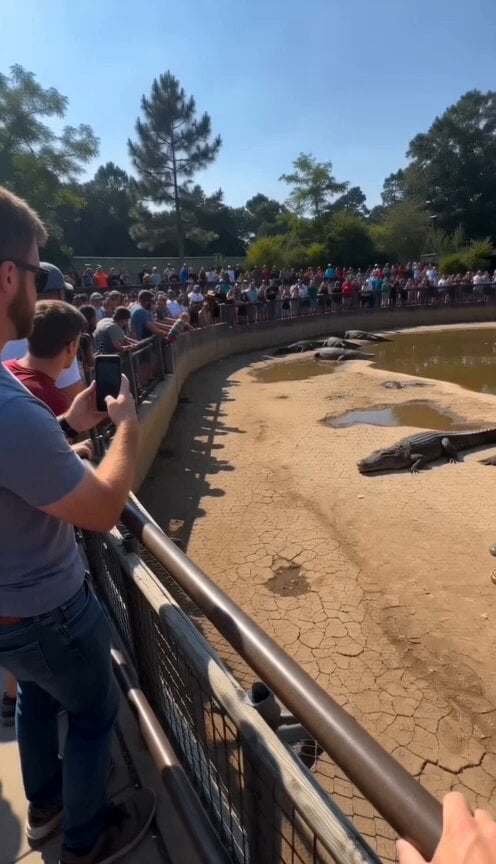
A hyper-realistic prompt for a continuous handheld smartphone-style video depicting a courageous bystander rescuing a child from a crocodile pit in a zoo.
- Prompt included
- Model and format preset
- Free template
The prompt behind this video
Copy the exact prompt behind Viral Smartphone Zoo Rescue Scene, or open it in the studio and make it yours.
A hyper-realistic, real-time viral rescue captured on an ordinary audience member's smartphone. Vertical 9:16, handheld phone camera from the edge of a crowded zoo enclosure overlooking a large dry crocodile pit. The pit contains dozens of enormous crocodiles resting on cracked earth with only a few muddy puddles. A young child accidentally slips over the low barrier and falls several meters into the enclosure. The surrounding crowd immediately gasps in shock, people scream, some begin recording, others shout for help. The crocodiles suddenly become alert and start moving rapidly toward the child. Within seconds, an ordinary bystander throws his phone aside, climbs over the safety barrier, and jumps into the enclosure without hesitation. The audience erupts in panic, yelling "Run!" and "Hurry!" The rescuer sprints across the dusty ground, reaches the terrified child just as the nearest crocodiles close in, lifts the child into his arms, and races back toward the wall. Staff and spectators lean over the barrier, extending their arms to pull them both to safety at the very last moment as one crocodile lunges just behind them. The camera operator reacts naturally throughout the incident: heavy handheld shake while running toward the railing, sudden zoom attempts, imperfect framing, autofocus hunting between the crowd and the rescue, rapid exposure adjustments in bright sunlight, realistic motion blur during fast movement, occasional partial obstruction by people pushing forward, genuine smartphone dynamic range, compressed mobile video quality, authentic phone microphone audio with screaming spectators, children crying, frantic shouting, echoing footsteps, crocodile growls, dust rising from the ground, and no background music or narration. The entire sequence unfolds continuously in real time with no cuts, no slow motion, no cinematic camera movements, no visual effects, no staged acting, no superhero abilities, and no impossible physics. The bystander appears like a normal person making a split-second courageous decision. The final result should feel indistinguishable from an actual viral rescue video uploaded by a witness moments after the incident, with maximum documentary realism.
How to use Viral Smartphone Zoo Rescue Scene in 3 steps
- 1Upload ImagePNG, JPG or paste
Add your photo
Upload the photo the template builds on. The prompt, model and format are already set.
- 2…a portrait of your subject in softgolden-hour light, 85mm…
Personalize
Edit the subject and creative details for your destination.
- 3Generate
Generate
Press Generate — your video is created in PicX Studio, so you can compare it with the original and refine one variable at a time.
More like this
Templates with the same subject, style or setup. Open one to see its prompt.

Smartphone Travel Vlog Tokyo Trip Identity Preserved

Live-Action Firefighter Rescue Night Scene
Ankitpatel Time Freeze Viral
Duttasomrat Time Freeze Viral V2
Johnnywang Tokyo Time Freeze
Duttasomrat Time Freeze Viral
Elevencreative Time Freeze
Mayorking Time Freeze Higgsfield
Misa Time Freeze Japanese
Lillyli Time Freeze Avatar
Cuchocapilla Time Freeze
Monetizationdon Time Freeze Higgsfield
Make it yours
Viral Smartphone Zoo Rescue Scene works as-is. These are the safest ways to change it without losing the look.
Change one field
Copy a single group, rewrite it, and generate again so you can see what that field is doing.
Keep the frame, change the subject
Hold the composition and light of Viral Smartphone Zoo Rescue Scene, then swap wardrobe, props or the person for a new take.
| If the result… | Why | Fix |
|---|---|---|
| The result drifts from the preview | Too many fields changed at once. | Reuse Viral Smartphone Zoo Rescue Scene as-is first, then change one group — subject, light, or setting. |
| The model over-stylizes the scene | The prose prompt leaves finish and camera underspecified. | Add one camera or lighting sentence and stay on Seedance 2.0. |
More Seedance 2.0 templates
Other prompts made for Seedance 2.0.

Comical Martial Arts Punch Scene

Maglev Train Action Sequence

Martial Arts Fight Sequence

Wuxia Protection and Trust Script

Vintage Korean Arcade MiniDV Vlog

Mercedes 190 SL Luxury Ad

Rainy Night Supernatural Reverse Comedy Video Script

Amazon Civilization Discovery

Futuristic South Asian City Transformation

Cozy Luxury Cafe Commercial
More video prompts
Fresh picks from across the catalog.

Fairy Ballerinas in Space Video Prompt

Live Action DBZ Battle Prompt
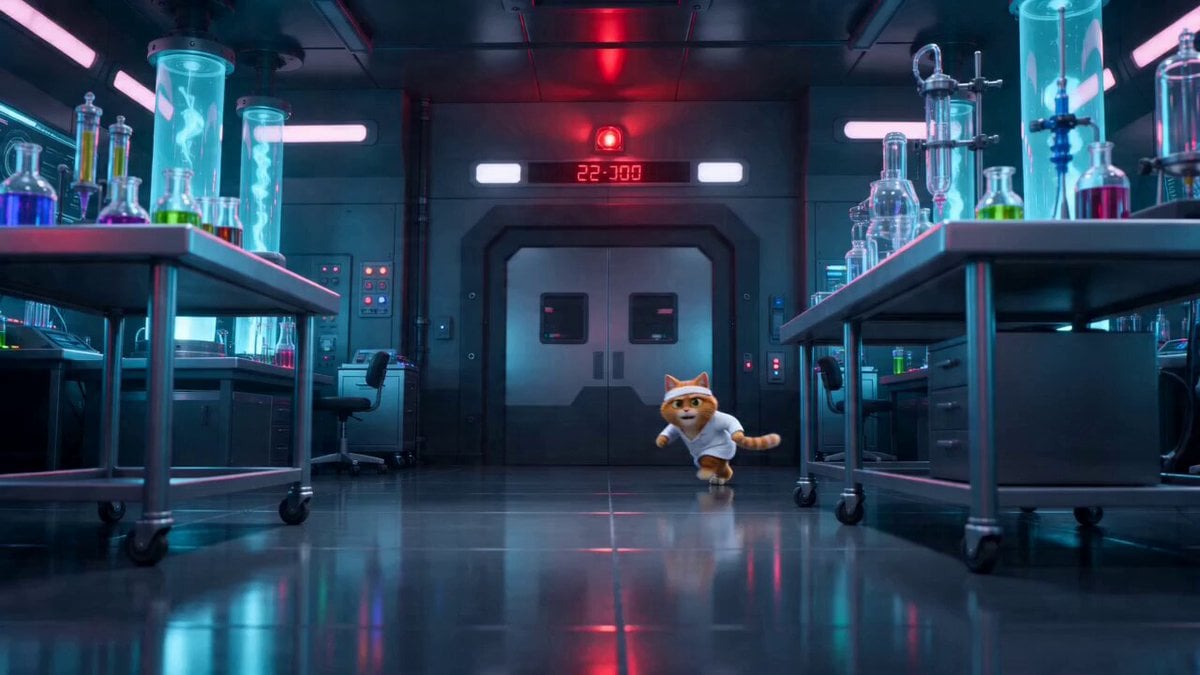
Sci-Fi Dark Comedy Chase Scene

Nostalgic Korean Summer House Video
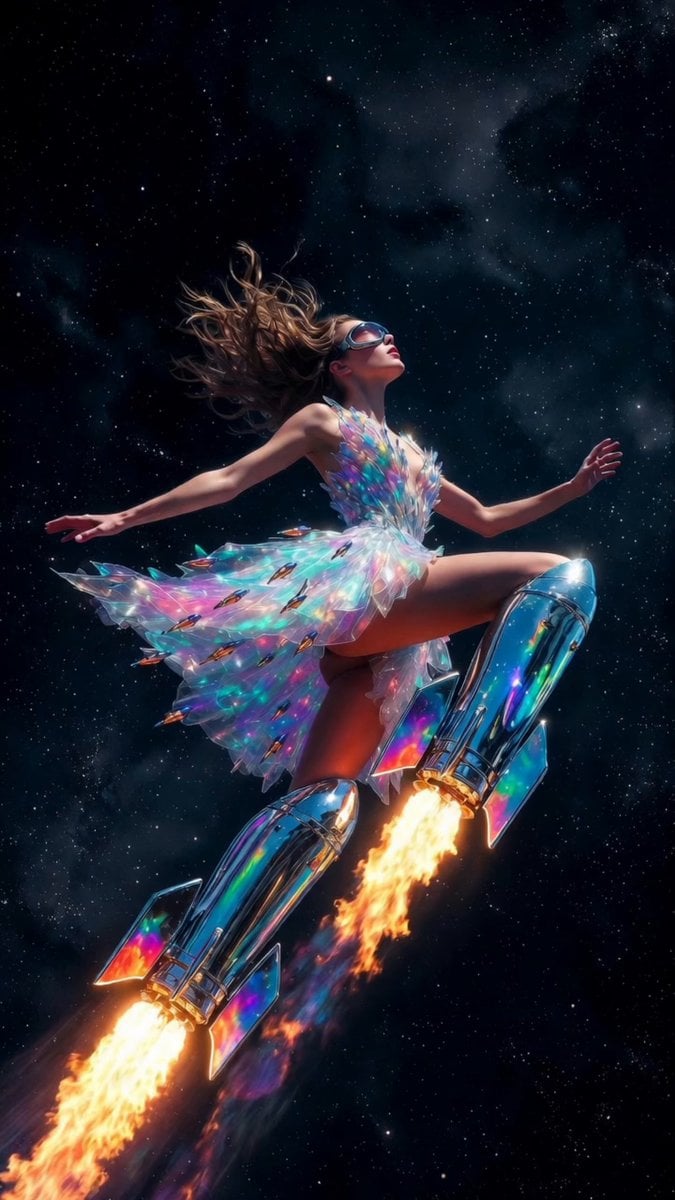
Rocket Boots Space Voyage

Whale Breaching Through Rising Tide
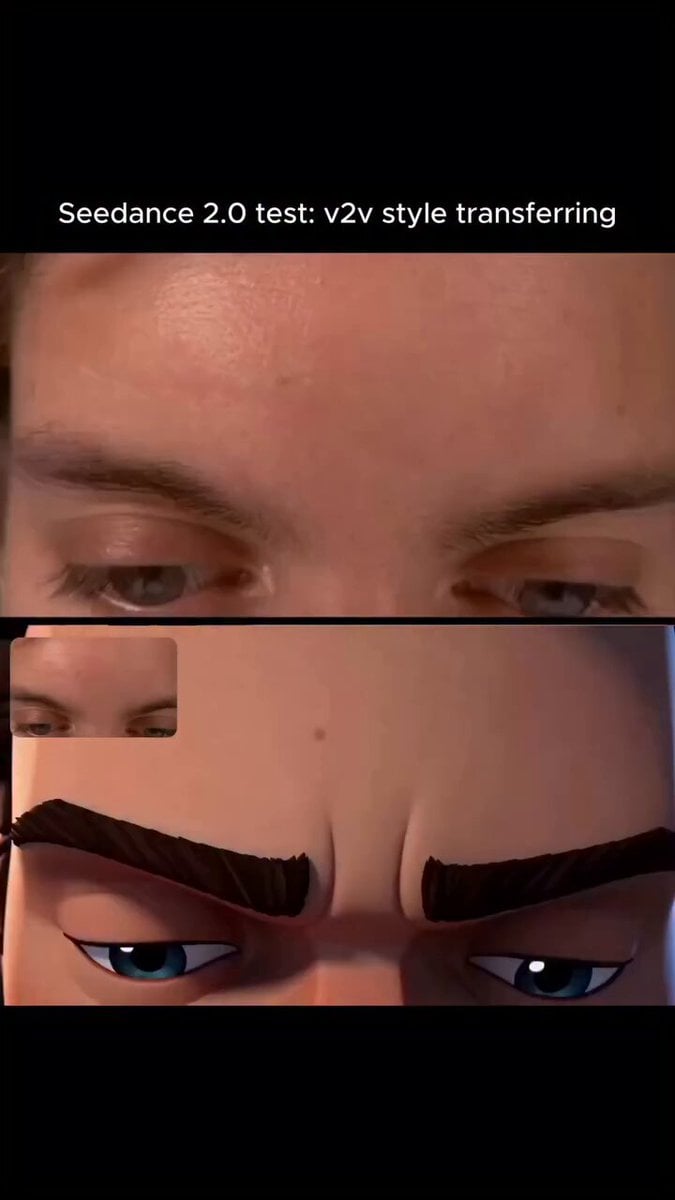
Arcane Style Video Transfer
Luxury Handbag Commercial — Hollywood VFX Ad
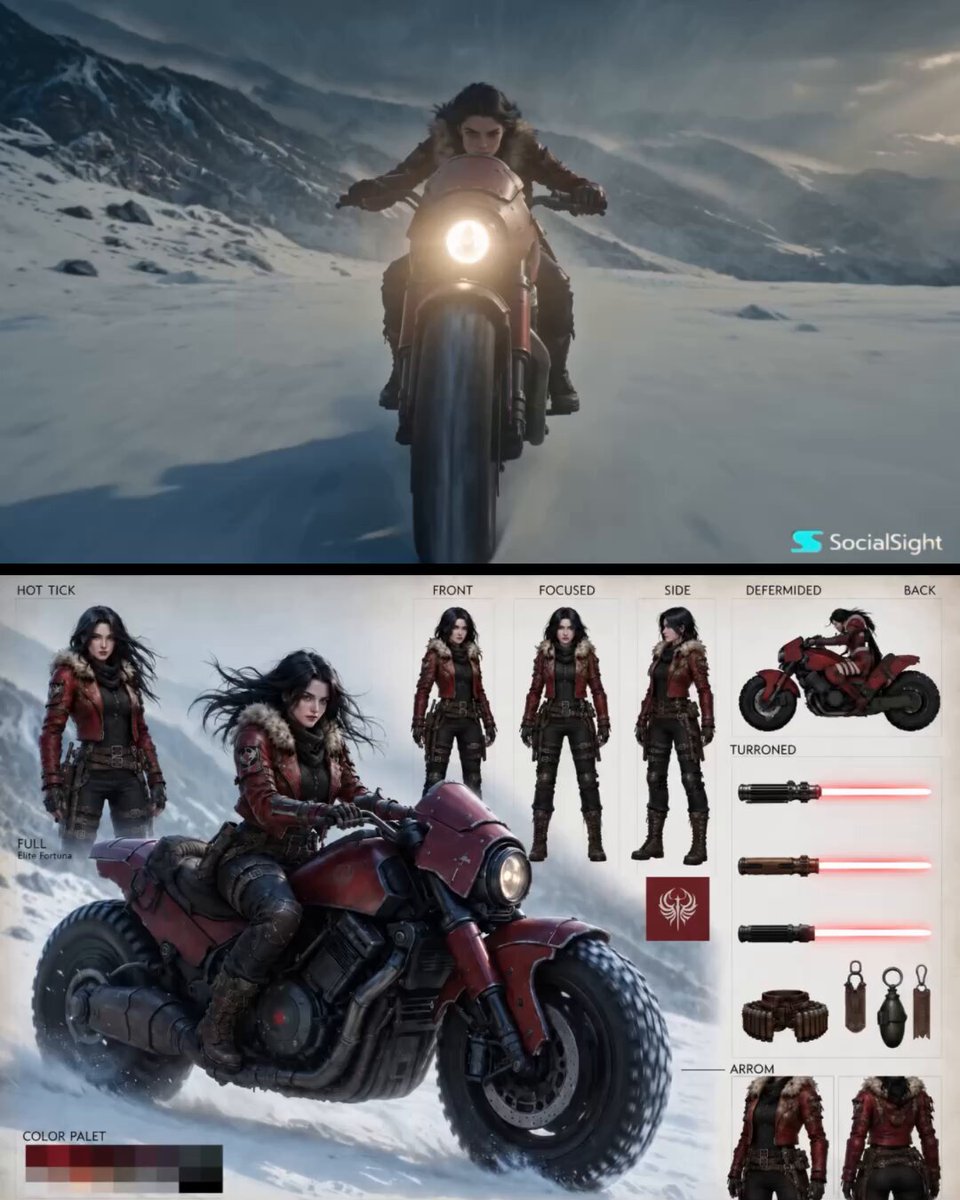
Epic Fantasy Action Cinema
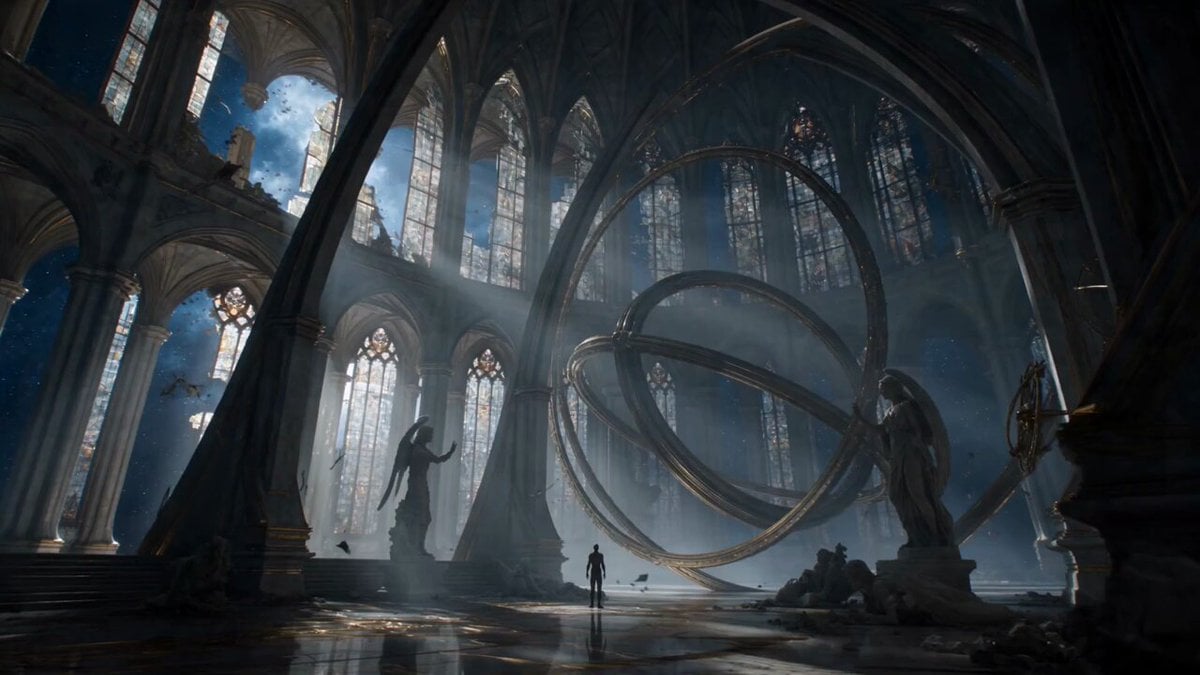
Biomechanical Angel Space Cathedral Transformation
Browse template categories
Viral Smartphone Zoo Rescue Scene questions
How do I use the Viral Smartphone Zoo Rescue Scene template?
Add your photo if the template asks for one, edit the prompt if you like — the template's model and format are already selected — and press Generate. Your version opens in PicX Studio.
Can I customize the Viral Smartphone Zoo Rescue Scene template?
Yes. You can change the subject, setting, lighting, mood, format, and available model controls before creating your video.
Is the Viral Smartphone Zoo Rescue Scene template free?
Opening and editing this template is free. Generating uses credits, shown on the Generate button when you are signed in.
Which AI model should I use?
Start with Seedance 2.0, which is the model associated with this template. You can compare another compatible model for a different finish.
Looking for something else? Browse all templates.

Your photo, any look
Thousands of ready templates for every top image and video model, from one credit balance.