How do I use the Monochrome to Color Transition Sequence template?
Edit the prompt in the box under the preview — the template's model and format are already selected — and press Generate. Your version appears right on this page.
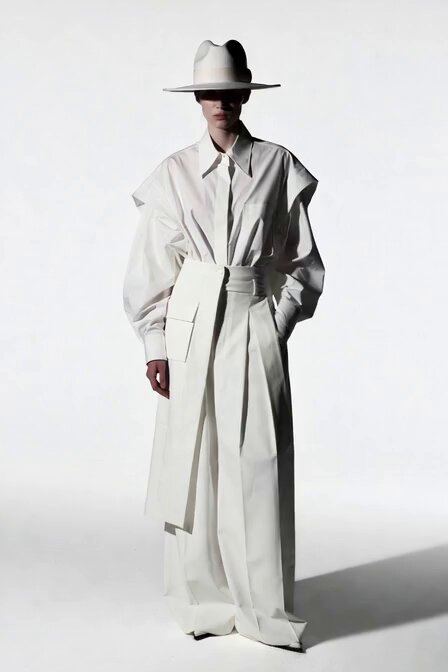
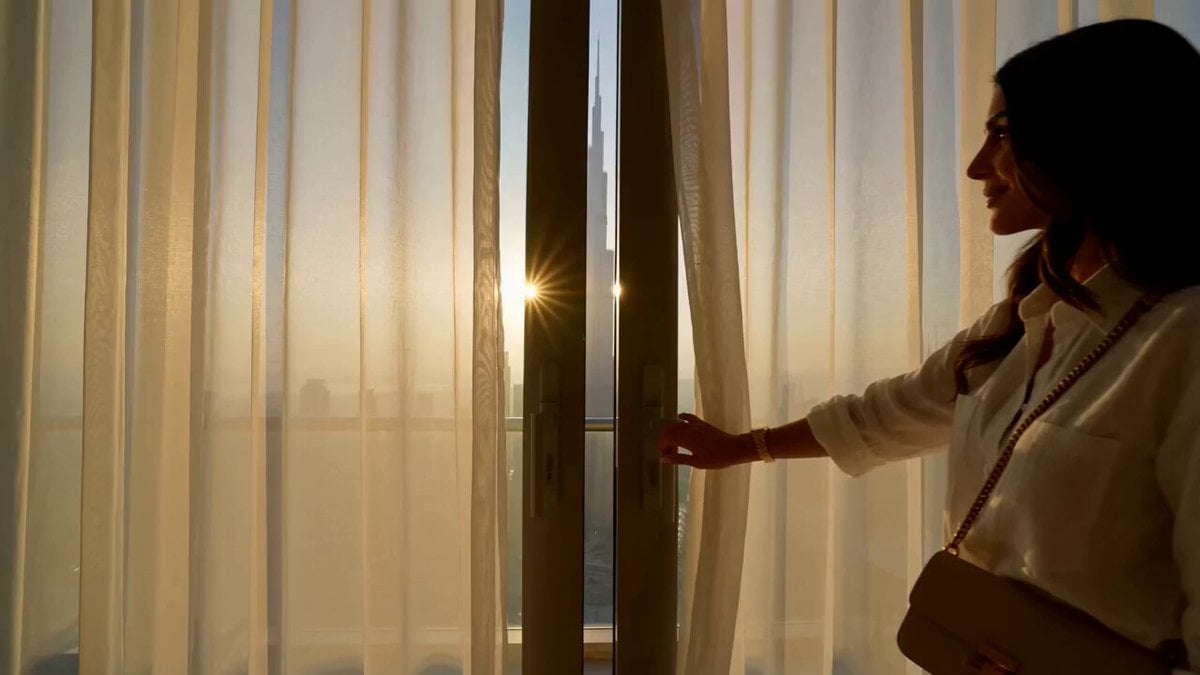
A 15-second cinematic sequence where color drains from a scene except for the main subject based on a reference image.
FORMAT: 15s / 135 BPM / 13 SHOTS SUBJECT: @[image1] WARDROBE: Colored outfit ENVIRONMENT: Street MOOD: Isolated → powerful STYLE: High-contrast cinematic CORE IDEA: Color drains from everything except her SHOT FLOW: Normal scene Colors start fading Background turns monochrome She remains full color Notices Walks Contrast increases She stands out Strong visual focus Slow motion walk Close-up Confident look End
FORMAT: 15s / 135 BPM / 13 SHOTS SUBJECT: @[image1] WARDROBE: Colored outfit ENVIRONMENT: Street MOOD: Isolated → powerful STYLE: High-contrast cinematic CORE IDEA: Color drains from everything except her SHOT FLOW: Normal scene Colors start fading Background turns monochrome She remains full color Notices Walks Contrast increases She stands out Strong visual focus Slow motion walk Close-up Confident look End
Edit the prompt in the box under the preview — the template's model and format are already selected — and press Generate. Your version appears right on this page.
Yes. You can change the subject, setting, lighting, mood, format, and available model controls before creating your video.
Opening and editing this template is free. Generating uses credits, shown on the Generate button when you are signed in.
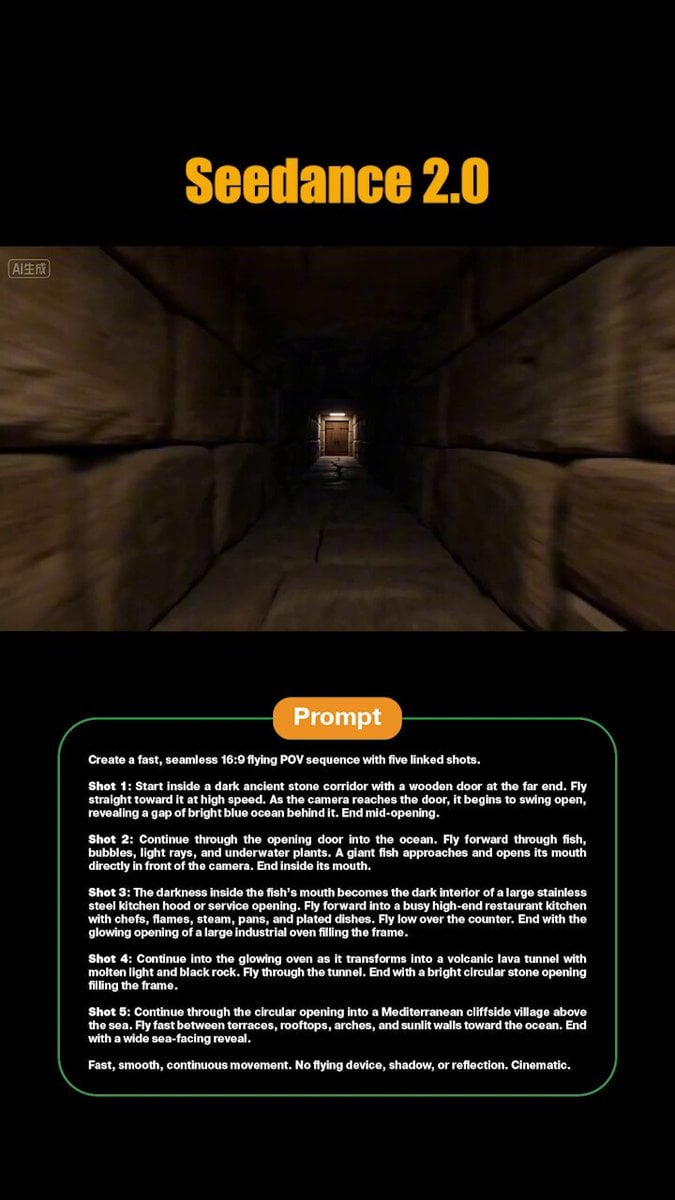
Start with Seedance 2.0, which is the model associated with this template. You can compare another compatible model for a different finish.
Follow a topic to a crawlable collection of related PicX Studio templates.