How do I use the FPV Flyover Transition Sequence template?
Edit the prompt in the box under the preview — the template's model and format are already selected — and press Generate. Your version appears right on this page.
A highly detailed, multi-shot prompt for Seedance 2.0 designed to create a fast, seamless, continuous 16:9 flying POV sequence transitioning through five distinct environments: a dark corridor, underwater, a busy…
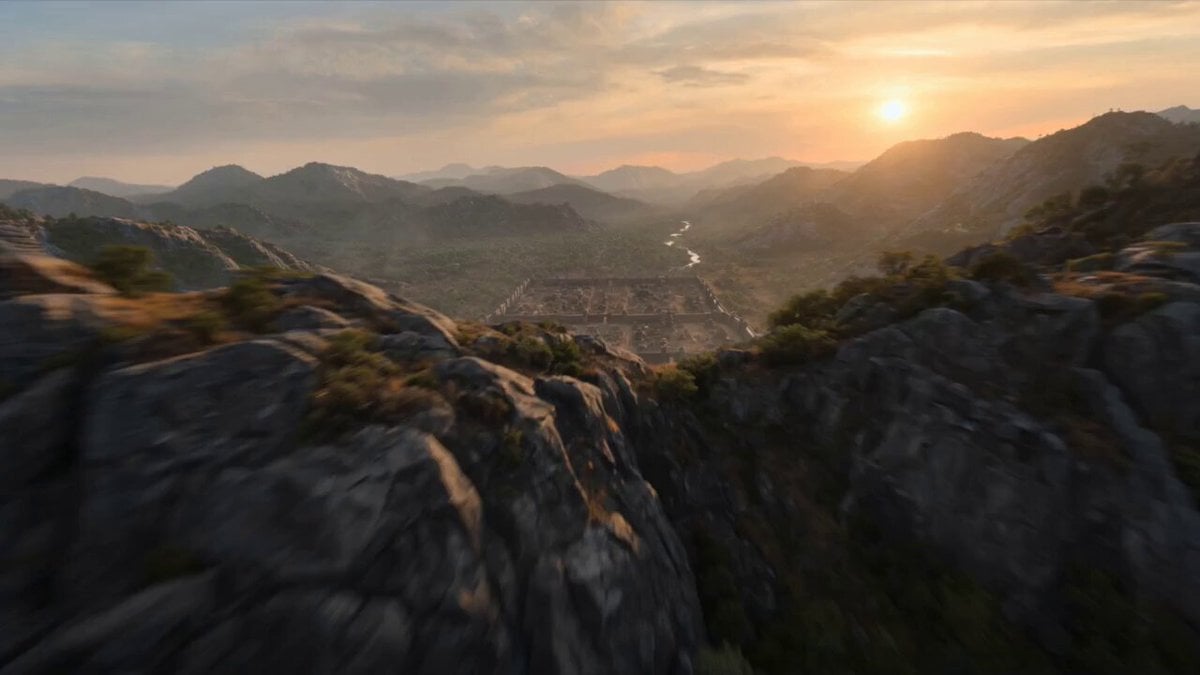
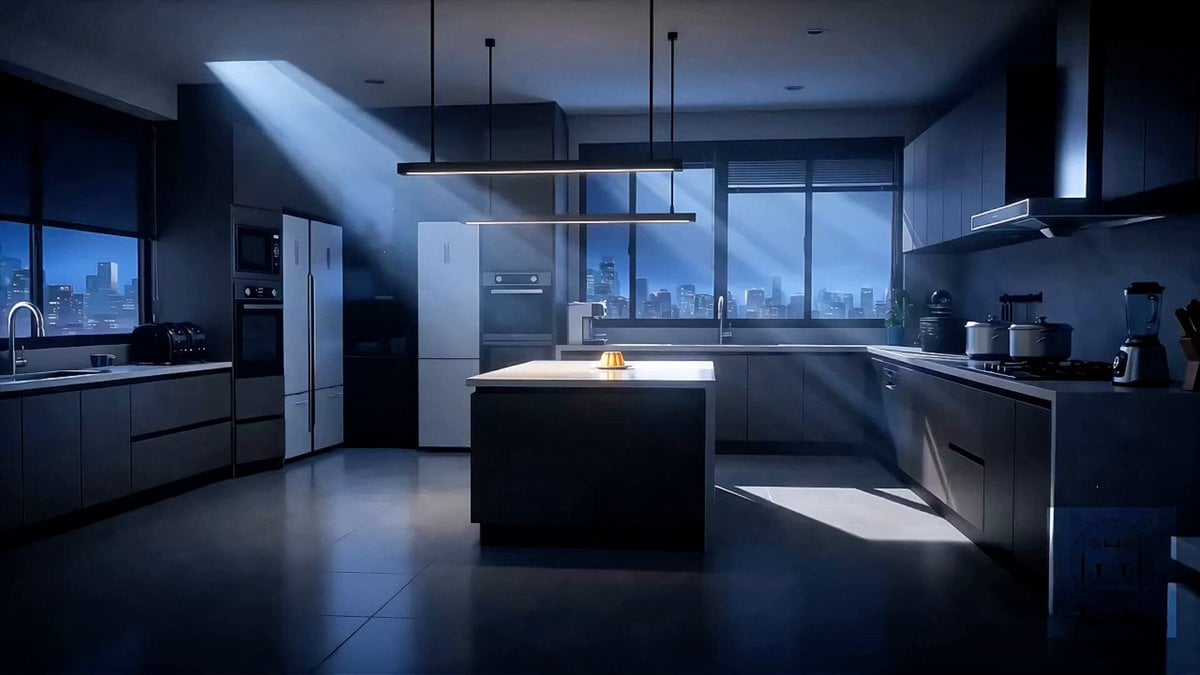
Create a fast, seamless 16:9 flying POV sequence with five linked shots. Shot 1: Start inside a dark ancient stone corridor with a wooden door at the far end. Fly straight toward it at high speed. As the camera reaches the door, it begins to swing open, revealing a gap of bright blue ocean behind it. End mid-opening. Shot 2: Continue through the opening door into the ocean. Fly forward through fish, bubbles, light rays, and underwater plants. A giant fish approaches and opens its mouth directly in front of the camera. End inside its mouth. Shot 3: The darkness inside the fish’s mouth becomes the dark interior of a large stainless steel kitchen hood or service opening. Fly forward into a busy high-end restaurant kitchen with chefs, flames, steam, pans, and plated dishes. Fly low over the counter. End with the glowing opening of a large industrial oven filling the frame. Shot 4: Continue into the glowing oven as it transforms into a volcanic lava tunnel with molten light and black rock. Fly through the tunnel. End with a bright circular stone opening filling the frame. Shot 5: Continue through the circular opening into a Mediterranean cliffside village above the sea. Fly fast between terraces, rooftops, arches, and sunlit walls toward the ocean. End with a wide sea-facing reveal. Fast, smooth, continuous movement. No flying device, shadow, or reflection. Cinematic.
Create a fast, seamless 16:9 flying POV sequence with five linked shots. Shot 1: Start inside a dark ancient stone corridor with a wooden door at the far end. Fly straight toward it at high speed. As the camera reaches the door, it begins to swing open, revealing a gap of bright blue ocean behind it. End mid-opening. Shot 2: Continue through the opening door into the ocean. Fly forward through fish, bubbles, light rays, and underwater plants. A giant fish approaches and opens its mouth directly in front of the camera. End inside its mouth. Shot 3: The darkness inside the fish’s mouth becomes the dark interior of a large stainless steel kitchen hood or service opening. Fly forward into a busy high-end restaurant kitchen with chefs, flames, steam, pans, and plated dishes. Fly low over the counter. End with the glowing opening of a large industrial oven filling the frame. Shot 4: Continue into the glowing oven as it transforms into a volcanic lava tunnel with molten light and black rock. Fly through the tunnel. End with a bright circular stone opening filling the frame. Shot 5: Continue through the circular opening into a Mediterranean cliffside village above the sea. Fly fast between terraces, rooftops, arches, and sunlit walls toward the ocean. End with a wide sea-facing reveal. Fast, smooth, continuous movement. No flying device, shadow, or reflection. Cinematic.
Edit the prompt in the box under the preview — the template's model and format are already selected — and press Generate. Your version appears right on this page.
Yes. You can change the subject, setting, lighting, mood, format, and available model controls before creating your video.
Opening and editing this template is free. Generating uses credits, shown on the Generate button when you are signed in.
Start with Seedance 2.0, which is the model associated with this template. You can compare another compatible model for a different finish.
Follow a topic to a crawlable collection of related PicX Studio templates.