
Pearl Harbor Attack — Seedance 2.0 FPV
FPV drone Pearl Harbor attack: WWII naval battle, battleship explosions, kamikaze, Seedance 2.0
- Prompt included
- Model and format preset
- Free template
The prompt behind this video
Copy the exact prompt behind Pearl Harbor Attack — Seedance 2.0 FPV, or open it in the studio and make it yours.
FPV drone shot beginning in complete calm above the confined waters of Pearl Harbor at early dawn, soft golden sunrise reflecting across tightly anchored battleships aligned in parallel formation along Battleship Row, some moored directly to the docks while others are secured to buoys, thick steel hulls sitting motionless in the still water, faint crew movement visible on decks, smoke lazily rising from chimneys, the camera gliding low just inches above the water surface creating subtle ripples between the closely spaced ships, emphasizing the restricted harbor layout the drone threads through the narrow gaps between massive battleships, passing close to ropes, anchor chains, and dock structures, then banking upward along the side of a moored ship revealing sailors going about a normal morning routine, flags gently waving in the breeze, ambient silence broken only by distant engine hums. Suddenly, a faint distant roar builds. The drone sharply tilts upward toward the sky as multiple Japanese aircraft appear as small silhouettes against the sun, rapidly growing larger, diving aggressively toward the tightly packed harbor. The drone accelerates forward and upward to intercept, narrowly passing beneath the first wave of planes as they scream overhead. The drone instantly pitches down following a falling bomb in a high-speed vertical dive, tracking it with extreme precision as it slams into a moored battleship deck. A massive explosion erupts, shockwave distorting the air, fireball expanding outward with debris. The drone pulls away at the last millisecond, banking hard to avoid shrapnel as explosions chain across adjacent ships, fire spreading rapidly, oil spilling into the water and igniting into rolling fire across the surface. The drone bursts through the explosion cloud, emerging into a fully engulfed harbor — ships listing, some capsizing, thick smoke columns merging into a darkened sky. A lone damaged Japanese aircraft enters frame at extreme speed, trailing fire and smoke, flying dangerously low through the narrow harbor corridor. Both descend rapidly between burning ships. The plane slams directly into a battleship's deck. The drone punches through the explosion cloud and pulls up vertically through dense smoke, revealing a top-down view of the devastated harbor completely engulfed in fire. Fade to black through thick smoke and embers. Hyper-realistic WWII naval harbor environment, accurate.
How to use Pearl Harbor Attack — Seedance 2.0 FPV in 3 steps
- 1
Open
The prompt is already in the box next to the preview, with the template's model and format selected.
- 2…a portrait of your subject in softgolden-hour light, 85mm…
Personalize
Edit the subject and creative details for your destination.
- 3Generate
Generate
Press Generate — your video is created in PicX Studio, so you can compare it with the original and refine one variable at a time.
More like this
Templates with the same subject, style or setup. Open one to see its prompt.
Slow-Motion 90s Diner Explosion - Seedance 2.5
Impossible Naval War Camera Shot Prompt for Seedance 2.0
Naval Painting Breach — Art Gallery Flood (Seedance)

Cinematic Short Film Scene

Kyoto Morning Selfie Vlog
X Chillaikalan Nano Banana Pro Seedance 20

Gpt2 Gpt2 Seedance Storyboard to Video
Seedance Seedance 20 Urban Romance Wall Pin Kiss
Seedance Wind Guides Path
Time Stealer — Seedance 2.0
Out of Control — Seedance 2.0
The Ark — Seedance 2.0 Epic Trailer
Make it yours
Pearl Harbor Attack — Seedance 2.0 FPV works as-is. These are the safest ways to change it without losing the look.
Change one field
Copy a single group, rewrite it, and generate again so you can see what that field is doing.
Keep the frame, change the subject
Hold the composition and light of Pearl Harbor Attack — Seedance 2.0 FPV, then swap wardrobe, props or the person for a new take.
| If the result… | Why | Fix |
|---|---|---|
| The result drifts from the preview | Too many fields changed at once. | Reuse Pearl Harbor Attack — Seedance 2.0 FPV as-is first, then change one group — subject, light, or setting. |
| The model over-stylizes the scene | The prose prompt leaves finish and camera underspecified. | Add one camera or lighting sentence and stay on Video Seedance. |
More Video Seedance templates
Other prompts made for Video Seedance.
X Johnagi168 Work Seedance Video
X Johnagi168 This Is My Work Gpt Image 2 Seedance 2 0
Emily Seedance Pixel Horror Rpg
Mrdasonx Quantum Missile Bullet Time
Ai Gezgini Hiroshima Fpv
Olivio Sarikas Shrinking Girl Bee
Emily Seedance Tokusatsu Sisters
Alla Kling World Acceleration
City Timelapse Growth — Seedance 2.0
Underground Temple Escape — Seedance 2.0
More video prompts
Fresh picks from across the catalog.
Salmon Bite Sensory Experience Prompt
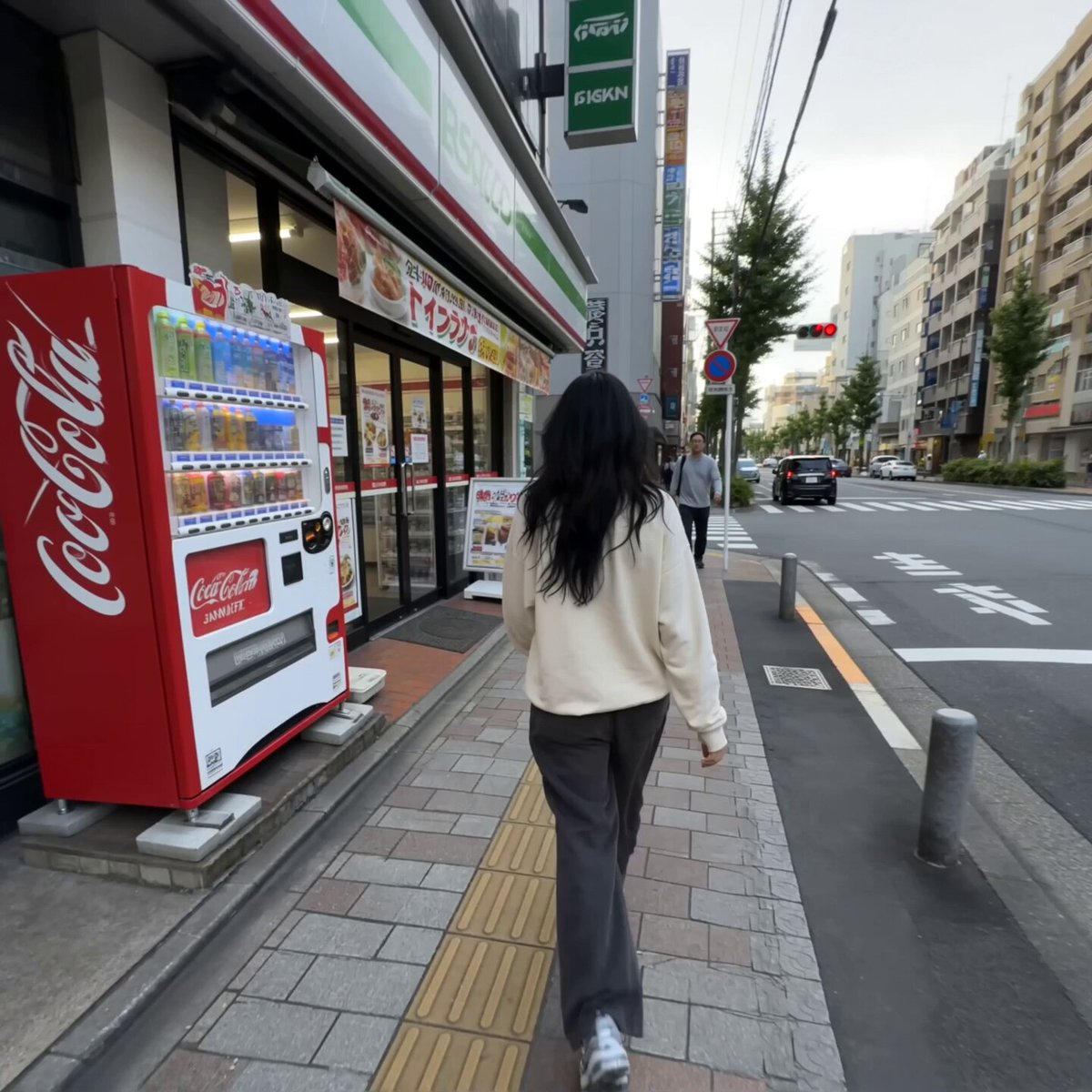
Realistic Tokyo Convenience Store Vlog
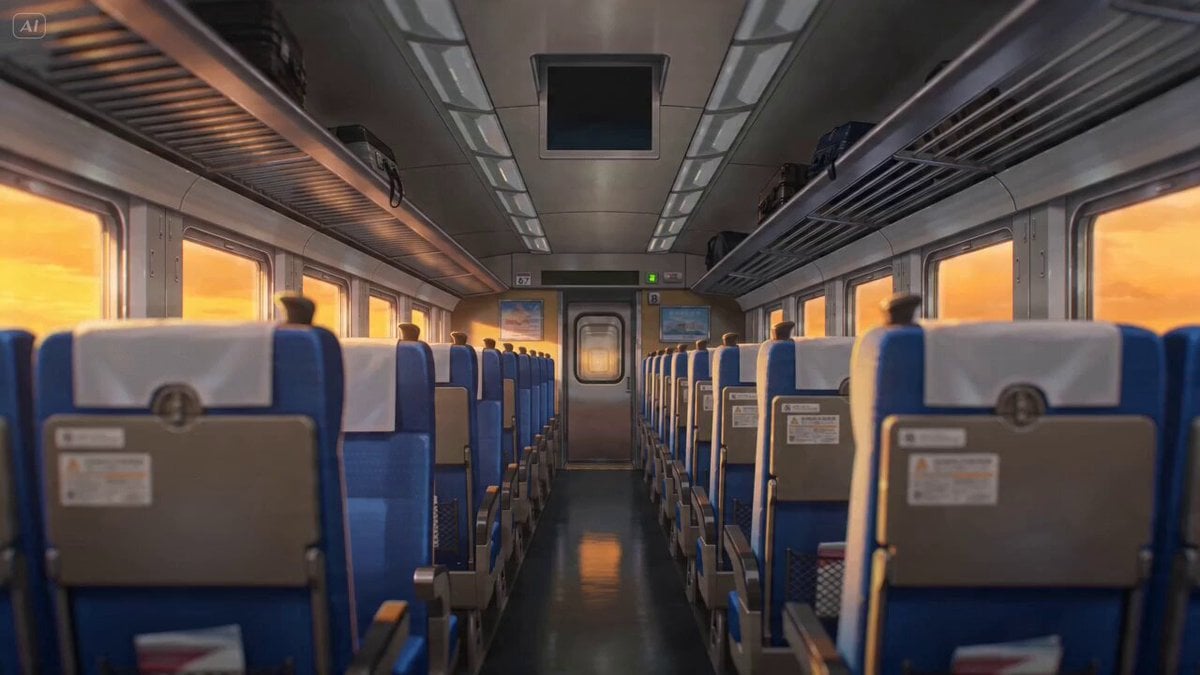
Anime Lofi Train Ride Prompt
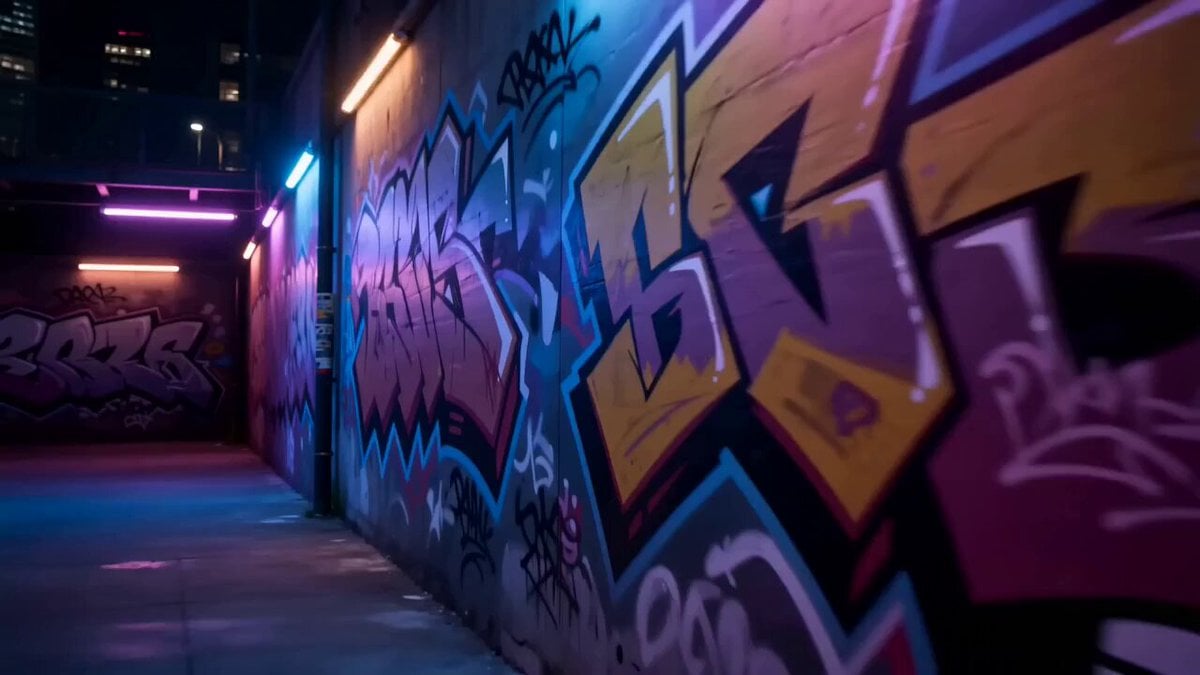
Seedance 2.0: 80-Year-Old Rapper MV

Detailed 10-Second Grok Imagine Video Prompt (Seamless Continuation)

Seedance 2.0 Tsui Hark Style Wuxia Film Prompt
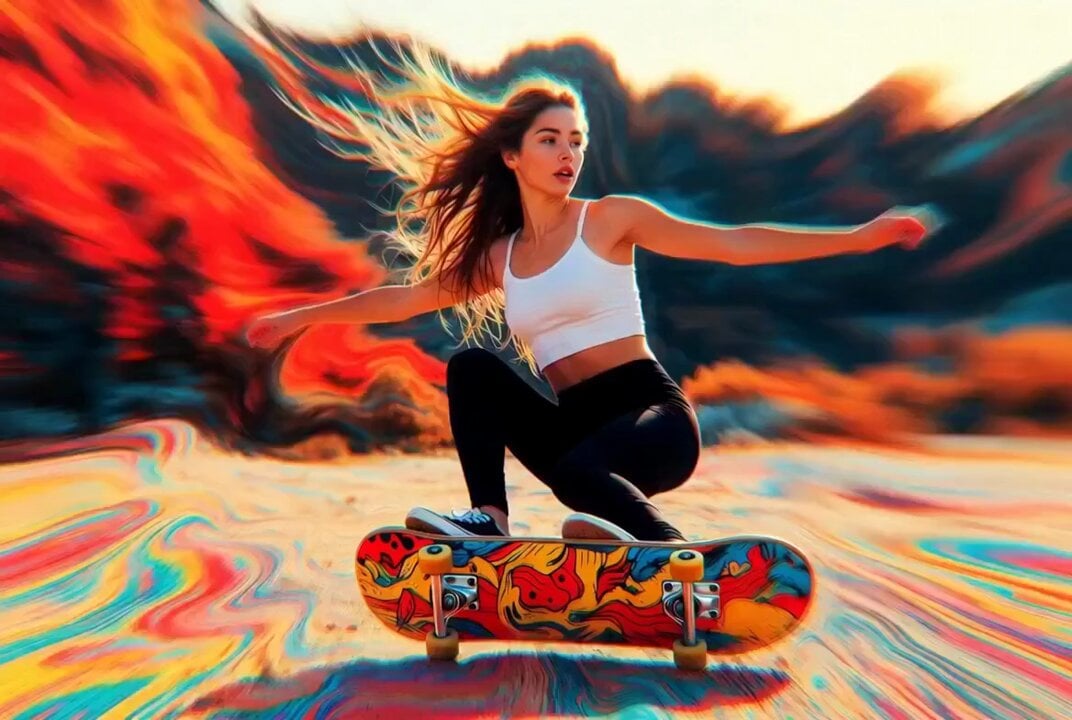
Detailed multi-part video prompt

Seedance 2.5 Fashion Display Video Prompt
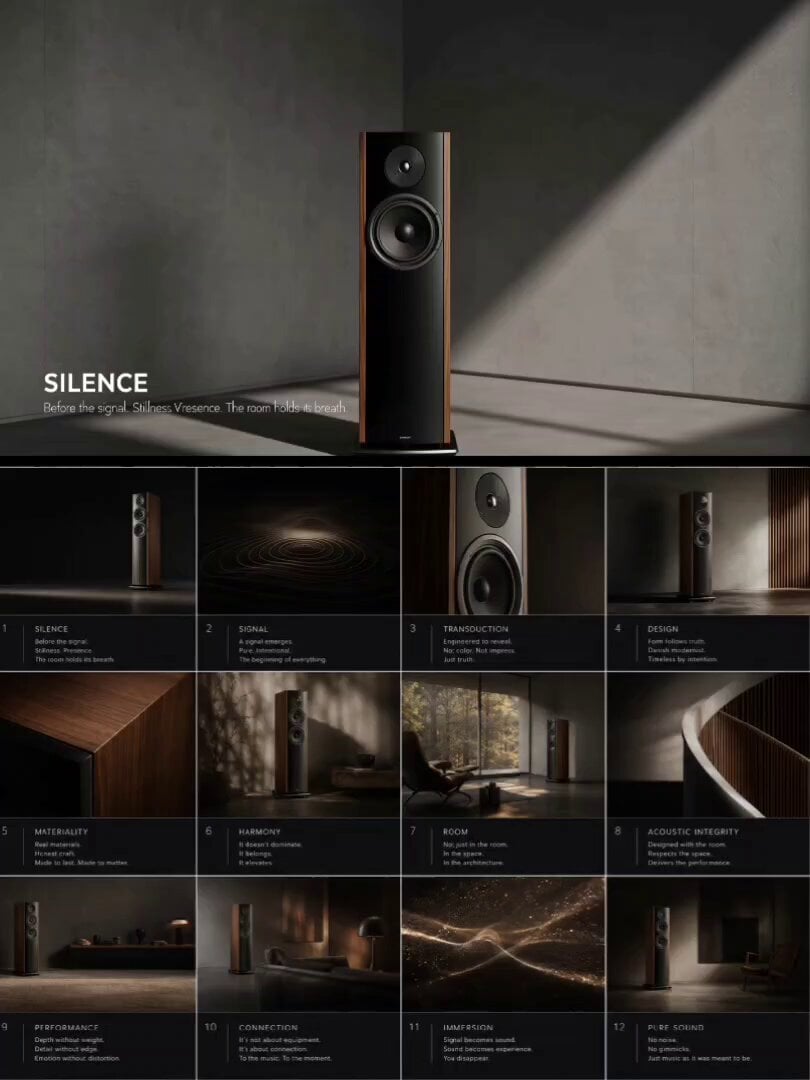
High-End Audio Storyboard Animation

Jupiter inside a bubble
Browse template categories
Pearl Harbor Attack — Seedance 2.0 FPV questions
How do I use the Pearl Harbor Attack — Seedance 2.0 FPV template?
Add your photo if the template asks for one, edit the prompt if you like — the template's model and format are already selected — and press Generate. Your version opens in PicX Studio.
Can I customize the Pearl Harbor Attack — Seedance 2.0 FPV template?
Yes. You can change the subject, setting, lighting, mood, format, and available model controls before creating your video.
Is the Pearl Harbor Attack — Seedance 2.0 FPV template free?
Opening and editing this template is free. Generating uses credits, shown on the Generate button when you are signed in.
Which AI model should I use?
Start with Video Seedance, which is the model associated with this template. You can compare another compatible model for a different finish.
Looking for something else? Browse all templates.

Your photo, any look
Thousands of ready templates for every top image and video model, from one credit balance.