
Detailed 10-Second Grok Imagine Video Prompt (Seamless Continuation)
A highly detailed, multi-scene video prompt for Grok Imagine, designed to seamlessly continue a previous 10-second video.
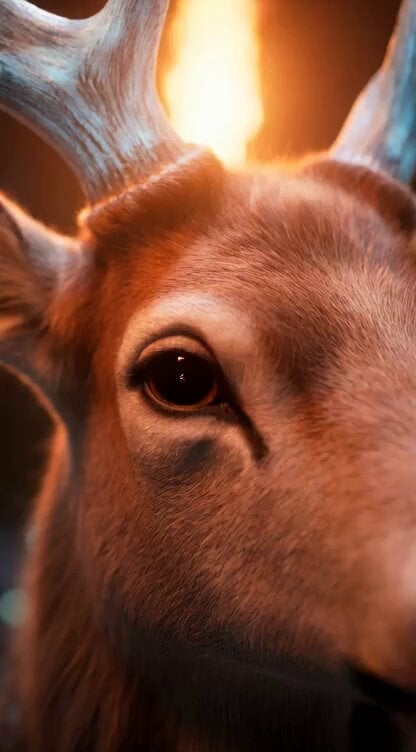
- Prompt included
- Model and format preset
- Premium template
The prompt behind this video
Copy the exact prompt behind Detailed 10-Second Grok Imagine Video Prompt (Seamless Continuation), or open it in the studio and make it yours.
10秒の超臨場感あふれる高精細幻想動画の続き。前回の動画の最後(外の世界を全力疾走中の少女・鹿・妖精、ズームアウト追従状態)からシームレスに接続。鹿は一切止まらず全力疾走を継続。元の静止画と同一のフォトリアリスティック画質・照明・色調を厳密再現。超詳細テクスチャ(毛並み・髪・羽・花・光の屈折)、8K~16K相当、フィルムグレインで本物のような質感。動画の最後はフェードアウトせず、走行中のまま完全に終了。 0~2秒:冒頭すぐ(0秒から)に眩しい柔らかな黄金と青緑の光が全方位から差し込み、画面全体が一瞬で明るく輝く。少女の瞳に光が反射し、驚きの表情が浮かぶ(「ここは…?」という気づきの瞬間)。カメラは前方トラッキングを続けつつ、急激な明るさの変化でレンズフレアと光の粒子が爆発的に舞う。鹿の走りが加速感を増し、妖精が興奮して高速で周囲を旋回。 2~5秒:走りながら風景が妖精の国(enchanted fairy realm)だと気づかせる展開。森が一気に広がり、木々が柔らかな青緑・金色の光で発光、巨大な輝くキノコ、色とりどりの魔法の花が咲き乱れ、浮遊する光の粒子と小さな妖精たちが周囲を飛び交う。空気中にキラキラした霧(luminescent mist)が漂い、遠くに妖精の宮殿のようなシルエットや虹色の滝が見える。カメラは低アングルから上昇パンへ移行、少女が松明を下ろしつつ笑顔で周りを見回す(気づきの感動を視覚化)。妖精が少女の肩や鹿の角に寄り添い、歓迎するように光を撒き散らす。 5~8秒:三人(少女・鹿・妖精)が妖精の国の中心へ向けて疾走継続。地面は柔らかな苔と光る花びらで覆われ、風に揺れる巨大な葉や蝶のような光の生き物が飛び交う。カメラは横トラッキング→オーバーショルダーへ切り替え、少女の髪と妖精の羽が風に舞い、光の軌跡を残す。鹿の蹄が地面を蹴るたび小さな光の波紋が広がる。全体に夢幻的で温かなエーテリアルな輝き。 8~10秒:全力疾走を続けながらカメラが前方からゆっくりズームアウト追従(三人+広がる妖精の国風景をフレームに収めつつ壮大に)。少女は満面の笑みで前方を見つめ、鹿は力強く、妖精たちは喜びのダンスのように周りを回る。太陽のような柔らかな光と無数の魔法粒子が舞う中、動きを一切止めず、走行継続した状態で動画が終了(フェードアウトなし、完全に走っている最中でカットオフ)。 スタイル:極めて臨場感のあるフォトリアリスティック・ファンタジー、多彩なカメラワーク(前方トラッキング、急上昇パン、低アングルから横トラッキング、オーバーショルダー、ズームアウト追従)を多用。冒頭即光の爆発→妖精の国への劇的な移行を美しく、DreamWorksの温かみ+現実写真質感融合、60fps、戦略的なスローモーション(光の差し込み瞬間・気づきの表情・光の軌跡)と高速カットで驚きと喜びを強調、自然で豊かな魔法粒子・発光エフェクト、フィルムグレイン+強いレンズフレアで没入感最大。鹿は最後まで止まらない。動画の終わりはフェードや静止なしで走行中のまま終了
How to use Detailed 10-Second Grok Imagine Video Prompt (Seamless Continuation) in 3 steps
- 1
Open
The prompt is already in the box next to the preview, with the template's model and format selected.
- 2…a portrait of your subject in softgolden-hour light, 85mm…
Personalize
Edit the subject and creative details for your destination.
- 3Generate
Generate
Press Generate — your video is created in PicX Studio, so you can compare it with the original and refine one variable at a time.
More like this
Templates with the same subject, style or setup. Open one to see its prompt.
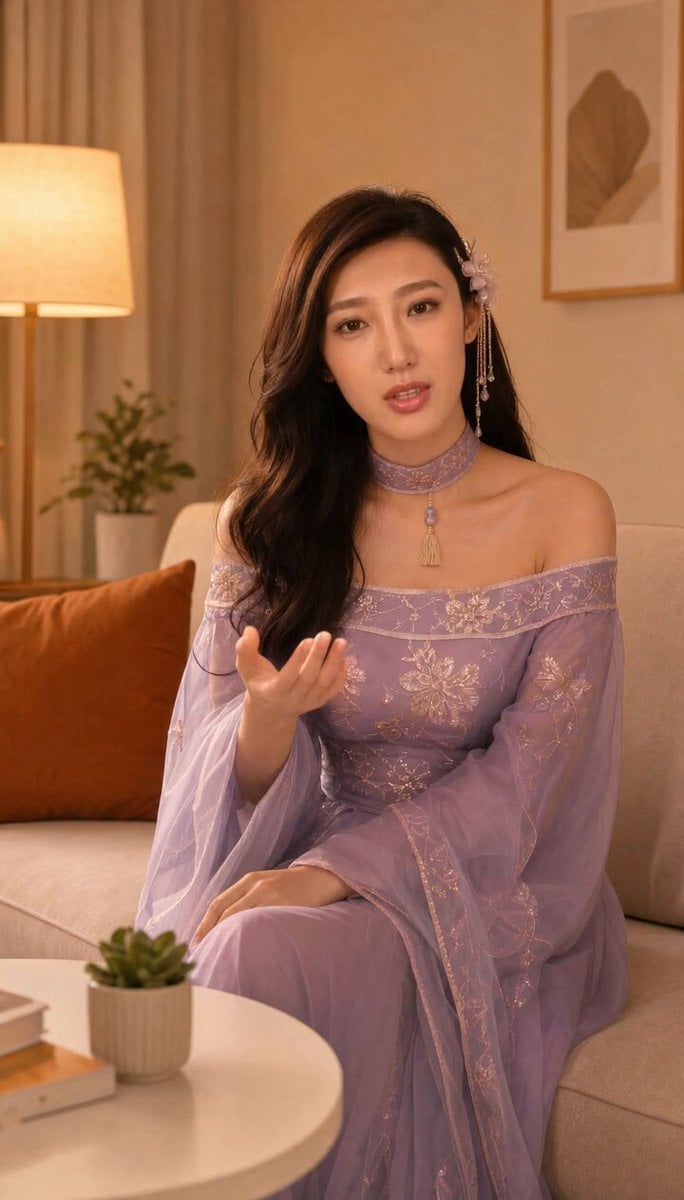
Grok-imagine 1.5 Digital Human Video Script
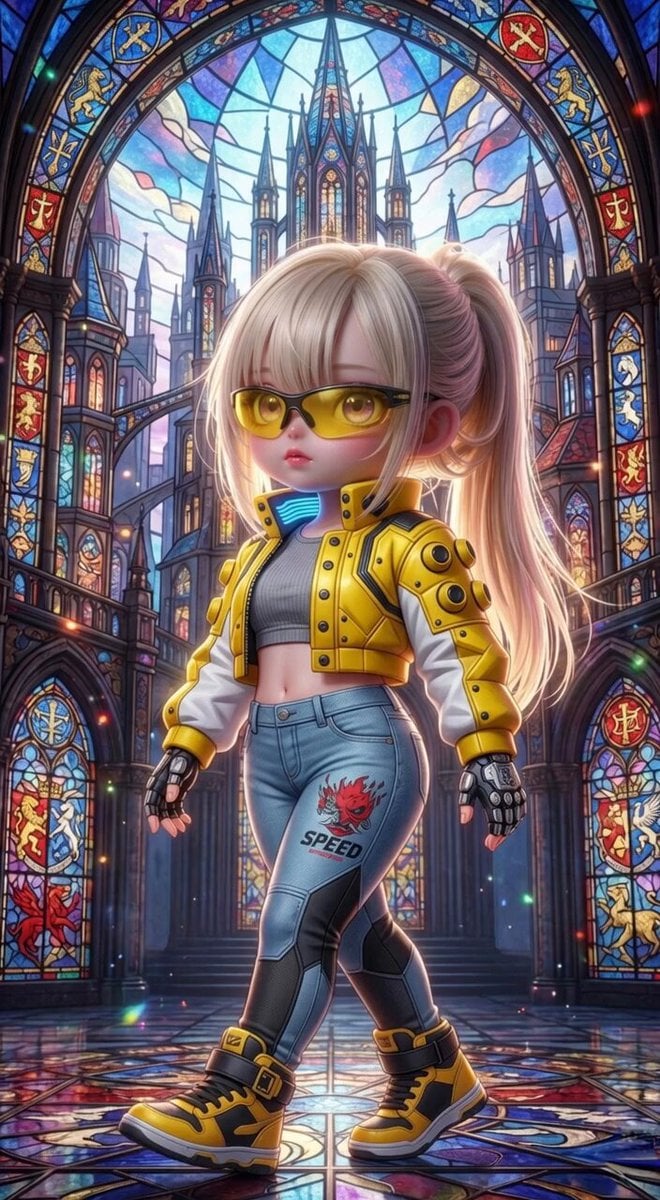
Grok Imagine Mechanical and Ethereal Creature Prompts
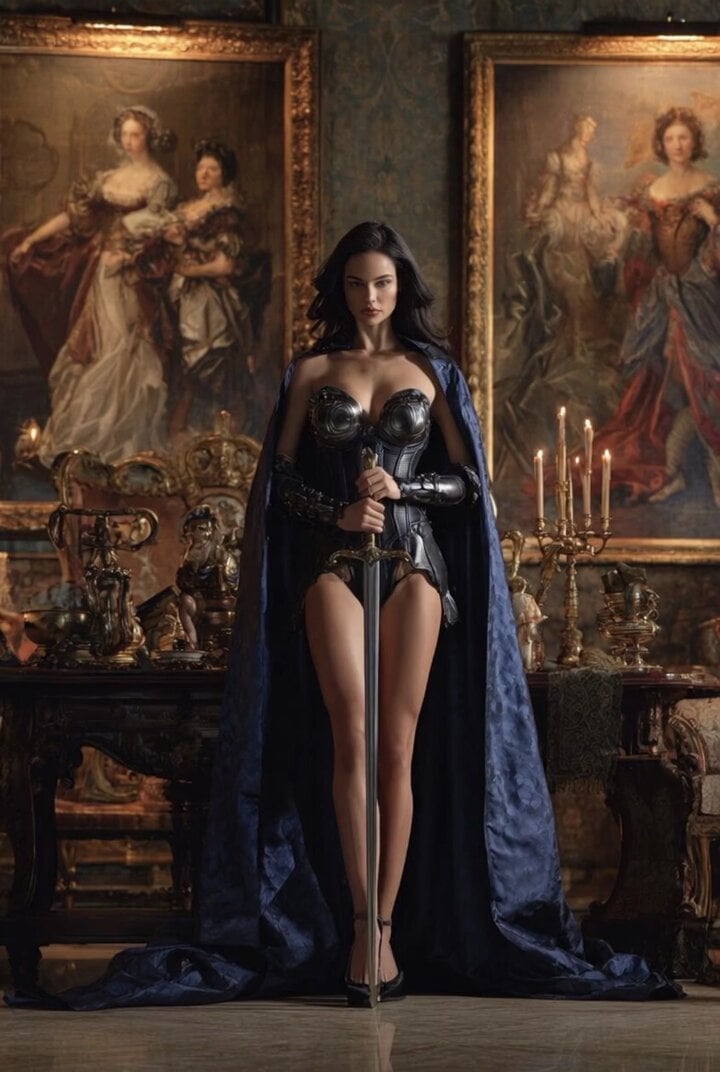
Grok Imagine Video of a Graceful Warrior
Grok Imagine prompt with negative constraints and scenario
Grok Imagine prompt for cinematic VFX scene (Scene 2 - Landing)
Grok Imagine video prompt part 1: Morning routine
Grok Imagine Prompt: Yurine Kingdom Apocalypse Day
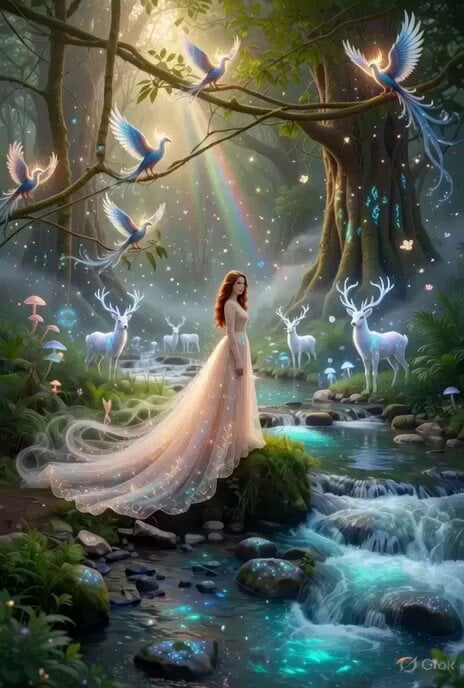
Enchanting Forest Grok Imagine Video Prompt
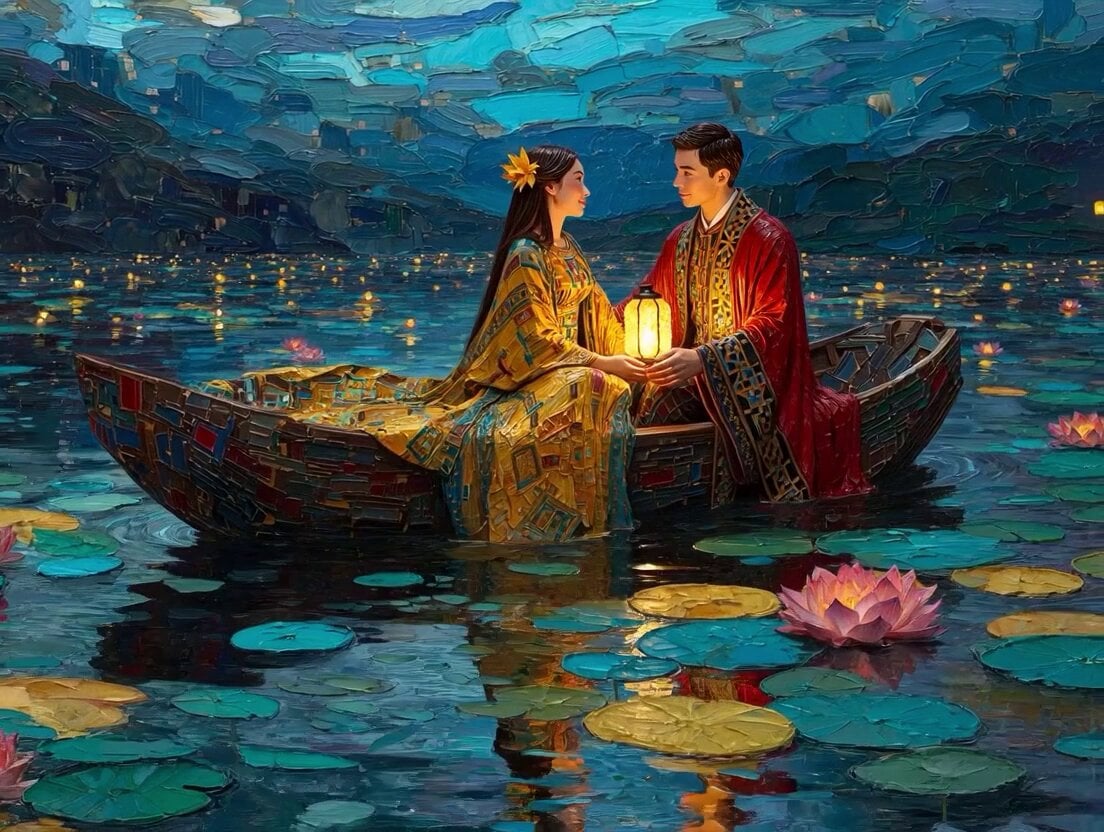
Klimt-Inspired Impasto Painting of Lovers (Midjourney/Grok Imagine)
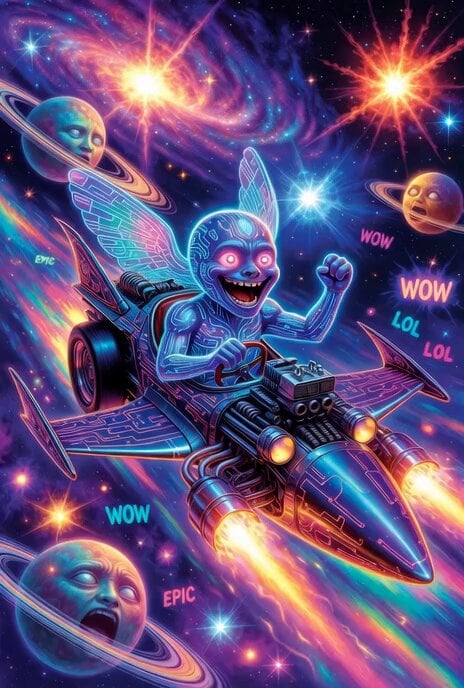
Grok Imagine prompt: Grok driving a cosmic hot rod spaceship

Grok Imagine Prompt: Linux, Containers/K8s, and OpenClaw OS Concepts
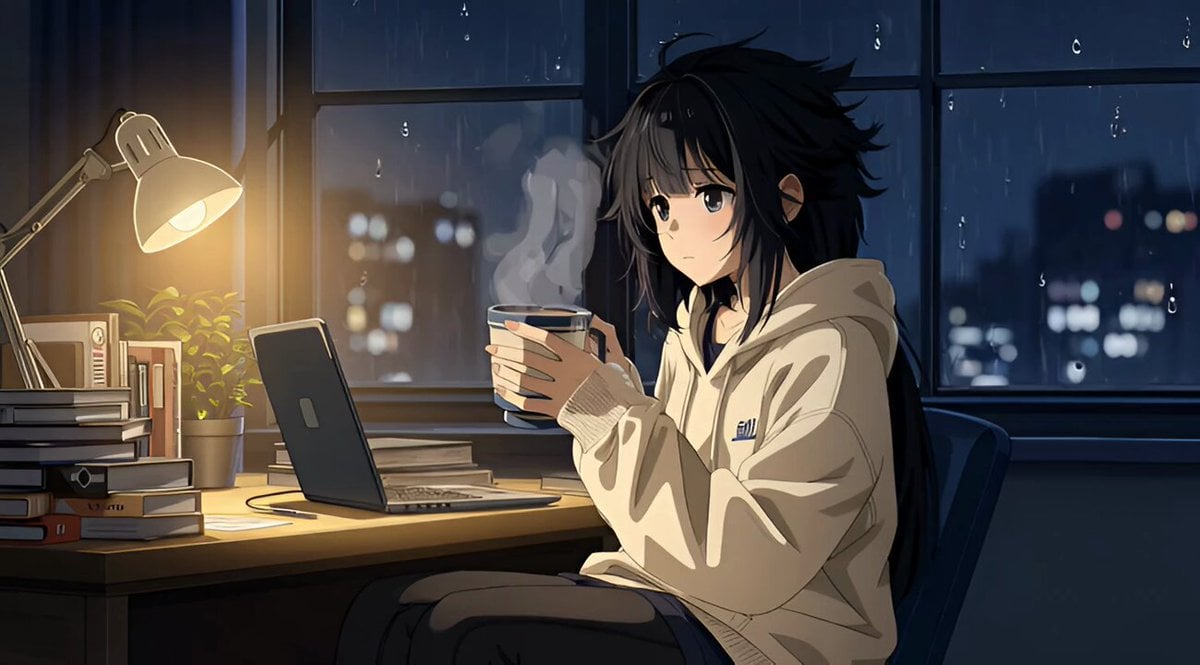
Grok Imagine R2V Multi-Image Reference Tutorial
Make it yours
Detailed 10-Second Grok Imagine Video Prompt (Seamless Continuation) works as-is. These are the safest ways to change it without losing the look.
Change one field
Copy a single group, rewrite it, and generate again so you can see what that field is doing.
Keep the frame, change the subject
Hold the composition and light of Detailed 10-Second Grok Imagine Video Prompt (Seamless Continuation), then swap wardrobe, props or the person for a new take.
| If the result… | Why | Fix |
|---|---|---|
| The result drifts from the preview | Too many fields changed at once. | Reuse Detailed 10-Second Grok Imagine Video Prompt (Seamless Continuation) as-is first, then change one group — subject, light, or setting. |
| The model over-stylizes the scene | The prose prompt leaves finish and camera underspecified. | Add one camera or lighting sentence and stay on Grok Imagine. |
More Grok Imagine templates
Other prompts made for Grok Imagine.

Kaleidoscopic Cosmic Dolphin Video

Horror Daffy Duck Video Transition

America 250th Anniversary Celebration

Glowing Water Forest Night Prompt

Soft Pink Roses Dreamer Prompt

Ninja Wizard Levitation Jump

Coffee Cup Interaction Motion

Voice Controlled Water Animation

Pterodactyl Transformation Journey

Candle Mandala Mirror Video
More video prompts
Fresh picks from across the catalog.
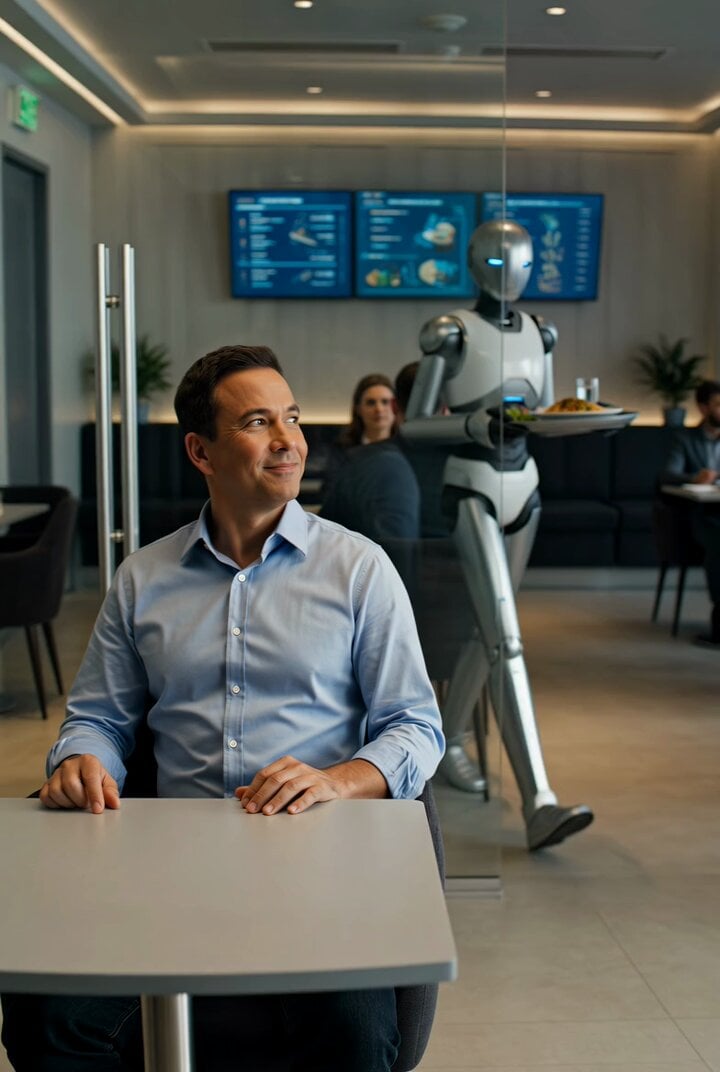
Future Where Robots Serve Food
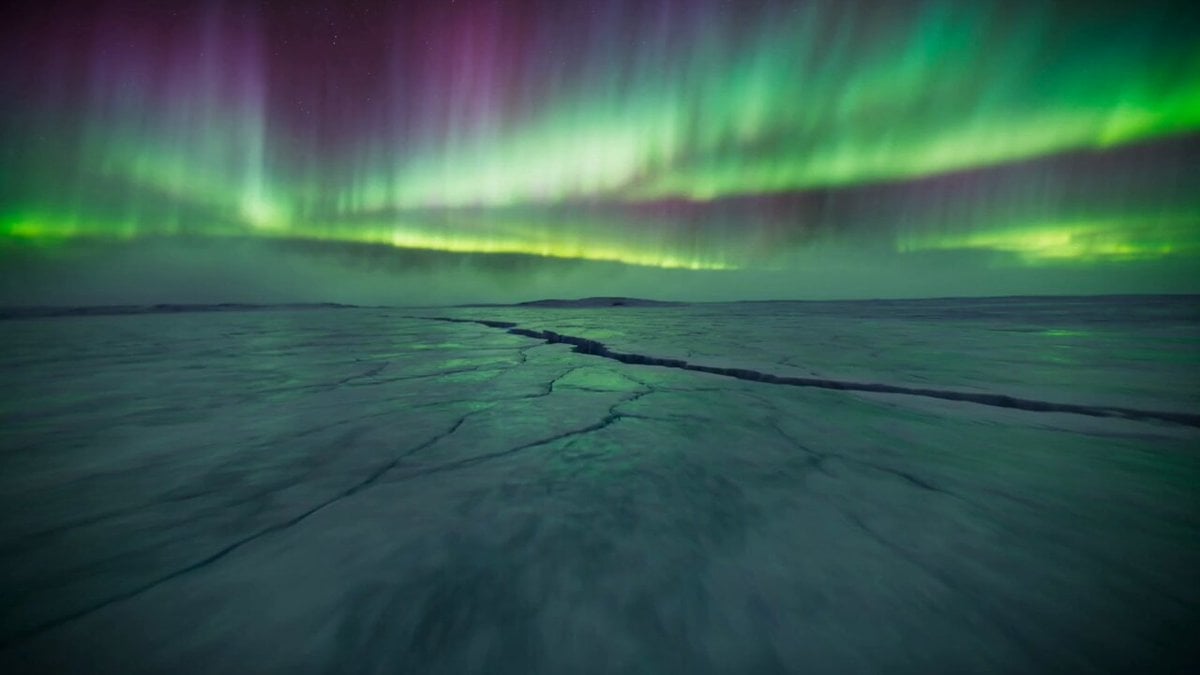
Arctic Canyon Aurora FPV Dive

Singing Puppies in Hats
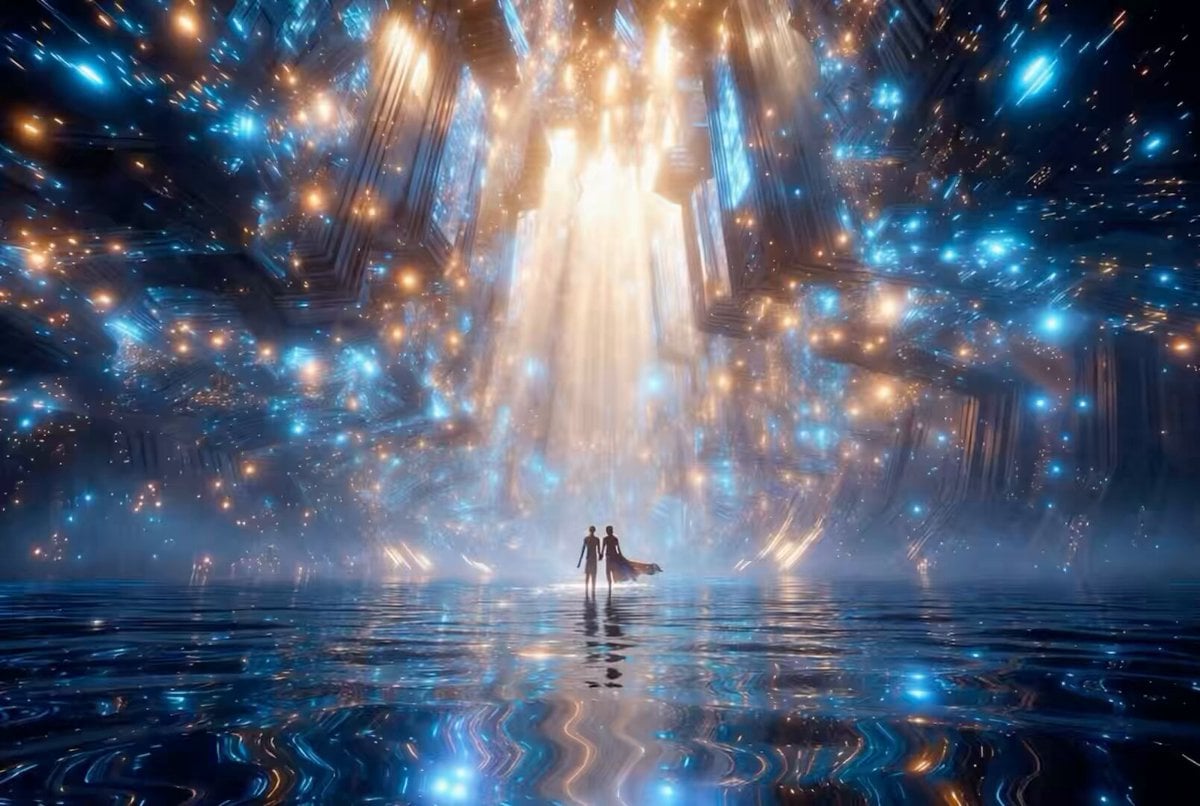
Futuristic Neon Cathedral
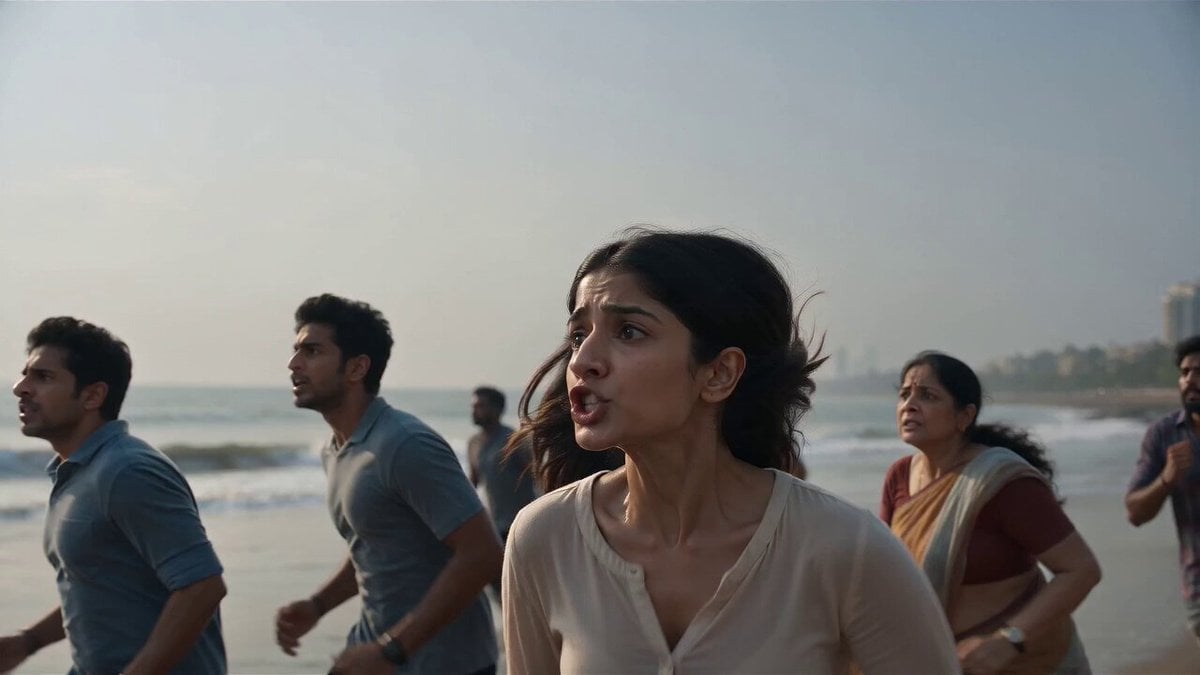
Mumbai Tsunami Emergency Smartphone Vlog
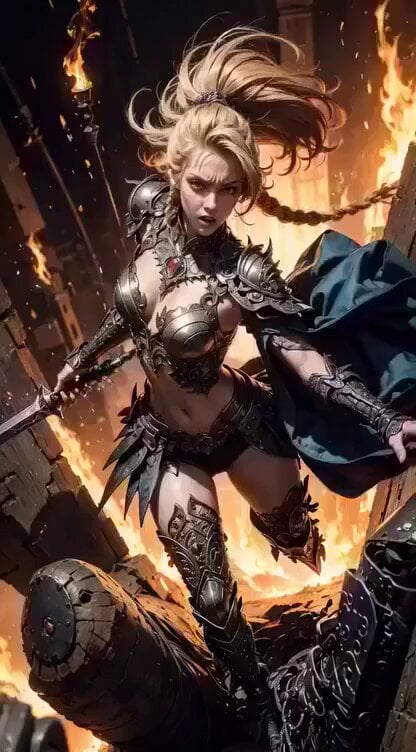
Cinematic digital painting of a fierce blonde warrior
Chuck Palahniuk Pain Quote Video
VR Survival Battle Match Cut
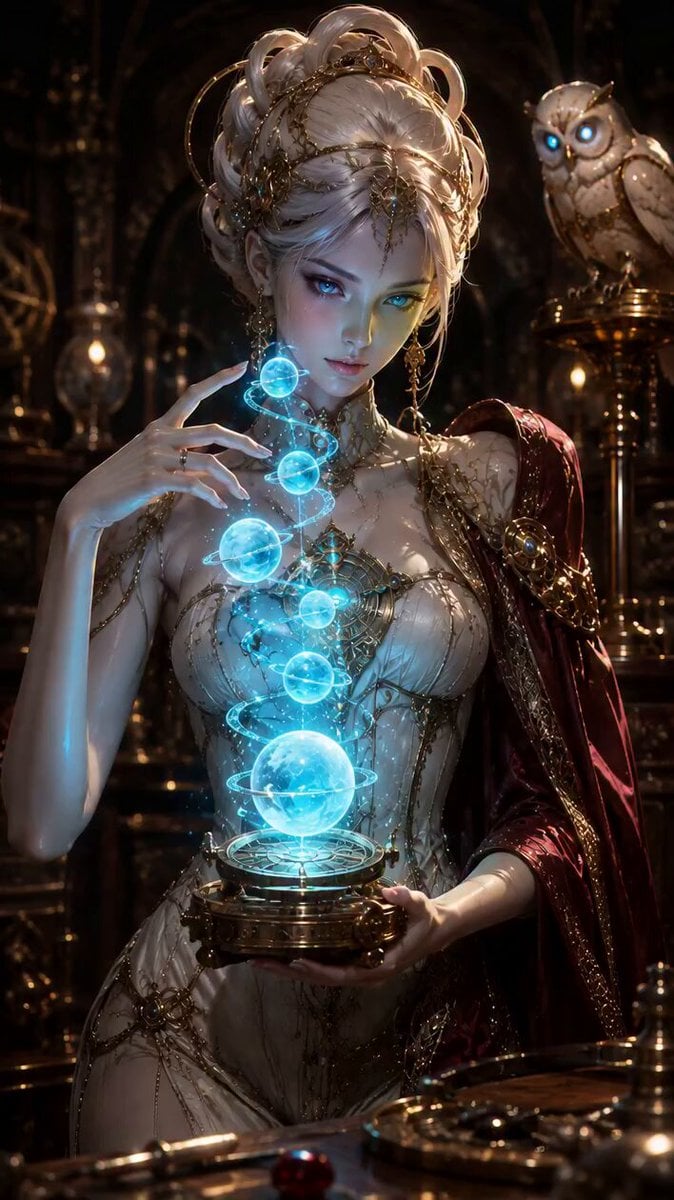
Fantasy Enchantress and Mechanical Owl
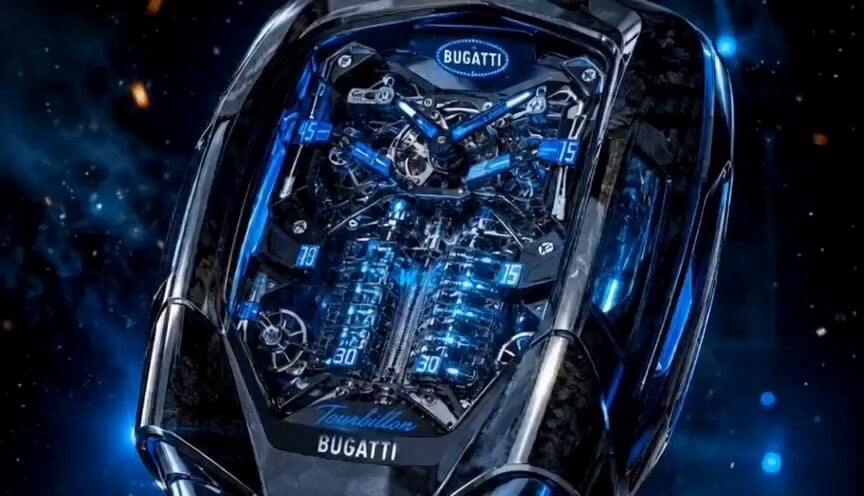
Luxury Bugatti Watch Commercial
Browse template categories
Detailed 10-Second Grok Imagine Video Prompt (Seamless Continuation) questions
How do I use the Detailed 10-Second Grok Imagine Video Prompt (Seamless Continuation) template?
Add your photo if the template asks for one, edit the prompt if you like — the template's model and format are already selected — and press Generate. Your version opens in PicX Studio.
Can I customize the Detailed 10-Second Grok Imagine Video Prompt (Seamless Continuation) template?
Yes. You can change the subject, setting, lighting, mood, format, and available model controls before creating your video.
Is the Detailed 10-Second Grok Imagine Video Prompt (Seamless Continuation) template free?
Opening and editing this template is free. Generating uses credits, shown on the Generate button when you are signed in.
Which AI model should I use?
Start with Grok Imagine, which is the model associated with this template. You can compare another compatible model for a different finish.
Looking for something else? Browse all templates.

Your photo, any look
Thousands of ready templates for every top image and video model, from one credit balance.