How do I use the Mumbai Tsunami Emergency Smartphone Vlog template?
Edit the prompt in the box under the preview — the template's model and format are already selected — and press Generate. Your version appears right on this page.
An extensive multi-scene prompt for Seedance 2.0 designed to simulate a realistic, shaky handheld smartphone recording of a tsunami evacuation.
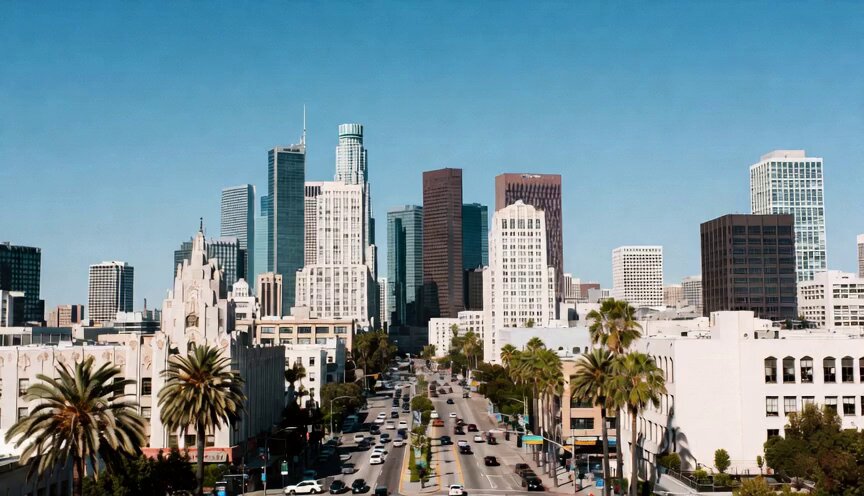
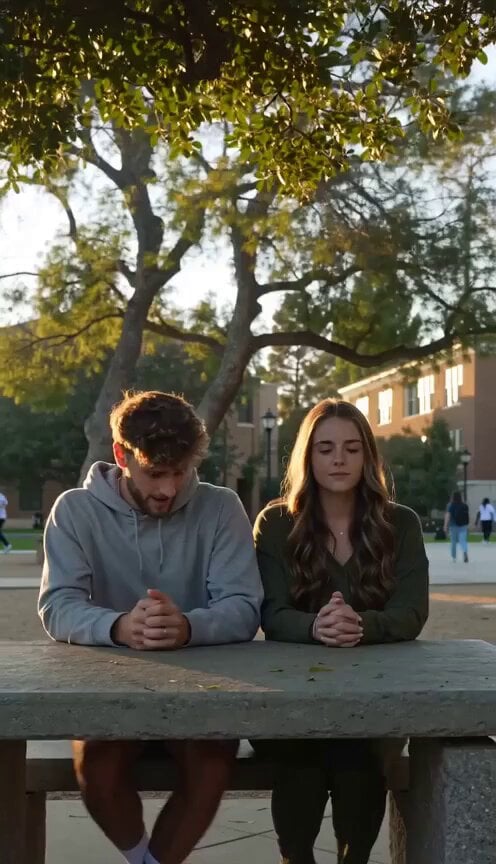
Super casual real smartphone home video footage of the sudden tsunami emergency in Mumbai. Natural mobile phone camera recording with slight authentic handheld shake, normal frame rate with smooth natural motion, rapid-fire montage with constant quick jump cuts every 1–2 seconds like footage captured during a real emergency. Unpolished authentic phone recording of a mixed group urgently running together, warning one another, helping each other evacuate, and moving toward higher ground. Pure raw home video feel with no cinematic polish or heavy effects. Use the provided reference photo as the STRICT ONLY visual reference for the main woman. Maintain her exact appearance with zero deviation: [her described features]. Generate a mixed group of friends of all ages around her during the evacuation. 0–2.5s: Shaky handheld rapid cuts of the main woman suddenly running with friends away from the Mumbai shoreline after people begin shouting tsunami warnings. Wind blows through her hair. Quick flashes of feet splashing through shallow water and people rushing inland. 2.5–5s: Abrupt jump cuts showing a close-up of her looking back toward the ocean with concern, followed by the group running through crowded streets while warning others and checking on one another. 5–7.5s: Fast handheld footage of her helping a friend keep pace while everyone continues running toward higher ground. Natural daylight creates subtle lens reflections and realistic exposure changes as the phone moves naturally. 7.5–10s: Quick cut to a close-up of her giving a determined look toward the camera before turning back to continue running. The footage immediately jumps to the group climbing a staircase or elevated walkway together while people continue evacuating around them. 10–12.5s: Abrupt edit showing everyone reaching a safer elevated location, catching their breath and checking that everyone is safe. Friends point toward the distant shoreline while talking over one another. 12.5–15s: Final rapid transition showing the main woman standing safely among her friends, breathing heavily while quietly looking back toward the ocean. The video ends naturally with a gentle phone sway as if someone simply stopped recording. VISUAL STYLE: Natural smartphone video quality. Slight realistic handheld shake. Smooth normal frame-rate motion. Authentic casual interactions and physics. Realistic daylight and exposure adaptation. Stable main character consistency. Unpolished home phone recording aesthetics. No professional stabilization. No cinematic color grading. No beauty filters. No artificial effects. No AI artifacts or glitches. IMPORTANT GENERATION REQUIREMENTS: Consistent identity throughout the video. Realistic human anatomy and hand interactions. Natural running and body movement. Authentic Mumbai ambience with distant crowd voices, wind, rushing water, and city environmental audio. Physically correct lighting and shadows. Rapid mem
Super casual real smartphone home video footage of the sudden tsunami emergency in Mumbai. Natural mobile phone camera recording with slight authentic handheld shake, normal frame rate with smooth natural motion, rapid-fire montage with constant quick jump cuts every 1–2 seconds like footage captured during a real emergency. Unpolished authentic phone recording of a mixed group urgently running together, warning one another, helping each other evacuate, and moving toward higher ground. Pure raw home video feel with no cinematic polish or heavy effects. Use the provided reference photo as the STRICT ONLY visual reference for the main woman. Maintain her exact appearance with zero deviation: [her described features]. Generate a mixed group of friends of all ages around her during the evacuation. 0–2.5s: Shaky handheld rapid cuts of the main woman suddenly running with friends away from the Mumbai shoreline after people begin shouting tsunami warnings. Wind blows through her hair. Quick flashes of feet splashing through shallow water and people rushing inland. 2.5–5s: Abrupt jump cuts showing a close-up of her looking back toward the ocean with concern, followed by the group running through crowded streets while warning others and checking on one another. 5–7.5s: Fast handheld footage of her helping a friend keep pace while everyone continues running toward higher ground. Natural daylight creates subtle lens reflections and realistic exposure changes as the phone moves naturally. 7.5–10s: Quick cut to a close-up of her giving a determined look toward the camera before turning back to continue running. The footage immediately jumps to the group climbing a staircase or elevated walkway together while people continue evacuating around them. 10–12.5s: Abrupt edit showing everyone reaching a safer elevated location, catching their breath and checking that everyone is safe. Friends point toward the distant shoreline while talking over one another. 12.5–15s: Final rapid transition showing the main woman standing safely among her friends, breathing heavily while quietly looking back toward the ocean. The video ends naturally with a gentle phone sway as if someone simply stopped recording. VISUAL STYLE: Natural smartphone video quality. Slight realistic handheld shake. Smooth normal frame-rate motion. Authentic casual interactions and physics. Realistic daylight and exposure adaptation. Stable main character consistency. Unpolished home phone recording aesthetics. No professional stabilization. No cinematic color grading. No beauty filters. No artificial effects. No AI artifacts or glitches. IMPORTANT GENERATION REQUIREMENTS: Consistent identity throughout the video. Realistic human anatomy and hand interactions. Natural running and body movement. Authentic Mumbai ambience with distant crowd voices, wind, rushing water, and city environmental audio. Physically correct lighting and shadows. Rapid mem
Edit the prompt in the box under the preview — the template's model and format are already selected — and press Generate. Your version appears right on this page.
Yes. You can change the subject, setting, lighting, mood, format, and available model controls before creating your video.
Opening and editing this template is free. Generating uses credits, shown on the Generate button when you are signed in.
Start with Seedance 2.0, which is the model associated with this template. You can compare another compatible model for a different finish.
Follow a topic to a crawlable collection of related PicX Studio templates.