
Cinematic Romantic Drama Scene
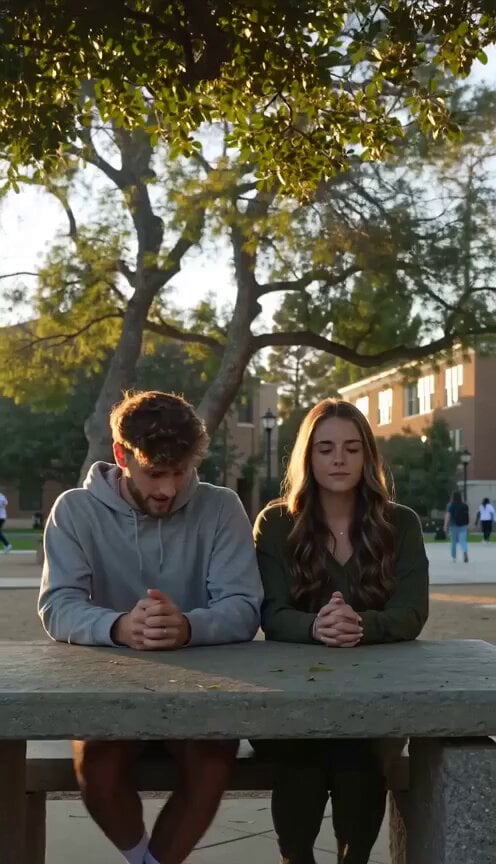
A detailed, 12-second storyboard prompt for a cinematic romantic drama scene set in a college courtyard at sunset, focusing on emotional close-ups, natural acting, and shallow depth of field to capture a nervous…
- Prompt included
- Model and format preset
- Premium template
The prompt behind this video
Copy the exact prompt behind Cinematic Romantic Drama Scene, or open it in the studio and make it yours.
【Film Style】 Cinematic romantic drama, natural acting, college campus realism, warm sunset lighting, emotional close-up performances, soft cinematic depth of field. 【Duration】 12 seconds 【Characters】 A nervous college guy and a young woman sitting together. 【Scene】 A quiet college campus courtyard during late afternoon. Trees move gently in the breeze while students walk in the distance. 【Storyboard Script】 [00:00–00:05] Shot 1: The Nervous Start Scene: The two students sit on a stone bench under a tree. Action: The guy looks nervous, glancing down and rubbing his hands together before finally speaking. Camera: Medium shot slowly pushing closer. Dialogue: Guy (nervous): "Hey… um… can I ask you something?" Atmosphere: Soft wind moves the leaves above them. [00:05–00:10] Shot 2: Her Reaction Action: The girl turns toward him with a curious smile. Camera: Close-up on her face as she raises one eyebrow slightly. Dialogue: Girl (playful tone): "That depends… should I be worried?" Atmosphere: Warm sunlight falls across her face. [00:10–00:12] Shot 3: The Question Action: The guy takes a deep breath and gathers his courage. Dialogue: Guy (awkward but sincere): "I was wondering…would you maybe want to get dinner with me sometime?" Camera: Close-up of both of them as she pauses, thinking about the question. Atmosphere: The moment lingers slightly, creating a gentle emotional tension. 【Technical Parameters】 Natural lighting, shallow depth of field, subtle handheld camera motion, realistic facial animation, cinematic color grading.
How to use Cinematic Romantic Drama Scene in 3 steps
- 1
Open
The prompt is already in the box next to the preview, with the template's model and format selected.
- 2…a portrait of your subject in softgolden-hour light, 85mm…
Personalize
Edit the subject and creative details for your destination.
- 3Generate
Generate
Press Generate — your video is created in PicX Studio, so you can compare it with the original and refine one variable at a time.
More like this
Templates with the same subject, style or setup. Open one to see its prompt.
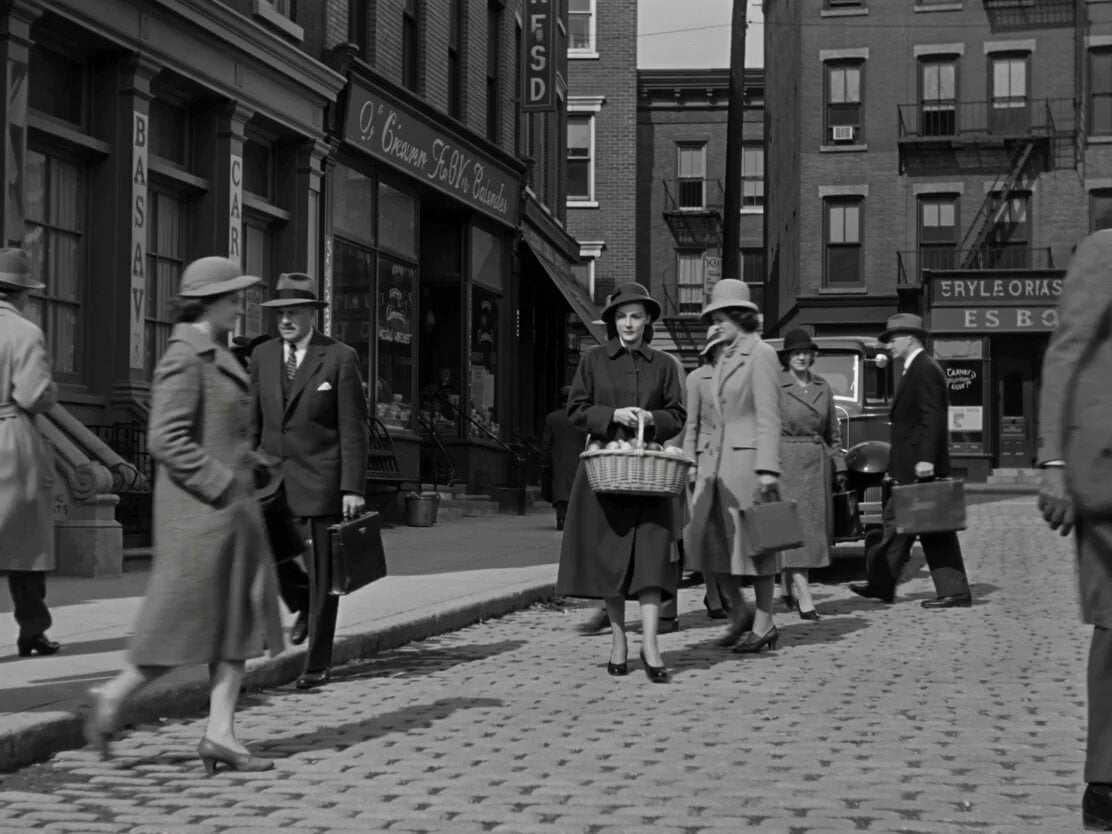
1950s Romantic Drama Scene
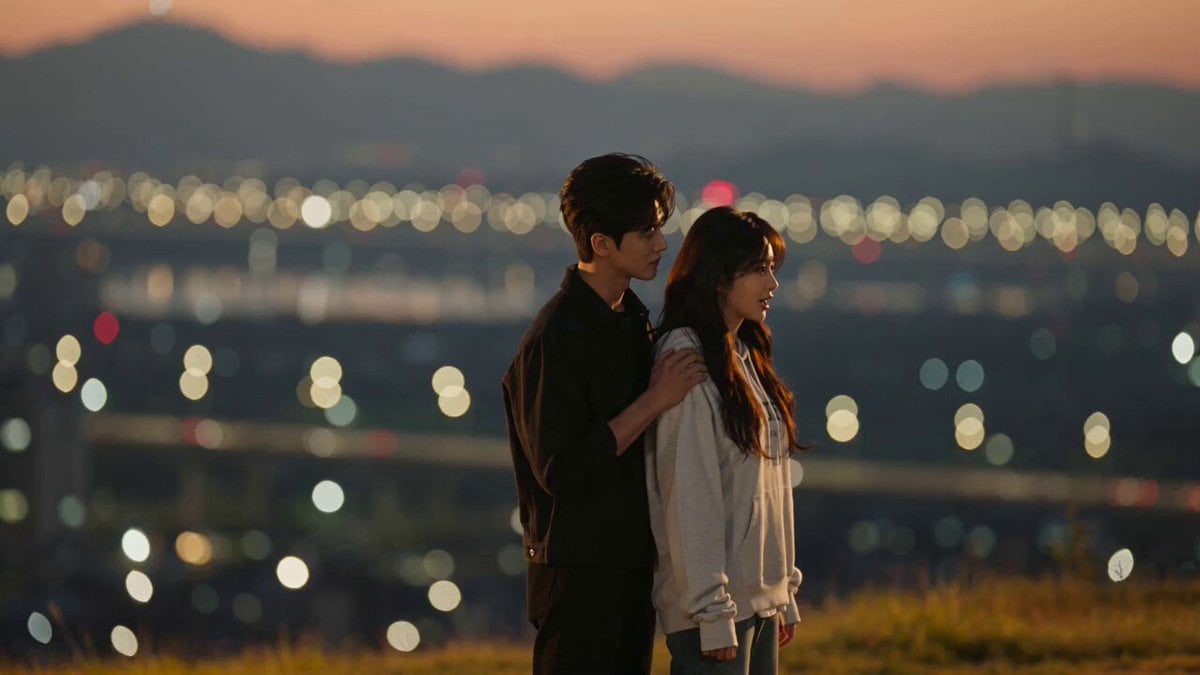
K-Drama Style Romantic Sunset Scene
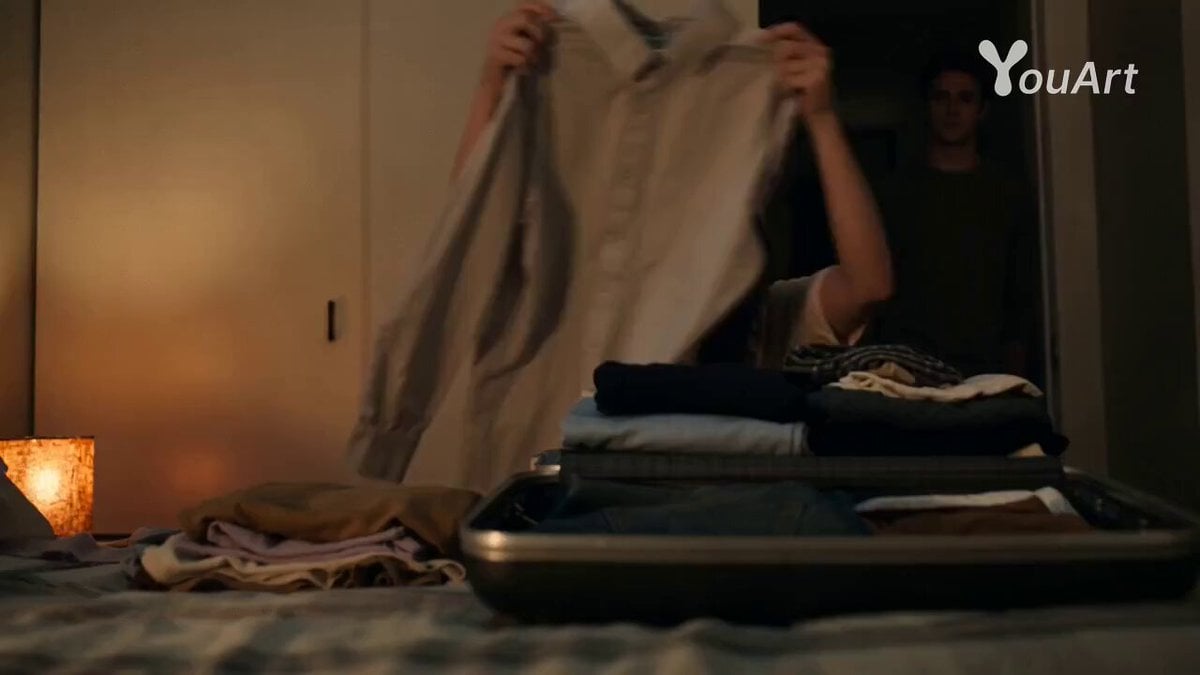
Romantic Drama Apartment Goodbye
3D Animated Romantic Comedy Clip
Romantic Bedroom Selfie Vlog

Romantic Comedy Tiktok Style Video
Romantic Action Comedy Office Scene
Cinematic Rainy Park Romantic Walk
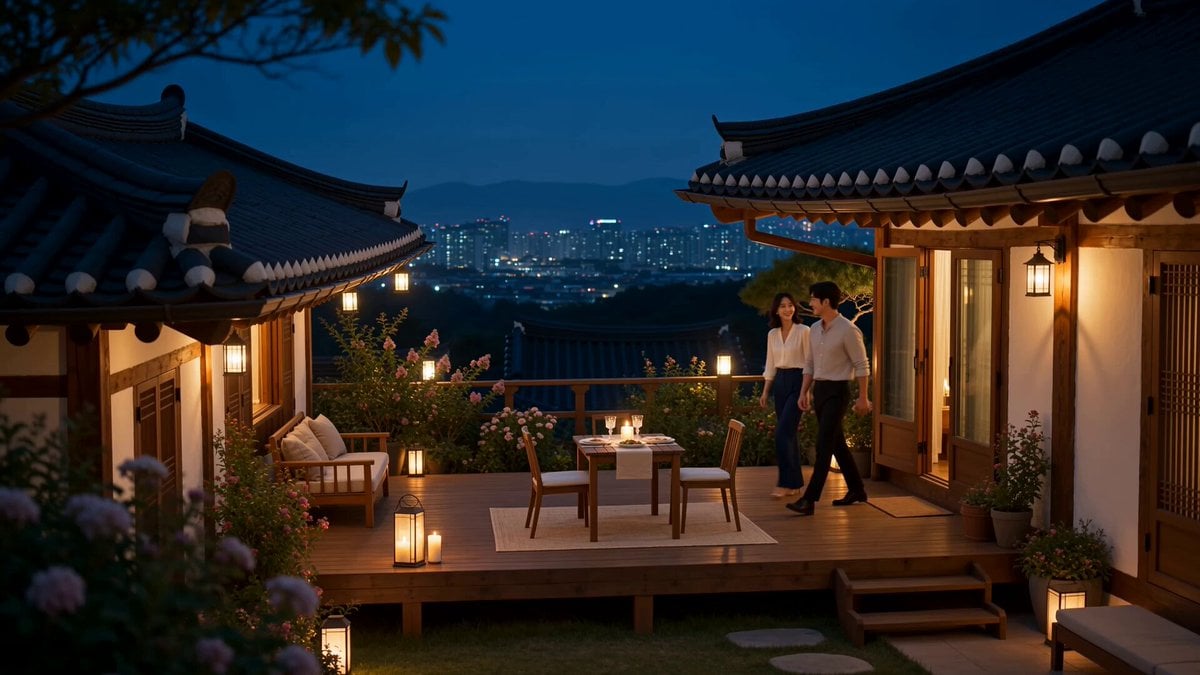
Romantic Korean Couple Courtyard Dinner
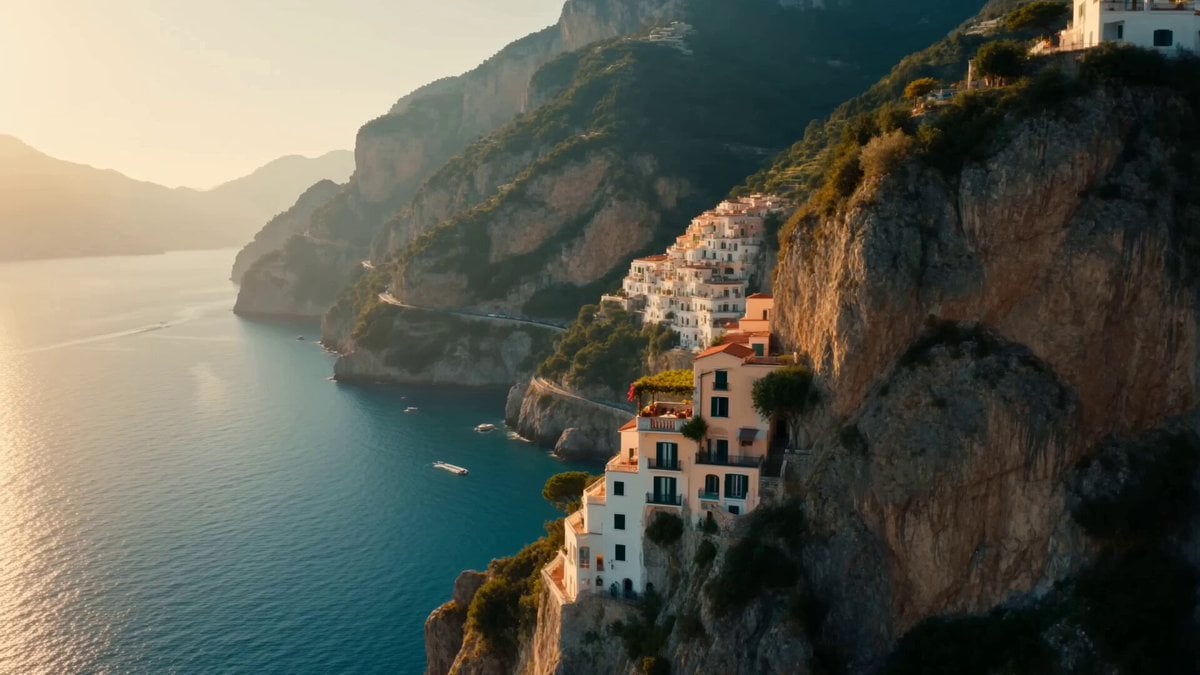
Romantic Amalfi Coast Pasta Lunch

Romantic Film Strip Ocean Memories

Romantic Rain Dance Sequence
Make it yours
Cinematic Romantic Drama Scene works as-is. These are the safest ways to change it without losing the look.
Change one field
Copy a single group, rewrite it, and generate again so you can see what that field is doing.
Keep the frame, change the subject
Hold the composition and light of Cinematic Romantic Drama Scene, then swap wardrobe, props or the person for a new take.
| If the result… | Why | Fix |
|---|---|---|
| The result drifts from the preview | Too many fields changed at once. | Reuse Cinematic Romantic Drama Scene as-is first, then change one group — subject, light, or setting. |
| The model over-stylizes the scene | The prose prompt leaves finish and camera underspecified. | Add one camera or lighting sentence and stay on Seedance 2.0. |
More Seedance 2.0 templates
Other prompts made for Seedance 2.0.

Comical Martial Arts Punch Scene

Maglev Train Action Sequence

Martial Arts Fight Sequence

Wuxia Protection and Trust Script

Vintage Korean Arcade MiniDV Vlog

Mercedes 190 SL Luxury Ad

Rainy Night Supernatural Reverse Comedy Video Script

Amazon Civilization Discovery

Futuristic South Asian City Transformation

Cozy Luxury Cafe Commercial
More video prompts
Fresh picks from across the catalog.
Ballet Dancer vs Boxer Cinematic Fight
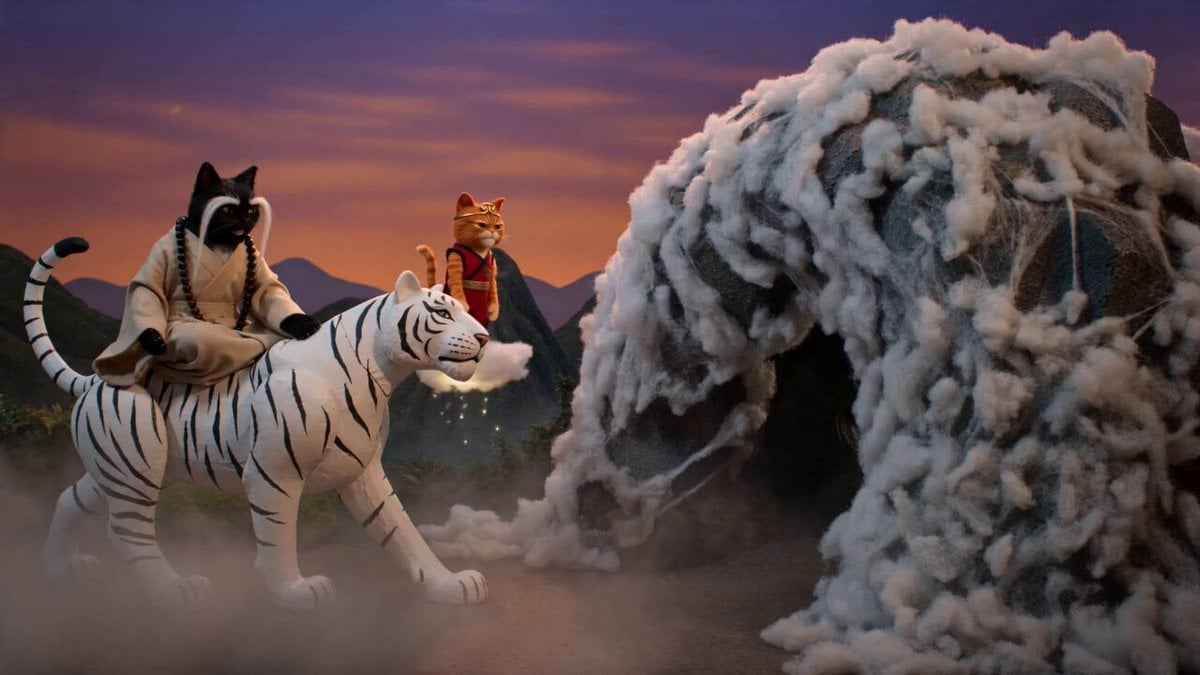
Cinematic Wuxia-Comedy with Cats

UFO Passenger Joke Video Prompt

Cinematic Dragons in Moonlit Forest
Baseball Practice Vlog Style Video
Hyperrealistic Action Photography Prompt

T-Rex vs Military Cargo Plane Action Scene
Cinematic Morning Gym Commercial Prompt
Heartwarming special effect of being swarmed by fluffy kittens
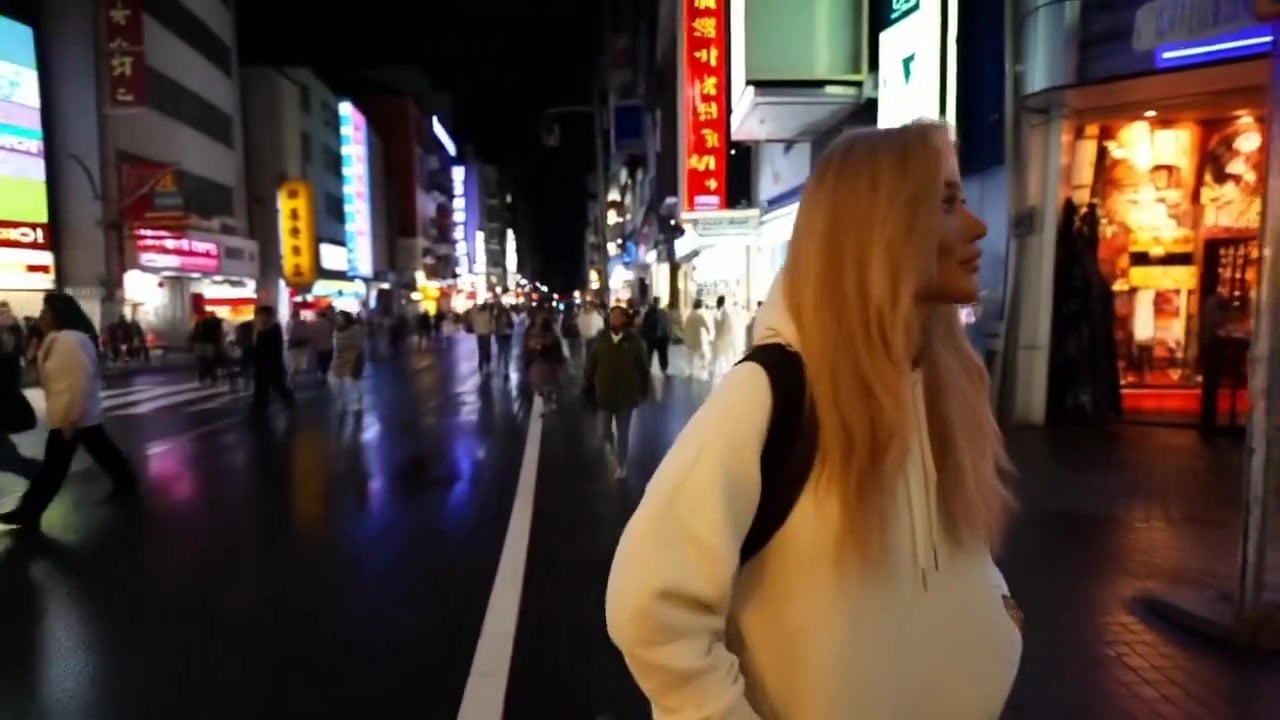
Minimax Subject Reference Breakthrough — Character Consistency
Browse template categories
Cinematic Romantic Drama Scene questions
How do I use the Cinematic Romantic Drama Scene template?
Add your photo if the template asks for one, edit the prompt if you like — the template's model and format are already selected — and press Generate. Your version opens in PicX Studio.
Can I customize the Cinematic Romantic Drama Scene template?
Yes. You can change the subject, setting, lighting, mood, format, and available model controls before creating your video.
Is the Cinematic Romantic Drama Scene template free?
Opening and editing this template is free. Generating uses credits, shown on the Generate button when you are signed in.
Which AI model should I use?
Start with Seedance 2.0, which is the model associated with this template. You can compare another compatible model for a different finish.
Looking for something else? Browse all templates.

Your photo, any look
Thousands of ready templates for every top image and video model, from one credit balance.