
Romantic Drama Apartment Goodbye
An intimate, music-driven cinematic scene involving a woman packing a suitcase in a warm, lamp-lit apartment while a man watches in silence.
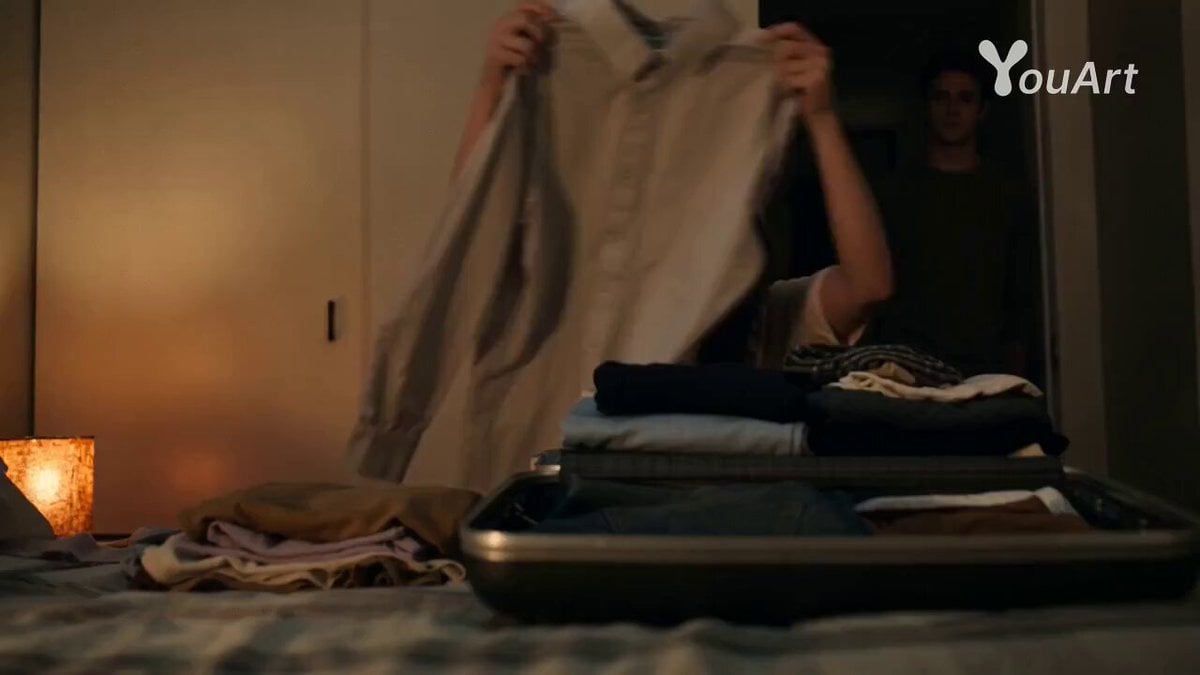
- Prompt included
- Model and format preset
- Premium template
The prompt behind this video
Copy the exact prompt behind Romantic Drama Apartment Goodbye, or open it in the studio and make it yours.
Genre: Romantic Drama Structure: Music-driven, minimal dialogue Lens: 40mm handheld intimate Lighting: Warm practical lamps 3200K Mood: Quiet goodbye SCENE DESCRIPTION Small apartment. Vinyl record playing. Woman packing suitcase. Man watching. 0–2 seconds: 40mm handheld at chest height. Woman folding shirt into suitcase on bed. Warm tungsten lamp to frame left casting soft golden falloff. Vinyl crackle audible. 3 seconds: Camera drifts slowly right revealing man standing in doorway 2 meters behind her. He does not speak. 4 seconds: Music lyrics audible — soft 1970s soul voice singing about departure. 5 seconds: Insert 85mm close-up of her fingers smoothing fabric carefully, as if delaying. 6 seconds: Camera moves closer to her profile. Tear forms but does not fall. Lamp reflection visible in eye. 7 seconds: He whispers: “You don’t have to.” 8 seconds: She pauses. Music chorus swells gently. 9 seconds: She closes suitcase. Latch clicks sharply — louder than expected. 10 seconds: Music continues alone after cut to black.
How to use Romantic Drama Apartment Goodbye in 3 steps
- 1
Open
The prompt is already in the box next to the preview, with the template's model and format selected.
- 2…a portrait of your subject in softgolden-hour light, 85mm…
Personalize
Edit the subject and creative details for your destination.
- 3Generate
Generate
Press Generate — your video is created in PicX Studio, so you can compare it with the original and refine one variable at a time.
More like this
Templates with the same subject, style or setup. Open one to see its prompt.
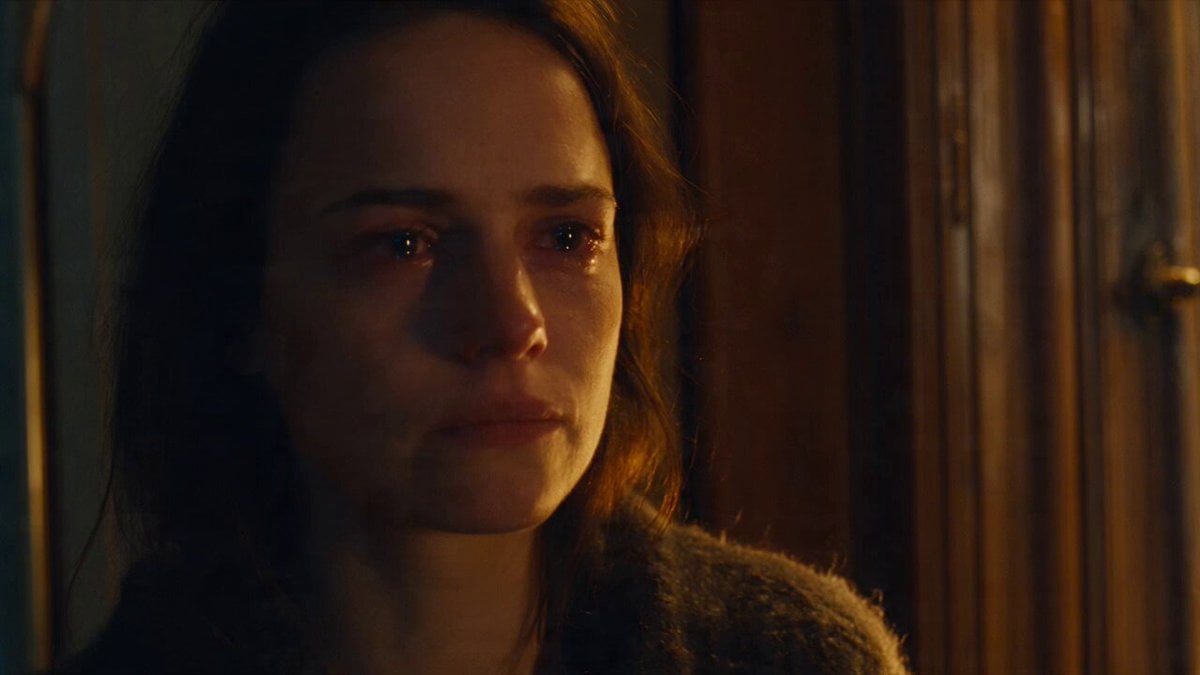
Emotional Parisian Apartment Drama
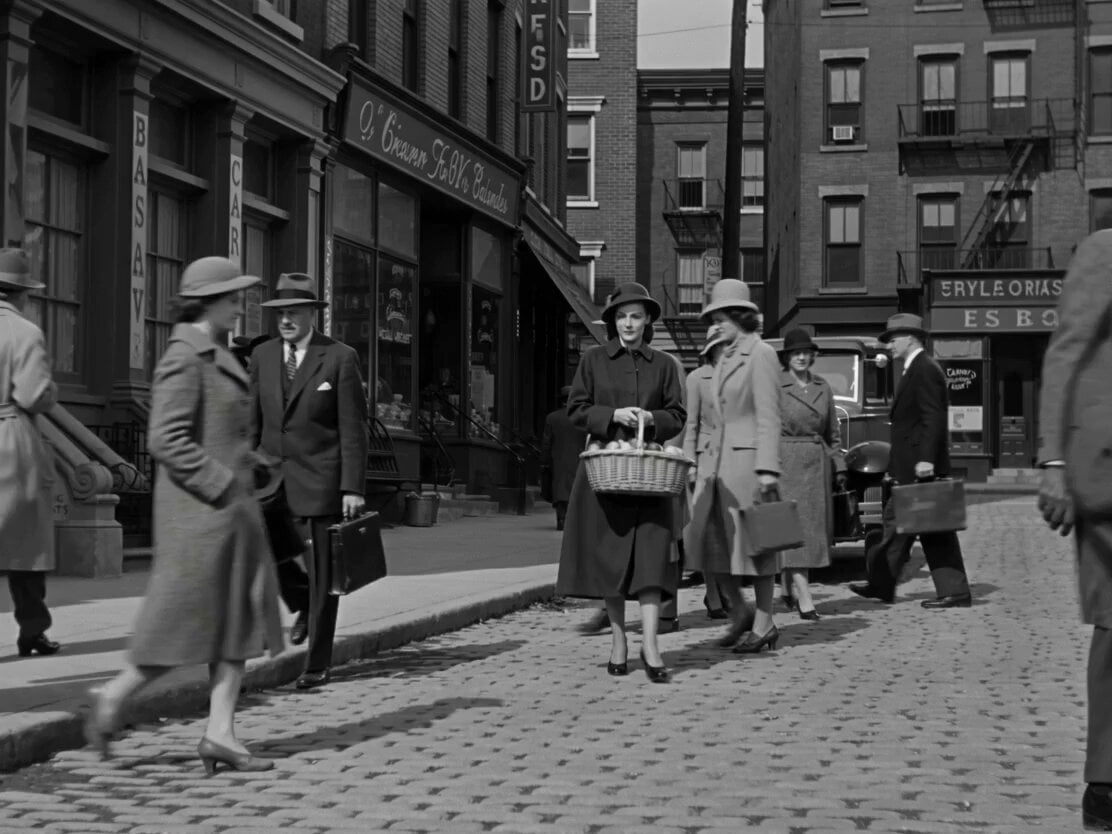
1950s Romantic Drama Scene
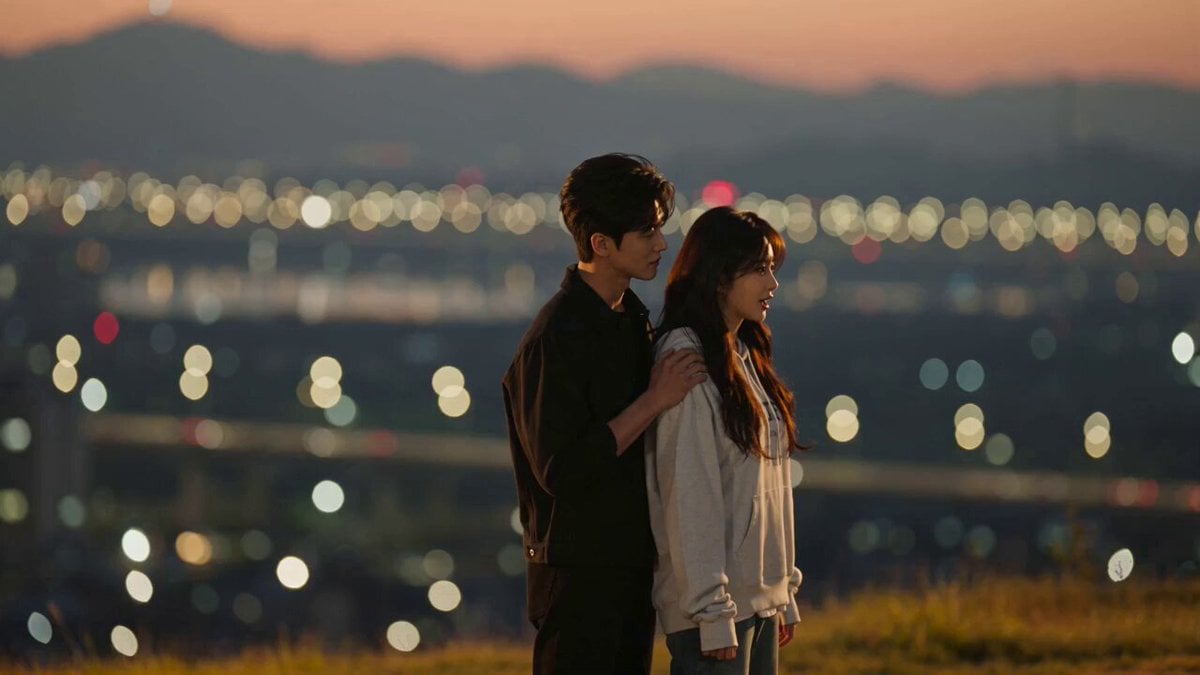
K-Drama Style Romantic Sunset Scene
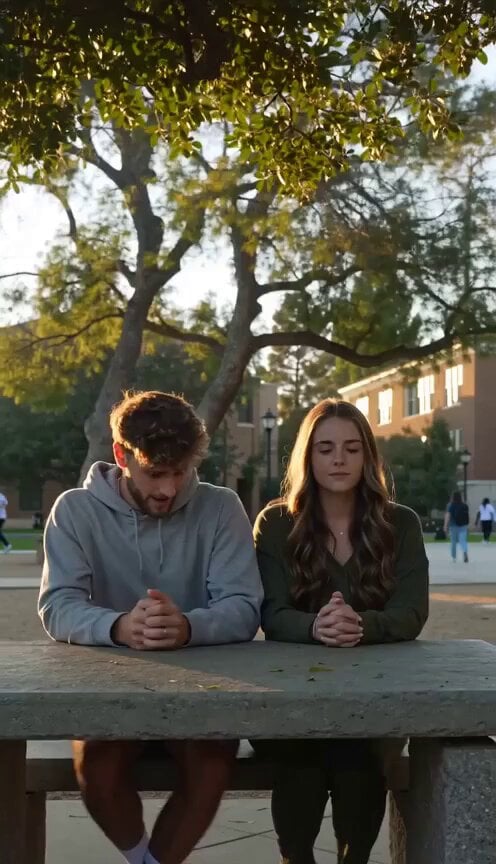
Cinematic Romantic Drama Scene
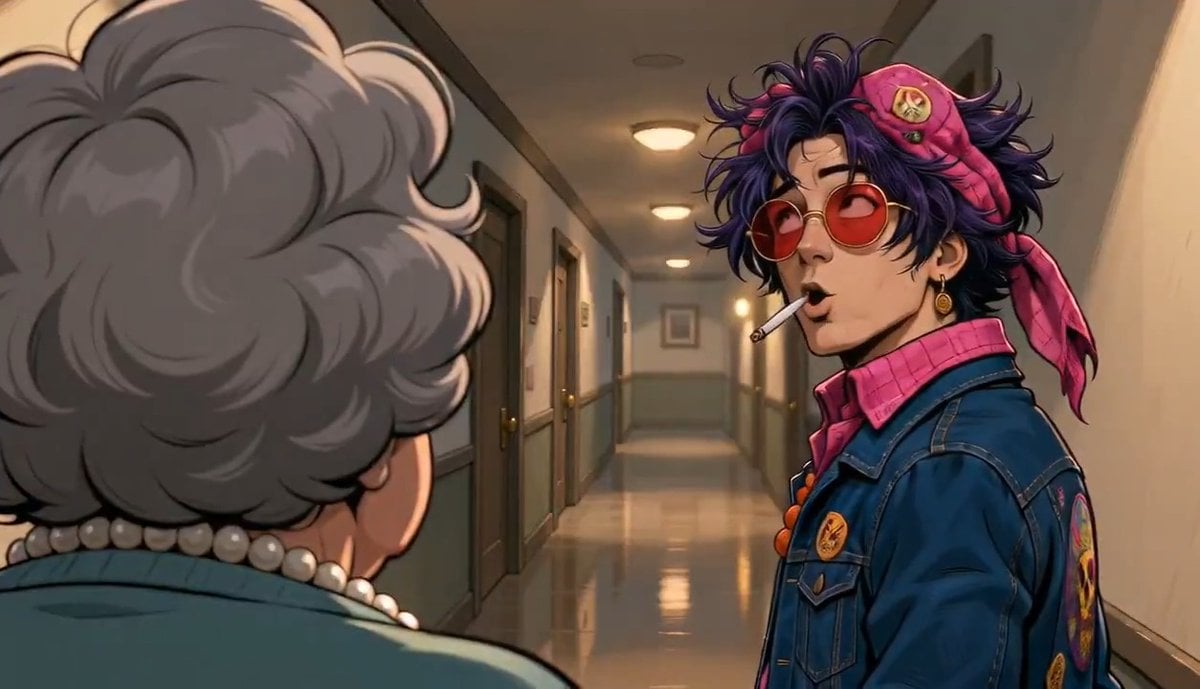
Apartment Hallway Neighbor Confrontation
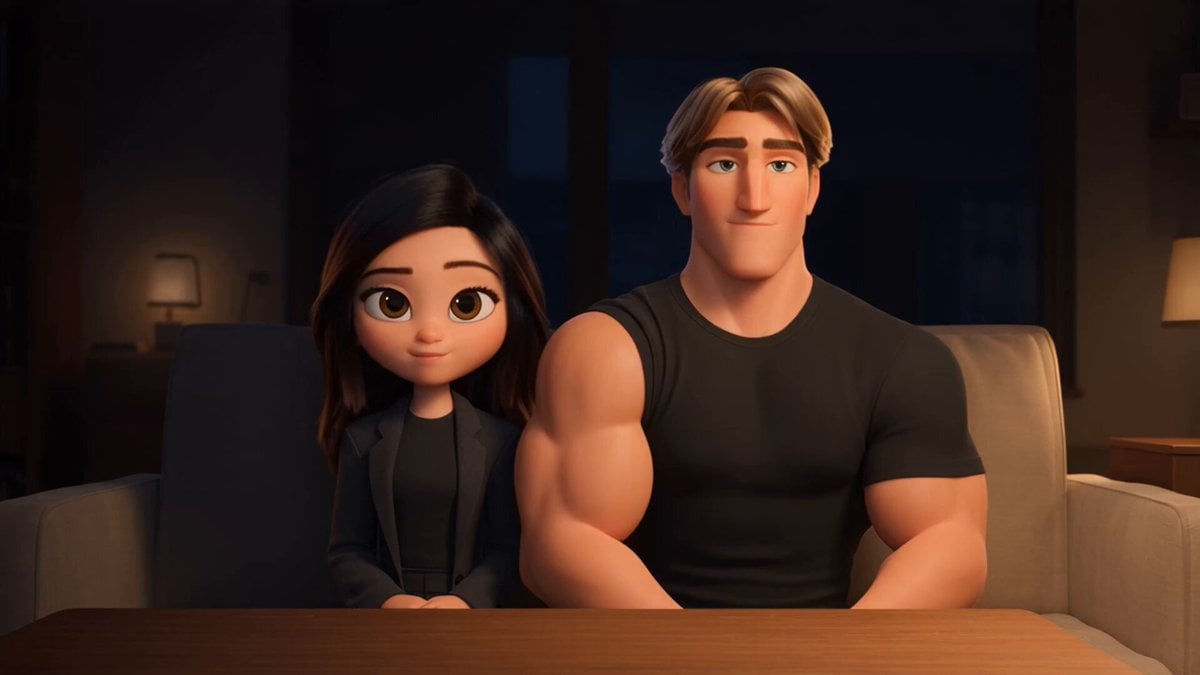
3D Animated Romantic Comedy Clip
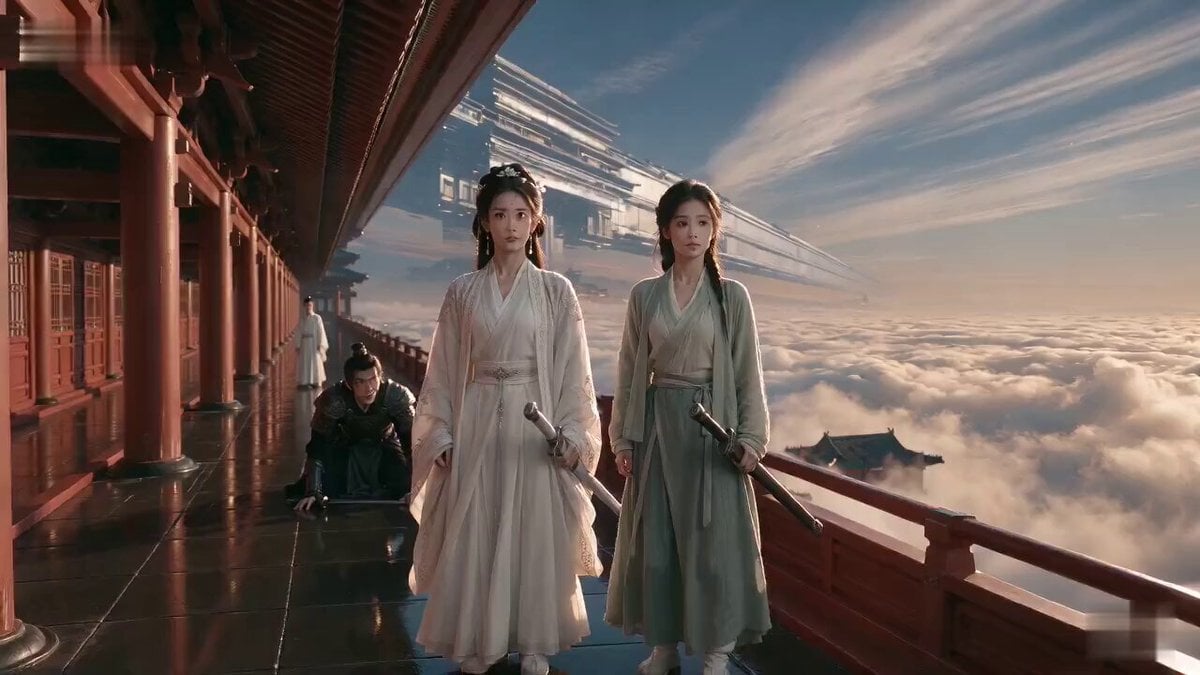
Wuxia Weakness and Home Drama
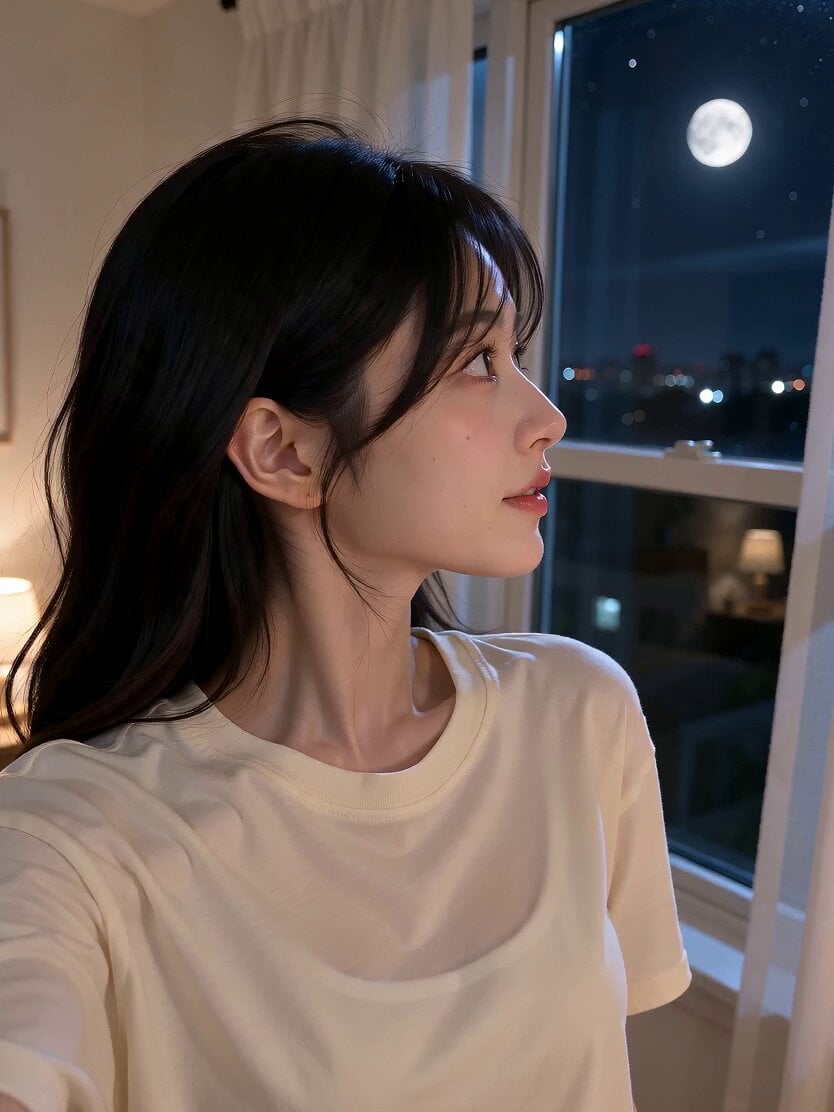
Romantic Bedroom Selfie Vlog
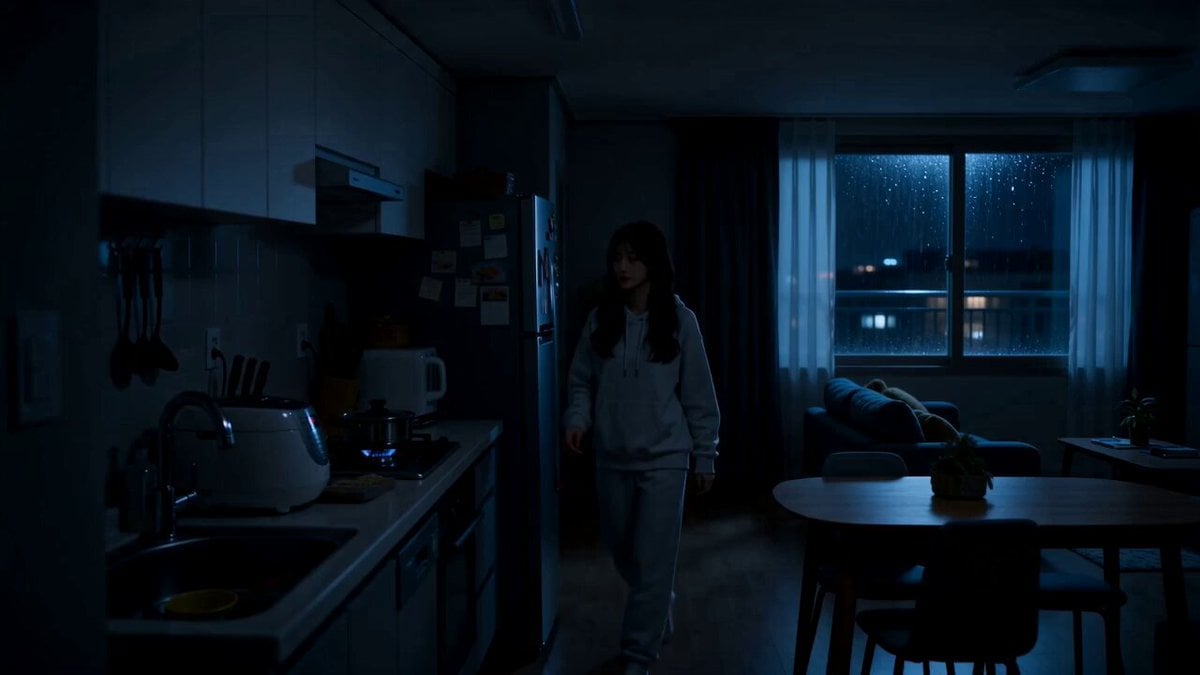
Midnight Apartment Cooking Scene

Romantic Comedy Tiktok Style Video
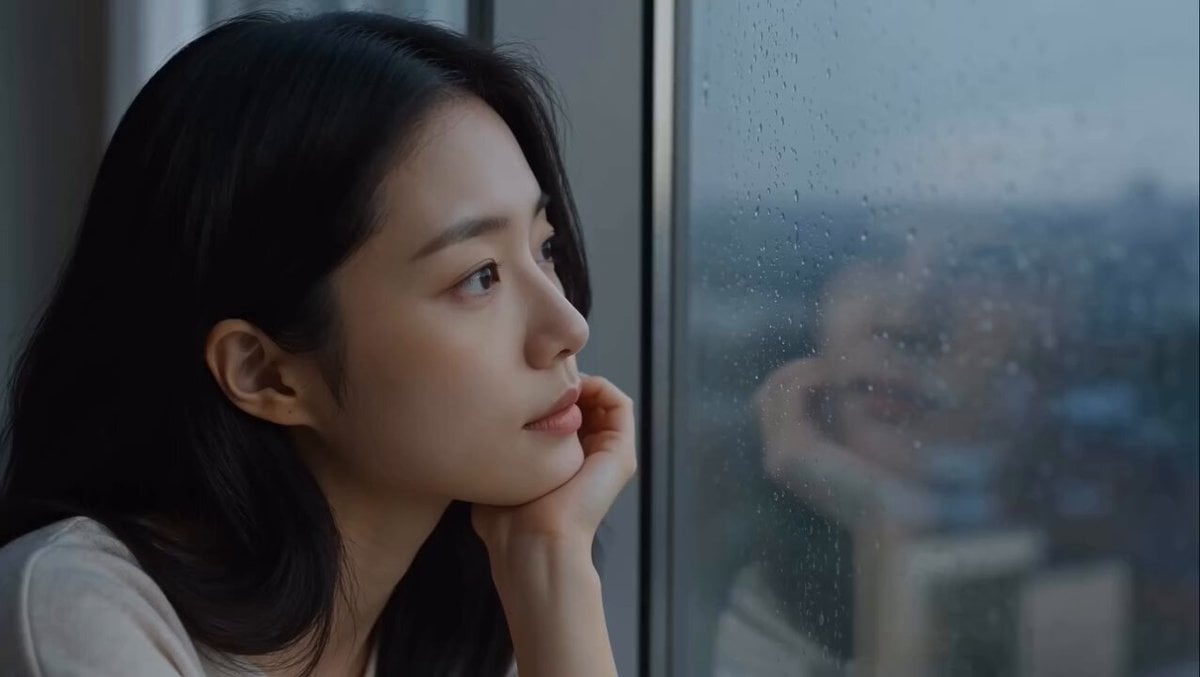
East Asian Woman Apartment Solitude

Astronaut to Apartment Match Cut Transition
Make it yours
Romantic Drama Apartment Goodbye works as-is. These are the safest ways to change it without losing the look.
Change one field
Copy a single group, rewrite it, and generate again so you can see what that field is doing.
Keep the frame, change the subject
Hold the composition and light of Romantic Drama Apartment Goodbye, then swap wardrobe, props or the person for a new take.
| If the result… | Why | Fix |
|---|---|---|
| The result drifts from the preview | Too many fields changed at once. | Reuse Romantic Drama Apartment Goodbye as-is first, then change one group — subject, light, or setting. |
| The model over-stylizes the scene | The prose prompt leaves finish and camera underspecified. | Add one camera or lighting sentence and stay on Seedance 2.0. |
More Seedance 2.0 templates
Other prompts made for Seedance 2.0.

Comical Martial Arts Punch Scene

Maglev Train Action Sequence

Martial Arts Fight Sequence

Wuxia Protection and Trust Script

Vintage Korean Arcade MiniDV Vlog

Mercedes 190 SL Luxury Ad

Rainy Night Supernatural Reverse Comedy Video Script

Amazon Civilization Discovery

Futuristic South Asian City Transformation

Cozy Luxury Cafe Commercial
More video prompts
Fresh picks from across the catalog.
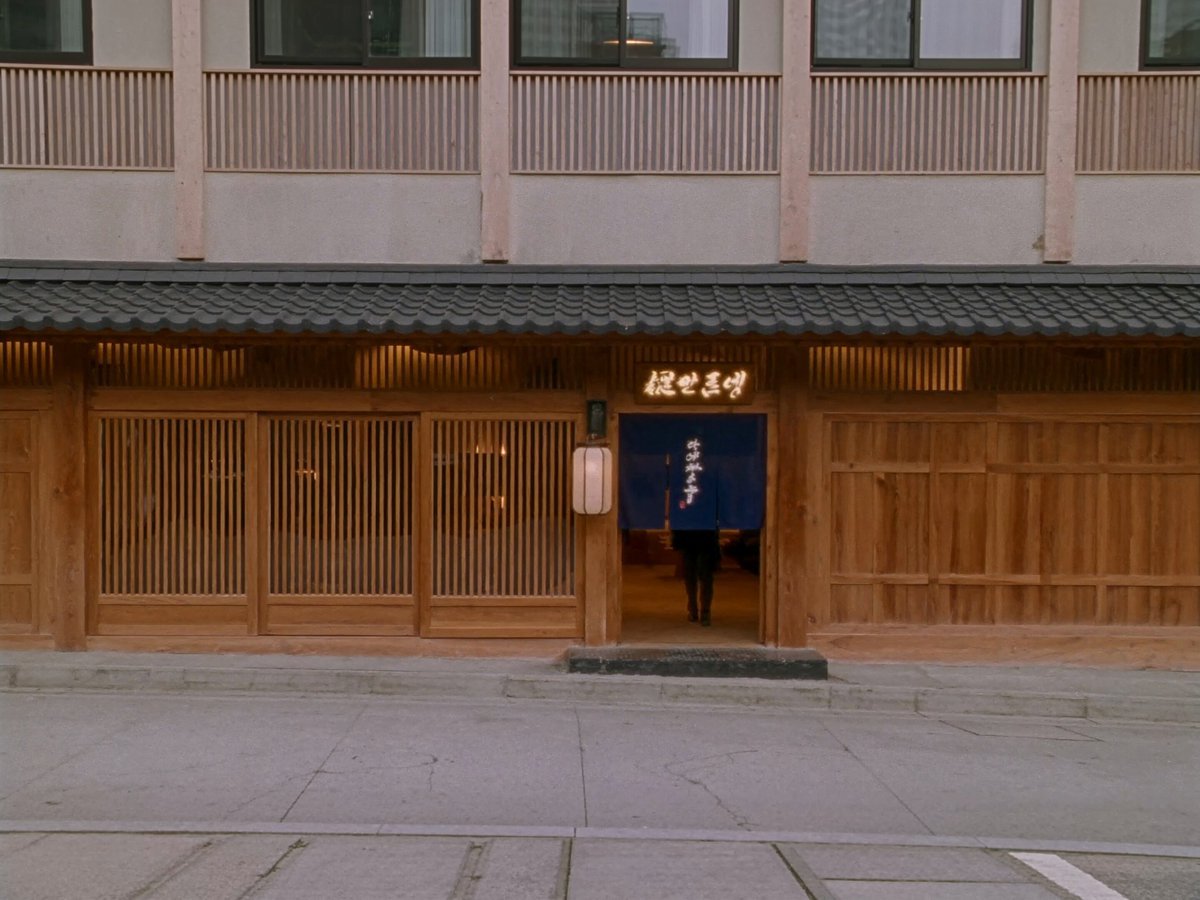
Japanese Restaurant Entrance Sequence

Y2K Retro Digital Poster

Fantasy Knight and Princess Commercial
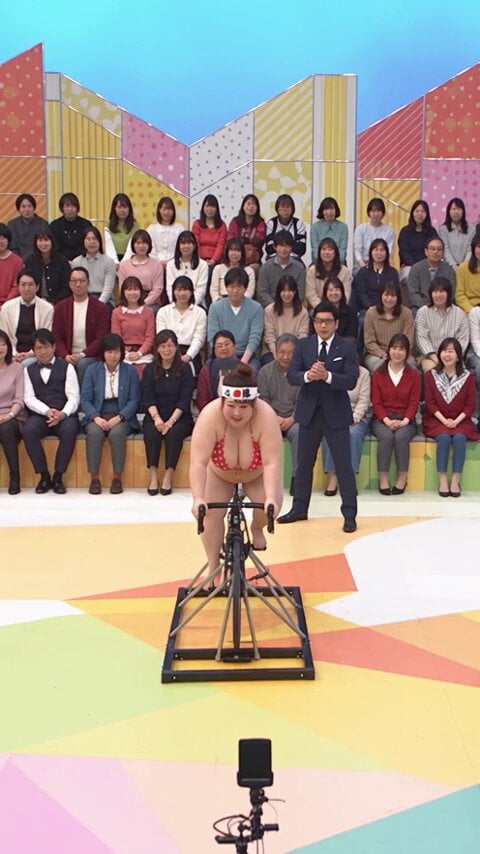
Japanese Variety Show Comedy Challenge

Blonde Woman Under Strawberry Moon

Cinematic Skiing Video Generation
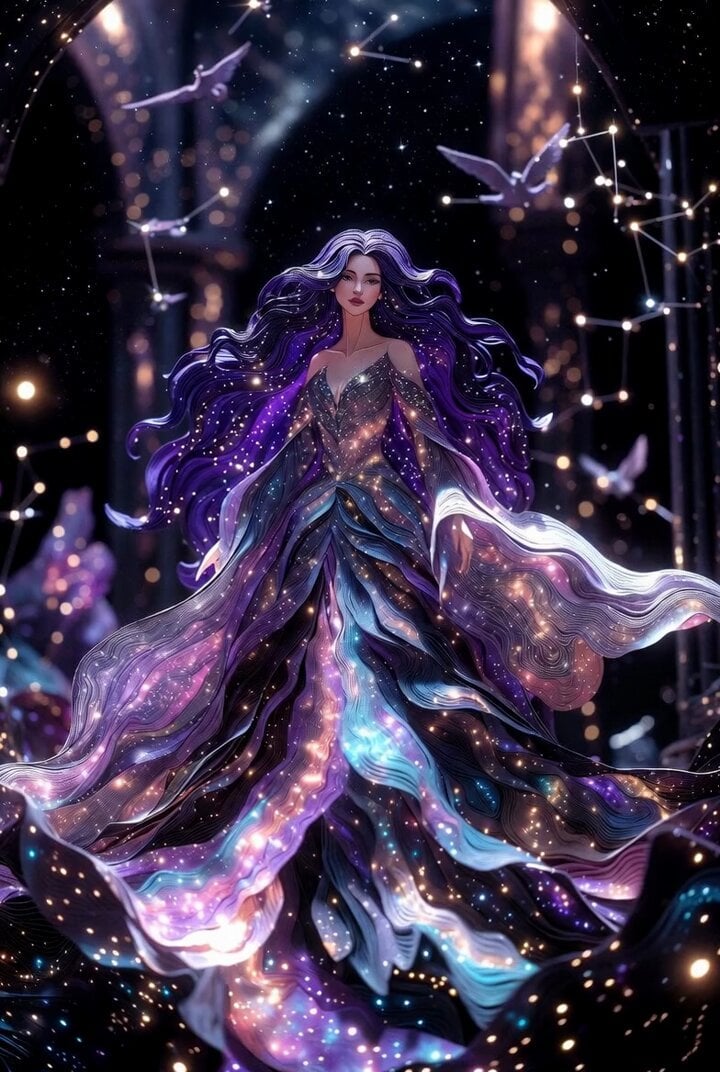
Cosmic Queen Paper Art Video
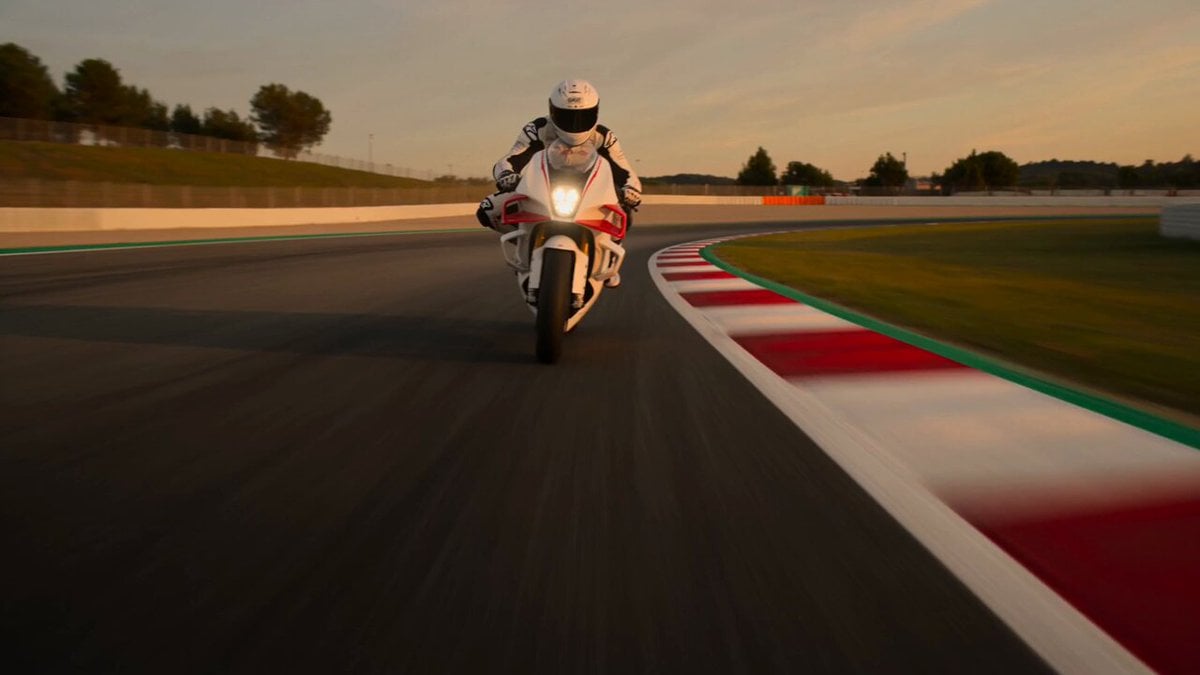
Superbike Racing Sunset Sequence

Grok Imagine prompt for a healing animation short video of two cute kittens talking
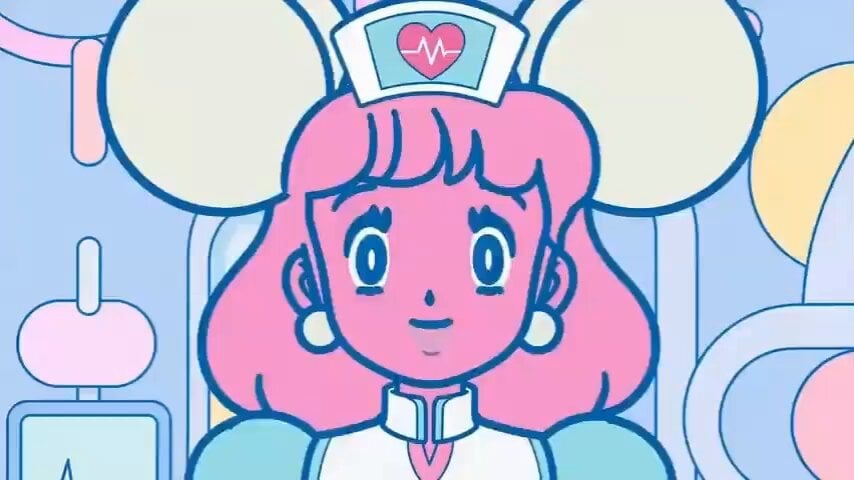
Cartoon Facial Expression Transition
Browse template categories
Romantic Drama Apartment Goodbye questions
How do I use the Romantic Drama Apartment Goodbye template?
Add your photo if the template asks for one, edit the prompt if you like — the template's model and format are already selected — and press Generate. Your version opens in PicX Studio.
Can I customize the Romantic Drama Apartment Goodbye template?
Yes. You can change the subject, setting, lighting, mood, format, and available model controls before creating your video.
Is the Romantic Drama Apartment Goodbye template free?
Opening and editing this template is free. Generating uses credits, shown on the Generate button when you are signed in.
Which AI model should I use?
Start with Seedance 2.0, which is the model associated with this template. You can compare another compatible model for a different finish.
Looking for something else? Browse all templates.

Your photo, any look
Thousands of ready templates for every top image and video model, from one credit balance.