How do I use the Japanese Restaurant Entrance Sequence template?
Edit the prompt in the box under the preview — the template's model and format are already selected — and press Generate. Your version appears right on this page.
A storyboarded multi-shot prompt for a character's elegant entrance into a traditional Japanese restaurant, featuring specific spatial mapping and slow-motion cuts.
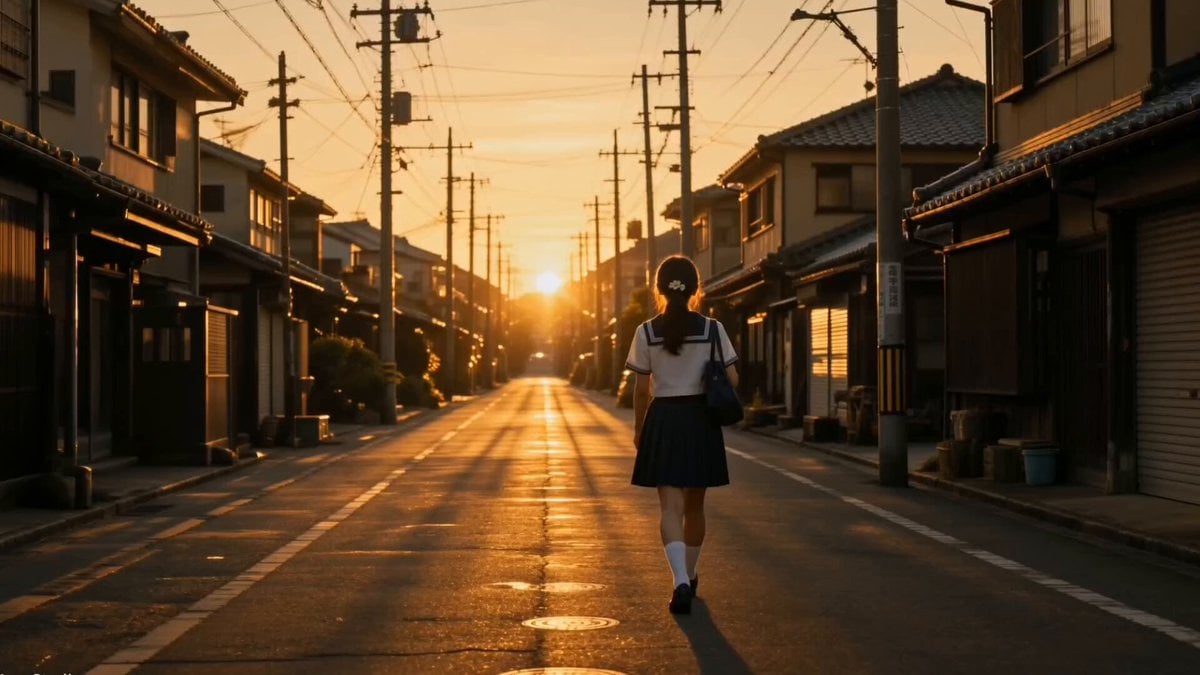
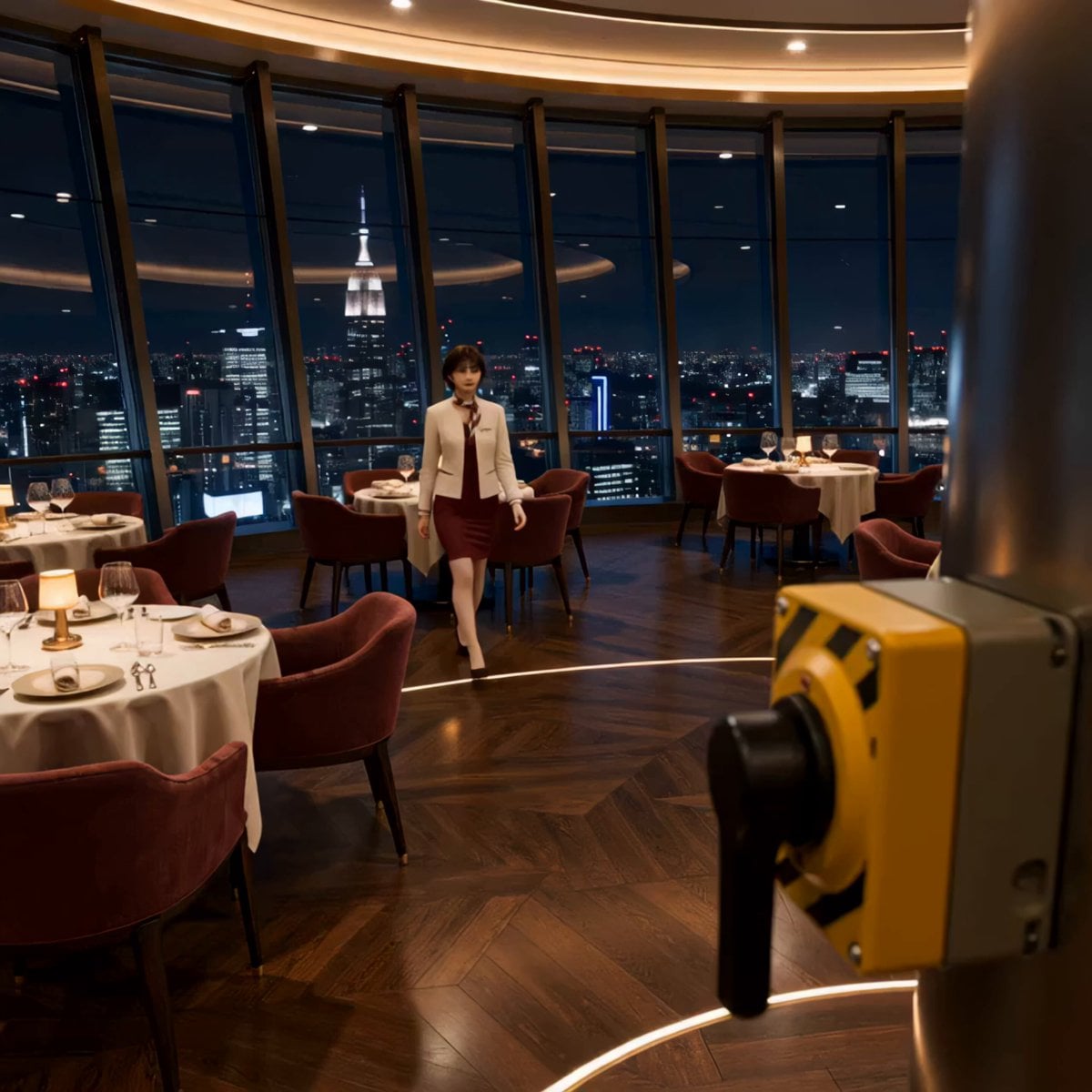
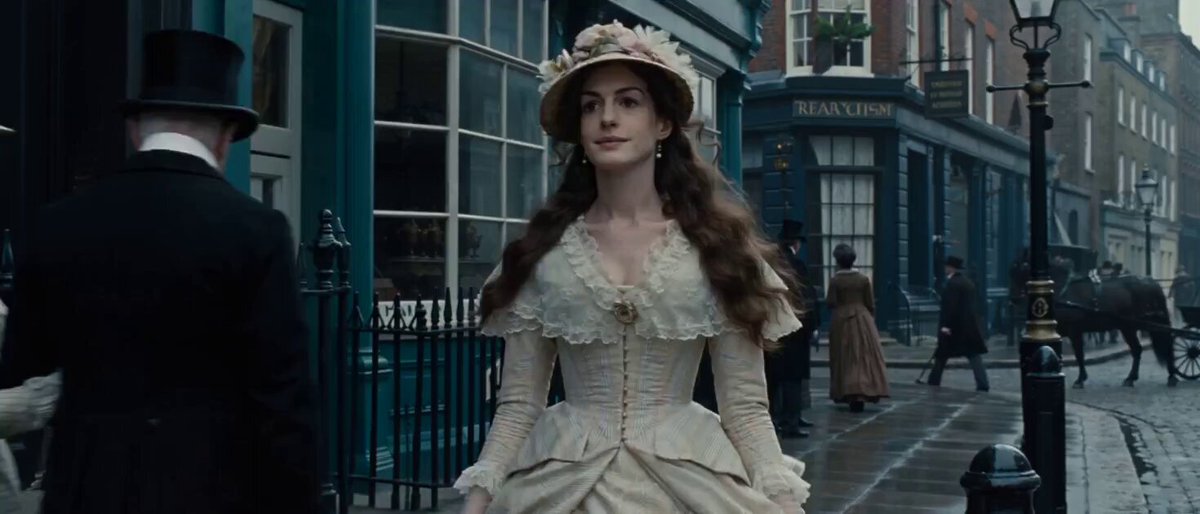
Use the attached images as reference. Keep the character, her outfit, the guy, his outfit, the watch and the location exactly as shown. NOTE: guests enter from the street through the noren doorway, then cross flat stone stepping-stones over a central koi pond to reach low tables with floor cushions; no chairs, no stools. BOY'S POSITION LOCK: The boy sits at the FIRST low table on the RIGHT side of the room, on a floor cushion on the raised tatami platform just past the koi pond — the nearest right-side table to the entrance. He stays at this exact table in every shot. SHOT 1A — EXTERIOR, from the street (0:12.0–0:12.7) [FRAME] Wide exterior shot of the restaurant storefront from across the street (wooden facade, green-tiled eave, indigo noren, glowing paper lantern). She walks up to the entrance from the street. [ACTION] She pauses at the doorway, a small nervous breath, smooths her coat and touches her beret, then pushes through the noren and steps inside, disappearing into the warm interior glow. [CAMERA] Locked-off wide, static, straight-on to the storefront. [SOUND] Street ambience — distant traffic, footsteps on pavement, a bicycle passing, the soft swish of the noren as she pushes through. SHOT 1B — MEDIUM CLOSE on the boy (0:12.7–0:13.3) [FRAME] Medium close-up of the boy at his right-side low table, looking up toward the entrance. [ACTION] He looks up and freezes mid-motion, instantly captivated — soft, smitten, awestruck smile, eyes tracking her. [CAMERA] Slight slow push-in on his face. [SOUND] Quiet interior room tone, faint koi water, a ceramic cup softly set down. SHOT 1C — CLOSE-UP, her face, slow-mo (0:13.3–0:13.9) [FRAME] Slow-motion close-up of her face as she steps in from the entrance — soft focus, hair catching the light, a shy nervous glance up toward him. [SPEED] Gentle slow-motion. [CAMERA] Slow drift-in on her face. [SOUND] Softened room tone, her quiet breath, distant koi water. SHOT 1D — CLOSE-UP, details, slow-mo (0:13.9–0:14.3) [FRAME] Slow-motion insert details: her cream boots stepping onto the first stepping-stone, the hem of her coat swaying, her hand lightly out for balance. [SPEED] Slow-motion. [CAMERA] Low angle on the boots meeting the stone, then tilt up slightly. [SOUND] A single soft heel-tap on stone, gentle water ripple. SHOT 1E — WIDE, graceful crossing, slow-mo (0:14.3–0:15.0) [FRAME] Wide shot of the whole tatami hall: she glides across the stone stepping-stones over the koi pond toward his right-side table, chin up, coat swaying, koi drifting serenely below. Movie-entrance elegance — everything looks flawless. [SPEED] Subtle slow-motion, dreamy and elegant. [CAMERA] Static or very slow tracking wide, symmetrical, taking
Use the attached images as reference. Keep the character, her outfit, the guy, his outfit, the watch and the location exactly as shown. NOTE: guests enter from the street through the noren doorway, then cross flat stone stepping-stones over a central koi pond to reach low tables with floor cushions; no chairs, no stools. BOY'S POSITION LOCK: The boy sits at the FIRST low table on the RIGHT side of the room, on a floor cushion on the raised tatami platform just past the koi pond — the nearest right-side table to the entrance. He stays at this exact table in every shot. SHOT 1A — EXTERIOR, from the street (0:12.0–0:12.7) [FRAME] Wide exterior shot of the restaurant storefront from across the street (wooden facade, green-tiled eave, indigo noren, glowing paper lantern). She walks up to the entrance from the street. [ACTION] She pauses at the doorway, a small nervous breath, smooths her coat and touches her beret, then pushes through the noren and steps inside, disappearing into the warm interior glow. [CAMERA] Locked-off wide, static, straight-on to the storefront. [SOUND] Street ambience — distant traffic, footsteps on pavement, a bicycle passing, the soft swish of the noren as she pushes through. SHOT 1B — MEDIUM CLOSE on the boy (0:12.7–0:13.3) [FRAME] Medium close-up of the boy at his right-side low table, looking up toward the entrance. [ACTION] He looks up and freezes mid-motion, instantly captivated — soft, smitten, awestruck smile, eyes tracking her. [CAMERA] Slight slow push-in on his face. [SOUND] Quiet interior room tone, faint koi water, a ceramic cup softly set down. SHOT 1C — CLOSE-UP, her face, slow-mo (0:13.3–0:13.9) [FRAME] Slow-motion close-up of her face as she steps in from the entrance — soft focus, hair catching the light, a shy nervous glance up toward him. [SPEED] Gentle slow-motion. [CAMERA] Slow drift-in on her face. [SOUND] Softened room tone, her quiet breath, distant koi water. SHOT 1D — CLOSE-UP, details, slow-mo (0:13.9–0:14.3) [FRAME] Slow-motion insert details: her cream boots stepping onto the first stepping-stone, the hem of her coat swaying, her hand lightly out for balance. [SPEED] Slow-motion. [CAMERA] Low angle on the boots meeting the stone, then tilt up slightly. [SOUND] A single soft heel-tap on stone, gentle water ripple. SHOT 1E — WIDE, graceful crossing, slow-mo (0:14.3–0:15.0) [FRAME] Wide shot of the whole tatami hall: she glides across the stone stepping-stones over the koi pond toward his right-side table, chin up, coat swaying, koi drifting serenely below. Movie-entrance elegance — everything looks flawless. [SPEED] Subtle slow-motion, dreamy and elegant. [CAMERA] Static or very slow tracking wide, symmetrical, taking
Edit the prompt in the box under the preview — the template's model and format are already selected — and press Generate. Your version appears right on this page.
Yes. You can change the subject, setting, lighting, mood, format, and available model controls before creating your video.
Opening and editing this template is free. Generating uses credits, shown on the Generate button when you are signed in.
Start with Seedance 2.0, which is the model associated with this template. You can compare another compatible model for a different finish.
Follow a topic to a crawlable collection of related PicX Studio templates.