
Alien Planet Morning Routine
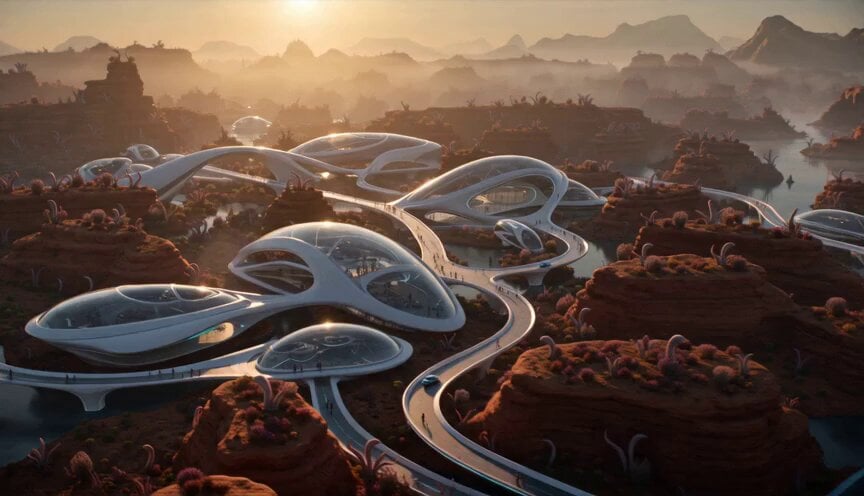
A comprehensive sci-fi cinematic prompt detailing the morning routine of orange-skinned inhabitants in an advanced alien city.
- Prompt included
- Model and format preset
- Premium template
The prompt behind this video
Copy the exact prompt behind Alien Planet Morning Routine, or open it in the studio and make it yours.
Hyper-realistic cinematic sci-fi morning on an alien planet. A peaceful advanced city wakes at sunrise, filled with sleek white and silver organic buildings, curved towers, glass domes, glowing cyan details, smooth pathways, silent hover pods, red rocks, strange alien plants, and misty mountains. The inhabitants look almost human but have natural warm orange skin, subtle alien facial features, realistic expressions, and elegant everyday clothing. Show an ordinary morning routine: families leaving homes, parents going to work, children walking to school, the city slowly coming alive. 0–5 sec: wide aerial establishing shot gliding over the city as lights turn on, curved doors open, hover traffic begins, and orange-skinned families step outside. 5–10 sec: street-level tracking shot beside one family walking along a glowing curved path, parents carrying work bags, children wearing futuristic school packs, other families passing in the background. 10–15 sec: low cinematic angle near a modern alien school entrance. Parents say goodbye, children enter, workers board hover shuttles nearby. Camera rises to reveal the city fully awake. Hyper-realistic, cinematic, warm sunrise light, smooth camera movement, shallow depth of field, natural acting, detailed alien worldbuilding. Keep proportions, keep style and features, aspect ratio 16:9. Negative prompt: no text, no subtitles, no logos, no Earth buildings, no pink human skin, no cartoon style, no war, no horror, no distorted faces, no extra limbs, no chaotic crowd, no shaky camera.
How to use Alien Planet Morning Routine in 3 steps
- 1
Open
The prompt is already in the box next to the preview, with the template's model and format selected.
- 2…a portrait of your subject in softgolden-hour light, 85mm…
Personalize
Edit the subject and creative details for your destination.
- 3Generate
Generate
Press Generate — your video is created in PicX Studio, so you can compare it with the original and refine one variable at a time.
More like this
Templates with the same subject, style or setup. Open one to see its prompt.

Realistic Morning Routine Lifestyle Vlog - Seedance 2.5
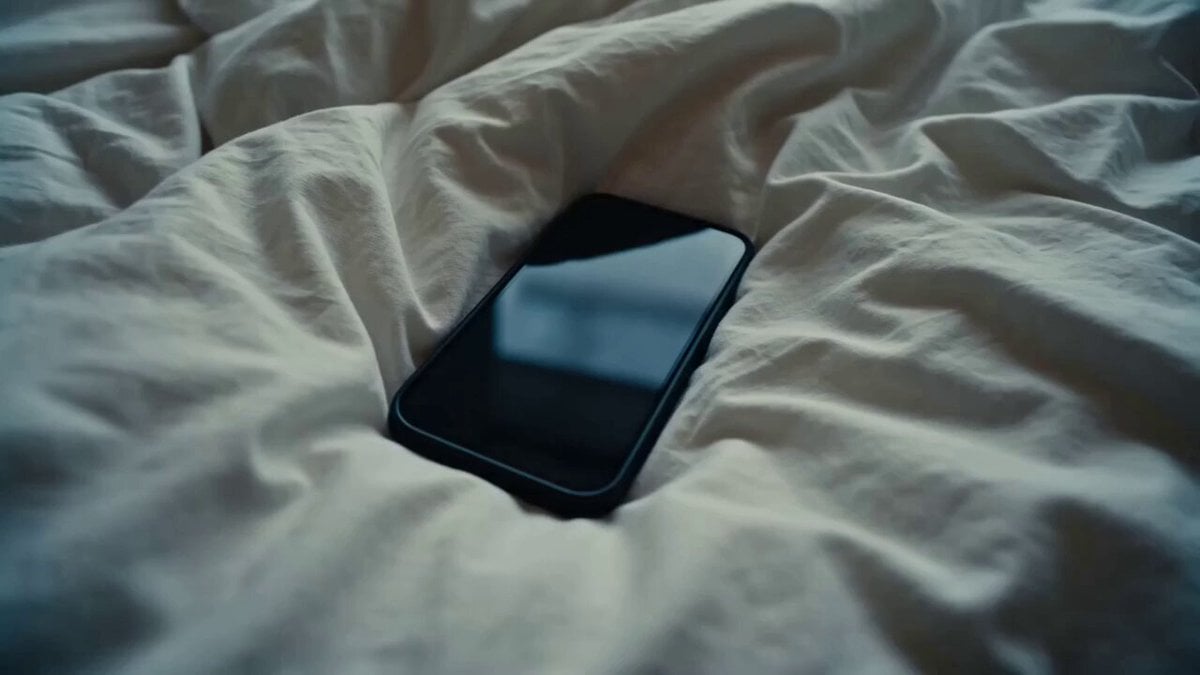
Rushed Morning Routine Montage
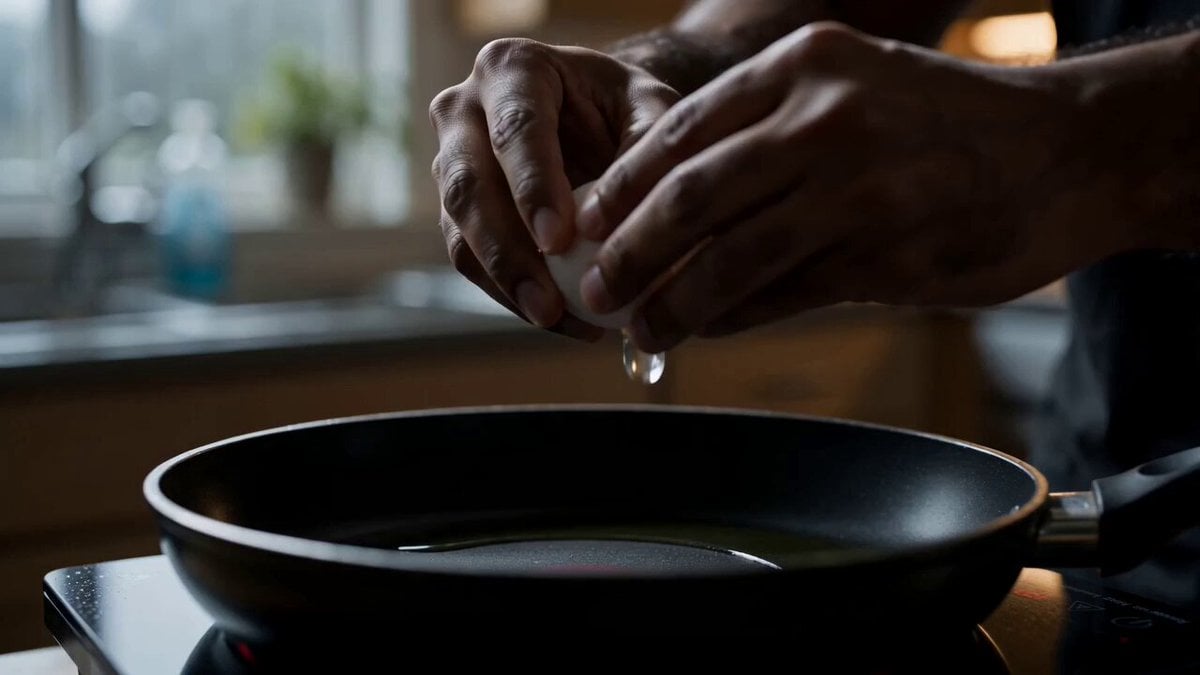
Morning Routine Lifestyle Vlog
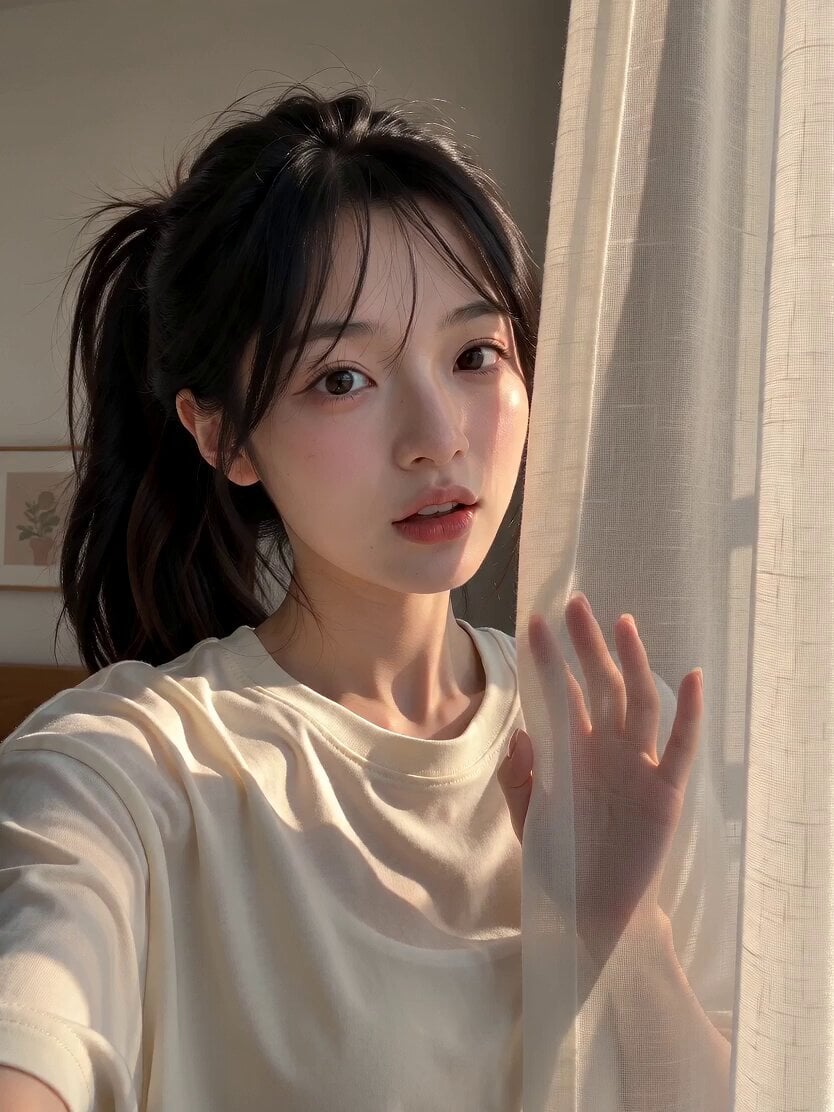
Morning Routine Vlog Aesthetic
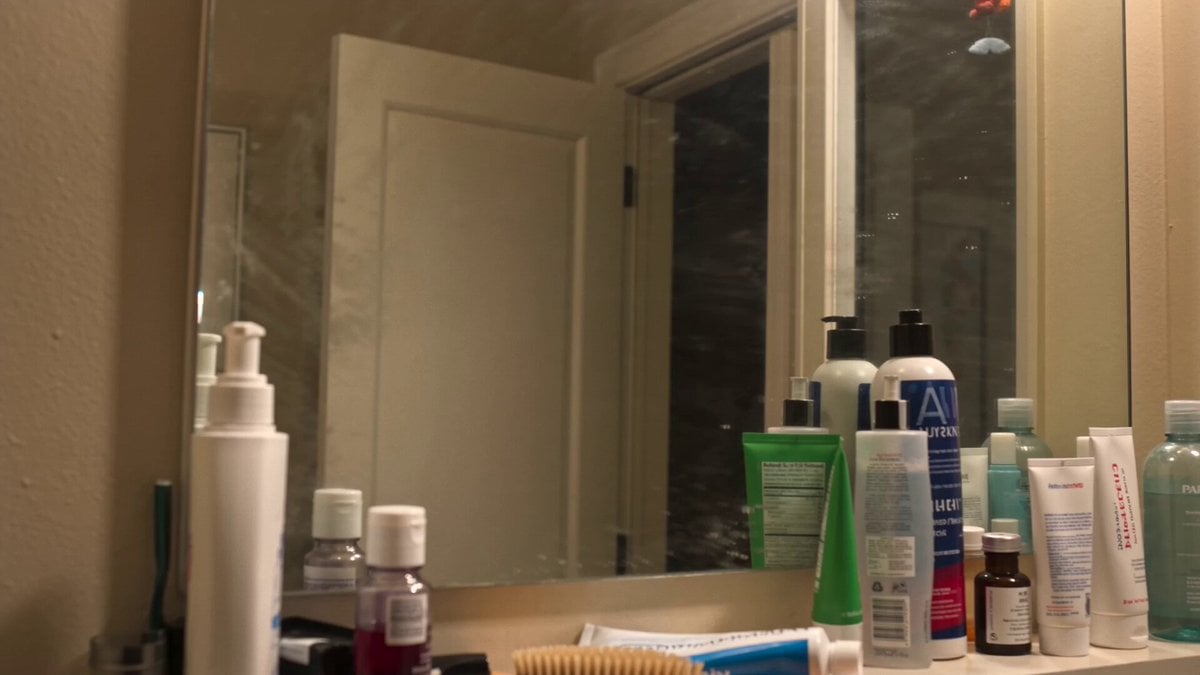
Everyday Morning Routine Bathroom Vlog
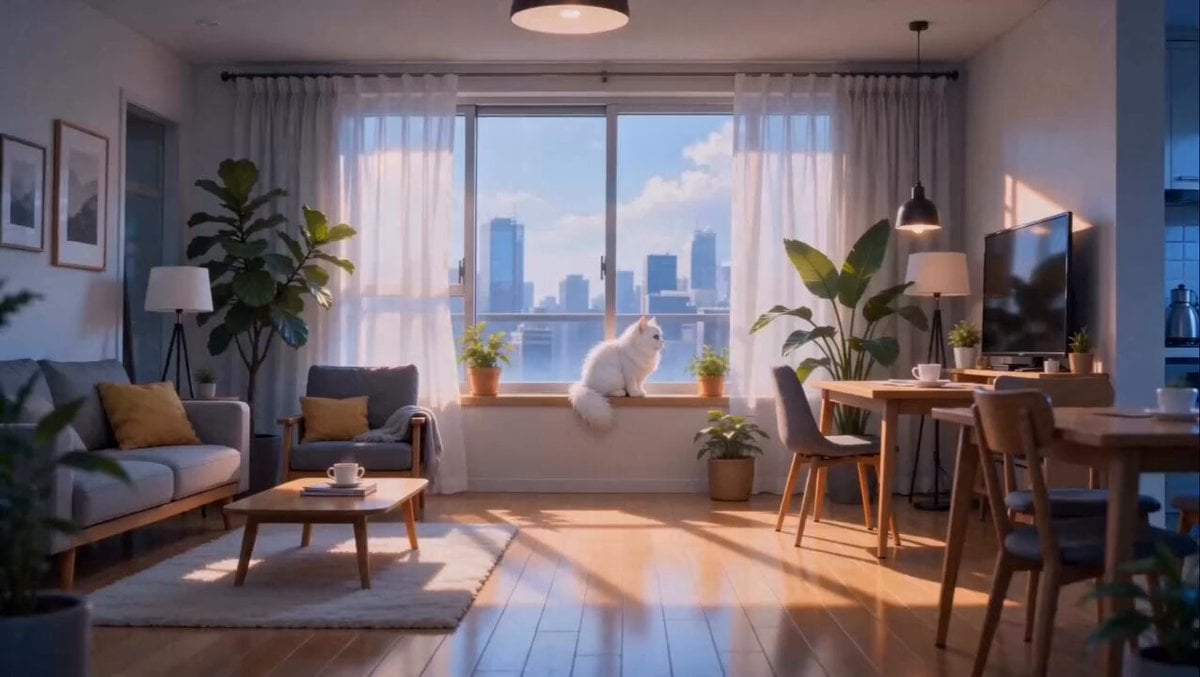
Anime Fluffy Cat Morning Routine
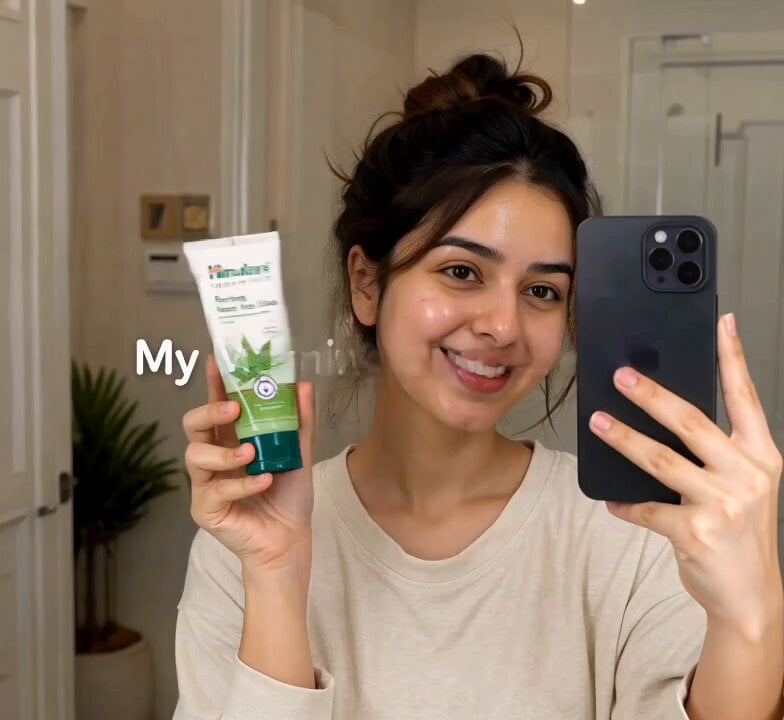
Morning Skincare Routine Vlog Script
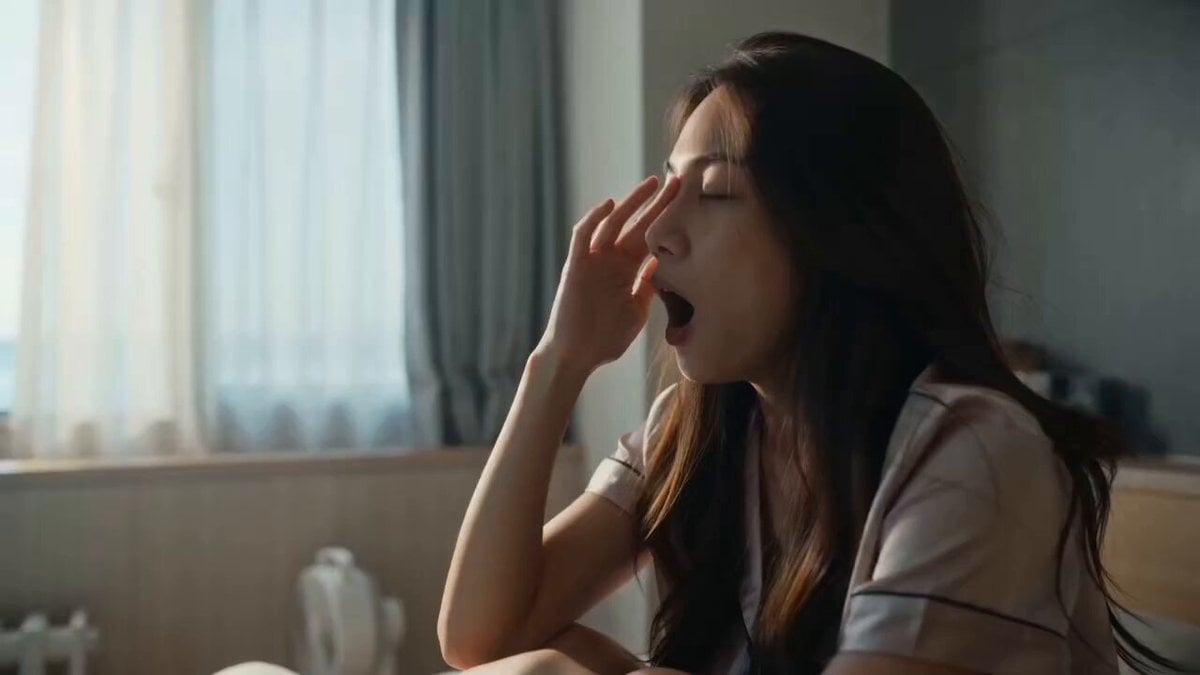
Cozy Morning Routine Lifestyle Video

Spaceship Landing on Alien Planet

Kyoto Morning Selfie Vlog
Morning Reset Sunrise Routine
Gen Z Morning Aesthetic Routine
Make it yours
Alien Planet Morning Routine works as-is. These are the safest ways to change it without losing the look.
Change one field
Copy a single group, rewrite it, and generate again so you can see what that field is doing.
Keep the frame, change the subject
Hold the composition and light of Alien Planet Morning Routine, then swap wardrobe, props or the person for a new take.
| If the result… | Why | Fix |
|---|---|---|
| The result drifts from the preview | Too many fields changed at once. | Reuse Alien Planet Morning Routine as-is first, then change one group — subject, light, or setting. |
| The model over-stylizes the scene | The prose prompt leaves finish and camera underspecified. | Add one camera or lighting sentence and stay on Seedance 2.0. |
More Seedance 2.0 templates
Other prompts made for Seedance 2.0.

Comical Martial Arts Punch Scene

Maglev Train Action Sequence

Martial Arts Fight Sequence

Wuxia Protection and Trust Script

Vintage Korean Arcade MiniDV Vlog

Mercedes 190 SL Luxury Ad

Rainy Night Supernatural Reverse Comedy Video Script

Amazon Civilization Discovery

Futuristic South Asian City Transformation

Cozy Luxury Cafe Commercial
More video prompts
Fresh picks from across the catalog.
Japanese Bakery Lifestyle Commercial Storyboard
Art Deco desert goddess scene video prompt

Exhausted Employee Meme Video
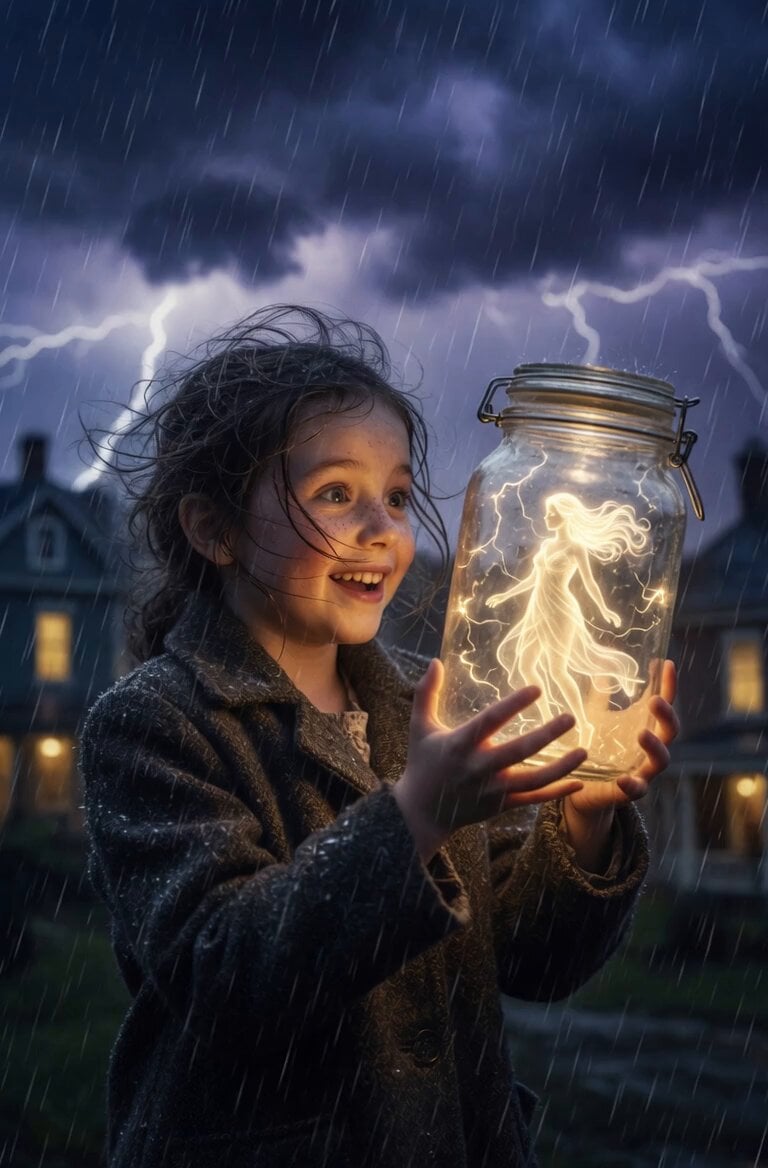
Gentle Mother and Child Animation
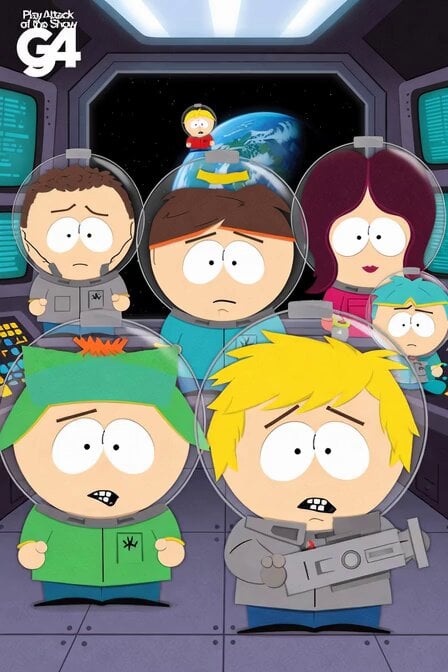
South Park Space Science Mission
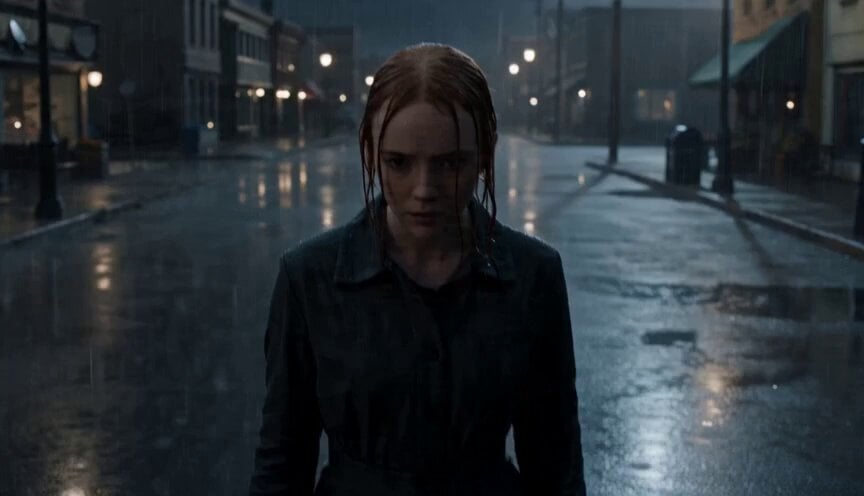
Cinematic Unreal Engine Video Prompt with Shockwave Effect

Cyberpunk RPG Anime Action

3D Animated Cat Daily Vlog
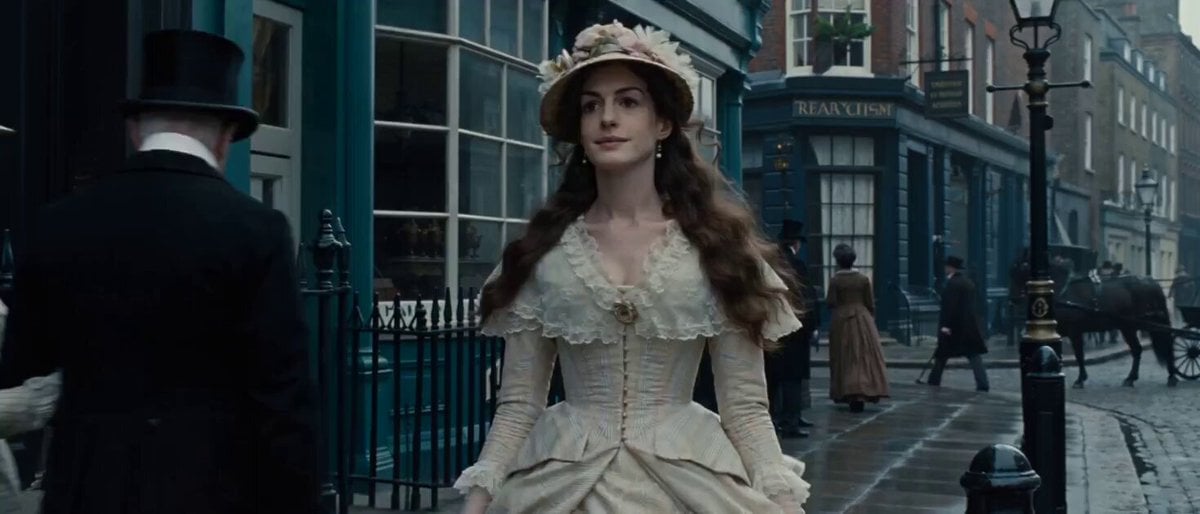
Video Prompt: 19th Century London Street Scene
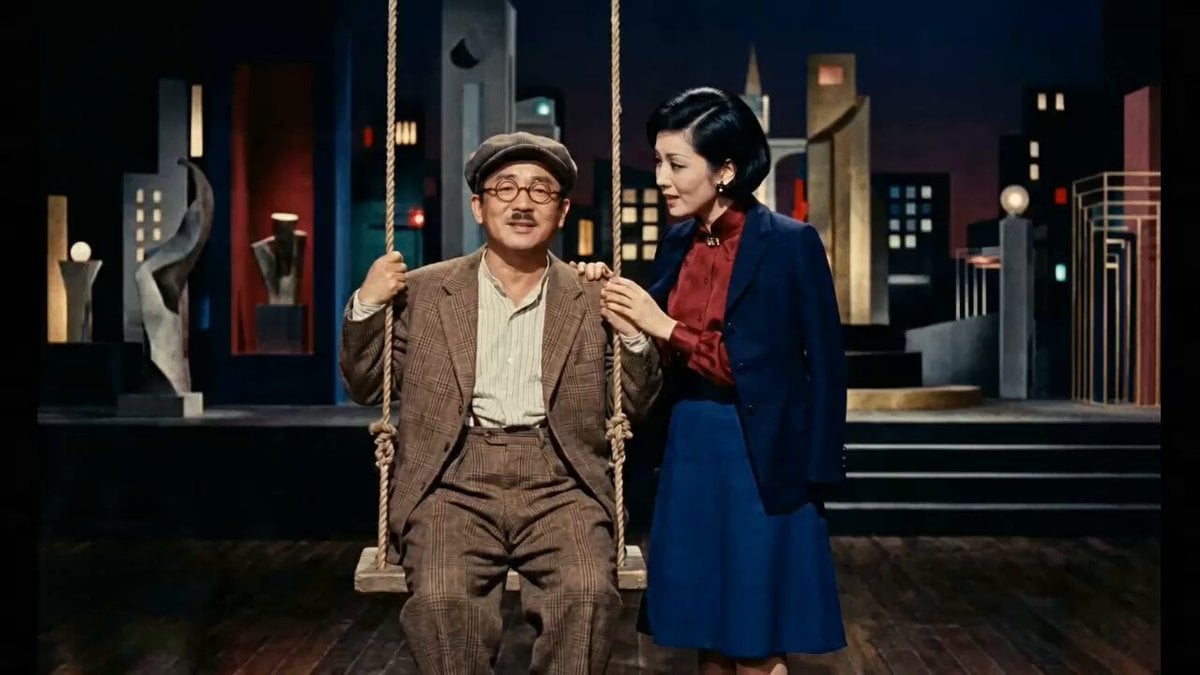
Historical News Broadcast Video Prompt
Browse template categories
Alien Planet Morning Routine questions
How do I use the Alien Planet Morning Routine template?
Add your photo if the template asks for one, edit the prompt if you like — the template's model and format are already selected — and press Generate. Your version opens in PicX Studio.
Can I customize the Alien Planet Morning Routine template?
Yes. You can change the subject, setting, lighting, mood, format, and available model controls before creating your video.
Is the Alien Planet Morning Routine template free?
Opening and editing this template is free. Generating uses credits, shown on the Generate button when you are signed in.
Which AI model should I use?
Start with Seedance 2.0, which is the model associated with this template. You can compare another compatible model for a different finish.
Looking for something else? Browse all templates.

Your photo, any look
Thousands of ready templates for every top image and video model, from one credit balance.