How do I use the Morning Reset Sunrise Routine template?
Edit the prompt in the box under the preview — the template's model and format are already selected — and press Generate. Your version appears right on this page.
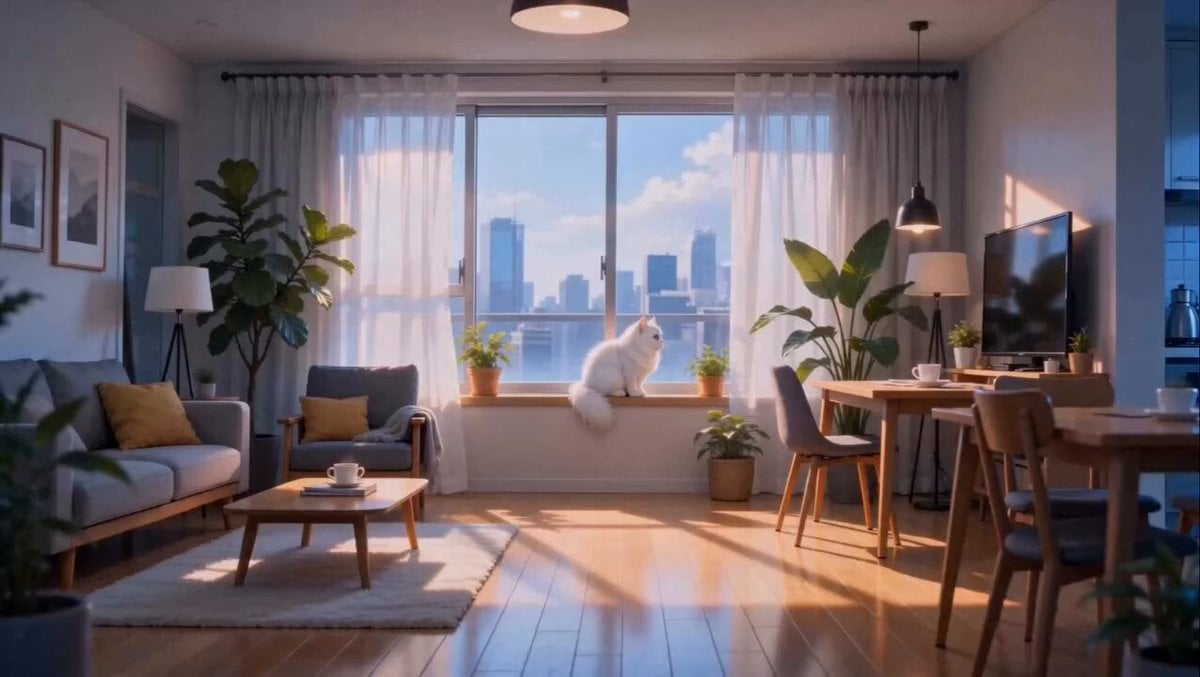
A multi-scene cinematic prompt following a woman's morning routine from sunrise to a bathroom skincare session with high character consistency.
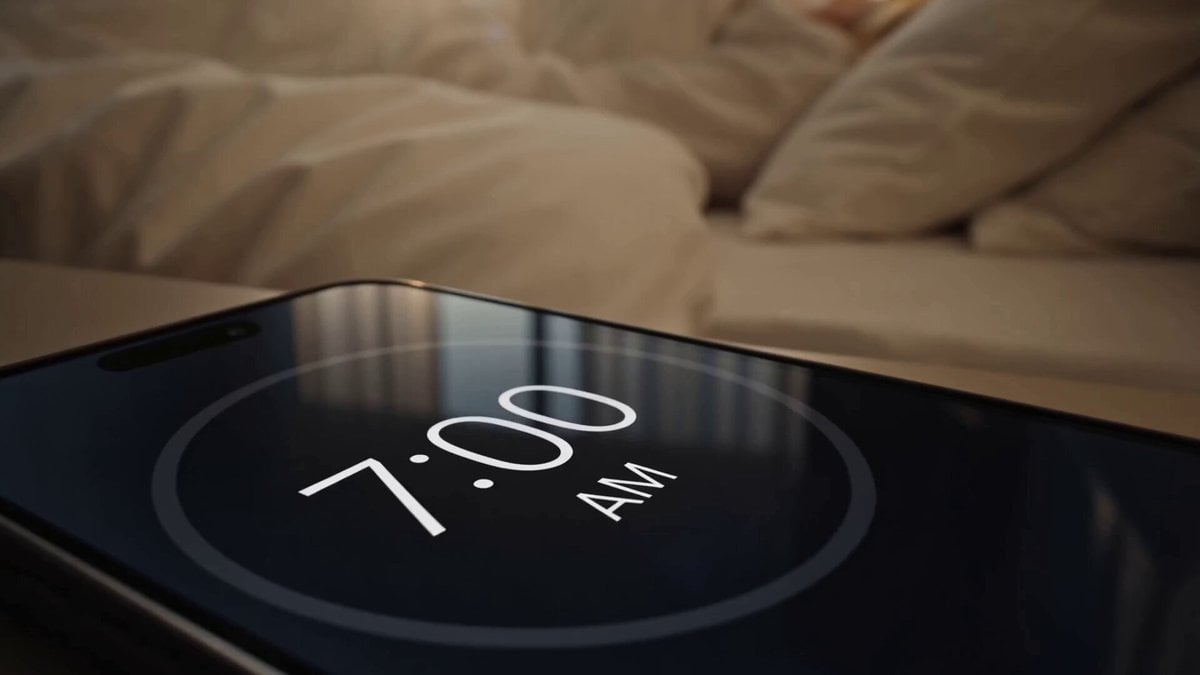
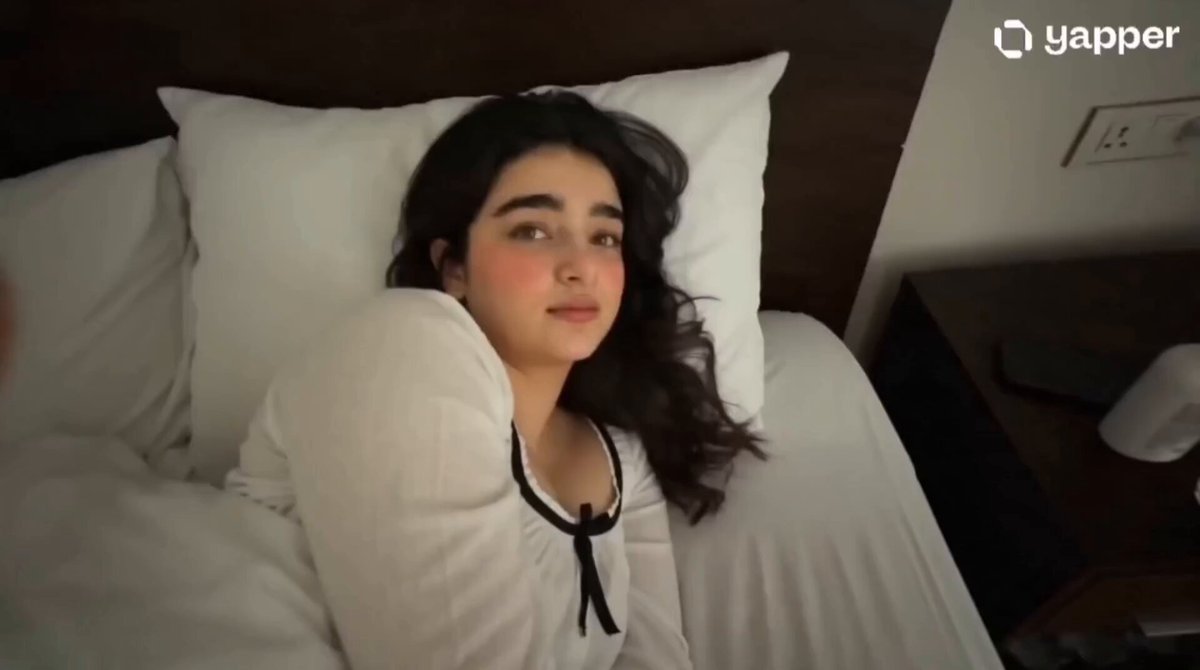
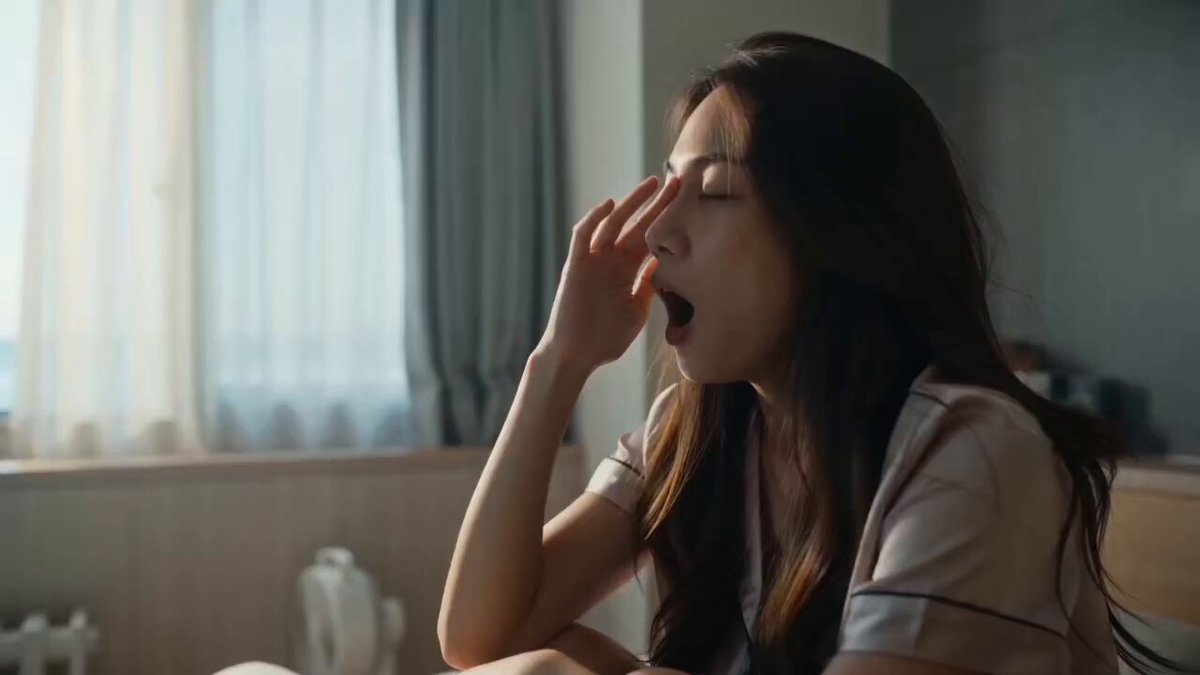
Maintain the exact same original fictional female character throughout the entire video. Keep identical hairstyle, facial features, clothing, body proportions, and appearance in every scene. No character drift. The bedroom and bathroom are two separate connected rooms. The character must physically walk through a doorway from the bedroom into the bathroom. No teleporting, no location merging, no sudden environment changes. Style: Cinematic morning film, realistic fictional character, smooth camera movement, natural acting, warm sunrise lighting, realistic physics, seamless transitions, shallow depth of field, premium cinematic quality. Audio: Peaceful morning ambience, soft birds outside, gentle wind, subtle room tone, classic alarm clock ringing, quiet footsteps, running water from the sink. No dialogue, no voices, no singing. --- Scene 1 (0-2s) A peaceful sunrise appears over the horizon. Golden morning light spreads across the sky. The camera slowly pushes toward the sunrise with soft lens flare, then smoothly transitions into the bedroom as sunlight enters through the window. Scene 2 (2-3.5s) The camera glides into a cozy bedroom. The same fictional woman is sleeping peacefully under a white duvet. Her hair is slightly messy from sleep, her body relaxed. Warm sunlight softly illuminates the room. Slow cinematic dolly toward the bed. Scene 3 (3.5-5s) The camera moves to the wooden bedside table. Close-up of an analog alarm clock showing 6:59 AM. The second hand ticks, the clock changes to 7:00 AM, and the alarm begins ringing. Scene 4 (5-7s) Cut back to the woman. She slowly opens her eyes, blinks, looks tired, yawns, and stretches while sitting up in bed. Natural sleepy expression and realistic movement. Scene 5 (7-10s) She gets out of bed and puts on the sandals beside the bed. Close-up of her feet entering the sandals. She stands and slowly walks across the bedroom toward a bathroom door. Her face looks sleepy. The camera smoothly follows behind her as she opens the door and walks into the separate bathroom. Scene 6 (10-12.5s) Inside the bathroom, she walks to a clean wash basin with a large mirror above it. She turns on the faucet and gently washes her face with water. Realistic water droplets, reflections, and natural movement. Camera captures the sink, mirror, and her actions. Scene 7 (12.5-15s) She lifts her head and looks into the mirror. The camera smoothly rotates to reveal her reflection showing the exact same character. Her face now looks refreshed and awake, with small water droplets on her skin. She gives a subtle smile as warm morning light fills the bathroom. Visual Keywords: Cinematic realism, consistent fictional character, realistic facial animation, smooth tracking shots, natural body movement, realistic reflections, water simulation, soft sunrise lighting, warm color grading, detailed environment, premium film quality, seaml
Maintain the exact same original fictional female character throughout the entire video. Keep identical hairstyle, facial features, clothing, body proportions, and appearance in every scene. No character drift. The bedroom and bathroom are two separate connected rooms. The character must physically walk through a doorway from the bedroom into the bathroom. No teleporting, no location merging, no sudden environment changes. Style: Cinematic morning film, realistic fictional character, smooth camera movement, natural acting, warm sunrise lighting, realistic physics, seamless transitions, shallow depth of field, premium cinematic quality. Audio: Peaceful morning ambience, soft birds outside, gentle wind, subtle room tone, classic alarm clock ringing, quiet footsteps, running water from the sink. No dialogue, no voices, no singing. --- Scene 1 (0-2s) A peaceful sunrise appears over the horizon. Golden morning light spreads across the sky. The camera slowly pushes toward the sunrise with soft lens flare, then smoothly transitions into the bedroom as sunlight enters through the window. Scene 2 (2-3.5s) The camera glides into a cozy bedroom. The same fictional woman is sleeping peacefully under a white duvet. Her hair is slightly messy from sleep, her body relaxed. Warm sunlight softly illuminates the room. Slow cinematic dolly toward the bed. Scene 3 (3.5-5s) The camera moves to the wooden bedside table. Close-up of an analog alarm clock showing 6:59 AM. The second hand ticks, the clock changes to 7:00 AM, and the alarm begins ringing. Scene 4 (5-7s) Cut back to the woman. She slowly opens her eyes, blinks, looks tired, yawns, and stretches while sitting up in bed. Natural sleepy expression and realistic movement. Scene 5 (7-10s) She gets out of bed and puts on the sandals beside the bed. Close-up of her feet entering the sandals. She stands and slowly walks across the bedroom toward a bathroom door. Her face looks sleepy. The camera smoothly follows behind her as she opens the door and walks into the separate bathroom. Scene 6 (10-12.5s) Inside the bathroom, she walks to a clean wash basin with a large mirror above it. She turns on the faucet and gently washes her face with water. Realistic water droplets, reflections, and natural movement. Camera captures the sink, mirror, and her actions. Scene 7 (12.5-15s) She lifts her head and looks into the mirror. The camera smoothly rotates to reveal her reflection showing the exact same character. Her face now looks refreshed and awake, with small water droplets on her skin. She gives a subtle smile as warm morning light fills the bathroom. Visual Keywords: Cinematic realism, consistent fictional character, realistic facial animation, smooth tracking shots, natural body movement, realistic reflections, water simulation, soft sunrise lighting, warm color grading, detailed environment, premium film quality, seaml
Edit the prompt in the box under the preview — the template's model and format are already selected — and press Generate. Your version appears right on this page.
Yes. You can change the subject, setting, lighting, mood, format, and available model controls before creating your video.
Opening and editing this template is free. Generating uses credits, shown on the Generate button when you are signed in.
Start with Seedance 2.0, which is the model associated with this template. You can compare another compatible model for a different finish.
Follow a topic to a crawlable collection of related PicX Studio templates.