
Surrealist Fashion Crystal Lotus
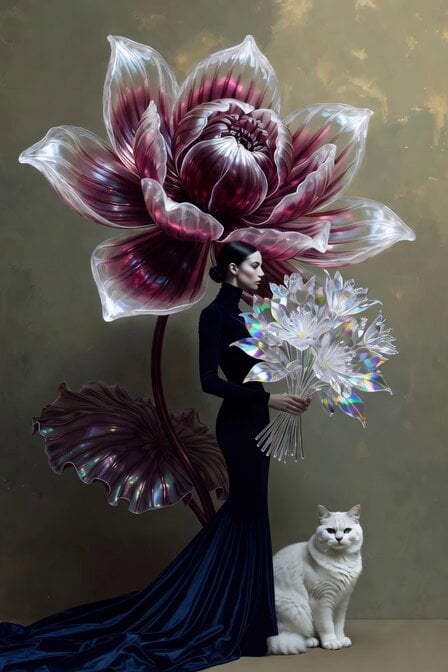
A detailed editorial video prompt featuring an elegant woman, a white cat, and a massive iridescent crystal lotus.
- Prompt included
- Model and format preset
- Premium template
The prompt behind this video
Copy the exact prompt behind Surrealist Fashion Crystal Lotus, or open it in the studio and make it yours.
A surrealist editorial illustration of an elegant woman with a sleek brow long head, seen in profile, wearing a dramatic floor-length dark blue turtleneck gown with long sleeves that pools gracefully at her feet. Behind and above her rises an extraordinarily large, fantastical crystal lotus flower — otherworldly and unique, with iridescent petals that spiral asymmetrically, combining deep magenta and violet hues with translucent pearl-white edges that seem to glow softly, unlike any real lotus — its tall stem twisting elegantly beside her body with oversized exotic leaves. At her feet sits a pristine white cat with piercing bright blue eyes, gazing forward with quiet mystique. The background is a moody, muted sage-green with subtle golden undertones, painterly and atmospheric. The overall mood is poetic, mysterious, and fashion-forward. Style: digital fine art illustration with cinematic lighting, high detail, editorial elegance. She’s handed a crystal flowers bouquet
How to use Surrealist Fashion Crystal Lotus in 3 steps
- 1
Open
The prompt is already in the box next to the preview, with the template's model and format selected.
- 2…a portrait of your subject in softgolden-hour light, 85mm…
Personalize
Edit the subject and creative details for your destination.
- 3Generate
Generate
Press Generate — your video is created in PicX Studio, so you can compare it with the original and refine one variable at a time.
More like this
Templates with the same subject, style or setup. Open one to see its prompt.
Surrealist Crystallized Face Transformation
Crystal Ball Match-Cut Brand Film

Fresco Artwork and Crystal Tiles Video
Luxury Fashion European Cafe Commercial
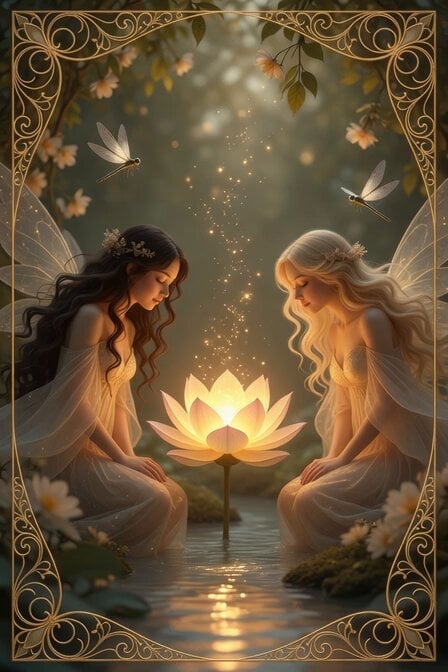
Peaceful Fairy Women and Lotus Animation
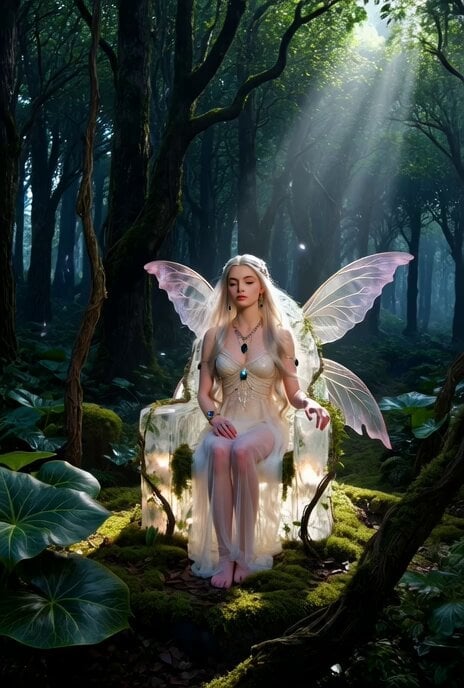
Ethereal Fairy-Elf on a Crystal Throne Video
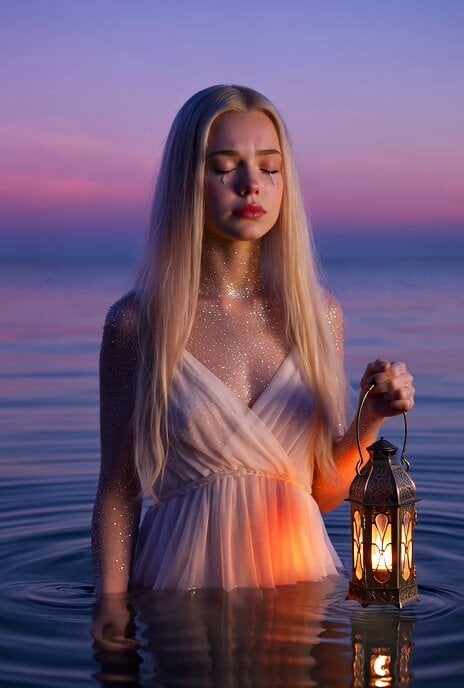
Crystal Girl Crying Silver Tears
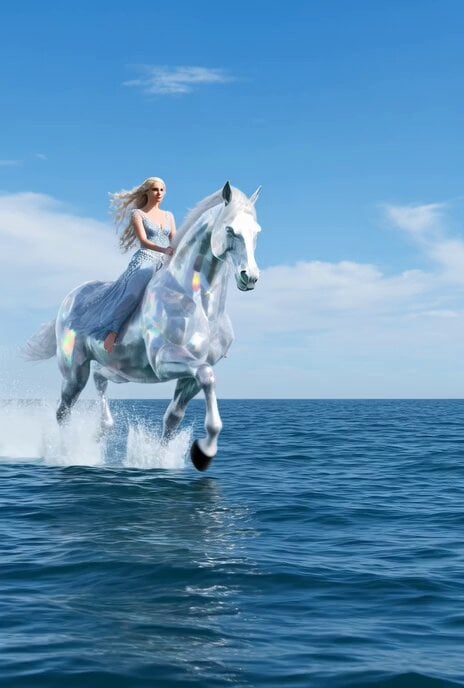
Shiny crystal horse with an elegant woman crossing the sea
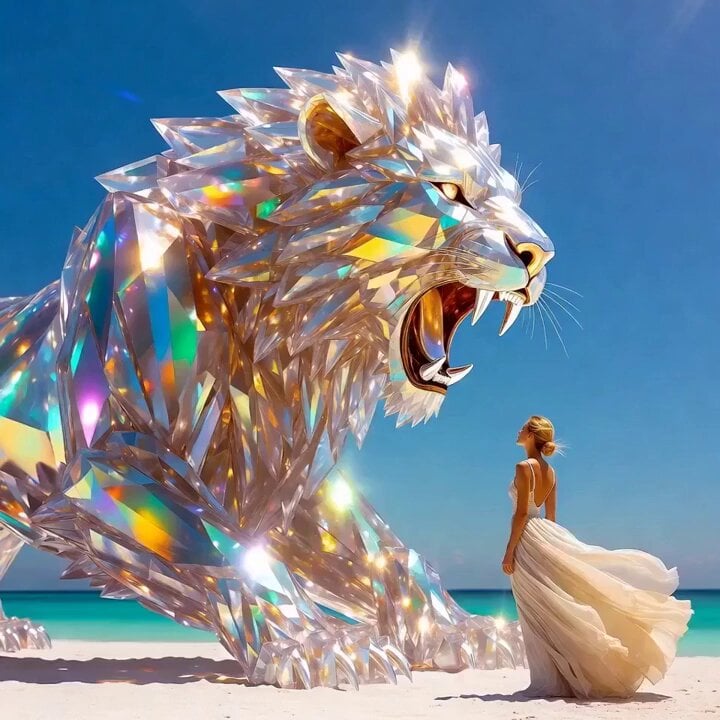
Grok Imagine Prompt: Crystal lion roaring on a white beach with an elegant woman
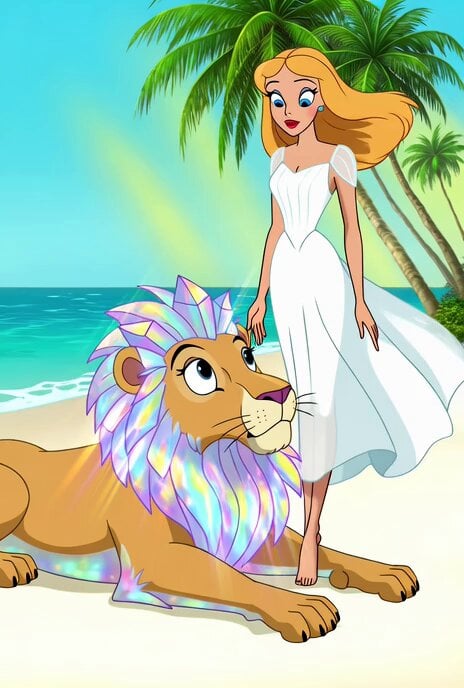
Merrie Melodies Crystal Lion
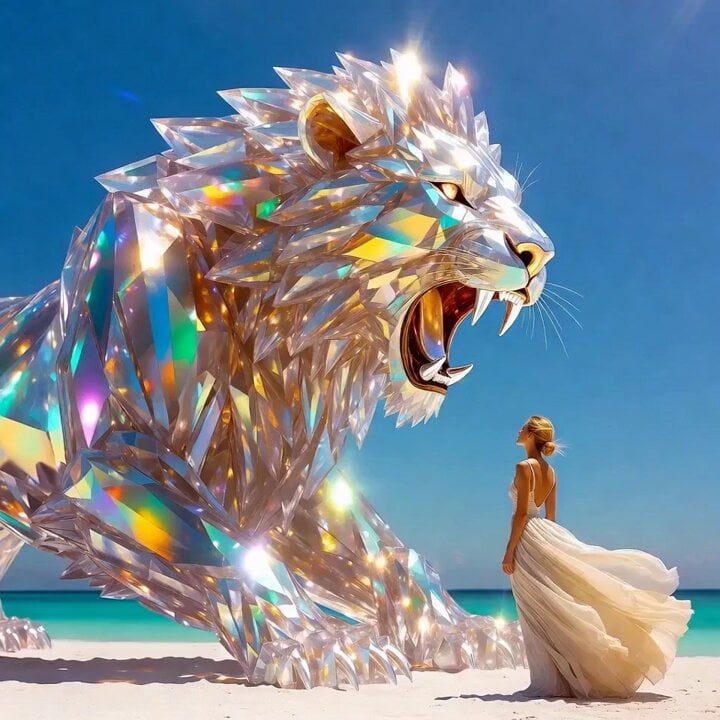
Lion and woman with shining crystal
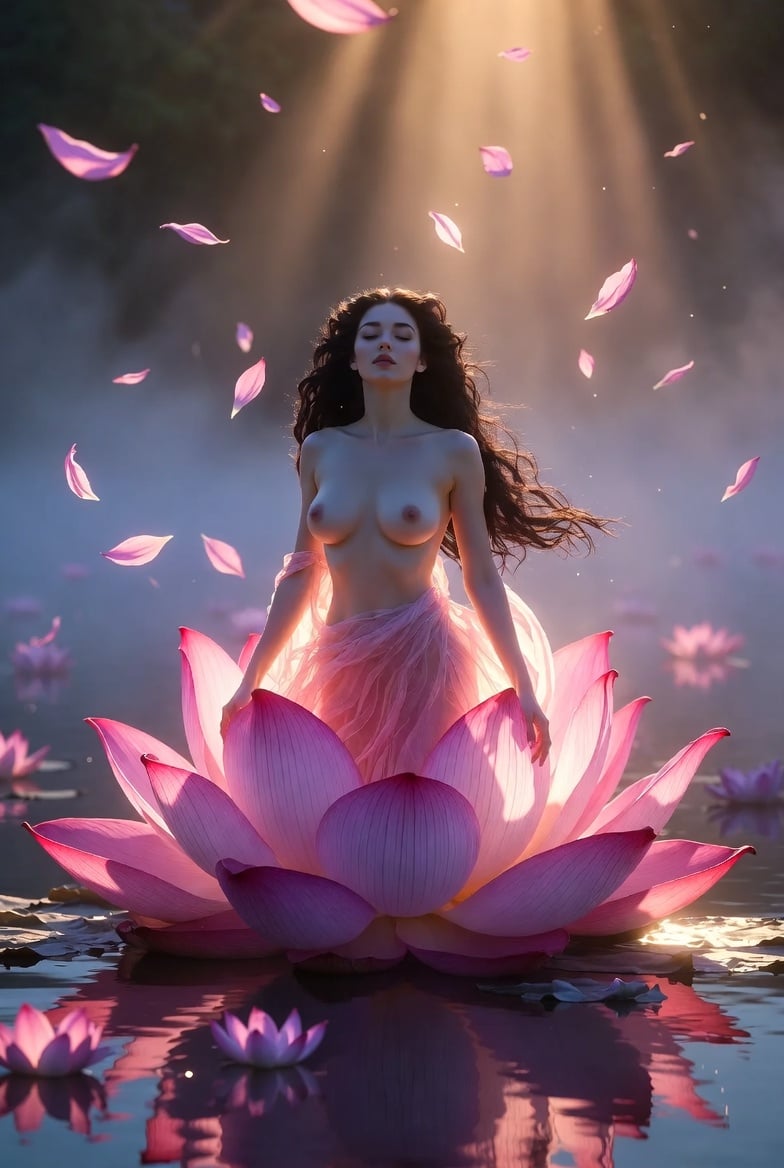
Grok Imagine Video Prompt: Goddess Rises from a Pink Lotus at Sunset
Make it yours
Surrealist Fashion Crystal Lotus works as-is. These are the safest ways to change it without losing the look.
Change one field
Copy a single group, rewrite it, and generate again so you can see what that field is doing.
Keep the frame, change the subject
Hold the composition and light of Surrealist Fashion Crystal Lotus, then swap wardrobe, props or the person for a new take.
| If the result… | Why | Fix |
|---|---|---|
| The result drifts from the preview | Too many fields changed at once. | Reuse Surrealist Fashion Crystal Lotus as-is first, then change one group — subject, light, or setting. |
| The model over-stylizes the scene | The prose prompt leaves finish and camera underspecified. | Add one camera or lighting sentence and stay on Grok Imagine. |
More Grok Imagine templates
Other prompts made for Grok Imagine.

America 250th Anniversary Celebration

Glowing Water Forest Night Prompt

Soft Pink Roses Dreamer Prompt

Ninja Wizard Levitation Jump

Coffee Cup Interaction Motion

Voice Controlled Water Animation

Pterodactyl Transformation Journey

Candle Mandala Mirror Video

Psychedelic Purple Disc World Video

Mecha Runway Tap Dance Video Prompt
More video prompts
Fresh picks from across the catalog.

Chibi Anime Girl Ice Cream Tragedy Prompt

Rogue Pilot Canyon Dogfight
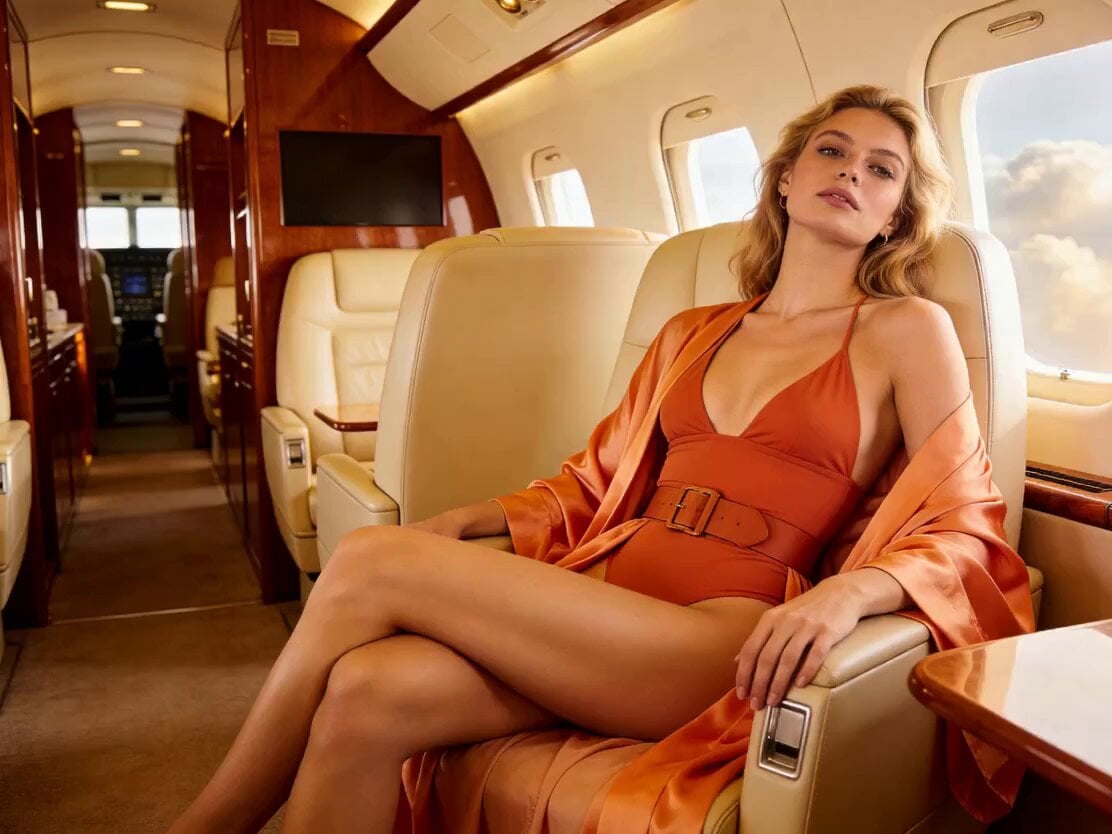
Action Movie Plane Scene
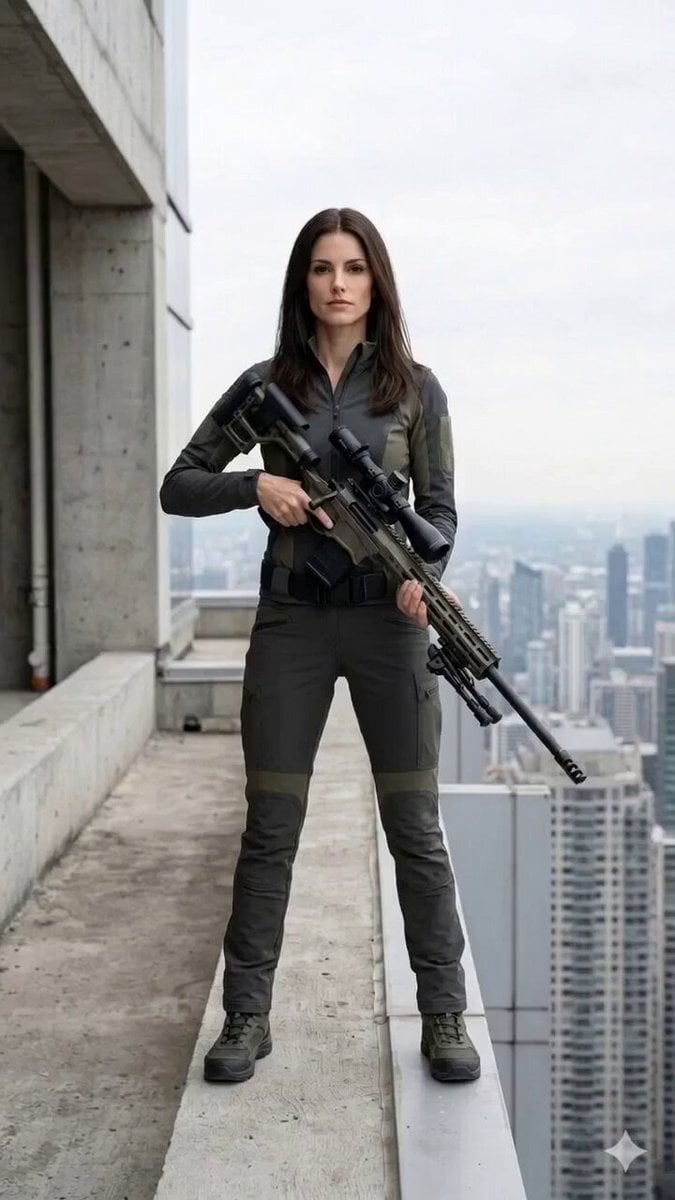
Cinematic Horror/Action Text-to-Video
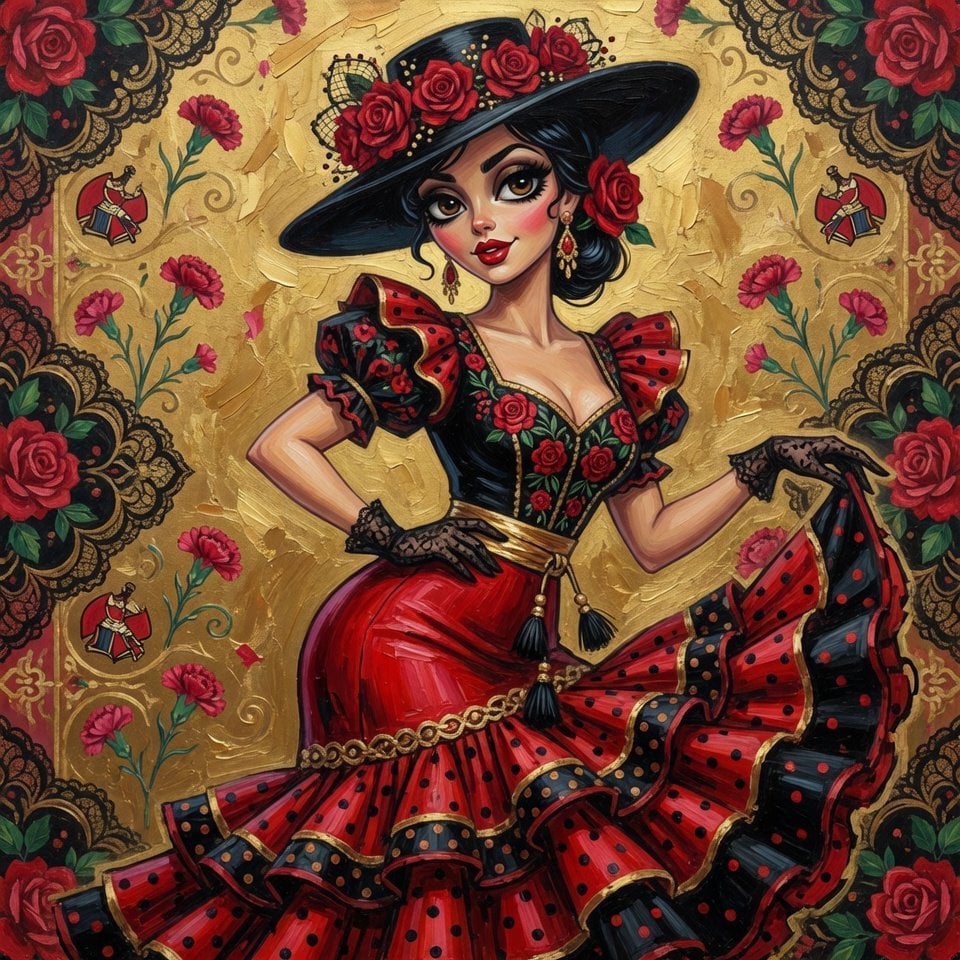
Spanish woman in retro dress, cartoon style

Stridex Facewash UGC Ad

Cyberpunk Neon Samurai Duel
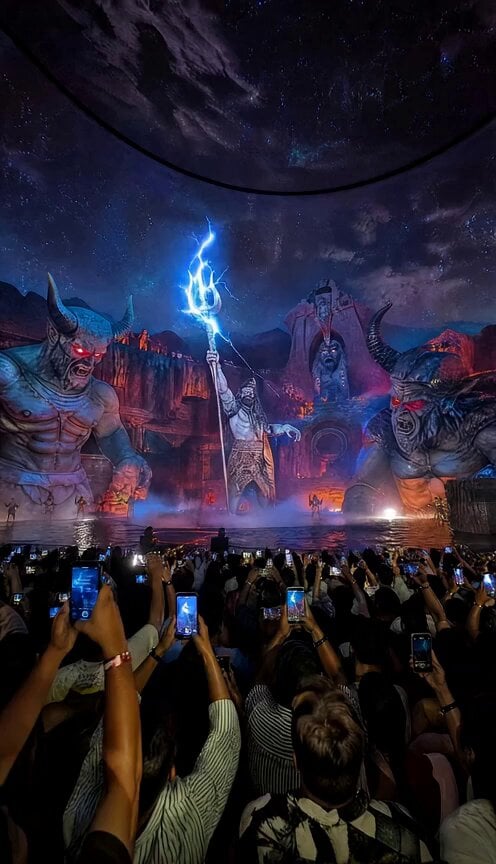
Mahadev Energy and Demon Battle
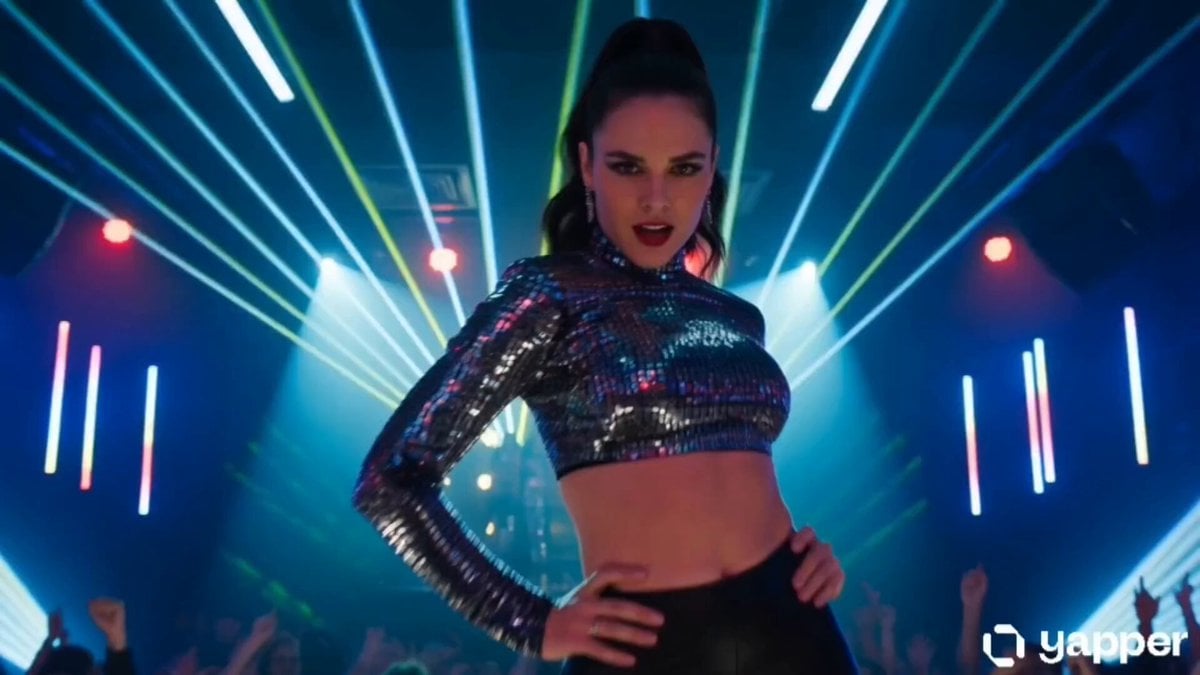
Neon Nightclub Dance Choreography

Armored Truck Desert Chase
Browse template categories
Surrealist Fashion Crystal Lotus questions
How do I use the Surrealist Fashion Crystal Lotus template?
Add your photo if the template asks for one, edit the prompt if you like — the template's model and format are already selected — and press Generate. Your version opens in PicX Studio.
Can I customize the Surrealist Fashion Crystal Lotus template?
Yes. You can change the subject, setting, lighting, mood, format, and available model controls before creating your video.
Is the Surrealist Fashion Crystal Lotus template free?
Opening and editing this template is free. Generating uses credits, shown on the Generate button when you are signed in.
Which AI model should I use?
Start with Grok Imagine, which is the model associated with this template. You can compare another compatible model for a different finish.
Looking for something else? Browse all templates.

Your photo, any look
Thousands of ready templates for every top image and video model, from one credit balance.