How do I use the Mahadev Energy and Demon Battle template?
Edit the prompt in the box under the preview — the template's model and format are already selected — and press Generate. Your version appears right on this page.
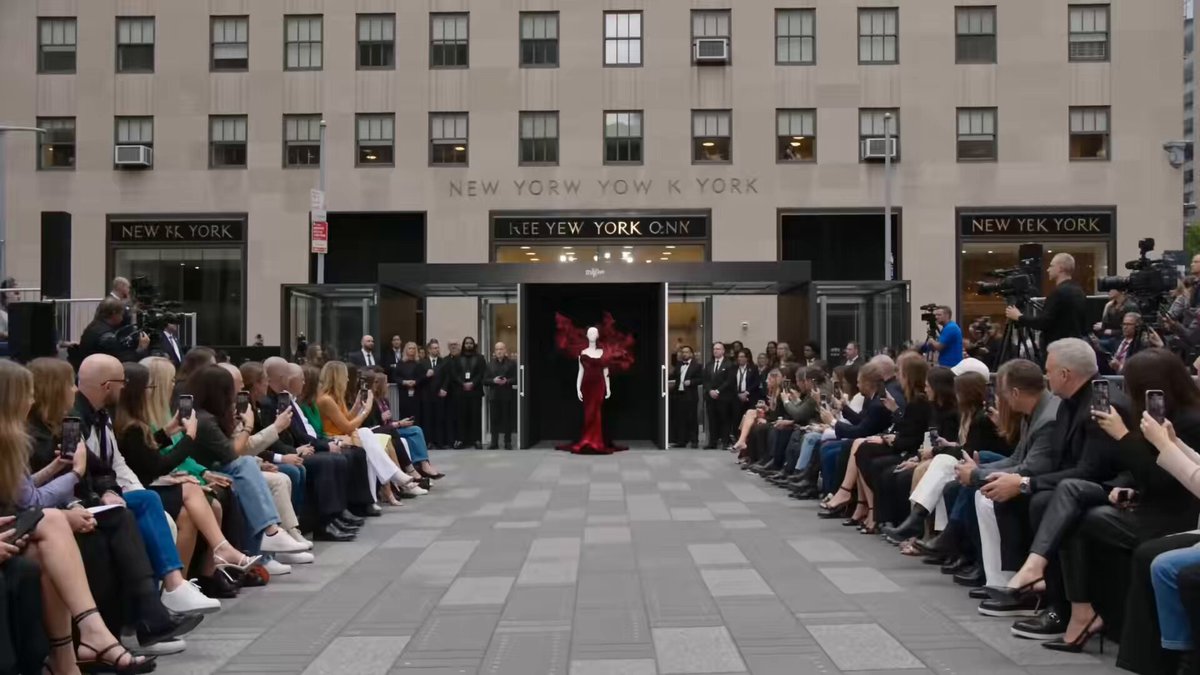
A complex action prompt for a Mahadev performance, featuring lightning effects, trishul hurling, and demon puppets with realistic handheld camera motion.
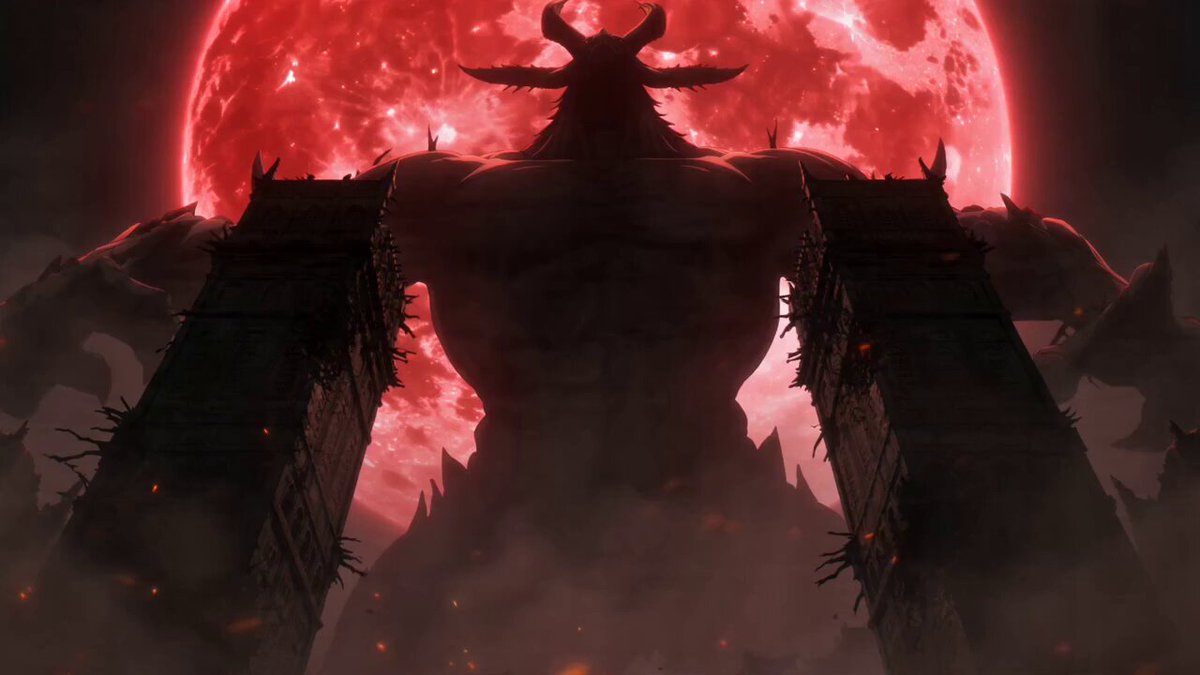
TIMESTAMP BREAKDOWN: 0:00–0:03 — Camera holds mid-shot on the stage, slight handheld sway/breathing motion. Mahadev's trishul crackles brighter, lightning intensifying, building energy along its prongs. Water ripples subtly at the stage base, mist drifting. 0:03–0:06 — Mahadev hurls the trishul — it launches off the stage in a streaking arc of white-blue lightning and light-trail, crowd phones in foreground jolt upward slightly in reaction, ambient gasps of movement in the crowd's shoulders/arms. 0:06–0:08 — Trishul strikes the lead demon center-mass — a burst of white-orange light, shockwave ripple visibly pushes across the water surface at the stage base, demon recoils, red eyes flash and dim as it collapses in a controlled theatrical fall with sparks/embers scattering. 0:08–0:11 — A second, larger demon suddenly rises from behind/within the crowd itself (practical theater staging — demon puppet/performer rig ascending above audience heads), red eyes glowing, horns silhouetted against the dome ceiling. Crowd phones swing and tilt to follow it, visible motion and re-aiming of phone screens in foreground. 0:11–0:15 — Camera whip-tilts upward from the crowd, following the rising demon, revealing the full curved dome ceiling with ambient star/light projection mapping, ending on an upward-angled hold with the demon towering against the dome, lightning afterglow flickering in the background near Mahadev's position. CAMERA MOTION: Continuous handheld phone-in-hand realism — natural micro-shake, slight refocus hunting/exposure adjustment when lighting changes brightness (as real phone cameras do), motion blur on fast trishul streak, smooth but slightly jerky whip-tilt at the end mimicking a real person craning their neck upward. LIGHTING CONTINUITY: Lightning flashes cast dynamic light on nearby crowd members' faces and phone screens; water reflections ripple and shimmer with each burst of light; red demon-eye glow pulses. NEGATIVE PROMPT: no jump cuts, no frame freeze, no warping/morphing artifacts, no text overlays, no watermark, no cartoon rendering, no unnatural crowd movement, no camera stabilization (must feel handheld/real).
TIMESTAMP BREAKDOWN: 0:00–0:03 — Camera holds mid-shot on the stage, slight handheld sway/breathing motion. Mahadev's trishul crackles brighter, lightning intensifying, building energy along its prongs. Water ripples subtly at the stage base, mist drifting. 0:03–0:06 — Mahadev hurls the trishul — it launches off the stage in a streaking arc of white-blue lightning and light-trail, crowd phones in foreground jolt upward slightly in reaction, ambient gasps of movement in the crowd's shoulders/arms. 0:06–0:08 — Trishul strikes the lead demon center-mass — a burst of white-orange light, shockwave ripple visibly pushes across the water surface at the stage base, demon recoils, red eyes flash and dim as it collapses in a controlled theatrical fall with sparks/embers scattering. 0:08–0:11 — A second, larger demon suddenly rises from behind/within the crowd itself (practical theater staging — demon puppet/performer rig ascending above audience heads), red eyes glowing, horns silhouetted against the dome ceiling. Crowd phones swing and tilt to follow it, visible motion and re-aiming of phone screens in foreground. 0:11–0:15 — Camera whip-tilts upward from the crowd, following the rising demon, revealing the full curved dome ceiling with ambient star/light projection mapping, ending on an upward-angled hold with the demon towering against the dome, lightning afterglow flickering in the background near Mahadev's position. CAMERA MOTION: Continuous handheld phone-in-hand realism — natural micro-shake, slight refocus hunting/exposure adjustment when lighting changes brightness (as real phone cameras do), motion blur on fast trishul streak, smooth but slightly jerky whip-tilt at the end mimicking a real person craning their neck upward. LIGHTING CONTINUITY: Lightning flashes cast dynamic light on nearby crowd members' faces and phone screens; water reflections ripple and shimmer with each burst of light; red demon-eye glow pulses. NEGATIVE PROMPT: no jump cuts, no frame freeze, no warping/morphing artifacts, no text overlays, no watermark, no cartoon rendering, no unnatural crowd movement, no camera stabilization (must feel handheld/real).
Edit the prompt in the box under the preview — the template's model and format are already selected — and press Generate. Your version appears right on this page.
Yes. You can change the subject, setting, lighting, mood, format, and available model controls before creating your video.
Opening and editing this template is free. Generating uses credits, shown on the Generate button when you are signed in.
Start with Seedance 2.0, which is the model associated with this template. You can compare another compatible model for a different finish.
Follow a topic to a crawlable collection of related PicX Studio templates.