
Epic One-Shot Oriental Fantasy Divine City
A cinematic one-shot video prompt for Seedance 2.0 depicting an immersive journey through a giant oriental fantasy city.
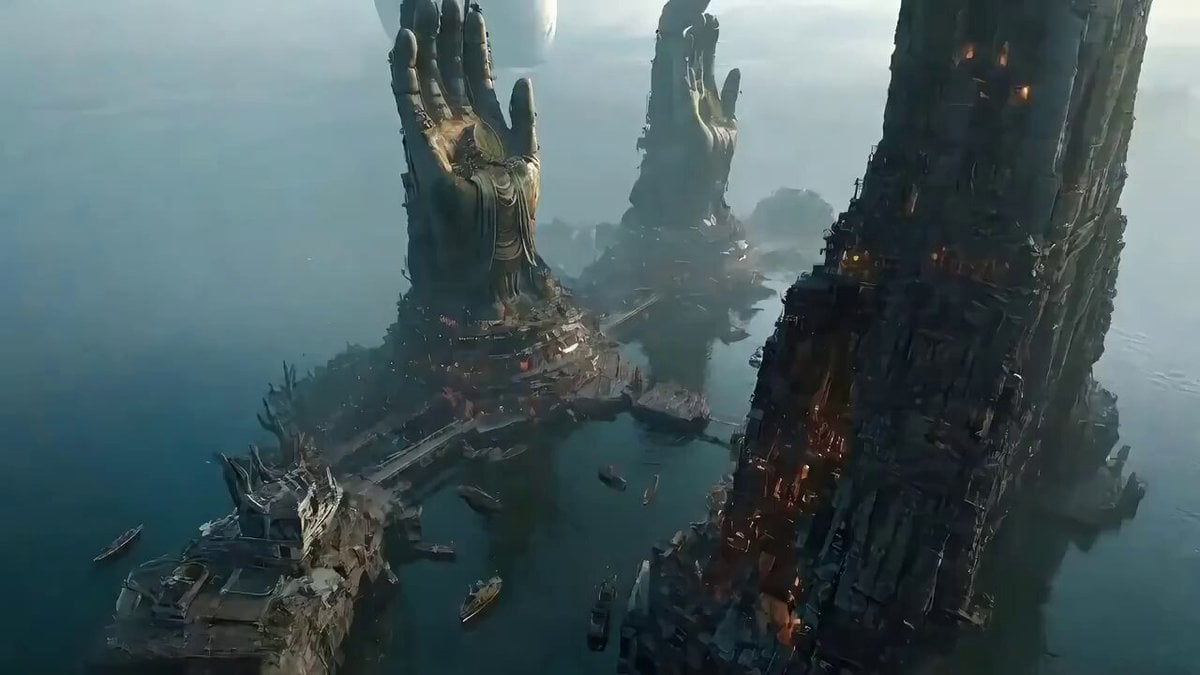
- Prompt included
- Model and format preset
- Free template
The prompt behind this video
Copy the exact prompt behind Epic One-Shot Oriental Fantasy Divine City, or open it in the studio and make it yours.
【一镜到底镜头提示词:神佛之城·宗师登台】 镜头以一镜到底的方式,在巨型东方奇幻神都中俯仰、翻滚、旋转、飞驰。 【起始帧 - 图1场景】:镜头从天空俯冲而下,掠过悬浮的巨大苍白月球,快速接近两尊耸立云端的巨型佛像立掌雕塑(高度超过百米),穿过佛像指缝间缭绕的薄雾与红色灯笼串。镜头急速下降,俯瞰脚下青绿色运河纵横的东方奇幻水上都城,密集的木质古建筑、吊脚楼、石桥、灯火通明的船坞在雾气中若隐若现。 镜头穿过佛像掌心的雕花装饰,沿着盘绕佛像基座的螺旋木质栈道急速下坠,闪避悬挂的红灯笼、飘扬的经幡、朝拜的僧侣与香火烟雾。镜头俯冲掠过运河水面,激起水花,穿过一艘悬挂红灯的乌篷船顶,滑入水下。 水下镜头轻盈穿过透明的玻璃观景廊道,看到两侧深邃的水底古城废墟、沉没的石柱与浮游的锦鲤。镜头向上突破水面,冲出中心祭祀广场的喷泉,水珠四溅。 镜头在半空翻转,横扫过广场上整齐列队的数百名黑衣武者(如图2所示),他们双手抱拳、静默肃立,形成人墙。镜头穿过武者之间的缝隙,贴地滑行,掠过刻有云雷纹的巨型石质祭坛台阶。 【过渡段】:镜头沿着台阶螺旋上升,闪避两侧燃烧的巨型青铜香炉、摇曳的火光与飘散的香烟。镜头急速旋转360度,展现背景中两尊巨佛雕像、悬浮的苍白月球、雾气弥漫的天际线。 【结束帧 - 图2场景】:镜头最终稳定在祭坛顶端平台,正对着一位身穿白色长袍、腰束米色腰带、肩披黑色机械护甲的中年东方武者(参考图3角色)。他双手自然垂于身侧,手持两柄交叉的银色机械长刀,面带淡然微笑,站在台阶尽头的中心位置。 镜头缓缓后拉,展现他身后两尊巨型佛像立掌雕塑、下方密密麻麻的黑衣武者方阵、以及远处雾气中的水上古城全景。天空苍白月球巨大悬挂,薄雾缭绕,氛围庄严肃穆、史诗感十足。 无剪辑、不可思议的镜头运动、无缝衔接,充满东方神秘、史诗宏大、极具电影感。8K高清画质,高品质影像素材。
How to use Epic One-Shot Oriental Fantasy Divine City in 3 steps
- 1
Open
The prompt is already in the box next to the preview, with the template's model and format selected.
- 2…a portrait of your subject in softgolden-hour light, 85mm…
Personalize
Edit the subject and creative details for your destination.
- 3Generate
Generate
Press Generate — your video is created in PicX Studio, so you can compare it with the original and refine one variable at a time.
More like this
Templates with the same subject, style or setup. Open one to see its prompt.
Stone Colossus Desert Riders — Golden Fire Reveal
Dragon Rescue — Volcanic Kingdom Collapse (Seedance)
Whale in the Sky — City Shadows (Kling AI)
Swordsman vs Shadow Monster — Bamboo Forest Battle
Subway Flood — Epic Tunnel Chaos
Sea Serpent vs Crab Titan — Ocean Battle
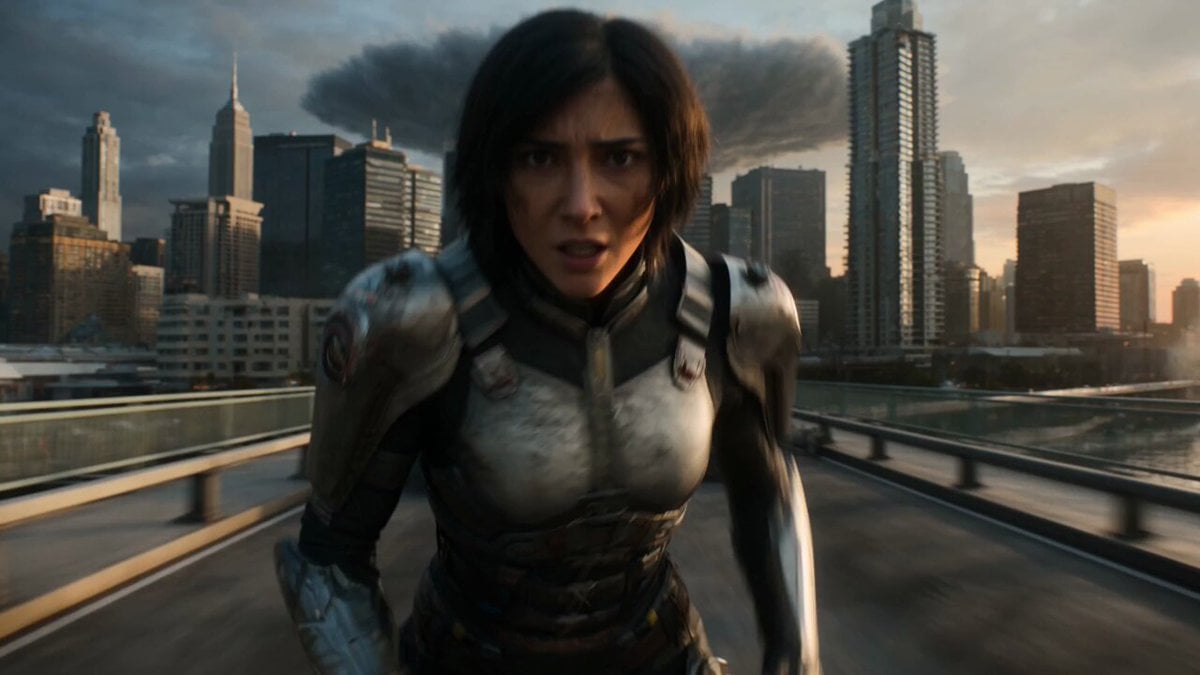
Epic Fantasy City Destruction Chase
Speeder Chase Across a Cliff City
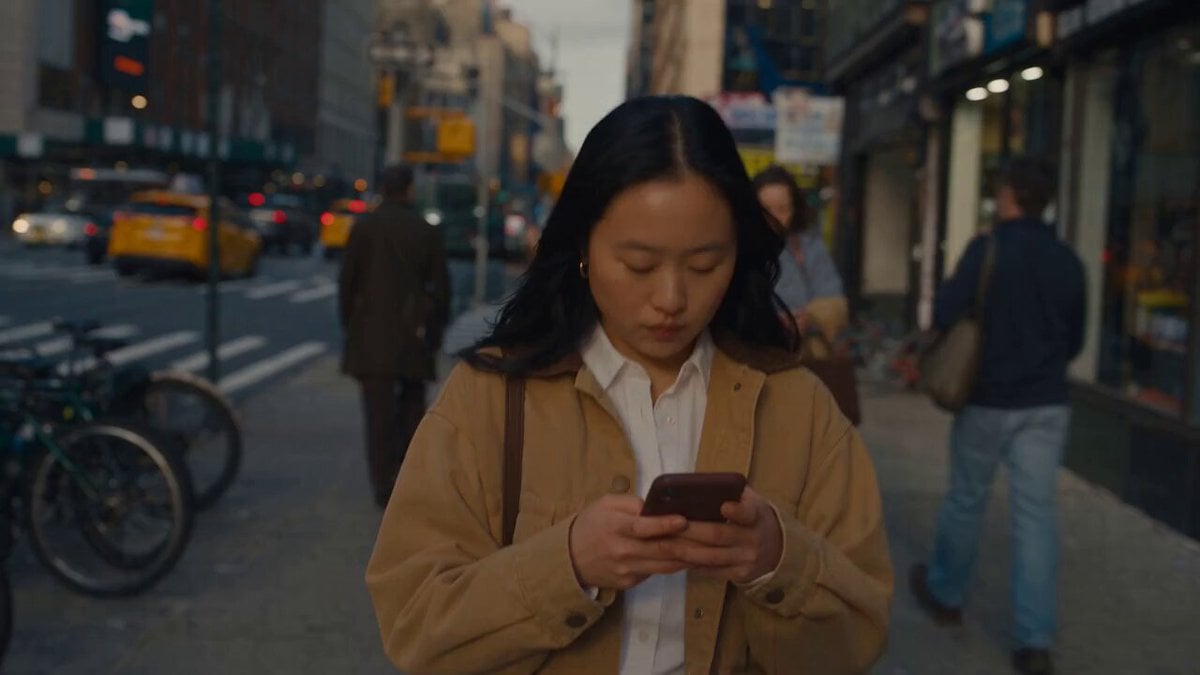
Realistic City Street Story Cinematic Video - Seedance
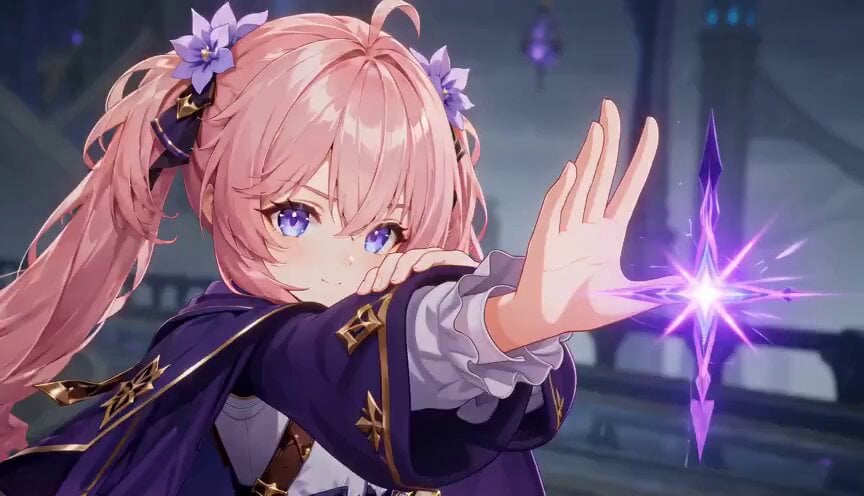
Magic City Fantasy Battle Animation
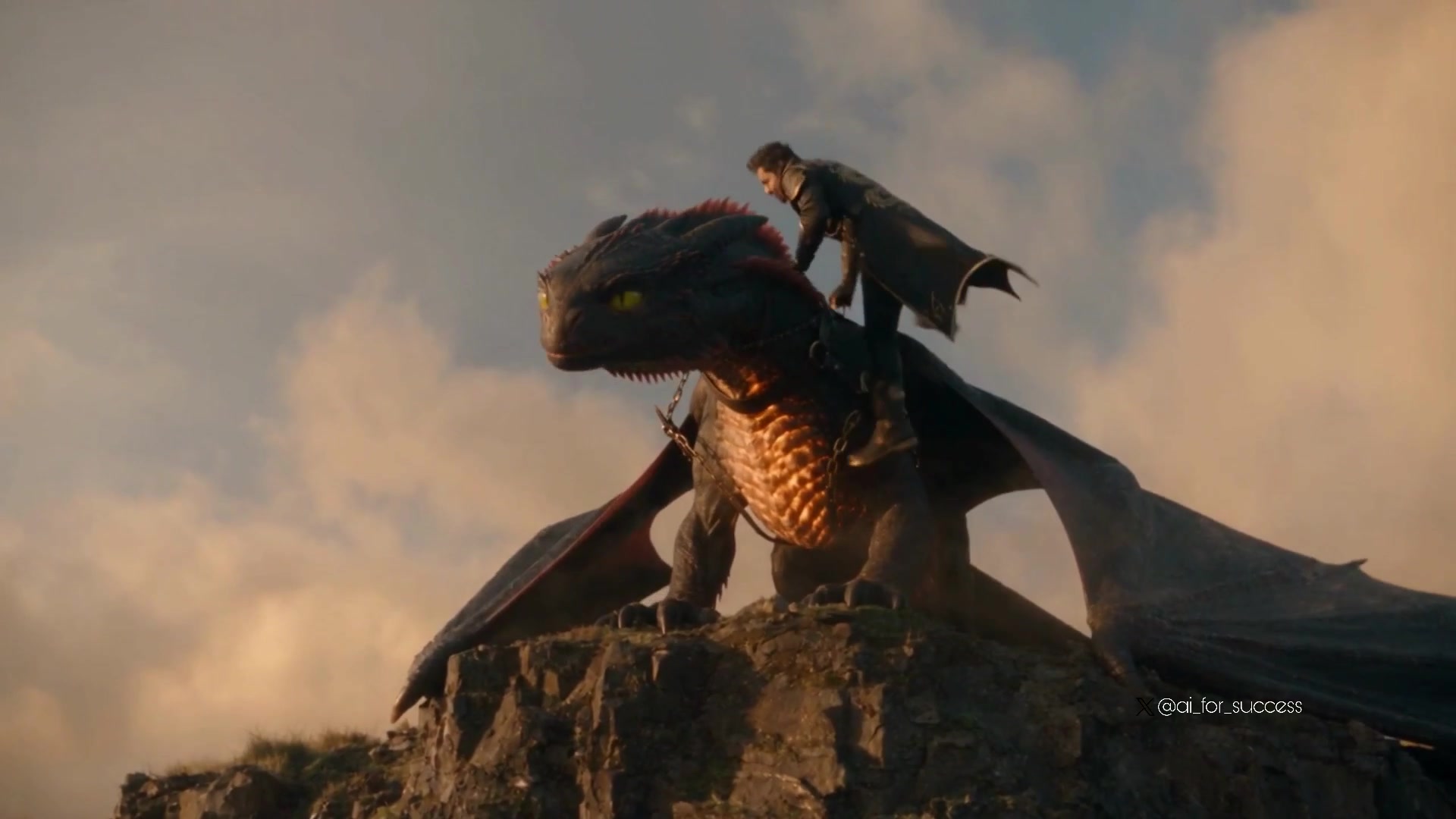
Dragon Rider Cinematic Flight — Seedance 2.5
Oceanic Civilization Epic Sci-Fi Film
Make it yours
Epic One-Shot Oriental Fantasy Divine City works as-is. These are the safest ways to change it without losing the look.
Change one field
Copy a single group, rewrite it, and generate again so you can see what that field is doing.
Keep the frame, change the subject
Hold the composition and light of Epic One-Shot Oriental Fantasy Divine City, then swap wardrobe, props or the person for a new take.
| If the result… | Why | Fix |
|---|---|---|
| The result drifts from the preview | Too many fields changed at once. | Reuse Epic One-Shot Oriental Fantasy Divine City as-is first, then change one group — subject, light, or setting. |
| The model over-stylizes the scene | The prose prompt leaves finish and camera underspecified. | Add one camera or lighting sentence and stay on Seedance 2.0. |
More Seedance 2.0 templates
Other prompts made for Seedance 2.0.

Comical Martial Arts Punch Scene

Maglev Train Action Sequence

Martial Arts Fight Sequence

Wuxia Protection and Trust Script

Vintage Korean Arcade MiniDV Vlog

Mercedes 190 SL Luxury Ad

Rainy Night Supernatural Reverse Comedy Video Script

Amazon Civilization Discovery

Futuristic South Asian City Transformation

Cozy Luxury Cafe Commercial
More video prompts
Fresh picks from across the catalog.
Anxious Checkout Clerk Interaction
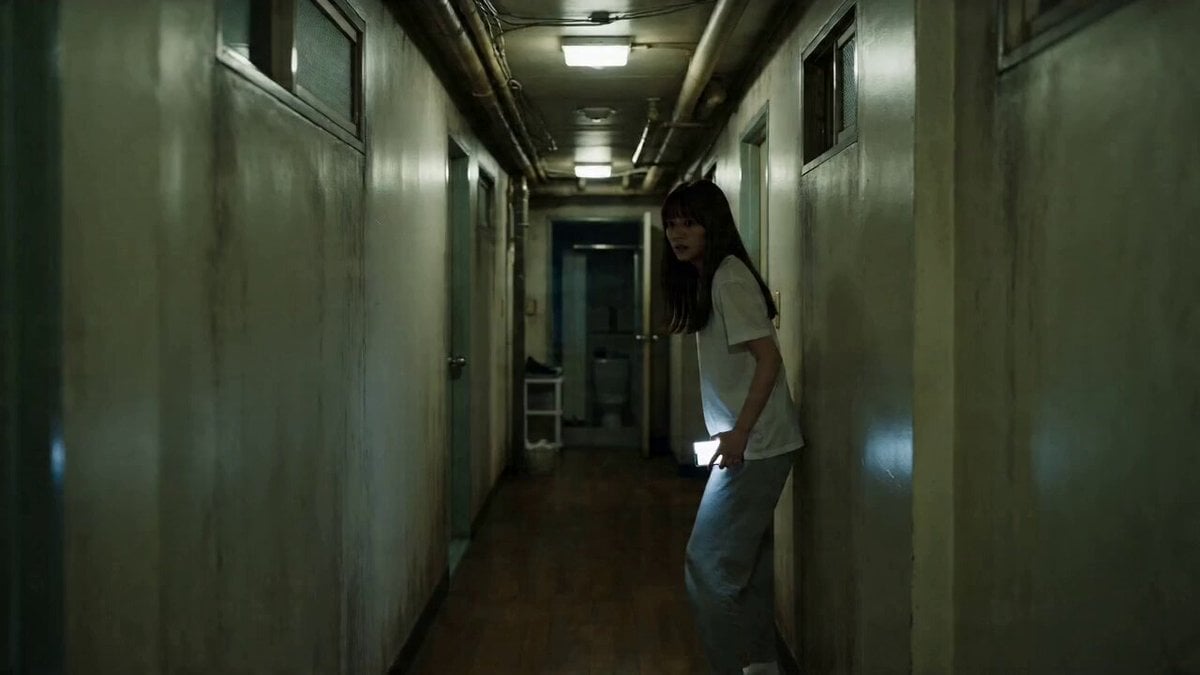
One-Take Cinematic Horror Scene
Storyboard Prompt for Vintage Art Studio Scene
Pyramid Manifestation Video Prompt

Video Generation Prompt: Anime Girl Transformation
Fantasy Kingdom Comedy Animation
Seedance 2.0 Supercar Showcase Video Prompt
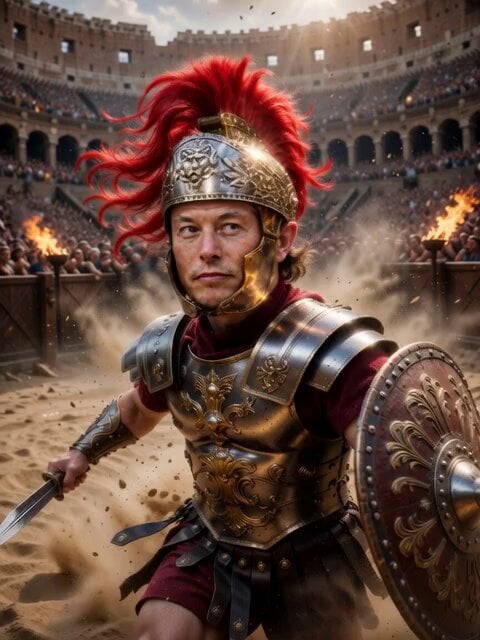
Roman Gladiator in Ancient Arena
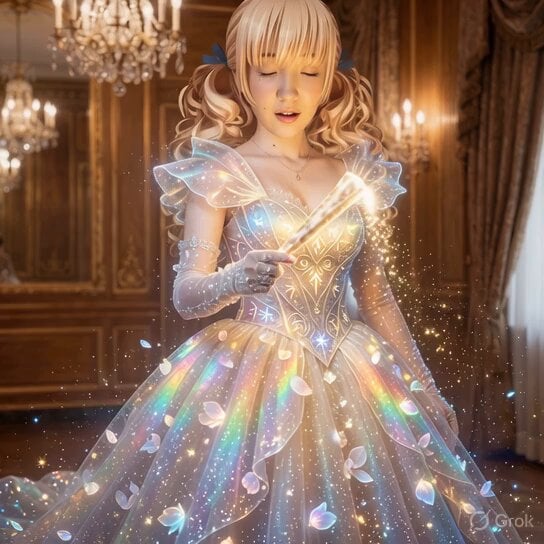
Magical Ball Gown Video Transformation
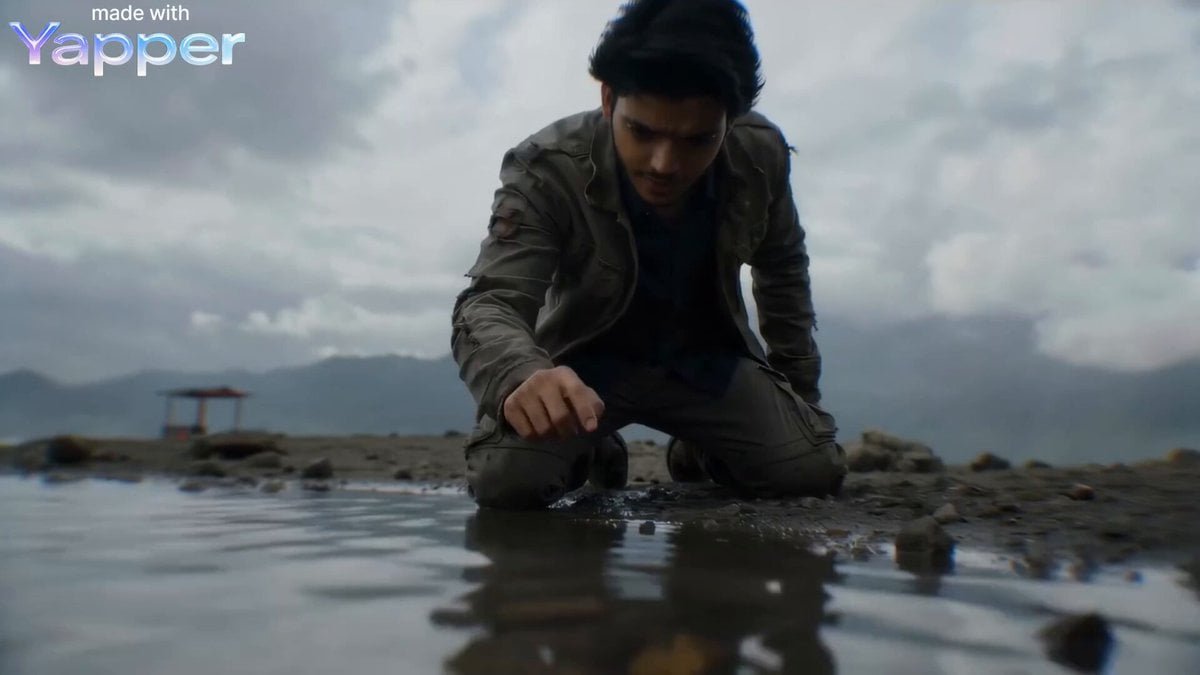
Second Cinematic Transformation Scene Prompt (IMAX Style)
Browse template categories
Epic One-Shot Oriental Fantasy Divine City questions
How do I use the Epic One-Shot Oriental Fantasy Divine City template?
Add your photo if the template asks for one, edit the prompt if you like — the template's model and format are already selected — and press Generate. Your version opens in PicX Studio.
Can I customize the Epic One-Shot Oriental Fantasy Divine City template?
Yes. You can change the subject, setting, lighting, mood, format, and available model controls before creating your video.
Is the Epic One-Shot Oriental Fantasy Divine City template free?
Opening and editing this template is free. Generating uses credits, shown on the Generate button when you are signed in.
Which AI model should I use?
Start with Seedance 2.0, which is the model associated with this template. You can compare another compatible model for a different finish.
Looking for something else? Browse all templates.

Your photo, any look
Thousands of ready templates for every top image and video model, from one credit balance.