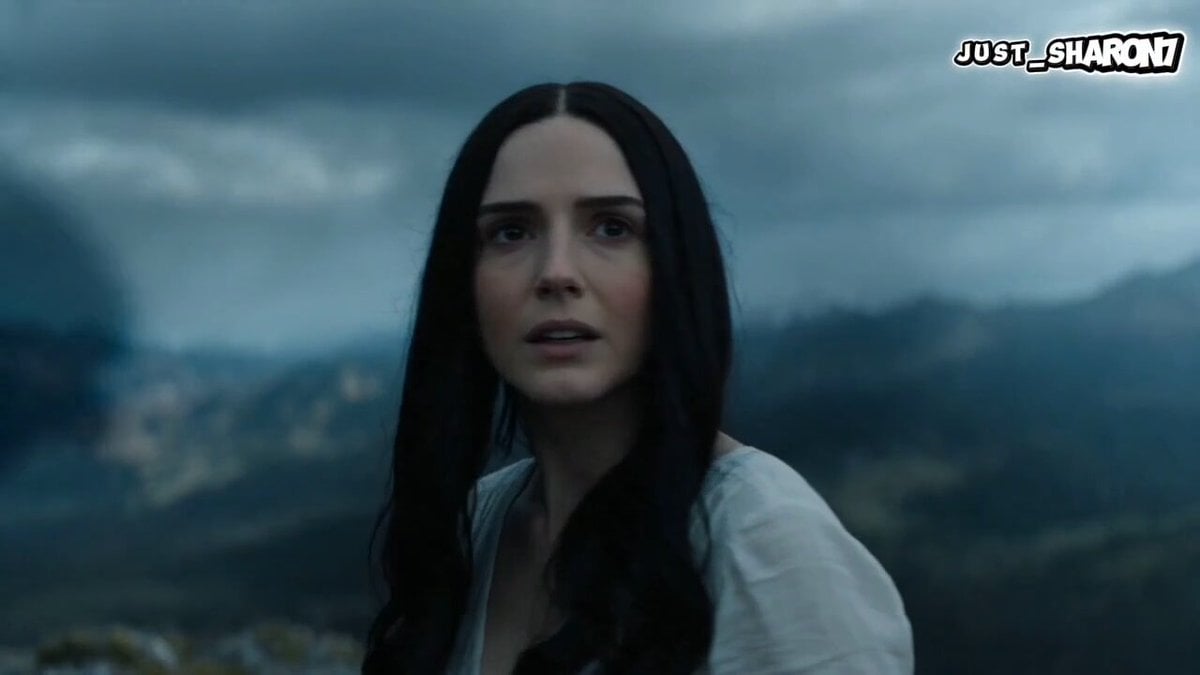
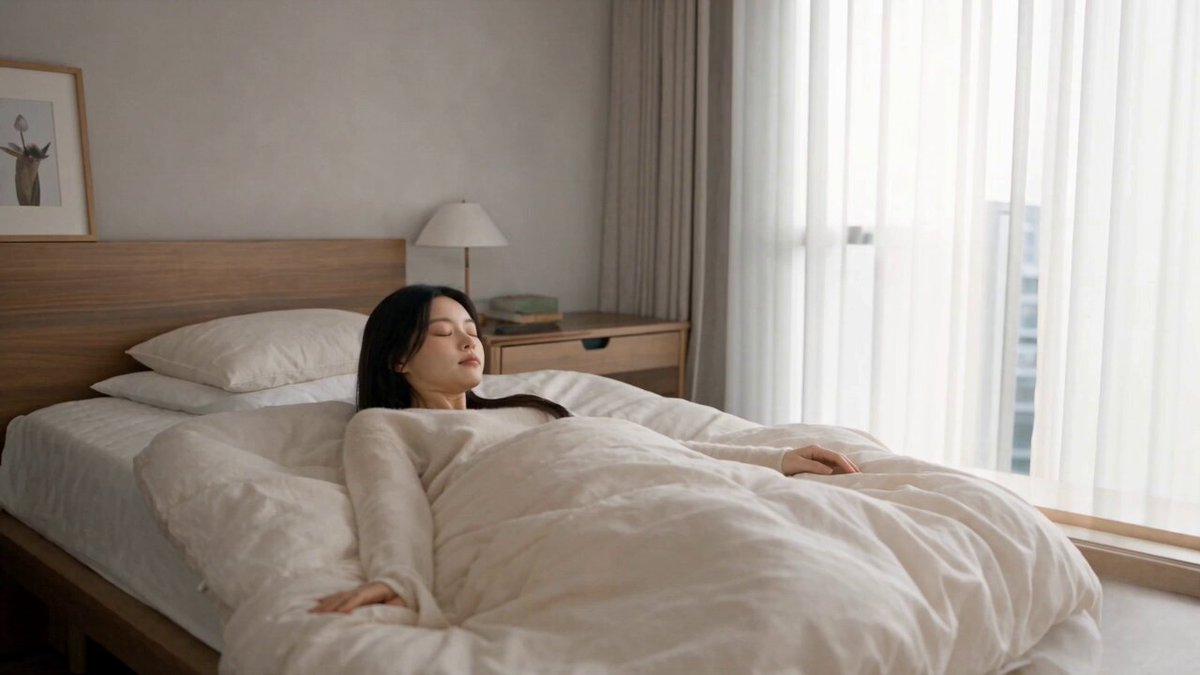
How do I use the One-Take Cinematic Horror Scene template?
Edit the prompt in the box under the preview — the template's model and format are already selected — and press Generate. Your version appears right on this page.
A multi-step horror prompt for a one-take cinematic scene in a creepy apartment hallway with blackouts and jump scares.
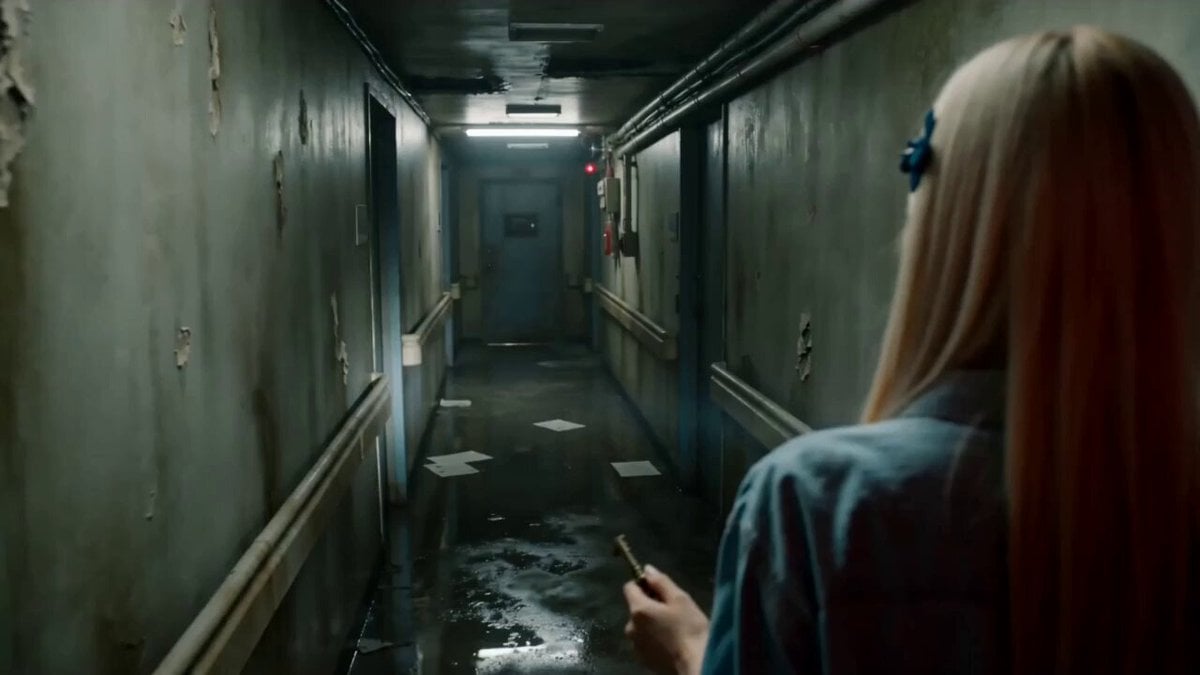
one-take cinematic horror scene, old apartment hallway at night, one young woman holding a phone light, slow tracking shot, tense silence. first step: ceiling light suddenly goes out, brief blackout, light returns, hallway seems normal. second step: light goes out again, slightly longer blackout, faint strange sound, light returns, bathroom door is now more open, her breathing becomes faster. third step: she hesitates in fear, then takes one more step, longest blackout, eerie low laugh in darkness, light snaps back on, a pale inhuman figure is suddenly standing motionless directly in front of her face, intense dread, cut to black. realistic, oppressive, restrained, psychological horror, cold green and dirty yellow lighting, shallow depth of field, film grain, high-end horror movie quality.
one-take cinematic horror scene, old apartment hallway at night, one young woman holding a phone light, slow tracking shot, tense silence. first step: ceiling light suddenly goes out, brief blackout, light returns, hallway seems normal. second step: light goes out again, slightly longer blackout, faint strange sound, light returns, bathroom door is now more open, her breathing becomes faster. third step: she hesitates in fear, then takes one more step, longest blackout, eerie low laugh in darkness, light snaps back on, a pale inhuman figure is suddenly standing motionless directly in front of her face, intense dread, cut to black. realistic, oppressive, restrained, psychological horror, cold green and dirty yellow lighting, shallow depth of field, film grain, high-end horror movie quality.
Edit the prompt in the box under the preview — the template's model and format are already selected — and press Generate. Your version appears right on this page.
Yes. You can change the subject, setting, lighting, mood, format, and available model controls before creating your video.
Opening and editing this template is free. Generating uses credits, shown on the Generate button when you are signed in.
Start with Seedance 2.0, which is the model associated with this template. You can compare another compatible model for a different finish.
Follow a topic to a crawlable collection of related PicX Studio templates.