
Solbreaker Anime Cinematic Trailer
A storyboard-based anime trailer prompt featuring a cinematic confrontation between characters Kael and the Eclipse Emperor in a ruined world.
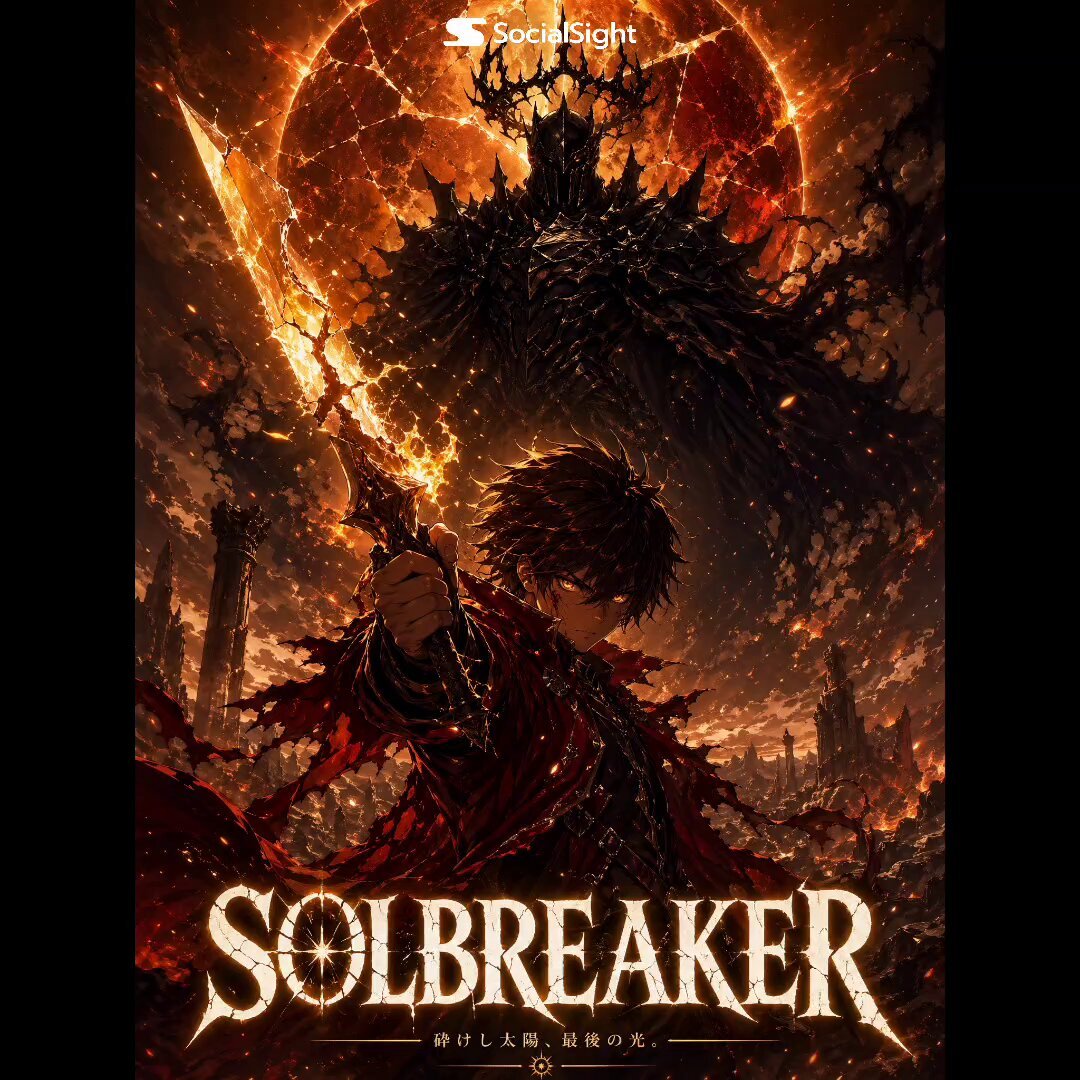
- Prompt included
- Model and format preset
- Premium template
The prompt behind this video
Copy the exact prompt behind Solbreaker Anime Cinematic Trailer, or open it in the studio and make it yours.
live action. Anime cinematic theatrical trailer. 15 seconds. 16:9. Follow the on-image cut numbers 1→2→3→4→5→6 from the storyboard composite — do not assume tile placement equals time order. Reference character identity from the composite image throughout. Cut 1: Camera pushes slowly through thick ash atmosphere, descending toward a ruined fantasy world below. A fractured sun — cracked like broken glass — bleeds amber light across ash plains and volcanic citadels. Silence. No characters. Duration: 2 seconds. Cut 2: Hard cut to extreme close-up on KAEL's face. His amber irises ignite with a building inner glow. Jaw tightens. His hand grips a sword hilt at frame bottom. Background: drifting battlefield smoke. Camera: completely still — only his eyes and expression animate. . Duration: 3 seconds. Cut 3: Cut to low-angle medium wide shot. THE ECLIPSE EMPEROR rises from billowing darkness. His raised hand pours liquid shadow downward, spreading across the frame floor. Camera: very slow upward tilt. . Duration: 3 seconds. Cut 4: Cut to low tracking wide shot. KAEL sprints across a burning battlefield. His broken sword erupts into a full solar flame blade — gold-white core, amber edges. Ash and embers explode around his boots. Camera: fast low tracking, slight dutch angle, kinetic. . Duration: 3 seconds. Cut 5: Cut to eye-level medium wide at the moment of impact. Kael's solar blade meets the Emperor's shadow palm. A blinding explosion — gold light vs. absolute darkness — bursts outward from the collision point. Both figures silhouetted at the edges. Camera: locked, frozen at peak impact. . Duration: 2 seconds. Cut 6: Cut to black. Near total darkness. Embers drift downward slowly. The word SOLBREAKER burns into frame letter by letter from center — glowing amber, fractured serif. Below: "THE SUN WAS NEVER OURS TO KEEP." Camera: static. . Duration: 2 seconds. no music baked in. no subtitles. no narration track.
How to use Solbreaker Anime Cinematic Trailer in 3 steps
- 1
Open
The prompt is already in the box next to the preview, with the template's model and format selected.
- 2…a portrait of your subject in softgolden-hour light, 85mm…
Personalize
Edit the subject and creative details for your destination.
- 3Generate
Generate
Press Generate — your video is created in PicX Studio, so you can compare it with the original and refine one variable at a time.
More like this
Templates with the same subject, style or setup. Open one to see its prompt.

MiniMax H3 Character Introduction
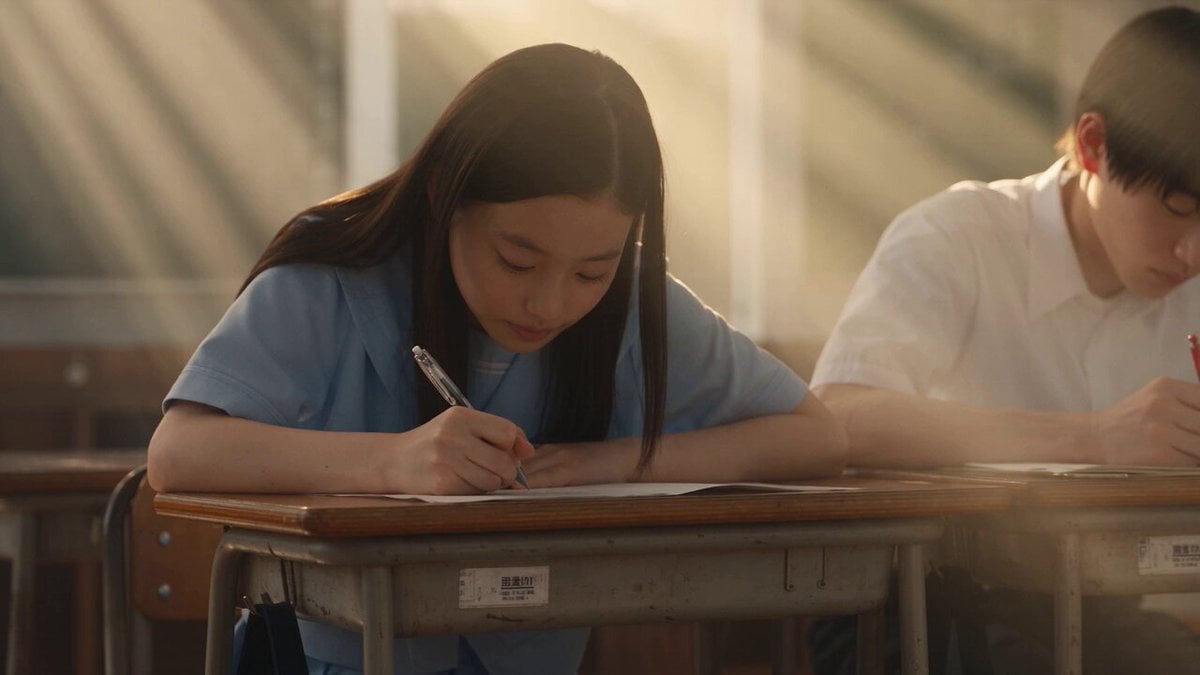
Japanese Pure Love Short Film

Studio Ghibli Dumpling Kitchen Cooking Scene
The Ark — Seedance 2.0 Epic Trailer
Mecha Transformation vs Kaiju — 4-Scene Epic
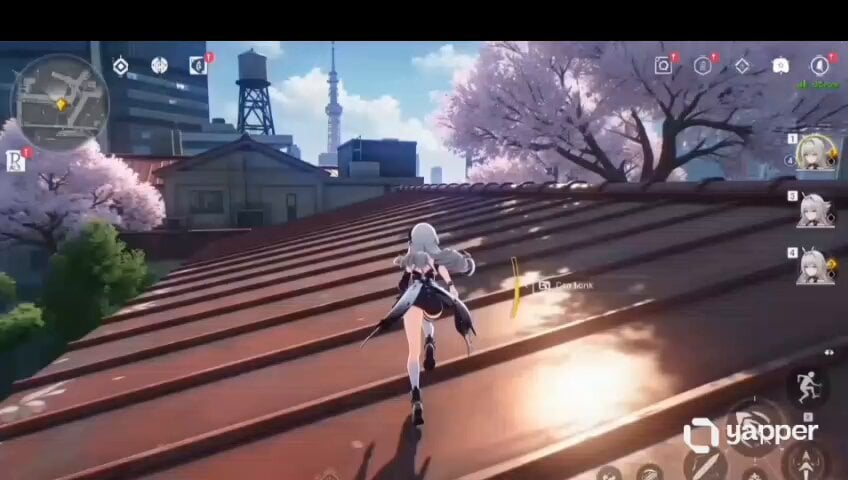
Anime RPG Gameplay Trailer Prompt
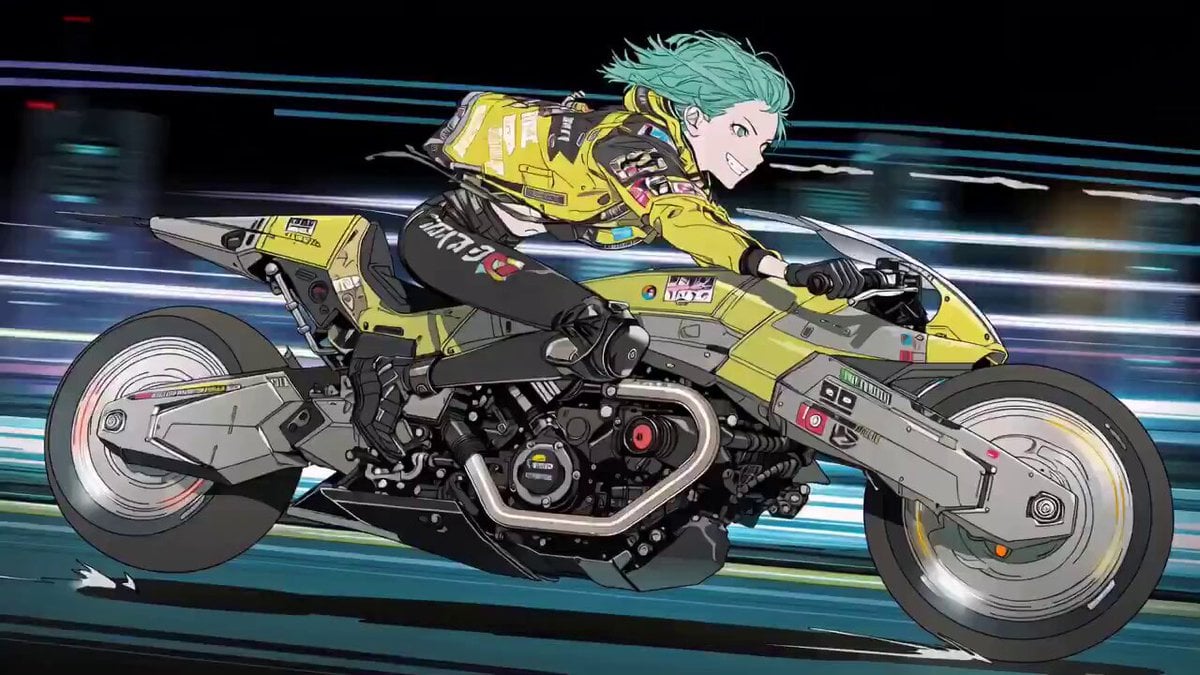
Cyberpunk Anime Trailer Test Prompt with Lip Sync

Cinematic Wolf Guardian Survival Trailer

Psychological Thriller Cinematic Trailer
Post-Apocalyptic Cinematic Action Trailer
Hollywood Blockbuster Fantasy Trailer
The Surprise Visit Romance Trailer
Make it yours
Solbreaker Anime Cinematic Trailer works as-is. These are the safest ways to change it without losing the look.
Change one field
Copy a single group, rewrite it, and generate again so you can see what that field is doing.
Keep the frame, change the subject
Hold the composition and light of Solbreaker Anime Cinematic Trailer, then swap wardrobe, props or the person for a new take.
| If the result… | Why | Fix |
|---|---|---|
| The result drifts from the preview | Too many fields changed at once. | Reuse Solbreaker Anime Cinematic Trailer as-is first, then change one group — subject, light, or setting. |
| The model over-stylizes the scene | The prose prompt leaves finish and camera underspecified. | Add one camera or lighting sentence and stay on Seedance 2.0. |
More Seedance 2.0 templates
Other prompts made for Seedance 2.0.

Comical Martial Arts Punch Scene

Maglev Train Action Sequence

Martial Arts Fight Sequence

Wuxia Protection and Trust Script

Vintage Korean Arcade MiniDV Vlog

Mercedes 190 SL Luxury Ad

Rainy Night Supernatural Reverse Comedy Video Script

Amazon Civilization Discovery

Futuristic South Asian City Transformation

Cozy Luxury Cafe Commercial
More video prompts
Fresh picks from across the catalog.
Video prompt about destiny and dreams
Modern Luxury Villa Video
Cinematic Drone Shot of Mountain Cave Entrance
Architectural Construction Sequence Video
Miniature City Flood Soundstage
Kinetic Typography Watch Commercial

Video prompt for joyful and natural movement of clouds and sunlight around a cross

Hanfu Character Dance and Motion Transfer
Epic Cat Kung Fu Animation Trailer

Woman on an endless staircase in baroque and deco architecture
Browse template categories
Solbreaker Anime Cinematic Trailer questions
How do I use the Solbreaker Anime Cinematic Trailer template?
Add your photo if the template asks for one, edit the prompt if you like — the template's model and format are already selected — and press Generate. Your version opens in PicX Studio.
Can I customize the Solbreaker Anime Cinematic Trailer template?
Yes. You can change the subject, setting, lighting, mood, format, and available model controls before creating your video.
Is the Solbreaker Anime Cinematic Trailer template free?
Opening and editing this template is free. Generating uses credits, shown on the Generate button when you are signed in.
Which AI model should I use?
Start with Seedance 2.0, which is the model associated with this template. You can compare another compatible model for a different finish.
Looking for something else? Browse all templates.

Your photo, any look
Thousands of ready templates for every top image and video model, from one credit balance.