
Anime RPG Gameplay Trailer Prompt
An extensive prompt for generating high-quality anime RPG gameplay footage in a futuristic Tokyo setting, including sequences and negative prompts.
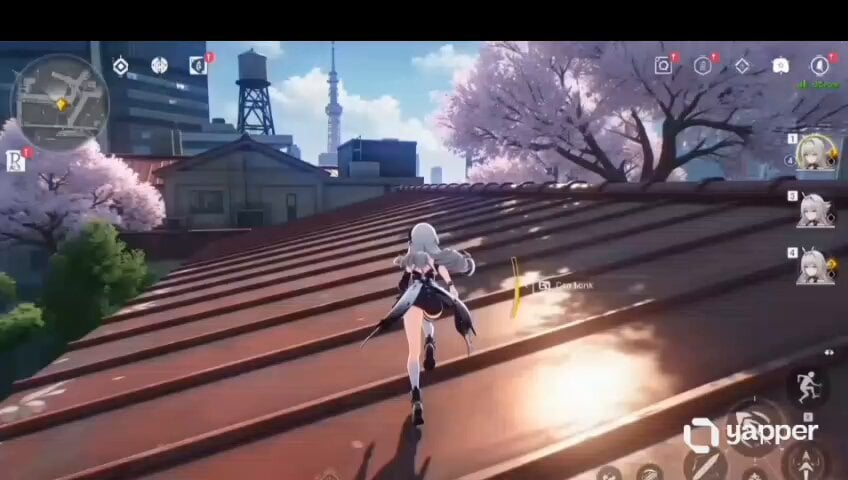
- Prompt included
- Model and format preset
- Free template
The prompt behind this video
Copy the exact prompt behind Anime RPG Gameplay Trailer Prompt, or open it in the studio and make it yours.
Vertical cinematic gameplay video, 9:16, ultra-smooth anime-style AAA gameplay cinematic, 10 seconds duration, ultra detailed anime rendering, realistic cel-shading, cinematic lighting, polished textures, immersive futuristic Tokyo atmosphere, smooth 60fps feeling. Scene Style: Inspired by a futuristic Japanese open-world action RPG. Bright sunny daytime, vivid blue sky with soft clouds, realistic anime sunlight, subtle bloom, sharp cinematic shadows. Dense Tokyo-inspired urban environment with red rooftop houses, cherry blossom trees, modern skyscrapers, futuristic city towers, reflective metal rooftops, layered city depth. Character: A young anime girl with white/silver hair wearing a stylish black-and-white futuristic outfit, short skirt, thigh-high socks, combat-style shoes. Face consistency is extremely important. Natural anime physics for hair, skirt, cloth movement, and body motion. Camera: Third-person gameplay camera slightly behind character. Dynamic smooth gameplay tracking. Subtle handheld motion. Minor cinematic motion blur during jumps. Real anime action RPG HUD/UI visible: mini-map top left, action buttons right side, health/stamina bar bottom center. Sequence: 0–3s Character sprints fluidly across red rooftops while the gameplay camera smoothly follows behind. Hair and clothes move naturally in the wind. Sunlight reflects across rooftop metal textures. 3–6s She performs a fast rooftop leap between buildings. Cinematic slow-motion mid-air moment. Dynamic camera tilt while cherry blossom petals fly past. Accurate anime-style body physics and foot positioning. 6–8s Character grabs the edge of a higher rooftop and climbs upward naturally with smooth parkour motion. Camera slightly rotates around her during the climb. 8–10s Wide cinematic gameplay shot. She stands briefly at the rooftop edge overlooking the futuristic Tokyo skyline. Wind moves her silver hair and outfit naturally while distant skyscrapers glow in sunlight. Epic open-world anime game trailer feeling. Style & Quality: Ultra detailed anime rendering, high-end gacha game aesthetic, cinematic gameplay trailer quality, realistic anime lighting, polished textures, immersive open-world atmosphere, smooth animation, natural movement, realistic environmental depth, AAA gameplay capture quality. Negative Prompt: low quality, broken anatomy, extra limbs, floating body, blurry textures, distorted face, stiff animation, bad hands, unrealistic motion, static camera, low fps, glitch effects, ugly lighting, oversaturated colors, missing HUD, poorly drawn environment, jitter animation, clipping, low detail.
How to use Anime RPG Gameplay Trailer Prompt in 3 steps
- 1
Open
The prompt is already in the box next to the preview, with the template's model and format selected.
- 2…a portrait of your subject in softgolden-hour light, 85mm…
Personalize
Edit the subject and creative details for your destination.
- 3Generate
Generate
Press Generate — your video is created in PicX Studio, so you can compare it with the original and refine one variable at a time.
More like this
Templates with the same subject, style or setup. Open one to see its prompt.

Cyberpunk RPG Anime Action

MiniMax H3 Character Introduction

Japanese Pure Love Short Film
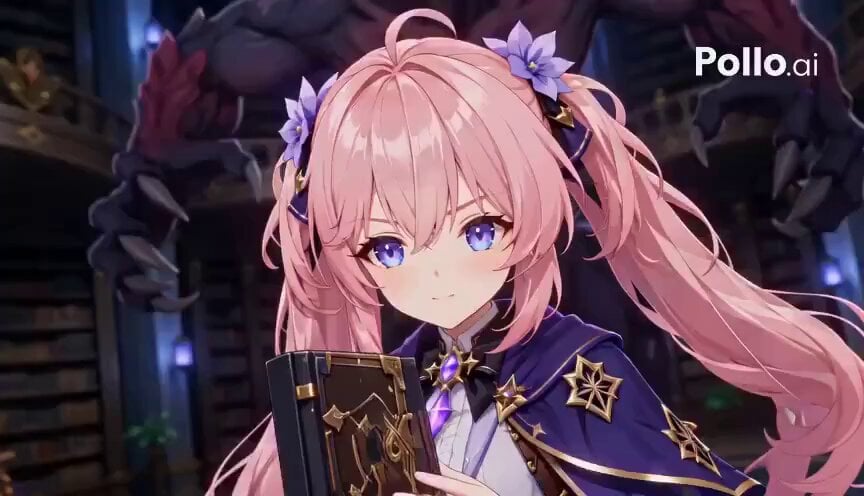
Anime RPG Magic Library Battle

Studio Ghibli Dumpling Kitchen Cooking Scene
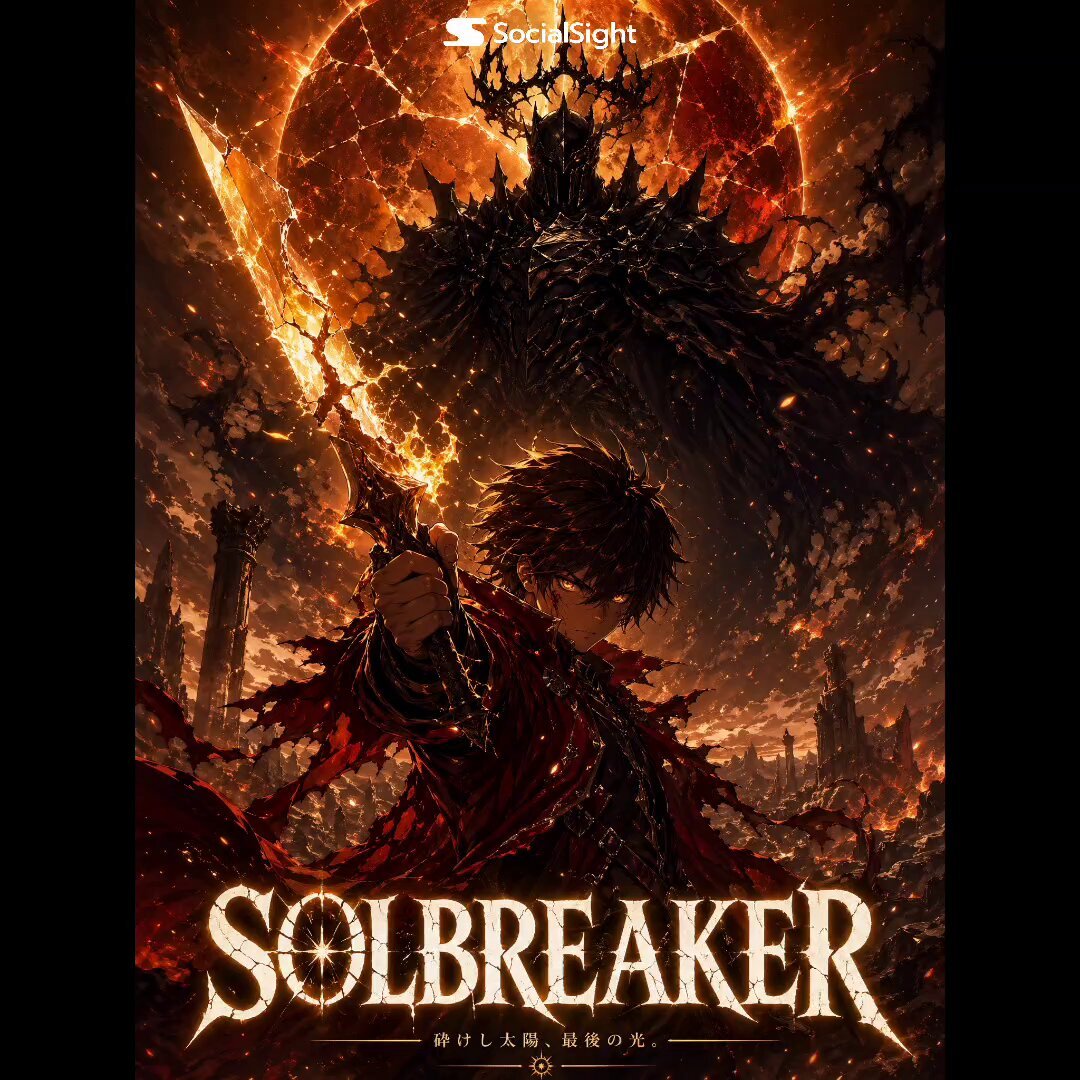
Solbreaker Anime Cinematic Trailer
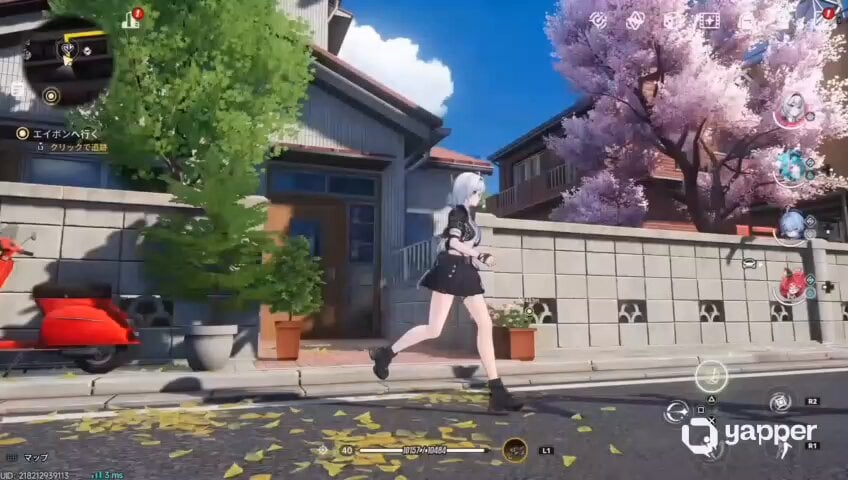
Futuristic Anime Parkour Gameplay Cinematic
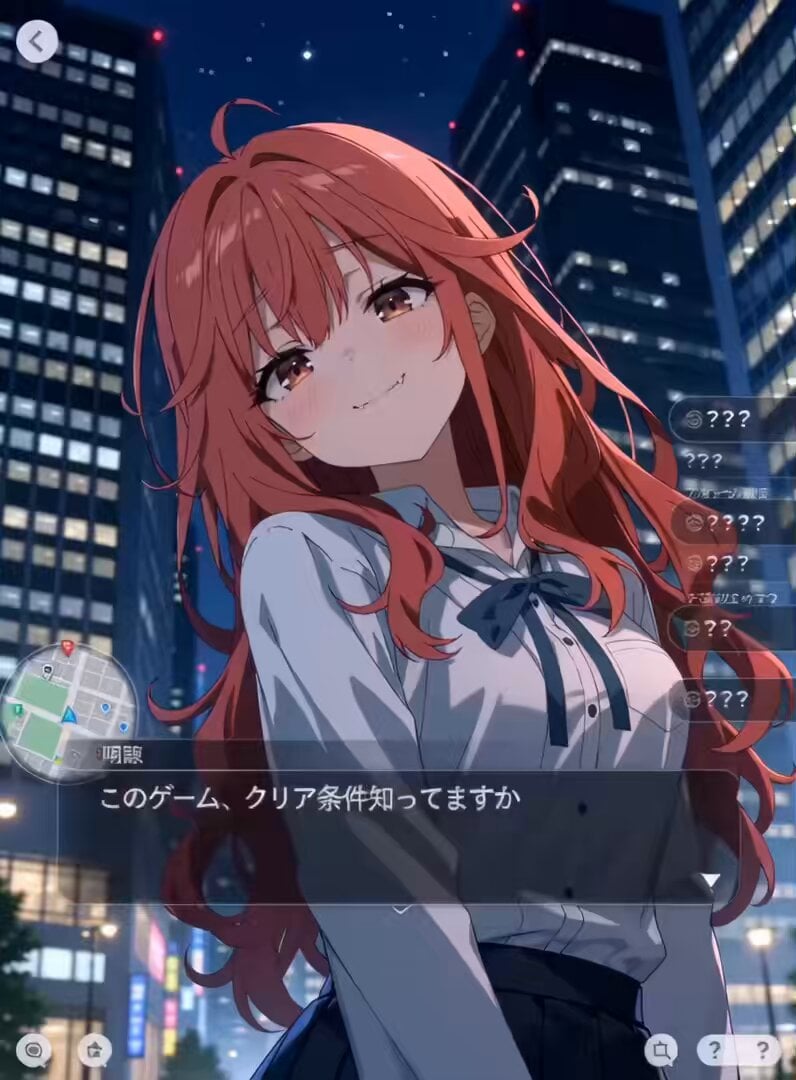
Urban RPG Gameplay Animation
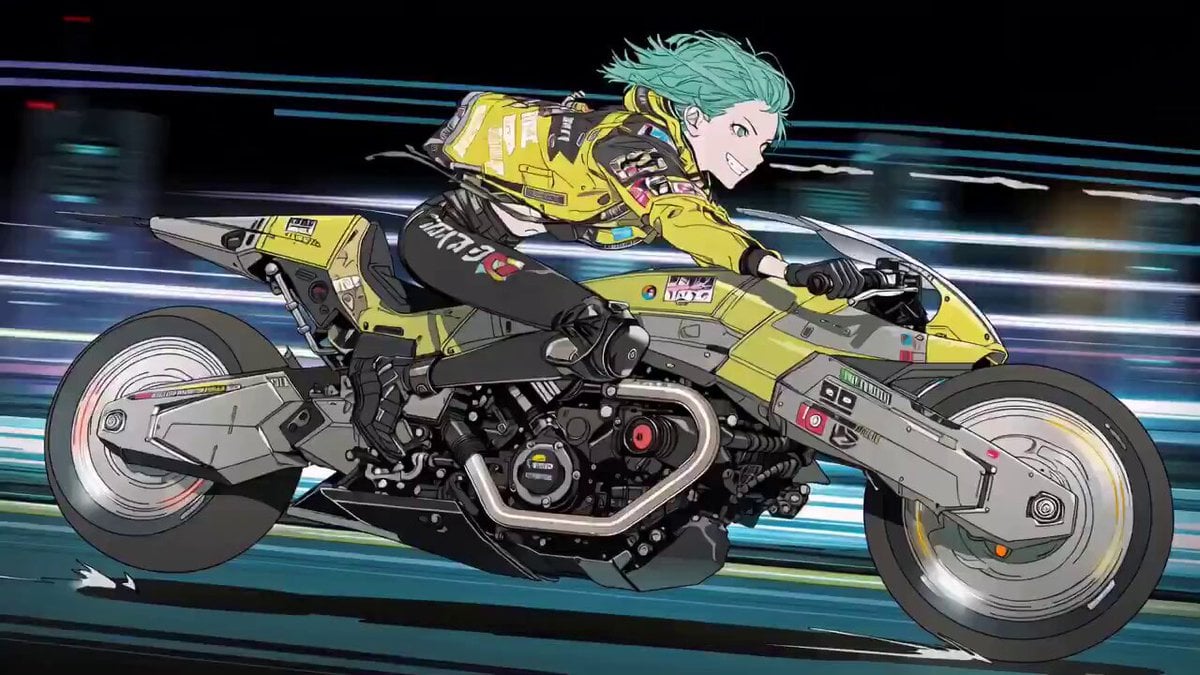
Cyberpunk Anime Trailer Test Prompt with Lip Sync
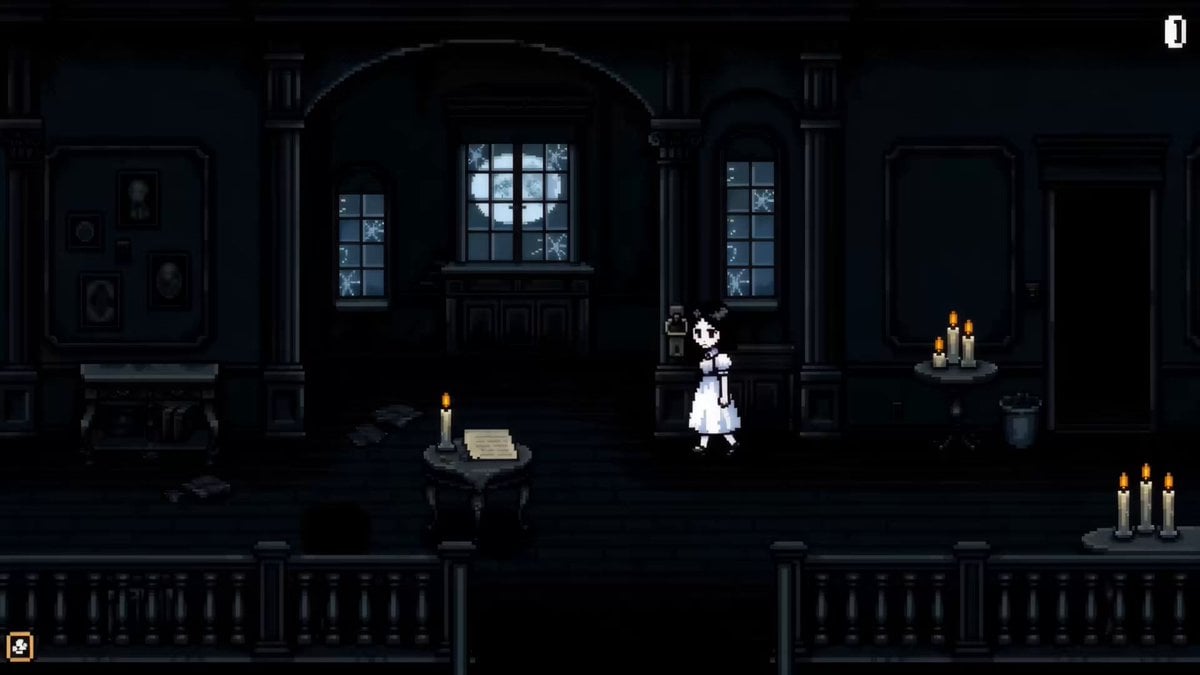
Pixel Art Horror RPG Gameplay Scene
The Ark — Seedance 2.0 Epic Trailer
Mecha Transformation vs Kaiju — 4-Scene Epic
Make it yours
Anime RPG Gameplay Trailer Prompt works as-is. These are the safest ways to change it without losing the look.
Change one field
Copy a single group, rewrite it, and generate again so you can see what that field is doing.
Keep the frame, change the subject
Hold the composition and light of Anime RPG Gameplay Trailer Prompt, then swap wardrobe, props or the person for a new take.
| If the result… | Why | Fix |
|---|---|---|
| The result drifts from the preview | Too many fields changed at once. | Reuse Anime RPG Gameplay Trailer Prompt as-is first, then change one group — subject, light, or setting. |
| The model over-stylizes the scene | The prose prompt leaves finish and camera underspecified. | Add one camera or lighting sentence and stay on Seedance 2.0. |
More Seedance 2.0 templates
Other prompts made for Seedance 2.0.

Comical Martial Arts Punch Scene

Maglev Train Action Sequence

Martial Arts Fight Sequence

Wuxia Protection and Trust Script

Vintage Korean Arcade MiniDV Vlog

Mercedes 190 SL Luxury Ad

Rainy Night Supernatural Reverse Comedy Video Script

Amazon Civilization Discovery

Futuristic South Asian City Transformation

Cozy Luxury Cafe Commercial
More video prompts
Fresh picks from across the catalog.
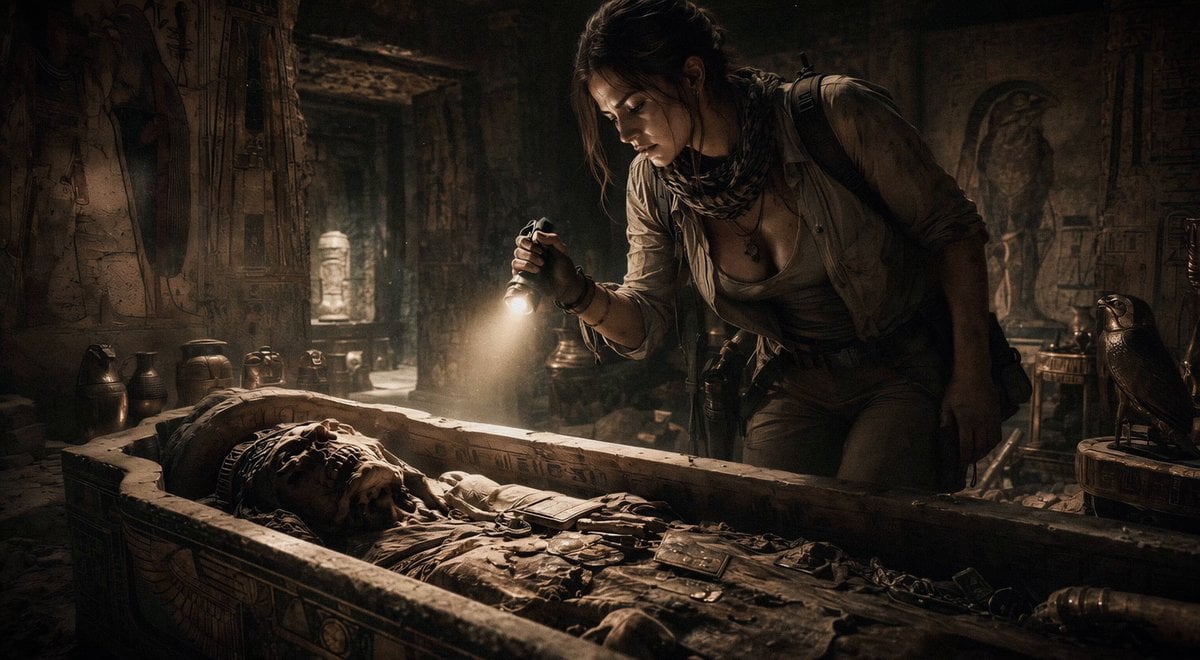
Ancient Tomb Treasure Hunt

Theatrical Anime Action Market Battle
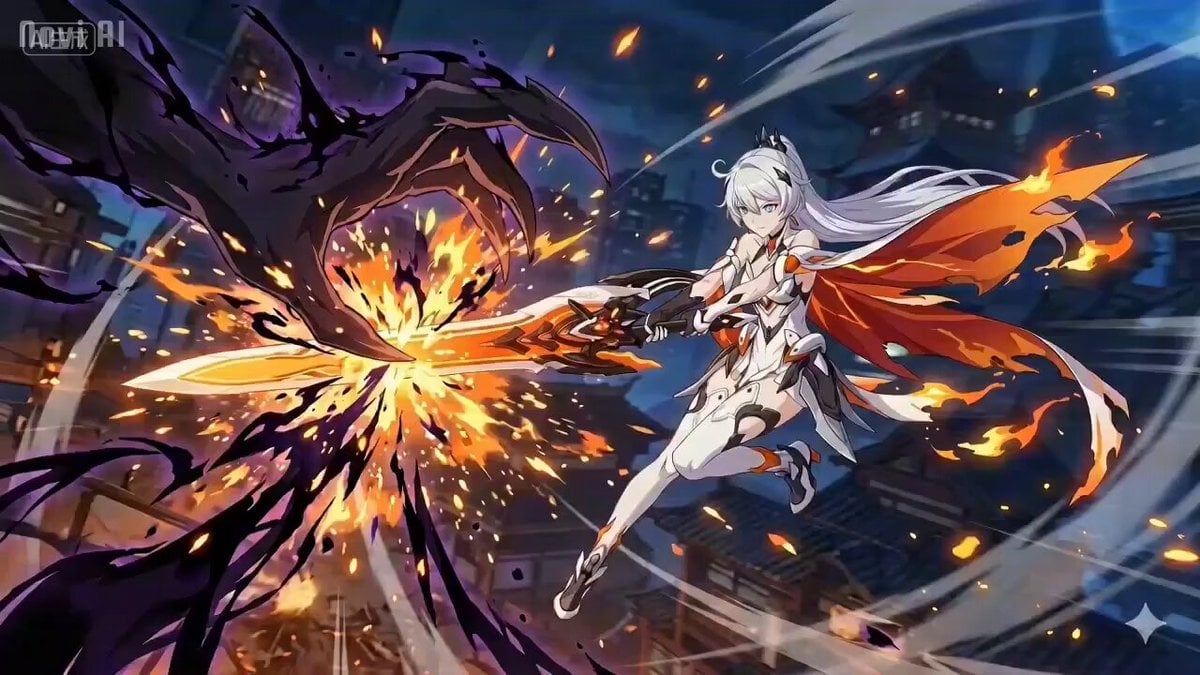
Anime Combat Scene: Knight vs. Shadow Monster
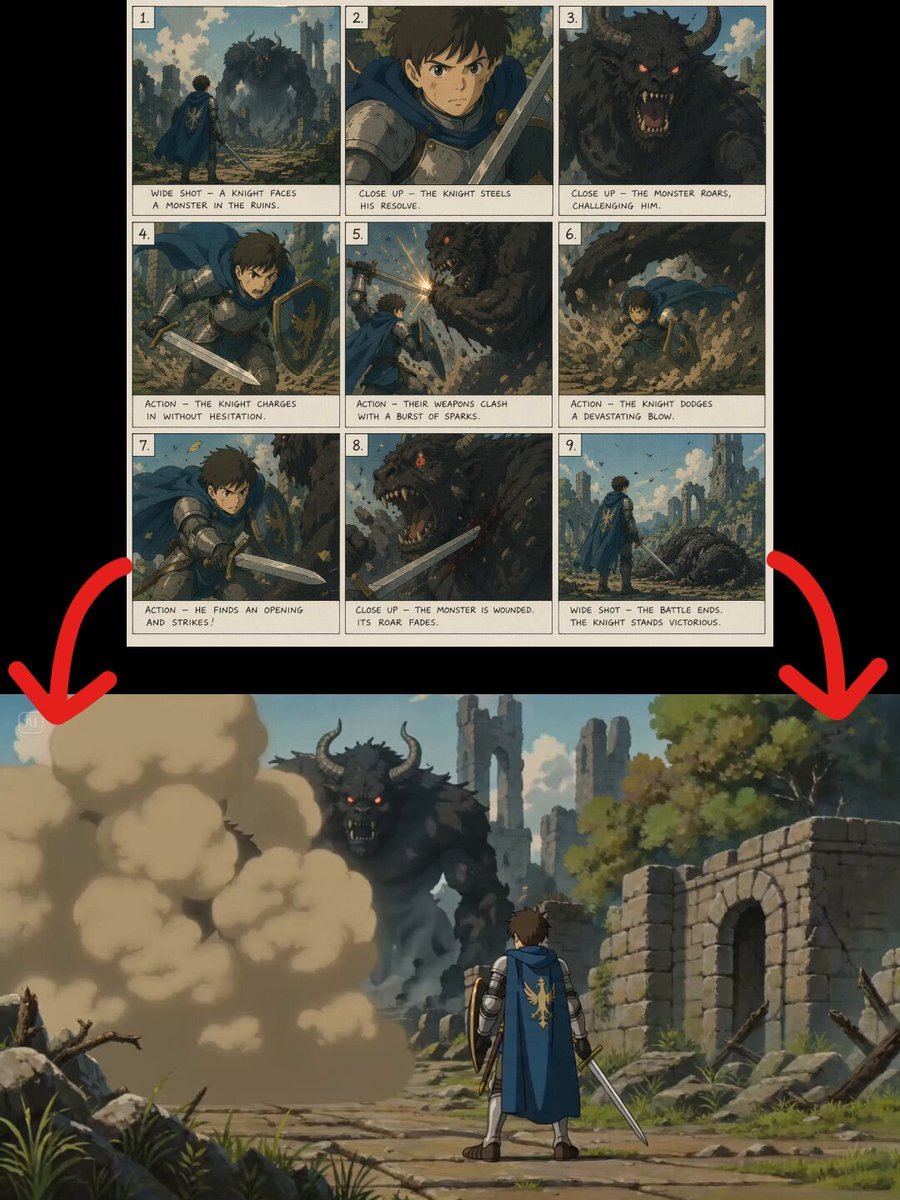
Cinematic Dark Fantasy Animation Prompt
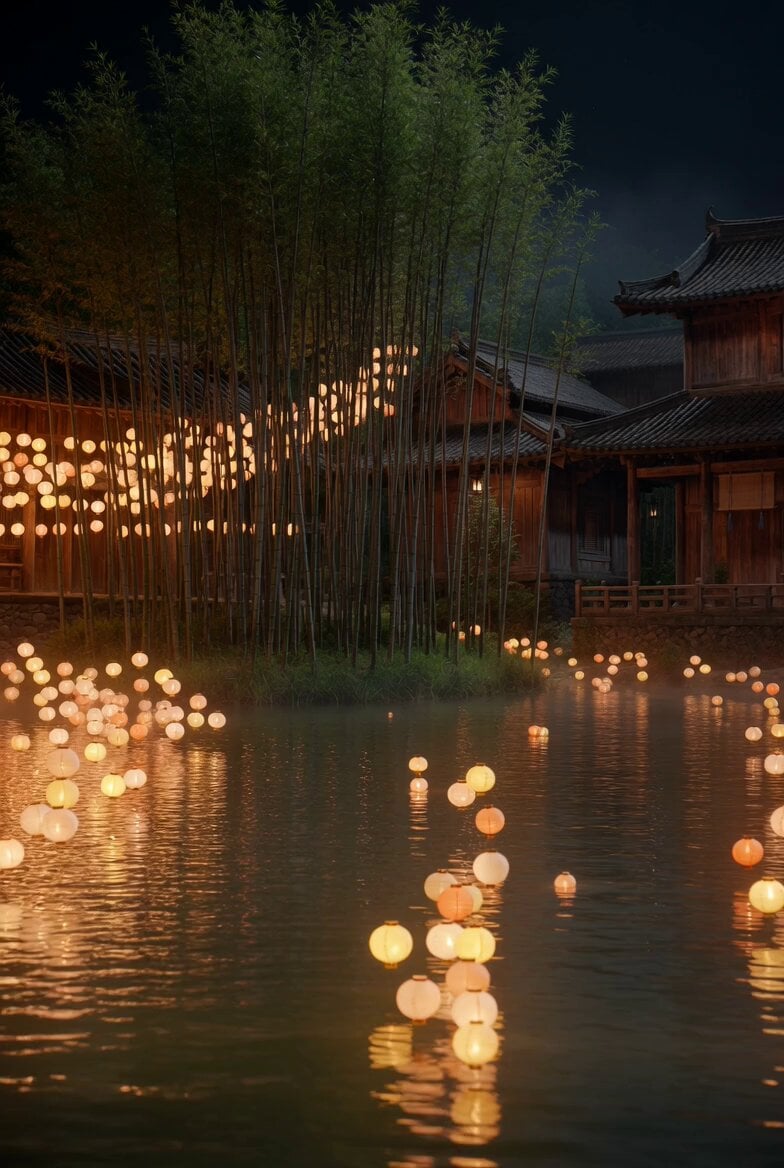
Floating Lights and Lantern Glow Video
Speeder Chase Across a Cliff City
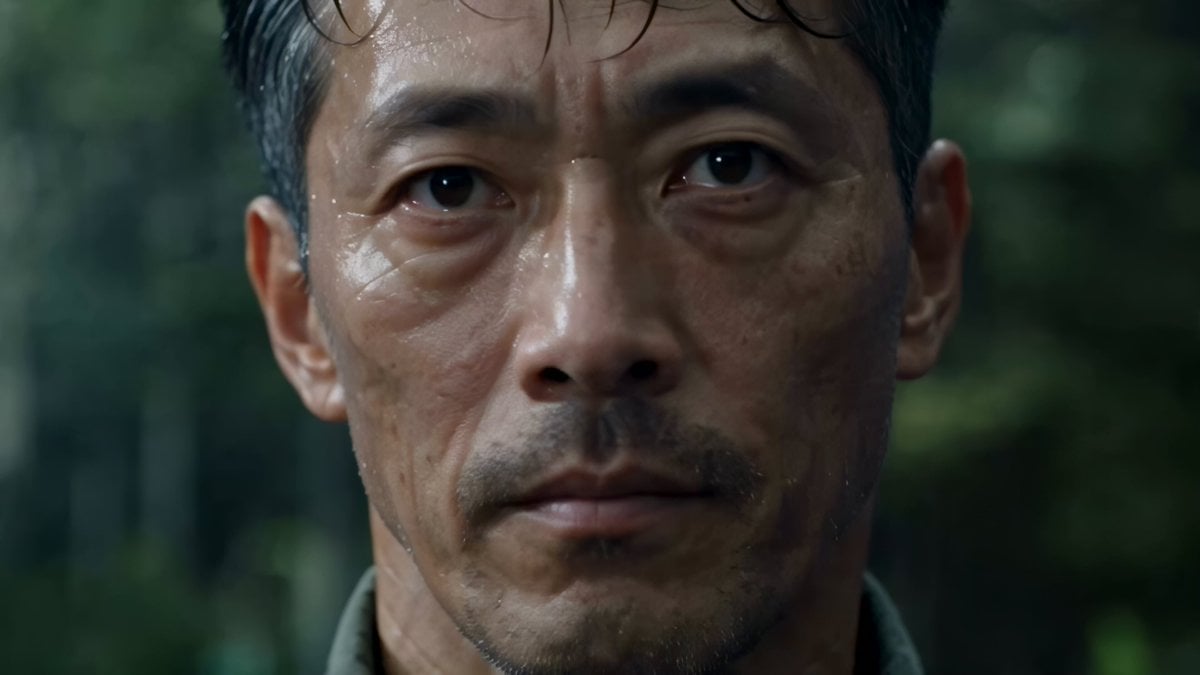
Cinematic Beer Commercial Live Action

Man Deciding to Wash Car Prompt
Photorealistic IMAX Sequence of a Robot Assembling its Faceplate
Living Metal Organisms Video
Browse template categories
Anime RPG Gameplay Trailer Prompt questions
How do I use the Anime RPG Gameplay Trailer Prompt template?
Add your photo if the template asks for one, edit the prompt if you like — the template's model and format are already selected — and press Generate. Your version opens in PicX Studio.
Can I customize the Anime RPG Gameplay Trailer Prompt template?
Yes. You can change the subject, setting, lighting, mood, format, and available model controls before creating your video.
Is the Anime RPG Gameplay Trailer Prompt template free?
Opening and editing this template is free. Generating uses credits, shown on the Generate button when you are signed in.
Which AI model should I use?
Start with Seedance 2.0, which is the model associated with this template. You can compare another compatible model for a different finish.
Looking for something else? Browse all templates.

Your photo, any look
Thousands of ready templates for every top image and video model, from one credit balance.