
Photorealistic IMAX Sequence of a Robot Assembling its Faceplate
A highly technical and detailed prompt for Grok Imagine requesting a 12-second photorealistic IMAX cinema film sequence.
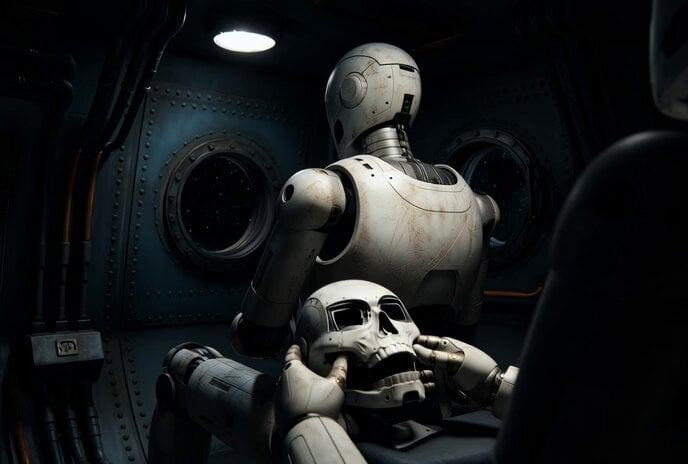
- Prompt included
- Model and format preset
- Premium template
The prompt behind this video
Copy the exact prompt behind Photorealistic IMAX Sequence of a Robot Assembling its Faceplate, or open it in the studio and make it yours.
A 12-second photorealistic IMAX cinema film sequence. Shot on Arri Alexa 65 anamorphic lens. CAMERA ANGLE: over-the-shoulder shot from behind and slightly above the robot, looking down at its hands working, we peer over its shoulder like a silent observer. A white bipedal humanoid robot sits in a dark deep-space mining vessel, precisely assembling a replica of its own faceplate, an identical robot skull and facial housing, held carefully in both hands. The incomplete faceplate sits in its lap: empty eye sockets, exposed inner sensor cavities, jaw assembly partially clicked into place. Metal panels and facial components slot together with surgical precision, blue LED indicators flickering inside the eye sockets as each piece connects. We see the robot's back and the side of its own head, and below, the half-assembled replica face staring upward from its hands. Lighting: single cold overhead work-light, deep black shadows, faint starlight through a porthole visible in background. No fill lights. High contrast ratio. Robot chassis has surface wear, scratches, dust, micro-dents. Camera slowly creeps closer toward the working hands and the face in its lap. Lens breathing visible. Film grain 35mm. Color grade: desaturated, muted steel-blue and amber tones only. Shot composition like Blade Runner 2049 or Interstellar. Worn industrial spacecraft interior, exposed conduits, riveted bulkheads. Absolutely no front-facing camera angle, no robot looking at camera, no bright colors, no comic book aesthetics, no anime, no cartoon shading.
How to use Photorealistic IMAX Sequence of a Robot Assembling its Faceplate in 3 steps
- 1
Open
The prompt is already in the box next to the preview, with the template's model and format selected.
- 2…a portrait of your subject in softgolden-hour light, 85mm…
Personalize
Edit the subject and creative details for your destination.
- 3Generate
Generate
Press Generate — your video is created in PicX Studio, so you can compare it with the original and refine one variable at a time.
More like this
Templates with the same subject, style or setup. Open one to see its prompt.

Robots on Mars Preparation
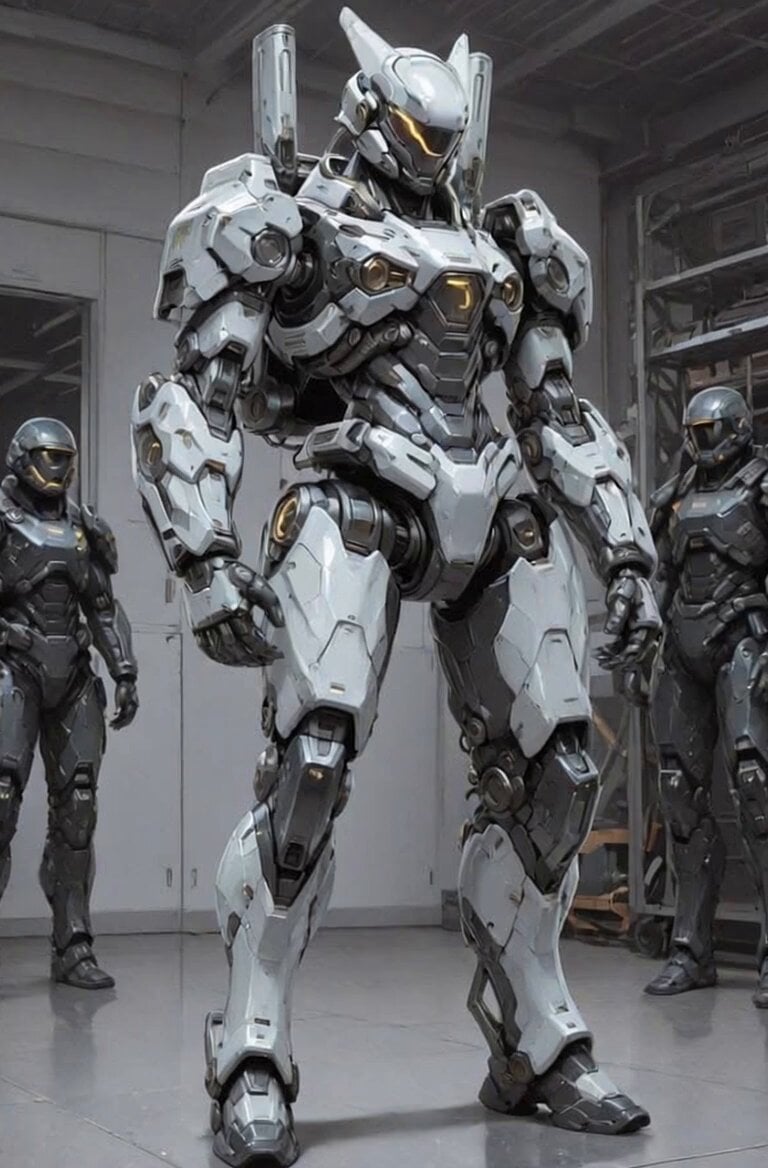
Futuristic Robot Competition Showcase
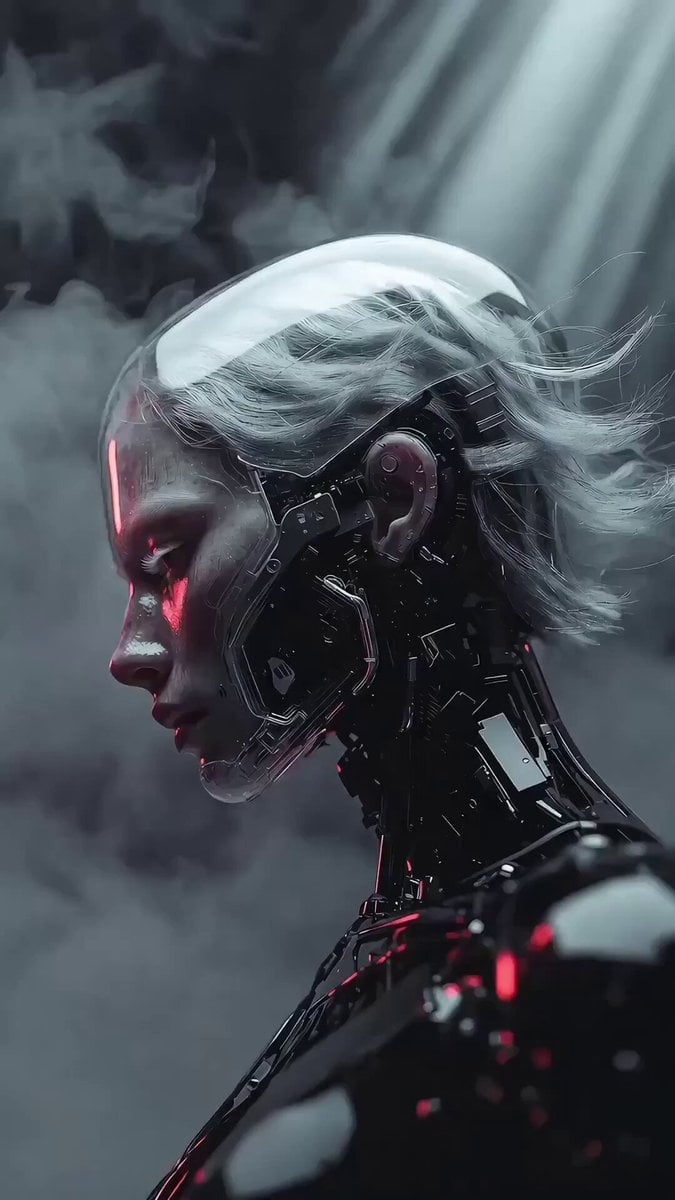
Photorealistic 3D Render Template
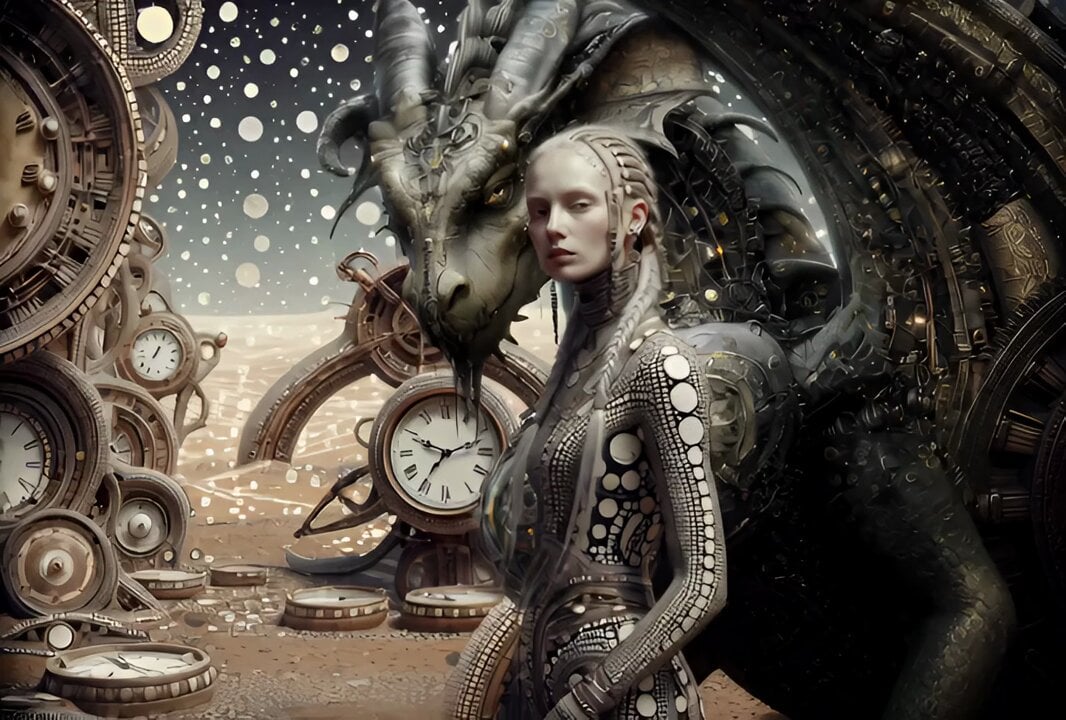
Cinematic IMAX Video Blending Two Images

Photorealistic Biomechanical Chrome Alien Warrior
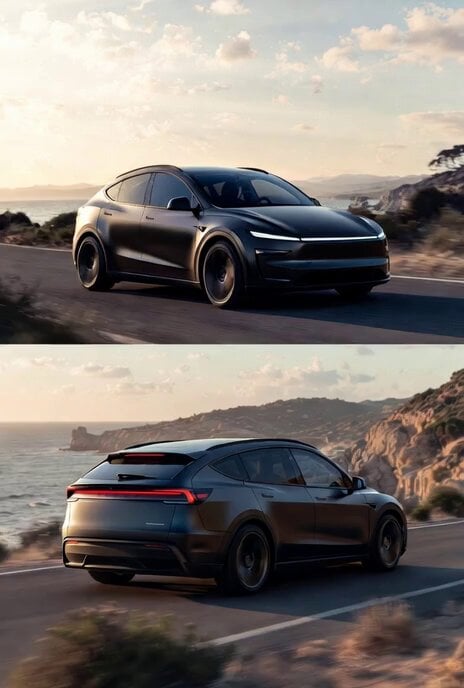
Photorealistic rendering of a Tesla Model Y as a classic European station wagon
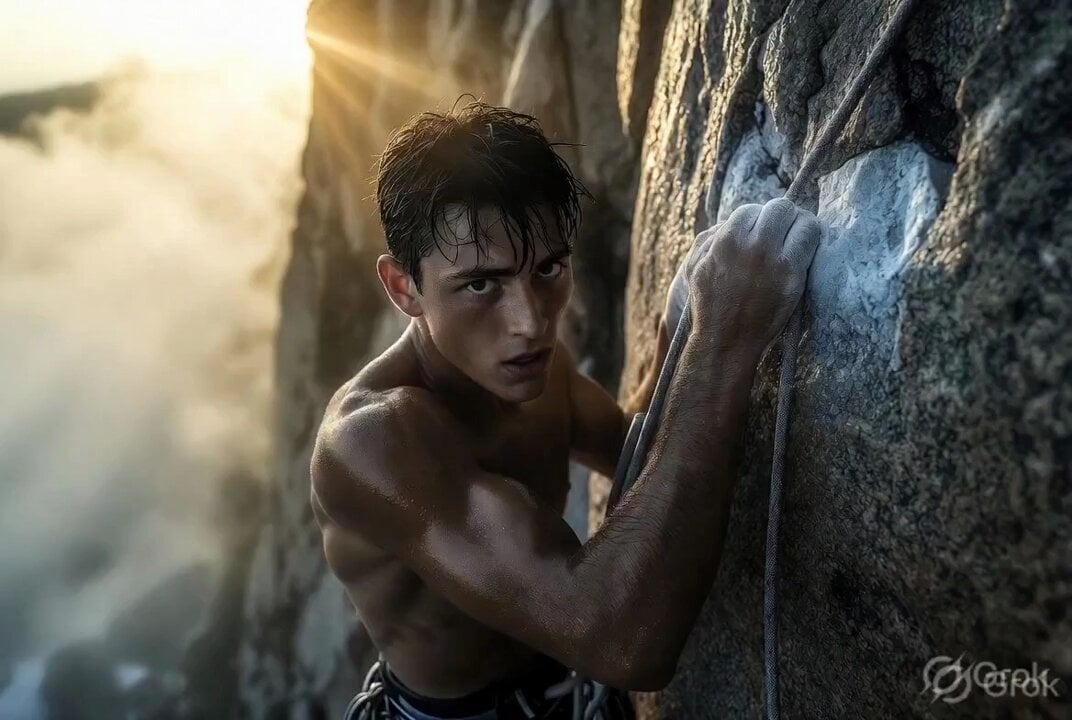
Photorealistic cinematic rock climber
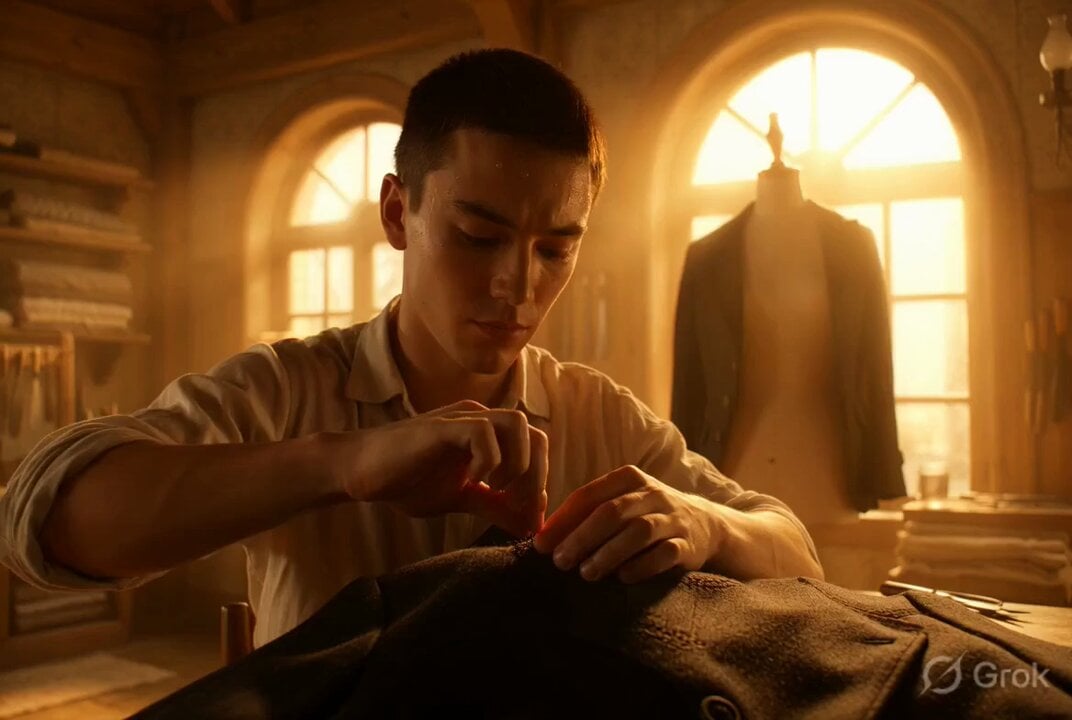
Photorealistic cinematic portrait of a young tailor
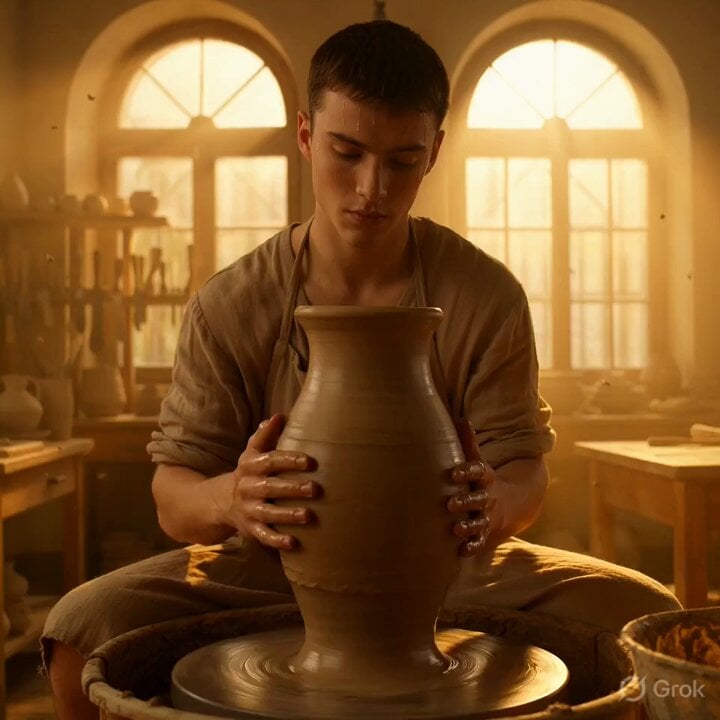
Grok Imagine Video Prompt: Photorealistic Portrait of a Potter
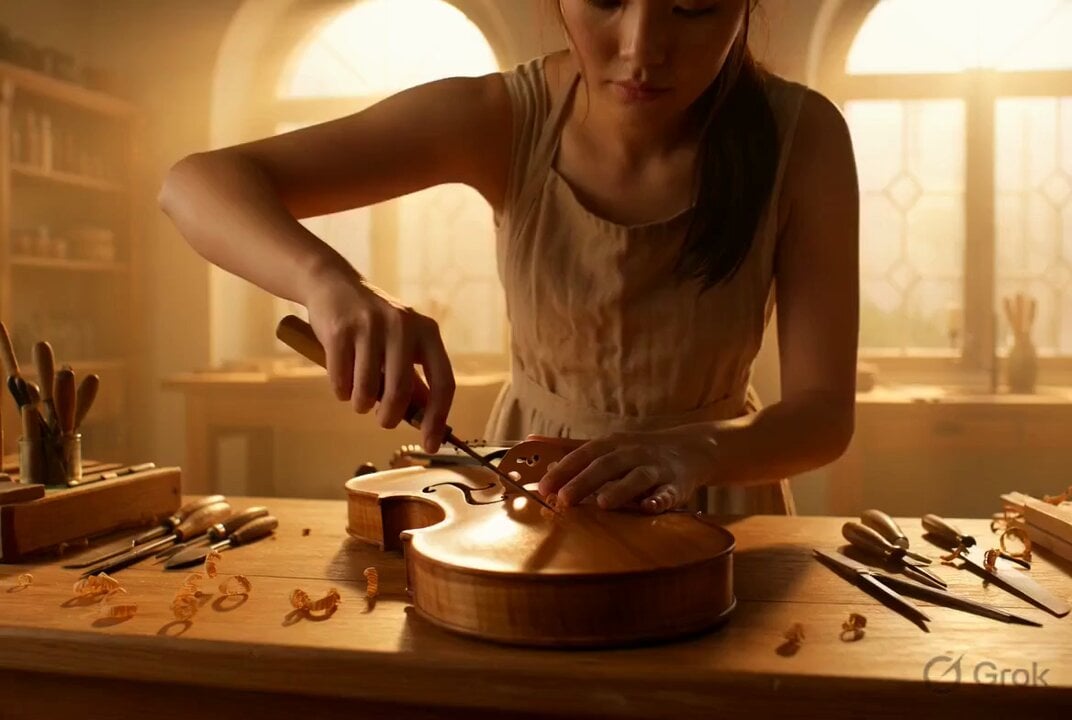
Photorealistic Violin Maker Portrait Video Prompt

Photorealistic Cinematic Portrait of a Bonsai Master

Photorealistic cinematic portrait of a gentle candle maker
Make it yours
Photorealistic IMAX Sequence of a Robot Assembling its Faceplate works as-is. These are the safest ways to change it without losing the look.
Change one field
Copy a single group, rewrite it, and generate again so you can see what that field is doing.
Keep the frame, change the subject
Hold the composition and light of Photorealistic IMAX Sequence of a Robot Assembling its Faceplate, then swap wardrobe, props or the person for a new take.
| If the result… | Why | Fix |
|---|---|---|
| The result drifts from the preview | Too many fields changed at once. | Reuse Photorealistic IMAX Sequence of a Robot Assembling its Faceplate as-is first, then change one group — subject, light, or setting. |
| The model over-stylizes the scene | The prose prompt leaves finish and camera underspecified. | Add one camera or lighting sentence and stay on Grok Imagine. |
More Grok Imagine templates
Other prompts made for Grok Imagine.

Glowing Water Forest Night Prompt

Soft Pink Roses Dreamer Prompt

Ninja Wizard Levitation Jump

Coffee Cup Interaction Motion

Voice Controlled Water Animation

Pterodactyl Transformation Journey

Candle Mandala Mirror Video

Psychedelic Purple Disc World Video

Mecha Runway Tap Dance Video Prompt

Quantum Inventor in Sonoran Desert
More video prompts
Fresh picks from across the catalog.

Anime Style TikTok Dance
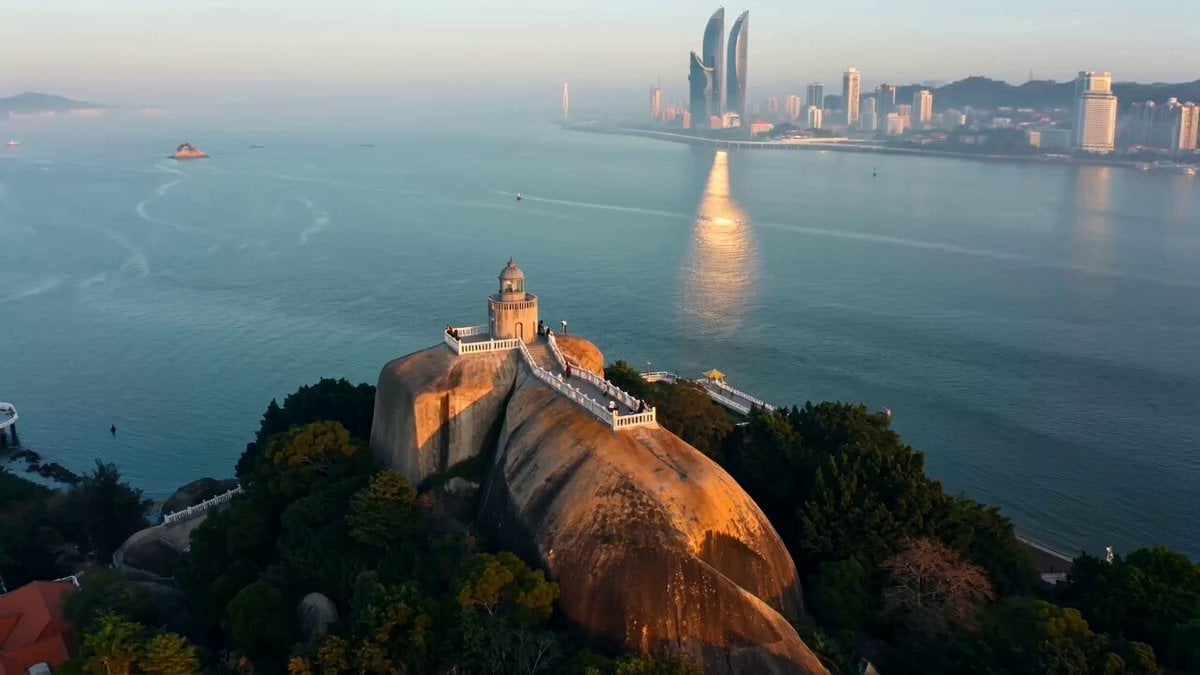
Seedance 2.0 Prompt for Cinematic City Promotional Video
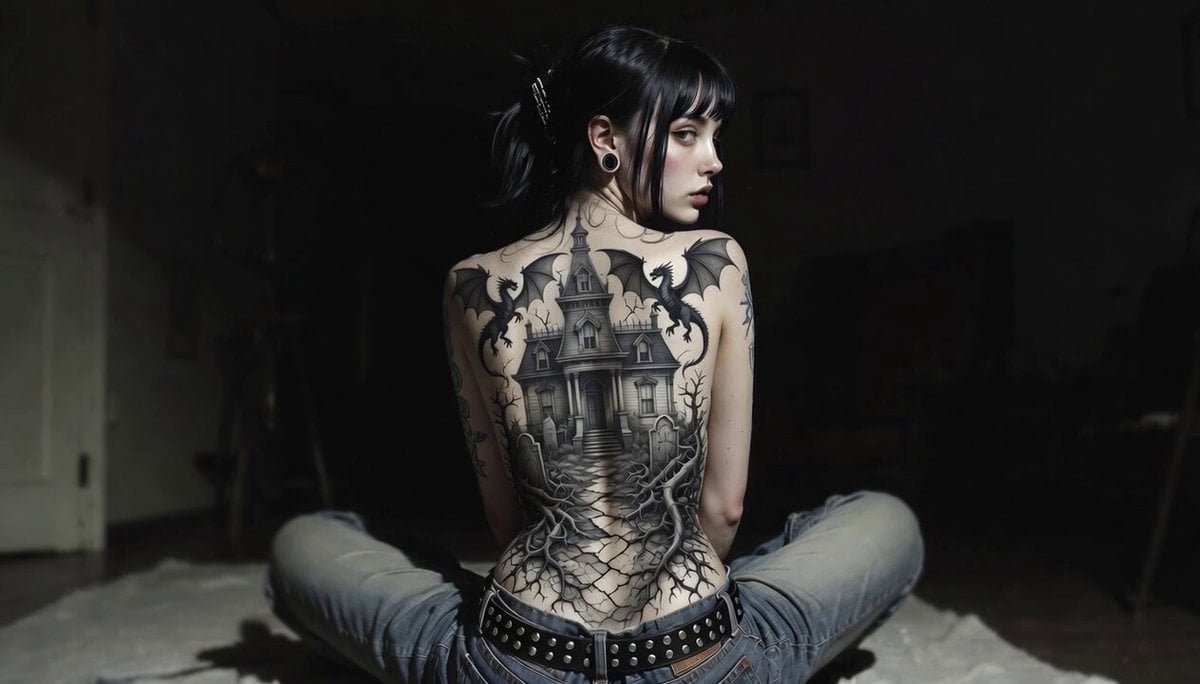
Gothic Mansion Back Tattoo
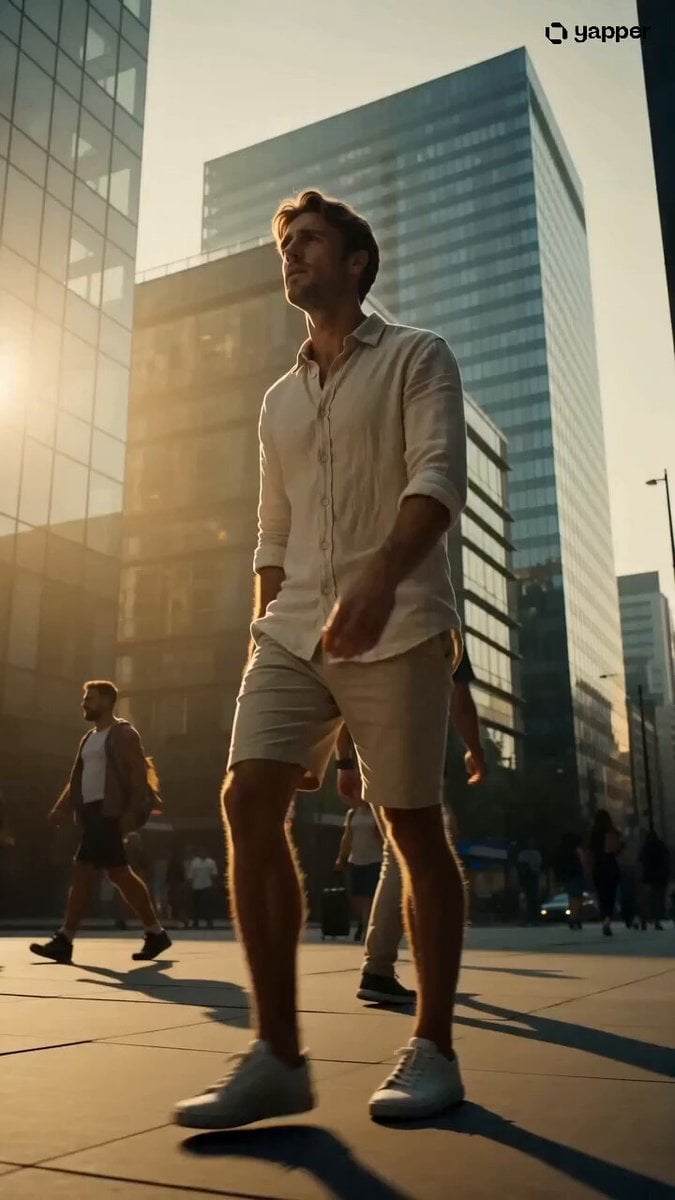
Soda Commercial Cinematic Scene

Korean Woman Baseball Fan Cam
Birth and Ambulance Scene
Detailed Grok Imagine Prompt for Selfie POV Video
Rushed Morning Routine Montage
Fox Spirit Transformation Video Prompt for Seedance 2.0

Luxury Skincare Storyboard Motion Prompt
Browse template categories
Photorealistic IMAX Sequence of a Robot Assembling its Faceplate questions
How do I use the Photorealistic IMAX Sequence of a Robot Assembling its Faceplate template?
Add your photo if the template asks for one, edit the prompt if you like — the template's model and format are already selected — and press Generate. Your version opens in PicX Studio.
Can I customize the Photorealistic IMAX Sequence of a Robot Assembling its Faceplate template?
Yes. You can change the subject, setting, lighting, mood, format, and available model controls before creating your video.
Is the Photorealistic IMAX Sequence of a Robot Assembling its Faceplate template free?
Opening and editing this template is free. Generating uses credits, shown on the Generate button when you are signed in.
Which AI model should I use?
Start with Grok Imagine, which is the model associated with this template. You can compare another compatible model for a different finish.
Looking for something else? Browse all templates.

Your photo, any look
Thousands of ready templates for every top image and video model, from one credit balance.