How do I use the Birth and Ambulance Scene template?
Edit the prompt in the box under the preview — the template's model and format are already selected — and press Generate. Your version appears right on this page.
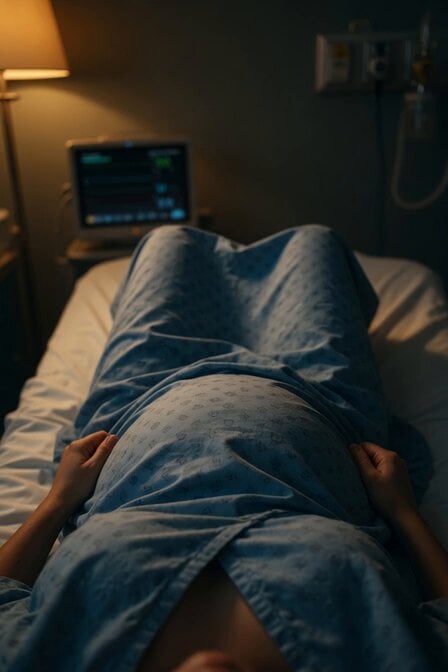
A detailed, narrative prompt describing a scene of hospitalization, a C-section birth, high jaundice levels, an ambulance ride to a different hospital, and the mother's emotional reaction and subsequent decision to name…
次の日(26日)私は入院した。 そして、3月29日帝王切開でダルは誕生しだ。だが黄疸の数値が高くて、春日井のコロニー病院に🚑送られる事になった。涙はポタポタと溢れた。救急車が遠ざかり行く音が消える頃聞こえたんだ。『子供は大丈夫』私はダルの名前を考えることにした。
次の日(26日)私は入院した。 そして、3月29日帝王切開でダルは誕生しだ。だが黄疸の数値が高くて、春日井のコロニー病院に🚑送られる事になった。涙はポタポタと溢れた。救急車が遠ざかり行く音が消える頃聞こえたんだ。『子供は大丈夫』私はダルの名前を考えることにした。
Edit the prompt in the box under the preview — the template's model and format are already selected — and press Generate. Your version appears right on this page.
Yes. You can change the subject, setting, lighting, mood, format, and available model controls before creating your video.
Opening and editing this template is free. Generating uses credits, shown on the Generate button when you are signed in.
Start with Grok Imagine, which is the model associated with this template. You can compare another compatible model for a different finish.
Follow a topic to a crawlable collection of related PicX Studio templates.