How do I use the Snorricam Cabin Horror Scene template?
Edit the prompt in the box under the preview — the template's model and format are already selected — and press Generate. Your version appears right on this page.
A detailed horror prompt using a Snorricam angle to depict a woman's internal panic in a cabin while being followed by a mysterious figure.
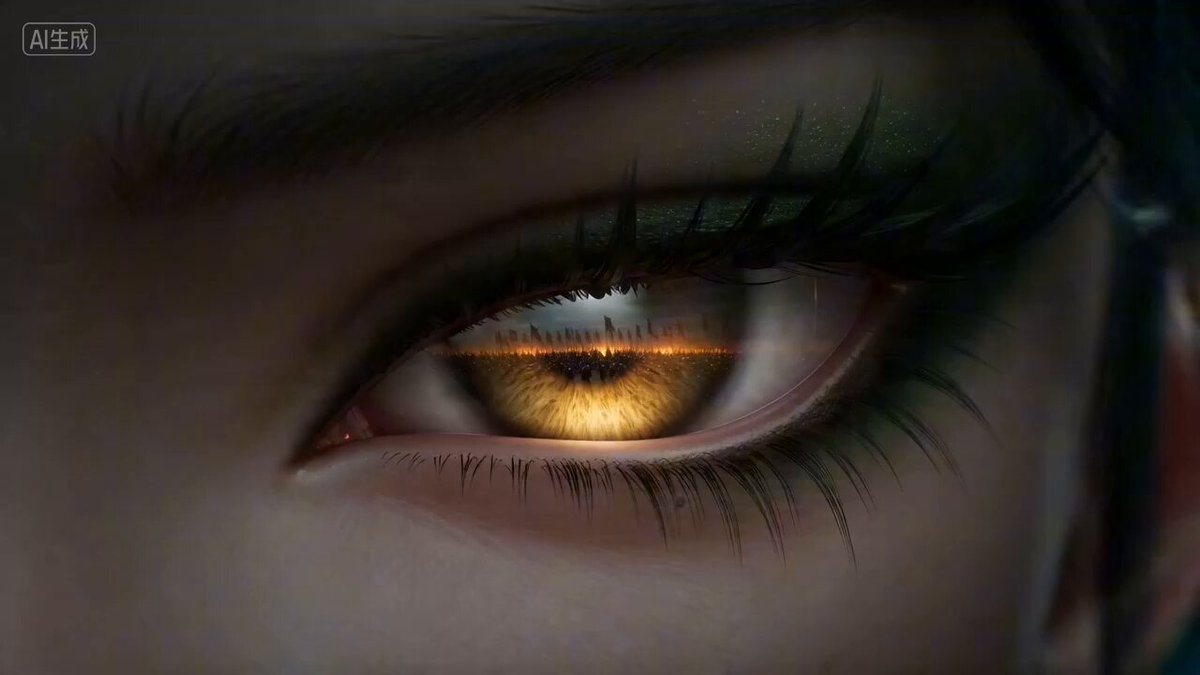
Haunted fear/ Horror, A Snorricam camera angle, keeping their face locked in frame while the world around them sways and lurches. It physically externalizes a character's mental state without a word of dialogue. Made famous by Aronofsky's Requiem for a Dream to depict drug-induced panic, it's equally effective for euphoria, isolation, fear or dissociation depending on context. Young woman with light skin with subtle textures and pores, green eyes, long natural red hair with wispy bangs worn down by her sides, stoic face, subtly nervous, thin eyebrows, small natural nose with a small hoop piercing, high cheekbones, full soft peach lips. She is wearing a black tank top with a rusty orange sweater over with buttons, small gold cross necklace Mid frame, hands by her side, eyes staring straight ahead at the camera. She is in a big cabin with a large brick fire place, low lighting, high shadows, realistic rendering, shallow depth of field, A24 indi horror film style. One shadowed man appears from the woods to follow her. The man stops and just stares at her walking away, continuous natural blinking.
Haunted fear/ Horror, A Snorricam camera angle, keeping their face locked in frame while the world around them sways and lurches. It physically externalizes a character's mental state without a word of dialogue. Made famous by Aronofsky's Requiem for a Dream to depict drug-induced panic, it's equally effective for euphoria, isolation, fear or dissociation depending on context. Young woman with light skin with subtle textures and pores, green eyes, long natural red hair with wispy bangs worn down by her sides, stoic face, subtly nervous, thin eyebrows, small natural nose with a small hoop piercing, high cheekbones, full soft peach lips. She is wearing a black tank top with a rusty orange sweater over with buttons, small gold cross necklace Mid frame, hands by her side, eyes staring straight ahead at the camera. She is in a big cabin with a large brick fire place, low lighting, high shadows, realistic rendering, shallow depth of field, A24 indi horror film style. One shadowed man appears from the woods to follow her. The man stops and just stares at her walking away, continuous natural blinking.
Edit the prompt in the box under the preview — the template's model and format are already selected — and press Generate. Your version appears right on this page.
Yes. You can change the subject, setting, lighting, mood, format, and available model controls before creating your video.
Opening and editing this template is free. Generating uses credits, shown on the Generate button when you are signed in.
Start with Grok Imagine, which is the model associated with this template. You can compare another compatible model for a different finish.
Follow a topic to a crawlable collection of related PicX Studio templates.