How do I use the 10-Second Morphing Sequence: Fairy to Deer template?
Edit the prompt in the box under the preview — the template's model and format are already selected — and press Generate. Your version appears right on this page.
A detailed 10-second video prompt for Grok Imagine focusing on a magical transformation sequence (morph) in a dark crystal cave.
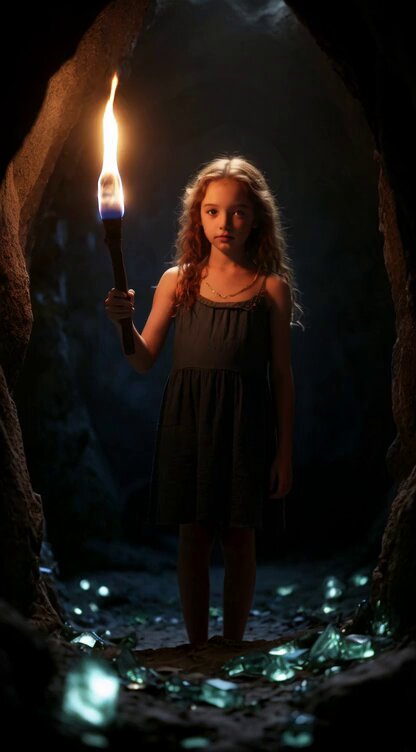
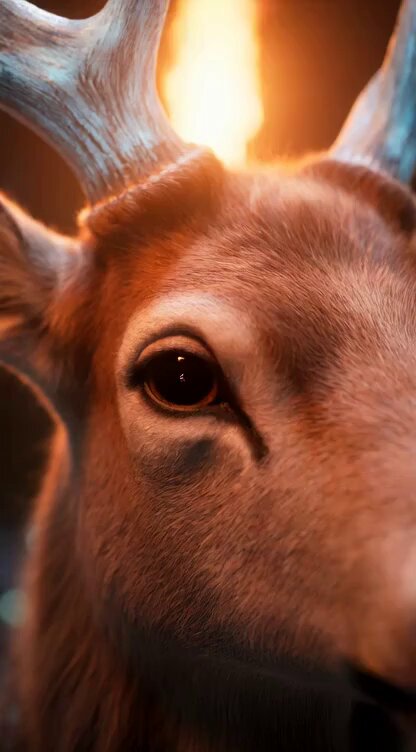
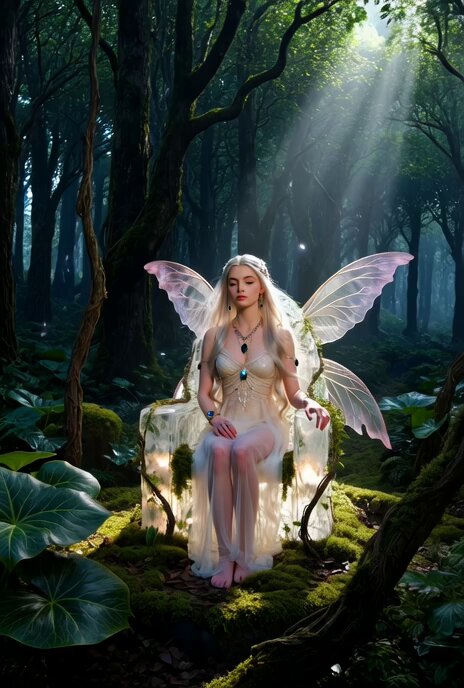
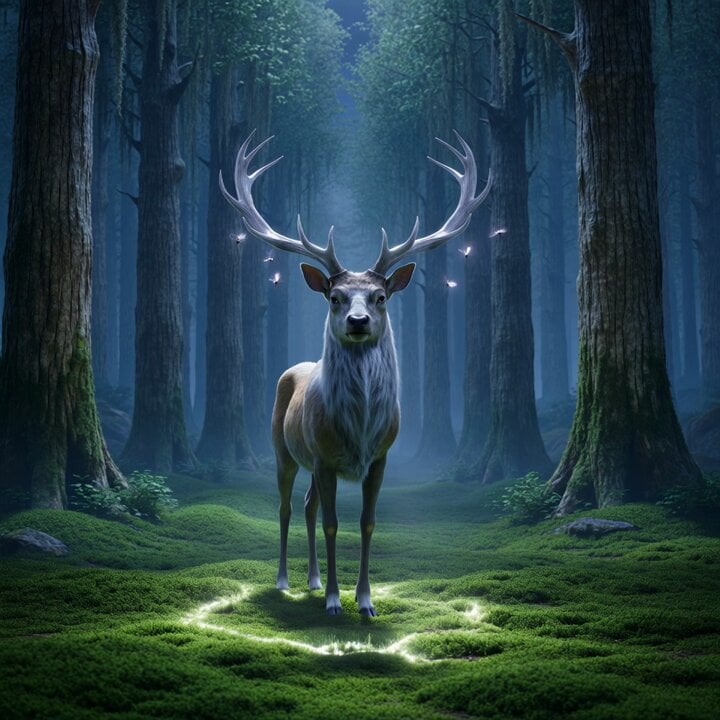
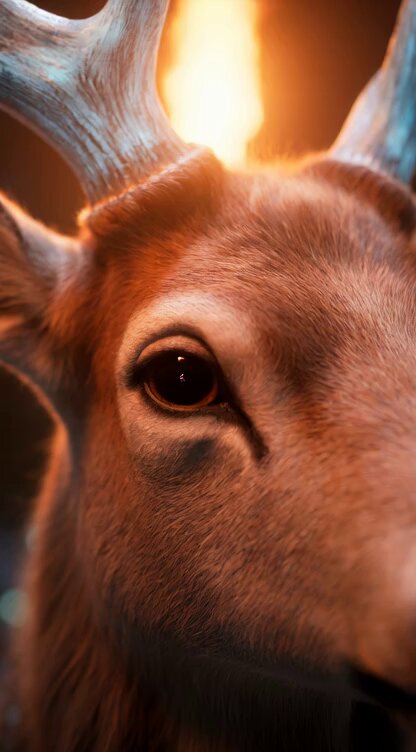
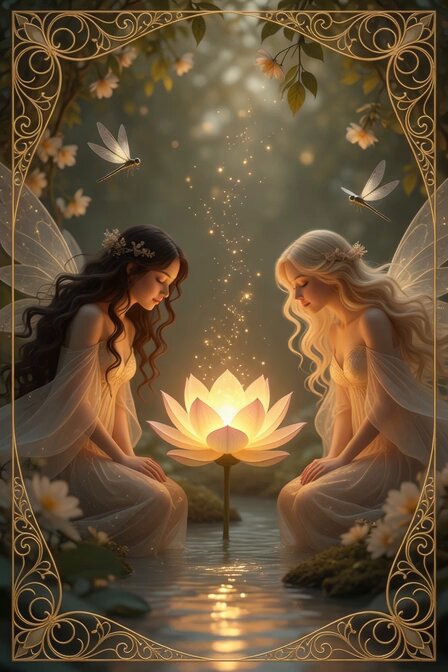
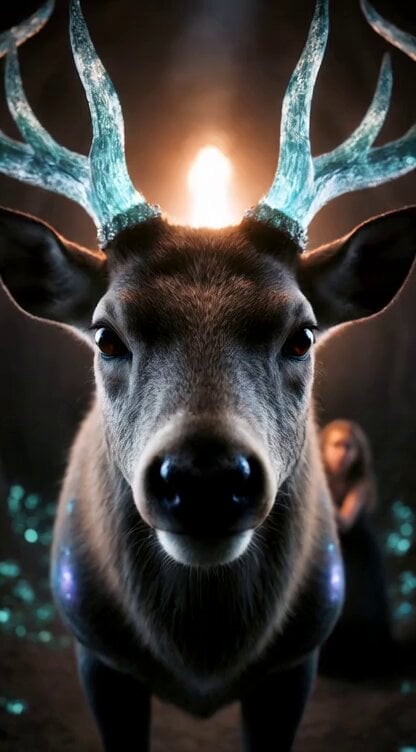
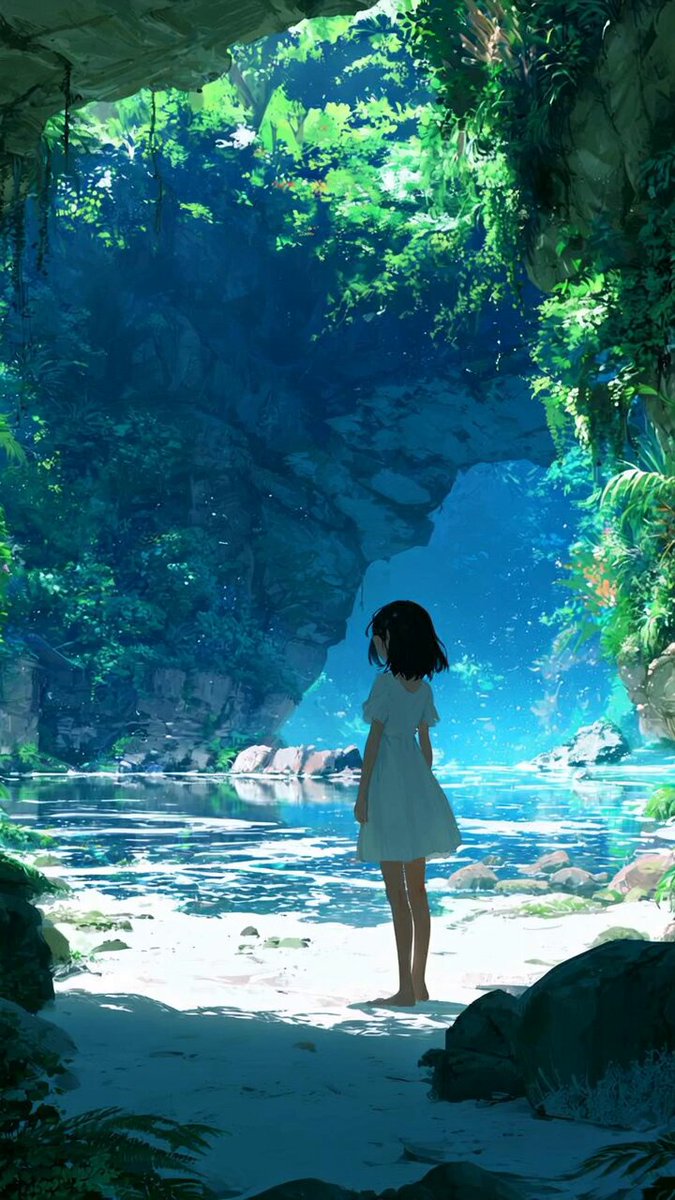
10秒の魔法変身シーケンス:暗いクリスタルの洞窟、松明の光で照らされた幻想的なシーン 全体スタイル:シネマティックダークファンタジー、神秘的、魔法の変身、揺らめく松明の炎、輝くエメラルドグリーンのクリスタル、エーテリアルな光、スローモーション、高精細、夢幻的、8Kクオリティ、ボリュームゴッドレイ、魔法の粒子エフェクト、幻想的な青紫金色彩 0-2秒:長いウェーブヘアの少女が燃える松明を持って洞窟に立っている。突然、空気中に小さなキラキラした光の粒子が集まり始め、そこから透明な翼の小さな美しい妖精(金髪)が優雅に実体化して現れる。妖精は少女の目の前で微笑みながら浮かぶ。カメラがゆっくり妖精に向かってズームイン開始。魔法の粒子がふわりと周囲に舞う。 2-4秒:妖精の顔と上半身のクローズアップ。妖精が神秘的に微笑み、両手をゆっくり広げる。手のひらから青・紫・金の柔らかい魔法の光が発光し始め、体全体が徐々に光に包まれ輪郭がぼやけていく。松明の炎が魔法の色に染まり、激しく揺らめく。 4-6秒:妖精が優雅に一回転しながら、光の粒子と渦巻くカラフルなリボン(ターコイズ・紫・金)を激しく放出。体が半透明になり、翼が光の粒子に分解され始める。カメラはズームを続けつつ、少し下方向へパン。魔法のエネルギーが地面に向かって流れ落ちる。 6-8秒:地面に落ちた光の渦が集まり、鹿の形を形成し始める。最初に立派な角が現れ、次に頭部、優雅な首、胴体……妖精の姿は完全に光の粒子となって鹿の体に吸収され、シームレスなモーフィングで妖精から雄大な鹿へ完全変身。鹿の毛並みに松明の炎と残光が混ざり、リアルで神聖な姿になる。 8-10秒:完成した鹿の顔のタイトなクローズアップ。大きな優しい瞳が松明の炎と神秘的な輝きを映している。妖精の姿はもう完全に消え、どこにもいない。鹿だけが静かに佇み、わずかに息を吐く。カメラがゆっくり引いて、少女と鹿が洞窟の中で並ぶ構図に。残った光の粒子が漂い、静かに夢のような光にフェードアウト。 キーワード:cinematic, dark fantasy, magical transformation, torchlight, glowing emerald crystals, ethereal particles, slow motion morph, highly detailed, volumetric lighting, 8k, mysterious atmosphere
10秒の魔法変身シーケンス:暗いクリスタルの洞窟、松明の光で照らされた幻想的なシーン 全体スタイル:シネマティックダークファンタジー、神秘的、魔法の変身、揺らめく松明の炎、輝くエメラルドグリーンのクリスタル、エーテリアルな光、スローモーション、高精細、夢幻的、8Kクオリティ、ボリュームゴッドレイ、魔法の粒子エフェクト、幻想的な青紫金色彩 0-2秒:長いウェーブヘアの少女が燃える松明を持って洞窟に立っている。突然、空気中に小さなキラキラした光の粒子が集まり始め、そこから透明な翼の小さな美しい妖精(金髪)が優雅に実体化して現れる。妖精は少女の目の前で微笑みながら浮かぶ。カメラがゆっくり妖精に向かってズームイン開始。魔法の粒子がふわりと周囲に舞う。 2-4秒:妖精の顔と上半身のクローズアップ。妖精が神秘的に微笑み、両手をゆっくり広げる。手のひらから青・紫・金の柔らかい魔法の光が発光し始め、体全体が徐々に光に包まれ輪郭がぼやけていく。松明の炎が魔法の色に染まり、激しく揺らめく。 4-6秒:妖精が優雅に一回転しながら、光の粒子と渦巻くカラフルなリボン(ターコイズ・紫・金)を激しく放出。体が半透明になり、翼が光の粒子に分解され始める。カメラはズームを続けつつ、少し下方向へパン。魔法のエネルギーが地面に向かって流れ落ちる。 6-8秒:地面に落ちた光の渦が集まり、鹿の形を形成し始める。最初に立派な角が現れ、次に頭部、優雅な首、胴体……妖精の姿は完全に光の粒子となって鹿の体に吸収され、シームレスなモーフィングで妖精から雄大な鹿へ完全変身。鹿の毛並みに松明の炎と残光が混ざり、リアルで神聖な姿になる。 8-10秒:完成した鹿の顔のタイトなクローズアップ。大きな優しい瞳が松明の炎と神秘的な輝きを映している。妖精の姿はもう完全に消え、どこにもいない。鹿だけが静かに佇み、わずかに息を吐く。カメラがゆっくり引いて、少女と鹿が洞窟の中で並ぶ構図に。残った光の粒子が漂い、静かに夢のような光にフェードアウト。 キーワード:cinematic, dark fantasy, magical transformation, torchlight, glowing emerald crystals, ethereal particles, slow motion morph, highly detailed, volumetric lighting, 8k, mysterious atmosphere
Edit the prompt in the box under the preview — the template's model and format are already selected — and press Generate. Your version appears right on this page.
Yes. You can change the subject, setting, lighting, mood, format, and available model controls before creating your video.
Opening and editing this template is free. Generating uses credits, shown on the Generate button when you are signed in.
Start with Grok Imagine, which is the model associated with this template. You can compare another compatible model for a different finish.
Follow a topic to a crawlable collection of related PicX Studio templates.