
Cinematic Hospital Drama Script
A scripted cinematic hospital drama prompt for Seedance 2.0, focusing on subtle tension and character interaction under dim lighting.
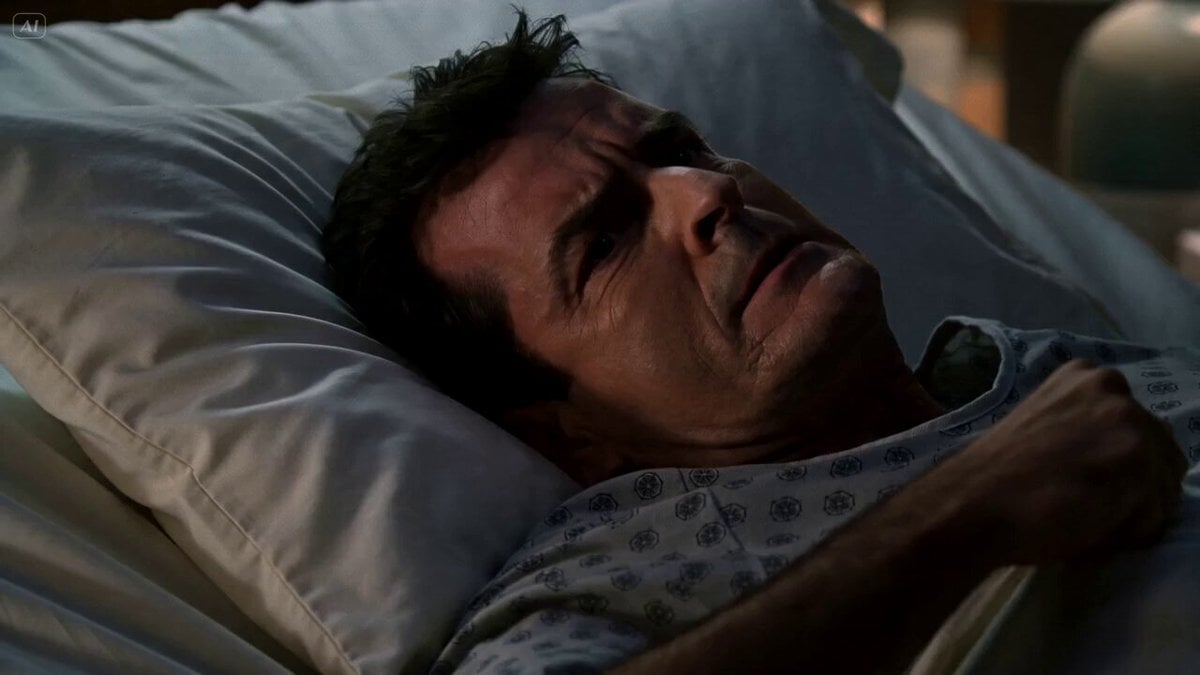
- Prompt included
- Model and format preset
- Premium template
The prompt behind this video
Copy the exact prompt behind Cinematic Hospital Drama Script, or open it in the studio and make it yours.
This is a hospital drama involving a uncooperative patient, Bob (48), and a handsome doctor, Helms (32). It is late at night. The only light is the neon signs in the distance outside the window and the dim table lamp beside the bed. [0:00-0:03] Close up on Bob. Bob lies in a hospital bed clutching the white sheets. He is slightly curled in, holding his abdomen in pain. He is in a patterned hospital gown. He growls frustratedly in pain, "So What's... going. on!" [Cut: 0:03-0:06] Wide shot of Helms, leaning against the wall on the opposite side of the hospital room with his hands in his pockets says calmly and coldly, "The anti retro virals aren't working." [Cut: 0:06-0:07] Close up on Bob. Bob demands rudely, "Why not?!" [Cut: 0:07-0:09] Medium shot on Helms. Holmes begins to walk toward the camera as he says casually, "Because you don't have aids." [Cut: 0:09-0:13] Close up on Bob. His face lights up and he laughes with extreme relief grotesquely. An out of frame Holmes says with a calm neutral expression, "Your first test was a false positive." Bob replies smugly, "I told you!" [Cut: 0:13-0:15] Close up on Helms. He says with a serious expression, "You're still dying."
How to use Cinematic Hospital Drama Script in 3 steps
- 1
Open
The prompt is already in the box next to the preview, with the template's model and format selected.
- 2…a portrait of your subject in softgolden-hour light, 85mm…
Personalize
Edit the subject and creative details for your destination.
- 3Generate
Generate
Press Generate — your video is created in PicX Studio, so you can compare it with the original and refine one variable at a time.
More like this
Templates with the same subject, style or setup. Open one to see its prompt.
Wuxia Letting Go Drama Script
Hospital Car Park Dialogue Lip Sync
Versailles Palace Period Drama Script
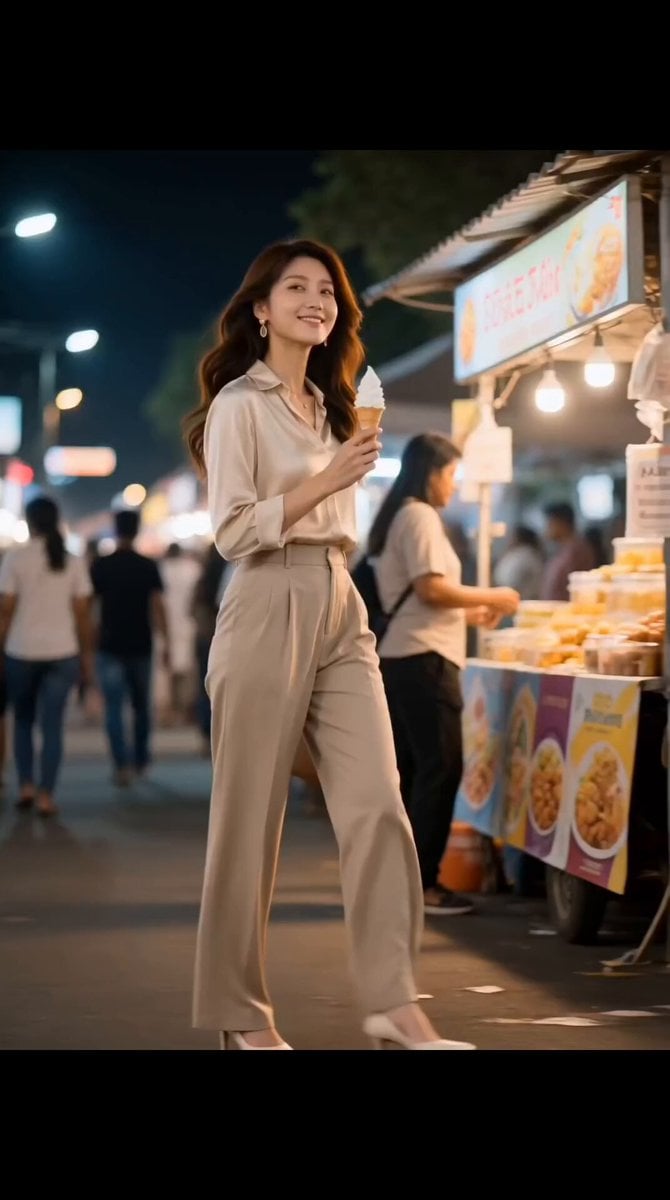
Market Kidnapping Action Drama Script
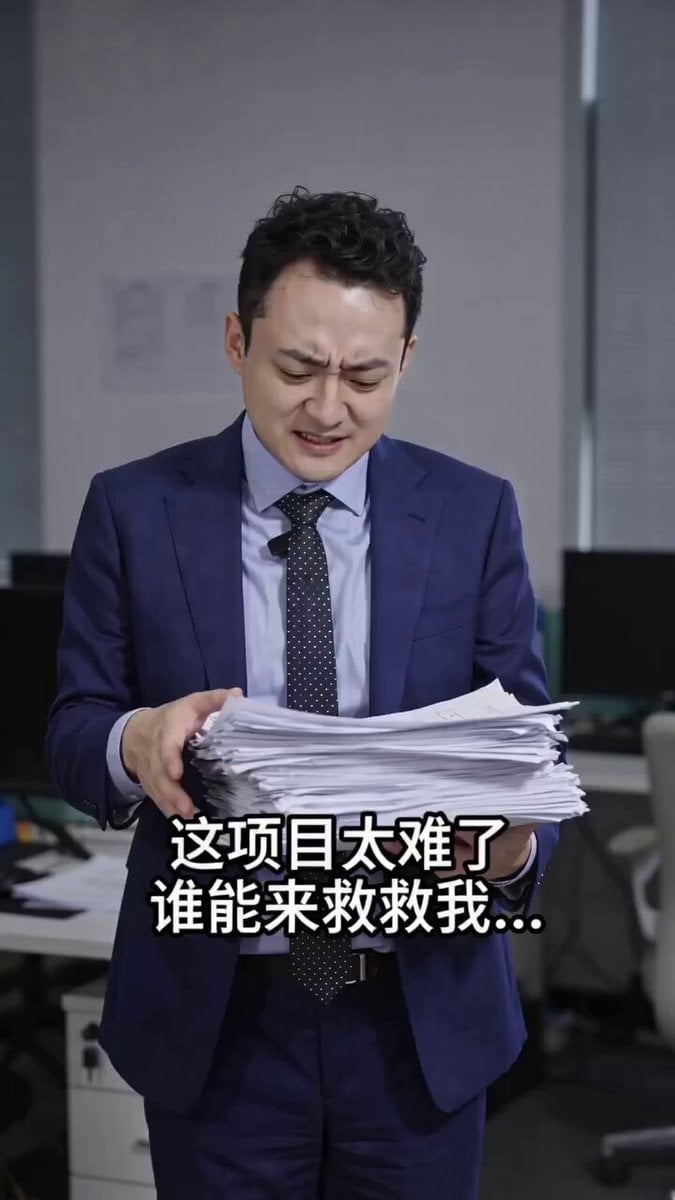
Fantasy Romance Short Drama Script: 'Good Luck Descends'
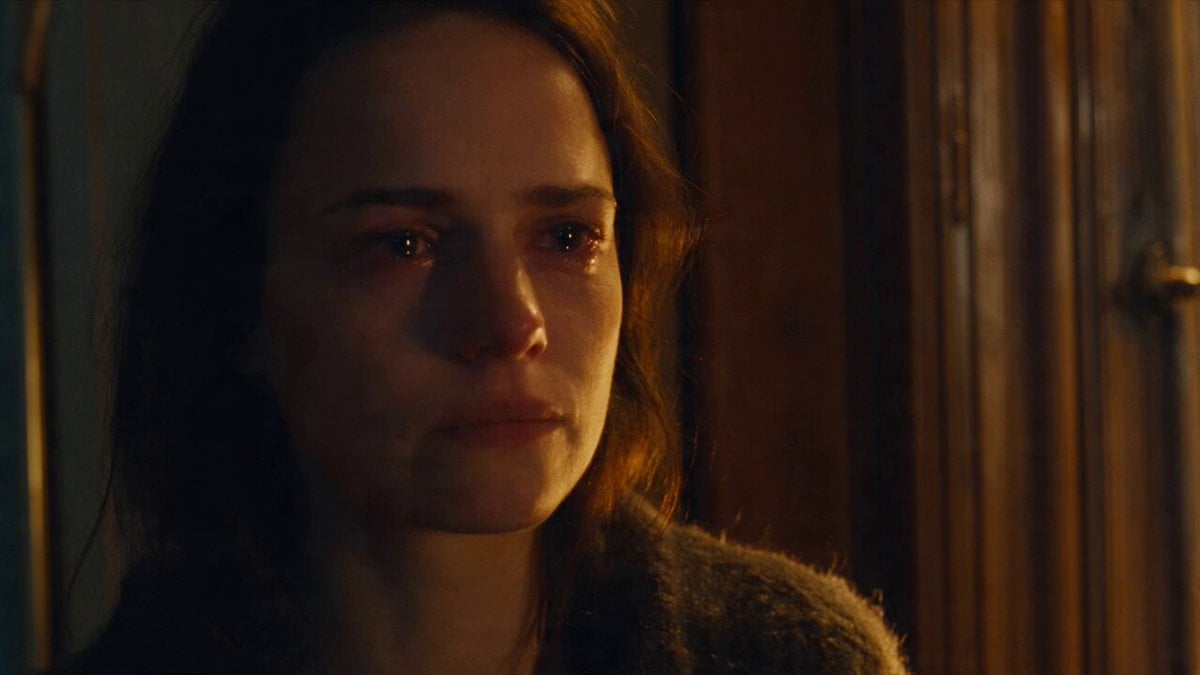
Emotional Parisian Apartment Drama
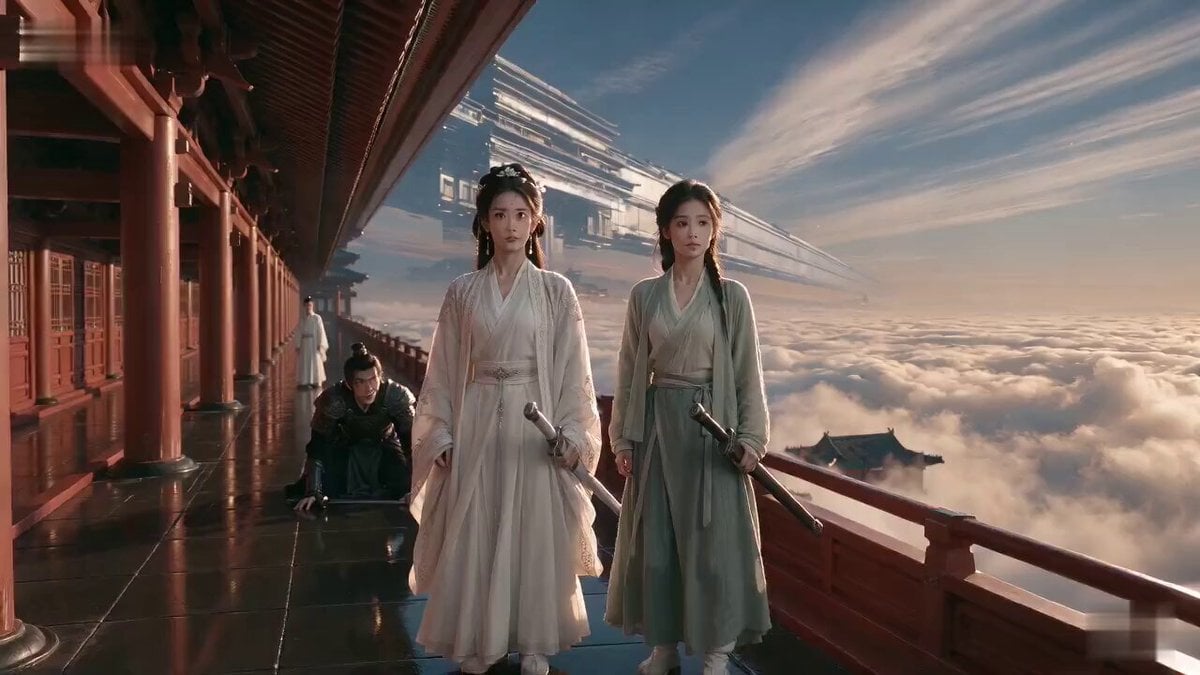
Wuxia Weakness and Home Drama

Wuxia Protection and Trust Script

Cyberpunk Parkour Anime Script
Morning Skincare Routine Vlog Script

Field Hospital Medic Breakdown
Sci-Fi Horror Hospital Alien Scene
Make it yours
Cinematic Hospital Drama Script works as-is. These are the safest ways to change it without losing the look.
Change one field
Copy a single group, rewrite it, and generate again so you can see what that field is doing.
Keep the frame, change the subject
Hold the composition and light of Cinematic Hospital Drama Script, then swap wardrobe, props or the person for a new take.
| If the result… | Why | Fix |
|---|---|---|
| The result drifts from the preview | Too many fields changed at once. | Reuse Cinematic Hospital Drama Script as-is first, then change one group — subject, light, or setting. |
| The model over-stylizes the scene | The prose prompt leaves finish and camera underspecified. | Add one camera or lighting sentence and stay on Seedance 2.0. |
More Seedance 2.0 templates
Other prompts made for Seedance 2.0.

Comical Martial Arts Punch Scene

Maglev Train Action Sequence

Martial Arts Fight Sequence

Vintage Korean Arcade MiniDV Vlog

Mercedes 190 SL Luxury Ad

Amazon Civilization Discovery

Futuristic South Asian City Transformation

Cozy Luxury Cafe Commercial

Cyber Ronin Nanotech Transformation Video
Desert Courier and Sandstorm Leviathan Chase
More video prompts
Fresh picks from across the catalog.

Brutalist Dystopian SUV Escape
Cute Character and Daruma Doll Interaction
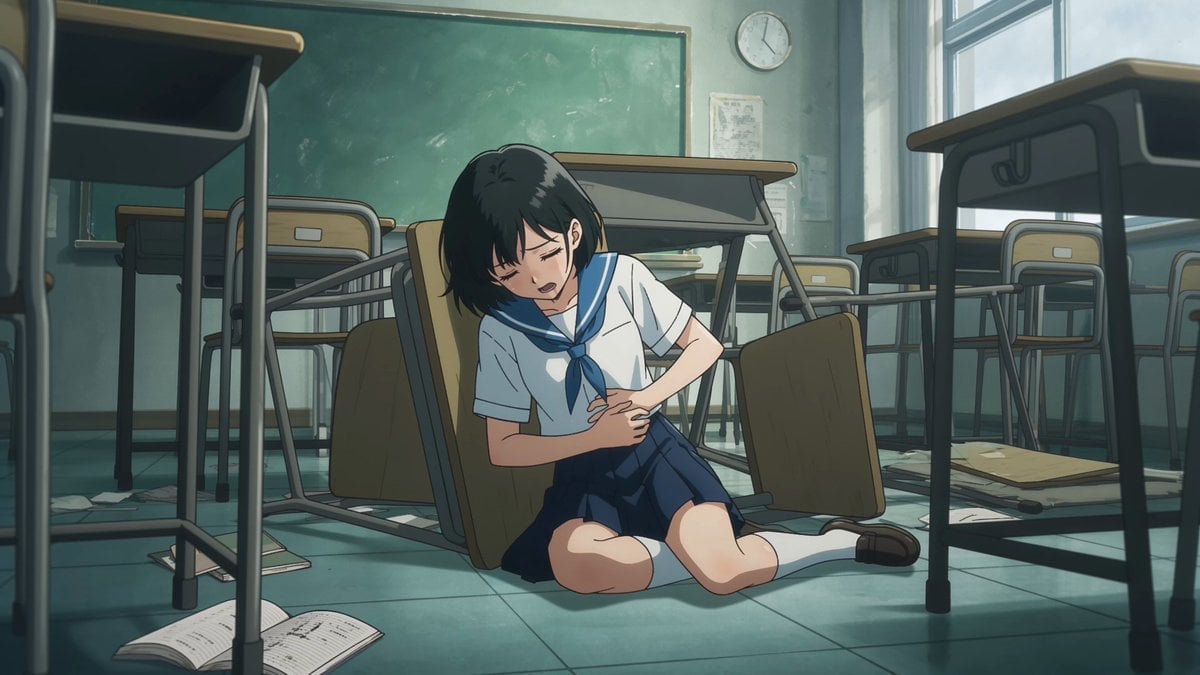
Anime Monster Classroom Battle
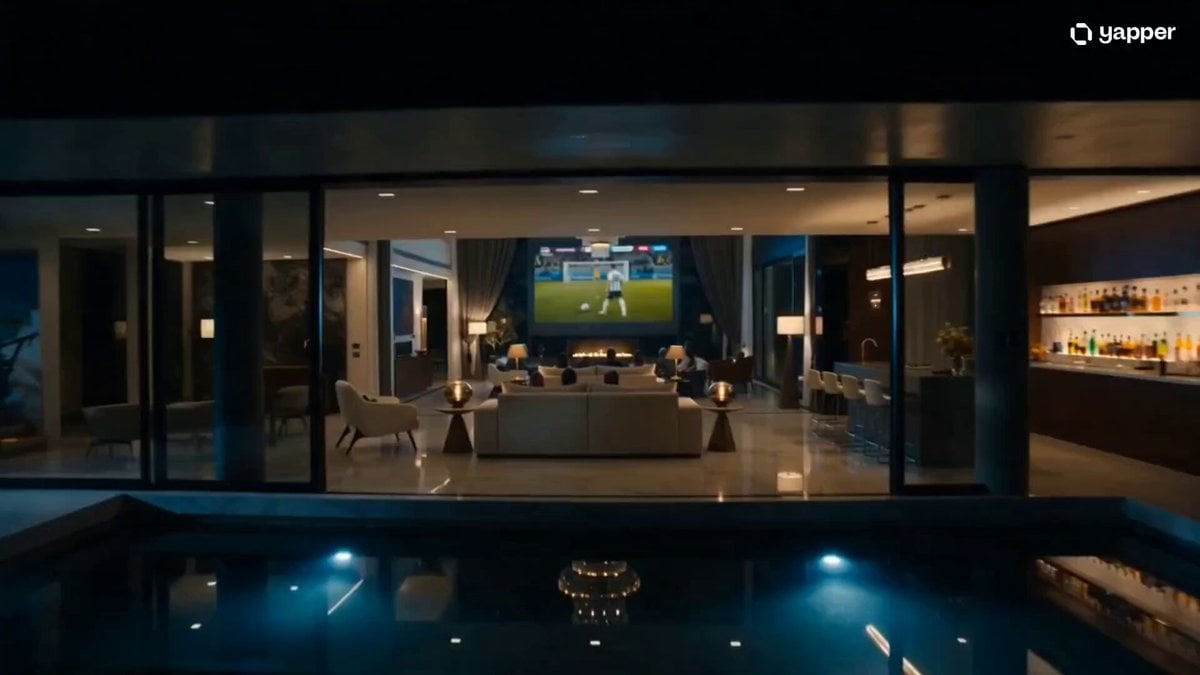
Luxury Family Football Celebration Scene
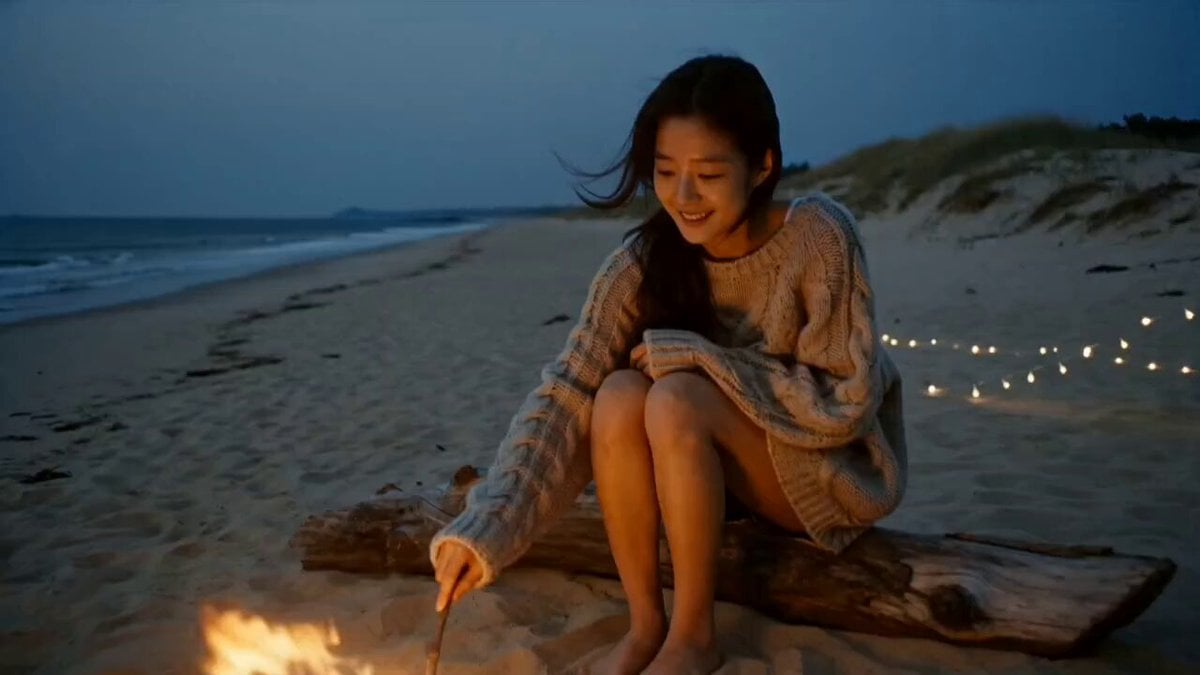
Korean Beach Bonfire VHS Memory
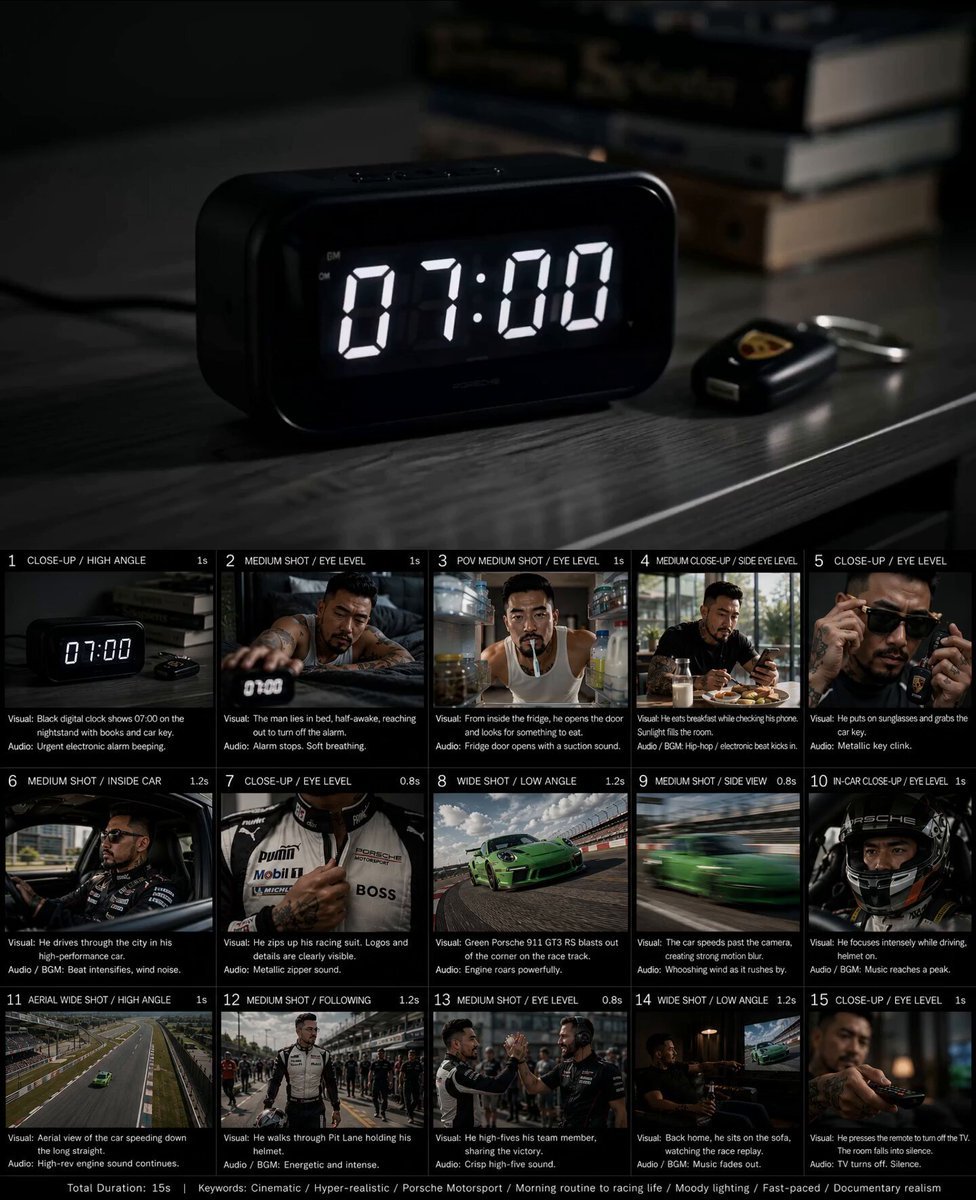
Created storyboard with GPT Image 2 then animated
Seedance 2.0 Font Video Generation Prompt (Sword Style)
Soccer to Baseball Transformation
Cinematic supernatural duel: The Ink Monk vs the Paper Dragon
Cinematic Dolly-in to Japanese Table Spread
Browse template categories
Cinematic Hospital Drama Script questions
How do I use the Cinematic Hospital Drama Script template?
Add your photo if the template asks for one, edit the prompt if you like — the template's model and format are already selected — and press Generate. Your version opens in PicX Studio.
Can I customize the Cinematic Hospital Drama Script template?
Yes. You can change the subject, setting, lighting, mood, format, and available model controls before creating your video.
Is the Cinematic Hospital Drama Script template free?
Opening and editing this template is free. Generating uses credits, shown on the Generate button when you are signed in.
Which AI model should I use?
Start with Seedance 2.0, which is the model associated with this template. You can compare another compatible model for a different finish.
Looking for something else? Browse all templates.

Your photo, any look
Thousands of ready templates for every top image and video model, from one credit balance.