
Seedance 2.0 Font Video Generation Prompt (Sword Style)
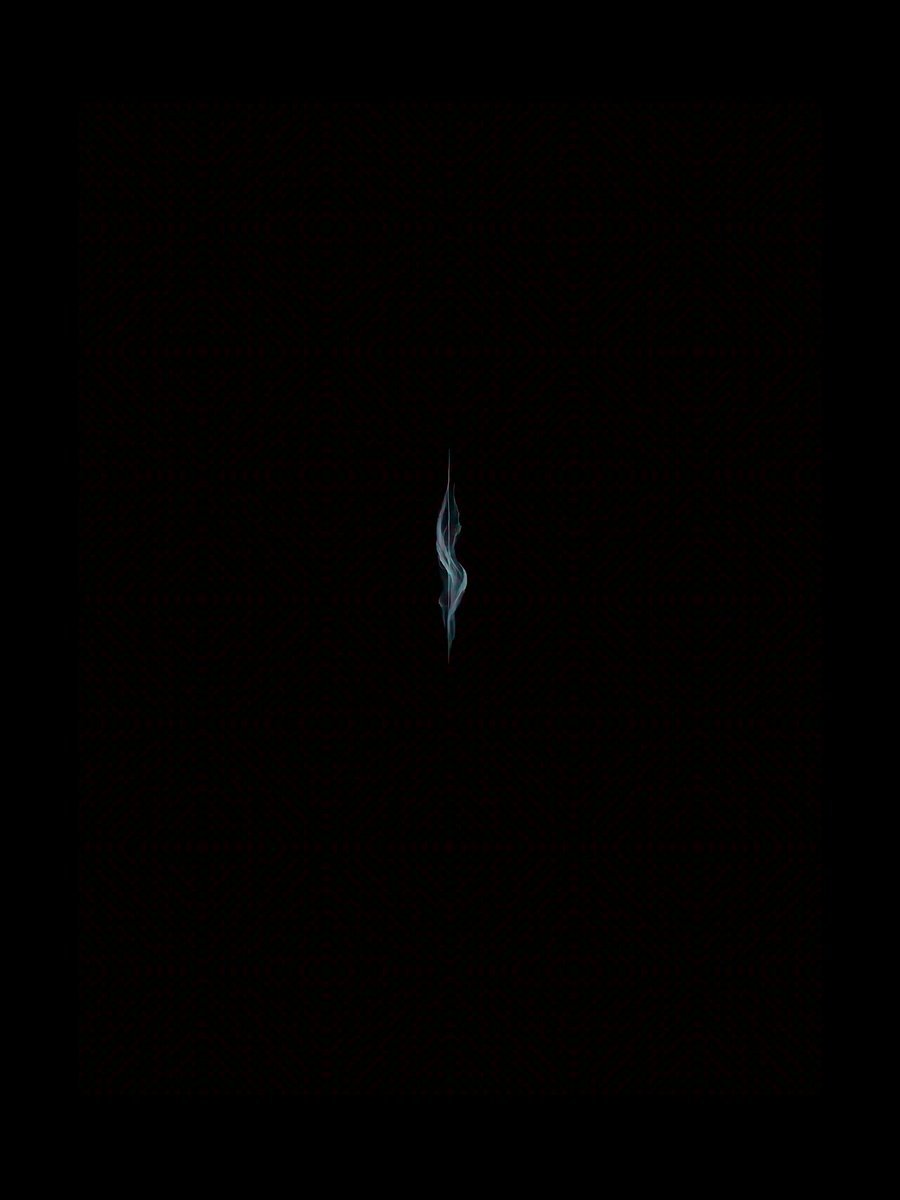
A detailed, multi-stage Seedance 2.0 prompt for generating a video title sequence featuring the characters '拿幸' (Na Xing) in a sharp, ink-splatter, sword-like style, emphasizing dynamic particle effects, color grading…
- Prompt included
- Model and format preset
- Free template
The prompt behind this video
Copy the exact prompt behind Seedance 2.0 Font Video Generation Prompt (Sword Style), or open it in the studio and make it yours.
Chaos just parting, intent stirring beneath the surface — the frame starts from absolute pure black, with no light source at all. As low, deep strings and a metallic tremolo begin to sound, extremely faint cyan-white particle streams start to emerge at the center of the frame, slowly converging like a deep-sea undercurrent, forming a faint, barely-there vertical band of light; the edges of the light band are accompanied by swirling, drunken-looking ink-splatter effects, the particle density gradually increasing, creating the oppressive feeling of "the calm before the storm." The momentum breaks through, the first brushstroke appears — the particle stream suddenly accelerates, and a sharp beam of white light bursts out from the vertical light band, cutting across the entire frame like a blade slicing through the air, instantly tearing through the darkness. Wherever the white light passes, the upper radical "合" of the character "拿" (Na) rapidly forms as if splashed in ink, the edges of the strokes carrying a sharp, jagged light effect, the ink color gradually shifting from deep black to cyan-blue, with fine reflective particles flowing within the strokes, the whole giving off the dynamic tension of "a blade cleaving a mountain." Intent takes shape, the characters gradually forming — once the character "拿" (Na) has formed, a second, even more forceful burst of white light erupts on the right side of the frame, extending upward from the bottom; the vertical stroke of the character "幸" (Xing) suddenly forms in the pose of "a single sword splitting open the heavens," the tip of the stroke sharp as a blade, its end trailing a stardust splatter effect. The horizontal and downward-left strokes of "幸" (Xing) trail off from the vertical stroke like flowing ink, the edges of the strokes accompanied by ripples of cyan-white energy, the whole presenting the visual effect of "intent taking shape, force piercing through the page," the strokes of the two characters echoing each other in the darkness, forming a strong visual balance. Edge fully bared, effects layering — once the two characters "拿幸" (Na Xing) are fully formed, a flowing cyan-white glow begins to surface across the characters, the glow spreading from the center of each stroke to its edges, forming the dynamic effect of "energy swirling around." At the same time, fine stardust and ink-colored particles begin to drift down across the frame, the particles spinning and colliding around the characters, producing brief energy-burst effects; the jagged light effect at the edges of the characters gradually intensifies, overall brightness increasing by 30%, creating the impact of "edge fully bared, unstoppable momentum." Final freeze-frame, a long, lingering resonance — all the dynamic effects gradually settle, the glow of the two characters "拿幸" (Na Xing) stabilizing into a soft cyan-white, the particle streams coming to a stop, the stardust slowly drifting down to the bottom of the frame and disappearing. The final freeze-frame: against a pure black background, the two characters "拿幸" (Na Xing) rendered in a glowing calligraphic typeface, the left character "拿" (Na) with a stroke as sharp and fierce as a blade, the right character "幸" (Xing) with its vertical stroke standing tall like a pillar of heaven; below the characters, slightly to the left, small red vertical text appears reading "烽火戏诸侯" ("Beacon Fires and the Feudal Lords"), the edges of the characters carrying a faint energy halo, the whole presenting the final effect of "intent enduring forever, a long, lingering resonance." Additional technical parameters: Motion intensity: 0.75 (ensures a smooth transition, avoids excessive shake); Effect intensity: 0.85 (strengthens the visual impact of the ink-wash particle and energy effects); Color correction: cyan-white as the primary tone, accented with ink black and dark red, contrast increased by 20%; Camera language: fixed camera throughout, focused on the center of the frame, no camera movement, emphasizing the dynamic tension of the characters themselves.
How to use Seedance 2.0 Font Video Generation Prompt (Sword Style) in 3 steps
- 1
Open
The prompt is already in the box next to the preview, with the template's model and format selected.
- 2…a portrait of your subject in softgolden-hour light, 85mm…
Personalize
Edit the subject and creative details for your destination.
- 3Generate
Generate
Press Generate — your video is created in PicX Studio, so you can compare it with the original and refine one variable at a time.
More like this
Templates with the same subject, style or setup. Open one to see its prompt.
Chibi Cave Adventure — He Doesn't Know What's Coming
Swordsman vs Shadow Monster — Bamboo Forest Battle

Wholesome Puppy and Kitten Story - Seedance 2.5

Mysterious Home Exploration Vlog - Seedance 2.5

Dark Tokusatsu Transformation - Seedance 2.5

Cinematic Xinjiang Drone Landscapes - Seedance 2.5

Late Night Kitchen Phone Recording - Seedance 2.5

3D Animated Cat and Old Man - Seedance

Realistic City Street Story Cinematic Video - Seedance

Seedance 2.0 First Test — Dynamic Motion Showcase

Dragon Rider Cinematic Flight — Seedance 2.5

Sneaker Product Commercial
Make it yours
Seedance 2.0 Font Video Generation Prompt (Sword Style) works as-is. These are the safest ways to change it without losing the look.
Change one field
Copy a single group, rewrite it, and generate again so you can see what that field is doing.
Keep the frame, change the subject
Hold the composition and light of Seedance 2.0 Font Video Generation Prompt (Sword Style), then swap wardrobe, props or the person for a new take.
| If the result… | Why | Fix |
|---|---|---|
| The result drifts from the preview | Too many fields changed at once. | Reuse Seedance 2.0 Font Video Generation Prompt (Sword Style) as-is first, then change one group — subject, light, or setting. |
| The model over-stylizes the scene | The prose prompt leaves finish and camera underspecified. | Add one camera or lighting sentence and stay on Seedance 2.0. |
More Seedance 2.0 templates
Other prompts made for Seedance 2.0.

Comical Martial Arts Punch Scene

Maglev Train Action Sequence

Martial Arts Fight Sequence

Wuxia Protection and Trust Script

Vintage Korean Arcade MiniDV Vlog

Mercedes 190 SL Luxury Ad

Rainy Night Supernatural Reverse Comedy Video Script

Amazon Civilization Discovery

Futuristic South Asian City Transformation

Cozy Luxury Cafe Commercial
More video prompts
Fresh picks from across the catalog.
Rally Car Avalanche Escape Scene
Dystopian Cyborg FPV Race

Anime Character Transformation with Ethereal Glow
AI Animal Rescue Cinematic Montage
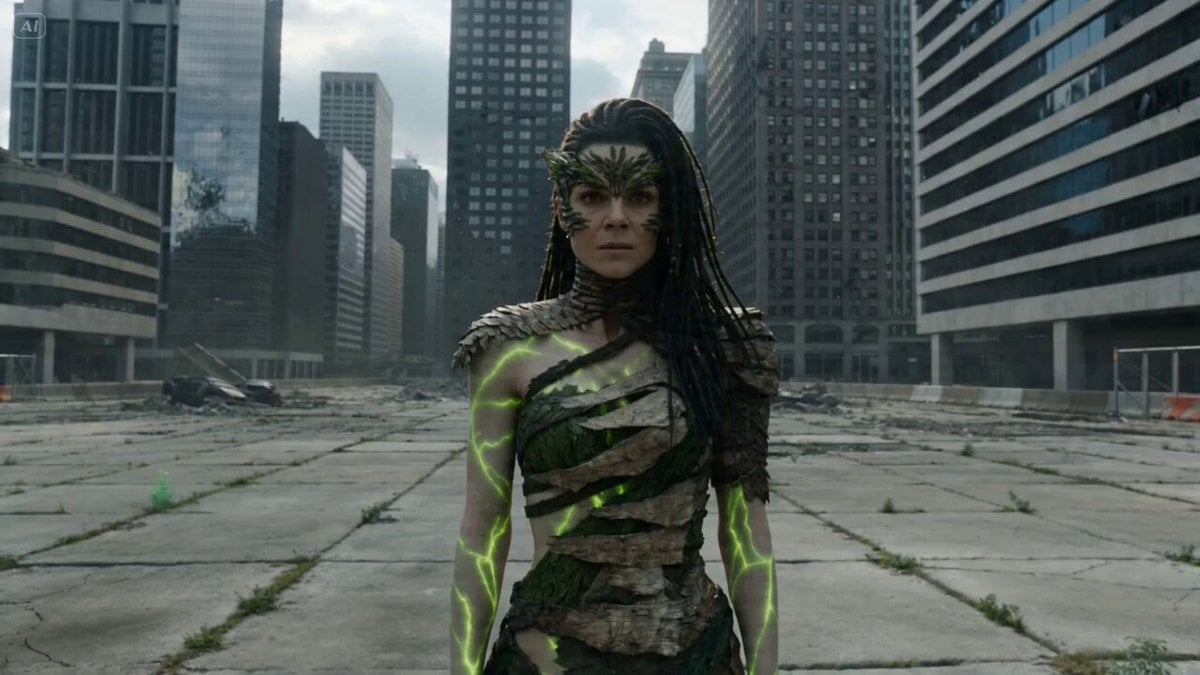
Nature Reclaiming Megacity Prompt
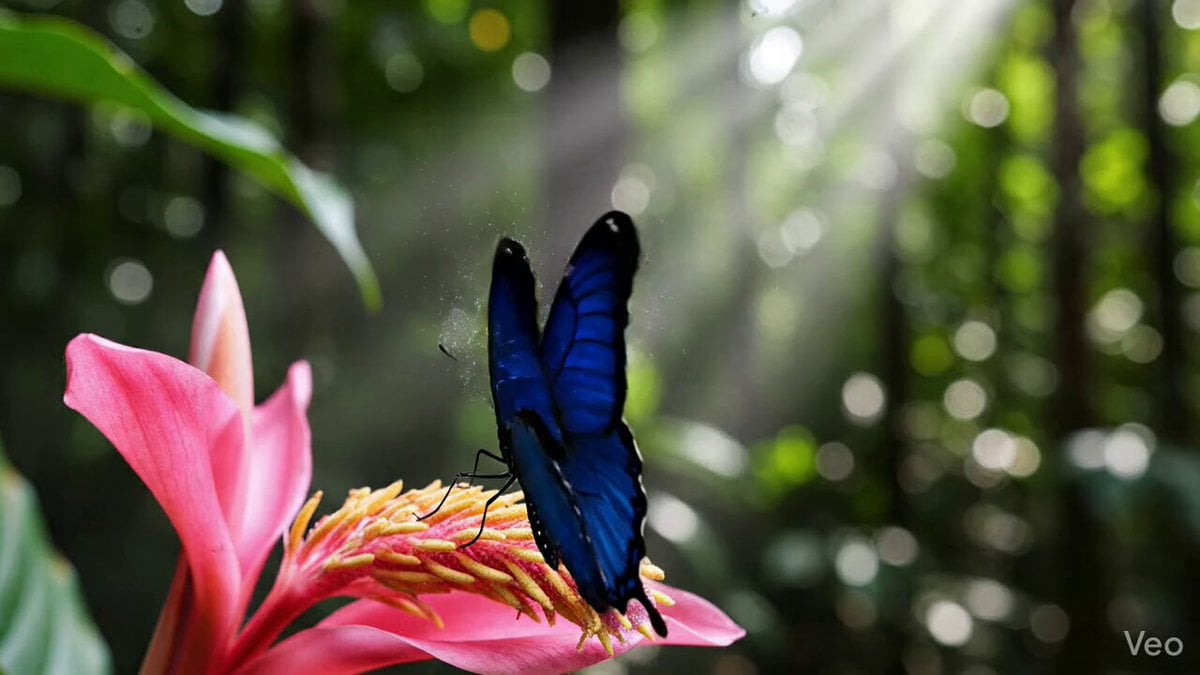
Morpho Butterfly Wing Simulation
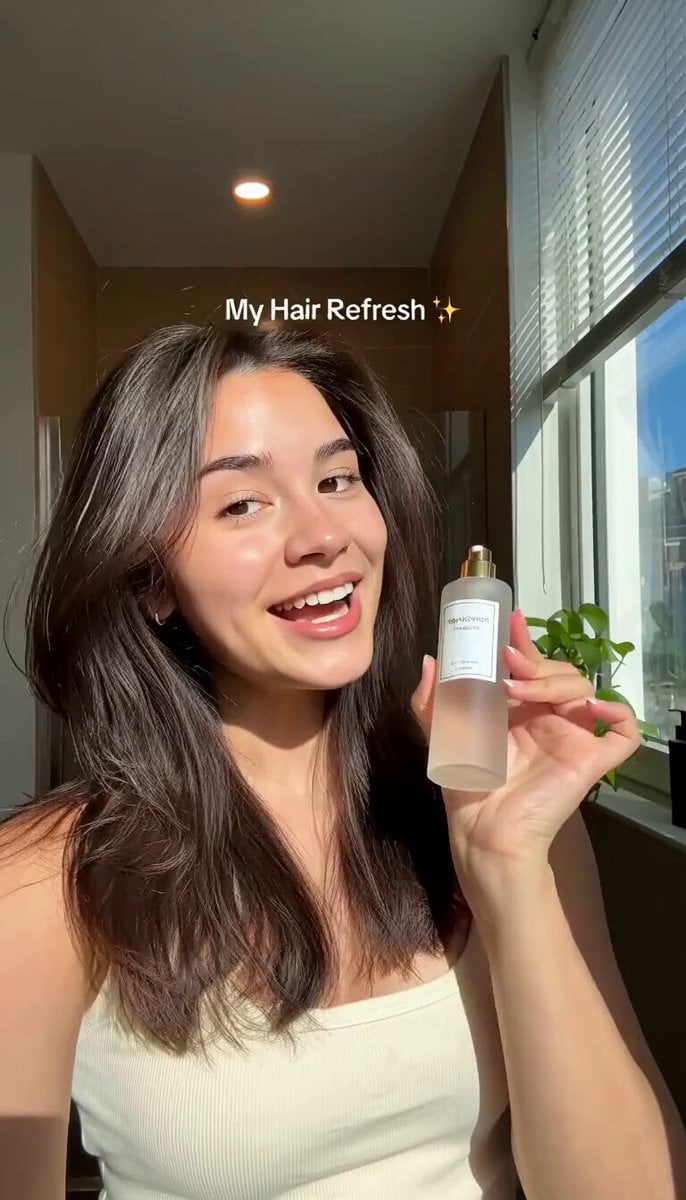
Hair Refresh Beauty Advertisement
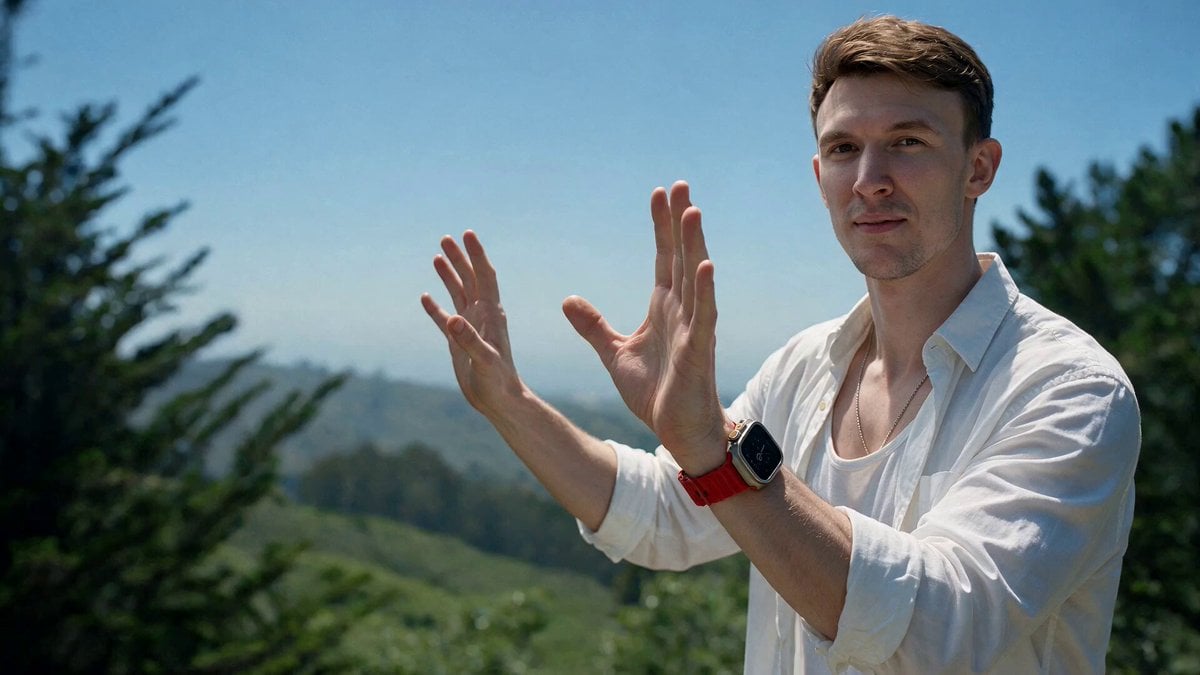
Character Replacement Video Transformation
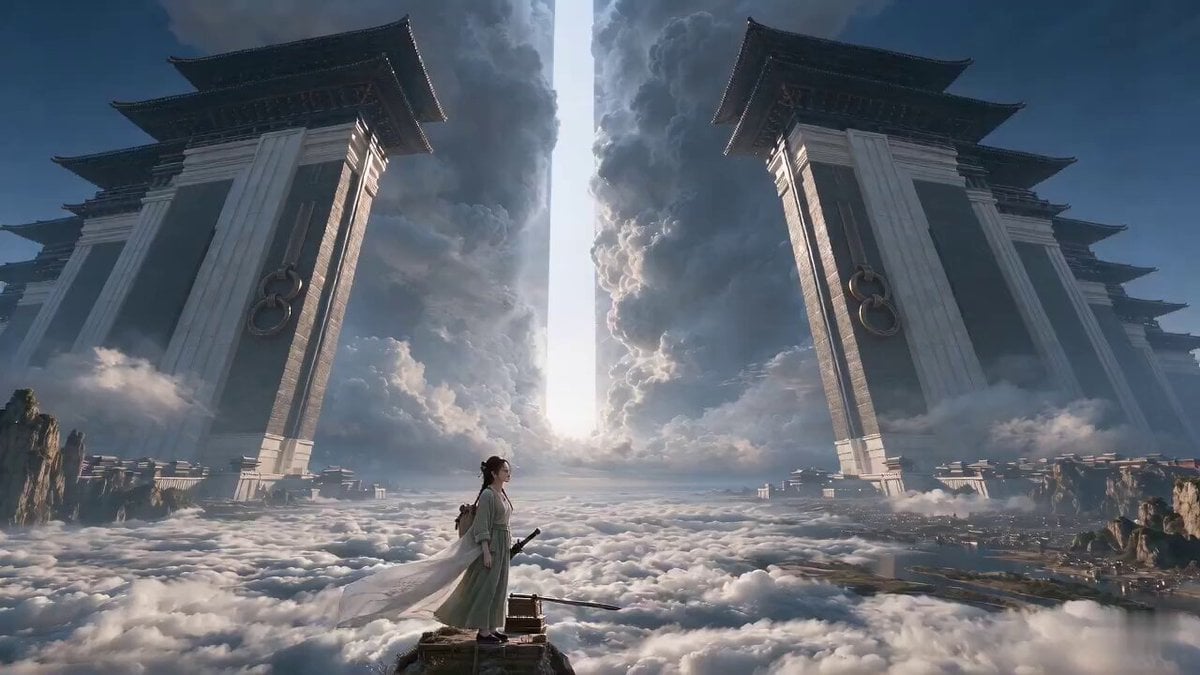
Wuxia Letting Go Drama Script
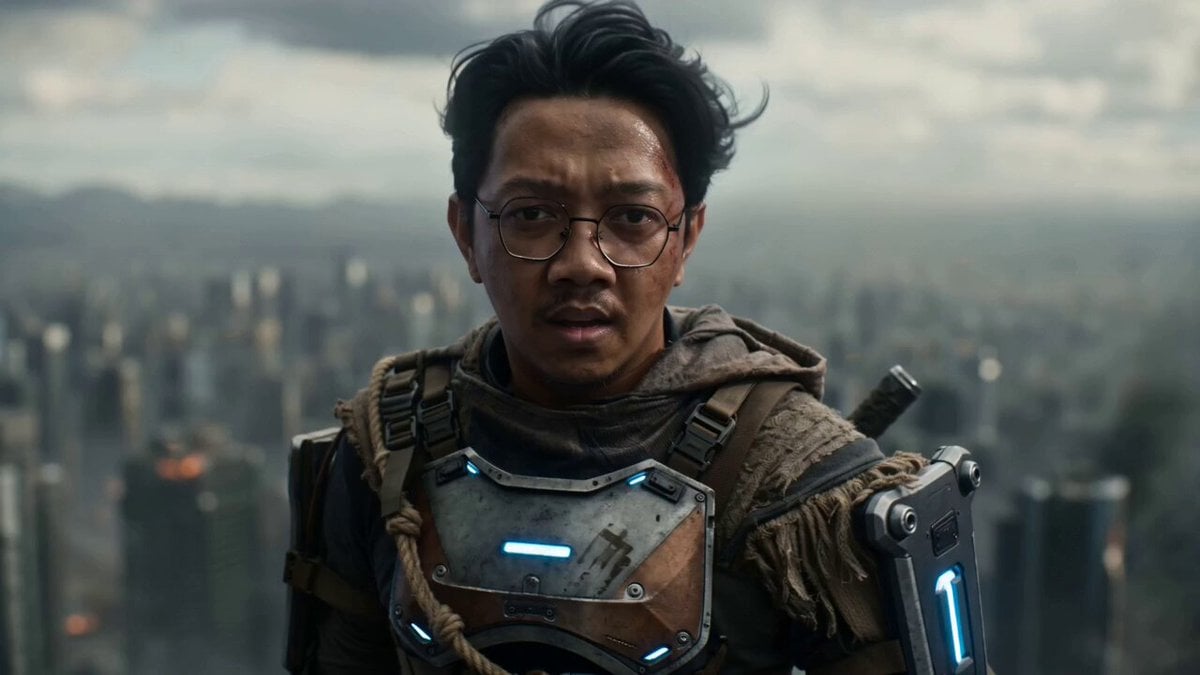
Post-Apocalyptic Cinematic Warrior Sequence
Browse template categories
Seedance 2.0 Font Video Generation Prompt (Sword Style) questions
How do I use the Seedance 2.0 Font Video Generation Prompt (Sword Style) template?
Add your photo if the template asks for one, edit the prompt if you like — the template's model and format are already selected — and press Generate. Your version opens in PicX Studio.
Can I customize the Seedance 2.0 Font Video Generation Prompt (Sword Style) template?
Yes. You can change the subject, setting, lighting, mood, format, and available model controls before creating your video.
Is the Seedance 2.0 Font Video Generation Prompt (Sword Style) template free?
Opening and editing this template is free. Generating uses credits, shown on the Generate button when you are signed in.
Which AI model should I use?
Start with Seedance 2.0, which is the model associated with this template. You can compare another compatible model for a different finish.
Looking for something else? Browse all templates.

Your photo, any look
Thousands of ready templates for every top image and video model, from one credit balance.