
Korean Beach Bonfire VHS Memory
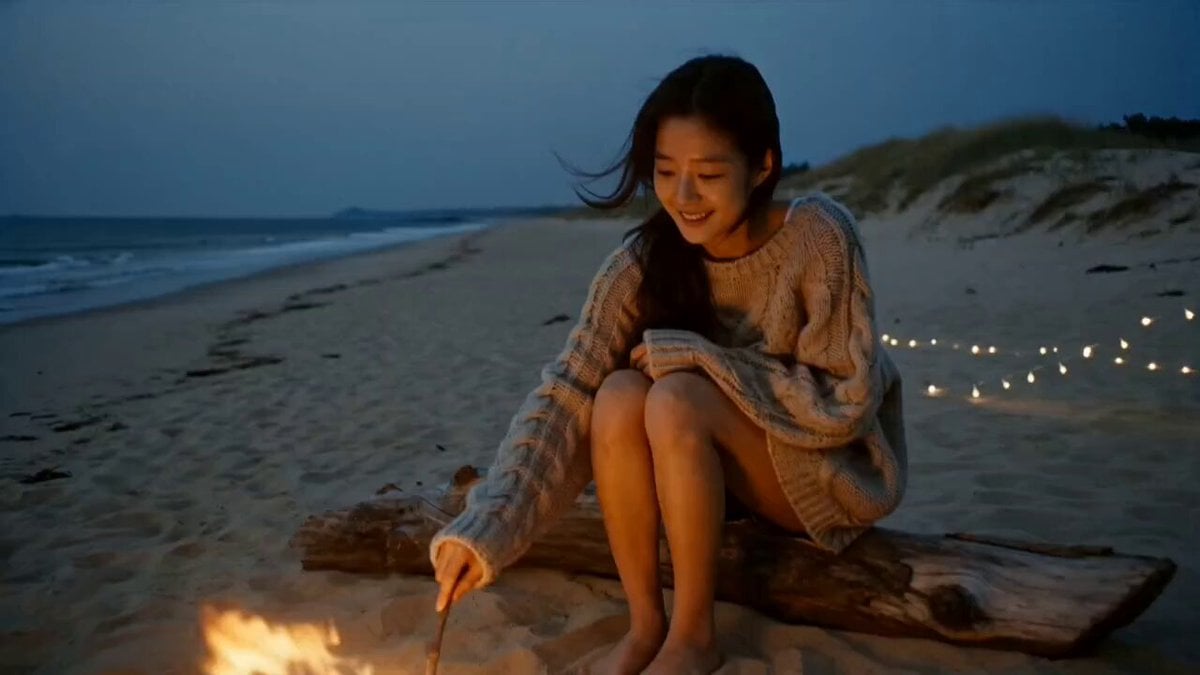
A cozy and intimate VHS-style video of a young woman enjoying a small bonfire on a quiet Korean beach at dusk.
- Prompt included
- Model and format preset
- Free template
The prompt behind this video
Copy the exact prompt behind Korean Beach Bonfire VHS Memory, or open it in the studio and make it yours.
Main Subject : Young Korean woman, early 20s, oversized knit sweater over shorts, hair loose and wind-tossed, relaxed joyful expression, firelight glow on her face. Location : Quiet Korean beach during dusk, small bonfire setup. Driftwood logs as seats, dim string lights, waves faintly visible in background, sand dunes. No crowds, no commercial beach setup. Visual Style : Warm nostalgic realistic documentary tone, cozy firelit atmosphere, soft dusky lighting. Camera Style : 1990s VHS camcorder, handheld with warm firelight flicker affecting exposure, soft grain, muffled ambient mic. No stabilization. Timeline (15 sec, each slot = 2 compressed beats): 00:00–00:03 → She sits by the fire, then pokes it gently with a stick. 00:03–00:06 → She looks up at the camera saying "불 진짜 따뜻하다" ("The fire is really warm"), smiling. 00:06–00:09 → She hugs her knees, then watches sparks rise into the dark sky. 00:09–00:12 → She laughs at something off-camera, then says "너도 이리 와서 앉아" ("Come sit here too"). 00:12–00:15 → She smiles warmly at the camera, then looks back at the fire as it fades to black. Audio : Crackling fire, waves in distance, wind, faint laughter. Her dialogue as noted above. No music. Goal : A cozy, warm beach evening memory intimate, joyful, real.
How to use Korean Beach Bonfire VHS Memory in 3 steps
- 1
Open
The prompt is already in the box next to the preview, with the template's model and format selected.
- 2…a portrait of your subject in softgolden-hour light, 85mm…
Personalize
Edit the subject and creative details for your destination.
- 3Generate
Generate
Press Generate — your video is created in PicX Studio, so you can compare it with the original and refine one variable at a time.
More like this
Templates with the same subject, style or setup. Open one to see its prompt.

Korean Night Market Bullet-Time Scene - Seedance 2.5
Backyard Bonfire Memory Montage

Iced Coffee Dog Good-News Montage
Sunny Morning Laundry Vlog
Korean Woman Laundry Folding DV Camcorder Morning
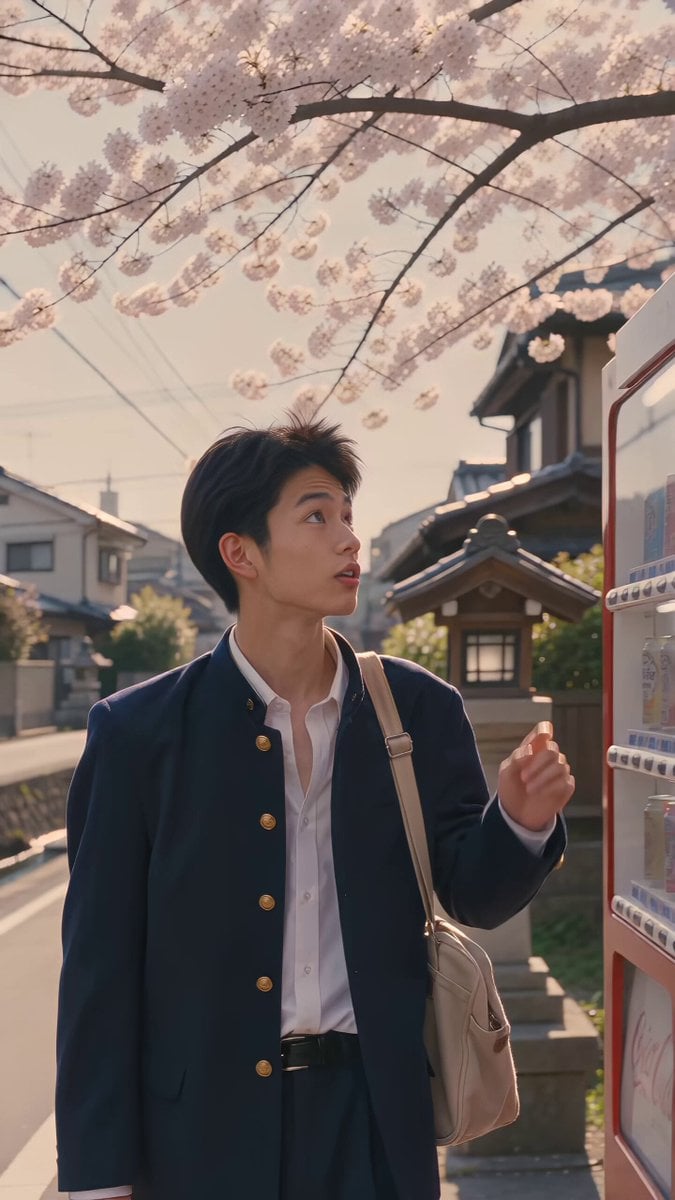
Kyoto 1987 VHS Slice of Life

Vintage Korean Arcade MiniDV Vlog
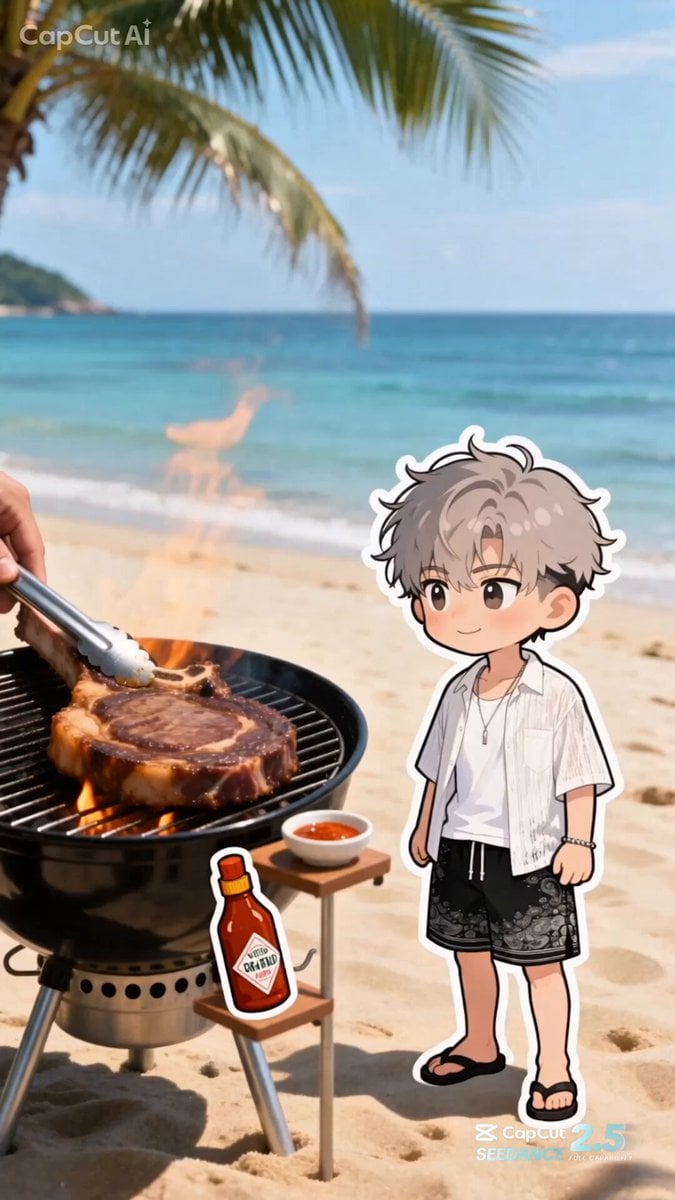
Summer Beach BBQ and Anime Character Sticker
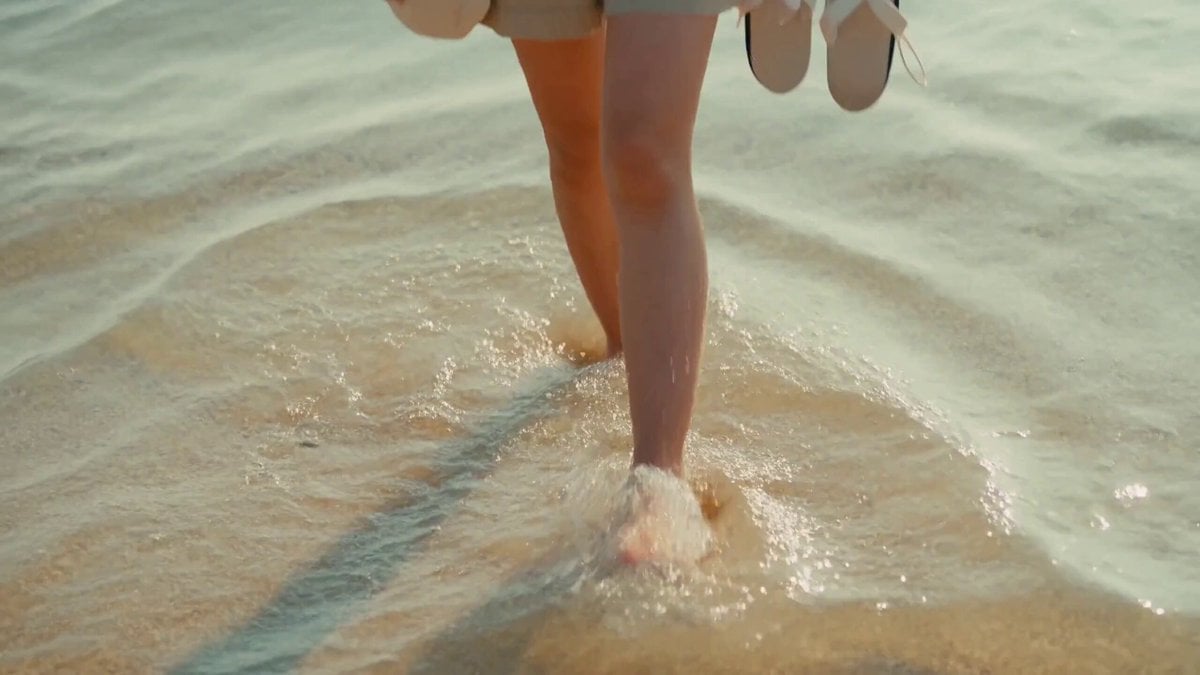
2000s MiniDV Jeju Island Beach Walk
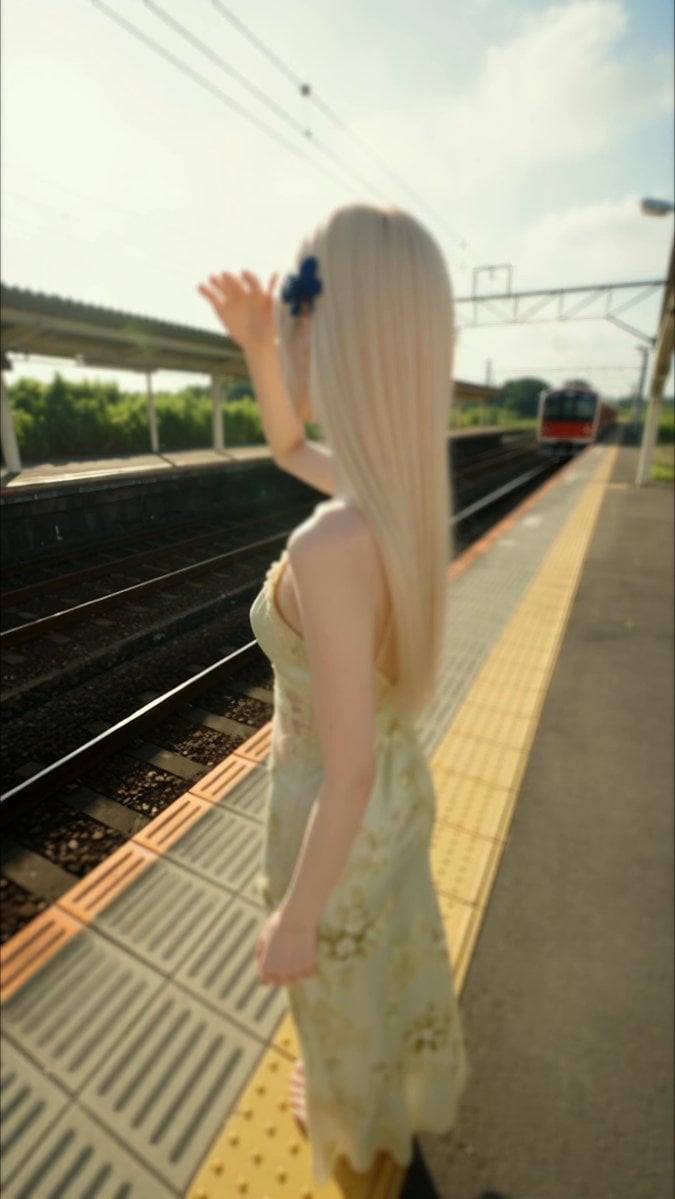
Vintage Japanese MiniDV Travel Memory
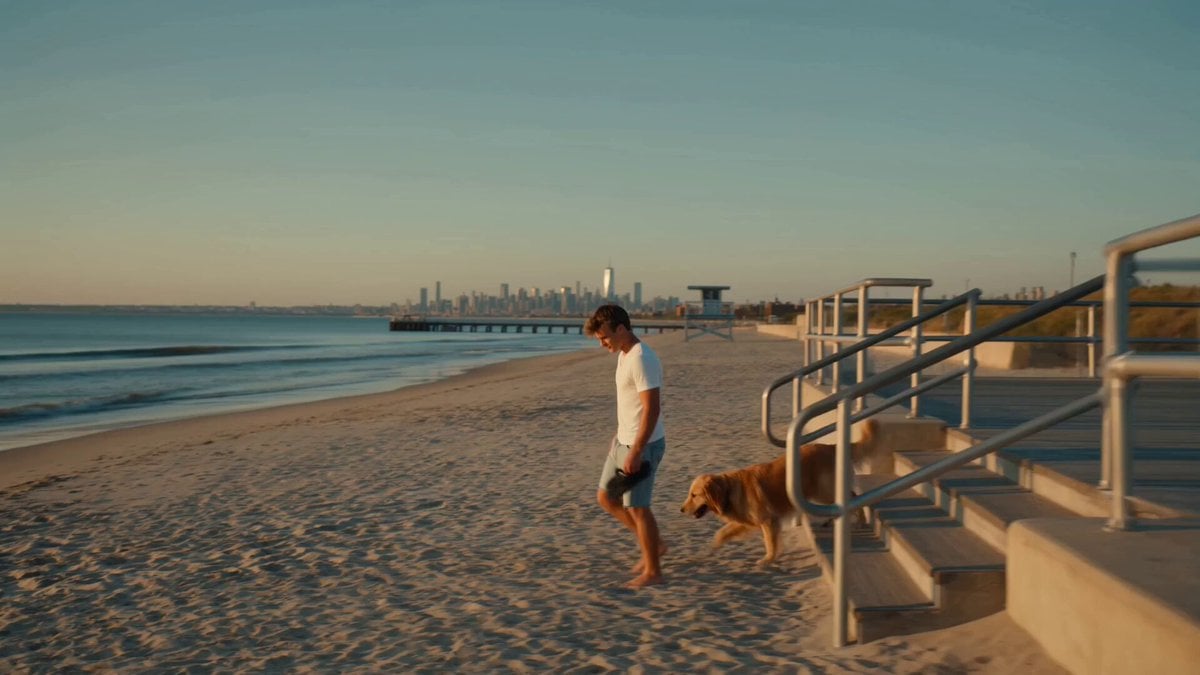
Golden Hour NYC Beach Stroll
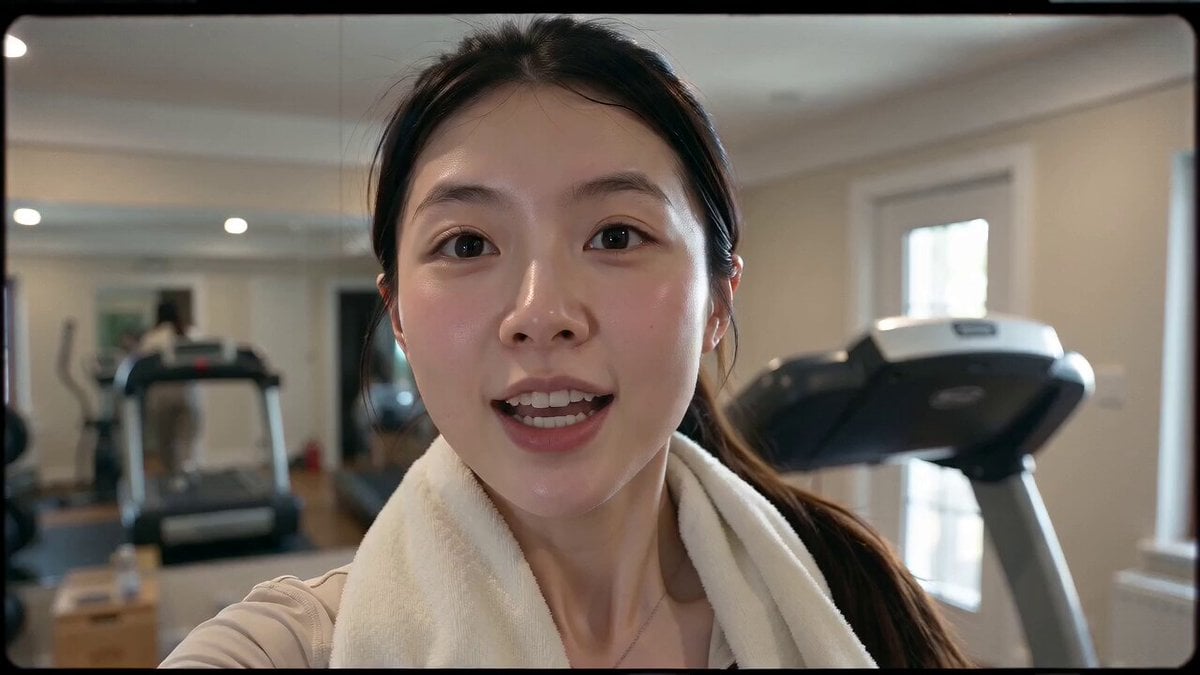
Retro 90s VHS Fitness Vlog
Make it yours
Korean Beach Bonfire VHS Memory works as-is. These are the safest ways to change it without losing the look.
Change one field
Copy a single group, rewrite it, and generate again so you can see what that field is doing.
Keep the frame, change the subject
Hold the composition and light of Korean Beach Bonfire VHS Memory, then swap wardrobe, props or the person for a new take.
| If the result… | Why | Fix |
|---|---|---|
| The result drifts from the preview | Too many fields changed at once. | Reuse Korean Beach Bonfire VHS Memory as-is first, then change one group — subject, light, or setting. |
| The model over-stylizes the scene | The prose prompt leaves finish and camera underspecified. | Add one camera or lighting sentence and stay on Seedance 2.0. |
More Seedance 2.0 templates
Other prompts made for Seedance 2.0.

Comical Martial Arts Punch Scene

Maglev Train Action Sequence

Martial Arts Fight Sequence

Wuxia Protection and Trust Script

Mercedes 190 SL Luxury Ad

Rainy Night Supernatural Reverse Comedy Video Script

Amazon Civilization Discovery

Futuristic South Asian City Transformation

Cozy Luxury Cafe Commercial

Cyber Ronin Nanotech Transformation Video
More video prompts
Fresh picks from across the catalog.
Mayorking Time Freeze Higgsfield

Elegant Terrace Fashion Video
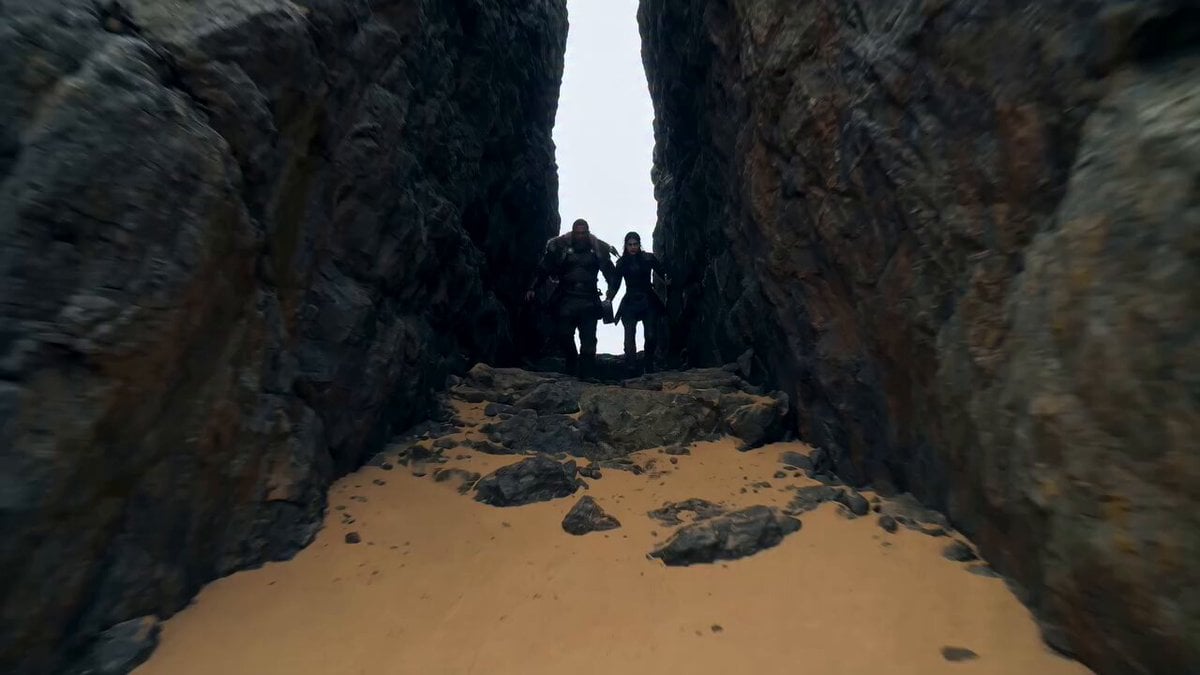
Viking Warrior and Massive Sand Worm
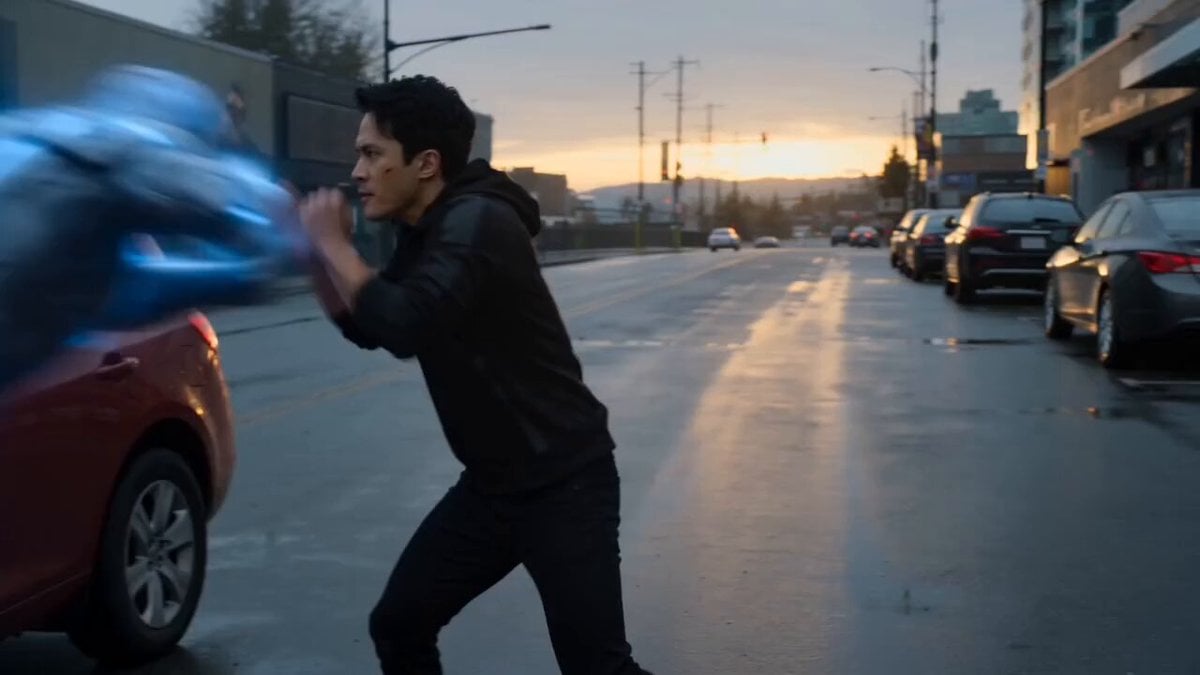
Nano-Armor Transformation Fight
East Asian Fighter Pilot Video

Hachiko as a Cosmic Weaver of Loyalty
Grok Imagine Video Prompt: Conan-esque Queen on a Volcano Throne
Photorealistic cinematic portrait of a young tailor
Mediaeval War Scene

Cinematic Chinese Ghost Romance Short Film
Browse template categories
Korean Beach Bonfire VHS Memory questions
How do I use the Korean Beach Bonfire VHS Memory template?
Add your photo if the template asks for one, edit the prompt if you like — the template's model and format are already selected — and press Generate. Your version opens in PicX Studio.
Can I customize the Korean Beach Bonfire VHS Memory template?
Yes. You can change the subject, setting, lighting, mood, format, and available model controls before creating your video.
Is the Korean Beach Bonfire VHS Memory template free?
Opening and editing this template is free. Generating uses credits, shown on the Generate button when you are signed in.
Which AI model should I use?
Start with Seedance 2.0, which is the model associated with this template. You can compare another compatible model for a different finish.
Looking for something else? Browse all templates.

Your photo, any look
Thousands of ready templates for every top image and video model, from one credit balance.