
Created storyboard with GPT Image 2 then animated
Created storyboard with GPT Image 2 then animated is a ready video look for Seedance 2.0.
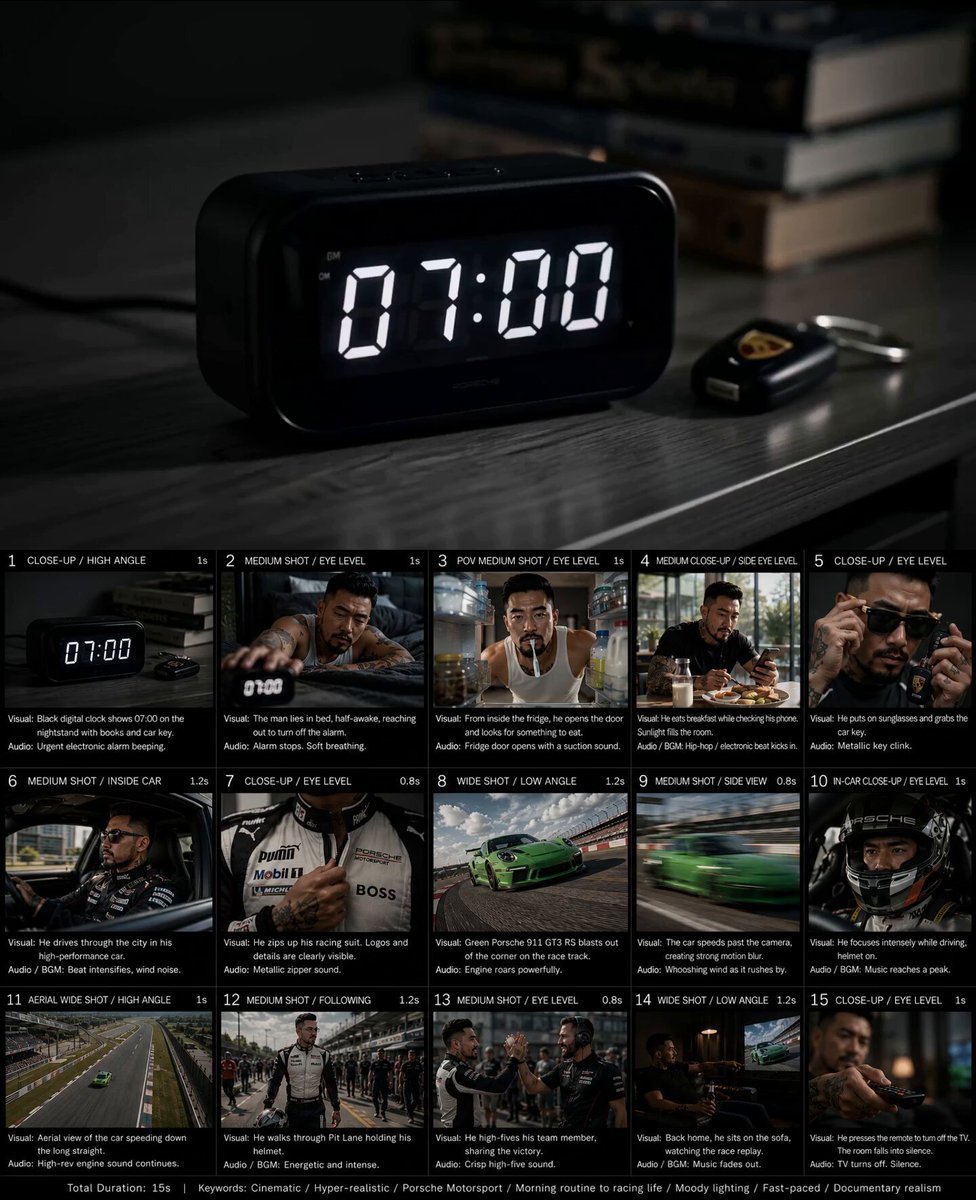
- Prompt included
- Model and format preset
- Premium template
The prompt behind this video
Copy the exact prompt behind Created storyboard with GPT Image 2 then animated, or open it in the studio and make it yours.
⬇️ Ultra-detailed cinematic storyboard collage showing a hyper-realistic motorsport lifestyle short film, arranged in a clean 15-panel grid layout with black dividers and white typography labels for each shot, inspired by luxury commercial storyboards and Netflix cinematic shot lists. The main character is a rugged Asian man in his 30s–40s with sharp jawline, short styled black hair, trimmed beard, tattooed neck and arms, masculine facial structure, realistic skin pores, calm confident expression, based on modern luxury street-racing aesthetics. VISUAL STYLE: cinematic realism, hyper-detailed textures, dramatic lighting, Porsche Motorsport aesthetic, premium commercial photography, shallow depth of field, anamorphic lens flare, Kodak Vision3 35mm film look, moody shadows, dynamic contrast, realistic reflections, ultra-sharp details, documentary realism, luxury lifestyle mood. STORYBOARD PANELS: 1. Close-up high-angle shot of a black digital alarm clock showing “07:00” on a dark bedside table with books and car keys, cold blue morning lighting, minimal cinematic atmosphere. 2. Medium eye-level shot of the man lying in dark gray bedding wearing a white tank top, reaching out sleepily to turn off the alarm clock, soft morning shadows, cinematic bedroom lighting. 3. POV fridge shot from inside the refrigerator, the man with toothbrush in mouth opening the fridge door searching for food, cool fridge lighting mixed with warm apartment tones. 4. Medium side-angle breakfast scene, man eating eggs and toast while checking his smartphone beside a milk bottle, sunlight entering from floor-to-ceiling windows, modern luxury apartment kitchen. 5. Extreme close-up of the man putting on sunglasses and grabbing luxury car keys, tattooed hands visible, glossy reflections, high-end fashion commercial feel. 6. Medium interior car shot, man driving a black high-performance sports sedan through the city, motion blur outside windows, urban skyline reflections, wearing black racing jacket. 7. Extreme close-up of racing suit zipper being pulled upward, Porsche Motorsport style logos, PUMA branding, realistic fabric texture and stitching details. 8. Low-angle wide shot of a bright green Porsche 911 GT3 RS aggressively cornering on a professional racetrack, dramatic tire marks, speed sensation, cinematic motorsport photography. 9. Fast side tracking shot of the green Porsche speeding past the camera with intense motion blur and dynamic perspective distortion. 10. In-car close-up of the driver wearing a professional racing helmet, focused eyes, dramatic reflections moving across visor, intense racing atmosphere. 11. Aerial drone wide shot of the green Porsche racing down a giant racetrack straightaway surrounded by grandstands and track barriers, high-speed cinematic energy. 12. Medium following shot in the pit lane, the man in full racing suit carrying his helmet while walking confidently among crew members and mechanics, documentary-style realism. 13. Medium shot of the driver high-fiving a bearded team member in front of the garage area, authentic motorsport victory emotion, warm natural sunlight. 14. Wide cinematic interior night shot, man sitting alone on a dark leather sofa drinking beer while watching racing footage on television, moody warm lamp lighting, emotional contrast. 15. Extreme close-up of tattooed hand pressing the TV remote control, television shutting off, room falling into silence, emotional cinematic ending frame. LAYOUT: 15 storyboard panels in a professional film production layout, each panel numbered with clean white text labels and shot descriptions, black background borders, cinematic production board aesthetic, realistic movie previsualization style. COLOR GRADING: warm cinematic highlights mixed with cool shadows, teal-orange contrast, luxury commercial tones, realistic skin color, soft bloom highlights, subtle film grain. KEYWORDS: Cinematic, Hyper-realistic, Porsche Motorsport, Luxury lifestyle, Fast-paced editing, Moody lighting, Documentary realism, Morning routine aesthetic, Racing culture, Emotional cinematic storytelling, Netflix commercial style, Premium storyboard design, 8K ultra detail.
How to use Created storyboard with GPT Image 2 then animated in 3 steps
- 1
Open
The prompt is already in the box next to the preview, with the template's model and format selected.
- 2…a portrait of your subject in softgolden-hour light, 85mm…
Personalize
Edit the subject and creative details for your destination.
- 3Generate
Generate
Press Generate — your video is created in PicX Studio, so you can compare it with the original and refine one variable at a time.
More like this
Templates with the same subject, style or setup. Open one to see its prompt.

Gpt2 Gpt2 Seedance Storyboard to Video

3D Animated Newspaper Delivery Short - Seedance 2.5

3D Animated Cat and Old Man - Seedance

3x3 Grid Storyboard Racing — Kling 3.0 O3 Pro

Dragon Rider Cinematic Flight — Seedance 2.5
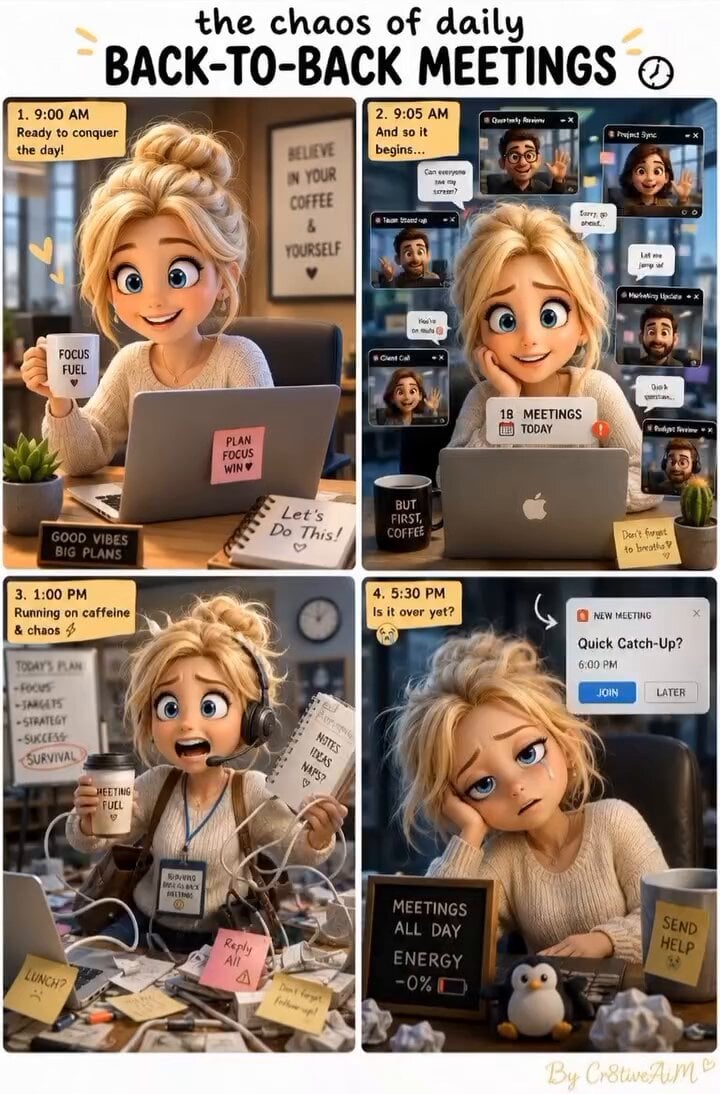
Created with Gpt Image 2 + Seedance 2.0 Prompt:
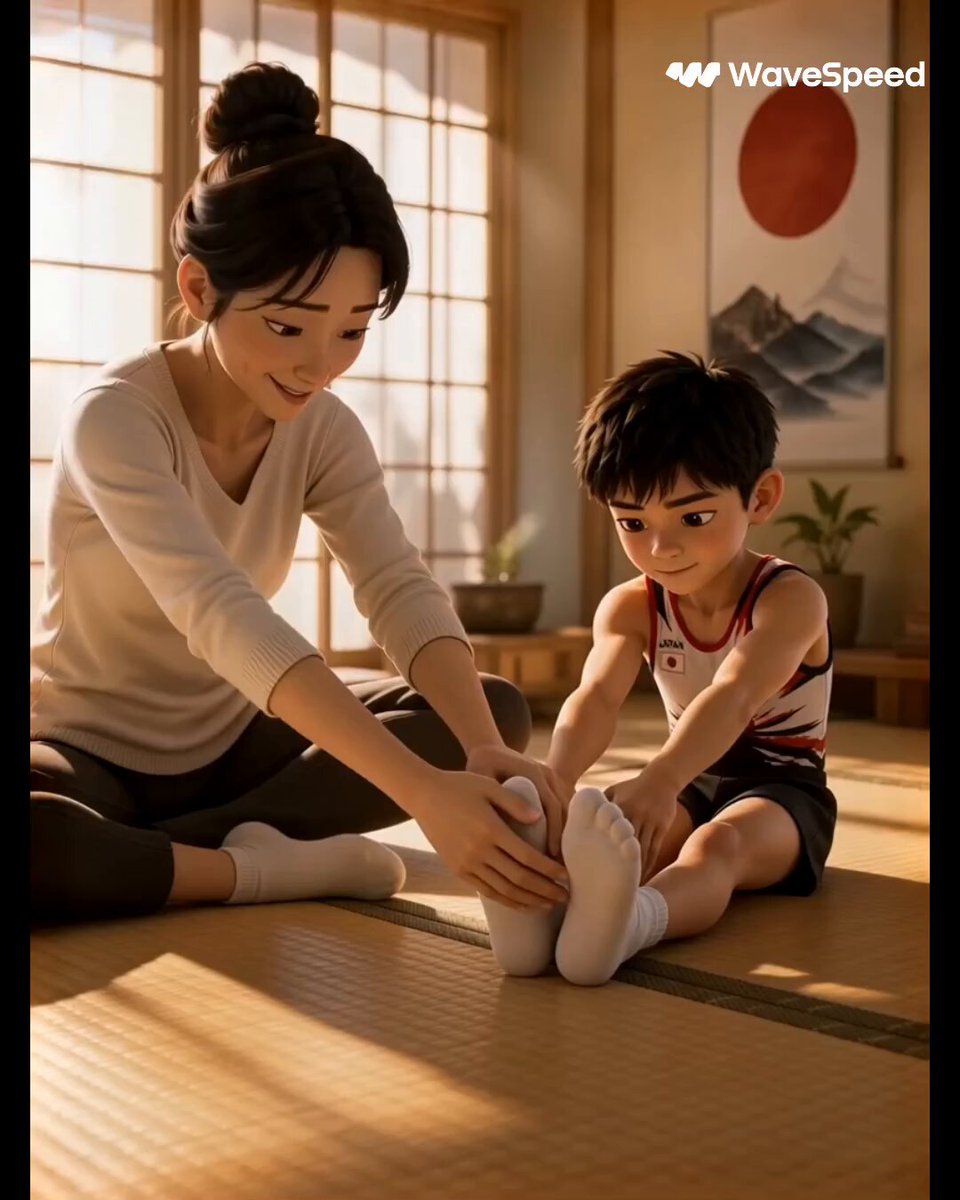
3D Animated Commercial from Storyboard
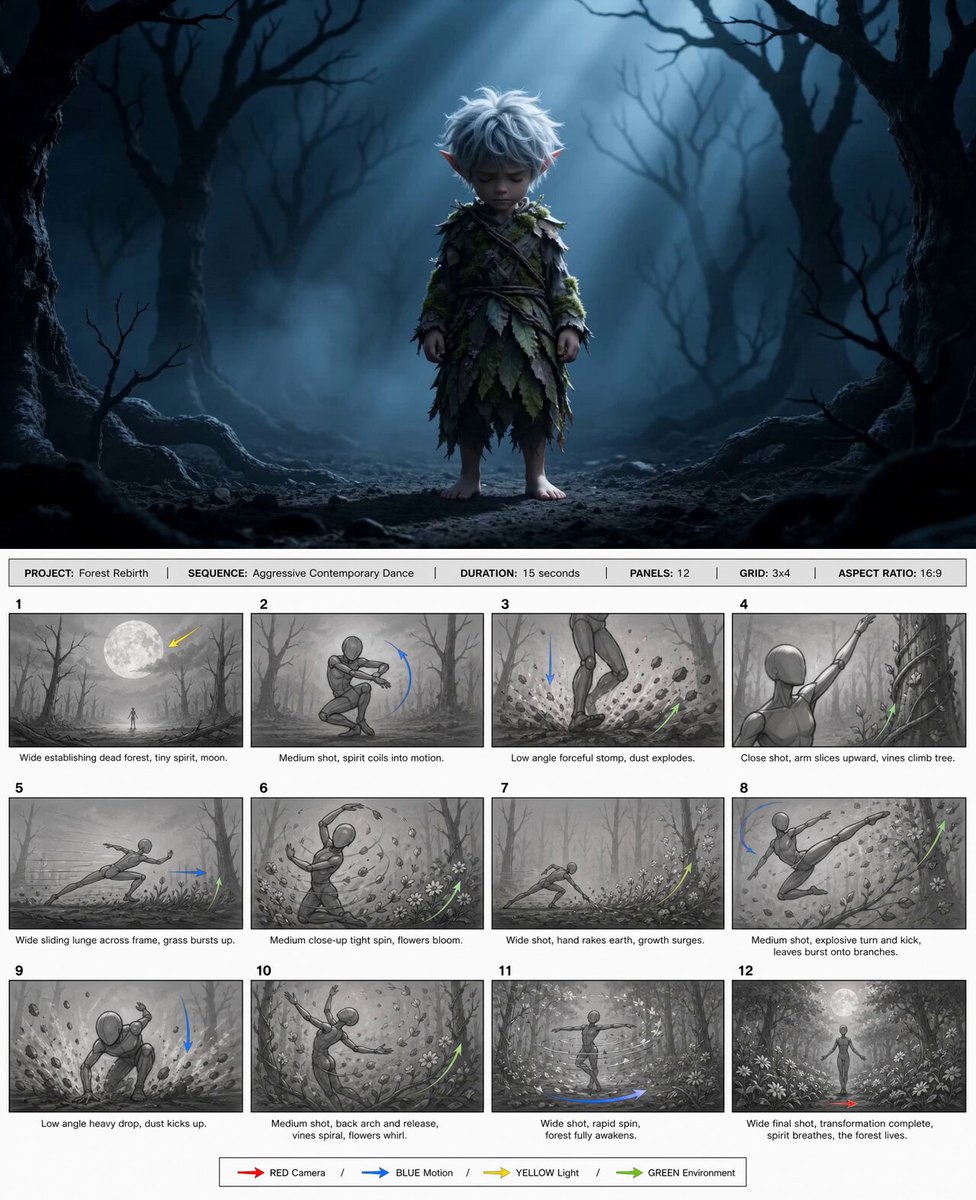
@happycapyai @aimikoda GPT Image 2 storyboard prom
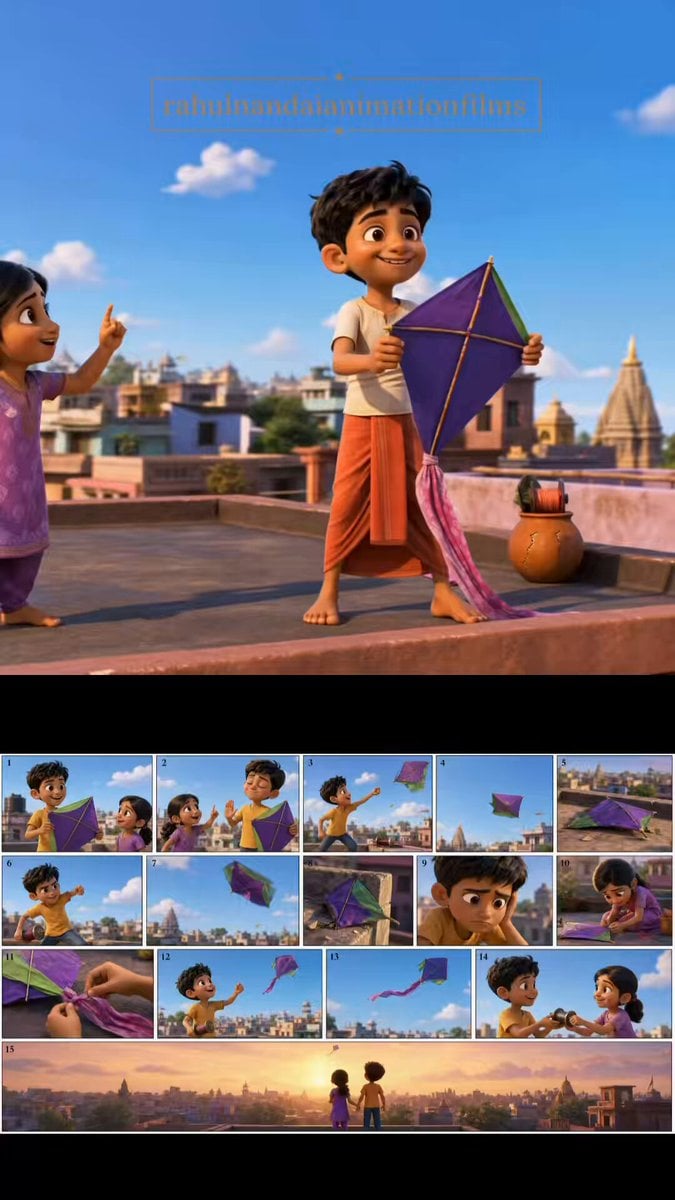
Pixar Style Animated Short Storyboard
Anime Storyboard Generation with GPT Image 2

Watercolor Storybook Animated Short
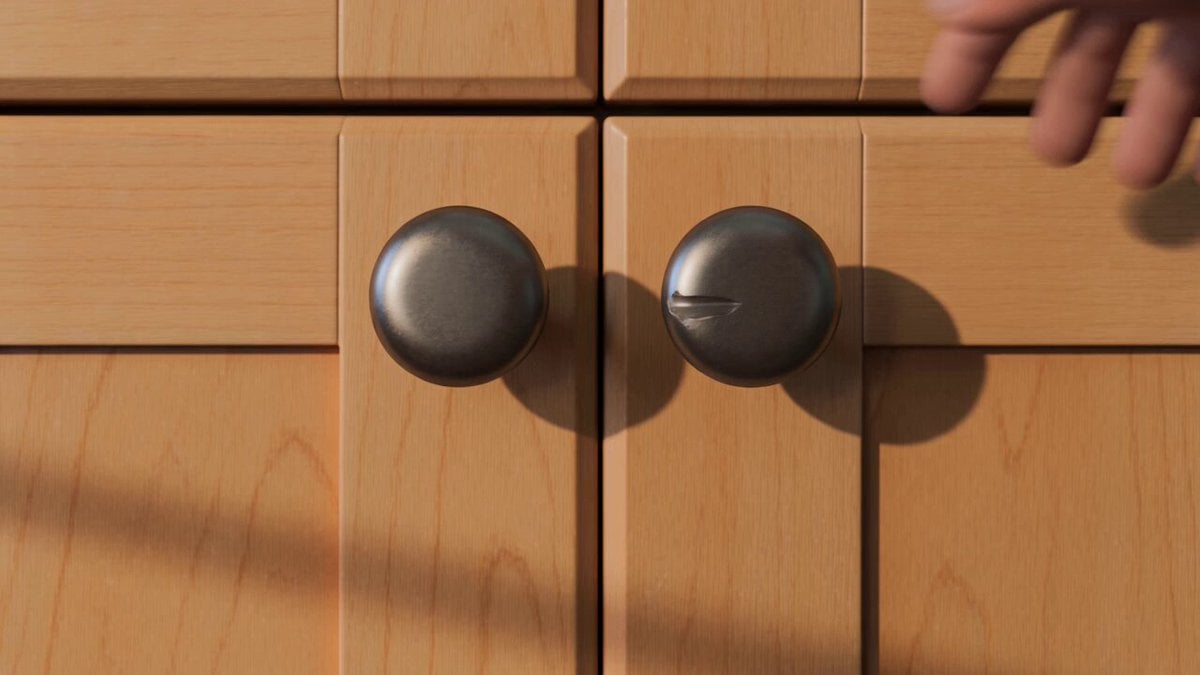
Animated Comedy Coffee Mugs
Make it yours
Created storyboard with GPT Image 2 then animated works as-is. These are the safest ways to change it without losing the look.
Change one field
Copy a single group, rewrite it, and generate again so you can see what that field is doing.
Keep the frame, change the subject
Hold the composition and light of Created storyboard with GPT Image 2 then animated , then swap wardrobe, props or the person for a new take.
| If the result… | Why | Fix |
|---|---|---|
| The result drifts from the preview | Too many fields changed at once. | Reuse Created storyboard with GPT Image 2 then animated as-is first, then change one group — subject, light, or setting. |
| The model over-stylizes the scene | The prose prompt leaves finish and camera underspecified. | Add one camera or lighting sentence and stay on Seedance 2.0. |
More Seedance 2.0 templates
Other prompts made for Seedance 2.0.

Comical Martial Arts Punch Scene

Maglev Train Action Sequence

Martial Arts Fight Sequence

Wuxia Protection and Trust Script

Vintage Korean Arcade MiniDV Vlog

Mercedes 190 SL Luxury Ad

Rainy Night Supernatural Reverse Comedy Video Script

Amazon Civilization Discovery

Futuristic South Asian City Transformation

Cozy Luxury Cafe Commercial
More video prompts
Fresh picks from across the catalog.
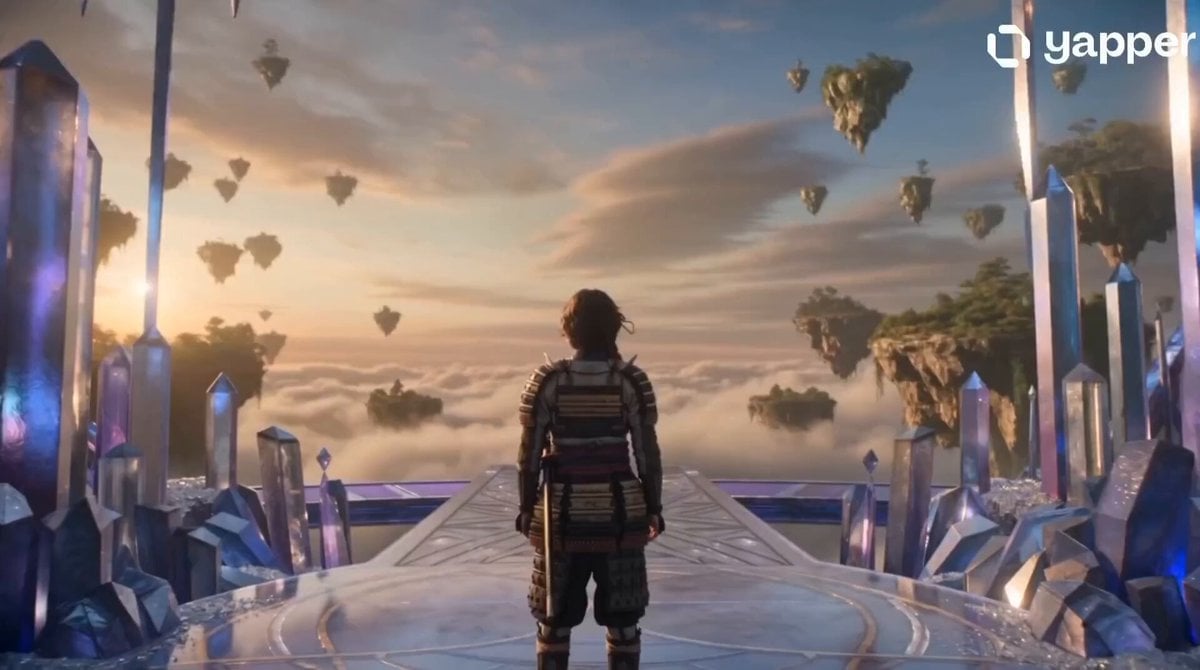
Crystal Castle Samurai Journey
90s JRPG Battle Scene Sequence
Wildlife Documentary: Lion and Elephant
Hot-Air Balloon Travel Vlog
Handheld iPhone Style Realistic Story Video
Jogging Trail Horror Scare
Photorealistic Cinematic POV Video of Woman in Ferris Wheel
Korean Student Bookstore Vlog
Conductor Restores Light to the City with Music
Seedance Wind Guides Path
Browse template categories
Created storyboard with GPT Image 2 then animated questions
How do I use the Created storyboard with GPT Image 2 then animated template?
Add your photo if the template asks for one, edit the prompt if you like — the template's model and format are already selected — and press Generate. Your version opens in PicX Studio.
Can I customize the Created storyboard with GPT Image 2 then animated template?
Yes. You can change the subject, setting, lighting, mood, format, and available model controls before creating your video.
Is the Created storyboard with GPT Image 2 then animated template free?
Opening and editing this template is free. Generating uses credits, shown on the Generate button when you are signed in.
Which AI model should I use?
Start with Seedance 2.0, which is the model associated with this template. You can compare another compatible model for a different finish.
Looking for something else? Browse all templates.

Your photo, any look
Thousands of ready templates for every top image and video model, from one credit balance.