
Pixar Style Animated Short Storyboard
A comprehensive narrative prompt designed for creating a Pixar-quality animated short about a boy and his sister flying a kite on a village rooftop, complete with camera directions and lighting moods.
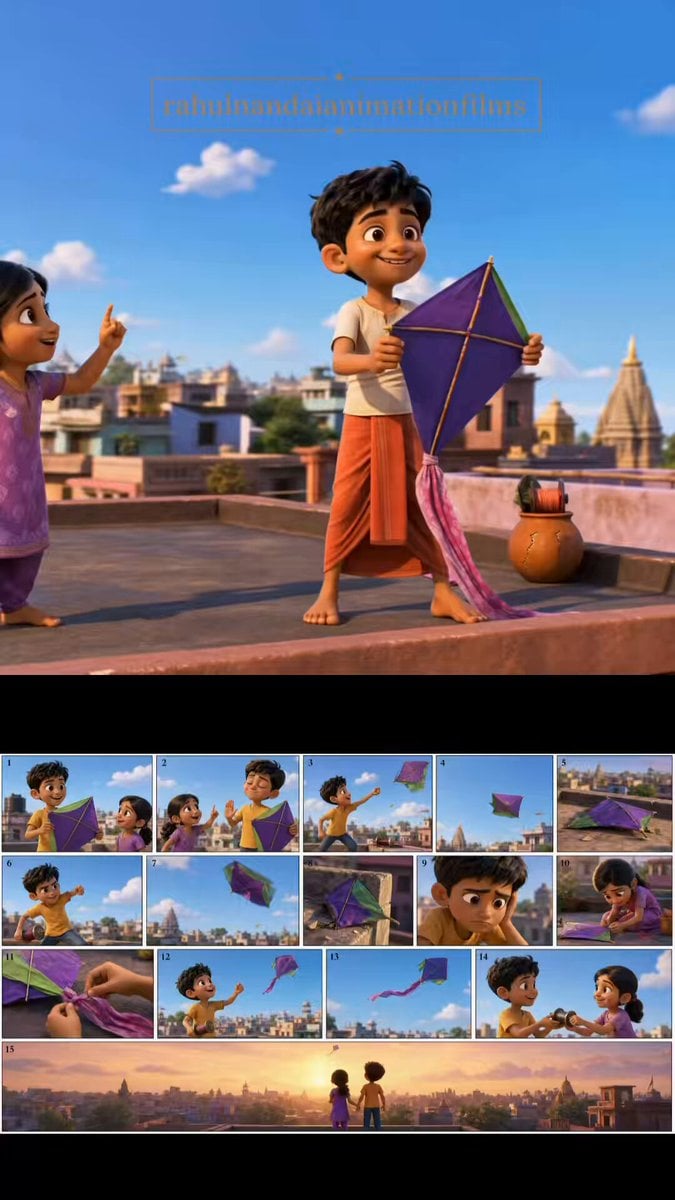
- Prompt included
- Model and format preset
- Premium template
The prompt behind this video
Copy the exact prompt behind Pixar Style Animated Short Storyboard, or open it in the studio and make it yours.
“The Kite That Wouldn’t Fly” Duration: 15 seconds Style: Pixar-quality animated short film, colorful Indian neighborhood rooftop setting, expressive animation, cinematic storytelling, warm family-friendly atmosphere, vibrant textures, emotional visual payoff. On a sunny afternoon in a small Indian town, an excited 10-year-old boy proudly stands on a rooftop holding a handmade kite. Beside him, his younger sister eagerly offers advice, but he confidently waves her away. The boy launches the kite. It immediately spins out of control and crashes onto a nearby rooftop. He tries again. Another crash. Frustration grows. The sister quietly picks up the kite and notices it’s missing a tail. Without saying anything, she ties a simple cloth tail to the bottom. The boy launches it one last time. This time the kite catches the wind perfectly and soars high above the town, dancing gracefully against the blue sky. The boy looks surprised, then realizes what his sister did. He smiles sheepishly and offers her the kite string reel. Together they fly the kite as it rises higher and higher. Final cinematic shot: brother and sister standing side by side on the rooftop, laughing while the colorful kite soars above the village skyline at sunset. Camera: Dynamic rooftop tracking shots, close-ups on failed launches, focus on the sister quietly attaching the tail, dramatic upward camera tilt following the successful flight, wide cinematic ending shot above the rooftops. Lighting: Bright afternoon sunlight transitioning into warm golden-hour glow during the final moments. Mood: Joyful, uplifting, playful, heartwarming. No text, no subtitles, no narration.
How to use Pixar Style Animated Short Storyboard in 3 steps
- 1
Open
The prompt is already in the box next to the preview, with the template's model and format selected.
- 2…a portrait of your subject in softgolden-hour light, 85mm…
Personalize
Edit the subject and creative details for your destination.
- 3Generate
Generate
Press Generate — your video is created in PicX Studio, so you can compare it with the original and refine one variable at a time.
More like this
Templates with the same subject, style or setup. Open one to see its prompt.

3D Animated Newspaper Delivery Short - Seedance 2.5
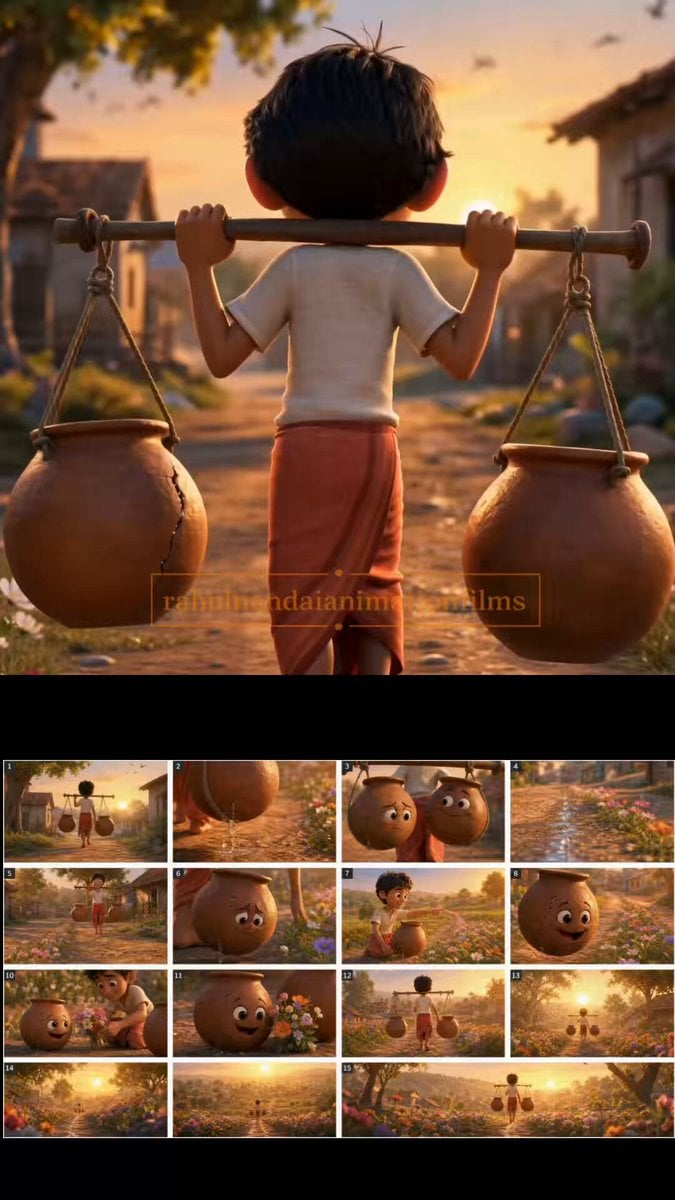
The Cracked Water Pot Pixar Style Animated Short
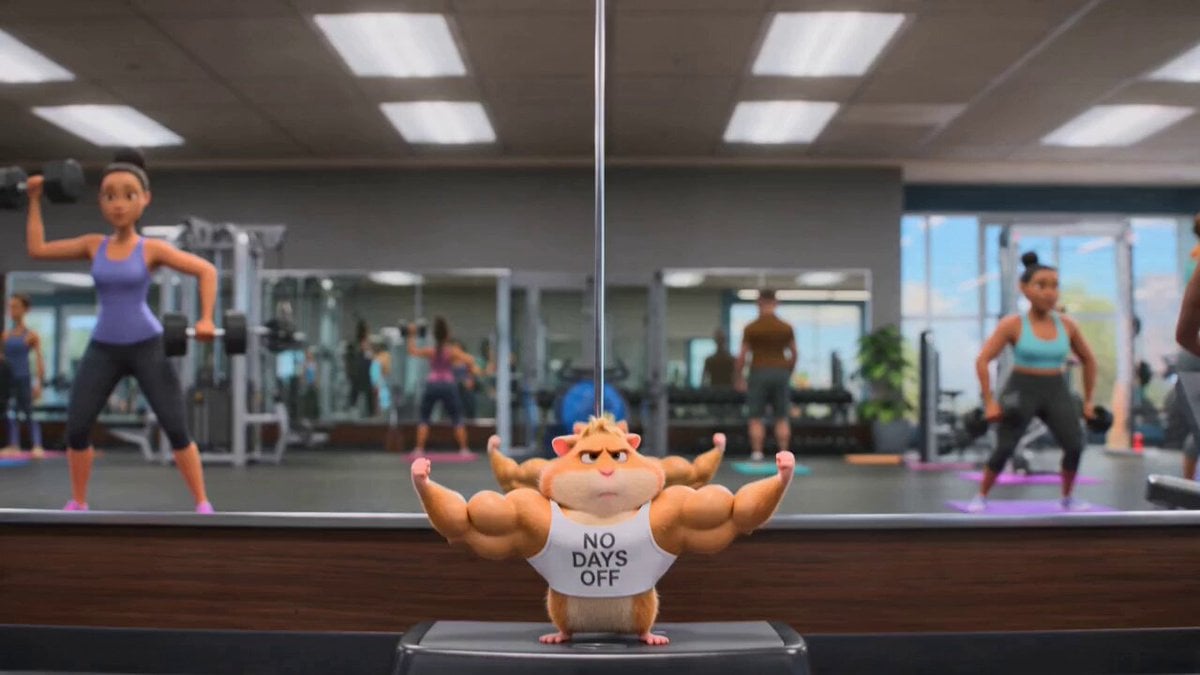
Hamster Gym Bro: A Pixar-Quality Animated Short
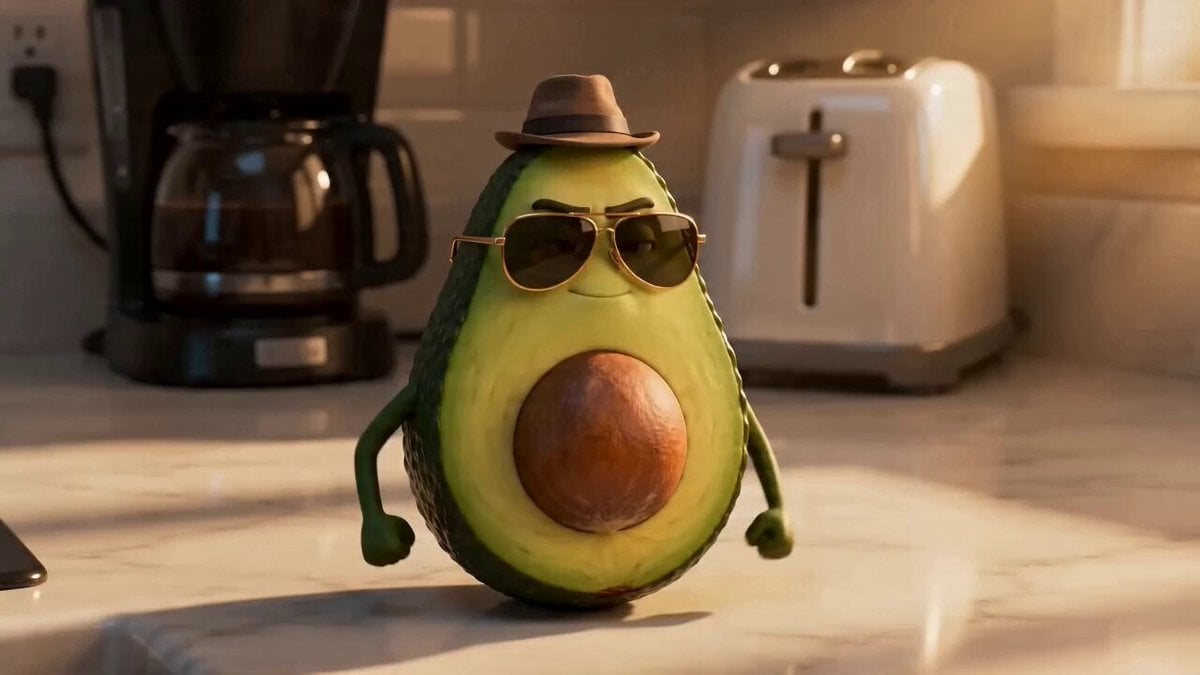
Pixar-Inspired Animated Short of Anthropomorphic Breakfast Items
Watercolor Storybook Animated Short

Pigeon Nemesis Pixar Animation Storyboard

3D Animated Cat and Old Man - Seedance
Cosmic Marble Animated Short

3x3 Grid Storyboard Racing — Kling 3.0 O3 Pro

Dragon Rider Cinematic Flight — Seedance 2.5
Youth Racing Short Film
3D Animated Commercial from Storyboard
Make it yours
Pixar Style Animated Short Storyboard works as-is. These are the safest ways to change it without losing the look.
Change one field
Copy a single group, rewrite it, and generate again so you can see what that field is doing.
Keep the frame, change the subject
Hold the composition and light of Pixar Style Animated Short Storyboard, then swap wardrobe, props or the person for a new take.
| If the result… | Why | Fix |
|---|---|---|
| The result drifts from the preview | Too many fields changed at once. | Reuse Pixar Style Animated Short Storyboard as-is first, then change one group — subject, light, or setting. |
| The model over-stylizes the scene | The prose prompt leaves finish and camera underspecified. | Add one camera or lighting sentence and stay on Seedance 2.0. |
More Seedance 2.0 templates
Other prompts made for Seedance 2.0.

Comical Martial Arts Punch Scene

Maglev Train Action Sequence

Martial Arts Fight Sequence

Wuxia Protection and Trust Script

Vintage Korean Arcade MiniDV Vlog

Mercedes 190 SL Luxury Ad

Rainy Night Supernatural Reverse Comedy Video Script

Amazon Civilization Discovery

Futuristic South Asian City Transformation

Cozy Luxury Cafe Commercial
More video prompts
Fresh picks from across the catalog.
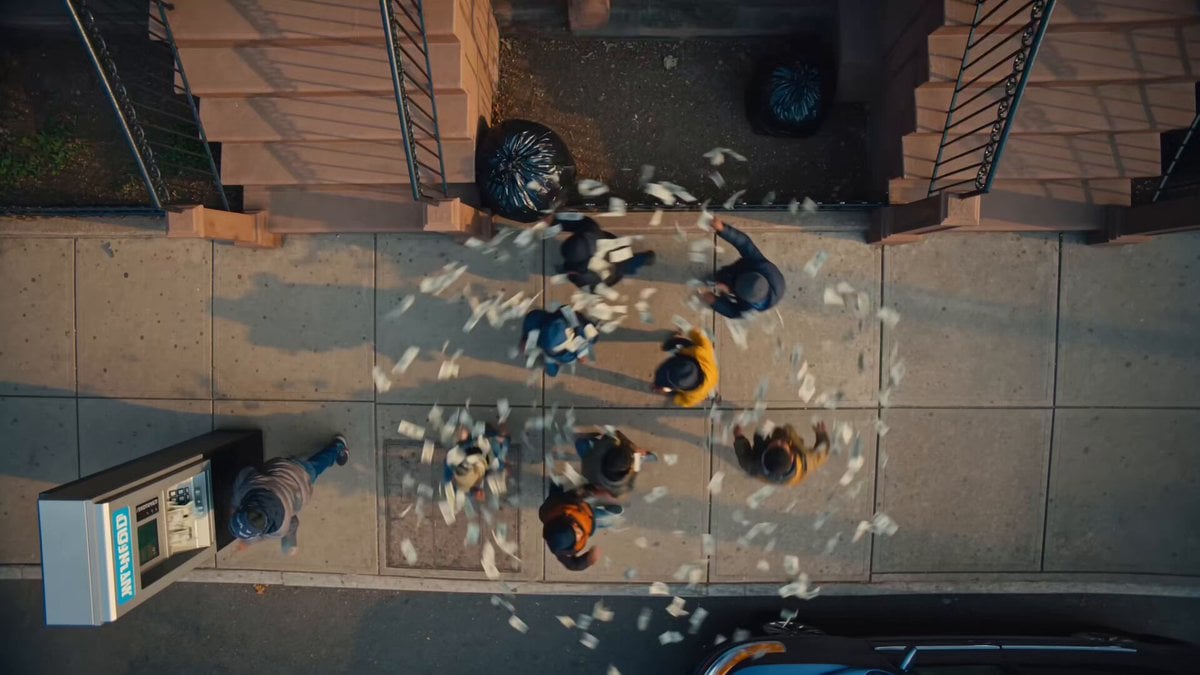
Brooklyn Money Rain Video
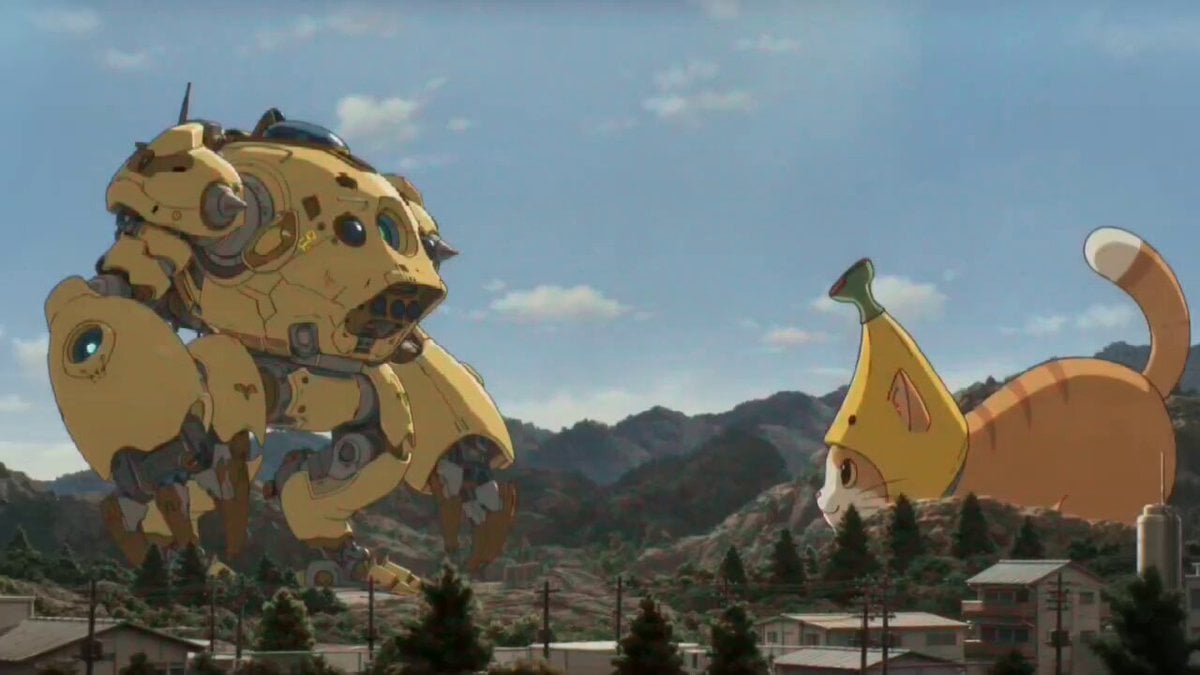
Kaiju Battle Video Generation Prompt for Seedance 2
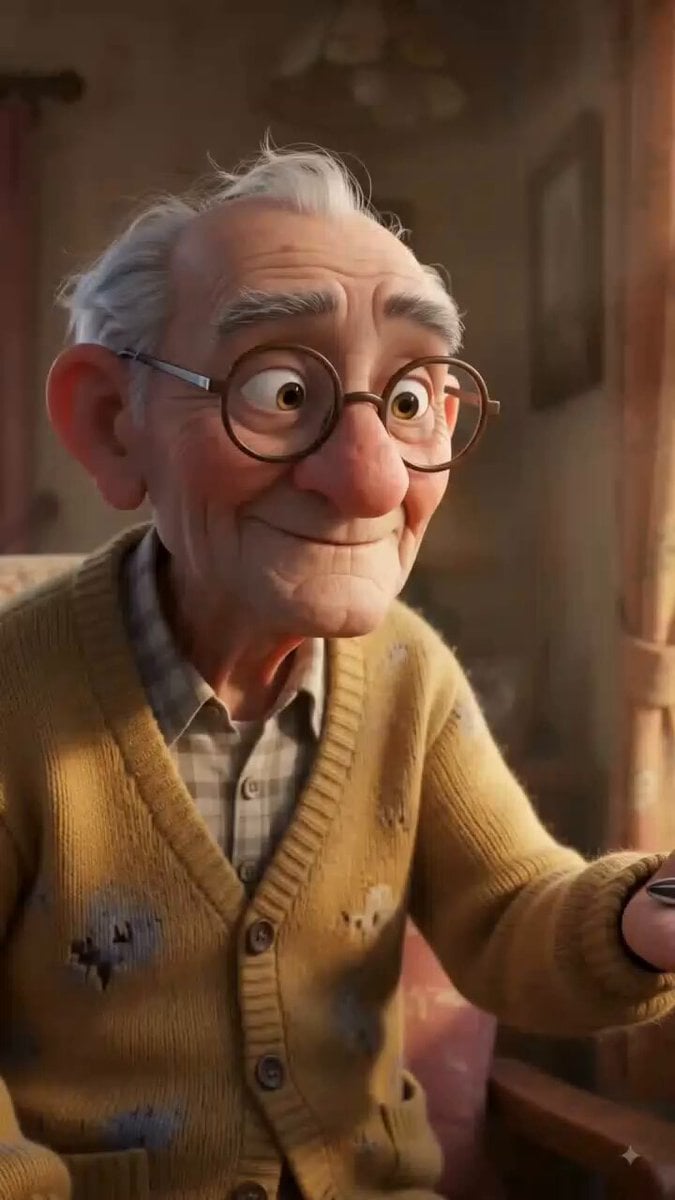
Stylized 3D Animation: Old Man and Pigeon

Seedance 2.0 Chinese Xianxia animation prompt (0-15 seconds)
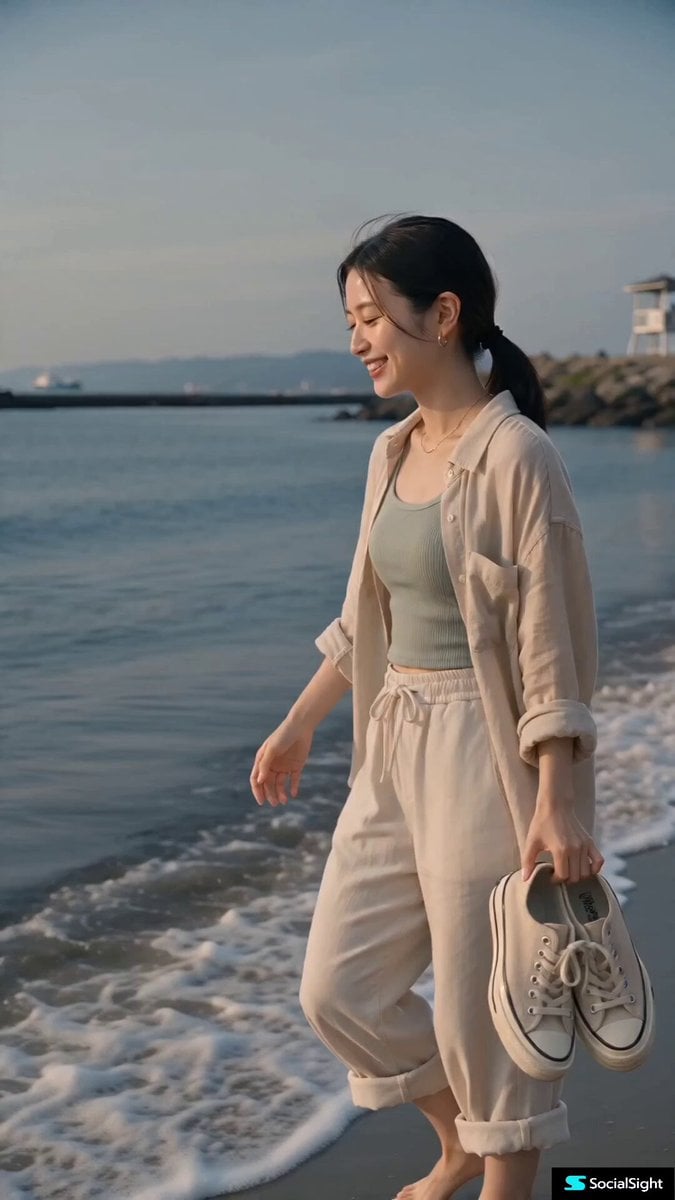
Contemporary Japanese Beach Vacation Vlog
Medieval Woman with Silver Veil and Sword
Epic Mecha Rabbit Battle
Continuous One-Take Disaster Film Realism
Stone Giant Desert Crossing
Cinematic Female Gun Action Sequence
Browse template categories
Pixar Style Animated Short Storyboard questions
How do I use the Pixar Style Animated Short Storyboard template?
Add your photo if the template asks for one, edit the prompt if you like — the template's model and format are already selected — and press Generate. Your version opens in PicX Studio.
Can I customize the Pixar Style Animated Short Storyboard template?
Yes. You can change the subject, setting, lighting, mood, format, and available model controls before creating your video.
Is the Pixar Style Animated Short Storyboard template free?
Opening and editing this template is free. Generating uses credits, shown on the Generate button when you are signed in.
Which AI model should I use?
Start with Seedance 2.0, which is the model associated with this template. You can compare another compatible model for a different finish.
Looking for something else? Browse all templates.

Your photo, any look
Thousands of ready templates for every top image and video model, from one credit balance.