
The Cracked Water Pot Pixar Style Animated Short
A cinematic and heartwarming video prompt for a Pixar-style animated short about a cracked water pot that discovers it has been growing flowers along a village path.
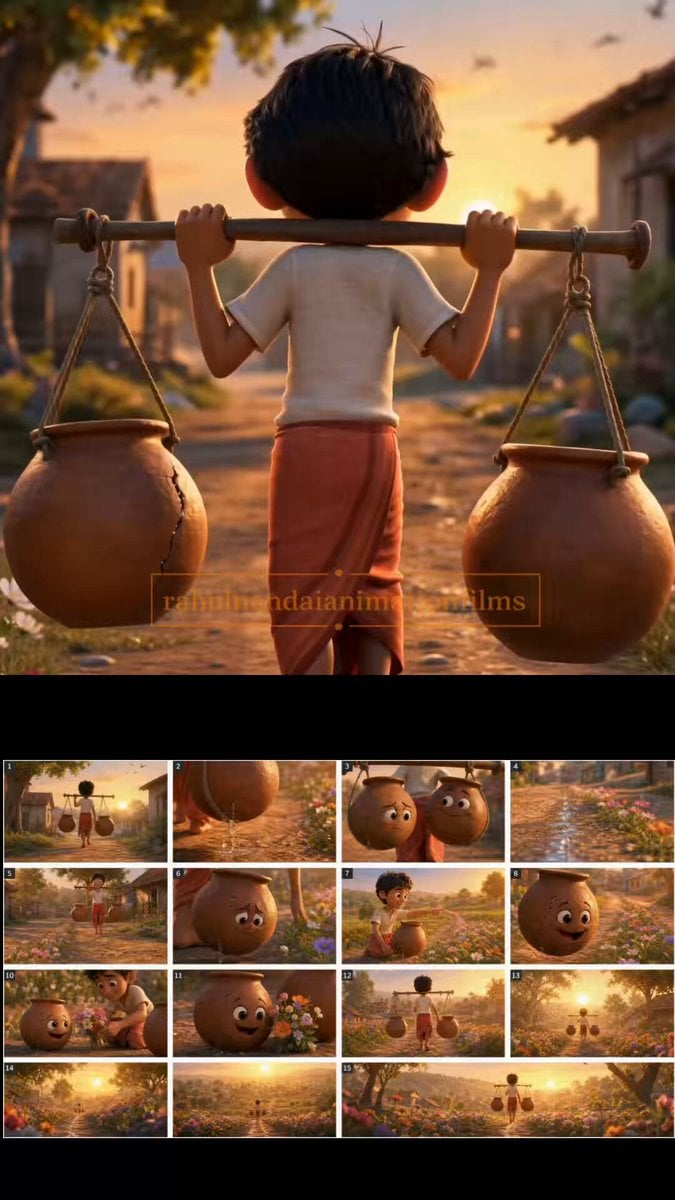
- Prompt included
- Model and format preset
- Premium template
The prompt behind this video
Copy the exact prompt behind The Cracked Water Pot Pixar Style Animated Short, or open it in the studio and make it yours.
Duration: 15 seconds Style: Pixar-quality animated short film, warm Indian village atmosphere, emotional storytelling, cinematic lighting, expressive characters, shallow depth of field, highly detailed textures, heartwarming tone. A charming Indian village at golden sunrise. A cheerful 10-year-old village boy carries a bamboo pole across his shoulders with two clay water pots hanging from either side. One pot is perfect and full, the other has a visible crack, slowly dripping water along the dusty path. The cracked pot looks sad and ashamed while the perfect pot appears proud. As they walk, tiny flowers are revealed growing only along the cracked pot’s side of the road. The boy stops beside a colorful field of blooming flowers, gently lifts the cracked pot and smiles warmly. He points toward the trail of flowers stretching behind them. The cracked pot realizes its leaked water created the entire flower path. Its expression transforms from sadness to joy. The boy picks a small bouquet of flowers and places it beside the cracked pot. Final cinematic shot: the boy walks away down the village road carrying both pots equally, surrounded by vibrant flowers glowing in golden sunlight. Camera: Starts with medium tracking shot behind the boy, close-up on dripping water, slow reveal of flowers along the path, emotional close-up of cracked pot, wide cinematic ending shot. Lighting: Warm golden-hour sunlight, soft volumetric rays, cozy Pixar-style color grading. Mood: Heartwarming, hopeful, uplifting. No text, no subtitles, no narration.
How to use The Cracked Water Pot Pixar Style Animated Short in 3 steps
- 1
Open
The prompt is already in the box next to the preview, with the template's model and format selected.
- 2…a portrait of your subject in softgolden-hour light, 85mm…
Personalize
Edit the subject and creative details for your destination.
- 3Generate
Generate
Press Generate — your video is created in PicX Studio, so you can compare it with the original and refine one variable at a time.
More like this
Templates with the same subject, style or setup. Open one to see its prompt.

3D Animated Newspaper Delivery Short - Seedance 2.5
Watercolor Storybook Animated Short
Pixar Style Animated Short Storyboard
Hamster Gym Bro: A Pixar-Quality Animated Short
Pixar-Inspired Animated Short of Anthropomorphic Breakfast Items

3D Animated Cat and Old Man - Seedance
Cosmic Marble Animated Short
Youth Racing Short Film
Chaotic Pizza Delivery Animated Short
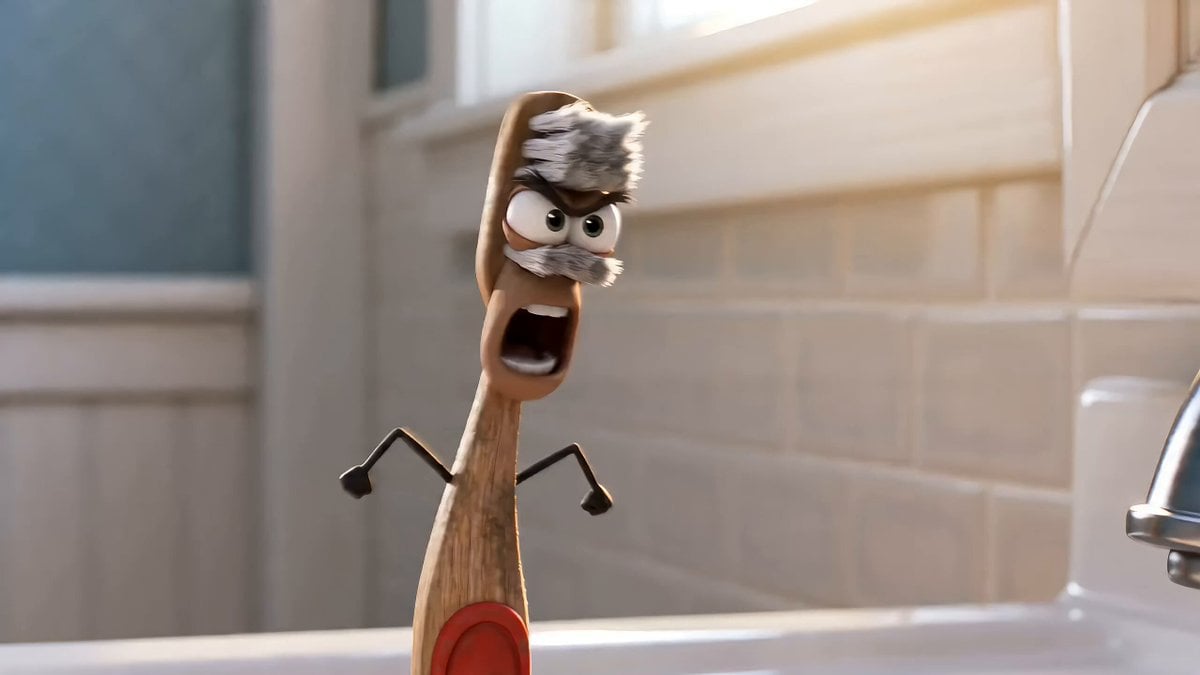
Humorous Toothbrush Debate Animated Short
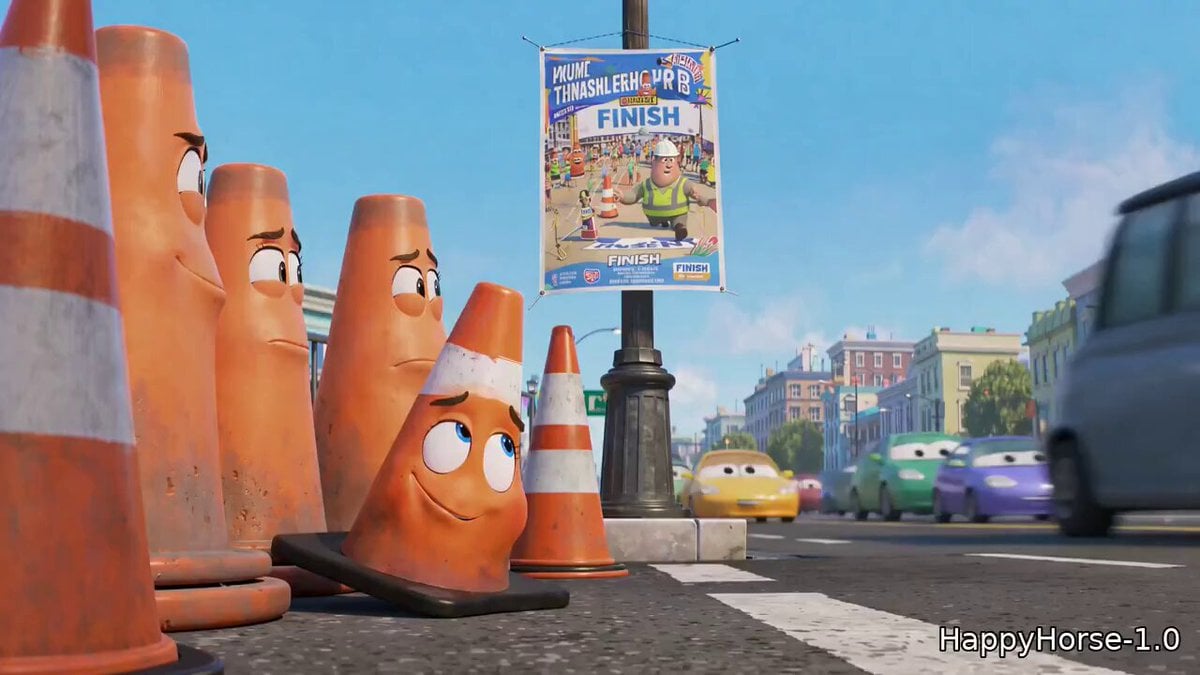
Pixar Style Traffic Cone Short
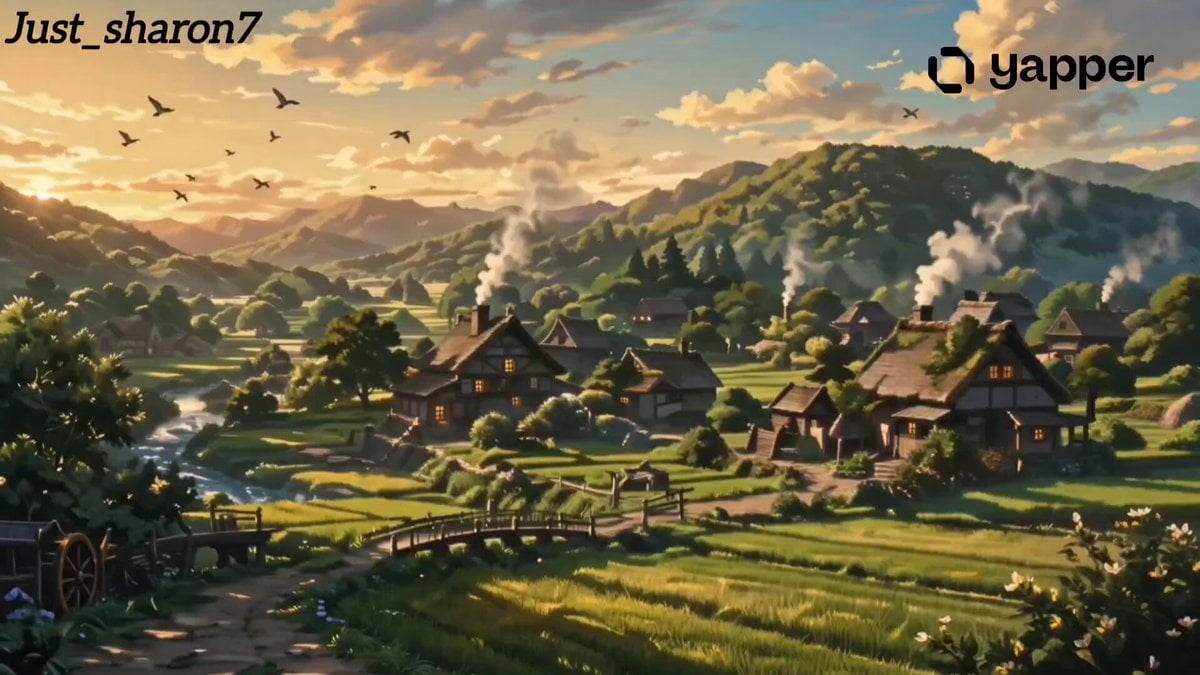
Ghibli-Inspired Animated Short Film
Make it yours
The Cracked Water Pot Pixar Style Animated Short works as-is. These are the safest ways to change it without losing the look.
Change one field
Copy a single group, rewrite it, and generate again so you can see what that field is doing.
Keep the frame, change the subject
Hold the composition and light of The Cracked Water Pot Pixar Style Animated Short, then swap wardrobe, props or the person for a new take.
| If the result… | Why | Fix |
|---|---|---|
| The result drifts from the preview | Too many fields changed at once. | Reuse The Cracked Water Pot Pixar Style Animated Short as-is first, then change one group — subject, light, or setting. |
| The model over-stylizes the scene | The prose prompt leaves finish and camera underspecified. | Add one camera or lighting sentence and stay on Seedance 2.0. |
More Seedance 2.0 templates
Other prompts made for Seedance 2.0.

Comical Martial Arts Punch Scene

Maglev Train Action Sequence

Martial Arts Fight Sequence

Wuxia Protection and Trust Script

Vintage Korean Arcade MiniDV Vlog

Mercedes 190 SL Luxury Ad

Rainy Night Supernatural Reverse Comedy Video Script

Amazon Civilization Discovery

Futuristic South Asian City Transformation

Cozy Luxury Cafe Commercial
More video prompts
Fresh picks from across the catalog.
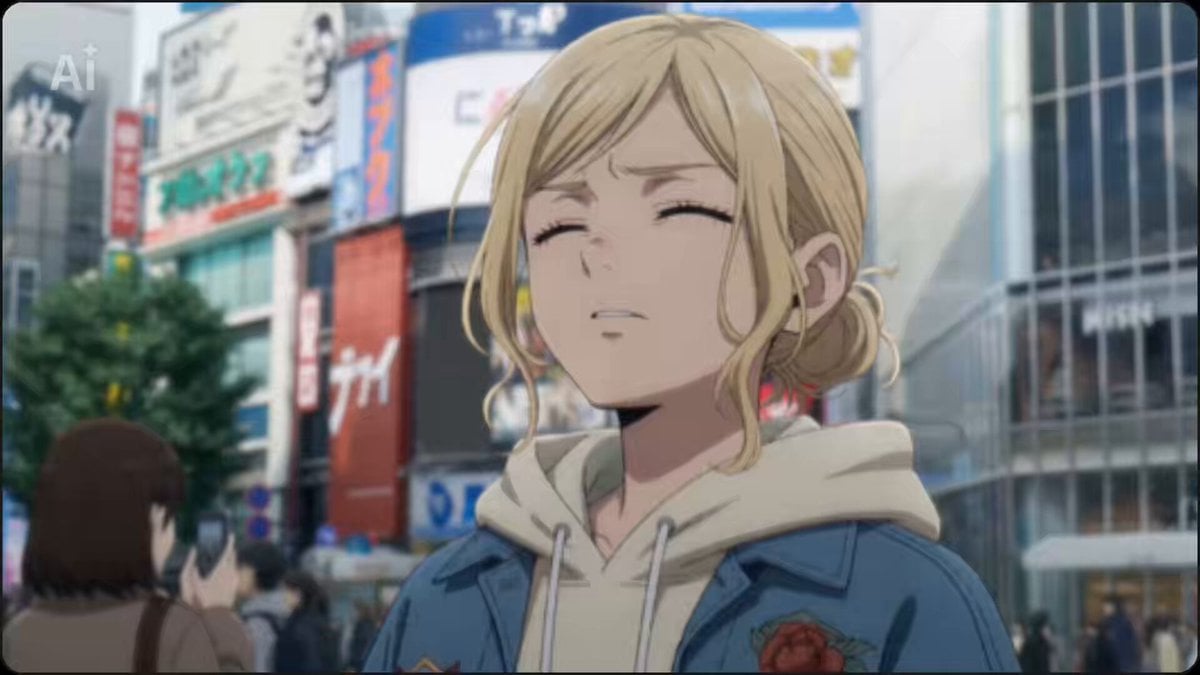
2.5D Anime Scene: Akihabara Night

Pixar-Style Morning Routine
Classic 1920s Harlem Barbershop Scene with Color-Popping Barber Pole
Extreme Amusement Park Adventure
Catastrophic Ocean Event Prompt
Authentic UGC Video Generation
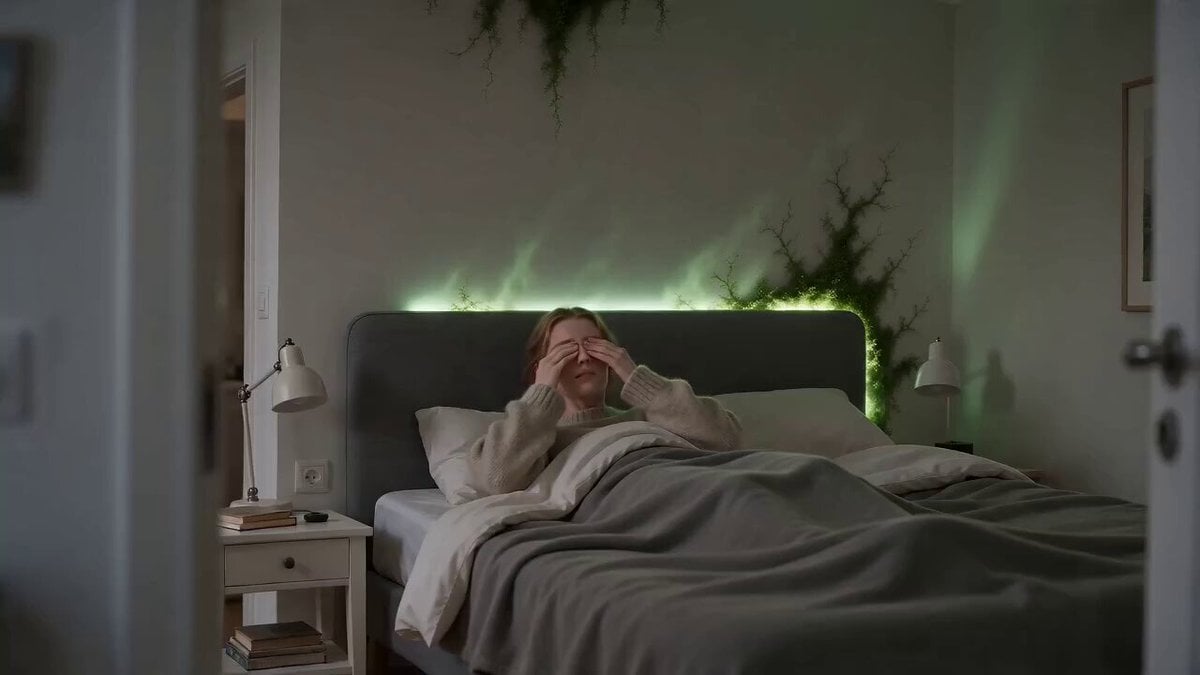
Surreal Apartment Forest Transformation
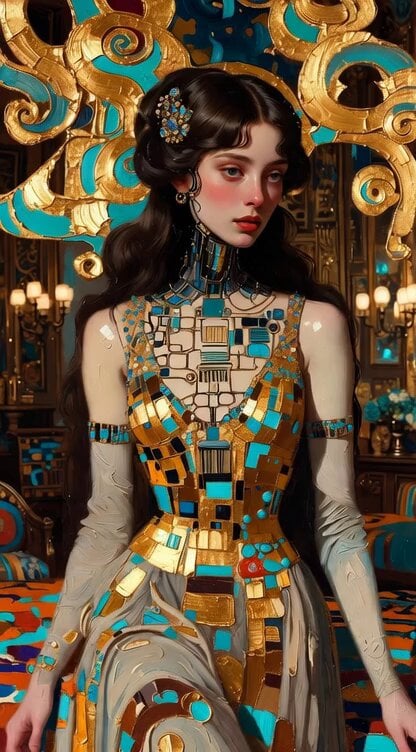
Impasto Oil Painting of Female Robot, Klimt Style

Motorcycle Chase Single Continuous Shot
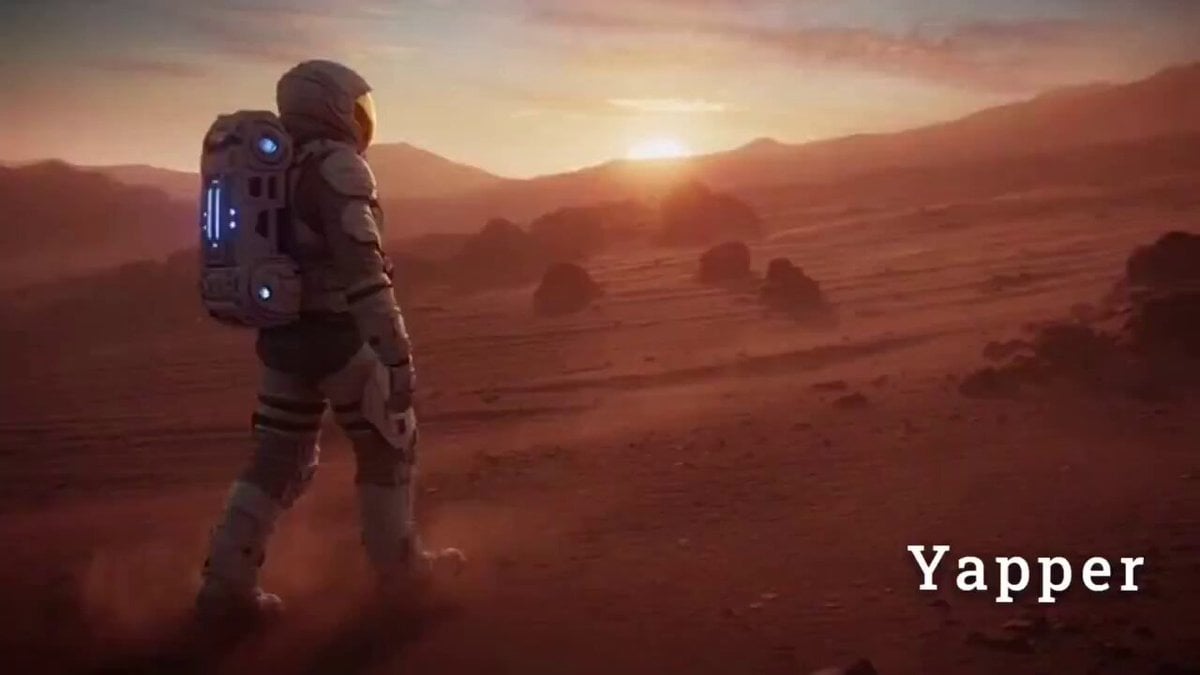
Cinematic Sci-Fi Video Prompt for Seedance 2.0
Browse template categories
The Cracked Water Pot Pixar Style Animated Short questions
How do I use the The Cracked Water Pot Pixar Style Animated Short template?
Add your photo if the template asks for one, edit the prompt if you like — the template's model and format are already selected — and press Generate. Your version opens in PicX Studio.
Can I customize the The Cracked Water Pot Pixar Style Animated Short template?
Yes. You can change the subject, setting, lighting, mood, format, and available model controls before creating your video.
Is the The Cracked Water Pot Pixar Style Animated Short template free?
Opening and editing this template is free. Generating uses credits, shown on the Generate button when you are signed in.
Which AI model should I use?
Start with Seedance 2.0, which is the model associated with this template. You can compare another compatible model for a different finish.
Looking for something else? Browse all templates.

Your photo, any look
Thousands of ready templates for every top image and video model, from one credit balance.