
Epic Mecha Rabbit Battle
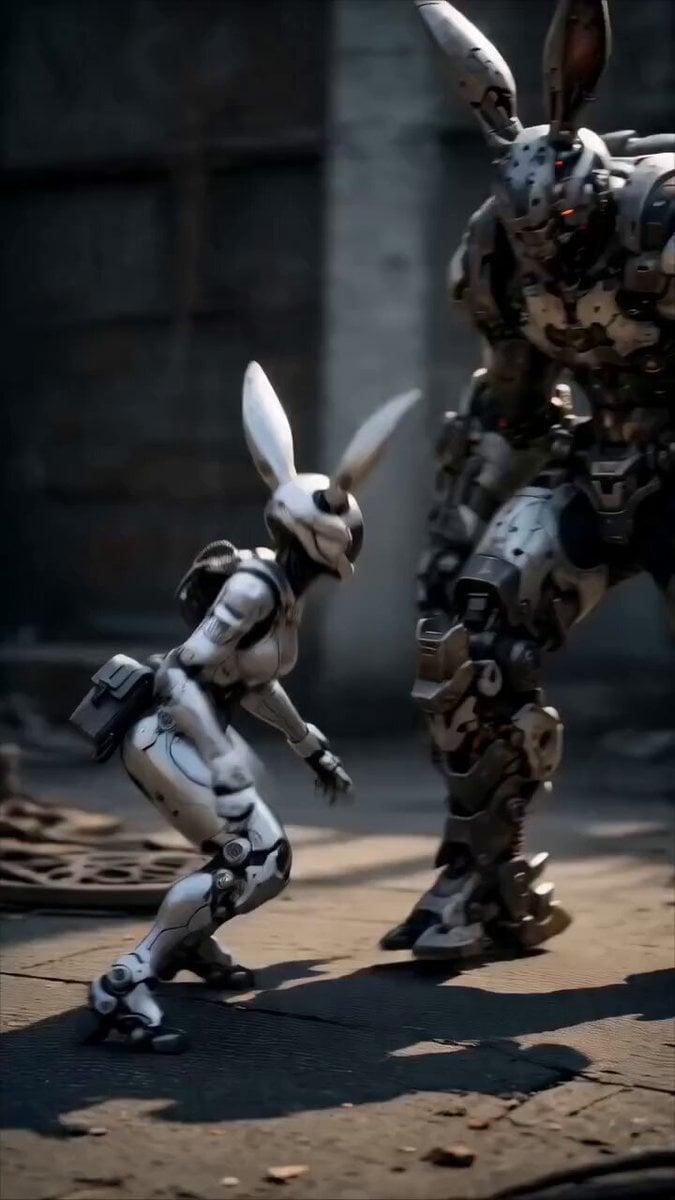
A highly detailed cinematic prompt for a brutal battle between agile bunny-mech robots and a giant boss.
- Prompt included
- Model and format preset
- Premium template
The prompt behind this video
Copy the exact prompt behind Epic Mecha Rabbit Battle, or open it in the studio and make it yours.
A hyper-realistic, cinematic 15-second vertical video (9:16) of an intense, brutal mech battle in a dystopian ruined cityscape at golden hour. Two small, sleek white-and-black agile rabbit-mech robots with long mechanical bunny ears, glowing orange visors, and visible female pilot faces (young East Asian woman with short black hair inside the helmet) are fighting a massive, heavily armored giant dark-gray-and-silver rabbit-mech boss. The giant mech is twice their size, battle-scarred, with glowing red eyes, exposed pistons, hydraulic cables, and heavy plating.\nDynamic action sequence:\nStarts with the giant mech towering over one small bunny-mech that is in a low combat stance on roller feet.\nFast-paced choreography: small mechs leaping, spinning kicks, rapid punches, and acrobatic dodges.\nThe giant mech brutally counters — powerful punches that create bright orange sparks and explosions on impact, devastating kicks that send the small mechs flying, slamming them into cracked concrete.\nOne small mech gets grabbed, slammed to the ground, then thrown across the dusty battlefield.\nDust clouds, flying debris, sparks, and glowing mechanical details everywhere.\nDramatic low-angle and close-up shots showing mechanical joints, glowing eyes, and facial expressions inside the helmets.\nFinal moments show the giant mech dominating, stepping over the fallen small mechs while another small mech charges from the side in a desperate last attack.\nUltra-detailed 8K CGI, photorealistic textures, cinematic lighting with strong volumetric god rays, motion blur on fast movements, subtle slow-motion on heavy impacts, gritty post-apocalyptic atmosphere, destroyed concrete buildings and rubble in background, dramatic camera work with Dutch angles and tracking shots, in the style of high-end sci-fi action films like Pacific Rim and Ghost in the Shell.\nStyle keywords: cinematic, photorealistic, ultra-detailed, dramatic lighting, mechanical detail, sparks and particle effects, intense action, emotional, gritty, epic.
How to use Epic Mecha Rabbit Battle in 3 steps
- 1
Open
The prompt is already in the box next to the preview, with the template's model and format selected.
- 2…a portrait of your subject in softgolden-hour light, 85mm…
Personalize
Edit the subject and creative details for your destination.
- 3Generate
Generate
Press Generate — your video is created in PicX Studio, so you can compare it with the original and refine one variable at a time.
More like this
Templates with the same subject, style or setup. Open one to see its prompt.
Mecha Transformation vs Kaiju — 4-Scene Epic
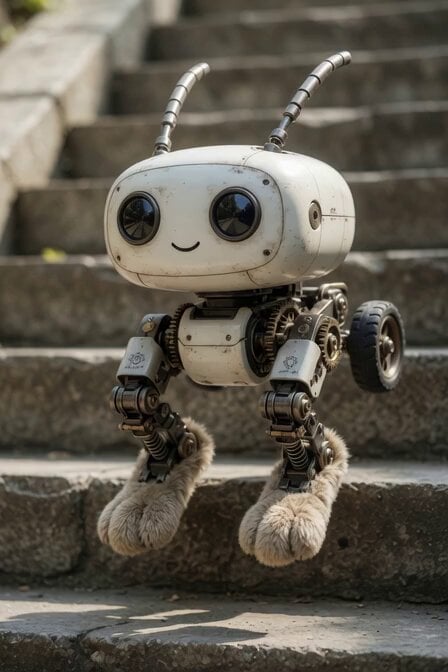
Mechanical Jumping Robot Rabbit
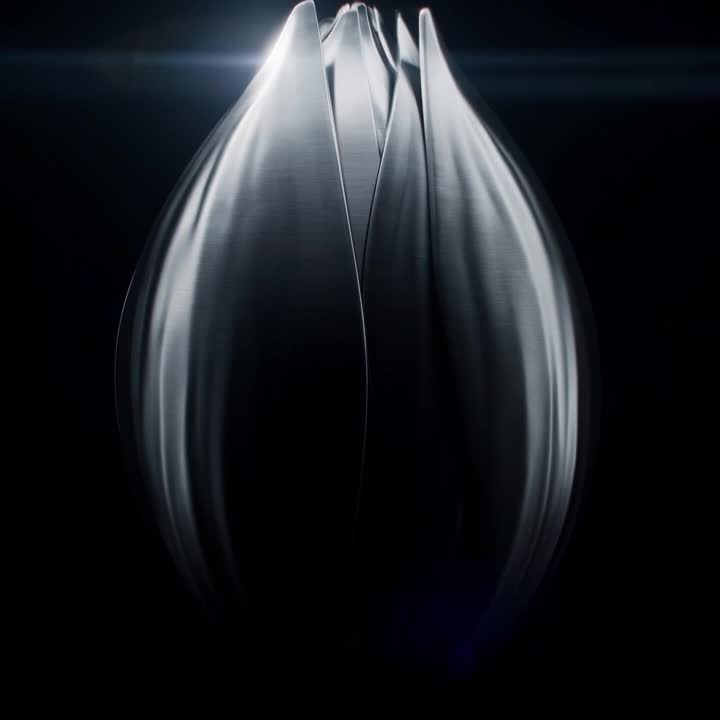
Oceanic Civilization Epic Sci-Fi Film
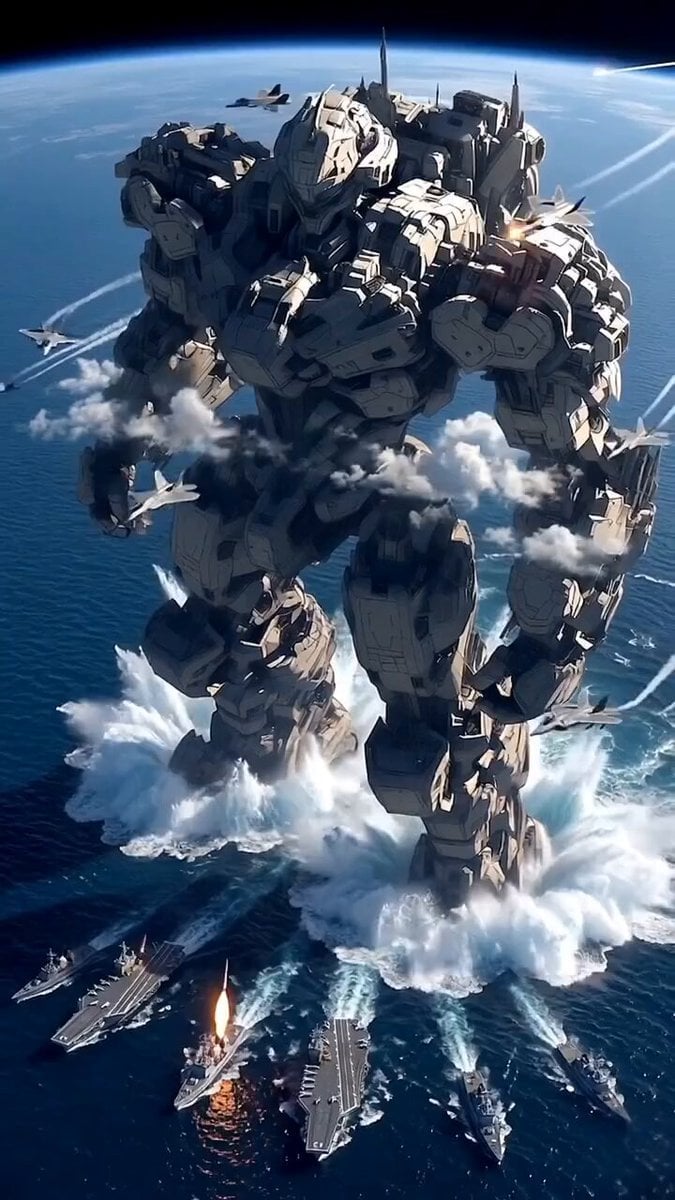
Giant Mecha Naval Battle

Mecha Runway Tap Dance Video Prompt
Surreal Easter egg bomb exploding with a rabbit emerging
Mice and Rabbits in Blowing Winds
Scottish Rabbit Voice Prompt
East Asian Female Warrior Mecha Transformation
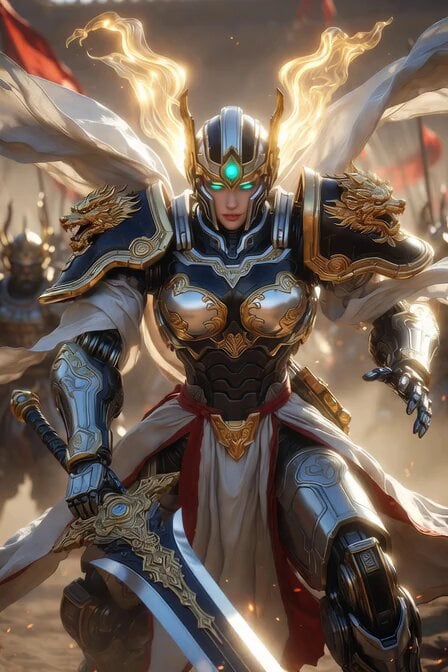
Imperial Dragon Mecha Warrior
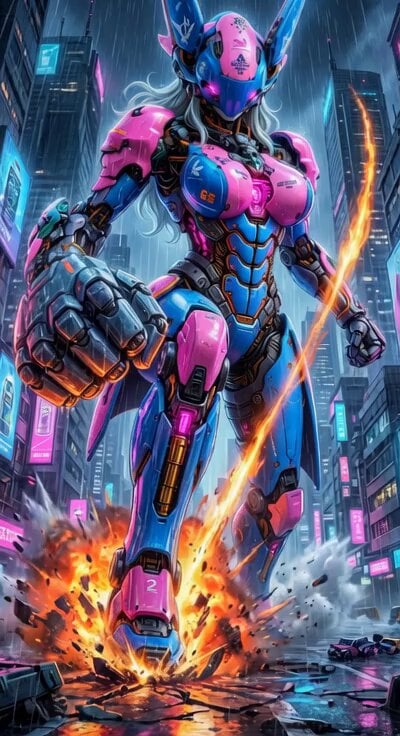
Cyberpunk Mecha Action Scene
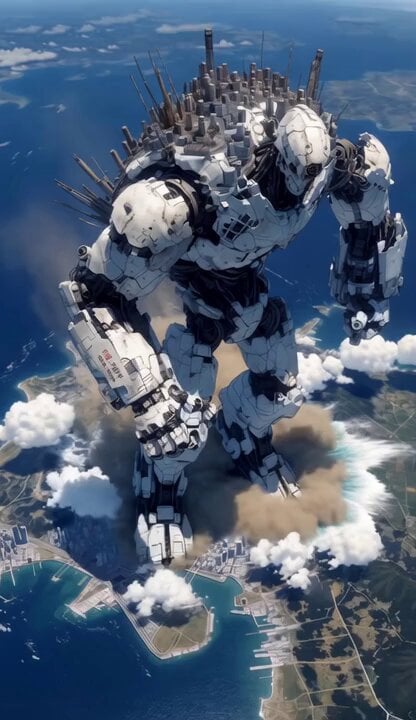
Mecha City Transformers Cinematic Video
Make it yours
Epic Mecha Rabbit Battle works as-is. These are the safest ways to change it without losing the look.
Change one field
Copy a single group, rewrite it, and generate again so you can see what that field is doing.
Keep the frame, change the subject
Hold the composition and light of Epic Mecha Rabbit Battle, then swap wardrobe, props or the person for a new take.
| If the result… | Why | Fix |
|---|---|---|
| The result drifts from the preview | Too many fields changed at once. | Reuse Epic Mecha Rabbit Battle as-is first, then change one group — subject, light, or setting. |
| The model over-stylizes the scene | The prose prompt leaves finish and camera underspecified. | Add one camera or lighting sentence and stay on Grok Imagine. |
More Grok Imagine templates
Other prompts made for Grok Imagine.

Voice Controlled Water Animation

Pterodactyl Transformation Journey

Candle Mandala Mirror Video

Psychedelic Purple Disc World Video

Quantum Inventor in Sonoran Desert

Emotional Angry Couple Drama

Train Zooming in Star Field Video Prompt

Cyberpunk Guerrilla Girl Video Generation

Detailed multi-part video prompt

Interior View Video Generation Prompt
More video prompts
Fresh picks from across the catalog.
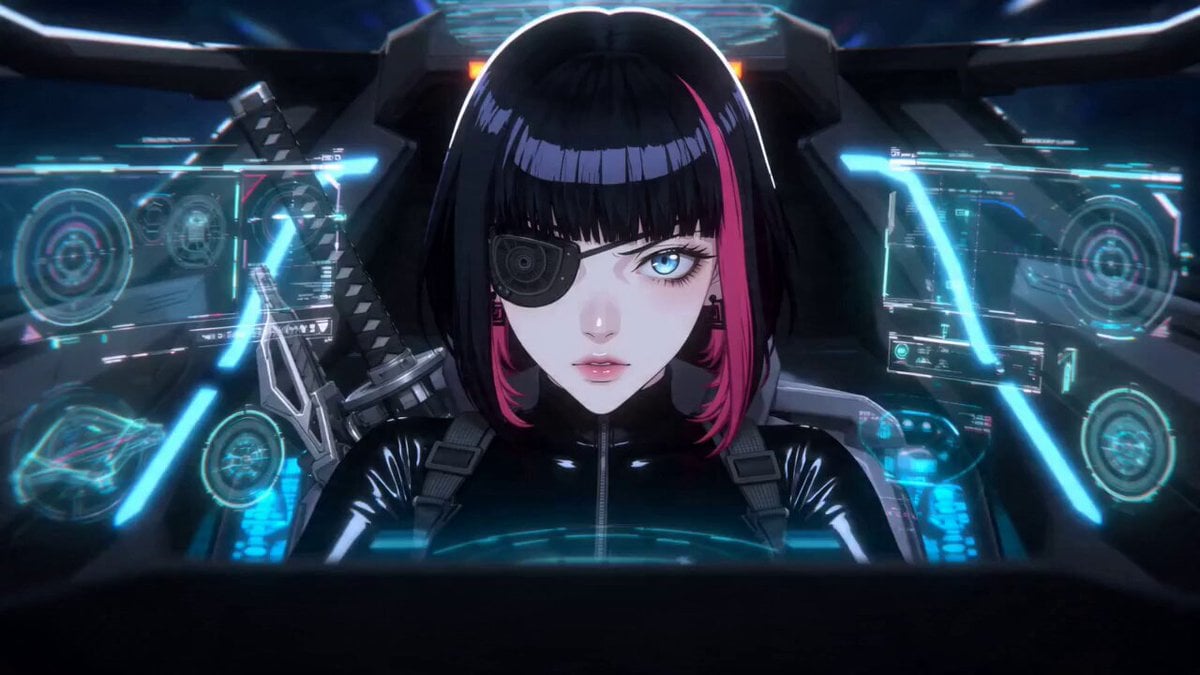
Cyberpunk Space Dogfight Anime
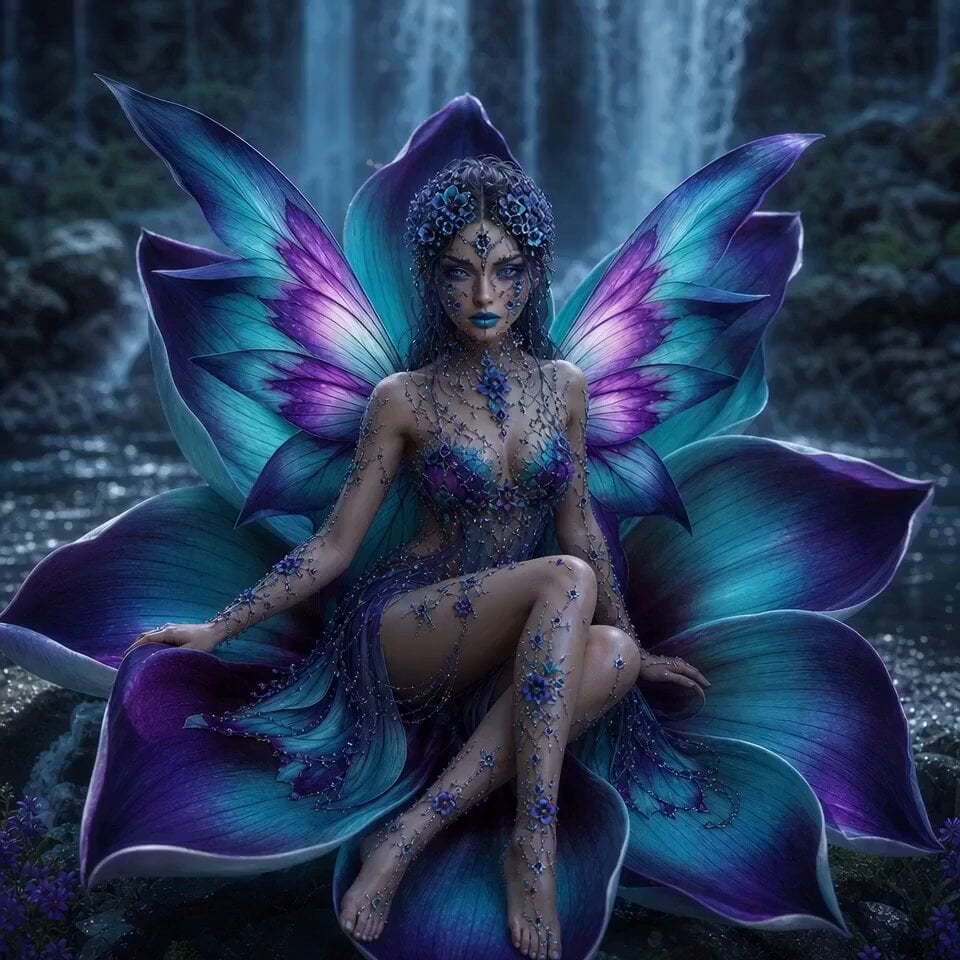
Wings of Amethyst Fire
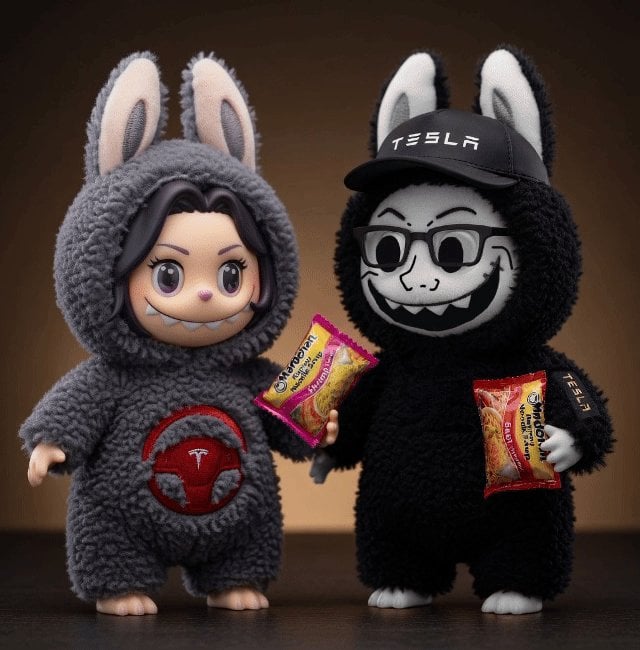
One-Word Prompts for Grok Imagine Video Generation
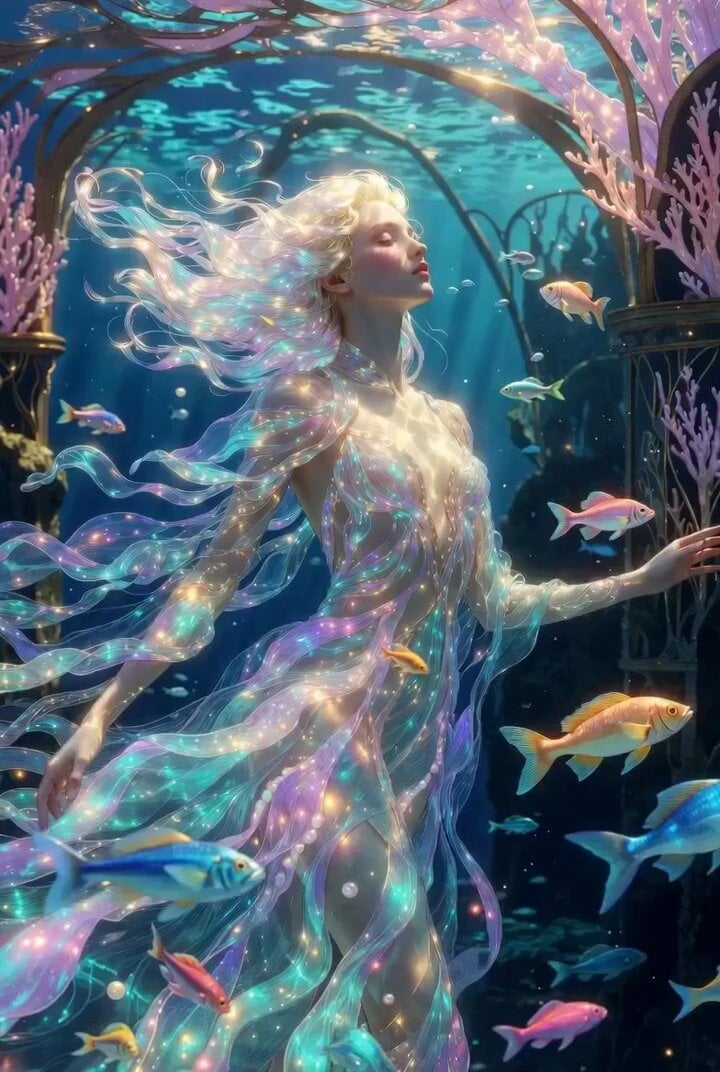
Ultra elegant underwater princess in Art Nouveau palace
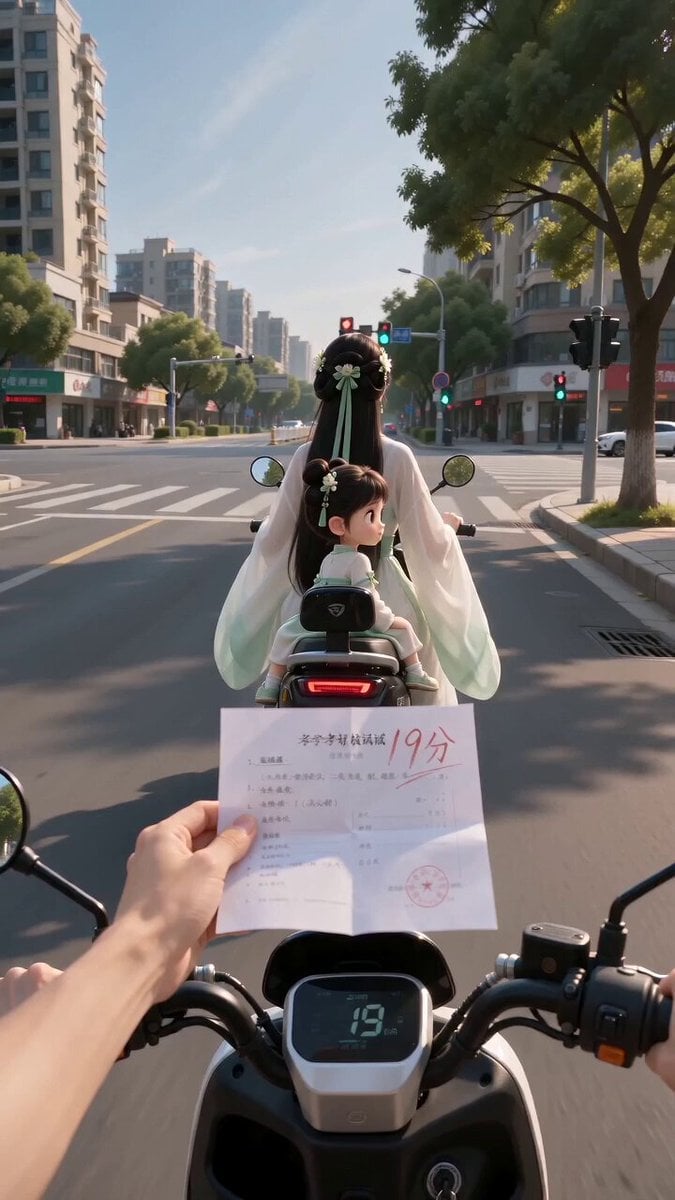
Ancient POV Child Report Card
Mocking Smile Video Prompt
Nebula to Shrimp Morphing Animation
Futuristic Crystalline AI Creature Interaction
Girl and Cat Transformation Video Prompt (Seedance 2.0)
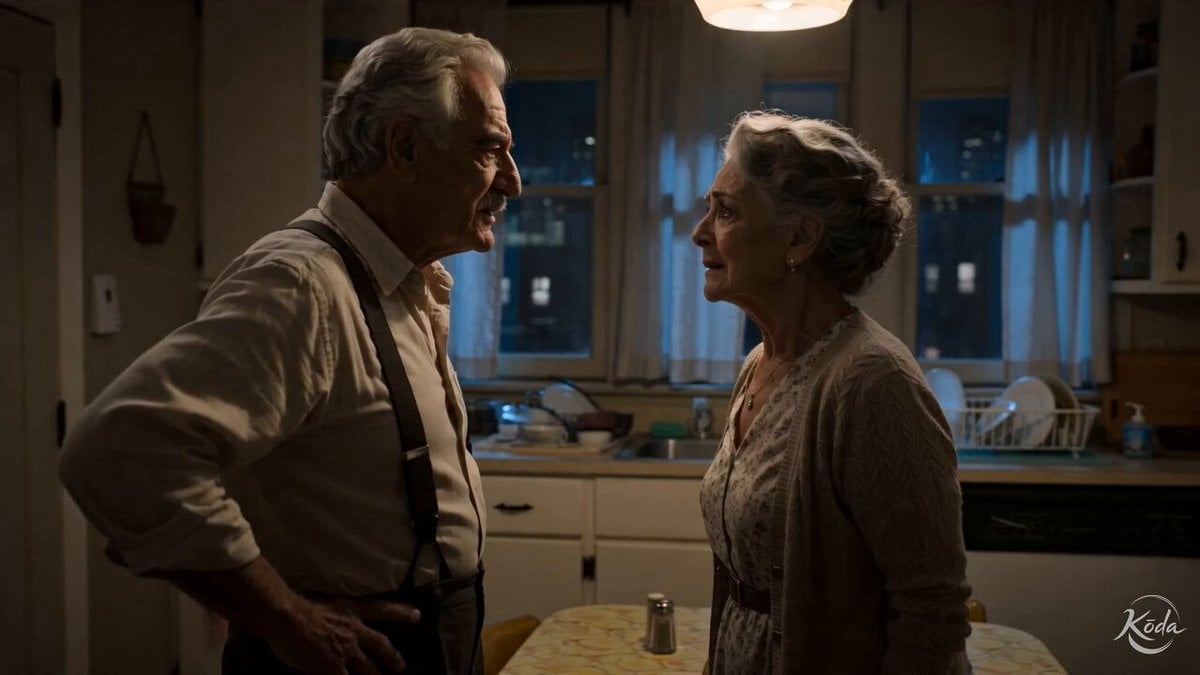
Cinematic Emotional Kitchen Confrontation
Browse template categories
Epic Mecha Rabbit Battle questions
How do I use the Epic Mecha Rabbit Battle template?
Add your photo if the template asks for one, edit the prompt if you like — the template's model and format are already selected — and press Generate. Your version opens in PicX Studio.
Can I customize the Epic Mecha Rabbit Battle template?
Yes. You can change the subject, setting, lighting, mood, format, and available model controls before creating your video.
Is the Epic Mecha Rabbit Battle template free?
Opening and editing this template is free. Generating uses credits, shown on the Generate button when you are signed in.
Which AI model should I use?
Start with Grok Imagine, which is the model associated with this template. You can compare another compatible model for a different finish.
Looking for something else? Browse all templates.

Your photo, any look
Thousands of ready templates for every top image and video model, from one credit balance.