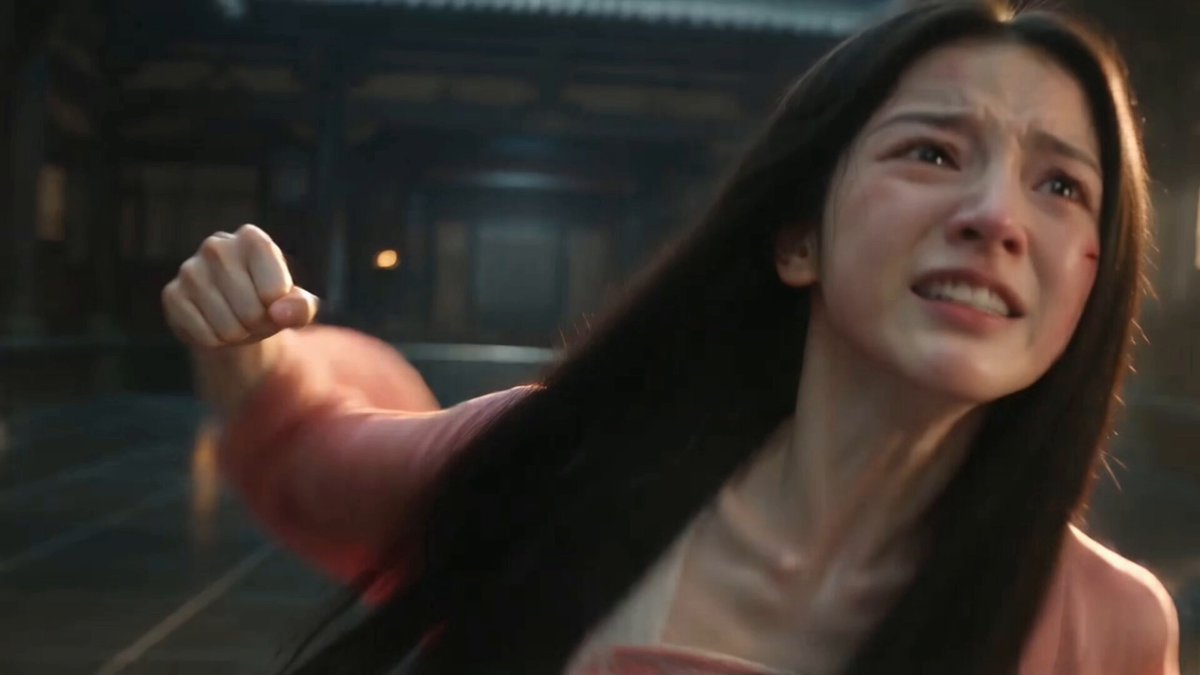
How do I use the Ancient POV Child Report Card template?
Edit the prompt in the box under the preview — the template's model and format are already selected — and press Generate. Your version appears right on this page.
A humorous 3D ancient style interaction in a modern POV setting involving a mother and child with a report card.
【风格】真人实拍城市路口POV + 半写实3D古风母亲 + Q版3D古风小女孩。城市道路、红绿灯、电动车、第一人称手臂和试卷为真实手机随拍质感;母亲是半写实3D数字人,真人比例、细腻皮肤、长发和飘逸汉服;小女孩是明显Q版3D角色,大眼睛、圆脸、短小身形、平滑CG皮肤。竖屏9:16,轻微广角,手持微晃,晴天自然阳光,光影和遮挡统一,单镜头连续跟拍感,无字幕、无水印。【时长】10秒【场景】白天城市十字路口,斑马线、红绿灯、绿化树、高楼和临街建筑;第一人称骑电动车跟在一辆黑色电动车后方。画面下方始终可见黑色车把、仪表盘和骑行者左手。左手举着一张白色试卷,试卷右上角有醒目的红色手写“19分”,其余文字模糊不可读。【角色】第一人称骑行者:只露出真实手和手臂,年轻人的自然普通话声线。古风母亲:成年东亚女性,半写实3D数字人;长直黑发、白色花朵和绿色发饰,白色与浅绿色渐变汉服,骑黑色电动车。古风小女孩:坐在后座,Q版3D古风小女孩;浅绿色白色古装、盘发、绿色花饰、大眼睛。她知道自己考了19分,不想让母亲拿到试卷,因此全程紧张、抗拒、带一点恼羞成怒;不要开心微笑。【声音】中文普通话,口型严格同步;保留风声、电动车行驶声和路口环境声。母亲为温柔自然成年女声,小女孩为软萌童声,但最后道谢时明显不情愿、声音很小。[00:00-00:02] 镜头1:追上试卷第一人称电动车从后方靠近母女,左手举起试卷,红色“19分”清楚朝向镜头。小女孩先回头看见试卷,表情立刻僵住,眼睛睁大、眉头皱起,意识到糟糕了。骑行者:“小朋友,是不是你的试卷?”[00:02-00:04] 镜头2:小孩指向镜头镜头贴近后座。小女孩没有接试卷,而是带着不满和警惕,突然直起上半身,右臂向前伸直,食指明确指向第一人称骑行者/镜头;她皱着眉、瞪着镜头,嘴巴紧抿。母亲此时开始回头。骑行者:“喂,试卷。”[00:04-00:06] 镜头3:母亲回头停车母亲回头看见试卷和红色19分,电动车逐渐在路边停下。她一只脚落地,转过上身面对镜头;小女孩放下指着镜头的手,但仍板着脸,紧张地偷看母亲反应,不愿触碰试卷。[00:06-00:08] 镜头4:接过19分试卷母亲伸手接过试卷,礼貌看向骑行者。小女孩缩在后座,脸色委屈又心虚,嘴角向下,眼神盯着母亲手里的试卷;随后她张嘴想辩解,却说不出口。母亲:“谢谢。”母亲低头看向小女孩,温柔但带提醒意味地说:“说谢谢。”[00:08-00:10] 镜头5:不情愿的道谢小女孩被提醒后,先皱眉停顿半秒,眼神仍不甘心地看向镜头;然后极不情愿地、非常大声的拖着音说“谢谢你”。说完立刻把脸转向母亲和试卷,不再看镜头。母亲拿着试卷扶住车把,带小女孩缓慢骑走。音效:电动车启动并远去,保留轻微尴尬的停顿感。,9:16
【风格】真人实拍城市路口POV + 半写实3D古风母亲 + Q版3D古风小女孩。城市道路、红绿灯、电动车、第一人称手臂和试卷为真实手机随拍质感;母亲是半写实3D数字人,真人比例、细腻皮肤、长发和飘逸汉服;小女孩是明显Q版3D角色,大眼睛、圆脸、短小身形、平滑CG皮肤。竖屏9:16,轻微广角,手持微晃,晴天自然阳光,光影和遮挡统一,单镜头连续跟拍感,无字幕、无水印。【时长】10秒【场景】白天城市十字路口,斑马线、红绿灯、绿化树、高楼和临街建筑;第一人称骑电动车跟在一辆黑色电动车后方。画面下方始终可见黑色车把、仪表盘和骑行者左手。左手举着一张白色试卷,试卷右上角有醒目的红色手写“19分”,其余文字模糊不可读。【角色】第一人称骑行者:只露出真实手和手臂,年轻人的自然普通话声线。古风母亲:成年东亚女性,半写实3D数字人;长直黑发、白色花朵和绿色发饰,白色与浅绿色渐变汉服,骑黑色电动车。古风小女孩:坐在后座,Q版3D古风小女孩;浅绿色白色古装、盘发、绿色花饰、大眼睛。她知道自己考了19分,不想让母亲拿到试卷,因此全程紧张、抗拒、带一点恼羞成怒;不要开心微笑。【声音】中文普通话,口型严格同步;保留风声、电动车行驶声和路口环境声。母亲为温柔自然成年女声,小女孩为软萌童声,但最后道谢时明显不情愿、声音很小。[00:00-00:02] 镜头1:追上试卷第一人称电动车从后方靠近母女,左手举起试卷,红色“19分”清楚朝向镜头。小女孩先回头看见试卷,表情立刻僵住,眼睛睁大、眉头皱起,意识到糟糕了。骑行者:“小朋友,是不是你的试卷?”[00:02-00:04] 镜头2:小孩指向镜头镜头贴近后座。小女孩没有接试卷,而是带着不满和警惕,突然直起上半身,右臂向前伸直,食指明确指向第一人称骑行者/镜头;她皱着眉、瞪着镜头,嘴巴紧抿。母亲此时开始回头。骑行者:“喂,试卷。”[00:04-00:06] 镜头3:母亲回头停车母亲回头看见试卷和红色19分,电动车逐渐在路边停下。她一只脚落地,转过上身面对镜头;小女孩放下指着镜头的手,但仍板着脸,紧张地偷看母亲反应,不愿触碰试卷。[00:06-00:08] 镜头4:接过19分试卷母亲伸手接过试卷,礼貌看向骑行者。小女孩缩在后座,脸色委屈又心虚,嘴角向下,眼神盯着母亲手里的试卷;随后她张嘴想辩解,却说不出口。母亲:“谢谢。”母亲低头看向小女孩,温柔但带提醒意味地说:“说谢谢。”[00:08-00:10] 镜头5:不情愿的道谢小女孩被提醒后,先皱眉停顿半秒,眼神仍不甘心地看向镜头;然后极不情愿地、非常大声的拖着音说“谢谢你”。说完立刻把脸转向母亲和试卷,不再看镜头。母亲拿着试卷扶住车把,带小女孩缓慢骑走。音效:电动车启动并远去,保留轻微尴尬的停顿感。,9:16
Edit the prompt in the box under the preview — the template's model and format are already selected — and press Generate. Your version appears right on this page.
Yes. You can change the subject, setting, lighting, mood, format, and available model controls before creating your video.
Opening and editing this template is free. Generating uses credits, shown on the Generate button when you are signed in.
Start with Seedance 2.0, which is the model associated with this template. You can compare another compatible model for a different finish.
Follow a topic to a crawlable collection of related PicX Studio templates.