How do I use the Lone Warrior at Frozen Mountain Gate template?
Edit the prompt in the box under the preview — the template's model and format are already selected — and press Generate. Your version appears right on this page.
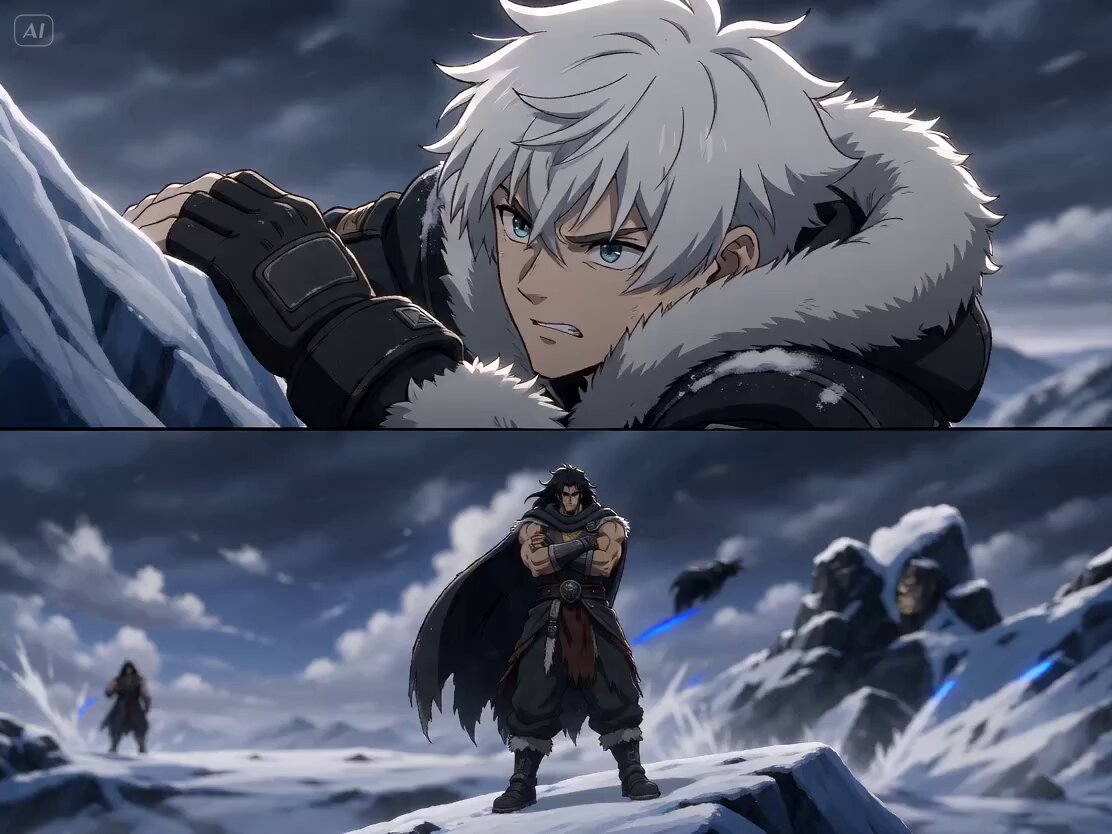
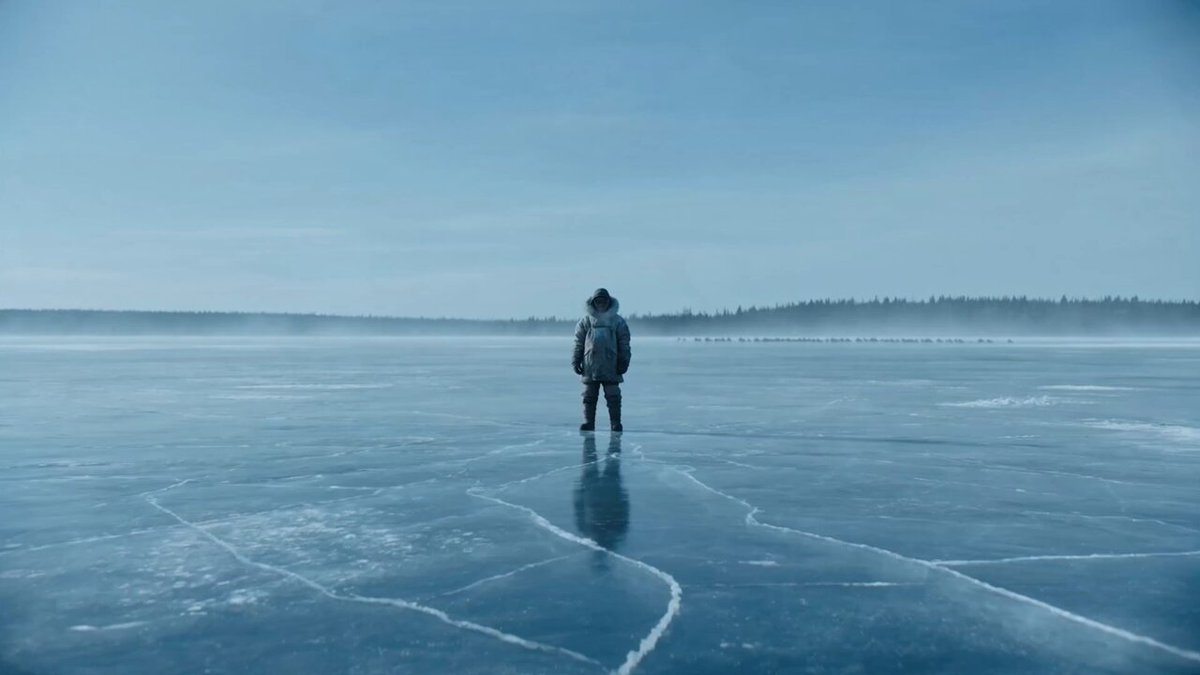
A cinematic prompt depicting a lone warrior standing before an enormous frozen gate in a blizzard as mysterious figures approach.
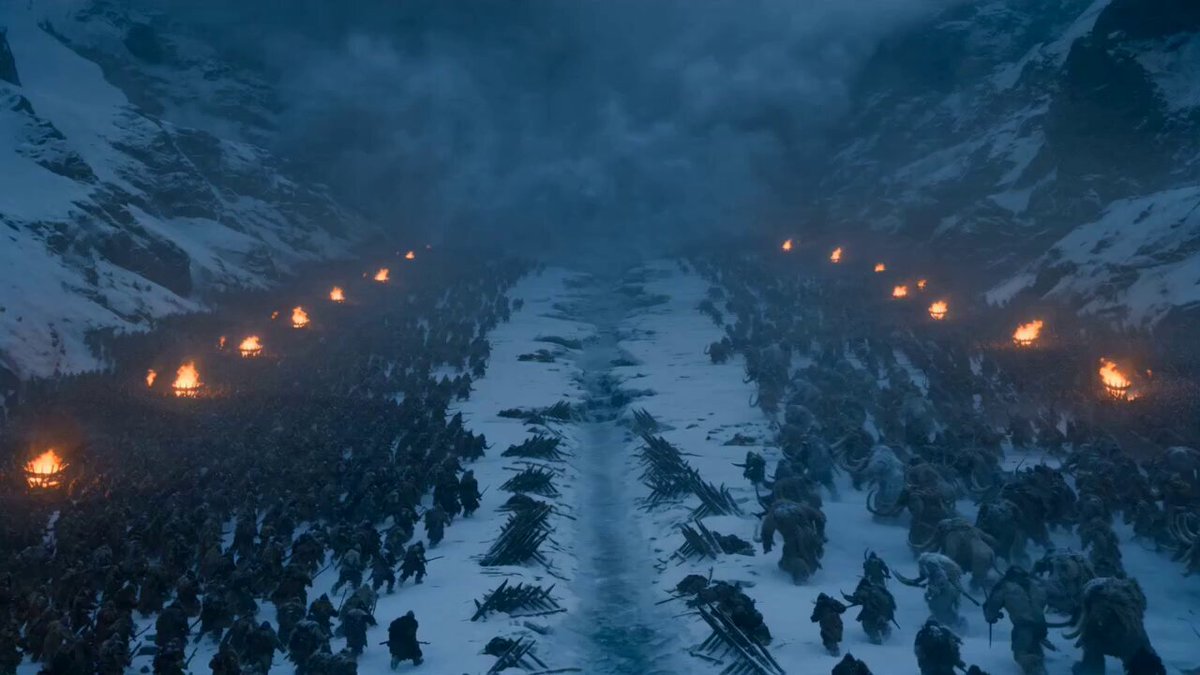
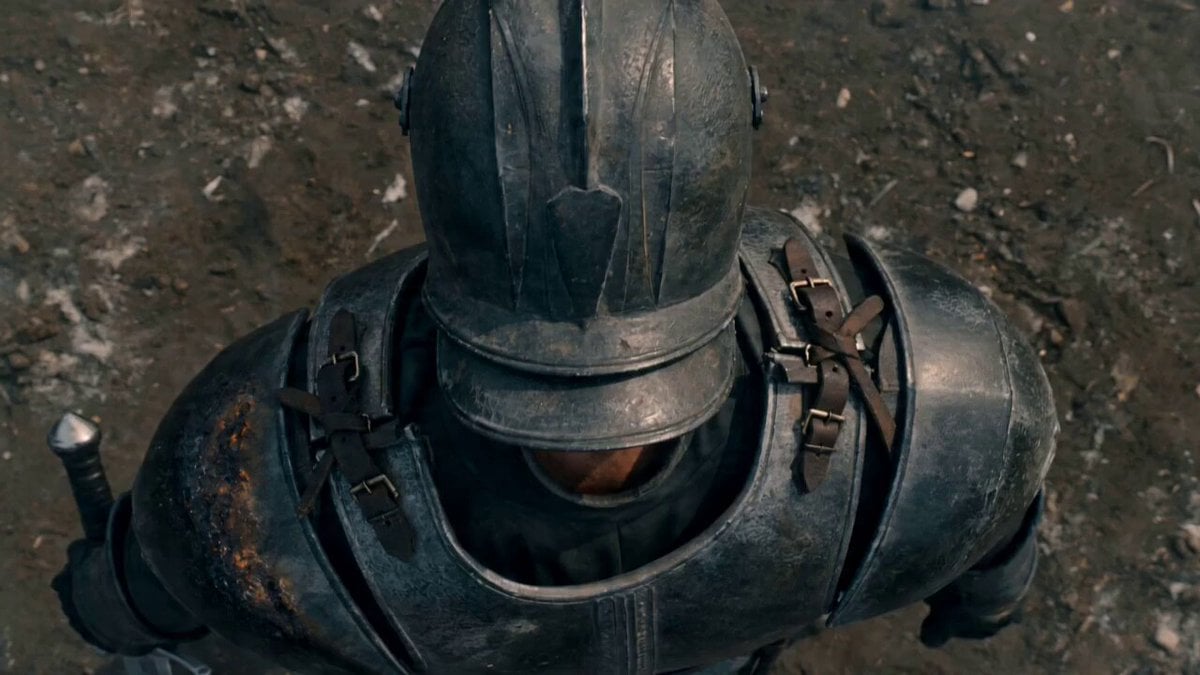
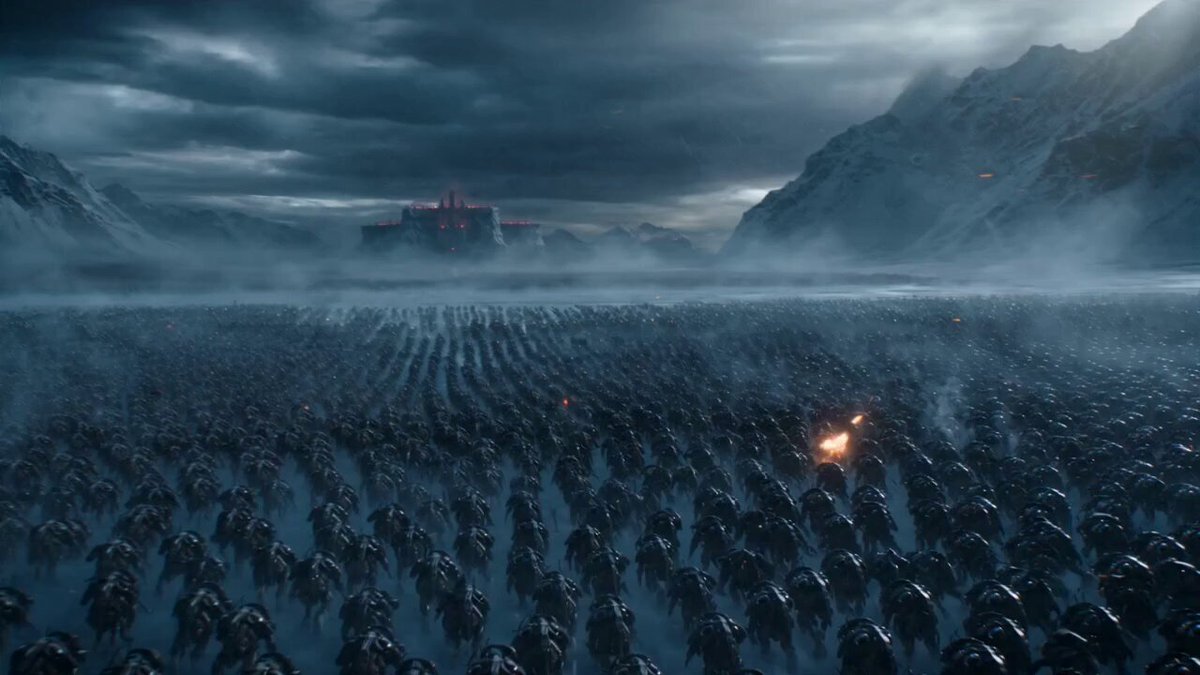
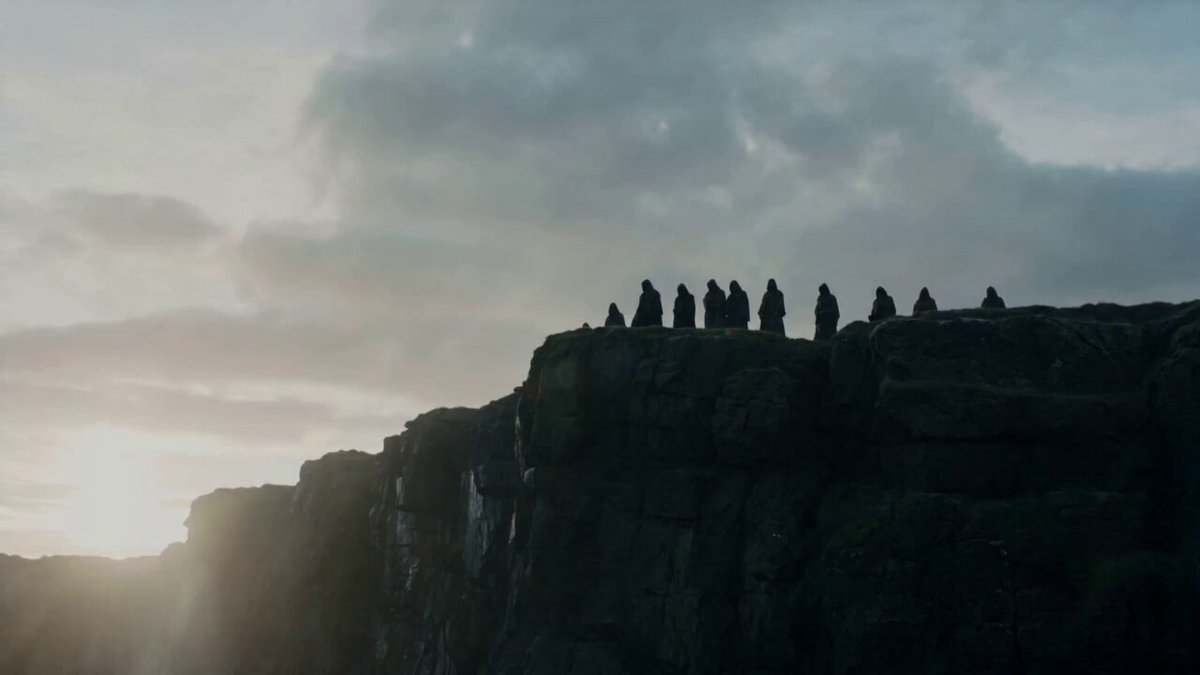
A lone warrior stands before an enormous frozen gate carved into an icy mountain under pale winter light. Snow blows violently across the scene, cape and hair moving in the wind, while frost gathers on armor and eyelashes. In the distance, shadowy figures emerge through the blizzard, approaching slowly across a frozen lake. The camera begins with a huge wide shot to establish the scale of the icy fortress, then pushes inward toward the warrior’s face, revealing calm determination. As the enemy closes in, the warrior draws a long blade that catches the cold blue light. Snow swirls around the blade edge, boots crunch into ice, and the atmosphere becomes unbearably tense. The moment before the clash is held in cinematic slow tension, with blowing snow, distant echoes, and a sense of mythic finality.
A lone warrior stands before an enormous frozen gate carved into an icy mountain under pale winter light. Snow blows violently across the scene, cape and hair moving in the wind, while frost gathers on armor and eyelashes. In the distance, shadowy figures emerge through the blizzard, approaching slowly across a frozen lake. The camera begins with a huge wide shot to establish the scale of the icy fortress, then pushes inward toward the warrior’s face, revealing calm determination. As the enemy closes in, the warrior draws a long blade that catches the cold blue light. Snow swirls around the blade edge, boots crunch into ice, and the atmosphere becomes unbearably tense. The moment before the clash is held in cinematic slow tension, with blowing snow, distant echoes, and a sense of mythic finality.
Edit the prompt in the box under the preview — the template's model and format are already selected — and press Generate. Your version appears right on this page.
Yes. You can change the subject, setting, lighting, mood, format, and available model controls before creating your video.
Opening and editing this template is free. Generating uses credits, shown on the Generate button when you are signed in.
Start with Seedance 2.0, which is the model associated with this template. You can compare another compatible model for a different finish.
Follow a topic to a crawlable collection of related PicX Studio templates.