
Mountain Dew Spark Doodle Commercial
A high-energy, youth-oriented beverage commercial prompt that blends cinematic 4K live-action with playful 2D hand-drawn doodle animations.

- Prompt included
- Model and format preset
- Free template
The prompt behind this video
Copy the exact prompt behind Mountain Dew Spark Doodle Commercial, or open it in the studio and make it yours.
MOUNTAIN DEW SPARK — “TOO MUCH SPARK” Duration: 15 seconds Aspect Ratio: 16:9 Style: Premium live-action commercial + playful 2D hand-drawn doodle animation, funky, energetic, youthful, colorful, fast-paced. Visual Quality: Ultra-realistic cinematic 4K, crisp product photography, natural skin texture, vibrant commercial lighting, smooth motion, dynamic camera work. CHARACTER: A cool young male in his early 20s, confident and playful, short dark slightly messy hair, expressive face, trendy oversized graphic T-shirt, relaxed baggy cargo pants and clean sneakers. Maintain STRICT face, hairstyle, clothing and identity consistency throughout. 0–4s — THE SPARK Open with a stylish low-angle tracking shot of the boy casually walking through a colorful modern city street while holding a chilled Mountain Dew Spark can. Tiny cute hand-drawn doodles subtly appear around him: stars, lightning bolts, hearts and lemons. He stops. Cut to a macro close-up of the cold can covered in condensation. He cracks it open. PSHHHH! A tiny hand-drawn lightning bolt appears above the can and vibrates with the sound. 4–8s — TOO MUCH SPARK He takes a big sip. Instantly, colorful 2D doodles explode from behind him. Lightning bolts race across the screen, cute lemons bounce past camera, stars pop around his head and cartoon speed lines surround his body. He looks surprised, then grins. Use a quick punch-in camera movement. 8–15s — THE BOOST Suddenly, he launches forward at ridiculous speed. Use rapid whip pans, low-angle tracking shots, dynamic handheld movement and energetic speed ramps as he runs through the city. Every movement triggers a doodle: Footstep → star burst Arm swing → lightning bolt Jump → comic explosion Turn → curved hand-drawn speed lines Smile → tiny floating hearts The doodles physically interact with the live-action environment, wrapping around poles, bouncing off walls and following his movement. At 15 seconds, he races toward a city staircase, preparing to jump onto it. End with a fast forward-moving camera transition that naturally continues into Part 2. CAMERA & EDITING: Fast commercial editing with smooth continuous motion. Use whip pans, crash zooms, low-angle tracking, speed ramps and match cuts. Keep movement flowing naturally so the video feels like one continuous sequence, not separate clips. DOODLE ANIMATION: Cute hand-drawn 2D doodles with imperfect sketch lines, playful expressions and bouncy animation. Playful and cute, never childish. Doodles must interact naturally with the live-action environment. PART 2: MOUNTAIN DEW SPARK — “TOO MUCH SPARK” Duration: 15 seconds Aspect Ratio: 16:9 Style: Premium live-action commercial + playful 2D hand-drawn doodle animation, funky, energetic, youthful, colorful, fast-paced. Visual Quality: Ultra-realistic cinematic 4K, crisp product photography, natural skin texture, vibrant commercial lighting, smooth motion, dynamic camera work. CHARACTER: Continue with EXACTLY the same young male from Part 1. Same face, hairstyle, oversized graphic T-shirt, baggy cargo pants, sneakers and overall identity. STRICT IDENTITY AND OUTFIT LOCK. 0–6s — DOODLE CHAOS Continue directly from Part 1 as the boy jumps onto a city staircase and races upward. Hundreds of cute hand-drawn doodles chase after him. Animated lemons bounce down the stairs. Lightning bolts zigzag beside him. Tiny stars spin through the air. Cartoon flames briefly appear behind his sneakers. Rapidly alternate between: Low-angle running shot Side tracking shot Close-up of sneakers Close-up of his excited expression Overhead shot as doodles spiral around him Use energetic whip transitions synchronized with the music. 6–11s — PRODUCT HERO The boy suddenly stops. Everything freezes. The doodles freeze mid-air around him. He casually spins the Mountain Dew Spark can toward the camera. Transition into a premium macro product close-up: cold condensation, sharp label detail, vibrant commercial lighting and fizzy energy. Hand-drawn lemons and lightning bolts begin orbiting around the can. The camera slowly pushes toward the product while the background remains softly blurred. 11–15s — FINAL EXPLOSION He takes one final sip and smirks directly at camera. On the beat, every doodle in the scene rushes toward him: ⭐ ⚡ 🍋 ❤️ 💥 They explode outward into a giant colorful hand-drawn burst behind him. He stands confidently in the center, holding the Mountain Dew Spark can toward camera. End on a clean premium hero shot of the Mountain Dew Spark can surrounded by playful doodle lightning, stars and fruit. Final feeling: refreshing, energetic, mischievous, funky and irresistibly fun. CAMERA & EDITING: Fast commercial editing with smooth continuous motion. Use whip pans, speed ramps, macro product photography, orbiting camera movement, crash zooms and match cuts. Transitions should be motivated by the character's movement and preserve visual continuity from Part 1. DOODLE ANIMATION: Cute hand-drawn 2D doodles with intermediate sketch lines, playful expressions and bouncy animation. Doodles should physically interact with the live-action world rather than appearing as static overlays. Keep them playful and stylish, never childish. NEGATIVE PROMPT: No character identity changes, no outfit changes, no inconsistent face, no extra fingers, no distorted hands, no warped product, no incorrect can shape, no unreadable logo, no duplicate cans, no floating character, no stiff movement, no random scene changes, no disconnected clips, no excessive motion blur, no dull lighting, no childish cartoon environment, no photorealistic doodles, no messy compositing, no deformed facial features, no text artifacts.
How to use Mountain Dew Spark Doodle Commercial in 3 steps
- 1
Open
The prompt is already in the box next to the preview, with the template's model and format selected.
- 2…a portrait of your subject in softgolden-hour light, 85mm…
Personalize
Edit the subject and creative details for your destination.
- 3Generate
Generate
Press Generate — your video is created in PicX Studio, so you can compare it with the original and refine one variable at a time.
More like this
Templates with the same subject, style or setup. Open one to see its prompt.
Fruit Cookie Commercial

Silk Road Pomegranate Folk Animation
Mechanical Flower Bloom Brand Film
Crystal Ball Match-Cut Brand Film

Sneaker Product Commercial
Skincare Product Commercial 3
Cinematic Portrait Study 3
Product UGC Commercial
Cinematic Portrait Study
Skincare Product Commercial
Griffin Knight Mountain Kingdom — Seedance 2.0
Luxury Handbag Commercial — Hollywood VFX Ad
Make it yours
Mountain Dew Spark Doodle Commercial works as-is. These are the safest ways to change it without losing the look.
Change one field
Copy a single group, rewrite it, and generate again so you can see what that field is doing.
Keep the frame, change the subject
Hold the composition and light of Mountain Dew Spark Doodle Commercial, then swap wardrobe, props or the person for a new take.
| If the result… | Why | Fix |
|---|---|---|
| The result drifts from the preview | Too many fields changed at once. | Reuse Mountain Dew Spark Doodle Commercial as-is first, then change one group — subject, light, or setting. |
| The model over-stylizes the scene | The prose prompt leaves finish and camera underspecified. | Add one camera or lighting sentence and stay on Seedance 2.0. |
More Seedance 2.0 templates
Other prompts made for Seedance 2.0.

Comical Martial Arts Punch Scene

Maglev Train Action Sequence

Martial Arts Fight Sequence

Wuxia Protection and Trust Script

Vintage Korean Arcade MiniDV Vlog

Mercedes 190 SL Luxury Ad

Rainy Night Supernatural Reverse Comedy Video Script

Amazon Civilization Discovery

Futuristic South Asian City Transformation

Cozy Luxury Cafe Commercial
More video prompts
Fresh picks from across the catalog.
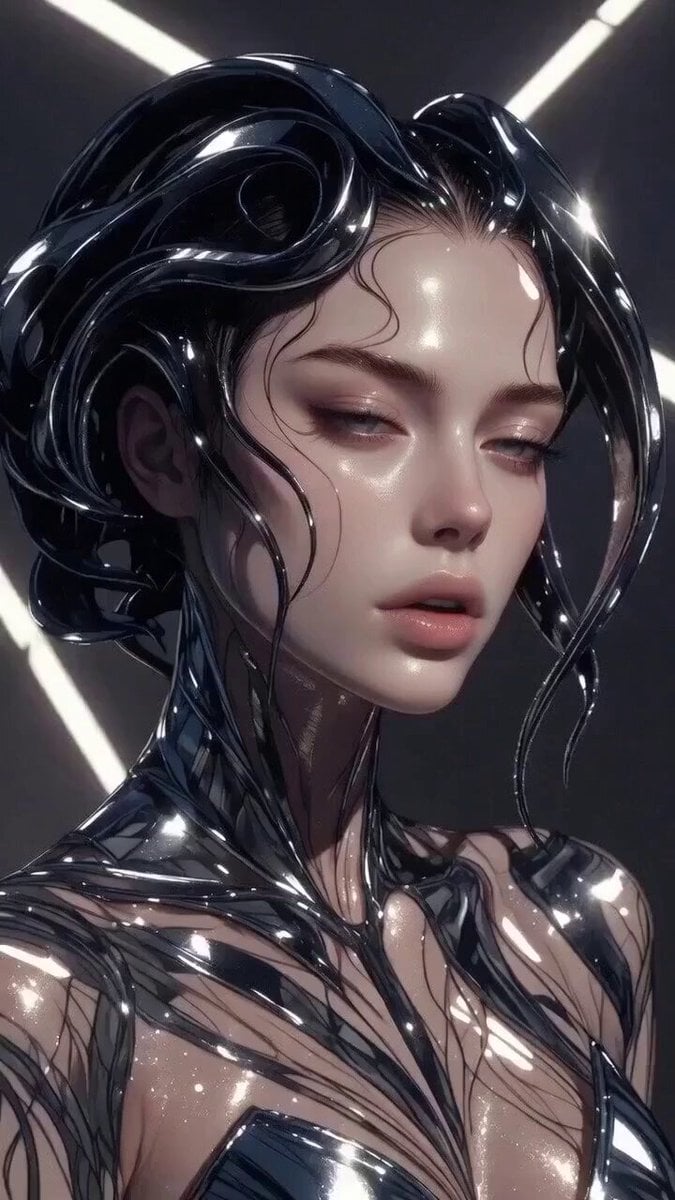
Multi-stage video generation prompt with camera movements
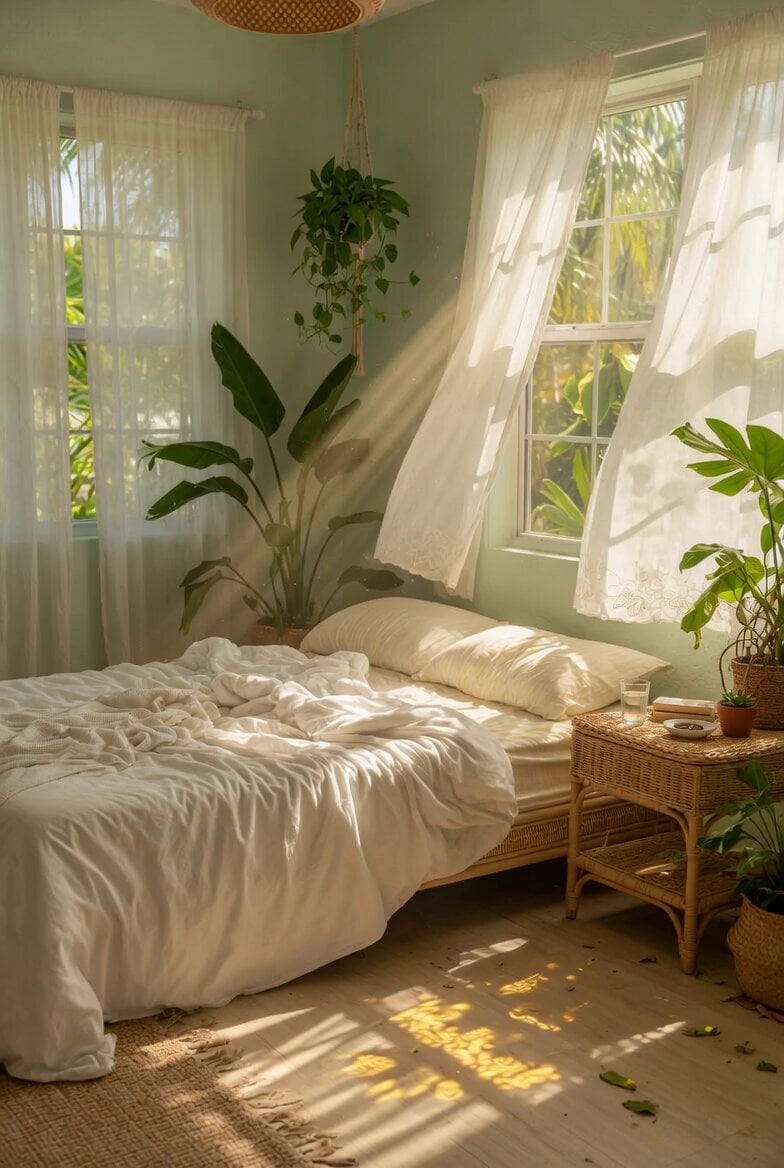
Bright Airy Bedroom Interior

Theatrical Mascot Motivational Message
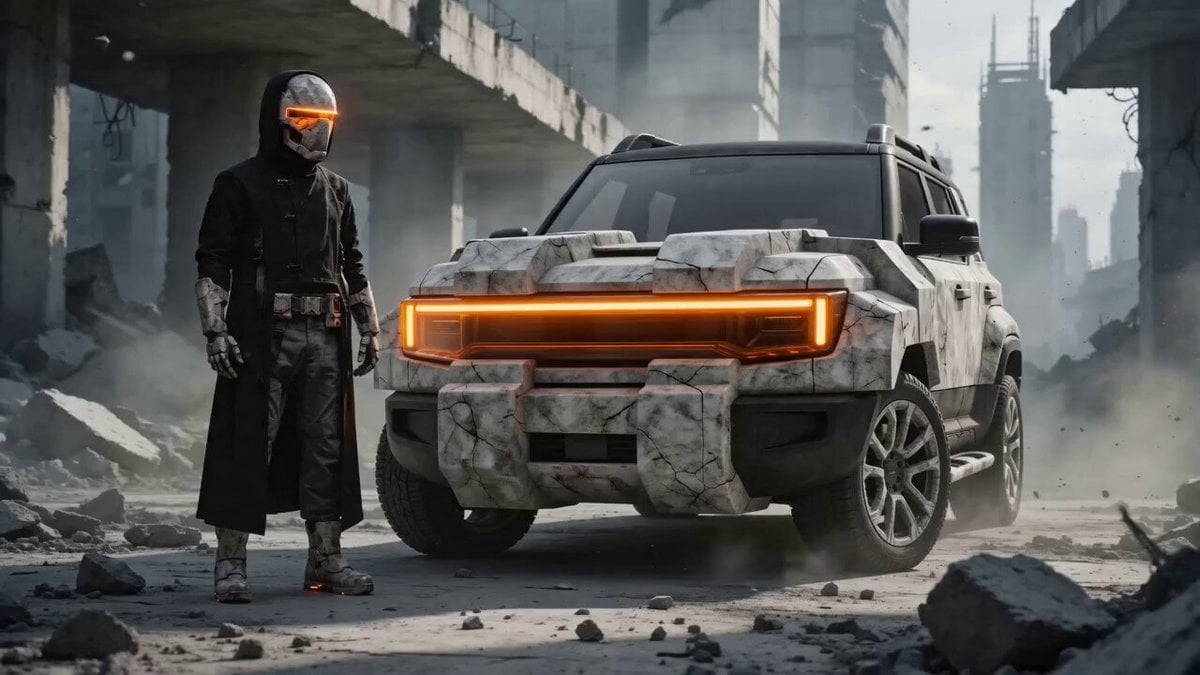
Brutalist Dystopian SUV Escape
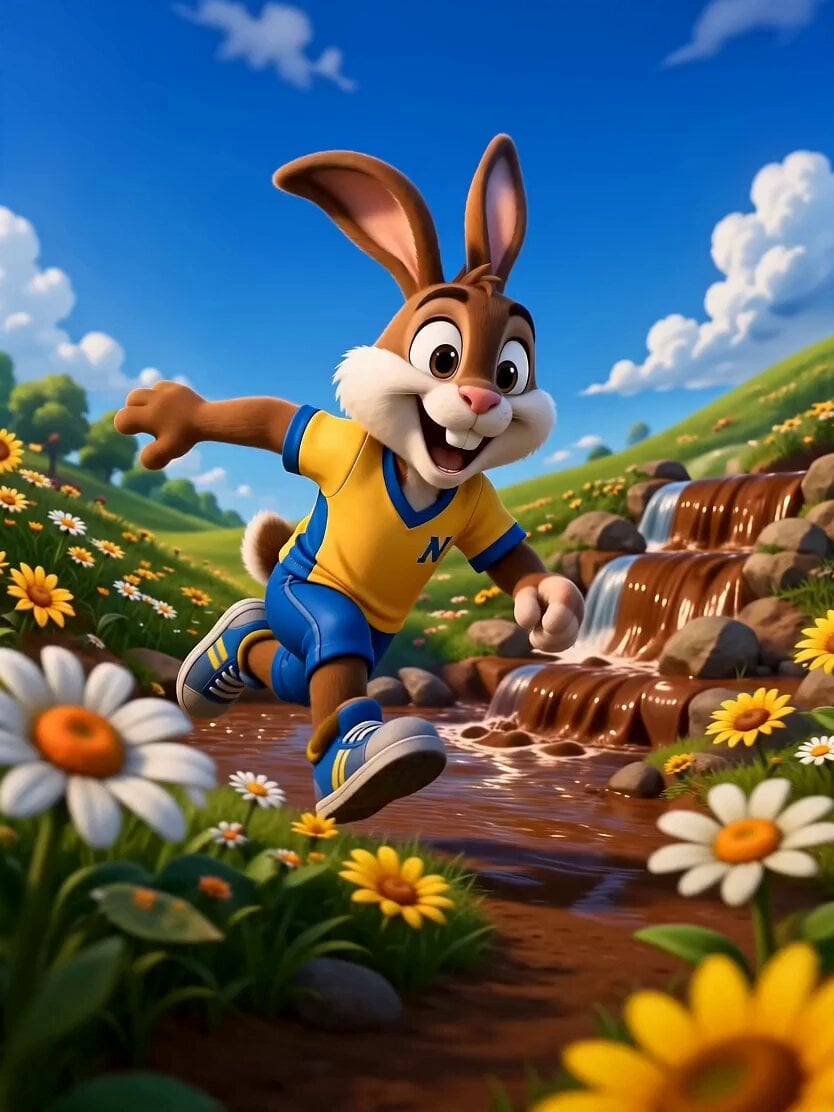
3D Animated Rabbit Commercial for Chocolate Milk
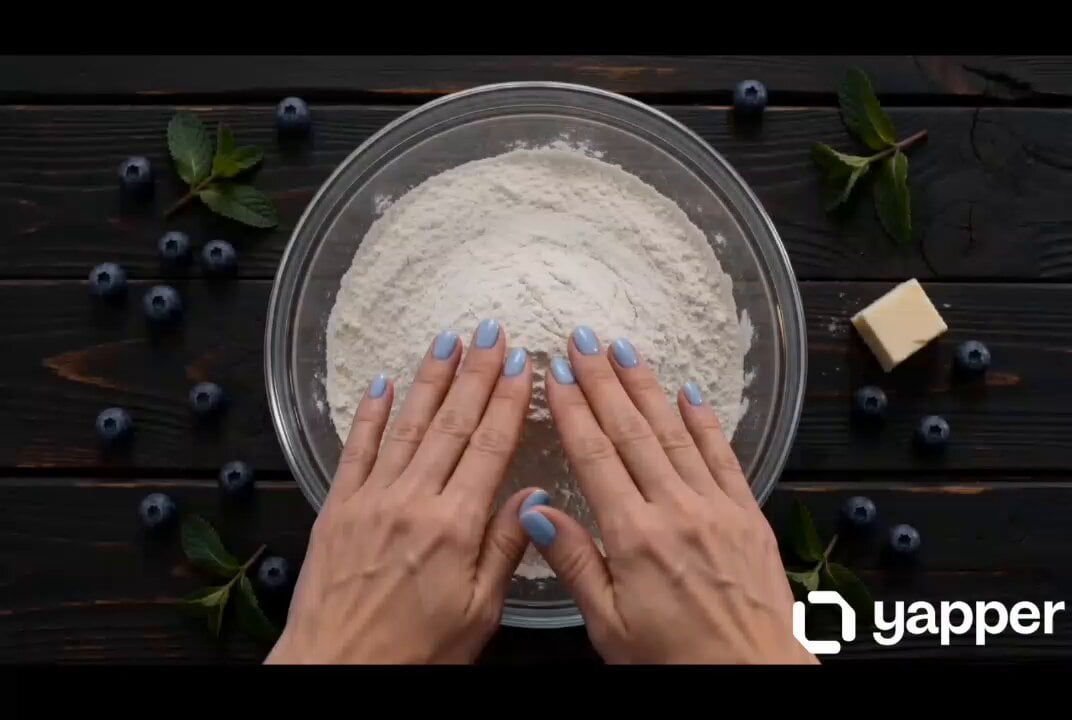
Blueberry Pie Baking Storyboard
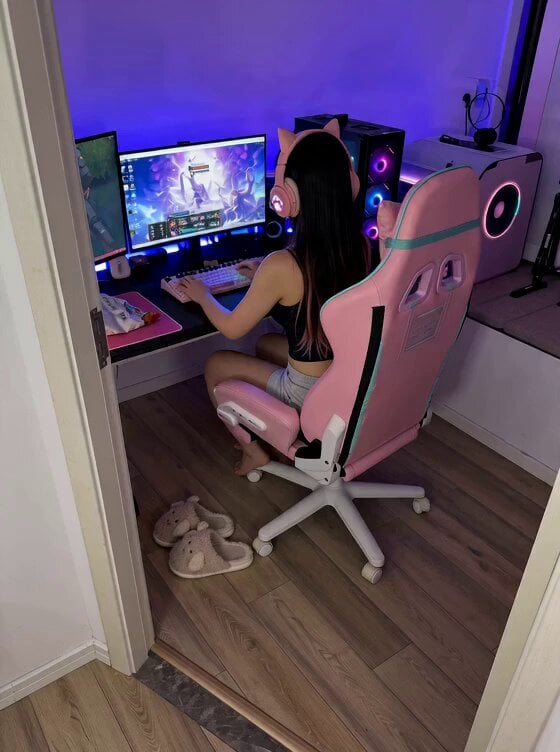
Cute Clingy Girlfriend POV Interaction

Frozen Time Cinematic Action Video Prompt

Golden Garuda Flight Over Ayodhya
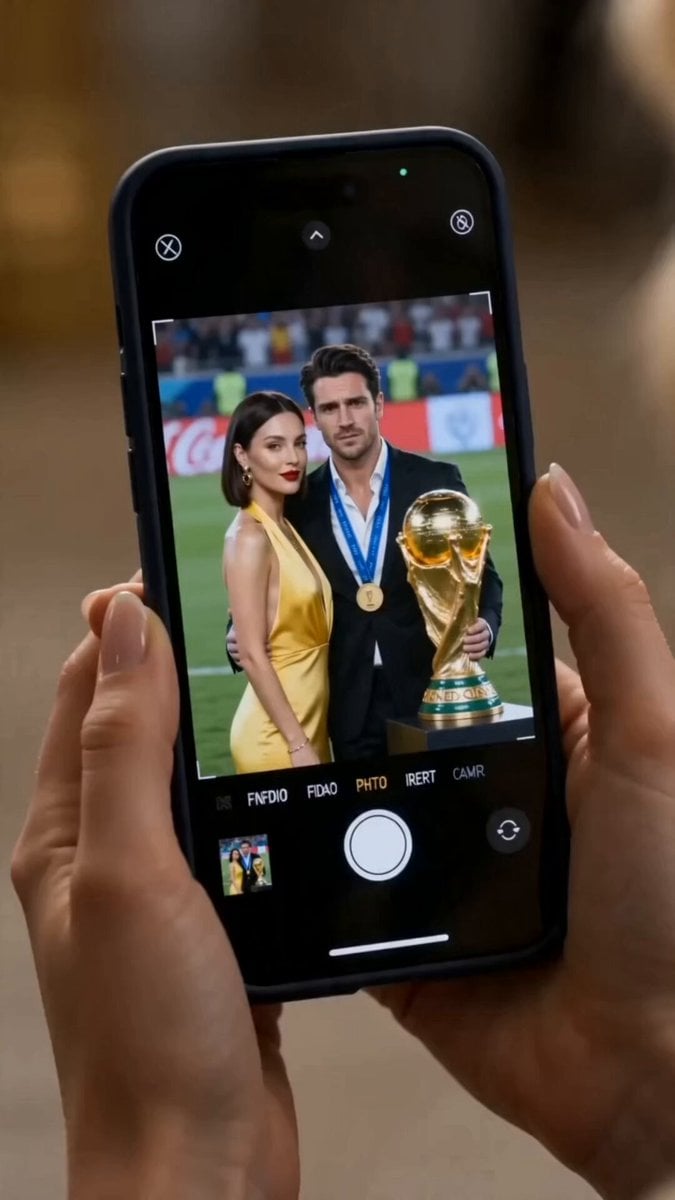
The Final Replay: Cinematic Sports Drama
Browse template categories
Mountain Dew Spark Doodle Commercial questions
How do I use the Mountain Dew Spark Doodle Commercial template?
Add your photo if the template asks for one, edit the prompt if you like — the template's model and format are already selected — and press Generate. Your version opens in PicX Studio.
Can I customize the Mountain Dew Spark Doodle Commercial template?
Yes. You can change the subject, setting, lighting, mood, format, and available model controls before creating your video.
Is the Mountain Dew Spark Doodle Commercial template free?
Opening and editing this template is free. Generating uses credits, shown on the Generate button when you are signed in.
Which AI model should I use?
Start with Seedance 2.0, which is the model associated with this template. You can compare another compatible model for a different finish.
Looking for something else? Browse all templates.

Your photo, any look
Thousands of ready templates for every top image and video model, from one credit balance.