
Theatrical Mascot Motivational Message
A cinematic TV-style video prompt featuring a tarsier mascot on a theatrical stage set delivering a motivational message.

- Prompt included
- Model and format preset
- Premium template
The prompt behind this video
Copy the exact prompt behind Theatrical Mascot Motivational Message, or open it in the studio and make it yours.
15-second cinematic TV show style video. Use (reference) as the background location (handcrafted cardboard cutout theatrical forest stage set with painted trees, oversized mushrooms, stone path, and soft lighting). The character (reference) (tarsier mascot costume) enters from the left side and walks slowly toward the right side of the frame on the stone path. At 3 seconds, the mascot stops in the middle of the path, turns to face the camera, raises his right hand and points directly at the camera. With a calm, slow, and warm voice he says: "Hey, you... yes you." Then continues speaking: "Don't tell your dreams to everybody around." After the first line, he lowers his hand and continues walking slowly toward the right side of the frame. A single realistic iron park swing appears naturally on the right side of the path. The mascot walks up to the swing, turns around, and sits down on it. At 11 seconds, the camera slowly and smoothly zooms in on the mascot sitting on the swing. While sitting, he looks at the camera again with a calm expression and says in a soft, motivational tone: "Some people smile but wanna see you down." The mascot's mouth does not move when speaking (mascot costume limitation). Only natural sound effects — soft footsteps on the stone path and the gentle creaking sound of the iron swing when he sits. No background music. Background remains in handcrafted cardboard cutout theatrical style, not 3D. Camera movement is smooth and realistic like a TV show or documentary. Soft natural lighting, calm and motivational atmosphere. --ar 16:9 --duration 15
How to use Theatrical Mascot Motivational Message in 3 steps
- 1
Open
The prompt is already in the box next to the preview, with the template's model and format selected.
- 2…a portrait of your subject in softgolden-hour light, 85mm…
Personalize
Edit the subject and creative details for your destination.
- 3Generate
Generate
Press Generate — your video is created in PicX Studio, so you can compare it with the original and refine one variable at a time.
More like this
Templates with the same subject, style or setup. Open one to see its prompt.
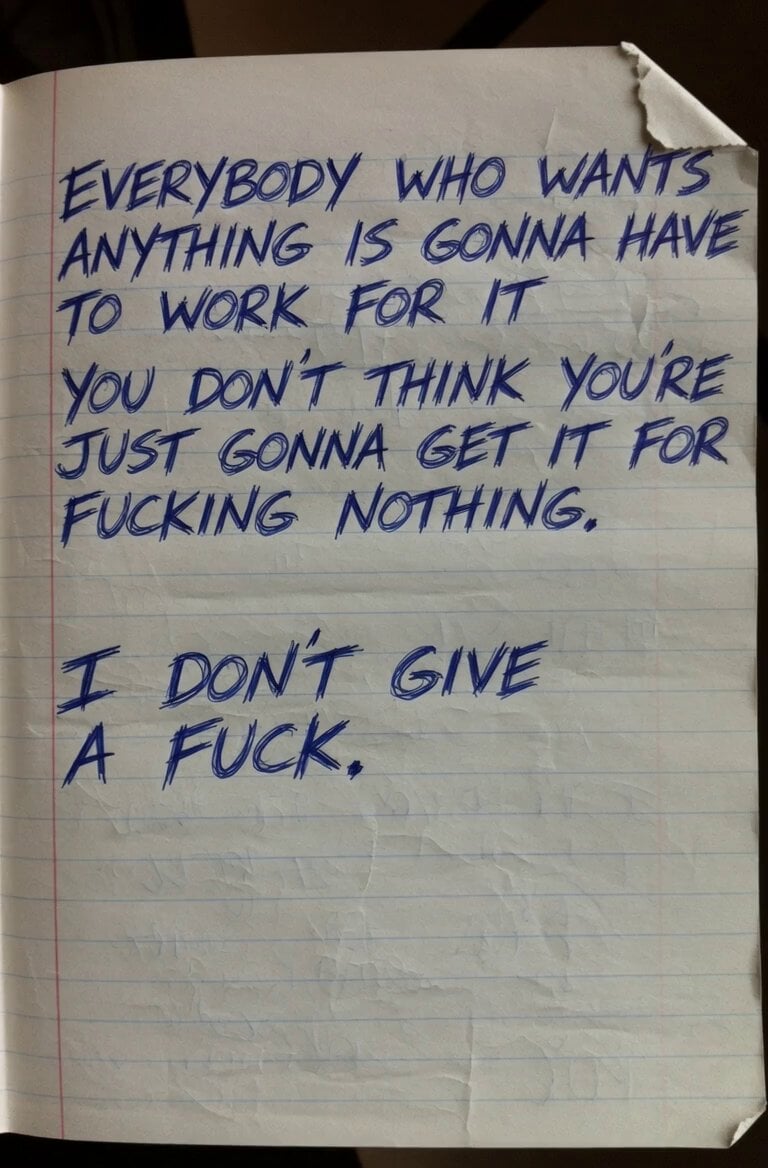
Motivational Work Ethic Video
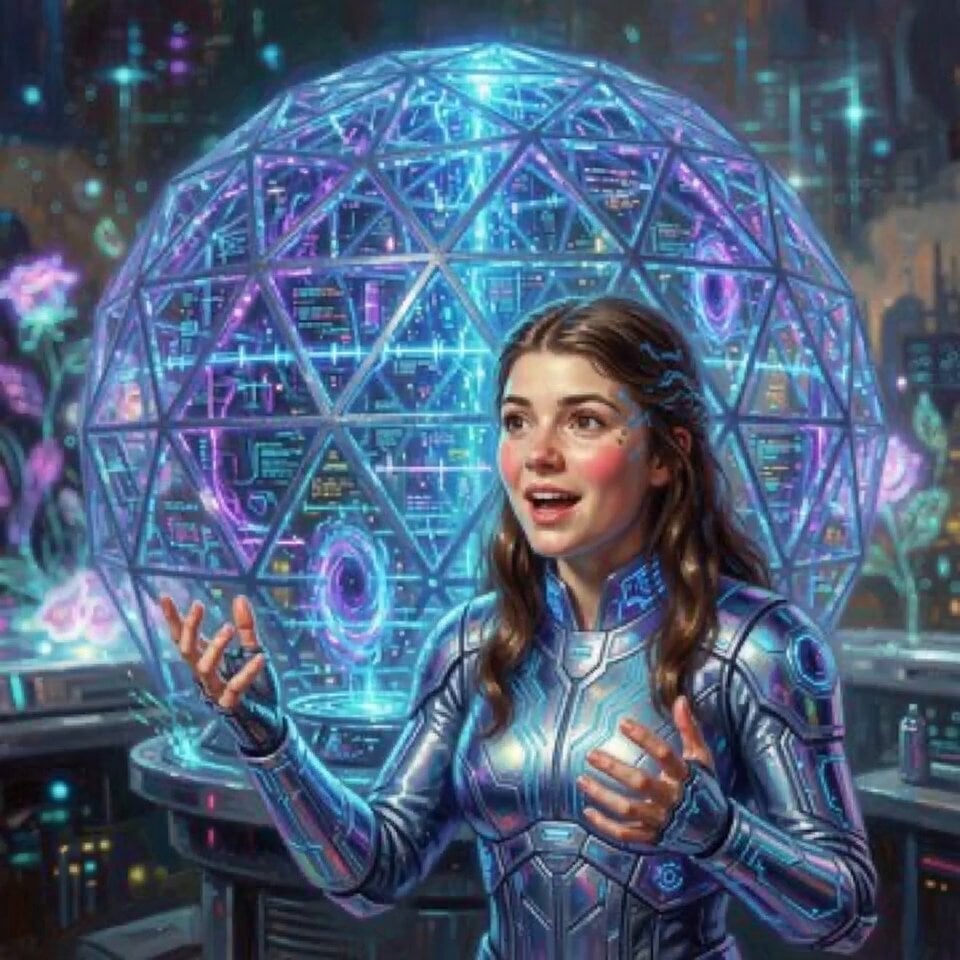
Alana Future Message Video

Theatrical Anime Action Market Battle
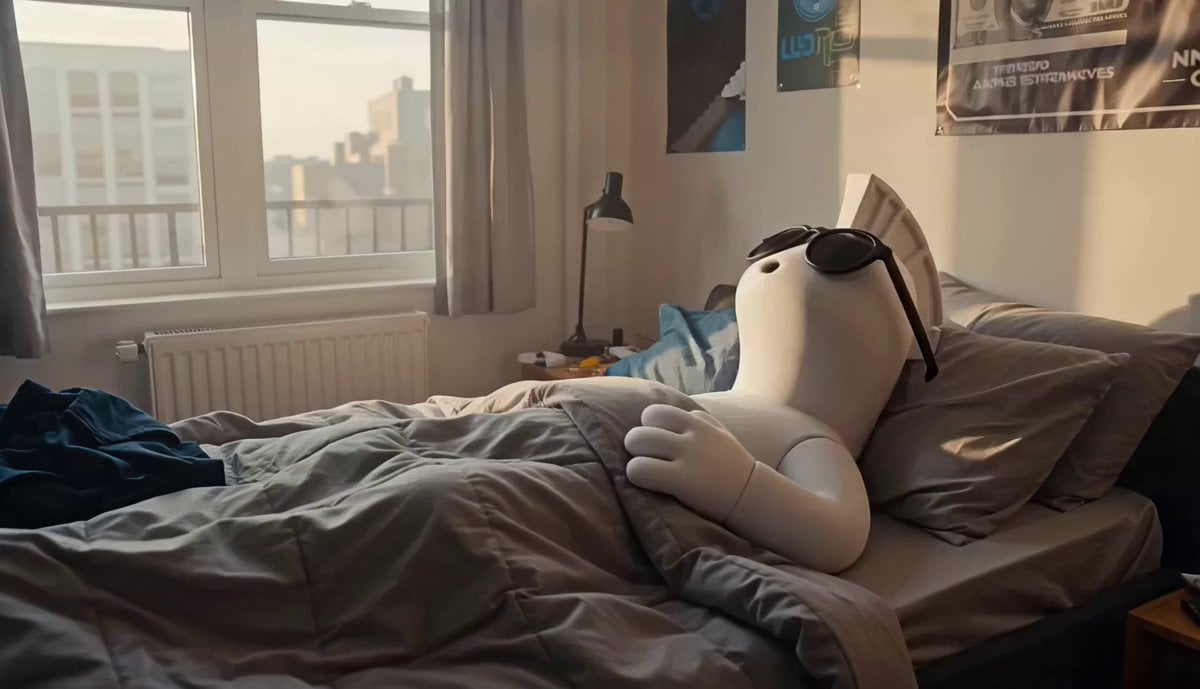
Crypto Creator Daily Vlog Mascot Animation
Motivational Staircase Success Journey
Motivational Speaker Studio Scene
Pixar Style 3D Chef Mascot Animation
Motivational Noir Silhouette Run

Theatrical Anime Action Maid Combat
Funny Badass Garuda Mascot for Football
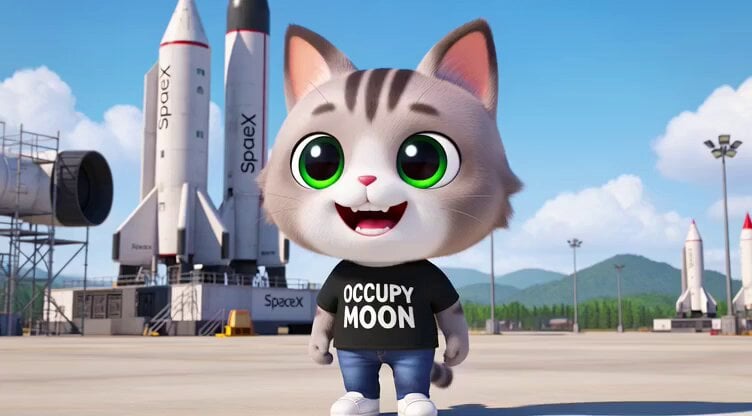
3D render of Chibi humanoid cat mascot at SpaceX launch site

Motivational/secretive phrase prompt
Make it yours
Theatrical Mascot Motivational Message works as-is. These are the safest ways to change it without losing the look.
Change one field
Copy a single group, rewrite it, and generate again so you can see what that field is doing.
Keep the frame, change the subject
Hold the composition and light of Theatrical Mascot Motivational Message, then swap wardrobe, props or the person for a new take.
| If the result… | Why | Fix |
|---|---|---|
| The result drifts from the preview | Too many fields changed at once. | Reuse Theatrical Mascot Motivational Message as-is first, then change one group — subject, light, or setting. |
| The model over-stylizes the scene | The prose prompt leaves finish and camera underspecified. | Add one camera or lighting sentence and stay on Seedance 2.0. |
More Seedance 2.0 templates
Other prompts made for Seedance 2.0.

Comical Martial Arts Punch Scene

Maglev Train Action Sequence

Martial Arts Fight Sequence

Wuxia Protection and Trust Script

Vintage Korean Arcade MiniDV Vlog

Mercedes 190 SL Luxury Ad

Rainy Night Supernatural Reverse Comedy Video Script

Amazon Civilization Discovery

Futuristic South Asian City Transformation

Cozy Luxury Cafe Commercial
More video prompts
Fresh picks from across the catalog.
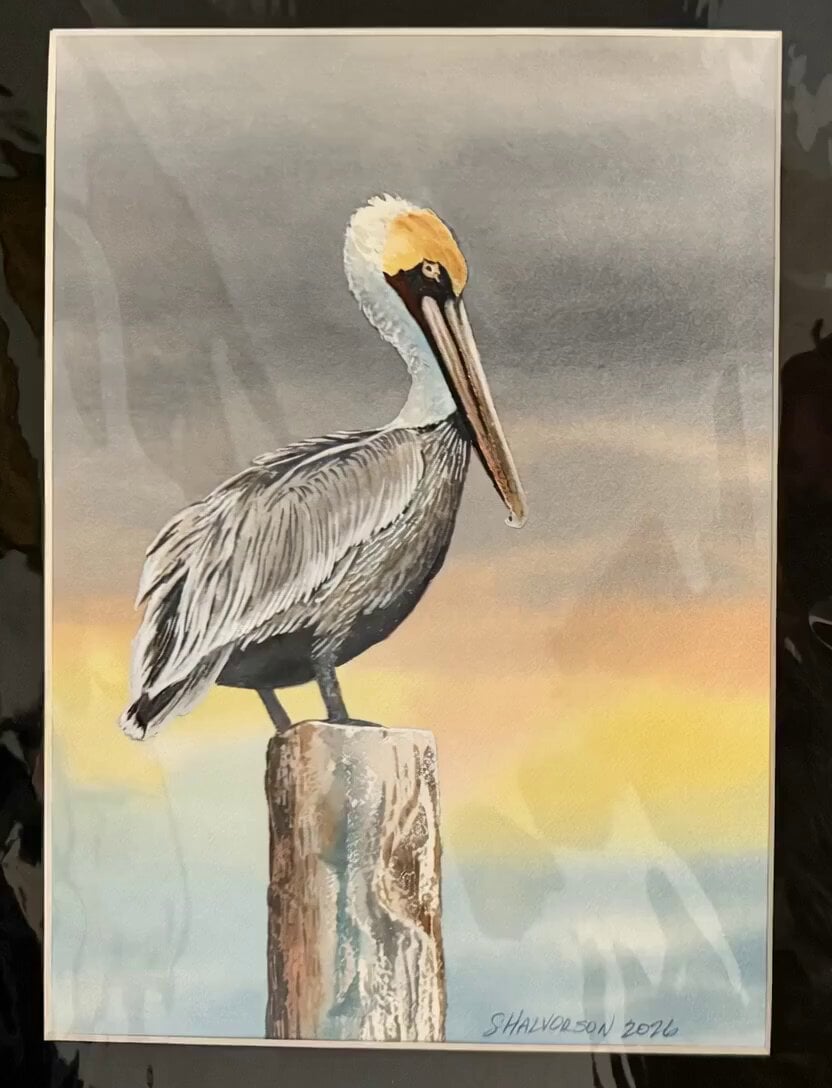
Animated Pelican Watercolor Painting
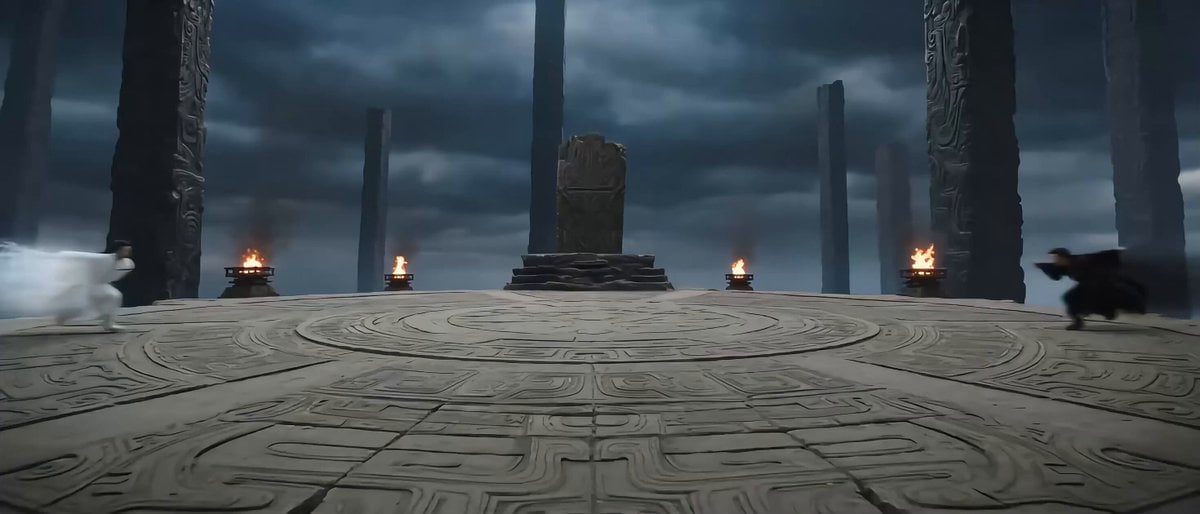
Eastern Wuxia Ultimate Showdown with Extreme Kinetic Energy
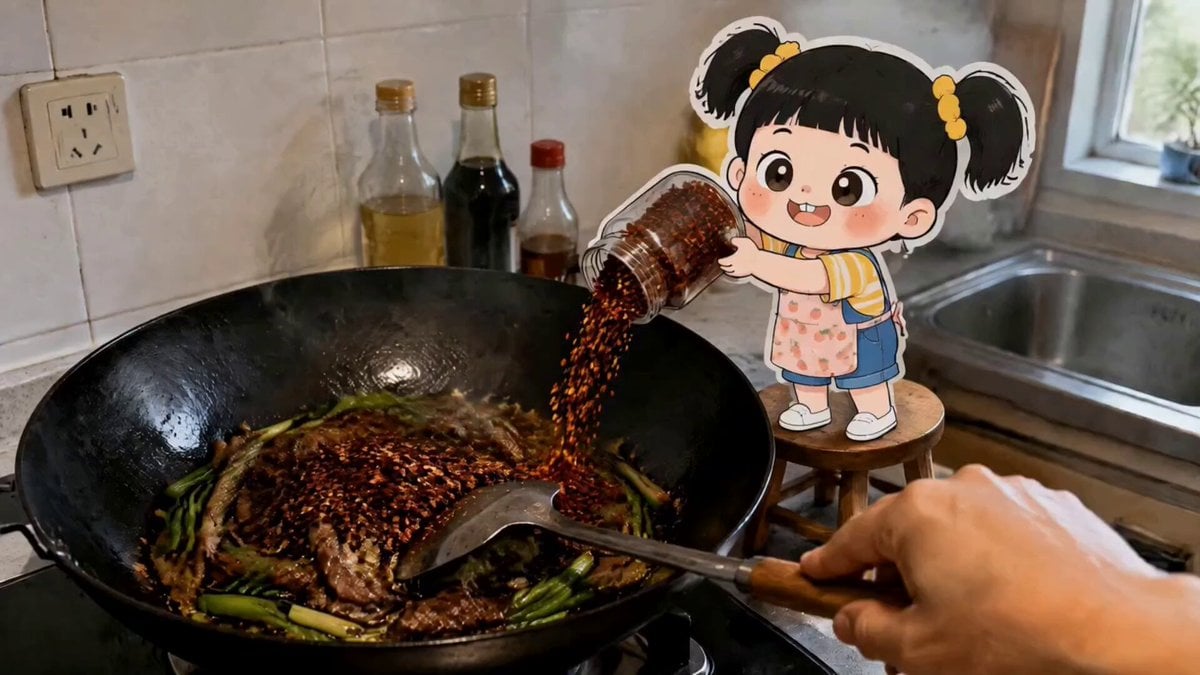
First-Person Cooking Chaos
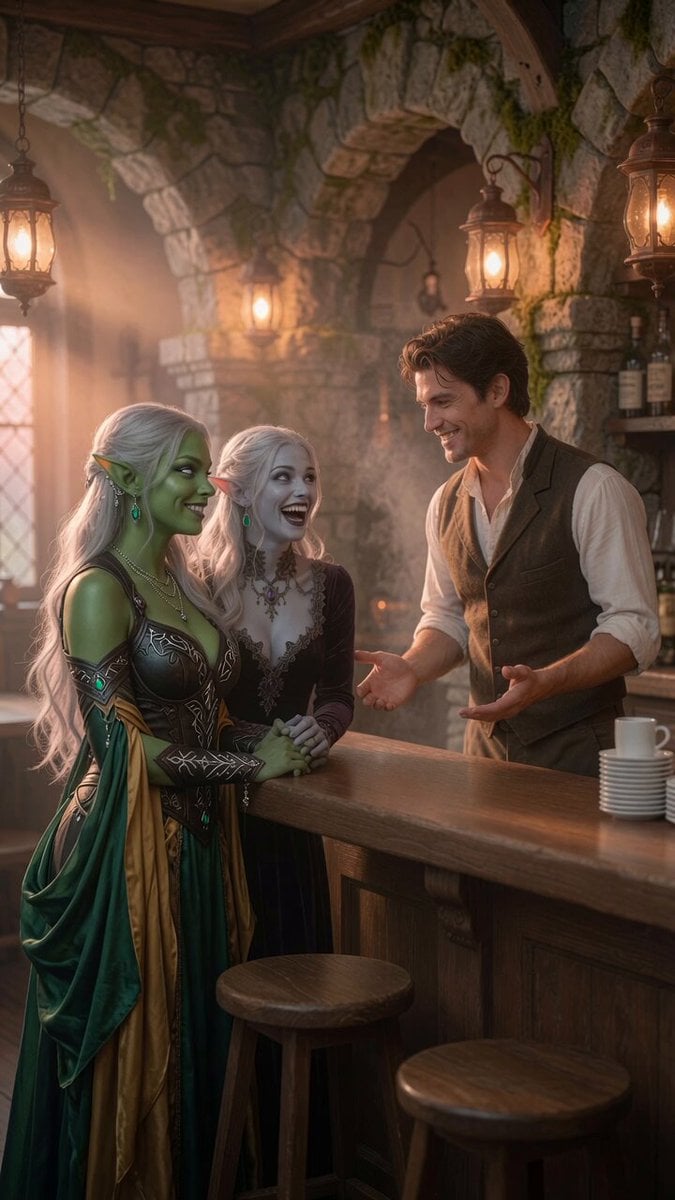
Coffee Shop Interaction Dialogue
LLM Prompting Instructions for Formatting and Immersion
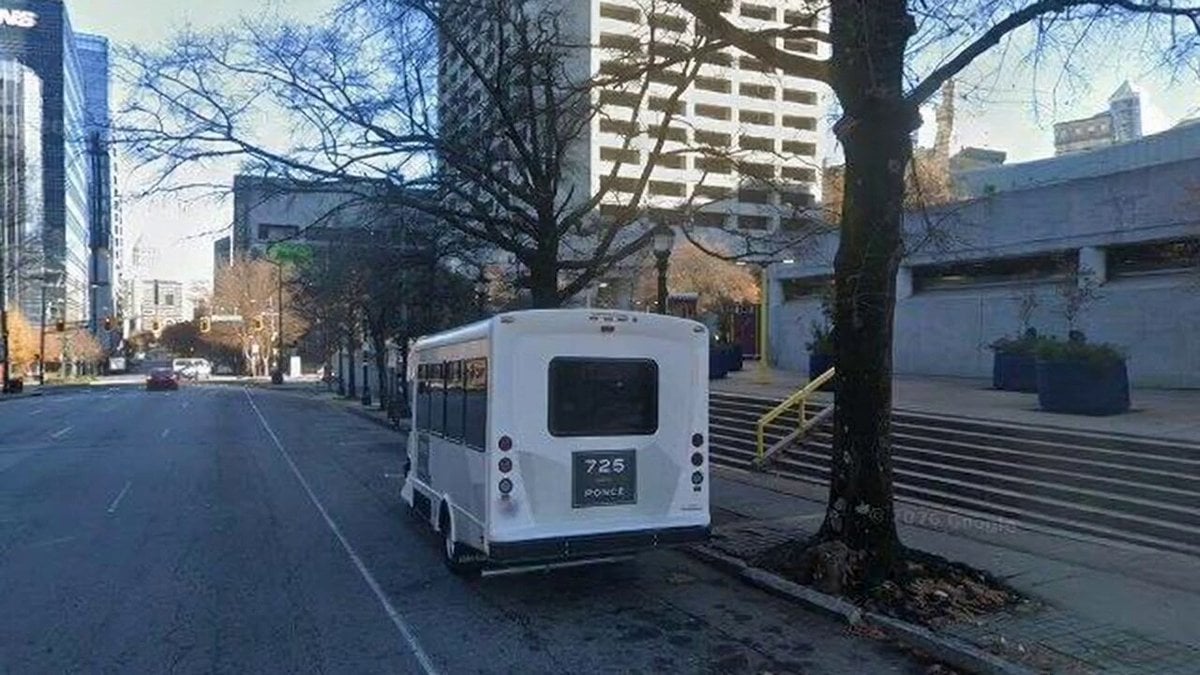
Cinematic Route Navigation Guide

Magical Rocket Sketching Animation
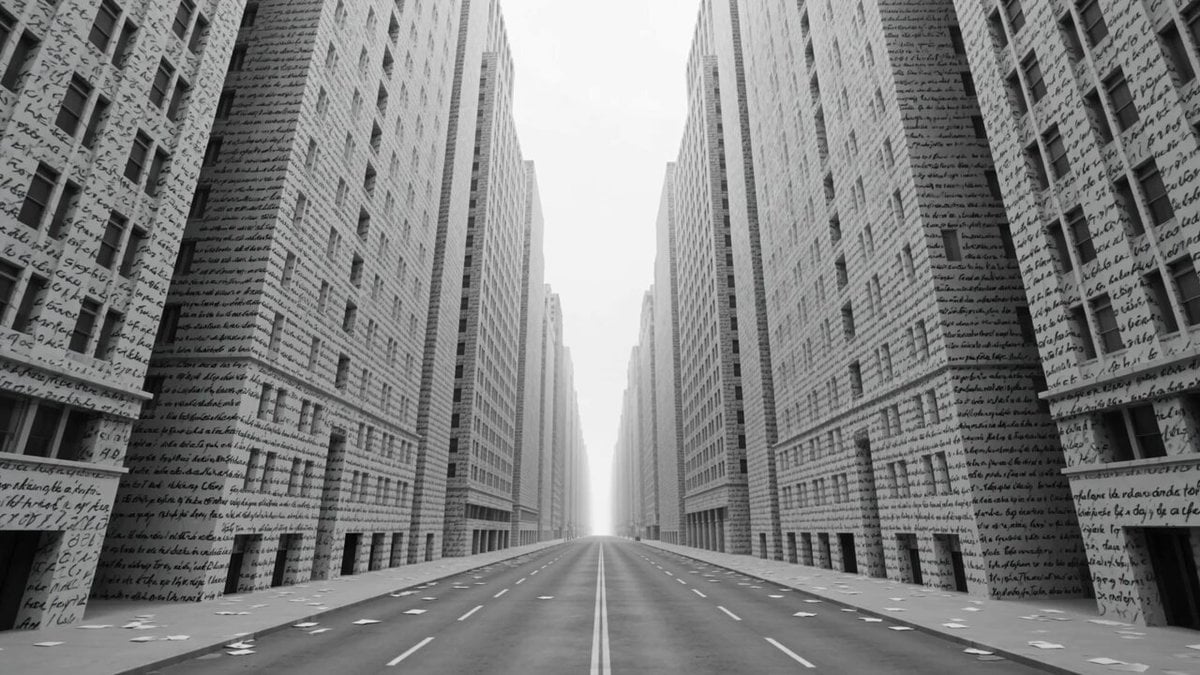
Monochrome Text City Surreal Transformation

Serene Morning Yoga Flow
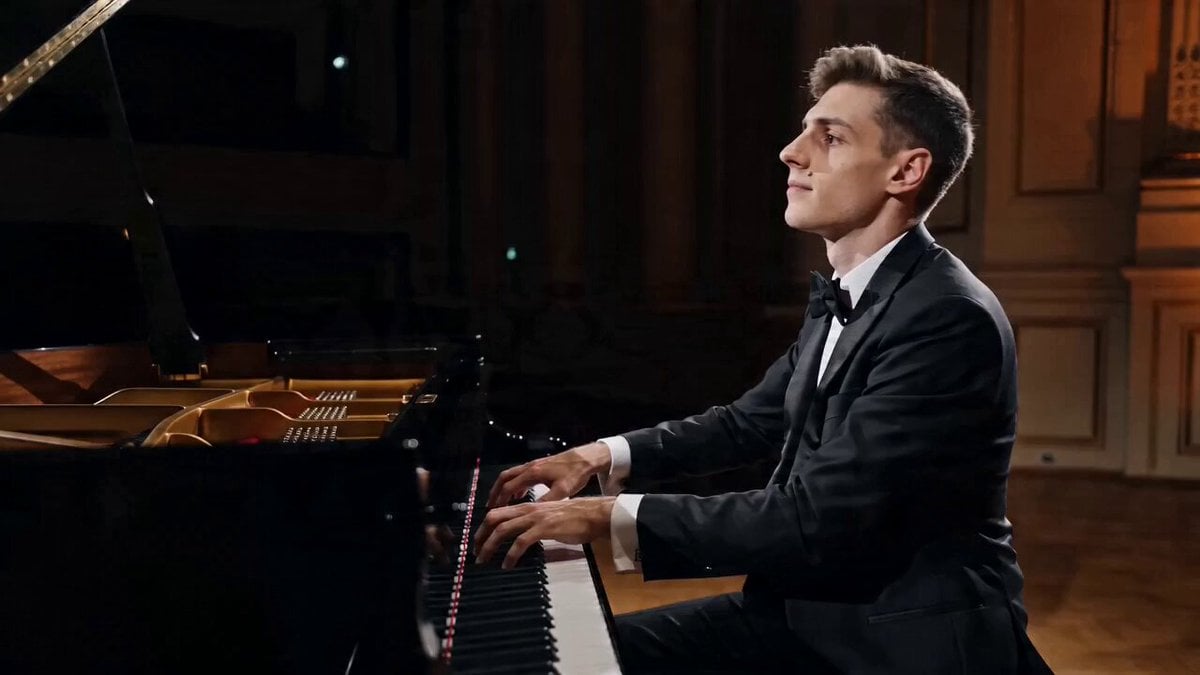
Cinematic Pianist Scene Prompt for Seedance 2.0
Browse template categories
Theatrical Mascot Motivational Message questions
How do I use the Theatrical Mascot Motivational Message template?
Add your photo if the template asks for one, edit the prompt if you like — the template's model and format are already selected — and press Generate. Your version opens in PicX Studio.
Can I customize the Theatrical Mascot Motivational Message template?
Yes. You can change the subject, setting, lighting, mood, format, and available model controls before creating your video.
Is the Theatrical Mascot Motivational Message template free?
Opening and editing this template is free. Generating uses credits, shown on the Generate button when you are signed in.
Which AI model should I use?
Start with Seedance 2.0, which is the model associated with this template. You can compare another compatible model for a different finish.
Looking for something else? Browse all templates.

Your photo, any look
Thousands of ready templates for every top image and video model, from one credit balance.