
Theatrical Anime Action Maid Combat
A highly detailed theatrical anime action prompt for a 15-second sequence of a pink-haired maid performing sword combat in a moonlit gothic courtyard.

- Prompt included
- Model and format preset
- Free template
The prompt behind this video
Copy the exact prompt behind Theatrical Anime Action Maid Combat, or open it in the studio and make it yours.
[メタデータ] 15 seconds, 128 BPM, Theatrical Anime Action Cinema, Ultra High-End 4K, Cinematic Lighting, Ray Tracing, highly detailed background, dramatic depth of field, exaggerated foreshortening, extreme close-ups alternating with dramatic wide shots, fluid sword choreography, seamless enemy-cleaving movement, natural anatomy, no duplicated limbs, no extra arms or legs. [ワードローブ・主人公] @[image1] :contentReference[oaicite:1]{index=1} Maintain identical character design, pink twin-tail maid, same facial proportions, same outfit materials, same silhouette, same expression style across all shots. [絵コンテ] Flowing sword-based multi-enemy elimination sequence. Calm, expressionless execution. Every slash transitions directly into the next movement without stopping. [人体固定ルール] Strict human anatomy. Two arms, two legs only. Natural weight transfer. Motion blur never forms additional limbs. All sword swings follow realistic shoulder rotation, hip drive, footwork, momentum, and recovery. [世界観構築ルール] Moonlit gothic manor district. Vast stone courtyard surrounded by ornate black iron gates, cathedral-like arches, towering rose-covered walls, silver moonlight cutting through drifting mist. The maid naturally belongs to this aristocratic night-world. [敵ルール] Multiple masked executioners and armored pursuers attack from all directions. Distinct physiques and silhouettes. Enemies continuously enter from front, rear, side, elevated positions. [攻撃バリエーションルール] Primary focus: elegant sword techniques. Draw slashes, rising cuts, spinning cuts, reverse-grip transitions, low sweeps, sidestep counters, flowing redirections, rapid chain attacks. Every enemy is defeated with a unique sword action. [環境] Wet reflective stone floor, drifting flower petals, moonlit fog, shattered marble statues, gothic pillars creating layered depth, strong rim lights and volumetric moonbeams. [ムード] Cold concentration. No shouting. No rage. Only overwhelming precision. The protagonist appears bored while effortlessly cutting through overwhelming numbers. [ミュージック] Low cello drones, ticking percussion, metallic impacts synchronized to blade contact, brief silences before major strikes, rising strings toward the climax. [カラー・ロジック] Black-and-white maid outfit contrasted against pale pink hair. Cool silver-blue moonlight with soft magenta highlights. High-contrast cinematic grading. [カメラ・演出ルール] Extreme Close-Up and Wide Shot alternation throughout. Aggressive camera movement, dramatic push-ins, whip pans, low-angle hero shots, overhead tracking, rotating camera transitions. [スタイル] Theatrical Anime Film, Action Masterpiece, Ultra Detailed, Dynamic Sword Combat, Cinematic Storyboard. ショット1 (1.0s / Wide) Dozens of masked pursuers slowly surround the lone maid in the moonlit courtyard. Camera cranes downward from above, revealing the overwhelming encirclement. ショット2 (0.8s / Extreme Close-Up) Half-lidded eye. Completely unimpressed. A faint moon reflection glides across her
How to use Theatrical Anime Action Maid Combat in 3 steps
- 1Upload ImagePNG, JPG or paste
Add your photo
Upload the photo the template builds on. The prompt, model and format are already set.
- 2…a portrait of your subject in softgolden-hour light, 85mm…
Personalize
Edit the subject and creative details for your destination.
- 3Generate
Generate
Press Generate — your video is created in PicX Studio, so you can compare it with the original and refine one variable at a time.
More like this
Templates with the same subject, style or setup. Open one to see its prompt.
Mecha Transformation vs Kaiju — 4-Scene Epic

Theatrical Anime Action Market Battle
Anime Maid Mansion Defense Script

MiniMax H3 Character Introduction

Japanese Pure Love Short Film
Anime Style Football Striker Cinematic Action
Brutal Anime Combat Tournament
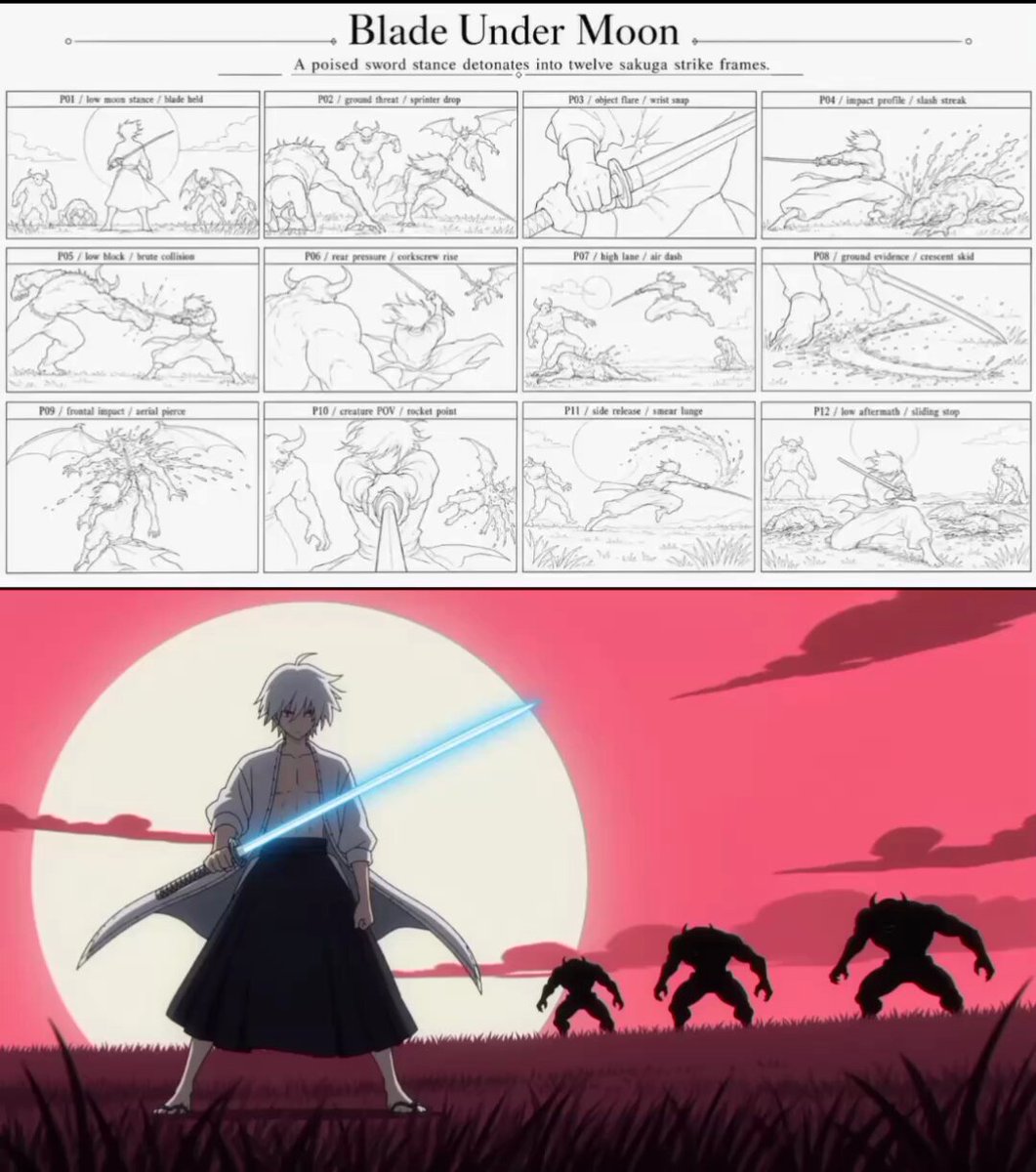
Sakuga Anime Action Storyboard
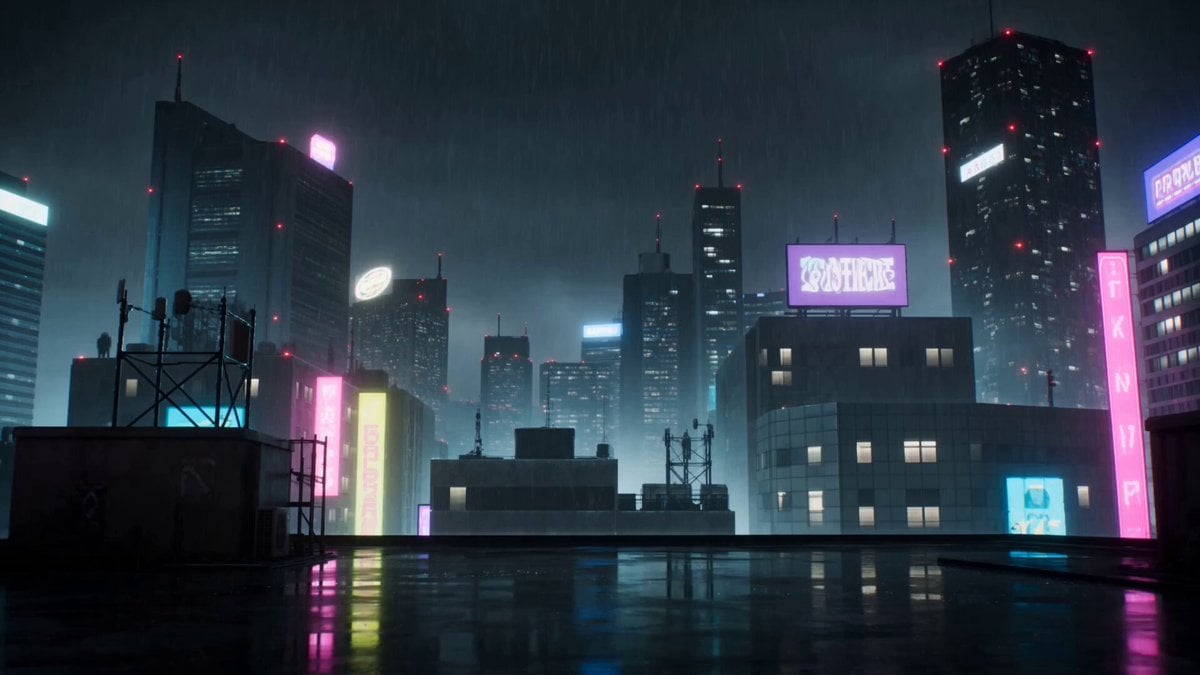
Cyberpunk Anime Duel Action
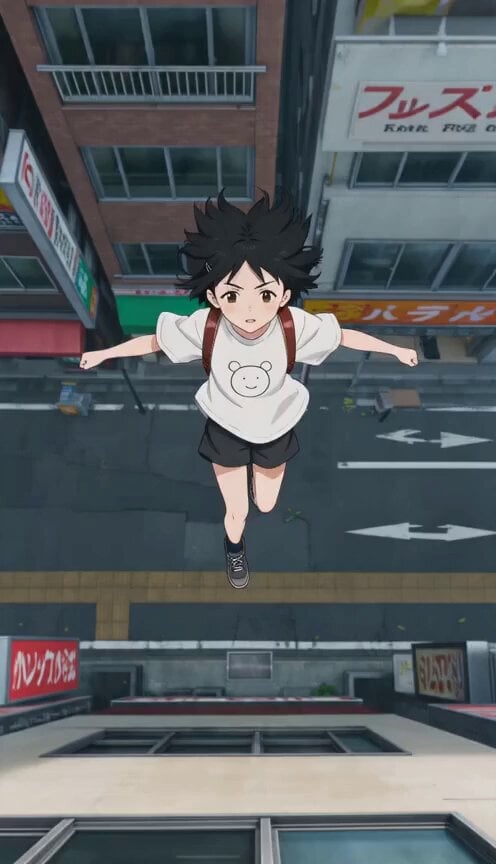
Anime Wall Running Action Scene

Futuristic Anime Aerial Combat

Studio Ghibli Dumpling Kitchen Cooking Scene
Make it yours
Theatrical Anime Action Maid Combat works as-is. These are the safest ways to change it without losing the look.
Change one field
Copy a single group, rewrite it, and generate again so you can see what that field is doing.
Keep the frame, change the subject
Hold the composition and light of Theatrical Anime Action Maid Combat, then swap wardrobe, props or the person for a new take.
| If the result… | Why | Fix |
|---|---|---|
| The result drifts from the preview | Too many fields changed at once. | Reuse Theatrical Anime Action Maid Combat as-is first, then change one group — subject, light, or setting. |
| The model over-stylizes the scene | The prose prompt leaves finish and camera underspecified. | Add one camera or lighting sentence and stay on Seedance 2.0. |
More Seedance 2.0 templates
Other prompts made for Seedance 2.0.

Comical Martial Arts Punch Scene

Maglev Train Action Sequence

Martial Arts Fight Sequence

Wuxia Protection and Trust Script

Vintage Korean Arcade MiniDV Vlog

Mercedes 190 SL Luxury Ad

Rainy Night Supernatural Reverse Comedy Video Script

Amazon Civilization Discovery

Futuristic South Asian City Transformation

Cozy Luxury Cafe Commercial
More video prompts
Fresh picks from across the catalog.
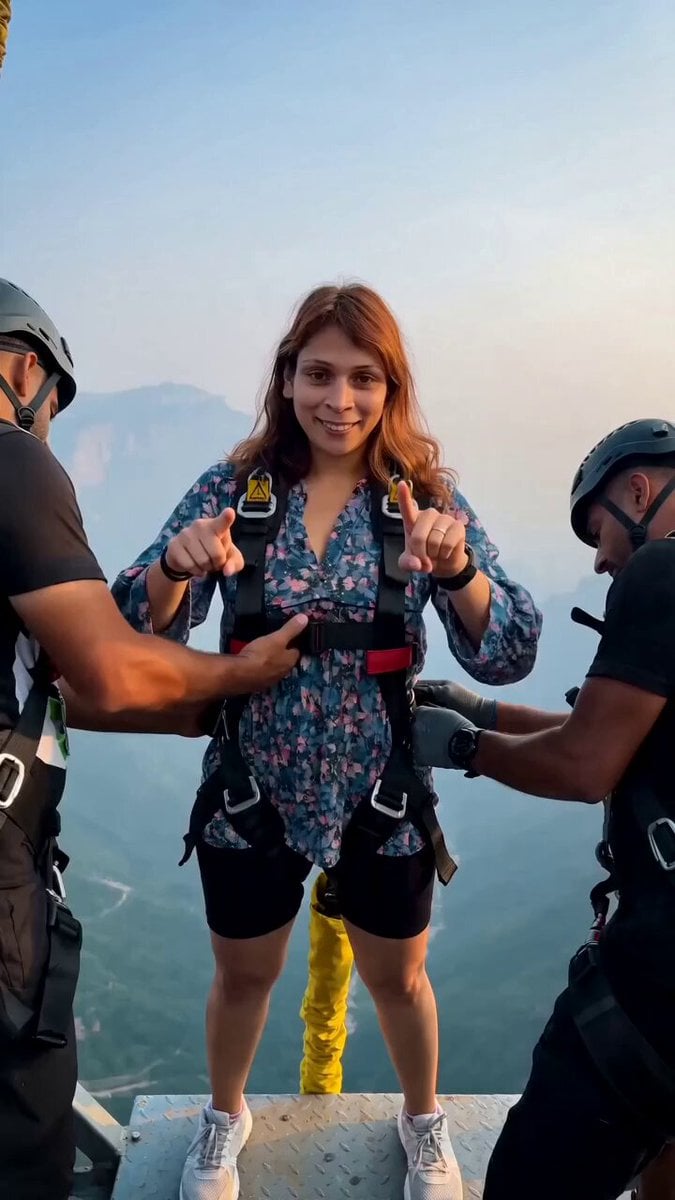
Cinematic Bungee Jump Action Video

16:9 Landscape Scene Reframe
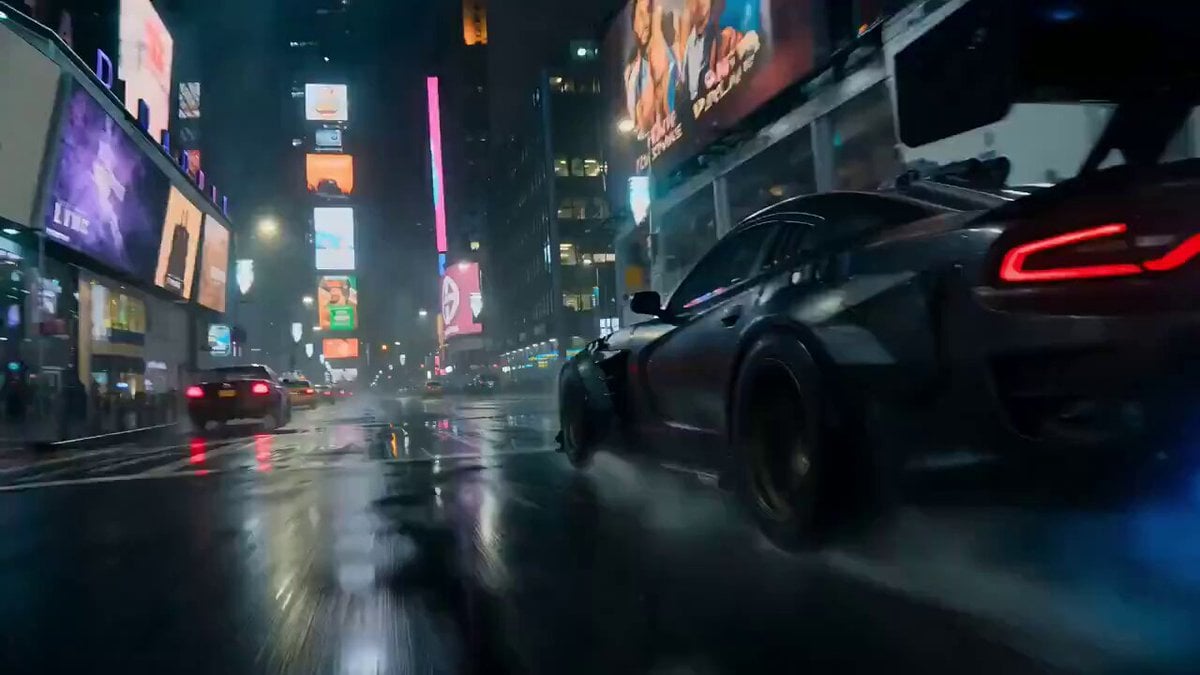
Luxury Car Transforming into Optimus Prime Fighting Godzilla in Tokyo

3D CG Animation of a Monk Riding a White Horse
Fairy Ballerinas in Space Video Prompt
Eastern Wuxia Ultimate Showdown
1800s Elven Cottage Scene
Wedding Disaster Cinematic Sequence
Documentary Style Video Prompt
Realistic Sci-Fi Mecha Combat with Female Warrior
Browse template categories
Theatrical Anime Action Maid Combat questions
How do I use the Theatrical Anime Action Maid Combat template?
Add your photo if the template asks for one, edit the prompt if you like — the template's model and format are already selected — and press Generate. Your version opens in PicX Studio.
Can I customize the Theatrical Anime Action Maid Combat template?
Yes. You can change the subject, setting, lighting, mood, format, and available model controls before creating your video.
Is the Theatrical Anime Action Maid Combat template free?
Opening and editing this template is free. Generating uses credits, shown on the Generate button when you are signed in.
Which AI model should I use?
Start with Seedance 2.0, which is the model associated with this template. You can compare another compatible model for a different finish.
Looking for something else? Browse all templates.

Your photo, any look
Thousands of ready templates for every top image and video model, from one credit balance.