How do I use the Cyberpunk Anime Duel Action template?
Edit the prompt in the box under the preview — the template's model and format are already selected — and press Generate. Your version appears right on this page.
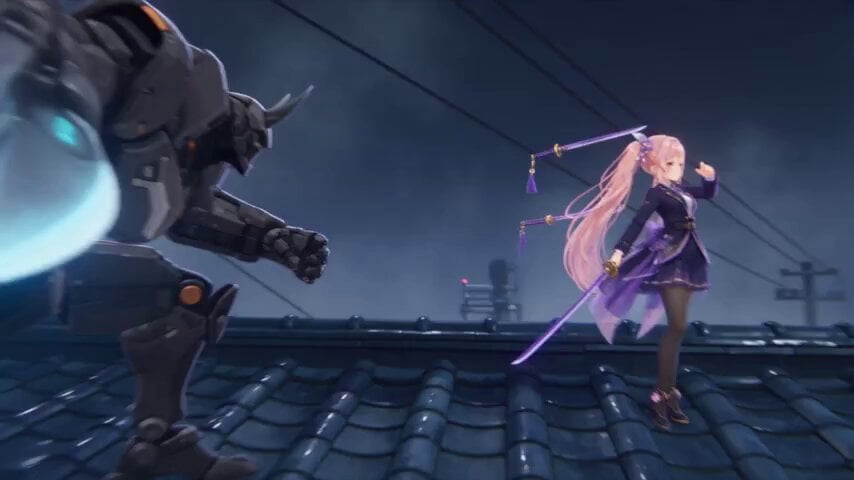
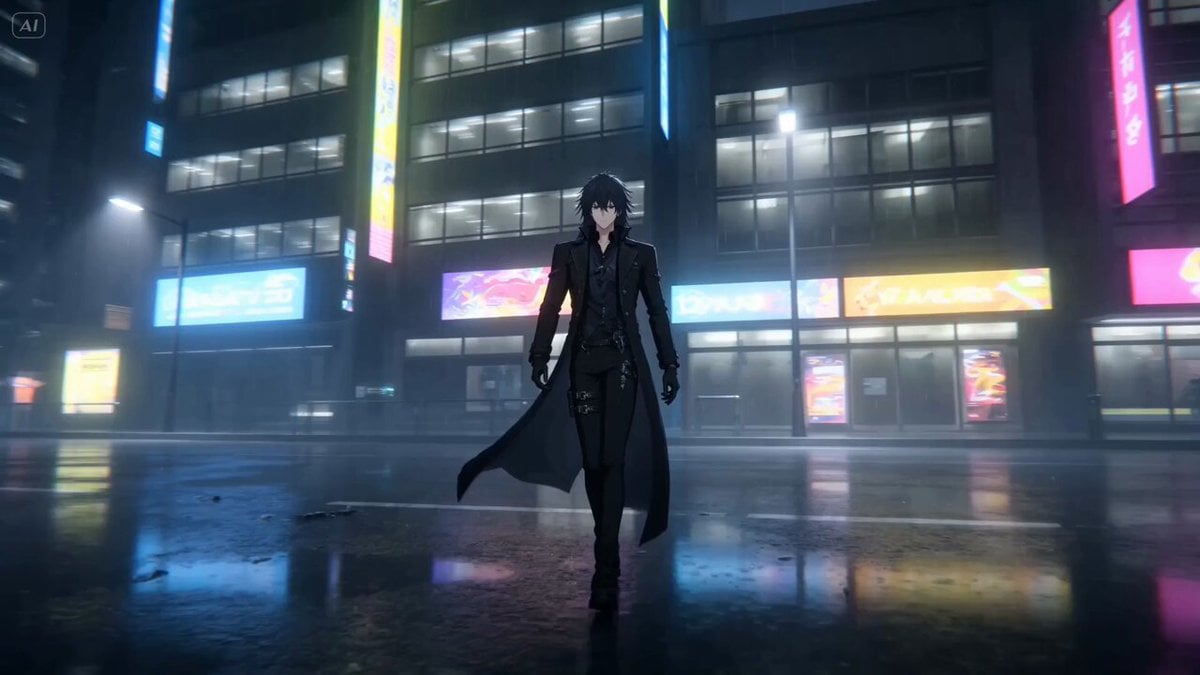
An intense action video prompt for Seedance 2.0 depicting a night duel between anime warriors on a rainy, neon-lit rooftop.
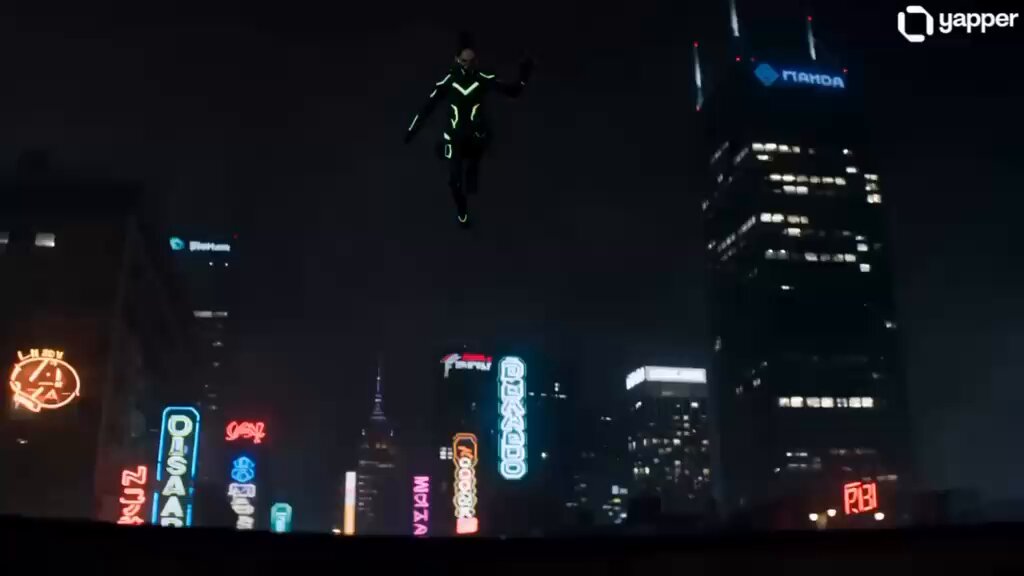
0–4s: Rain pours over a futuristic neon city rooftop at night. Two cyber-enhanced anime warriors activate glowing energy blades as blue and magenta neon reflects off the wet surface. 4–8s: They sprint toward each other at impossible speed, exchanging dozens of sword strikes. Every clash releases sparks, holographic fragments, and glowing energy waves. The camera circles around them. 8–12s: Both teleport across rooftops, leaving digital afterimages and crackling electricity. Rain explodes into slow-motion droplets with every impact. 12–15s: They launch one final aerial attack. The collision creates a giant ring-shaped shockwave that sends neon signs, glass, and rain outward before fading into silence. Style: High-end anime, cinematic lighting, realistic rain physics, neon reflections, smooth action choreography, premium VFX, no text, no watermark.
0–4s: Rain pours over a futuristic neon city rooftop at night. Two cyber-enhanced anime warriors activate glowing energy blades as blue and magenta neon reflects off the wet surface. 4–8s: They sprint toward each other at impossible speed, exchanging dozens of sword strikes. Every clash releases sparks, holographic fragments, and glowing energy waves. The camera circles around them. 8–12s: Both teleport across rooftops, leaving digital afterimages and crackling electricity. Rain explodes into slow-motion droplets with every impact. 12–15s: They launch one final aerial attack. The collision creates a giant ring-shaped shockwave that sends neon signs, glass, and rain outward before fading into silence. Style: High-end anime, cinematic lighting, realistic rain physics, neon reflections, smooth action choreography, premium VFX, no text, no watermark.
Edit the prompt in the box under the preview — the template's model and format are already selected — and press Generate. Your version appears right on this page.
Yes. You can change the subject, setting, lighting, mood, format, and available model controls before creating your video.
Opening and editing this template is free. Generating uses credits, shown on the Generate button when you are signed in.
Start with Seedance 2.0, which is the model associated with this template. You can compare another compatible model for a different finish.
Follow a topic to a crawlable collection of related PicX Studio templates.