
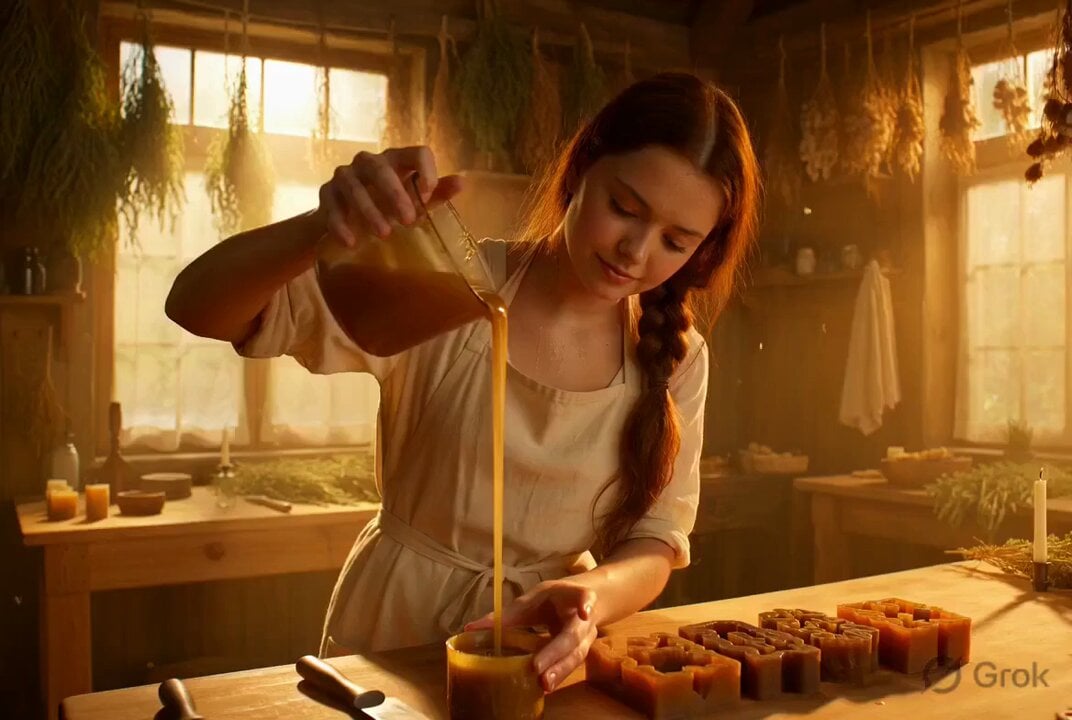
Photorealistic cinematic portrait of a gentle candle maker
A highly detailed, photorealistic cinematic portrait prompt for Grok Imagine describing a gentle young female candle maker with specific attire and hair, working in a sunlit wooden workshop.
- Prompt included
- Model and format preset
- Free template
The prompt behind this video
Copy the exact prompt behind Photorealistic cinematic portrait of a gentle candle maker, or open it in the studio and make it yours.
A photorealistic cinematic portrait of a gentle young female candle maker with long auburn hair tied in a soft braid, wearing a simple cream linen apron with sleeves rolled up, carefully pouring molten golden wax into beautiful handmade molds in a sunlit wooden workshop filled with drying herbs and hanging dried flowers, powerful warm golden god rays streaming through large windows creating beautiful volumetric light beams and floating wax dust particles glowing in the air, realistic sweat glistening on her forehead and arms from the warm wax, rich natural textures on the wax, herbs, fabric and skin, deeply peaceful and artistic atmosphere, ultra-high clarity, hyper-realistic rendering very close to photorealism, intricate details.
How to use Photorealistic cinematic portrait of a gentle candle maker in 3 steps
- 1
Open
The prompt is already in the box next to the preview, with the template's model and format selected.
- 2…a portrait of your subject in softgolden-hour light, 85mm…
Personalize
Edit the subject and creative details for your destination.
- 3Generate
Generate
Press Generate — your video is created in PicX Studio, so you can compare it with the original and refine one variable at a time.
More like this
Templates with the same subject, style or setup. Open one to see its prompt.
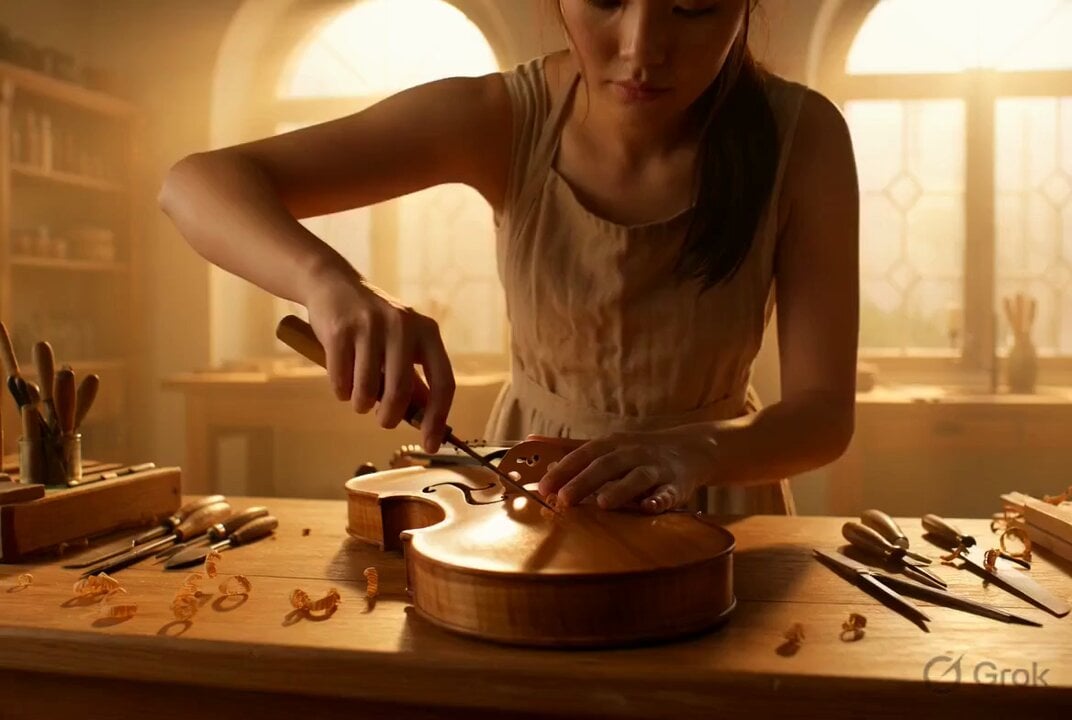
Photorealistic Violin Maker Portrait Video Prompt

Gentle Cinematic Portrait Motion
Cinematic Portrait Study 3
Cinematic Portrait Study
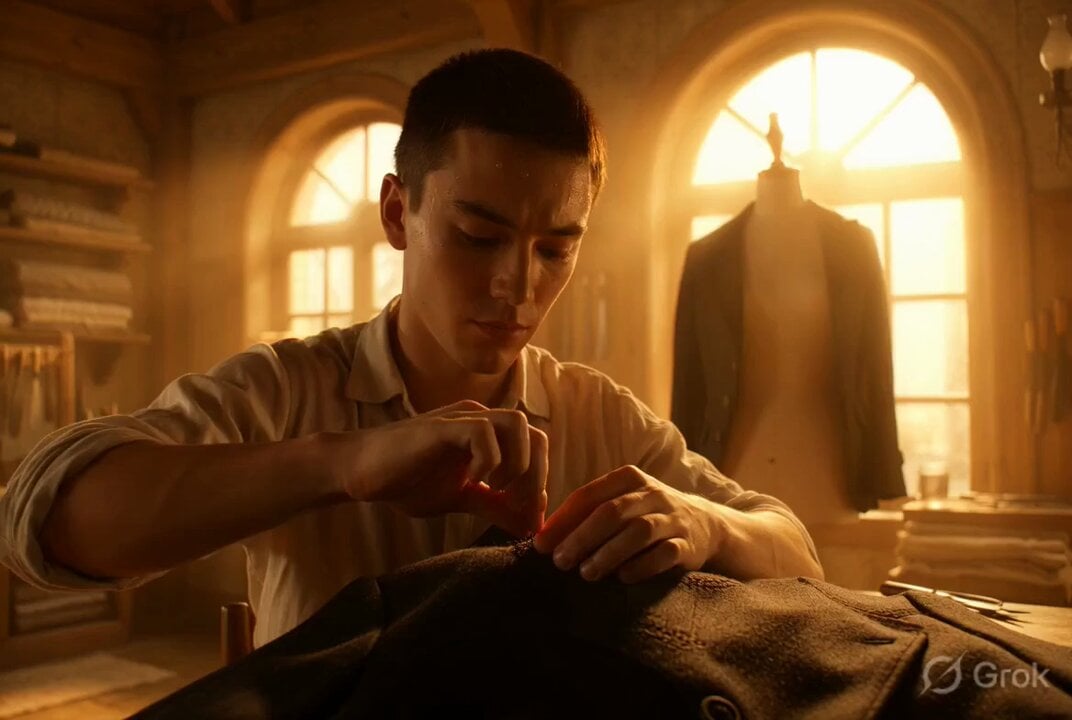
Photorealistic cinematic portrait of a young tailor
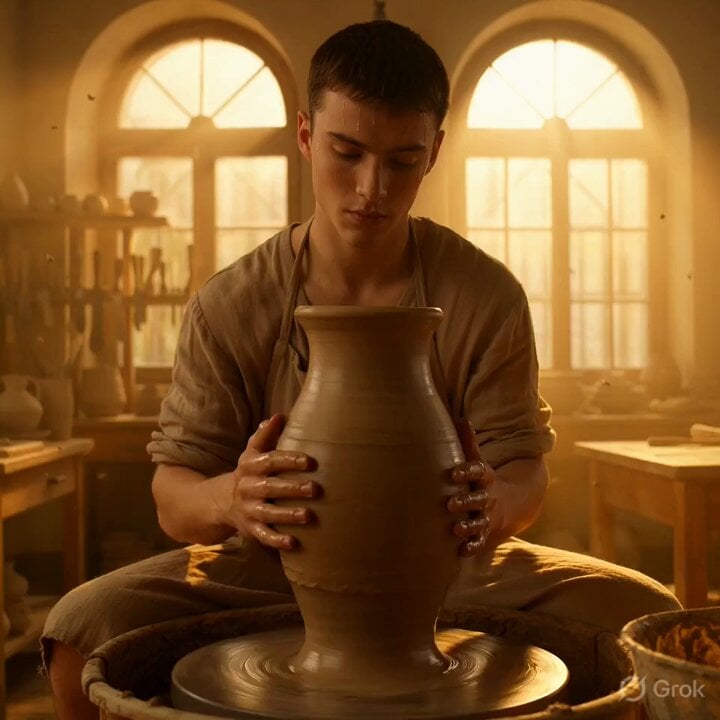
Grok Imagine Video Prompt: Photorealistic Portrait of a Potter
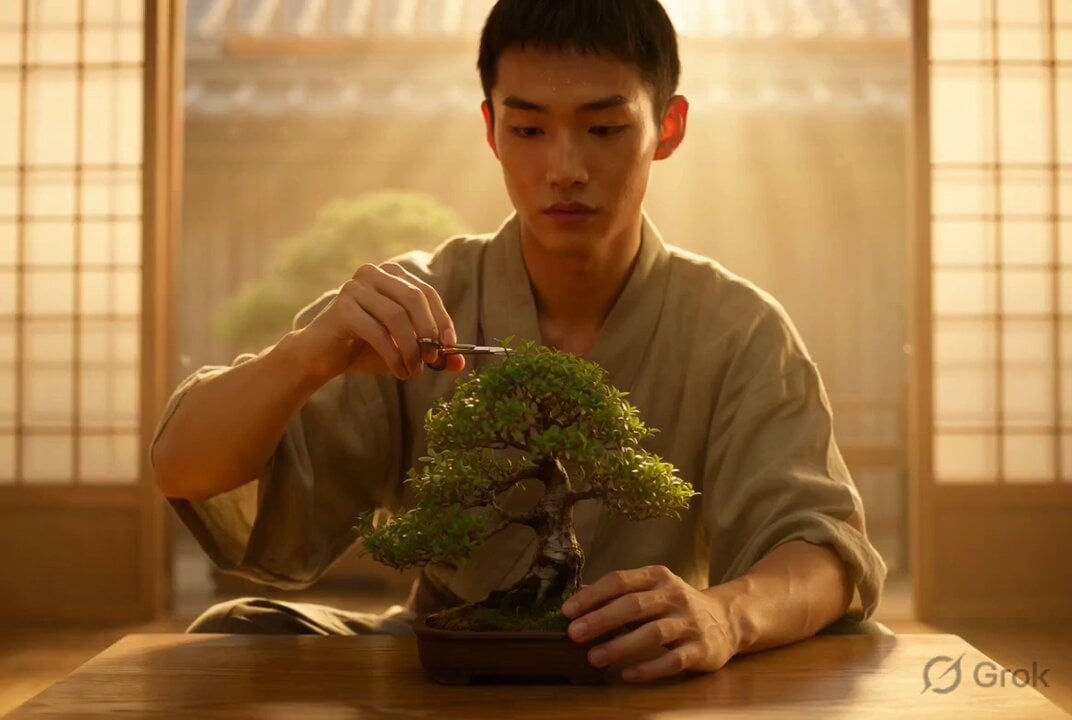
Photorealistic Cinematic Portrait of a Bonsai Master
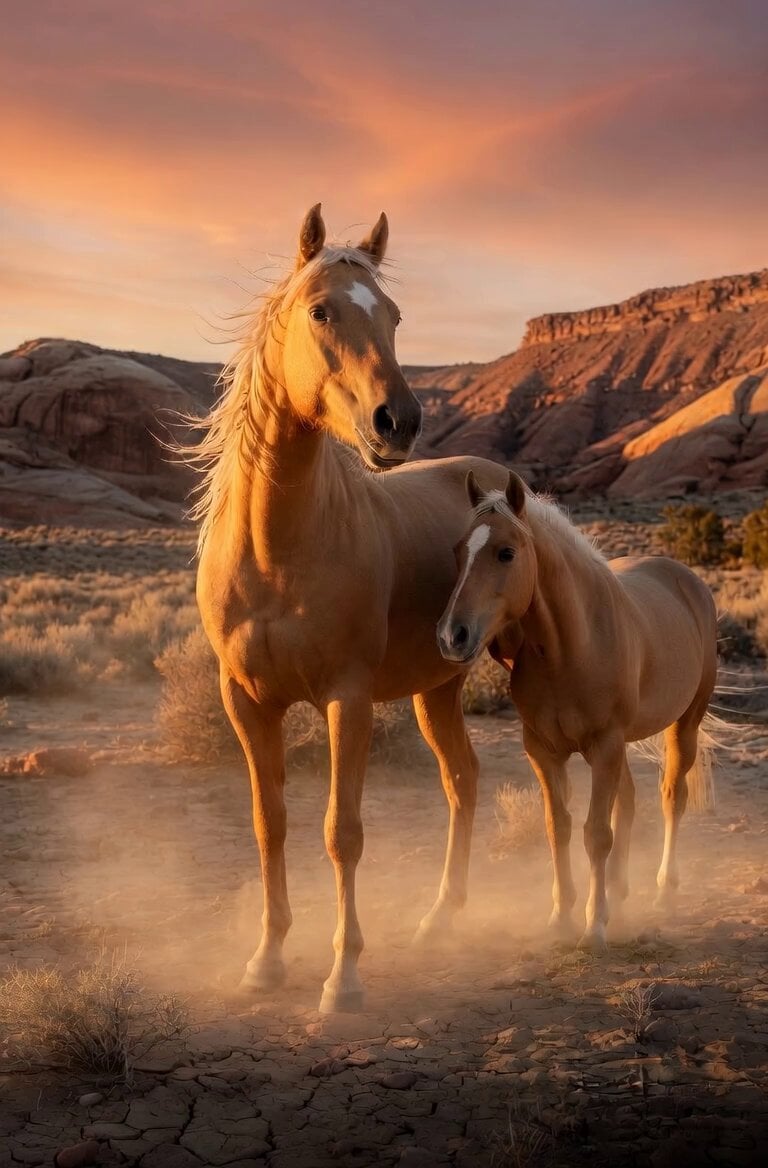
Gentle Spirit Dancer Filly
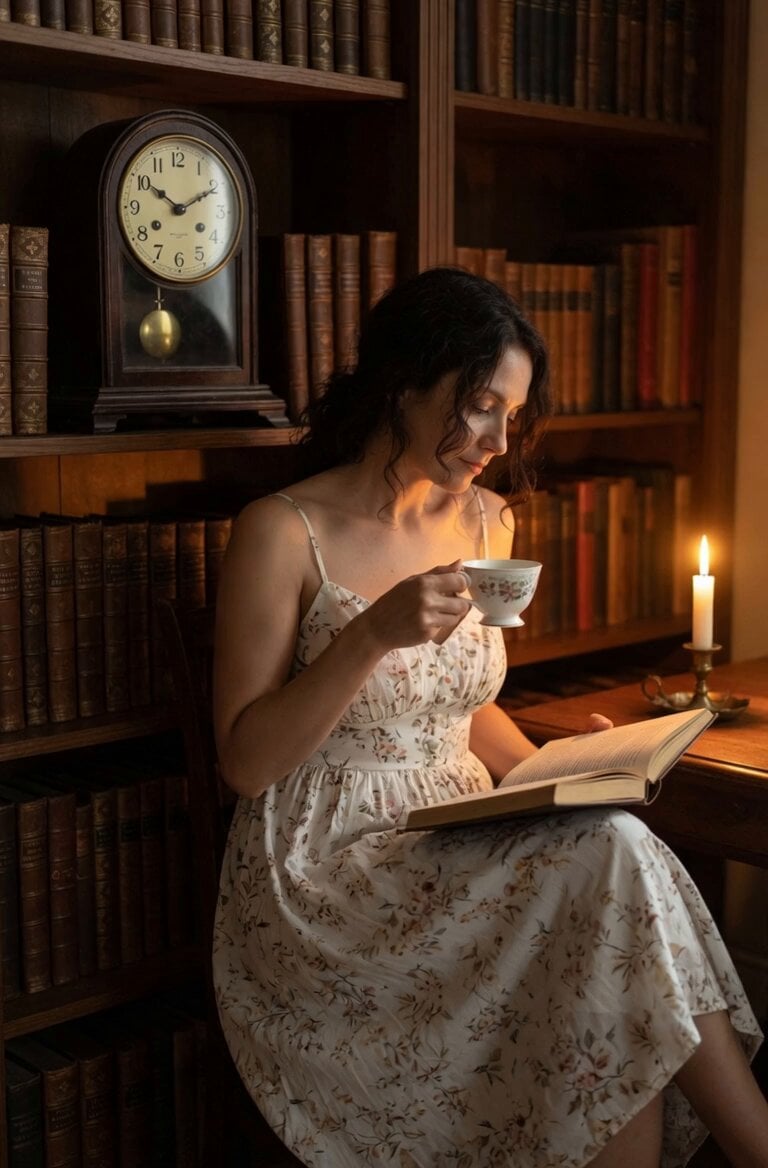
Library Candlelight Reading Video

Candle Mandala Mirror Video
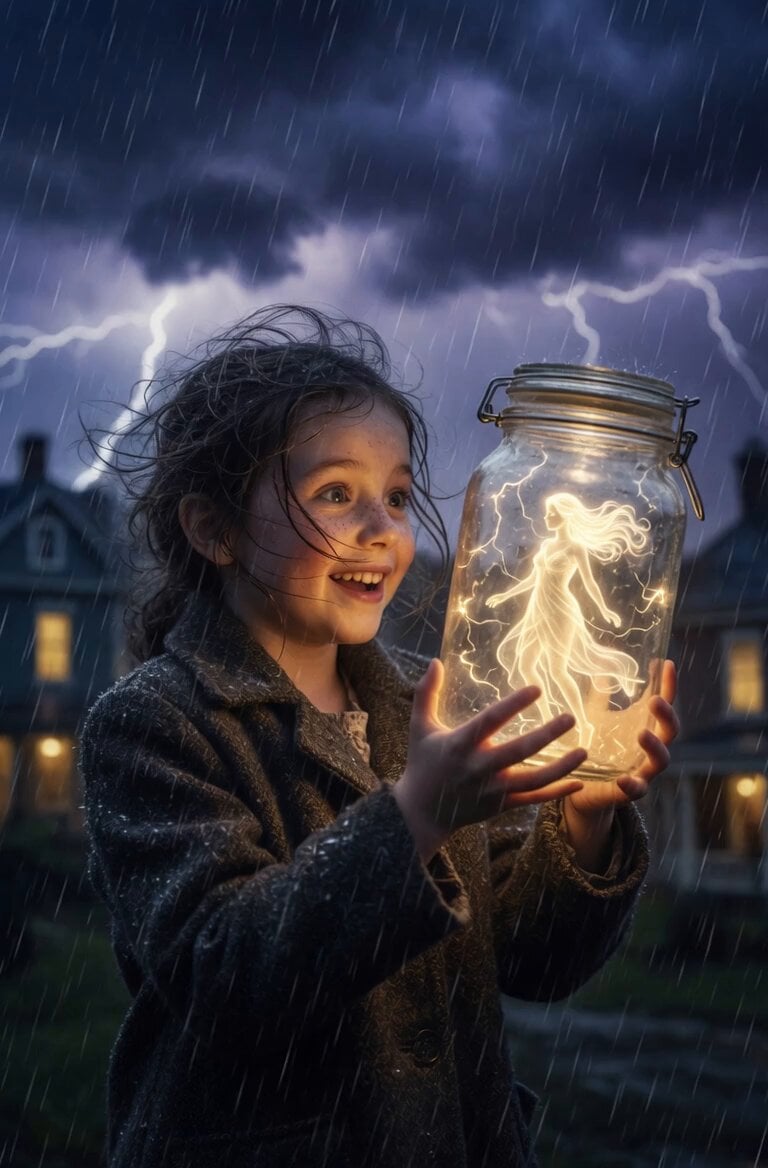
Gentle Mother and Child Animation
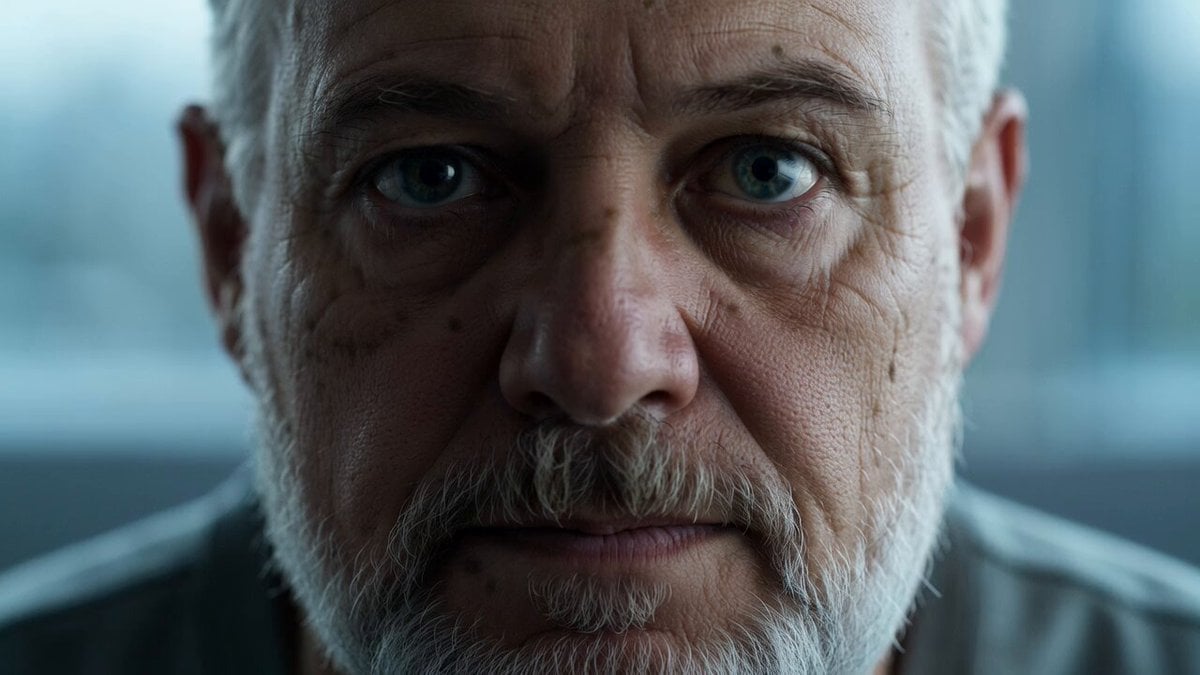
Reflective Elderly Man Documentary Portrait
Make it yours
Photorealistic cinematic portrait of a gentle candle maker works as-is. These are the safest ways to change it without losing the look.
Change one field
Copy a single group, rewrite it, and generate again so you can see what that field is doing.
Keep the frame, change the subject
Hold the composition and light of Photorealistic cinematic portrait of a gentle candle maker, then swap wardrobe, props or the person for a new take.
| If the result… | Why | Fix |
|---|---|---|
| The result drifts from the preview | Too many fields changed at once. | Reuse Photorealistic cinematic portrait of a gentle candle maker as-is first, then change one group — subject, light, or setting. |
| The model over-stylizes the scene | The prose prompt leaves finish and camera underspecified. | Add one camera or lighting sentence and stay on Grok Imagine. |
More Grok Imagine templates
Other prompts made for Grok Imagine.

Kaleidoscopic Cosmic Dolphin Video

Horror Daffy Duck Video Transition

America 250th Anniversary Celebration

Glowing Water Forest Night Prompt

Soft Pink Roses Dreamer Prompt

Ninja Wizard Levitation Jump

Coffee Cup Interaction Motion

Voice Controlled Water Animation

Pterodactyl Transformation Journey

Psychedelic Purple Disc World Video
More video prompts
Fresh picks from across the catalog.
Grok Imagine Video Generation Prompt Pack
Cinematic Night Racing Movie Scene for Seedance 2.0
Intense Baji Quan Kung Fu Sequence
Selfie POV Bungee Jump Vlog
Cinematic Cooking Film Scene
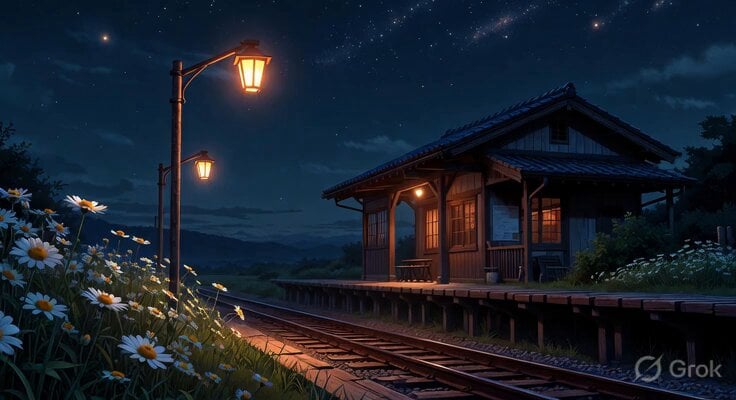
Nostalgic Ghibli Japanese Train Station

Mecha City Transformers Cinematic Video

Satoshi Nakamoto Fast & Furious Invitation Video Prompt

Ethereal Woman in Golden Impasto Gown

Continuous Paper Performance
Browse template categories
Photorealistic cinematic portrait of a gentle candle maker questions
How do I use the Photorealistic cinematic portrait of a gentle candle maker template?
Add your photo if the template asks for one, edit the prompt if you like — the template's model and format are already selected — and press Generate. Your version opens in PicX Studio.
Can I customize the Photorealistic cinematic portrait of a gentle candle maker template?
Yes. You can change the subject, setting, lighting, mood, format, and available model controls before creating your video.
Is the Photorealistic cinematic portrait of a gentle candle maker template free?
Opening and editing this template is free. Generating uses credits, shown on the Generate button when you are signed in.
Which AI model should I use?
Start with Grok Imagine, which is the model associated with this template. You can compare another compatible model for a different finish.
Looking for something else? Browse all templates.

Your photo, any look
Thousands of ready templates for every top image and video model, from one credit balance.