
Cinematic Cooking Film Scene
A high-energy, 15-second cinematic cooking film prompt featuring rapid scenes, rhythmic pacing, and professional food cinematography including speed ramps and macro shots.
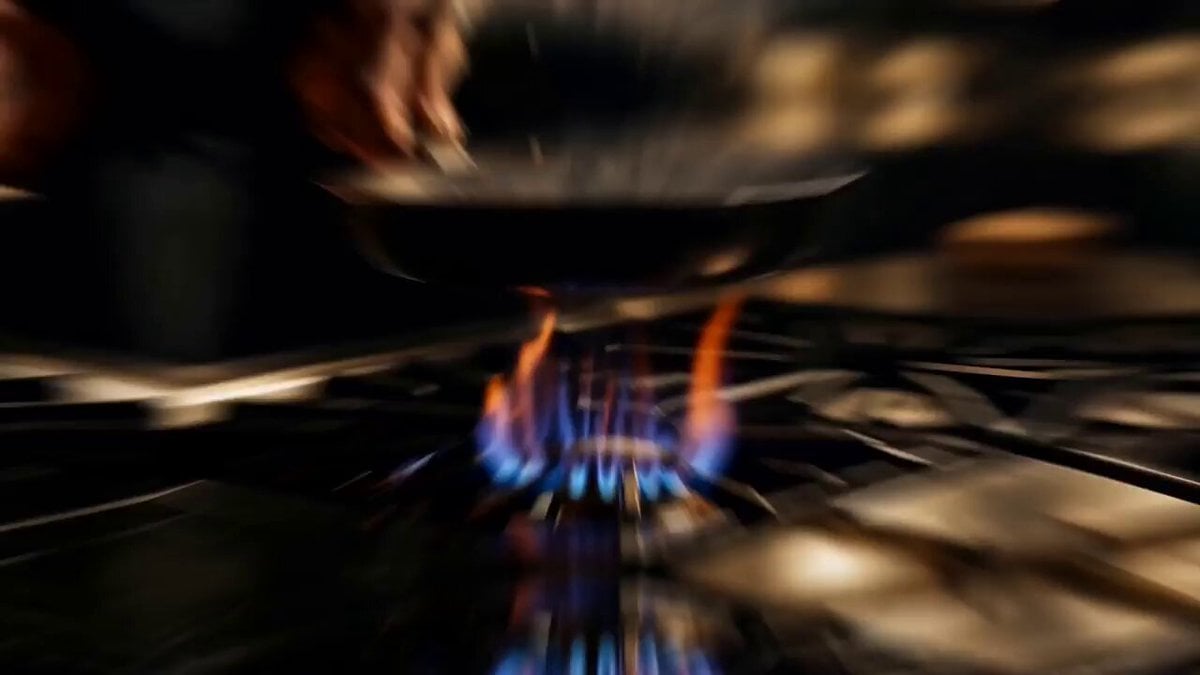
- Prompt included
- Model and format preset
- Free template
The prompt behind this video
Copy the exact prompt behind Cinematic Cooking Film Scene, or open it in the studio and make it yours.
THE FLAME CHEF - 15 second high-energy cinematic cooking film, 10 rapid scenes, fast rhythmic pacing, whip-pan and speed-ramp transitions between every scene, kinetic kitchen artistry from fresh ingredients to final plated dish. Shot on ARRI Alexa 35, 35mm lens, natural film grain, rich warm color grade with deep shadows and golden highlights, professional food cinematography, photorealistic, not CGI. Dark moody restaurant kitchen, dramatic overhead lighting, steam and warm glow. SCENE 1 (0-1.5s): Chef's hand places a cast iron pan onto a glowing gas burner with confident energy, blue flame rising around the edges, quick real time then micro slow motion on the flame glow, hard whip-pan into locked close-up. SCENE 2 (1.5-3s): Rapid skilled vegetable prep, knife rocking smoothly through fresh herbs and bell peppers in rhythmic motion, hyper-fast real time with hands in controlled motion, one pepper slice spinning in brief slow motion, top-down locked shot. SCENE 3 (3-4.5s): Butter cube tossed gracefully through the air landing in the warm pan, melting instantly into golden foam and swirl, slow motion flight with speed ramp to real time on the sizzle, side macro tracking the arc. SCENE 4 (4.5-6s): Chef flips the pan, vegetables rising upward in a golden arc, warm flame glow beneath, tiny seasoning embers drifting, speed ramp from real time flip into dramatic slow motion at the peak of the toss, low hero angle. SCENE 5 (6-7.5s): Extreme macro, garlic and chili meeting hot oil, lively golden bubbles, steam rising in a soft backlit plume, 120fps slow motion with every bubble crisp, probe lens push-in through the steam. SCENE 6 (7.5-9s): Chef seasoning from height with flowing hand movement, salt crystals raining down in slow motion through a shaft of overhead light catching like snow, slow motion rain against fast hand movement, side close-up with shallow focus on the crystals. SCENE 7 (9-10.5s): Sauce poured from a steel pan in a glossy ribbon coating the dish in one continuous silky wave, steam curling, silky hypnotic slow motion, orbiting macro around the pour. SCENE 8 (10.5-12s): Fresh herbs dropped from above, leaves tumbling in slow motion landing perfectly on the glistening dish, tiny sparkle of sauce, slow motion fall with real time landing, top-down locked shot. SCENE 9 (12-13.5s): Chef wipes the plate rim in one confident swift motion and spins the plate a quarter turn, steam rising through dramatic side light, fast confident real time, close-up tracking the hand with whip-pan on the spin. SCENE 10 (13.5-15s): Final hero shot, finished dish center frame under a single overhead spotlight, steam rising in elegant curls, background fading to darkness, chef's silhouette stepping back with sati
How to use Cinematic Cooking Film Scene in 3 steps
- 1
Open
The prompt is already in the box next to the preview, with the template's model and format selected.
- 2…a portrait of your subject in softgolden-hour light, 85mm…
Personalize
Edit the subject and creative details for your destination.
- 3Generate
Generate
Press Generate — your video is created in PicX Studio, so you can compare it with the original and refine one variable at a time.
More like this
Templates with the same subject, style or setup. Open one to see its prompt.
Hospital Car Park Dialogue Lip Sync

Global Flower Thank-You Film
Youth Racing Short Film
Mechanical Flower Bloom Brand Film
Oceanic Civilization Epic Sci-Fi Film
Floating Desert Museum Cinematic Film

Haute Couture Dream Bokeh Film
Window-to-Eye Concept Film
Crystal Ball Match-Cut Brand Film
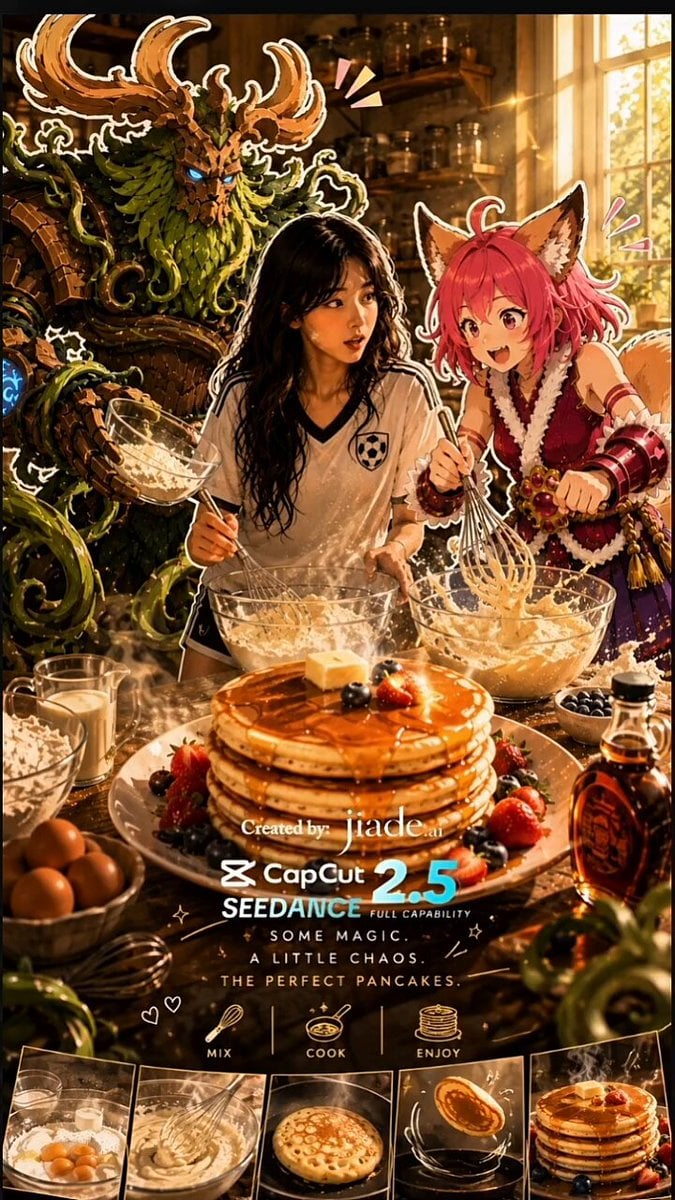
Mixed-Media Kitchen Cooking Animation
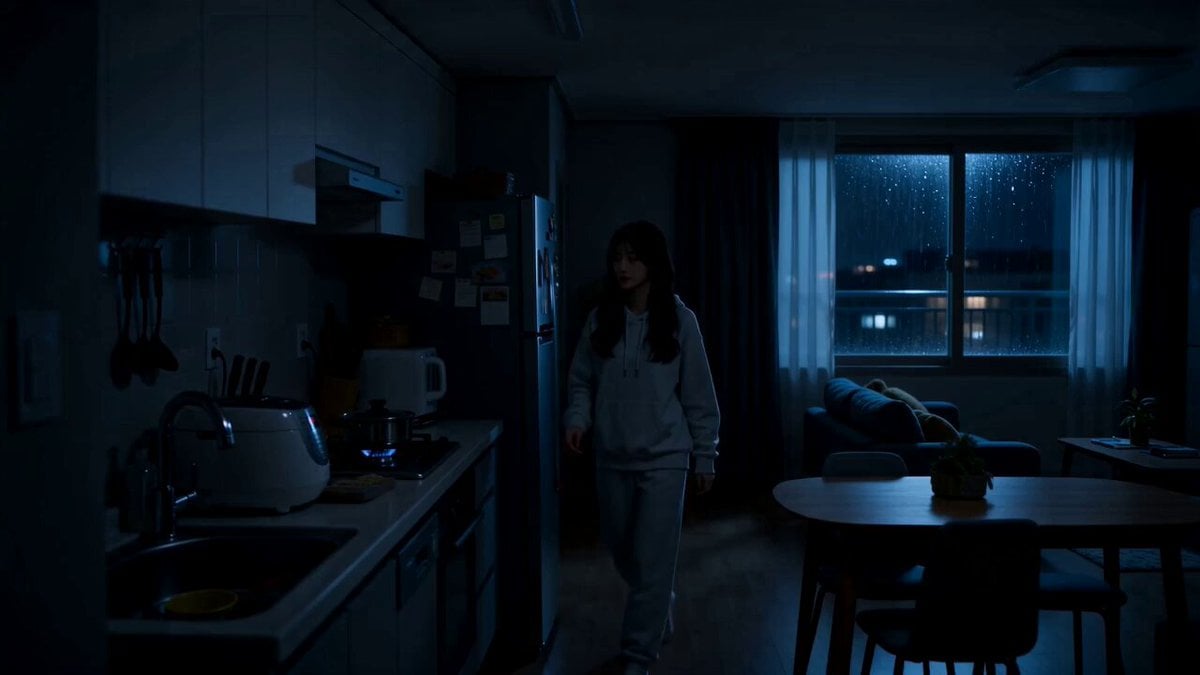
Midnight Apartment Cooking Scene
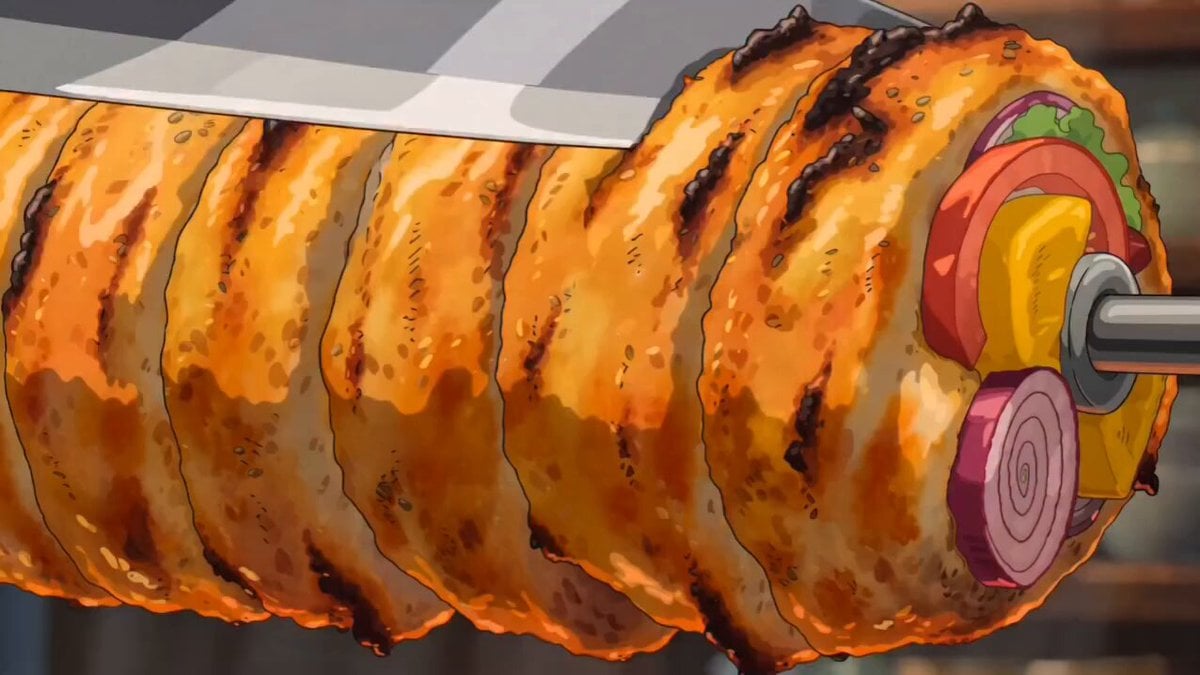
Ghibli Style Shawarma Cooking Animation
Make it yours
Cinematic Cooking Film Scene works as-is. These are the safest ways to change it without losing the look.
Change one field
Copy a single group, rewrite it, and generate again so you can see what that field is doing.
Keep the frame, change the subject
Hold the composition and light of Cinematic Cooking Film Scene, then swap wardrobe, props or the person for a new take.
| If the result… | Why | Fix |
|---|---|---|
| The result drifts from the preview | Too many fields changed at once. | Reuse Cinematic Cooking Film Scene as-is first, then change one group — subject, light, or setting. |
| The model over-stylizes the scene | The prose prompt leaves finish and camera underspecified. | Add one camera or lighting sentence and stay on Seedance 2.0. |
More Seedance 2.0 templates
Other prompts made for Seedance 2.0.

Comical Martial Arts Punch Scene

Maglev Train Action Sequence

Martial Arts Fight Sequence

Wuxia Protection and Trust Script

Vintage Korean Arcade MiniDV Vlog

Mercedes 190 SL Luxury Ad

Rainy Night Supernatural Reverse Comedy Video Script

Amazon Civilization Discovery

Futuristic South Asian City Transformation

Cozy Luxury Cafe Commercial
More video prompts
Fresh picks from across the catalog.
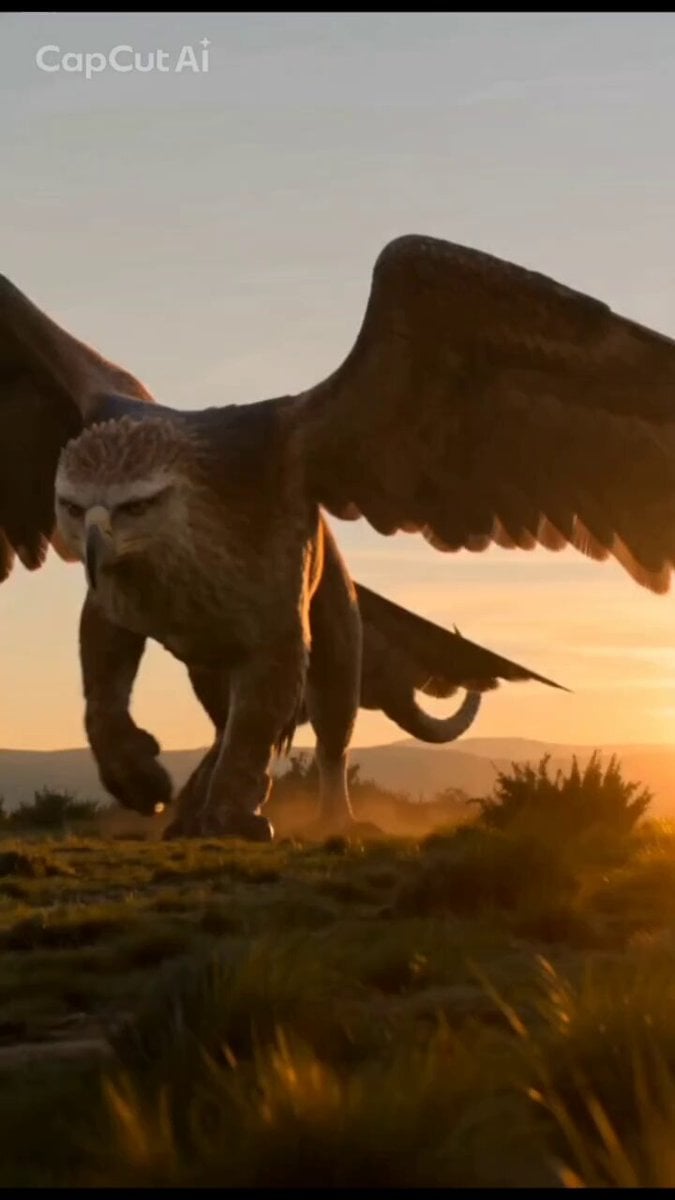
Mystical Griffin and Boy Encounter
Coffee Stop-Motion Morning Ritual
Plot to Megacity Construction Timelapse
Night Sky and Pine Tree Animation
Gaze-Triggered Simulation Render

Cosmic Portal Traveler Video Prompt

Energetic EDM Dance with Dynamic Camera
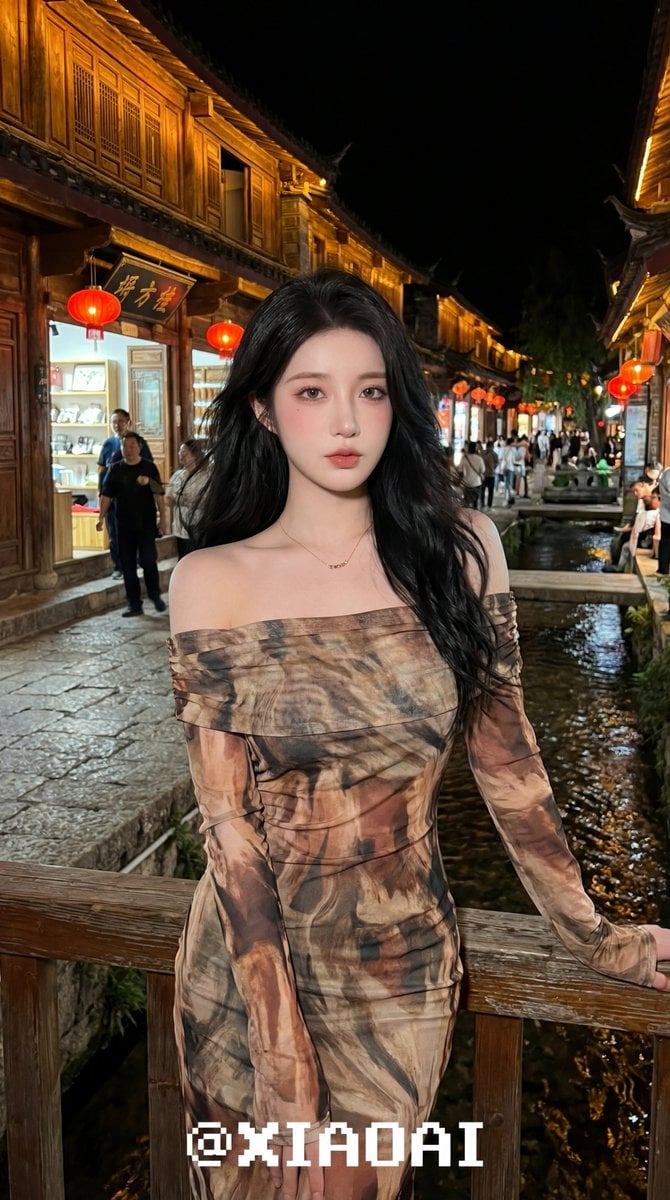
Hyper-realistic Night Portrait of an Asian Woman in Chongqing
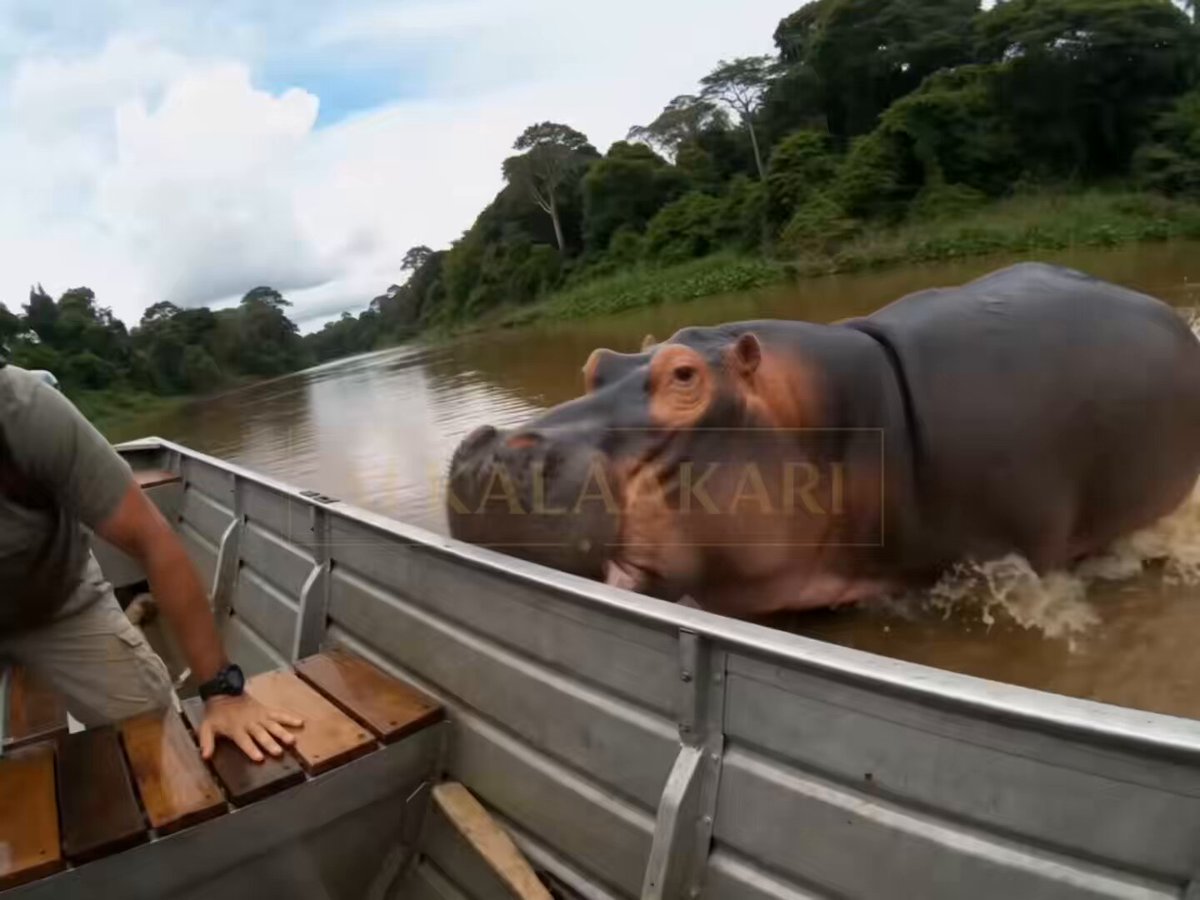
Hippo Boat Split Charge

Chibi Style Cuddling Sloth Knitting a Sweater
Browse template categories
Cinematic Cooking Film Scene questions
How do I use the Cinematic Cooking Film Scene template?
Add your photo if the template asks for one, edit the prompt if you like — the template's model and format are already selected — and press Generate. Your version opens in PicX Studio.
Can I customize the Cinematic Cooking Film Scene template?
Yes. You can change the subject, setting, lighting, mood, format, and available model controls before creating your video.
Is the Cinematic Cooking Film Scene template free?
Opening and editing this template is free. Generating uses credits, shown on the Generate button when you are signed in.
Which AI model should I use?
Start with Seedance 2.0, which is the model associated with this template. You can compare another compatible model for a different finish.
Looking for something else? Browse all templates.

Your photo, any look
Thousands of ready templates for every top image and video model, from one credit balance.