
Coffee Stop-Motion Morning Ritual
A highly detailed stop-motion prompt where coffee beans, milk, and sugar form a clock face morning ritual.

- Prompt included
- Model and format preset
- Free template
The prompt behind this video
Copy the exact prompt behind Coffee Stop-Motion Morning Ritual, or open it in the studio and make it yours.
- Title
- Coffee O’Clock
- Description
- Stop-motion morning ritual where coffee beans form a clock face. A ceramic cup slides into the center as espresso fills it. Milk is poured to draw latte-art clock hands pointing to 8, while sugar cubes pop in as markers. No text.
- Style
- cozy premium stop motion, cafe aesthetic
- Camera
- static top-down with slight push-in
- Lighting
- soft warm morning light
- Environment
- rustic wooden cafe table
- Elements
- coffee beans, ceramic cup, espresso, milk, sugar cubes, spoon
- Motion › Type
- stop motion choreography
- Motion › Details
- beans form circle, cup slides center, milk draws clock hands, sugar cubes snap into place
- Ending
- Clock completes, spoon taps cup once. No text.
- Audio › Music
- light bossa nova
- Audio › Sfx
- bean clicks, pour sound, soft tap
- Text Overlay
- none
- Format
- 16:9
- Duration
- 8s
- Keywords
- coffee, stop motion, latte art, clock, morning
Raw JSON
{
"title": "Coffee O’Clock",
"description": "Stop-motion morning ritual where coffee beans form a clock face. A ceramic cup slides into the center as espresso fills it. Milk is poured to draw latte-art clock hands pointing to 8, while sugar cubes pop in as markers. No text.",
"style": "cozy premium stop motion, cafe aesthetic",
"camera": "static top-down with slight push-in",
"lighting": "soft warm morning light",
"environment": "rustic wooden cafe table",
"elements": ["coffee beans", "ceramic cup", "espresso", "milk", "sugar cubes", "spoon"],
"motion": {
"type": "stop motion choreography",
"details": "beans form circle, cup slides center, milk draws clock hands, sugar cubes snap into place"
},
"ending": "Clock completes, spoon taps cup once. No text.",
"audio": {
"music": "light bossa nova",
"sfx": "bean clicks, pour sound, soft tap"
},
"text_overlay": "none",
"format": "16:9",
"duration": "8s",
"keywords": ["coffee", "stop motion", "latte art", "clock", "morning"]
}How to use Coffee Stop-Motion Morning Ritual in 3 steps
- 1
Open
The prompt is already in the box next to the preview, with the template's model and format selected.
- 2…a portrait of your subject in softgolden-hour light, 85mm…
Personalize
Edit the subject and creative details for your destination.
- 3Generate
Generate
Press Generate — your video is created in PicX Studio, so you can compare it with the original and refine one variable at a time.
More like this
Templates with the same subject, style or setup. Open one to see its prompt.
Cinematic Morning Coffee Ritual
Chai Ritual Stop Motion

Stop-Motion Claymation Nutella Cafe

Stone Humanoid Stop Motion Animation

Mediterranean Coffee Run Vlog - Seedance 2.5
Slow-Motion 90s Diner Explosion - Seedance 2.5

Realistic Morning Routine Lifestyle Vlog - Seedance 2.5
Tokyo Morning Coffee Smartphone Vlog
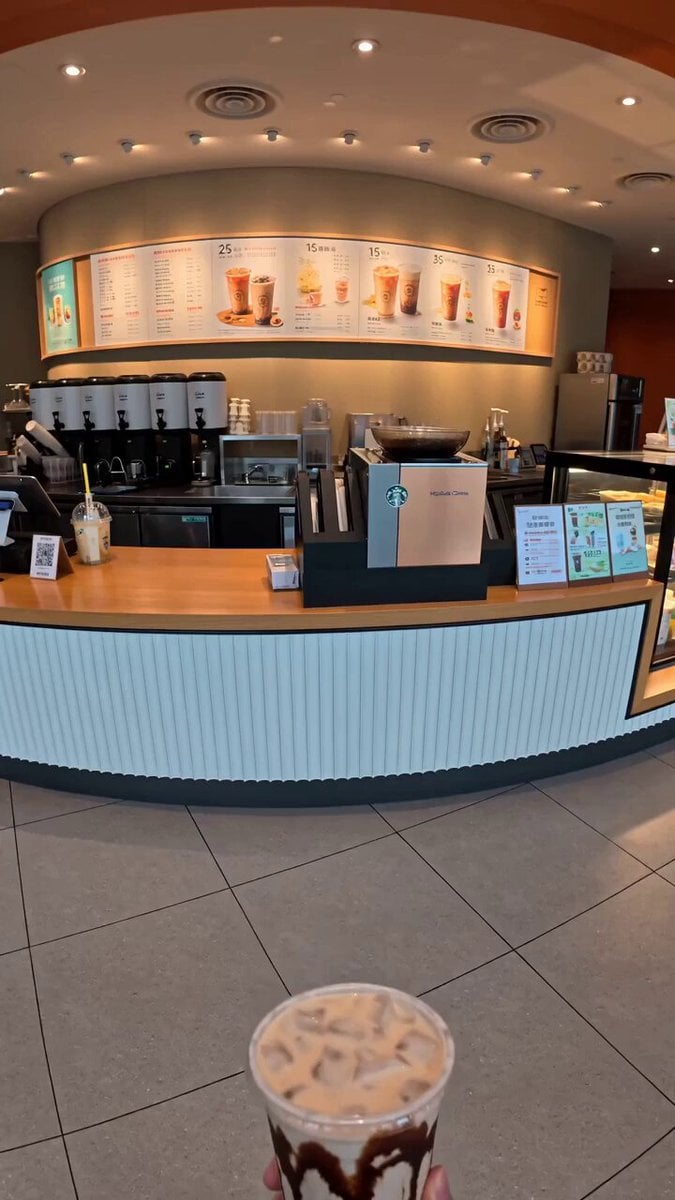
Food Summoning POV Stop-Motion Video
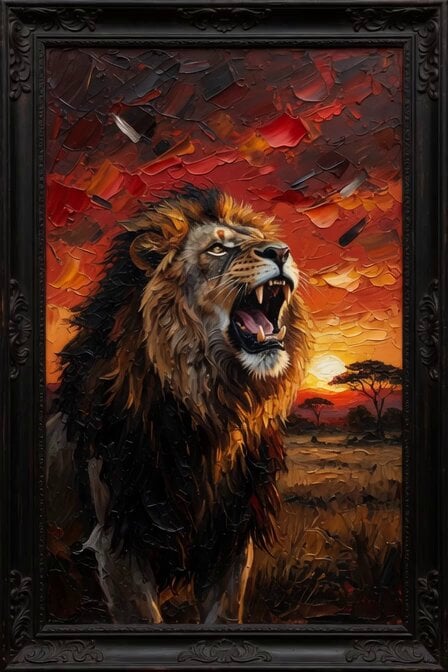
Morning Coffee with Lion

Coffee Cup Interaction Motion
Capsule Coffee Machine Tutorial
Make it yours
Coffee Stop-Motion Morning Ritual works as-is. These are the safest ways to change it without losing the look.
Swap the setting
Keep the rest of the prompt and replace the location block. The current setting is “rustic wooden cafe table”.
Swap the light
One lighting change is enough to compare takes. Current light: “soft warm morning light”.
Change one field
Copy a single group, rewrite it, and generate again so you can see what that field is doing.
| If the result… | Why | Fix |
|---|---|---|
| The result drifts from the preview | Too many fields changed at once. | Reuse Coffee Stop-Motion Morning Ritual as-is first, then change one group — subject, light, or setting. |
| Seedance 2.0 ignores part of the JSON | Some models flatten or skip nested keys. | Keep the same values and paste them as a short paragraph instead. |
More Seedance 2.0 templates
Other prompts made for Seedance 2.0.

Comical Martial Arts Punch Scene

Maglev Train Action Sequence

Martial Arts Fight Sequence

Wuxia Protection and Trust Script

Vintage Korean Arcade MiniDV Vlog

Mercedes 190 SL Luxury Ad

Rainy Night Supernatural Reverse Comedy Video Script

Amazon Civilization Discovery

Futuristic South Asian City Transformation

Cozy Luxury Cafe Commercial
More video prompts
Fresh picks from across the catalog.
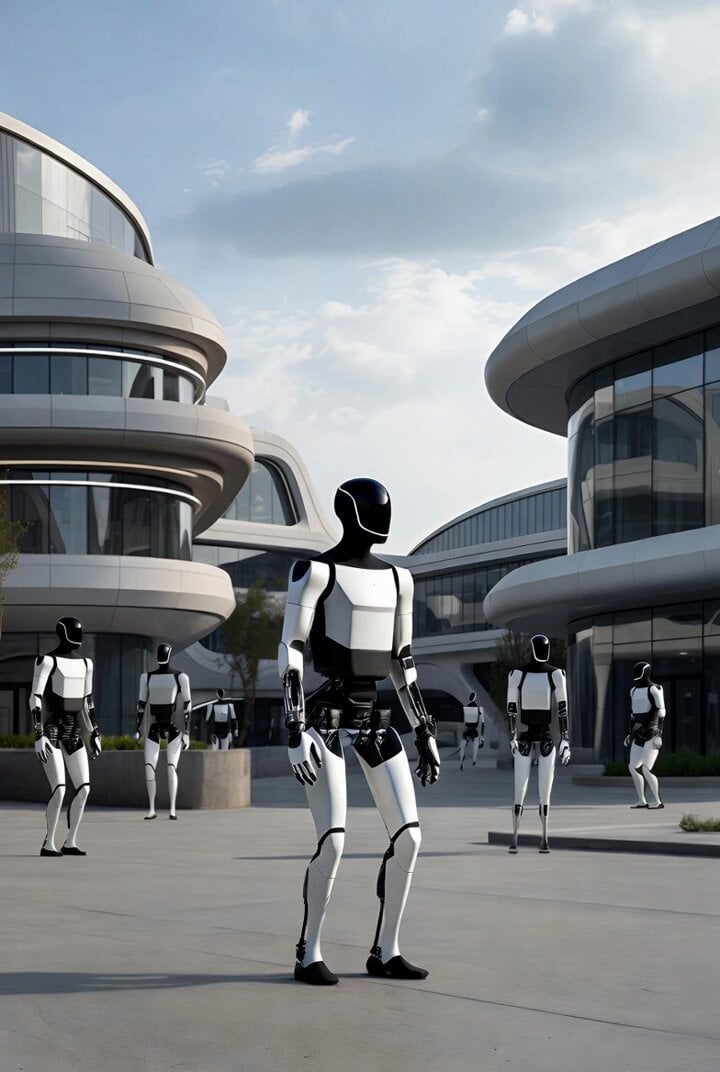
Grok Imagine prompt for Tesla Optimus robots in a futuristic city
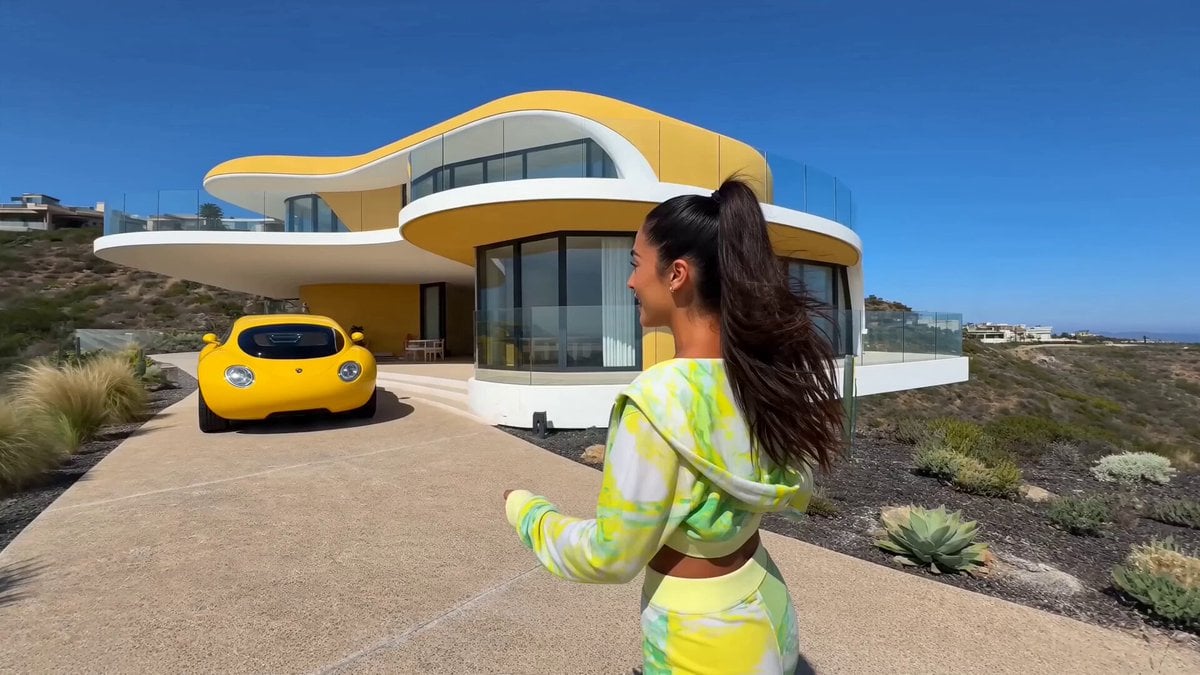
Influencer Luxury Villa Tour

Cyberpunk RPG Anime Action

Seedance 2.0 Top Gun Pigeon Prompt
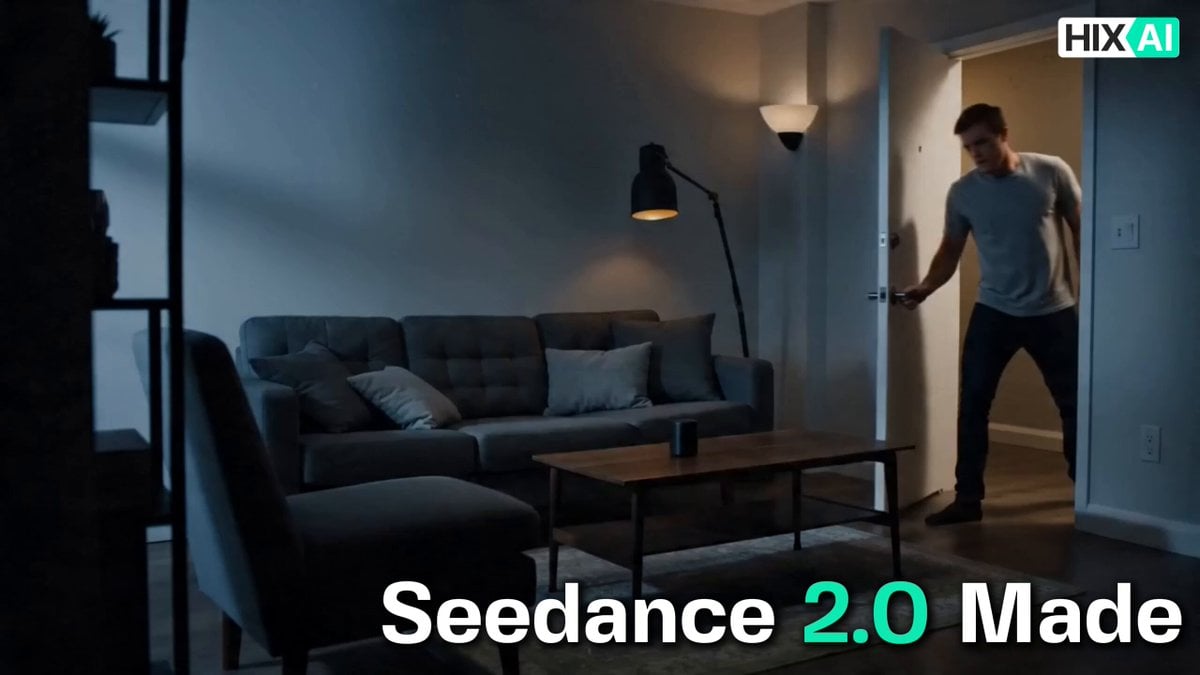
Cinematic Commercial Sequence Part 1

Futuristic Tech Cafe with Robotic Barista
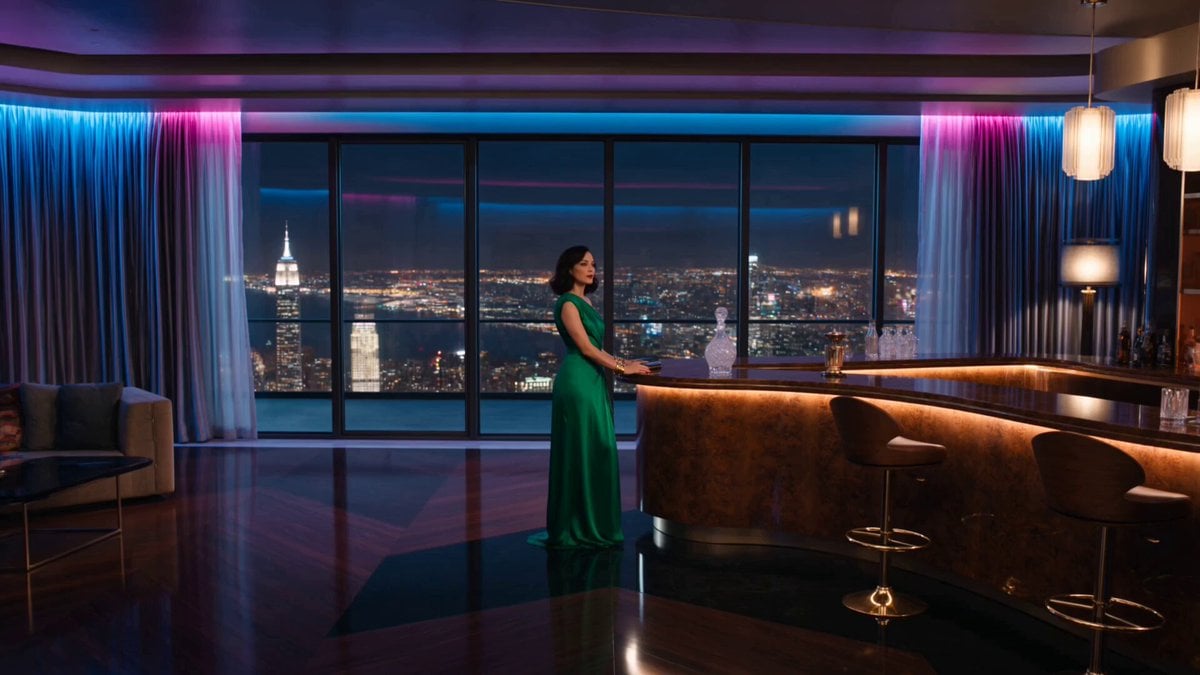
Penthouse Luxury Fight Sequence

Grok Imagine prompt for a dramatic dinosaur fight scene
Thai Style Comedy Twist Commercial

Futuristic Cyborg Sprinter Video Prompt
Browse template categories
Coffee Stop-Motion Morning Ritual questions
How do I use the Coffee Stop-Motion Morning Ritual template?
Add your photo if the template asks for one, edit the prompt if you like — the template's model and format are already selected — and press Generate. Your version opens in PicX Studio.
Can I customize the Coffee Stop-Motion Morning Ritual template?
Yes. You can change the subject, setting, lighting, mood, format, and available model controls before creating your video.
Is the Coffee Stop-Motion Morning Ritual template free?
Opening and editing this template is free. Generating uses credits, shown on the Generate button when you are signed in.
Which AI model should I use?
Start with Seedance 2.0, which is the model associated with this template. You can compare another compatible model for a different finish.
Looking for something else? Browse all templates.

Your photo, any look
Thousands of ready templates for every top image and video model, from one credit balance.