How do I use the Tokyo Morning Coffee Smartphone Vlog template?
Edit the prompt in the box under the preview — the template's model and format are already selected — and press Generate. Your version appears right on this page.
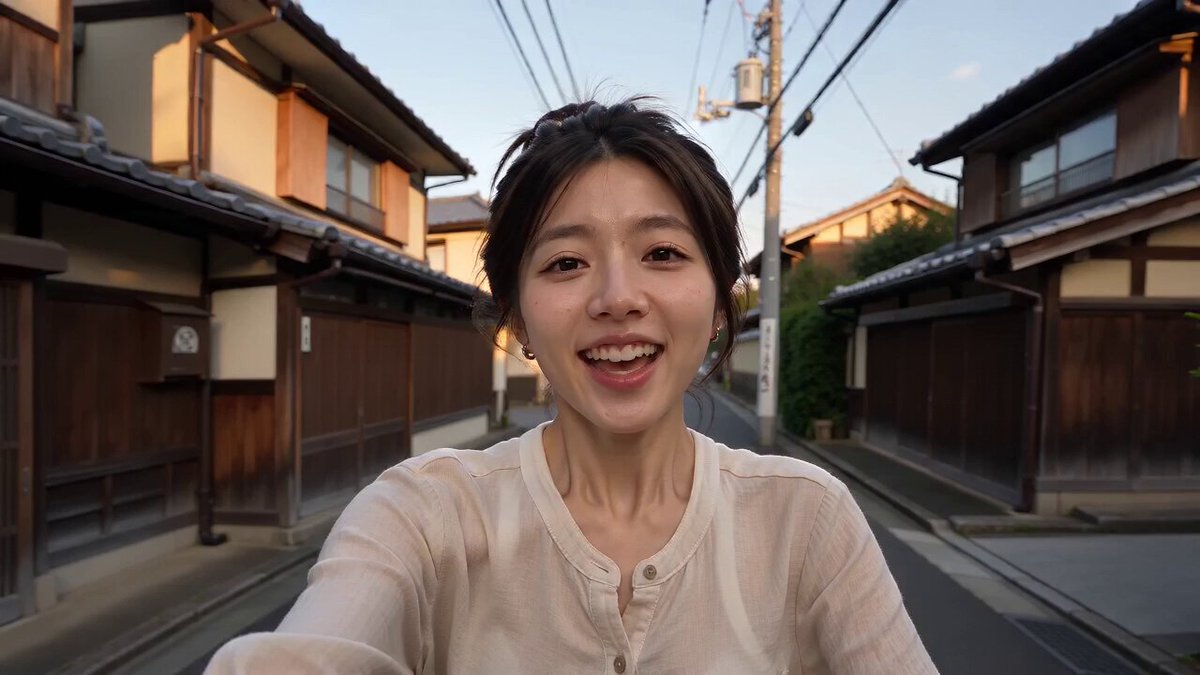
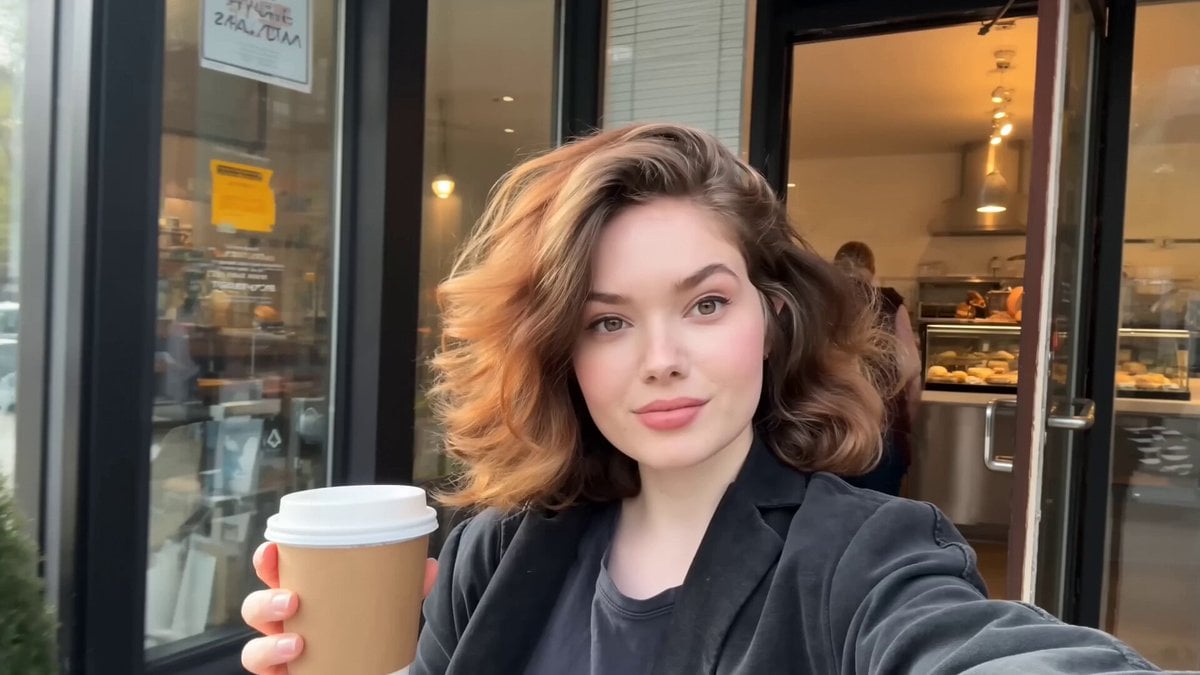
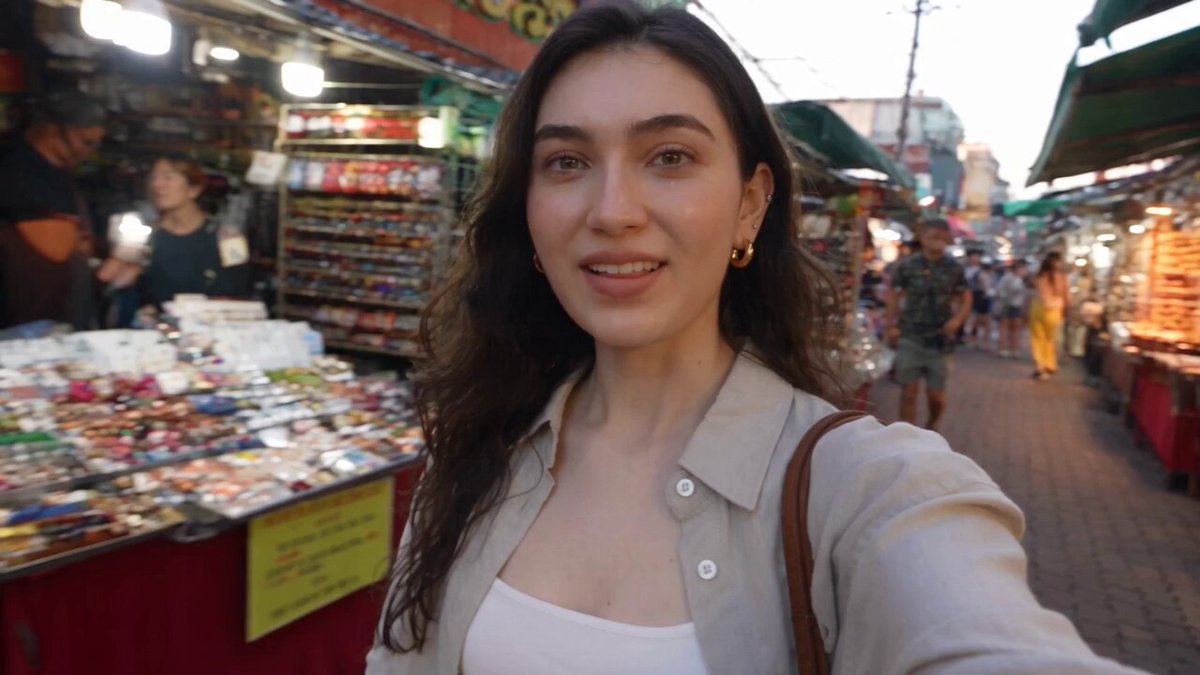
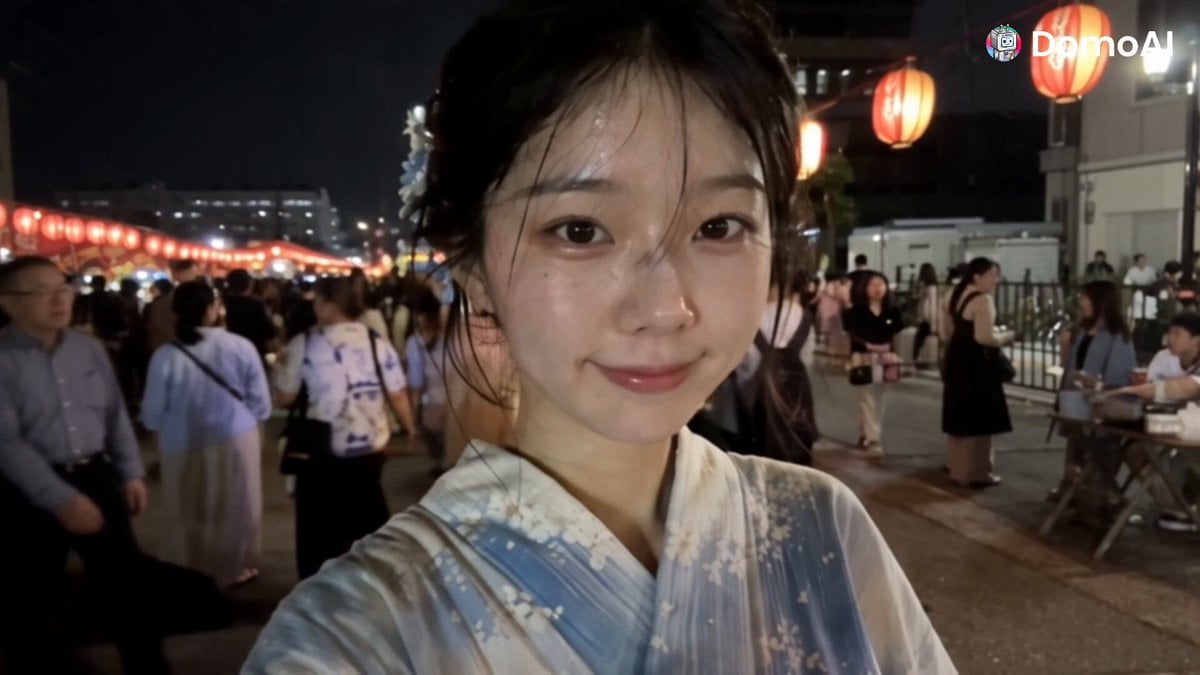
An ultra-realistic 15-second vertical smartphone vlog prompt of a young woman exploring Tokyo streets and a café during golden hour.
Create an ultra-realistic 15-second vertical (9:16) smartphone vlog. A young woman is filming herself with the front camera while walking through a quiet Tokyo street during golden hour. The camera has natural handheld movement, slight autofocus shifts, realistic lighting, and subtle background blur. People walk by naturally, bicycles pass in the background, birds chirp, and distant traffic creates authentic city ambience. She smiles warmly at the camera and speaks naturally in English. She walks into a cozy café, briefly flips the camera to show the coffee machine and barista making an iced latte, then switches back to selfie mode. She picks up the drink, walks outside, takes a sip, and continues walking with the city behind her. The video should feel like a genuine influencer vlog, not scripted or cinematic. Voice & Timing: 0–4 sec: "Good morning, everyone! I found the cutest little coffee shop while exploring Tokyo." 4–9 sec: "Let's see if their iced latte is really as good as everyone says." 9–15 sec: (Takes a sip and smiles) "Wow... that's amazing. Definitely worth the stop! See you in the next adventure!" Style & Audio: Ultra-photorealistic, 4K HDR Natural facial expressions and lip sync Realistic smartphone front-camera quality Ambient city sounds only (birds, footsteps, distant traffic, café sounds) No background music Authentic influencer vlog aesthetic Smooth transitions, realistic motion blur, and no AI-looking artifacts
Create an ultra-realistic 15-second vertical (9:16) smartphone vlog. A young woman is filming herself with the front camera while walking through a quiet Tokyo street during golden hour. The camera has natural handheld movement, slight autofocus shifts, realistic lighting, and subtle background blur. People walk by naturally, bicycles pass in the background, birds chirp, and distant traffic creates authentic city ambience. She smiles warmly at the camera and speaks naturally in English. She walks into a cozy café, briefly flips the camera to show the coffee machine and barista making an iced latte, then switches back to selfie mode. She picks up the drink, walks outside, takes a sip, and continues walking with the city behind her. The video should feel like a genuine influencer vlog, not scripted or cinematic. Voice & Timing: 0–4 sec: "Good morning, everyone! I found the cutest little coffee shop while exploring Tokyo." 4–9 sec: "Let's see if their iced latte is really as good as everyone says." 9–15 sec: (Takes a sip and smiles) "Wow... that's amazing. Definitely worth the stop! See you in the next adventure!" Style & Audio: Ultra-photorealistic, 4K HDR Natural facial expressions and lip sync Realistic smartphone front-camera quality Ambient city sounds only (birds, footsteps, distant traffic, café sounds) No background music Authentic influencer vlog aesthetic Smooth transitions, realistic motion blur, and no AI-looking artifacts
Edit the prompt in the box under the preview — the template's model and format are already selected — and press Generate. Your version appears right on this page.
Yes. You can change the subject, setting, lighting, mood, format, and available model controls before creating your video.
Opening and editing this template is free. Generating uses credits, shown on the Generate button when you are signed in.
Start with Seedance 2.0, which is the model associated with this template. You can compare another compatible model for a different finish.
Follow a topic to a crawlable collection of related PicX Studio templates.