How do I use the Dreamy Fairytale Logo Animation template?
Edit the prompt in the box under the preview — the template's model and format are already selected — and press Generate. Your version appears right on this page.
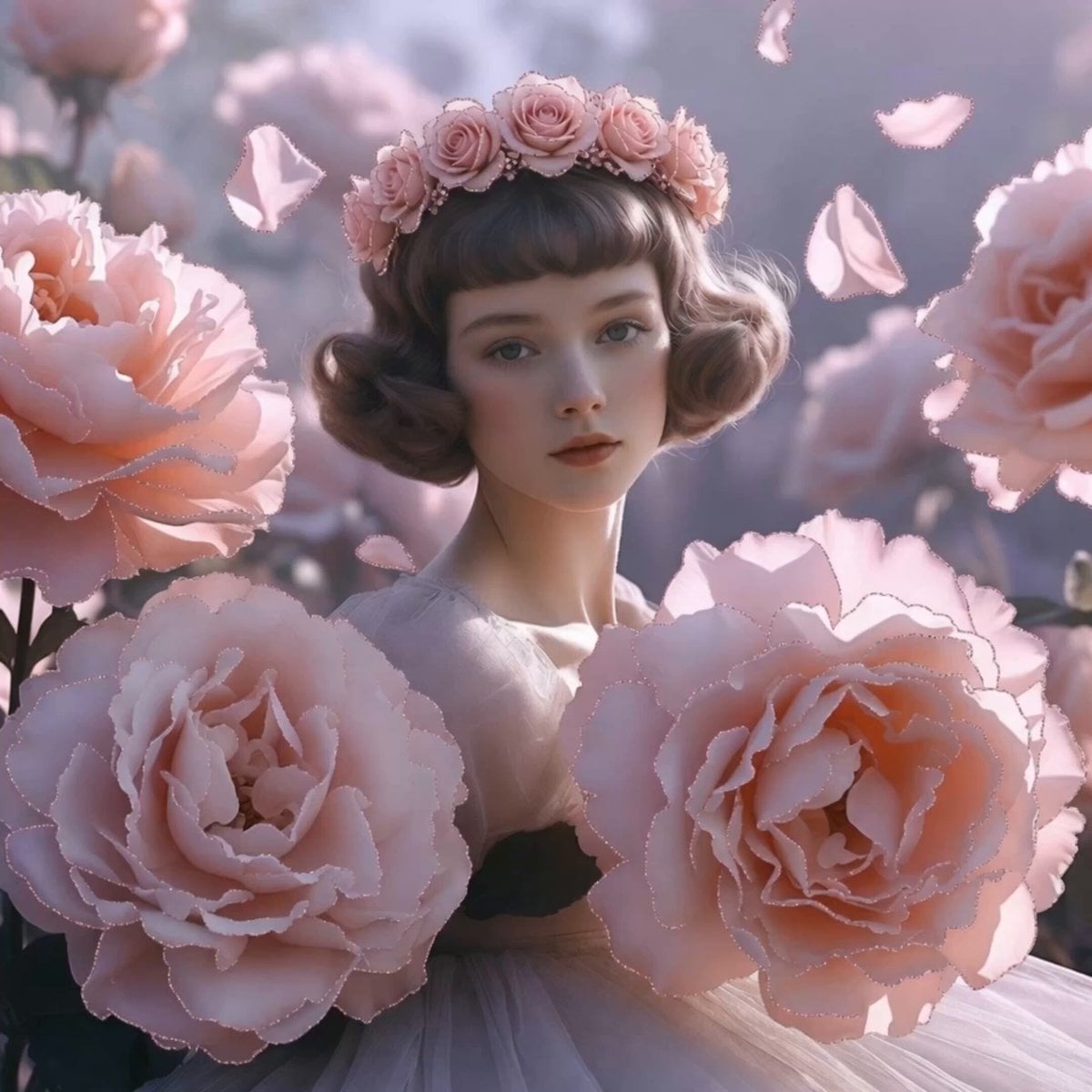
A prompt for a soft and gentle logo reveal animation featuring pastel lights, floating bubbles, and hearts on a black background.
画像を参照し優しく夢見るようなロゴ出現アニメーションを作成。薄いピンク&水色の優しい光が黒背景をふんわり温かく包むところから始まり、ロゴがゆっくり「ふわり」と浮かび上がって重力がない夢の世界を表現する。小さな星やハート、泡がふわふわと漂ってかわいいメルヘン感が生まれ、ロゴがパステルカラー(淡いピンク&水色&黄色)で包み込まれるような温かさとともに完成される。最後にロゴがゆっくり脈動しながら優しく安定表示される。優しい、メルヘン、ふわふわ。
画像を参照し優しく夢見るようなロゴ出現アニメーションを作成。薄いピンク&水色の優しい光が黒背景をふんわり温かく包むところから始まり、ロゴがゆっくり「ふわり」と浮かび上がって重力がない夢の世界を表現する。小さな星やハート、泡がふわふわと漂ってかわいいメルヘン感が生まれ、ロゴがパステルカラー(淡いピンク&水色&黄色)で包み込まれるような温かさとともに完成される。最後にロゴがゆっくり脈動しながら優しく安定表示される。優しい、メルヘン、ふわふわ。
Edit the prompt in the box under the preview — the template's model and format are already selected — and press Generate. Your version appears right on this page.
Yes. You can change the subject, setting, lighting, mood, format, and available model controls before creating your video.
Opening and editing this template is free. Generating uses credits, shown on the Generate button when you are signed in.
Start with Seedance 2.0, which is the model associated with this template. You can compare another compatible model for a different finish.
Follow a topic to a crawlable collection of related PicX Studio templates.