
Tiger Zoo Selfie Vlog
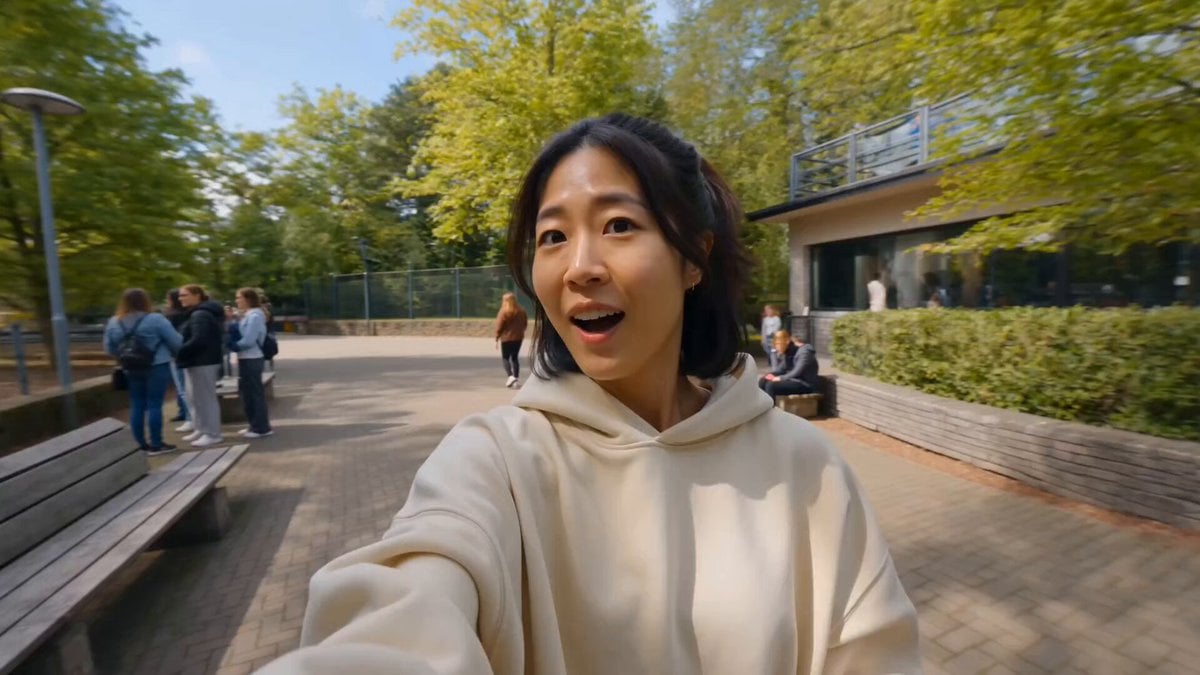
An ultra-realistic selfie-style video prompt of a Korean woman at a zoo, focusing on authentic handheld camera movements and natural interactions.
- Prompt included
- Model and format preset
- Premium template
The prompt behind this video
Copy the exact prompt behind Tiger Zoo Selfie Vlog, or open it in the studio and make it yours.
Style A single continuous front-facing smartphone selfie video recorded entirely by a young Korean woman visiting a zoo. She holds the phone herself at arm's length for the entire video. No cuts, no third-person shots, no cinematic camera work, no drone footage, no tripod. Authentic modern smartphone footage: Natural handheld shake Real walking bounce Occasional autofocus adjustments Minor exposure fluctuations Slight framing imperfections Natural front-camera lens distortion Realistic skin texture Natural daylight No beauty filters No skin smoothing No color grading No artificial HDR Character A cheerful Korean woman in her early twenties with shoulder-length dark hair tied in a loose ponytail. Outfit remains identical throughout: Oversized cream hoodie Relaxed blue jeans White sneakers She always has exactly two hands. One hand holds the phone at all times. Environment A modern zoo on a pleasant sunny afternoon. Natural ambient sounds only: Visitors chatting Footsteps Distant birds Light wind through trees Occasional animal sounds No music, subtitles, captions, logos, or watermarks. Animal Only one Bengal tiger appears in the entire video. The tiger is realistic, anatomically correct, sharp, and consistent throughout. No duplicate animals, morphing, glitches, extra limbs, or unrealistic behavior. The woman remains safely behind the visitor barrier at all times. Scene (15 Seconds) 0–5 seconds Walking along a zoo path while filming herself. The tiger enclosure comes into view behind her. She smiles excitedly at the camera. Dialogue: "Guys... there’s actually a tiger right behind me." 5–10 seconds She reaches the viewing area. The tiger slowly walks across the habitat behind her. It briefly glances toward the camera. She laughs in surprise. Dialogue: "Okay, that was way cooler than I expected." 10–15 seconds She sits on a nearby bench still holding the phone. The tiger relaxes in the shade behind her. A gentle breeze moves her hair naturally. She smiles and shakes her head. Dialogue: "I could honestly watch this all day." She slowly lowers the phone, creating a natural imperfect ending as the recording stops. Target Result: indistinguishable from a genuine smartphone selfie vlog uploaded by a real zoo visitor, with natural human behavior, authentic phone-camera imperfections, realistic tiger movement, and zero AI-generated appearance.
How to use Tiger Zoo Selfie Vlog in 3 steps
- 1Upload ImagePNG, JPG or paste
Add your photo
Upload the photo the template builds on. The prompt, model and format are already set.
- 2…a portrait of your subject in softgolden-hour light, 85mm…
Personalize
Edit the subject and creative details for your destination.
- 3Generate
Generate
Press Generate — your video is created in PicX Studio, so you can compare it with the original and refine one variable at a time.
More like this
Templates with the same subject, style or setup. Open one to see its prompt.
Kyoto Morning Selfie Vlog
Selfie Travel Vlog Mykonos
Smartphone Travel Vlog Tokyo Trip Identity Preserved
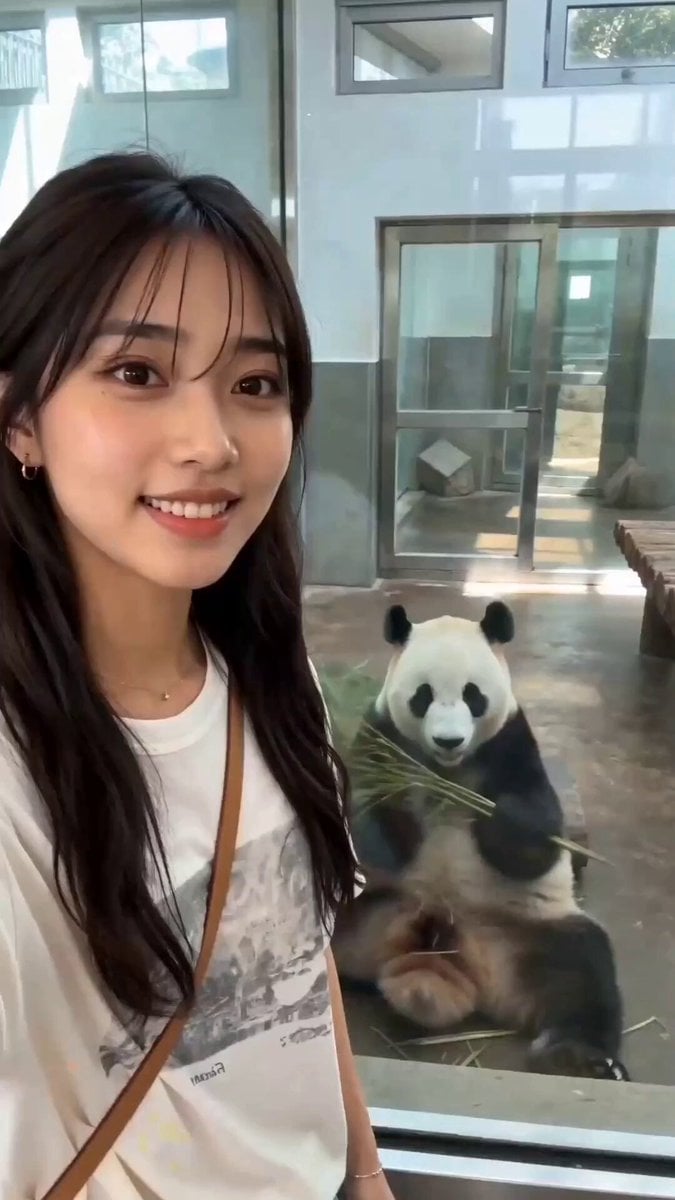
Realistic Zoo Vlog Selfie
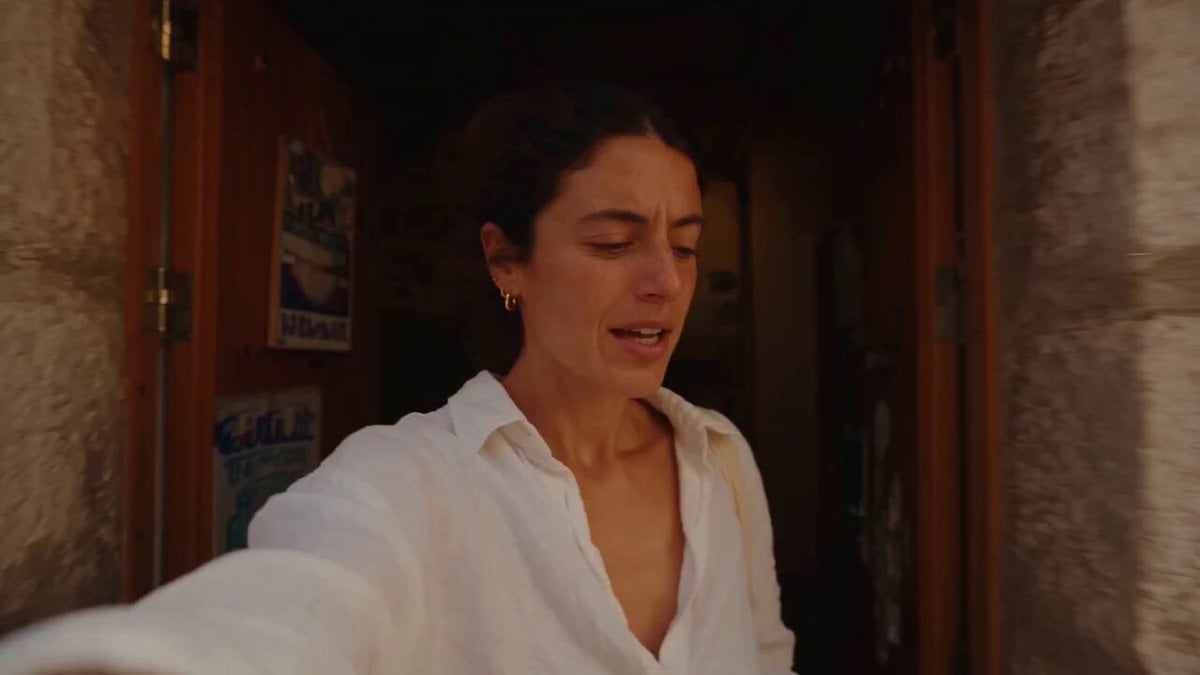
Mediterranean Coffee Run Vlog - Seedance 2.5

Mysterious Home Exploration Vlog - Seedance 2.5
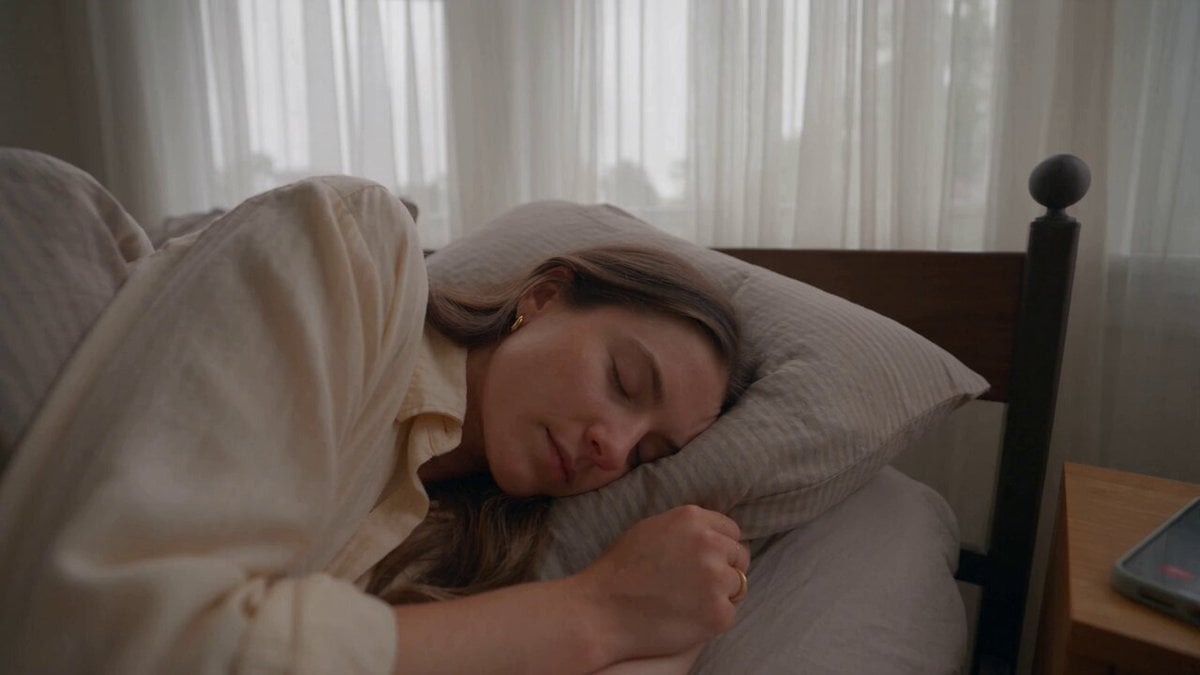
Realistic Morning Routine Lifestyle Vlog - Seedance 2.5
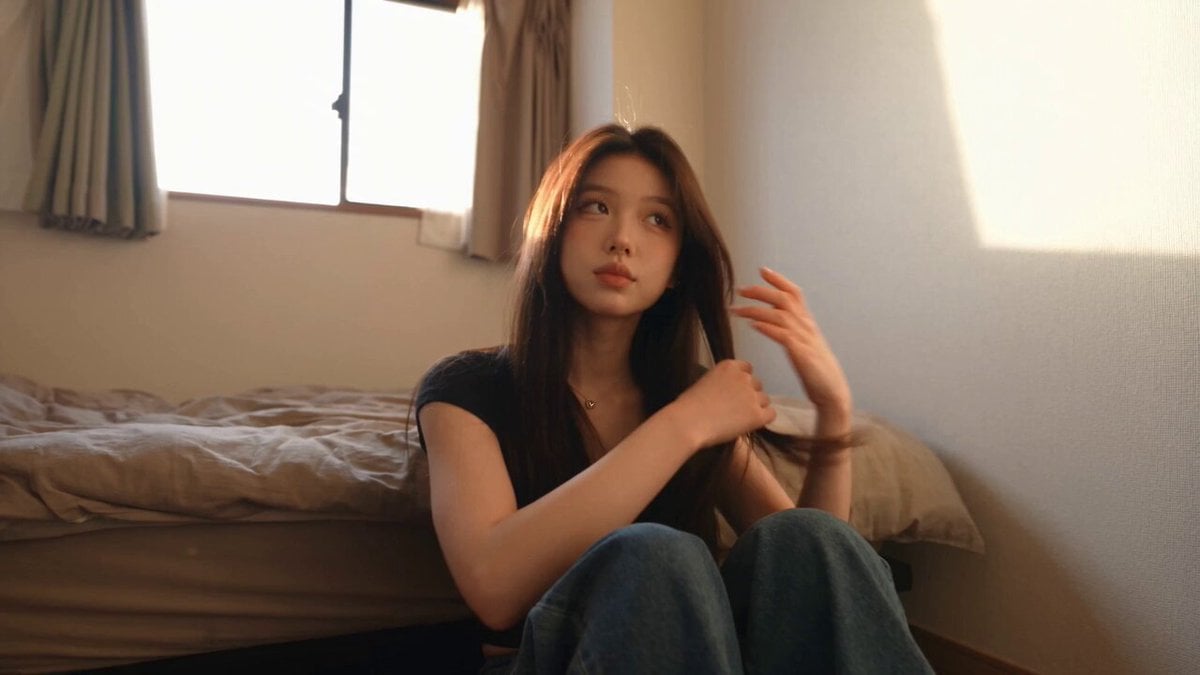
Handheld Tokyo Travel Vlog - Seedance 2.5
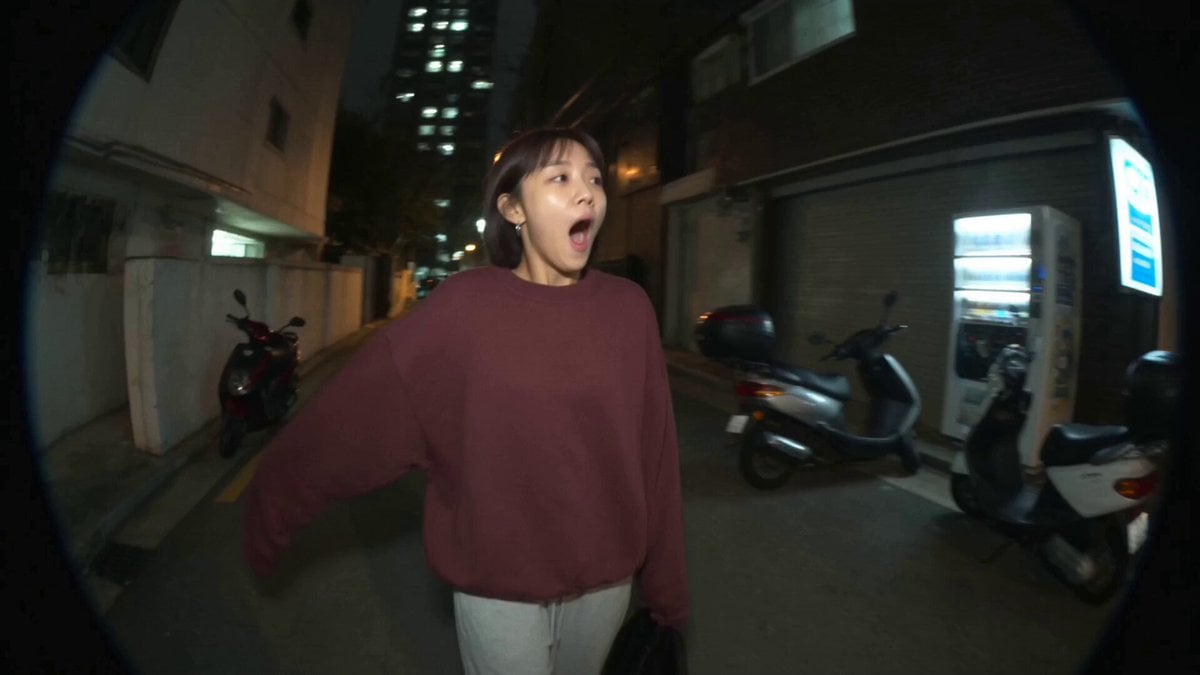
Nostalgic MiniDV Convenience Store Vlog - Seedance 2.5
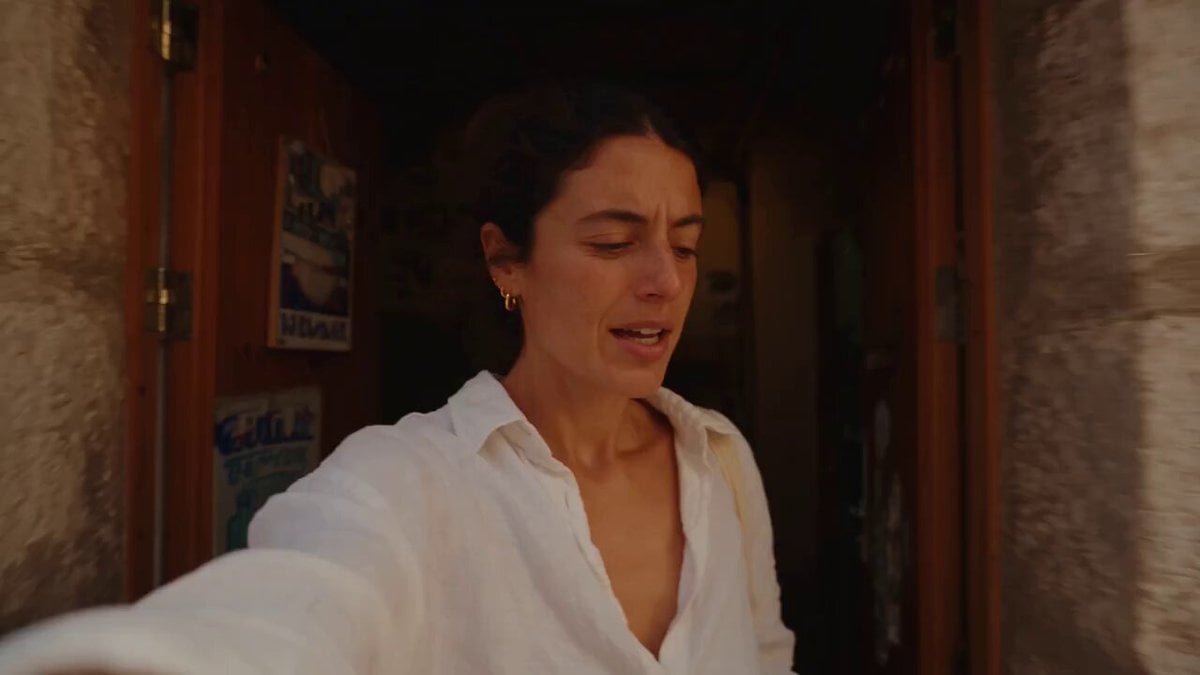
Mediterranean Morning Coffee Run Vlog (Seedance 2.5)
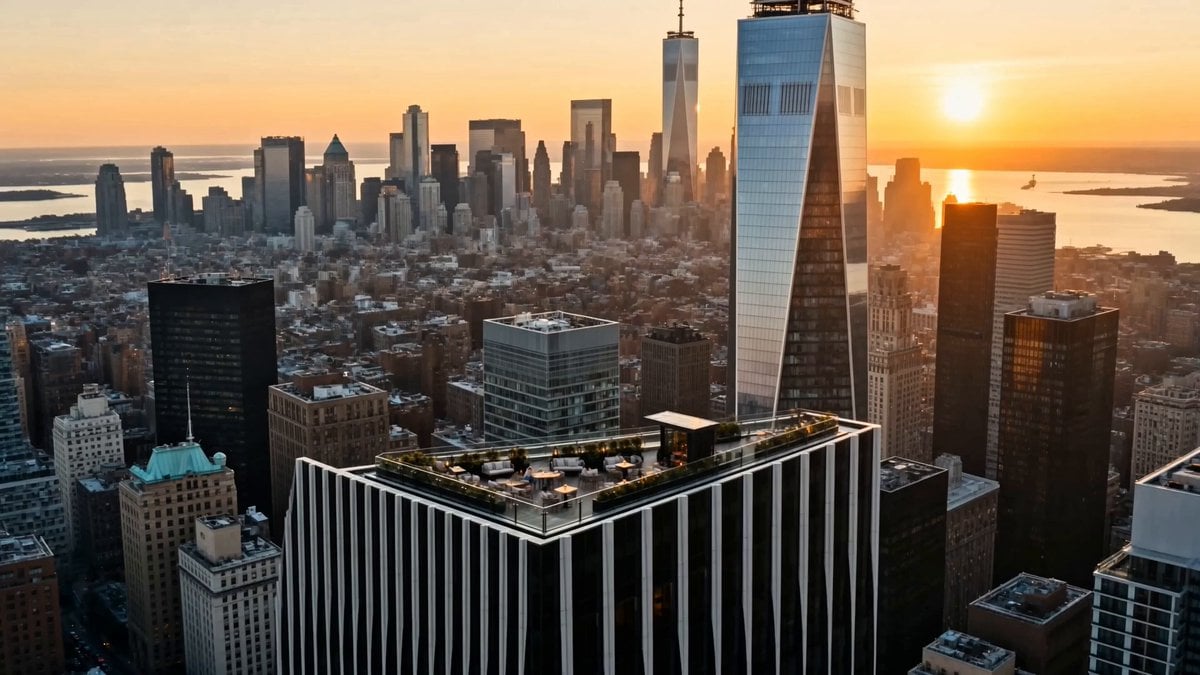
Luxury Lifestyle Day Vlog
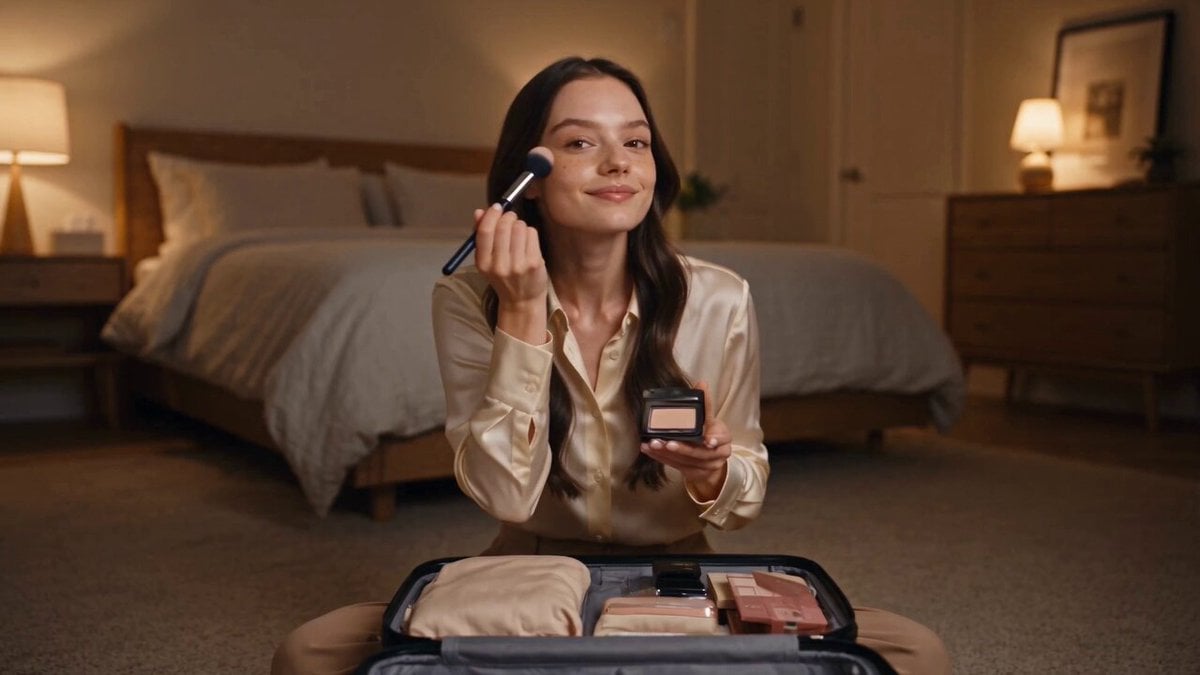
Luxury Airport Travel Vlog
Make it yours
Tiger Zoo Selfie Vlog works as-is. These are the safest ways to change it without losing the look.
Change one field
Copy a single group, rewrite it, and generate again so you can see what that field is doing.
Keep the frame, change the subject
Hold the composition and light of Tiger Zoo Selfie Vlog, then swap wardrobe, props or the person for a new take.
| If the result… | Why | Fix |
|---|---|---|
| The result drifts from the preview | Too many fields changed at once. | Reuse Tiger Zoo Selfie Vlog as-is first, then change one group — subject, light, or setting. |
| The model over-stylizes the scene | The prose prompt leaves finish and camera underspecified. | Add one camera or lighting sentence and stay on Seedance 2.0. |
More Seedance 2.0 templates
Other prompts made for Seedance 2.0.

Comical Martial Arts Punch Scene

Maglev Train Action Sequence

Martial Arts Fight Sequence

Wuxia Protection and Trust Script

Vintage Korean Arcade MiniDV Vlog

Mercedes 190 SL Luxury Ad

Rainy Night Supernatural Reverse Comedy Video Script

Amazon Civilization Discovery

Futuristic South Asian City Transformation

Cozy Luxury Cafe Commercial
More video prompts
Fresh picks from across the catalog.

Rabbit vs Cat Gouache Animation
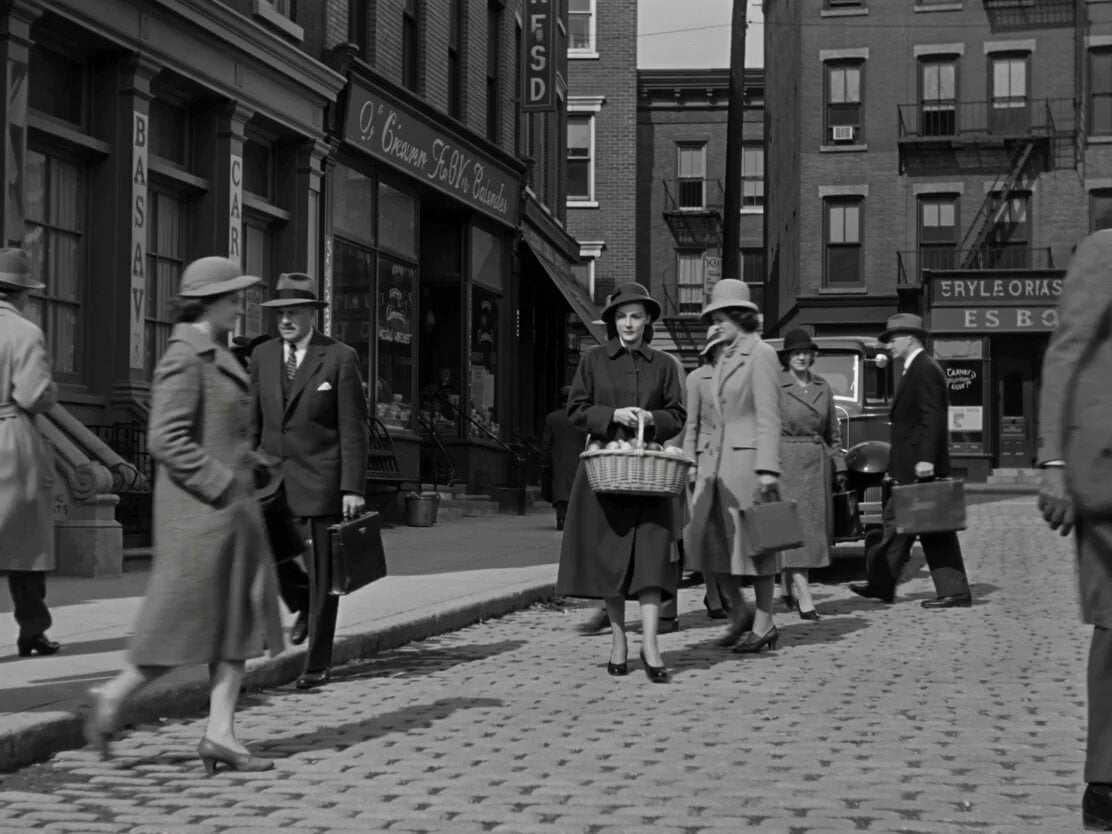
1950s Romantic Drama Scene

Candid Joyful Woman Football Stadium Portrait
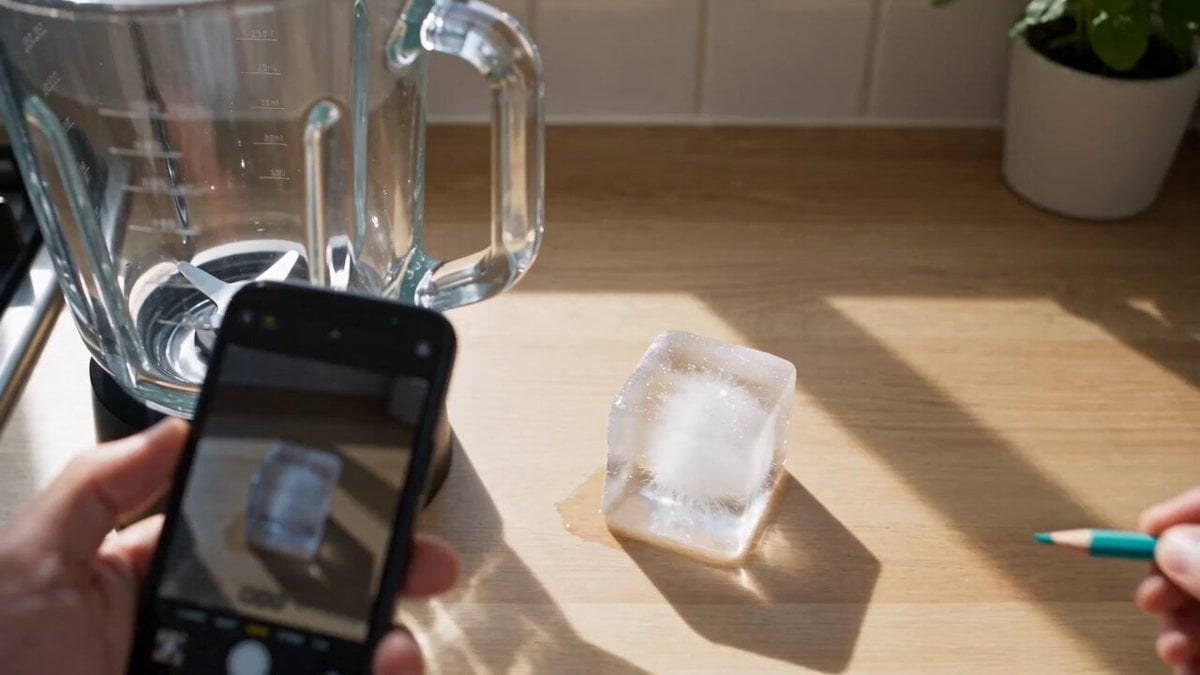
Mixed-Reality Stop-Motion Transformation
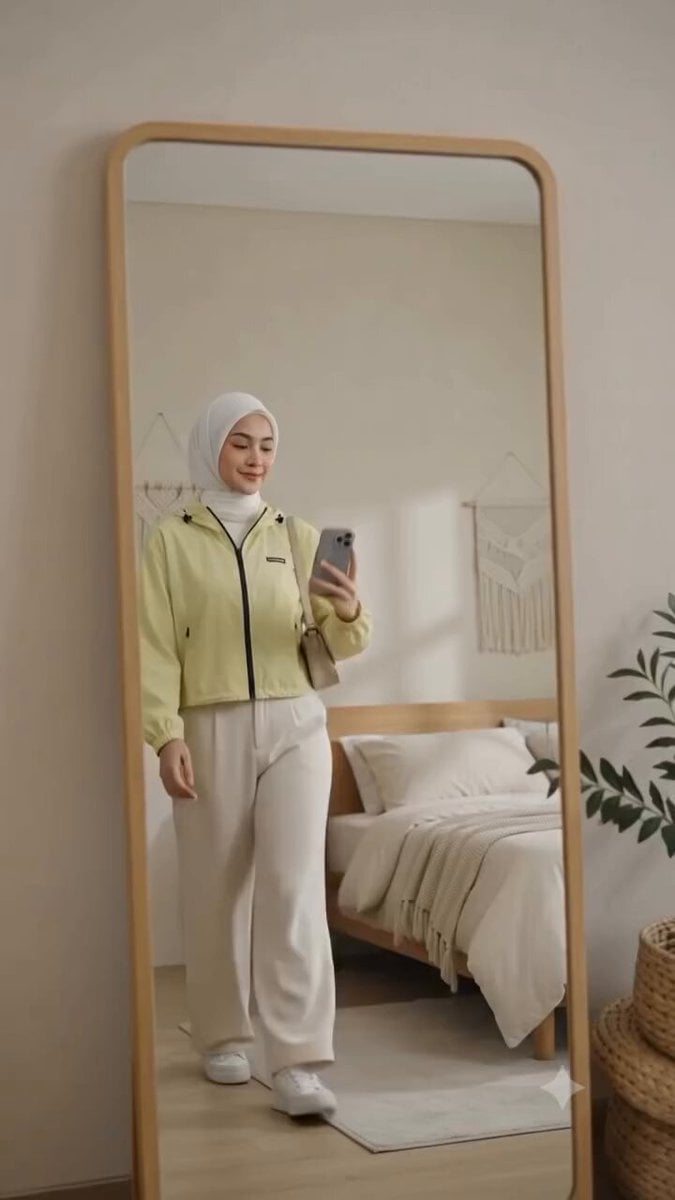
Cinematic Fashion Mirror Selfie
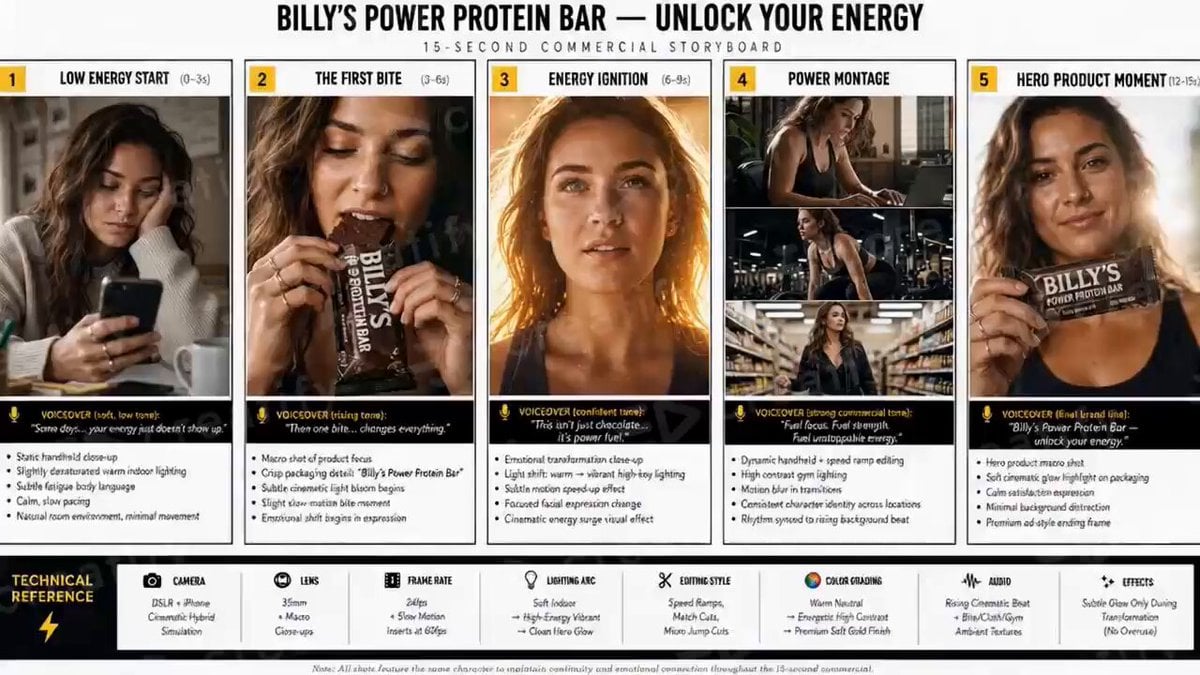
Protein Bar Transformation Commercial

Seedance 2.0 Transformation Prompt: 10 World Female Armors
Character Consistent Video Generation
Girl and Dog at the Beach
The Street Barber Emotional Story
Browse template categories
Tiger Zoo Selfie Vlog questions
How do I use the Tiger Zoo Selfie Vlog template?
Add your photo if the template asks for one, edit the prompt if you like — the template's model and format are already selected — and press Generate. Your version opens in PicX Studio.
Can I customize the Tiger Zoo Selfie Vlog template?
Yes. You can change the subject, setting, lighting, mood, format, and available model controls before creating your video.
Is the Tiger Zoo Selfie Vlog template free?
Opening and editing this template is free. Generating uses credits, shown on the Generate button when you are signed in.
Which AI model should I use?
Start with Seedance 2.0, which is the model associated with this template. You can compare another compatible model for a different finish.
Looking for something else? Browse all templates.

Your photo, any look
Thousands of ready templates for every top image and video model, from one credit balance.