
Cyberpunk 'Neon Destiny' Storyboard
A comprehensive multi-scene storyboard for a sci-fi cyberpunk trailer, including specific prompts for visual effects, lighting, and dialogue.
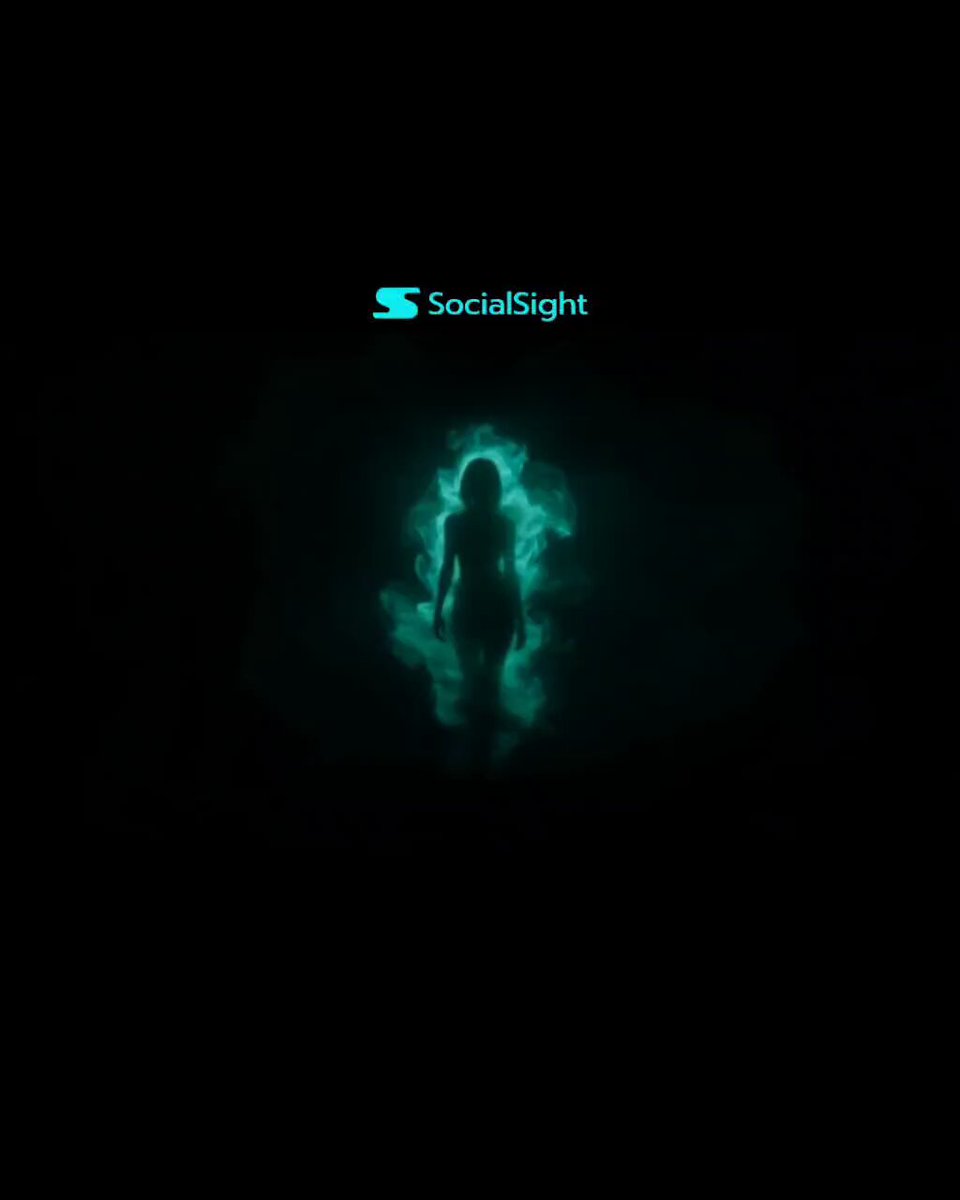
- Prompt included
- Model and format preset
- Free template
The prompt behind this video
Copy the exact prompt behind Cyberpunk 'Neon Destiny' Storyboard, or open it in the studio and make it yours.
Genre: Sci-fi / Cyberpunk / Action Duration: ~15–20 seconds Theme: Fate vs choice ⚡ STORYBOARD (Shot-by-shot) 🎞️ SCENE 1 — “Awakening” (0–3s) Visual: Dark screen → faint neon smoke forming a human silhouette Prompt: cinematic dark scene, neon green smoke forming a female silhouette, slow motion particles, cyberpunk atmosphere, volumetric lighting, mysterious mood, ultra realistic, 8k Text/VO: “What if your fate… was already written?” 🎞️ SCENE 2 — “Reveal” (3–6s) Visual: Side profile walk (like your reference), glowing transparent outfit Prompt: side profile woman walking, transparent holographic tracksuit glowing neon green, flowing light trails, slow motion, cinematic lighting, cyberpunk fashion, ultra detailed, dark background Camera: Slow dolly + slight slow motion 🎞️ SCENE 3 — “System Glitch” (6–9s) Visual: Glitch effect → environment breaks into digital grid Prompt: cyberpunk glitch transition, digital grid breaking reality, neon fragments, hologram distortion, cinematic effects, high energy, sci-fi environment collapse Sound idea: Digital glitch + bass hit 🎞️ SCENE 4 — “Identity Close-Up” (9–12s) Visual: Front close-up (second image vibe), glowing logo on chest Prompt: close-up portrait of woman with sunglasses, neon orange and green glowing jacket, strong light reflections, smoke trails, intense cinematic lighting, futuristic branding aesthetic Text on screen: “KATO” 🎞️ SCENE 5 — “Choice Moment” (12–15s) Visual: She stops walking → turns slightly → light intensifies Prompt: cinematic slow motion turn, glowing neon aura intensifying, energy waves flowing around body, dramatic lighting, cyberpunk heroine moment VO: “This time… I choose my own way.” 🎞️ SCENE 6 — “Final Impact” (15–18s) Visual: Flash → logo + title Prompt: black background, glowing neon logo appearing with light burst, cinematic title reveal, particles, high contrast, epic finish Text: NEON DESTINY
How to use Cyberpunk 'Neon Destiny' Storyboard in 3 steps
- 1
Open
The prompt is already in the box next to the preview, with the template's model and format selected.
- 2…a portrait of your subject in softgolden-hour light, 85mm…
Personalize
Edit the subject and creative details for your destination.
- 3Generate
Generate
Press Generate — your video is created in PicX Studio, so you can compare it with the original and refine one variable at a time.
More like this
Templates with the same subject, style or setup. Open one to see its prompt.

Cyberpunk Holographic Dance Performance - Seedance 2.5
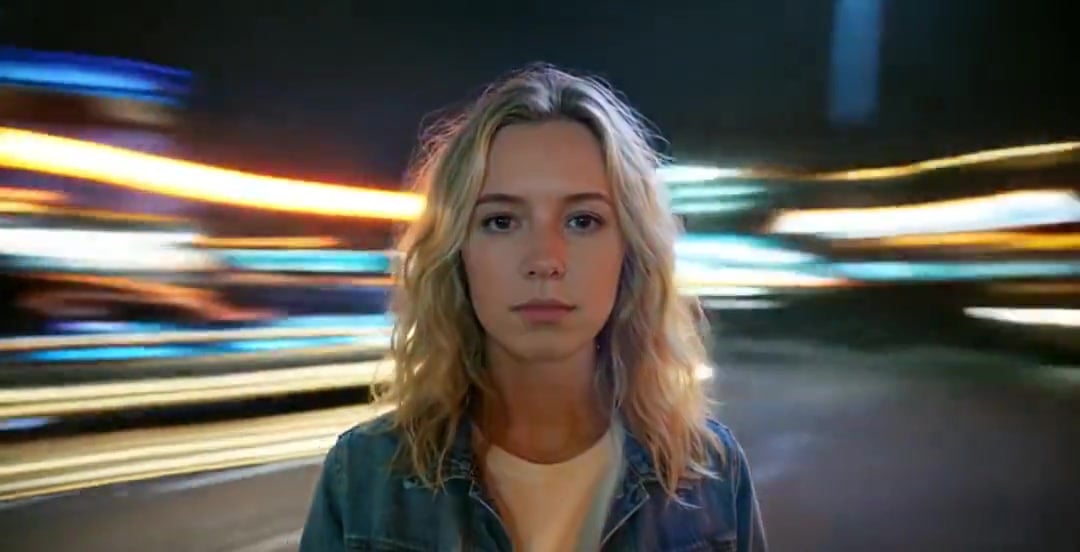
Handheld Neon Chaos Motion Blur — Kling 3.0 v3 Pro

3x3 Grid Storyboard Racing — Kling 3.0 O3 Pro

Dragon Rider Cinematic Flight — Seedance 2.5

RX-7 to Mech Transformation Cyberpunk
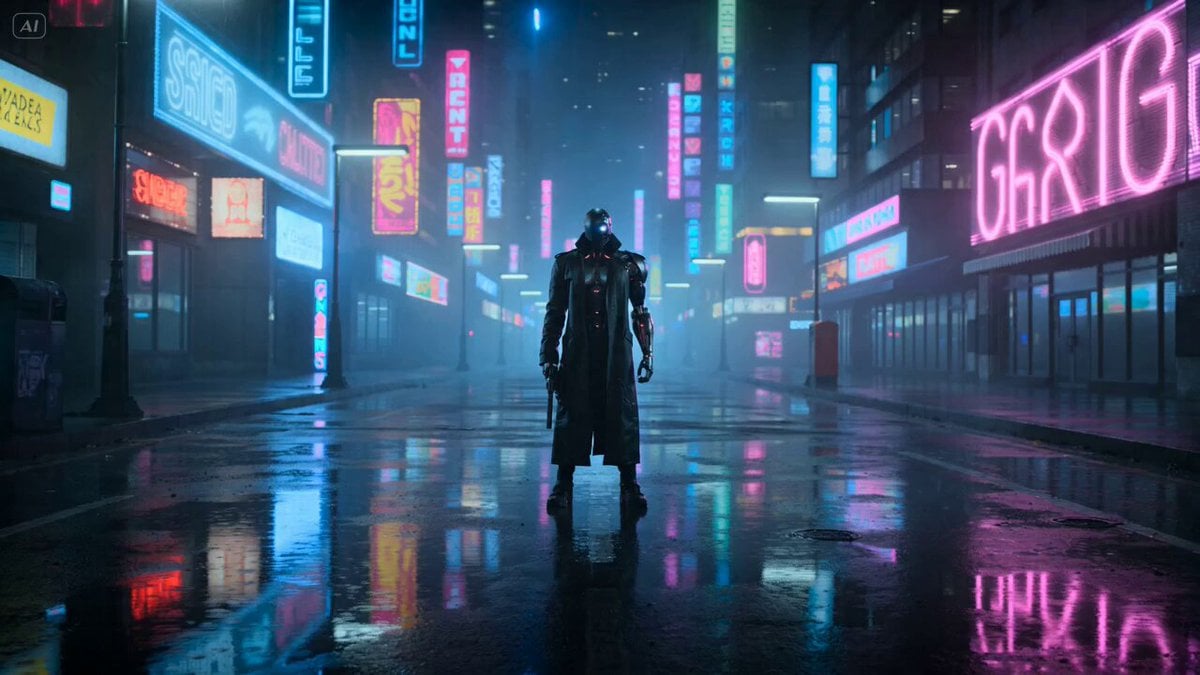
Cyberpunk Gunslinger Neon Sequence
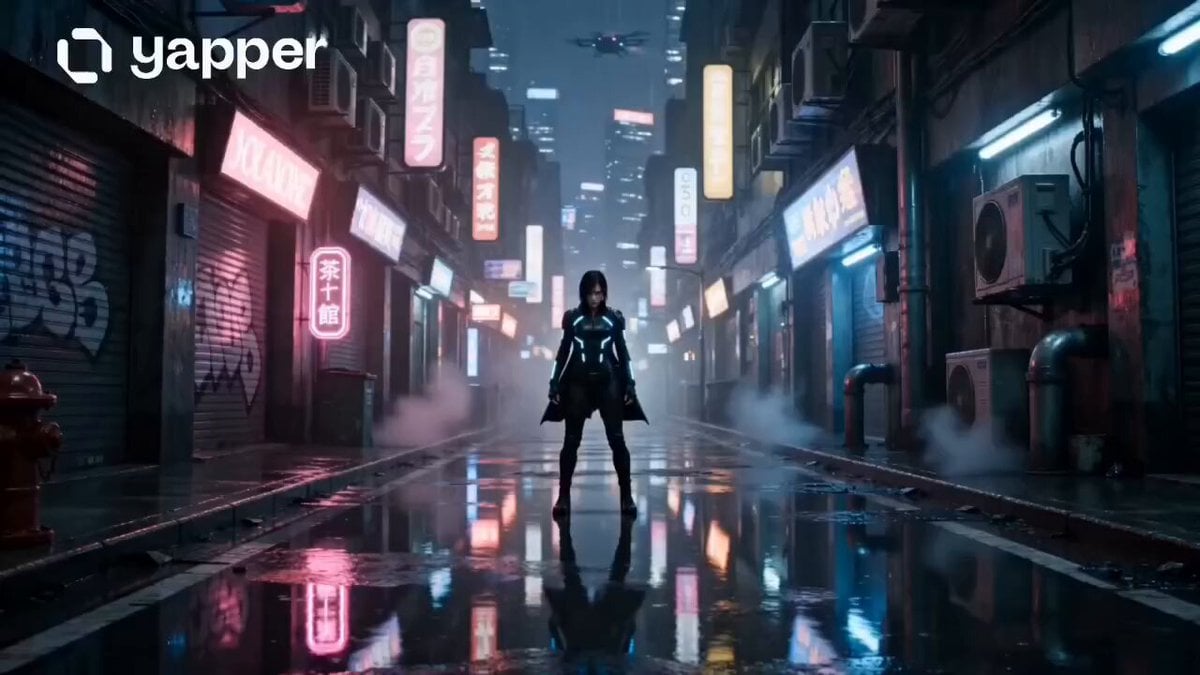
Neon Tokyo Cyberpunk Action Sequence
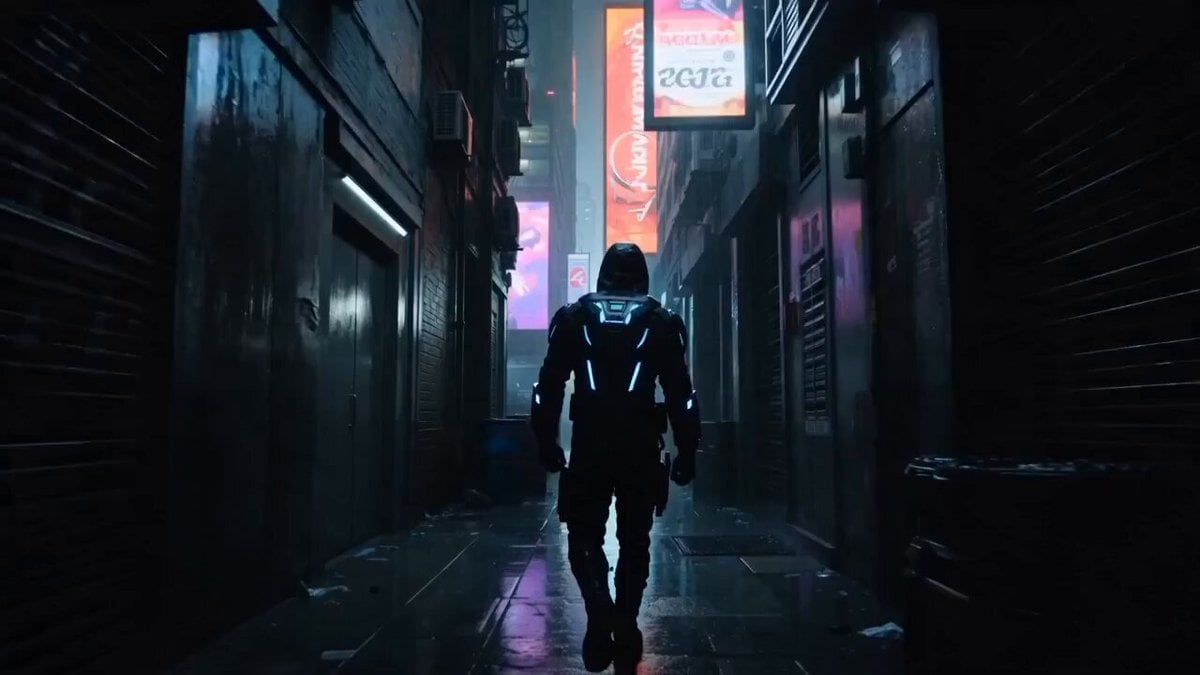
Cyberpunk Assassin Neon Action Sequence
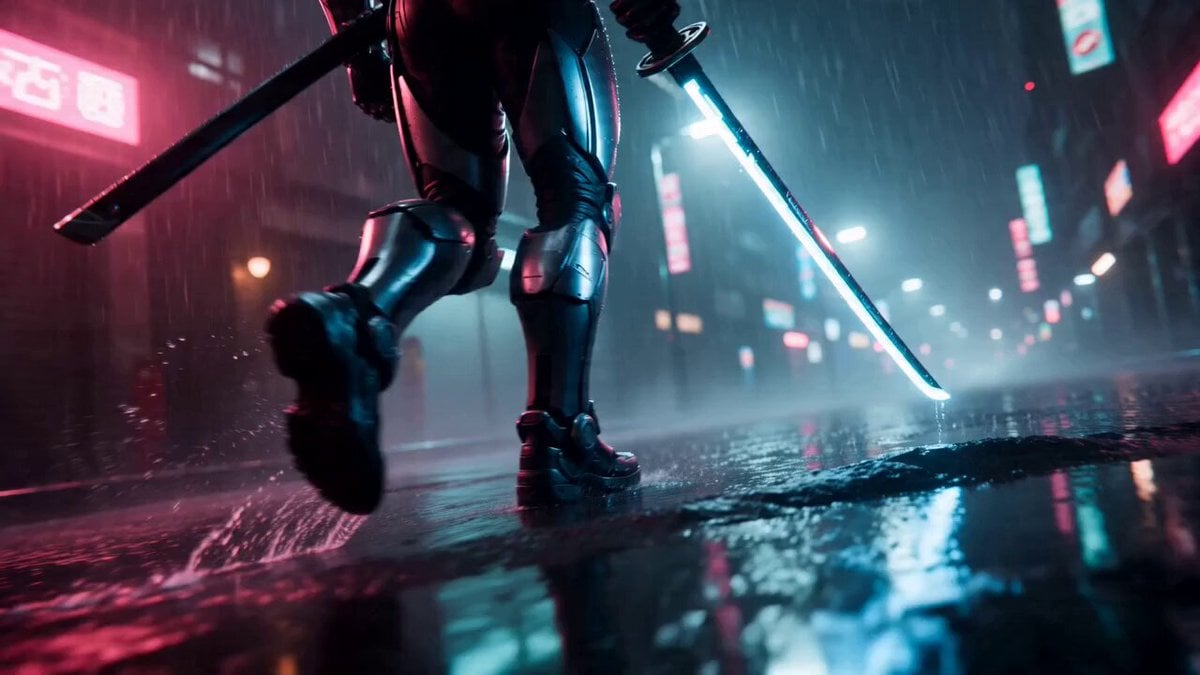
Cyberpunk Neon Samurai Duel

Neon Velocity Cyberpunk Bike Race
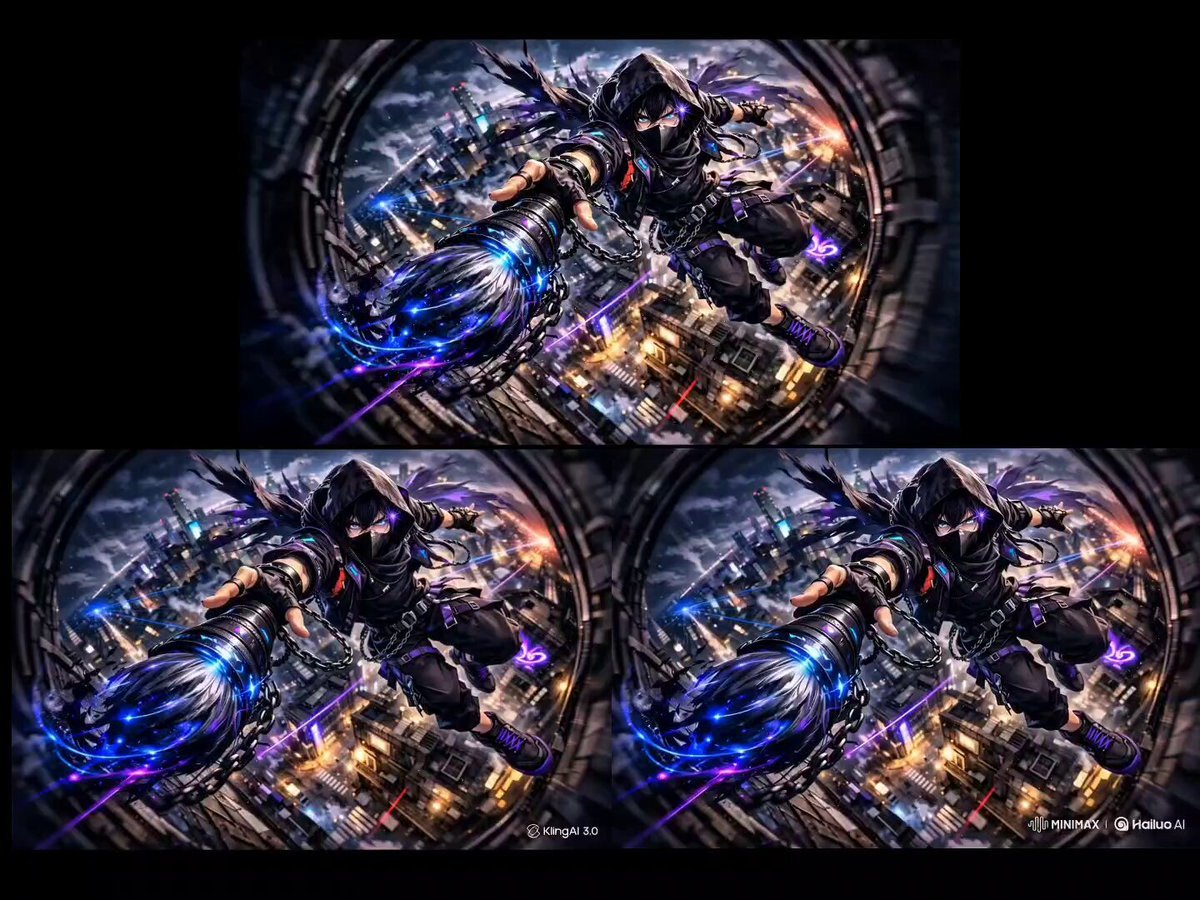
Cyber Ninja fight in Neon Cyberpunk City

Gpt2 Gpt2 Seedance Storyboard to Video
Make it yours
Cyberpunk 'Neon Destiny' Storyboard works as-is. These are the safest ways to change it without losing the look.
Change one field
Copy a single group, rewrite it, and generate again so you can see what that field is doing.
Keep the frame, change the subject
Hold the composition and light of Cyberpunk 'Neon Destiny' Storyboard, then swap wardrobe, props or the person for a new take.
| If the result… | Why | Fix |
|---|---|---|
| The result drifts from the preview | Too many fields changed at once. | Reuse Cyberpunk 'Neon Destiny' Storyboard as-is first, then change one group — subject, light, or setting. |
| The model over-stylizes the scene | The prose prompt leaves finish and camera underspecified. | Add one camera or lighting sentence and stay on Seedance 2.0. |
More Seedance 2.0 templates
Other prompts made for Seedance 2.0.

Comical Martial Arts Punch Scene

Maglev Train Action Sequence

Martial Arts Fight Sequence

Wuxia Protection and Trust Script

Vintage Korean Arcade MiniDV Vlog

Mercedes 190 SL Luxury Ad

Rainy Night Supernatural Reverse Comedy Video Script

Amazon Civilization Discovery

Futuristic South Asian City Transformation

Cozy Luxury Cafe Commercial
More video prompts
Fresh picks from across the catalog.
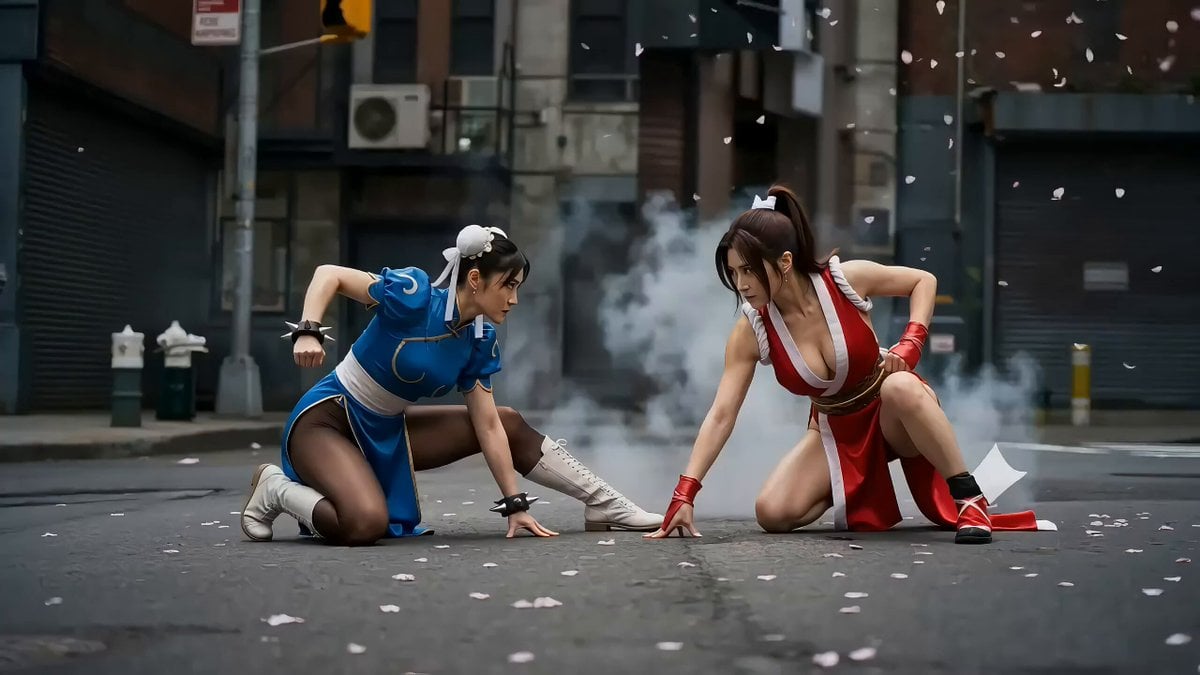
Second Action Sequence Video Prompt (Seedance 2.0)
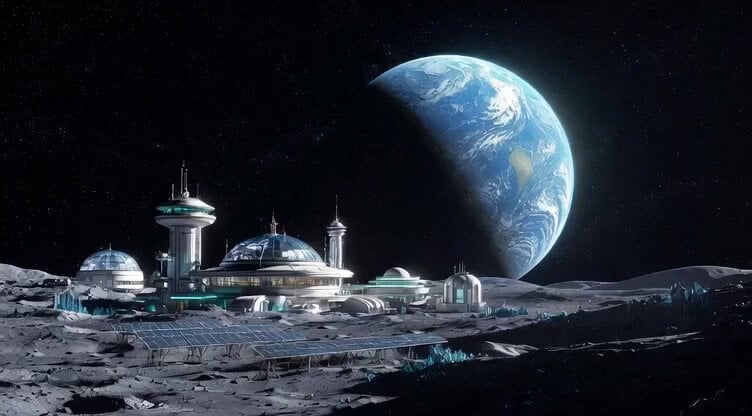
Botanical Garden Future Scenery
Viral Optical Illusion Challenge
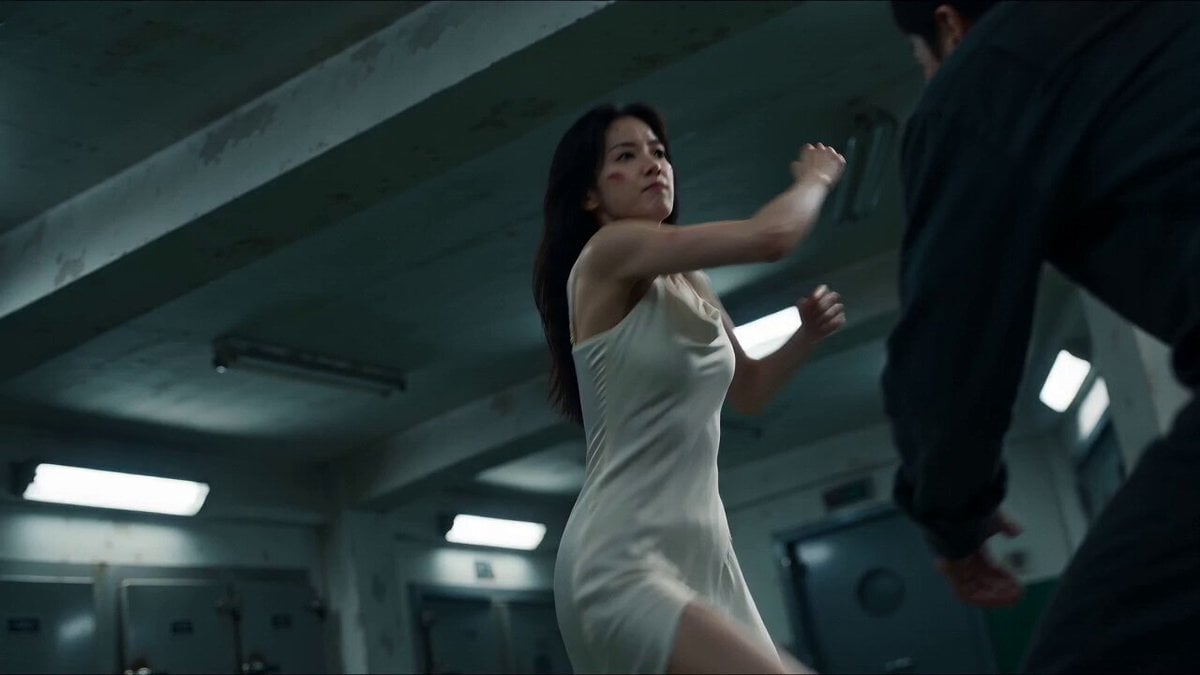
Cinematic Morgue Action Sequence
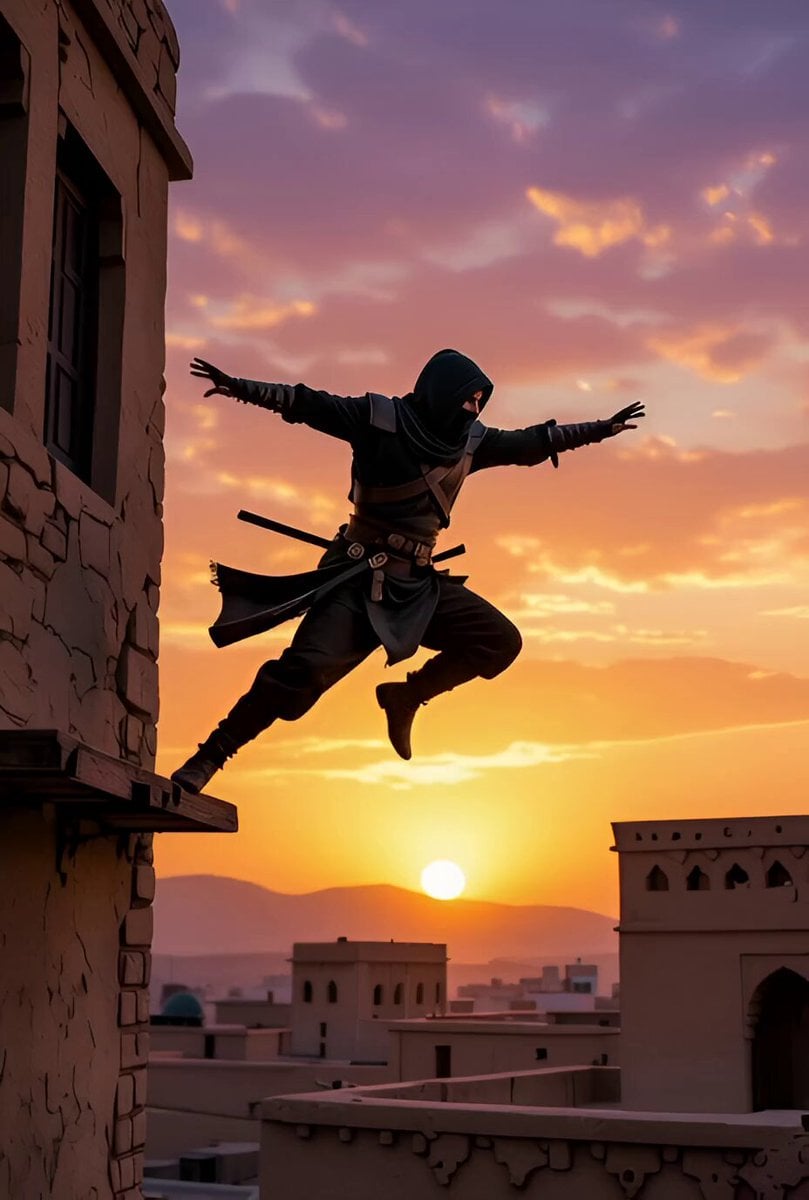
Character landing and sunset pan
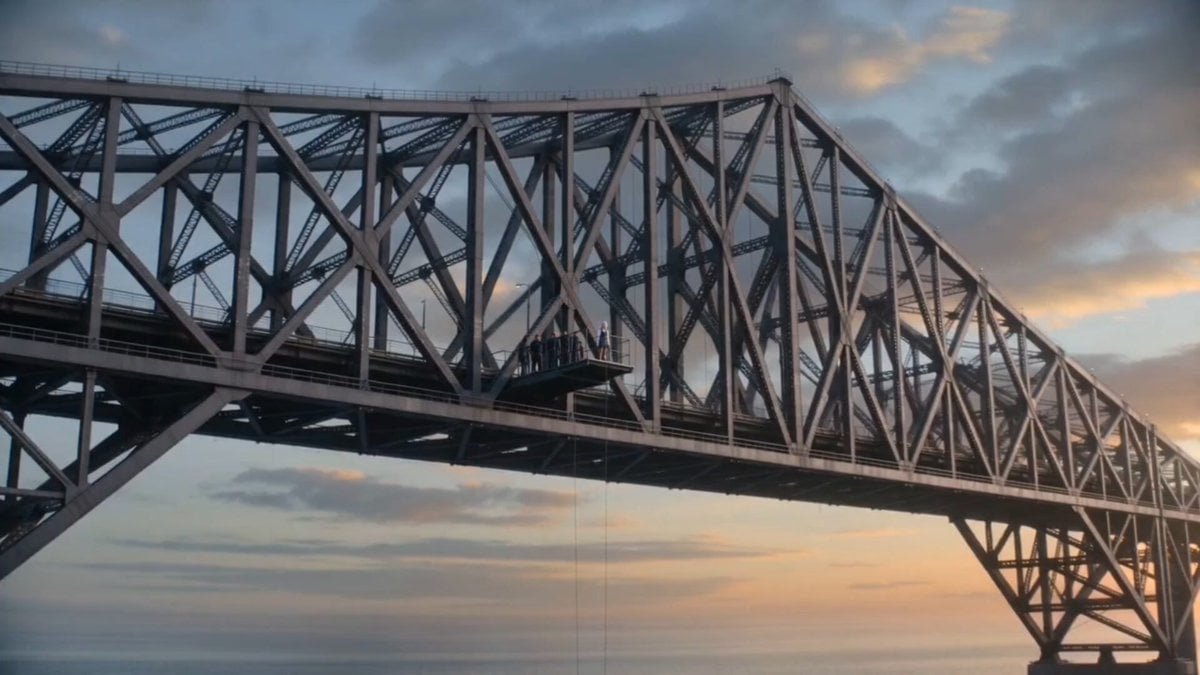
Cinematic Bungee Jump Sea Monster Attack
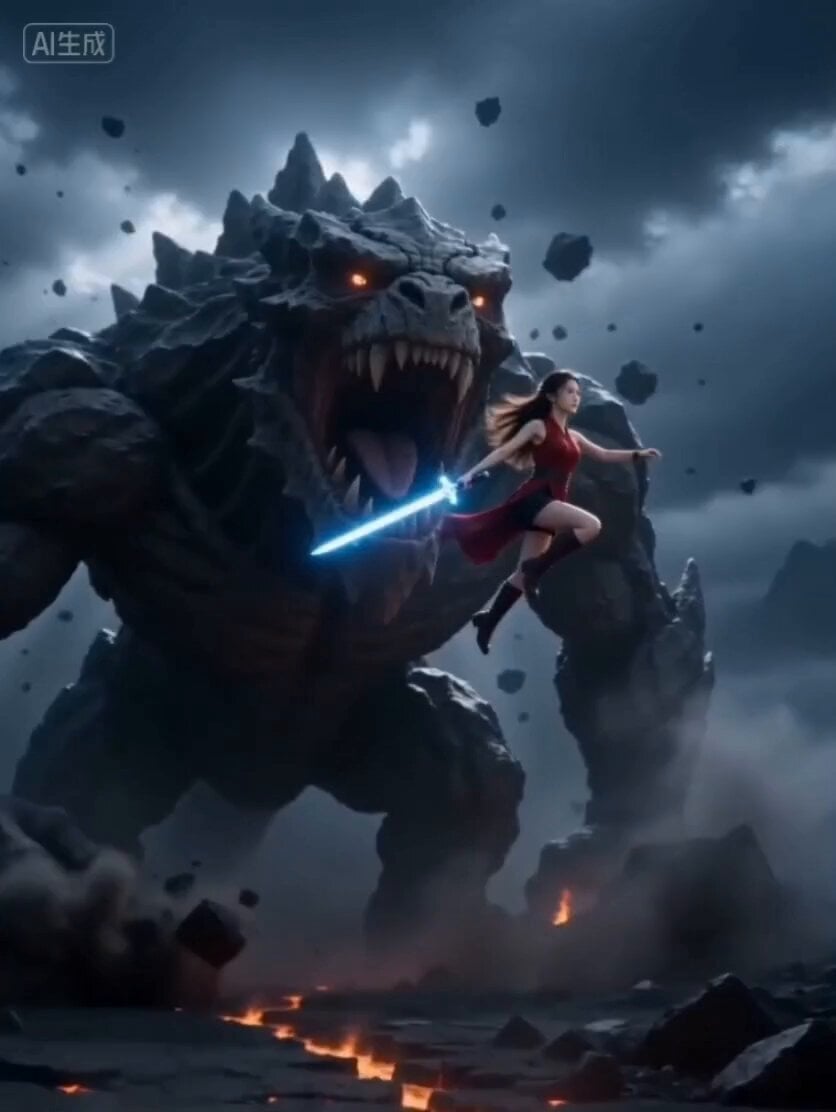
Cinematic Epic Battle Prompt: Beauty vs. Monster
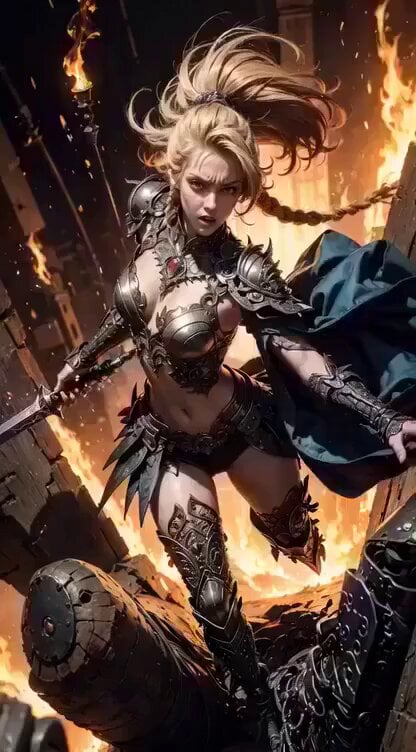
Cinematic digital painting of a fierce blonde warrior
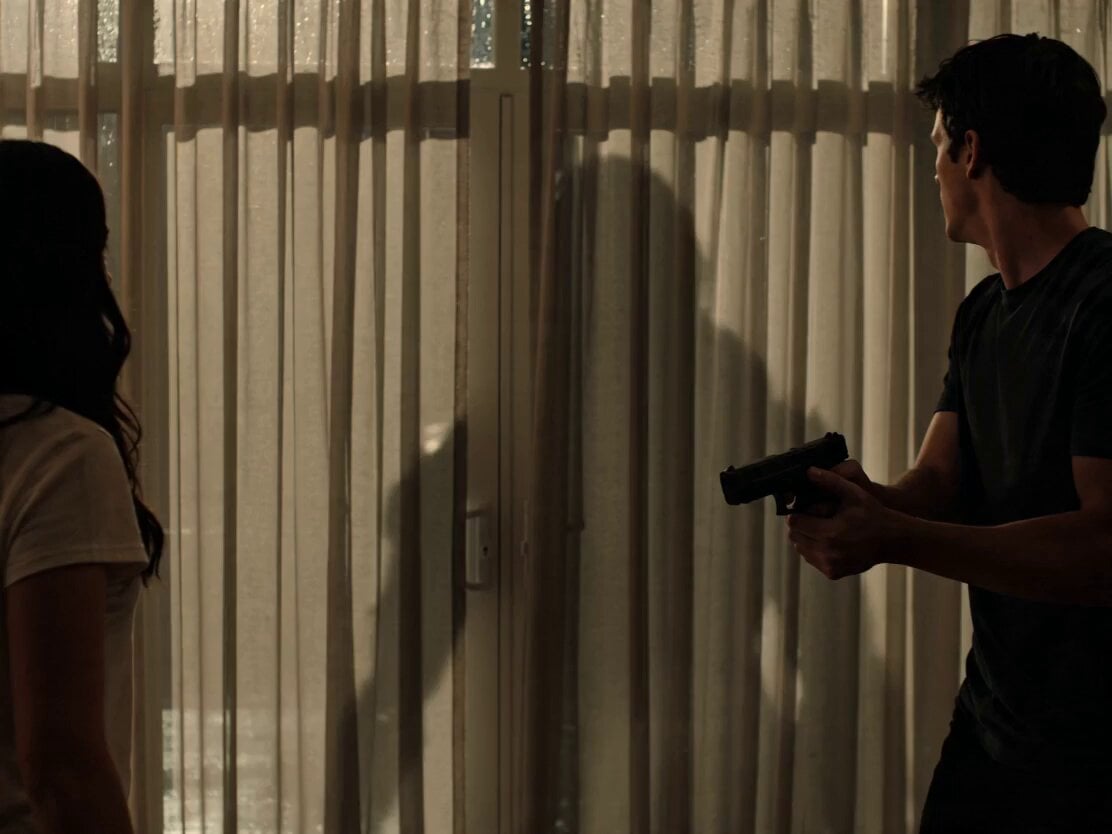
Alien Intruder in Modern House
Micro Expressions Character Emotion Switch
Browse template categories
Cyberpunk 'Neon Destiny' Storyboard questions
How do I use the Cyberpunk 'Neon Destiny' Storyboard template?
Add your photo if the template asks for one, edit the prompt if you like — the template's model and format are already selected — and press Generate. Your version opens in PicX Studio.
Can I customize the Cyberpunk 'Neon Destiny' Storyboard template?
Yes. You can change the subject, setting, lighting, mood, format, and available model controls before creating your video.
Is the Cyberpunk 'Neon Destiny' Storyboard template free?
Opening and editing this template is free. Generating uses credits, shown on the Generate button when you are signed in.
Which AI model should I use?
Start with Seedance 2.0, which is the model associated with this template. You can compare another compatible model for a different finish.
Looking for something else? Browse all templates.

Your photo, any look
Thousands of ready templates for every top image and video model, from one credit balance.