How do I use the 15-Second Action Sequence Video Prompt (Seedance 2.0) template?
Edit the prompt in the box under the preview — the template's model and format are already selected — and press Generate. Your version appears right on this page.
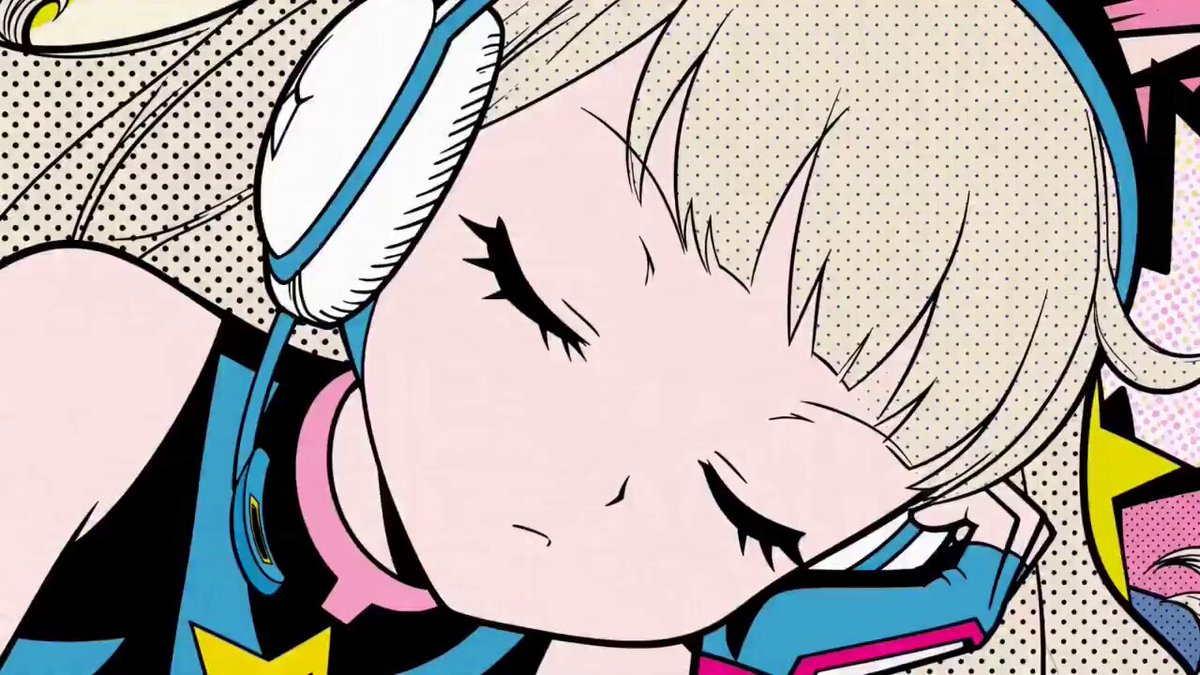
A detailed, multi-shot prompt for generating a 15-second video sequence featuring a Blue Girl and a Red Girl in a confrontation scene set on a modern street with cherry blossoms.
Reference the 3x3 grid image, using all the shots from left to right, top to bottom; total runtime 15 seconds 0-2s/Shot 1: [Establishing Shot] The camera slowly pans right (Pan Right), showing Blue Girl and Red Girl facing off on a modern street filled with cherry blossom petals, using a Hitchcock zoom (Dolly Zoom) to enhance the sense of spatial compression and tension between the two; 2-3s/Shot 2: [Quick cut-in
Reference the 3x3 grid image, using all the shots from left to right, top to bottom; total runtime 15 seconds 0-2s/Shot 1: [Establishing Shot] The camera slowly pans right (Pan Right), showing Blue Girl and Red Girl facing off on a modern street filled with cherry blossom petals, using a Hitchcock zoom (Dolly Zoom) to enhance the sense of spatial compression and tension between the two; 2-3s/Shot 2: [Quick cut-in
Edit the prompt in the box under the preview — the template's model and format are already selected — and press Generate. Your version appears right on this page.
Yes. You can change the subject, setting, lighting, mood, format, and available model controls before creating your video.
Opening and editing this template is free. Generating uses credits, shown on the Generate button when you are signed in.
Start with Seedance 2.0, which is the model associated with this template. You can compare another compatible model for a different finish.
Follow a topic to a crawlable collection of related PicX Studio templates.